Sending customers a PDF menu is like handing them a printed instruction manual and calling it hospitality. PDFs were built for printers, not smartphones, not Google search results, and not the kind of first impression that earns a reservation. A flipbook menu is something fundamentally different: a browser-based, page-turning digital experience that opens instantly on any device, looks exactly the way you designed it, updates in real time without touching a single link, and gives you actual data on which sections customers read most. Flipbooks AI turns your existing PDF menu into this in under five minutes. If you run a restaurant, a bar, a cafe, or any hospitality business that still sends customers a .pdf file as its menu, this is what you are missing and why it matters.
Most restaurant owners already know their PDF menu is imperfect. What they underestimate is how many of those imperfections actively cost them business, every single day.
They Break on Mobile
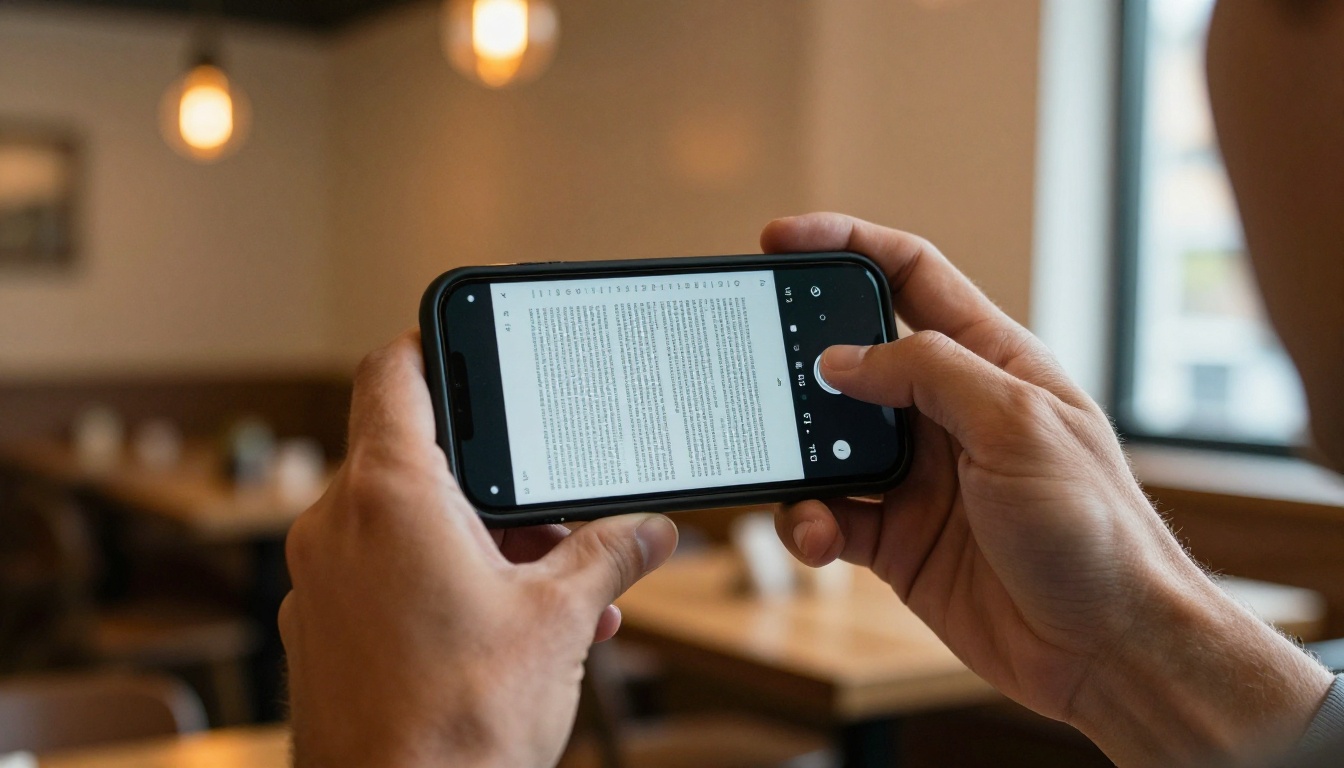
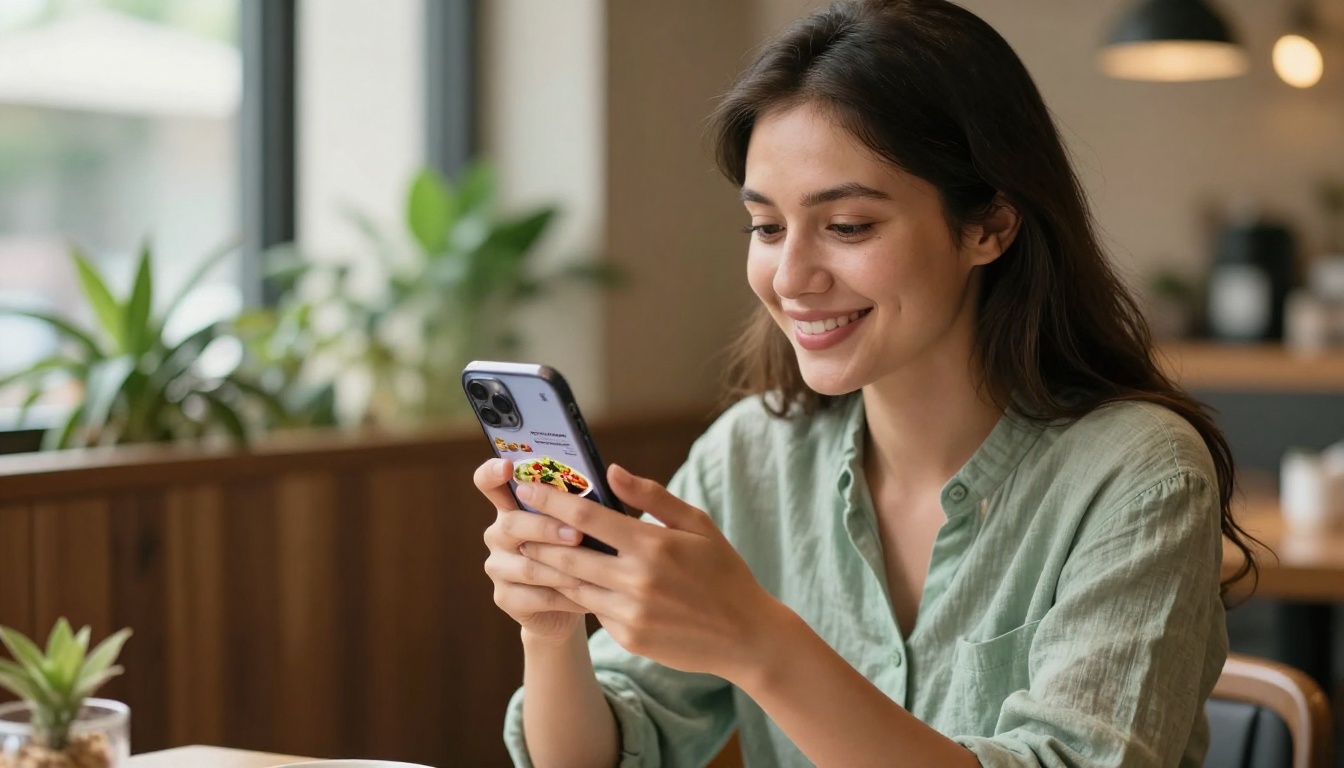
More than 60% of restaurant searches happen on mobile devices. When a customer taps your menu link and gets a PDF, one of three things happens: the file opens in a clunky mobile viewer where text is illegible without pinching and zooming, it triggers an automatic download nobody asked for, or it fails to load entirely and the customer navigates away. Each of those outcomes is a friction point between your menu and a potential order.
A flipbook menu opens in any browser exactly the way a website does. No download. No plugin. Pages scale automatically to fit any screen width, from a 5-inch phone to a 12-inch tablet, and navigation happens with a single swipe or tap.
You Can't Update It Without Sending a New File
Menus change constantly. Seasonal specials rotate. Prices adjust. Items run out mid-service. Managing these changes in a PDF workflow means opening your design software, making edits, exporting a new file, uploading it to wherever you host it, and updating every link, QR code, and email that referenced the old version. In real restaurant operations, this process is time-consuming enough that most operators leave outdated menus in circulation and hope it does not cause problems at the table.
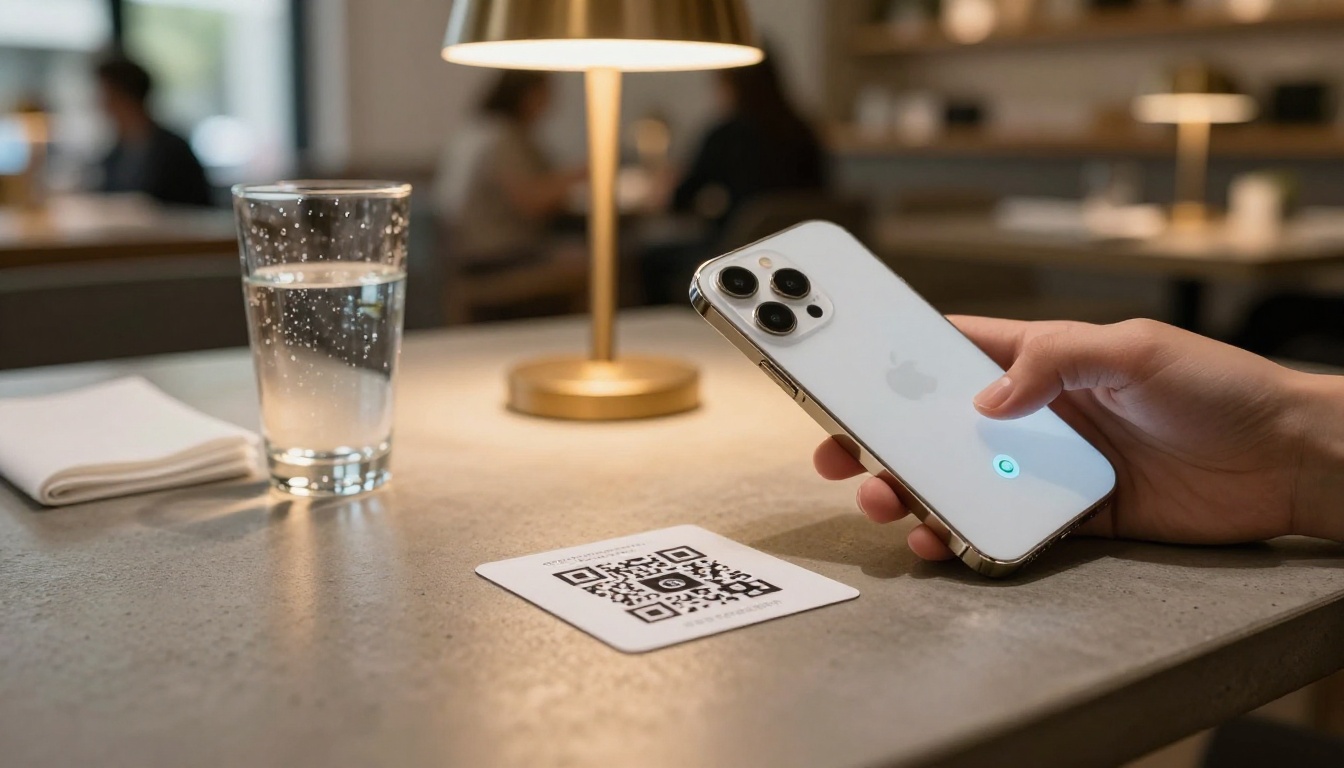
A flipbook menu is a live document. When you upload a revised PDF to your account, every link and QR code that points to that flipbook serves the updated version automatically. The URL does not change. The QR code does not change. Nothing on your website, your Instagram bio, or your table cards needs to change.
They Tell You Nothing
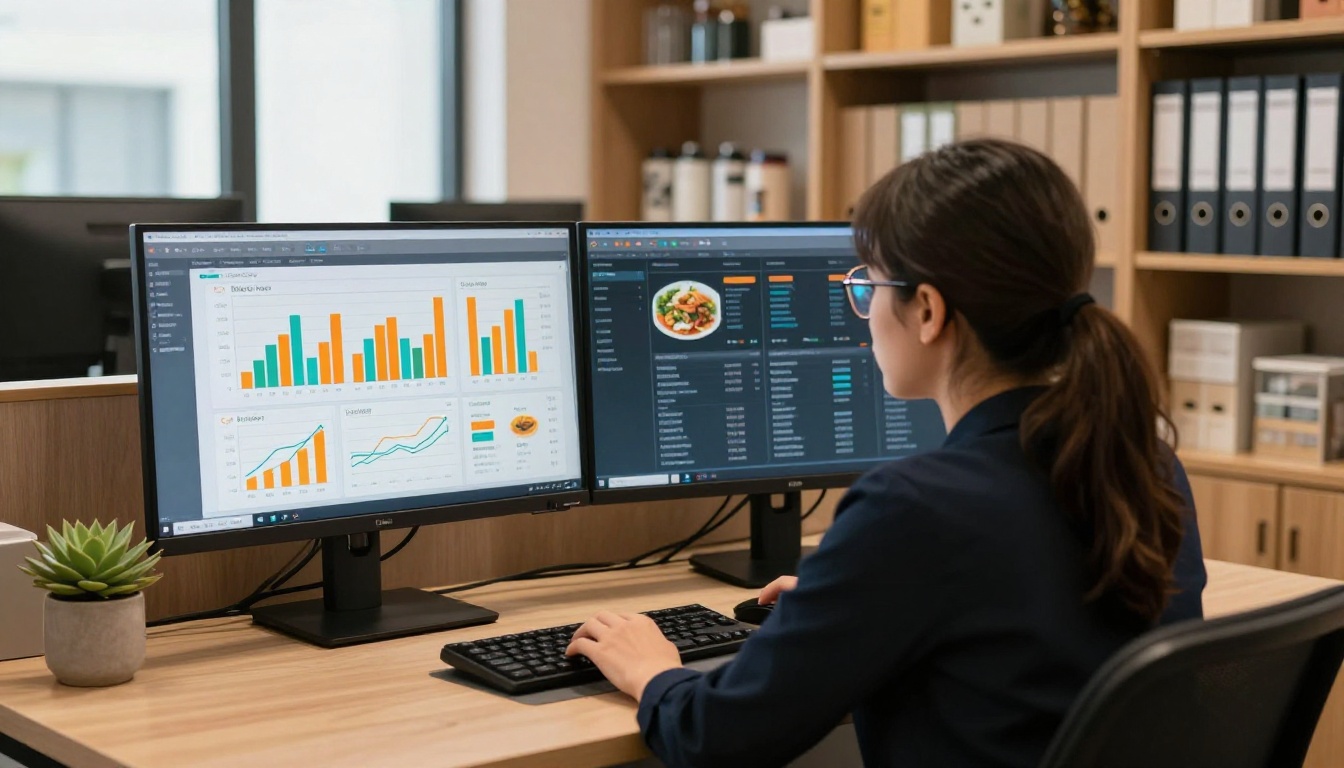
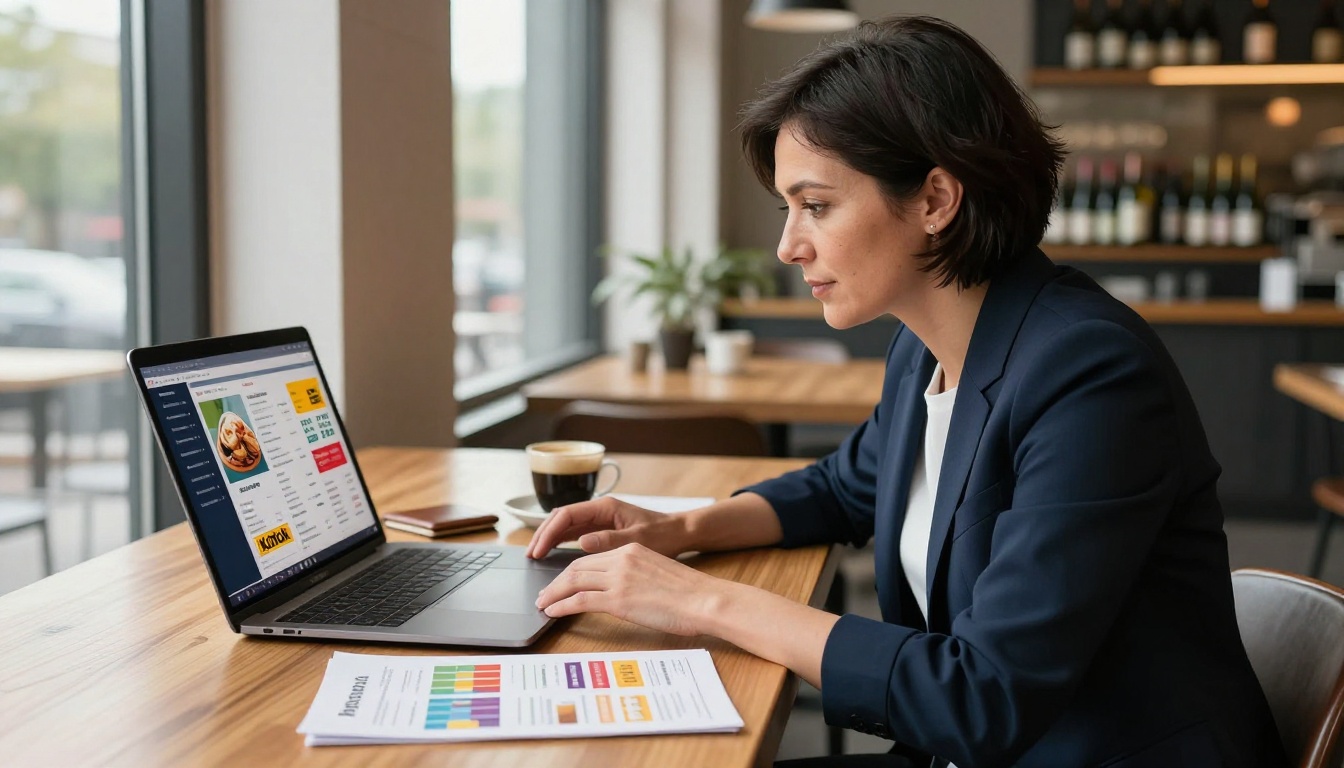
A PDF gives you zero visibility into customer behavior. You have no way of knowing whether people are opening your menu, how long they spend on it, whether they read past the appetizers, or whether your new seasonal section is getting any attention at all. This is a significant operational blind spot.
💡 With a Professional plan on Flipbooks AI, you get page-level analytics showing exactly which sections of your menu receive the most time and attention, so you can make evidence-based decisions about layout, pricing placement, and special rotation.
The Page-Turn That Actually Works
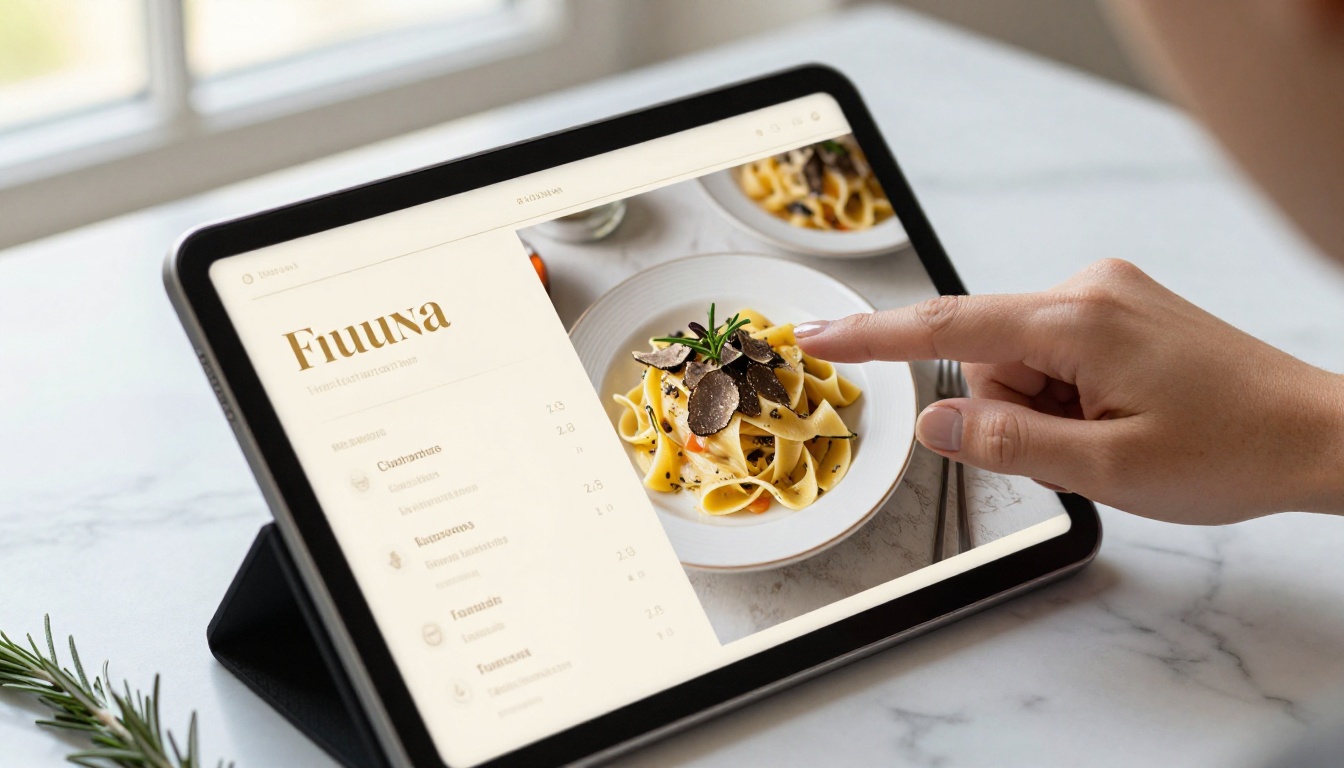
The act of turning a menu page is a small ritual with real psychological weight. It signals that what follows is worth attention. Digital flipbooks replicate this with a realistic page-curl animation that responds naturally to swipes, clicks, and keyboard navigation. This is not purely aesthetic. Page-turning interfaces consistently hold attention longer than scrolling interfaces in digital publishing contexts, which translates directly to more time spent reading your menu and, typically, larger average order sizes.
It Lives in a Browser, Not a Download Folder
A flipbook menu is a URL. You can put it in your Instagram bio, add it to your Google My Business listing, include it in reservation confirmation emails, or print it as a QR code on table cards. The menu reaches your customer wherever they already are, rather than requiring a specific device behavior that interrupts the experience.
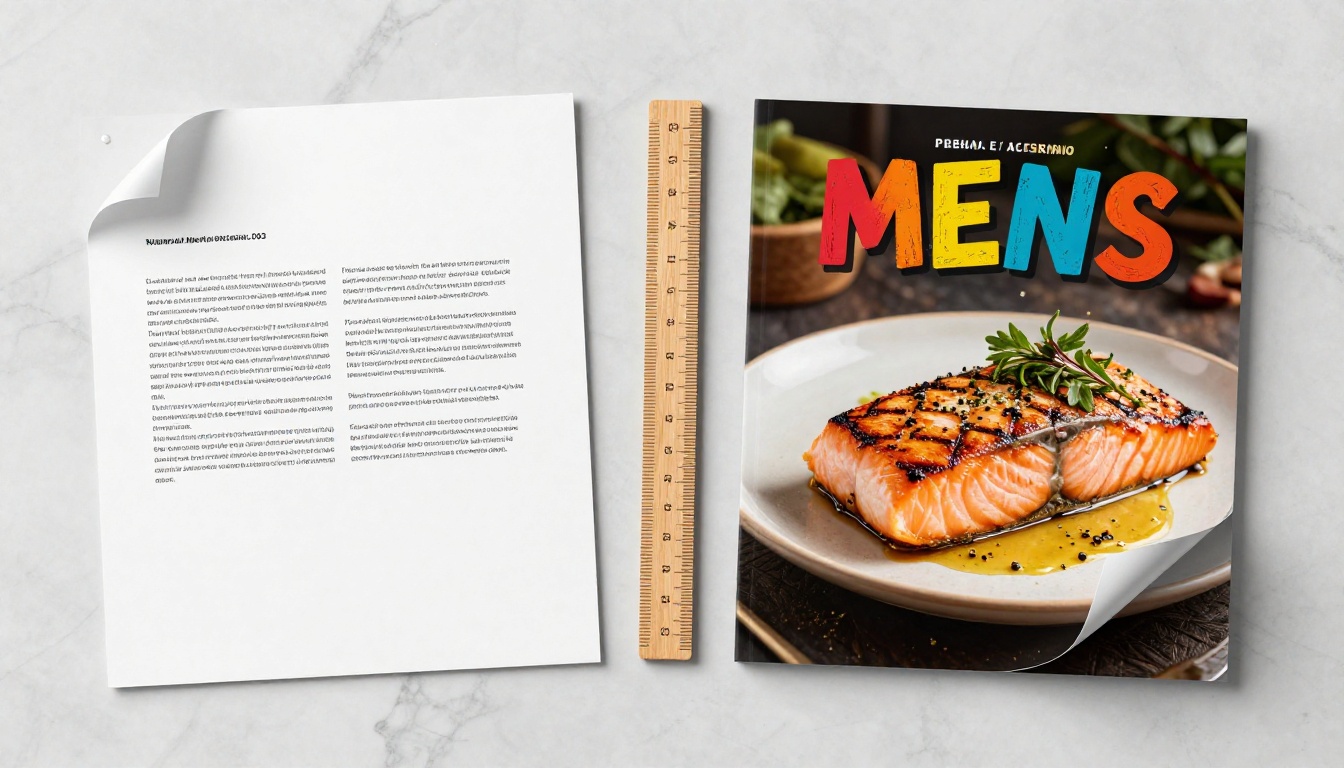
Flipbook vs PDF: A Direct Comparison
The differences between these two formats show up at every touchpoint in the customer journey, from the first search result to the moment they place their order.
| Feature | PDF Menu | Flipbook Menu |
|---|
| Mobile experience | Pinch-to-zoom, poor readability | Responsive, touch-optimized |
| Load behavior | Download required | Opens instantly in browser |
| Real-time updates | New file required every time | Re-upload once, all links update |
| Shareable link | Static file path | Clean shareable URL |
| QR code integration | Links to file download | Links to live browser view |
| Website embed | Requires plugin workaround | One-line embed code |
| Page analytics | None | Page views, time-on-page, clicks |
| Password protection | Not available | Available on Standard plan and above |
| Custom branding | Not applicable | Full logo, color, and domain options |
| Embedded video and audio | Not supported | Supported on Standard plan and above |
| Cost to update | Design time plus redistribution | Minutes, no redistribution needed |
⚠️ If your menu link currently ends in .pdf, every mobile visitor is experiencing friction that has nothing to do with your food or your service. That is fixable in minutes.
How Restaurants Are Already Using This
Fine Dining With Seasonal Menus
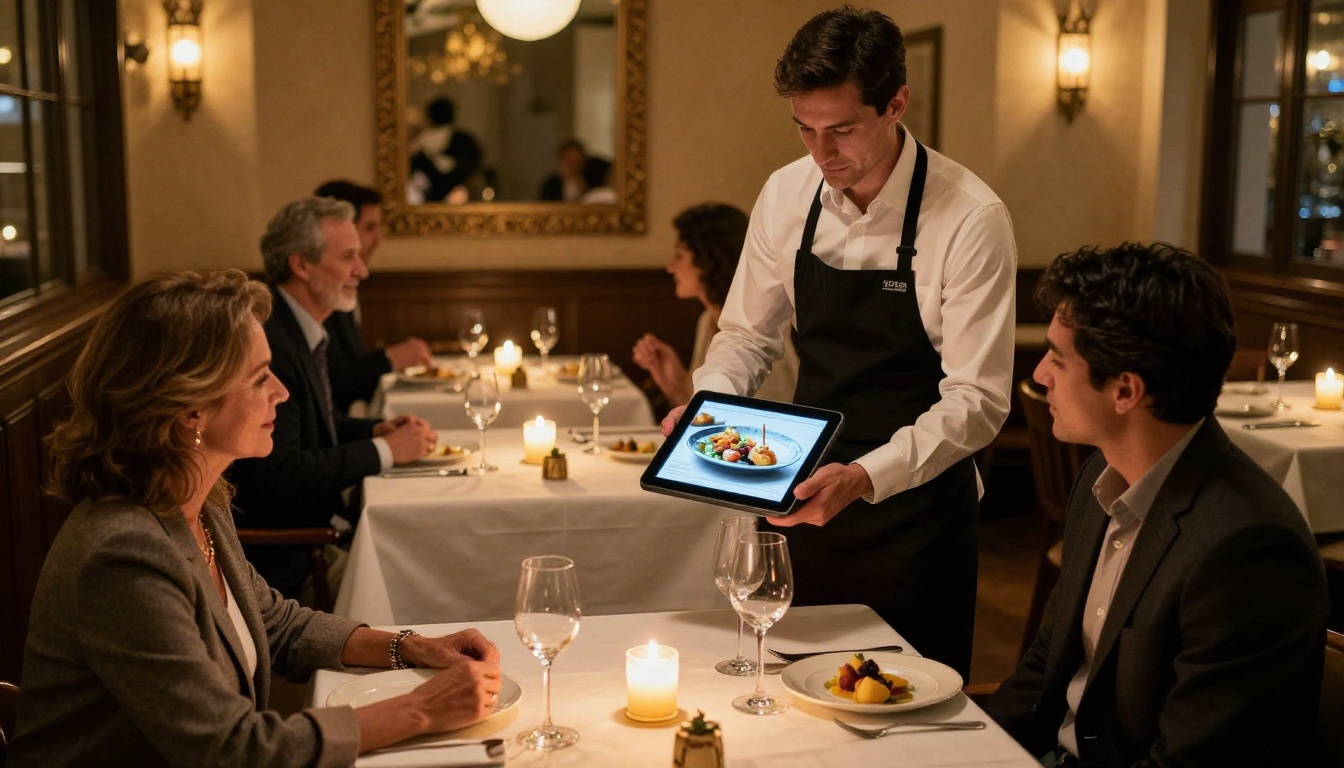
High-end restaurants with rotating seasonal menus carry the highest cost of PDF workflows. When your menu changes weekly or nightly, the logistics of updating and redistributing a PDF file eat time that should go toward service. A flipbook menu tied to a frequently updated PDF means guests always see the current version without any link management or reprinting overhead. Several fine dining establishments now include the flipbook URL in their reservation confirmation emails so guests can browse before arriving, which shortens ordering time at the table and increases confidence around dietary requests.
Casual Spots With QR Code Tables
The restaurant industry adopted QR code menus widely after 2020. Most of those QR codes still link to PDFs. Swapping the destination URL to a flipbook link, and reprinting the QR code once if needed, immediately upgrades the experience for every table. The Restaurant Menu Creator on Flipbooks AI generates a downloadable QR code you can print at any size for tables, windows, or takeaway packaging.
Bar and Cocktail Menus With Embedded Video
One area where flipbooks have no competition from PDFs: embedded media. A cocktail menu that includes a short video of how a signature drink is prepared, or a wine list with sommelier audio notes, creates an experience that a static file simply cannot replicate. These elements generate social sharing, set the tone for the dining experience, and differentiate your venue in a competitive market.
✅ Video and audio embedding is supported on Standard plan and above on Flipbooks AI. No technical setup is required on your end.
The Restaurant Menu Creator on Flipbooks AI makes the conversion straightforward regardless of your technical background.
Step 1: Create your account
Go to flipbooksai.com/account and set up a free account. No credit card is required to start.
Step 2: Upload your existing PDF
Drag your menu PDF into the uploader. Flipbooks AI converts it automatically into a page-turning flipbook while preserving your original typography, photography, color palette, and layout exactly as designed.
Step 3: Apply your branding
Add your restaurant logo, set brand colors for the flipbook interface, and choose an opening page style. If your PDF already has a designed title page, it will display as the flipbook's first view automatically.
Step 4: Choose how to share it
Copy the direct flipbook URL to share via email, text, social media, or your Google My Business profile. Use the embed code to place the flipbook on any page of your website. Download the QR code image to add to table cards, window decals, or printed receipts.
Step 5: Activate analytics if needed
On the Professional plan, activate page-level tracking to see which sections of your menu get the most attention over time. Use this data to make informed decisions about layout, special placement, and pricing structure.
💡 The Menu Flipbook Designer gives you additional layout customization options if you want more control over how the flipbook presents your content beyond the default conversion settings.
Choosing the Right Plan for Your Operation
Flipbooks AI offers tiered plans that scale with what you actually need. For restaurants, three factors drive the decision: how many menus you manage simultaneously, whether you need usage analytics, and whether private or password-protected documents are part of your operation.
| Feature | Free | Standard | Professional |
|---|
| Number of flipbooks | 1 | Unlimited | Unlimited |
| Watermarks | Yes | No | No |
| Custom branding | No | Yes | Yes |
| Password protection | No | Yes | Yes |
| Embedded video and audio | No | Yes | Yes |
| Offline downloads | No | No | Yes |
| Page-level analytics | No | No | Yes |
| Lead generation forms | No | No | Yes |
| Custom domain | No | No | Yes |
Independent restaurants managing a single active menu typically find the Standard plan covers everything they need: unlimited flipbooks without watermarks, custom branding, password-protected private pricing, and embedded multimedia. Restaurant groups or hotel F&B operations managing multiple venues alongside event menus and catering packages will get more value from the Professional plan.
See full pricing details for a breakdown by plan.
Questions Restaurants Ask Before Switching
Can I update the menu without reprinting or relinking everything?
Yes. Update your PDF file, re-upload it to your Flipbooks AI account, and every link, embed code, and QR code pointing to that flipbook immediately serves the new version. Nothing in your existing distribution needs to change.
Does it work on every phone and browser?
Flipbooks AI menus are browser-based and mobile-responsive. They work across Chrome, Safari, Firefox, and Edge on iOS, Android, and desktop without any app download or plugin required from the customer.
What if I need to keep certain pricing private?
Password protection is available on Standard plan and above. This is particularly useful for tasting menu pricing, catering rate sheets, event packages, or any document you want accessible only to specific clients without public indexing.
Can I manage separate lunch, dinner, and cocktail menus?
On Standard plan and above, you can create unlimited flipbooks under one account. Each menu gets its own URL and QR code, so lunch, dinner, cocktail, and wine menus can each be shared independently in the right contexts.
✅ The same platform handles spa and wellness menus, digital price lists, and event program materials if your hospitality operation extends beyond the dining room.
Stop Sending PDFs
Every restaurant still using a PDF as its primary menu is paying an invisible cost: slower customer experience, zero usage data, and more time spent on file management with every update cycle. The format you send customers before they walk through the door is part of how your brand communicates. A page-turning digital menu that opens instantly, scales perfectly on any screen, and updates without breaking anything says something different about how you run your operation than a downloaded file with a toolbar across the top.
The conversion takes about ten minutes. Get started for free on Flipbooks AI and have your first flipbook menu live before the next service.
If you want to see everything the platform offers before committing, compare plans and pricing or browse the full flipbook tools directory to find options built for your specific use case.



