Most resumes get deleted in seconds. Not because the candidate is not qualified, but because the format makes them invisible. If you have been applying with a standard PDF and wondering why responses are sparse, the format itself may be working against you. Flipbooks AI gives you a way to change that, by converting your resume into an interactive flipbook that recruiters actually want to click through.
The Problem With Paper Resumes
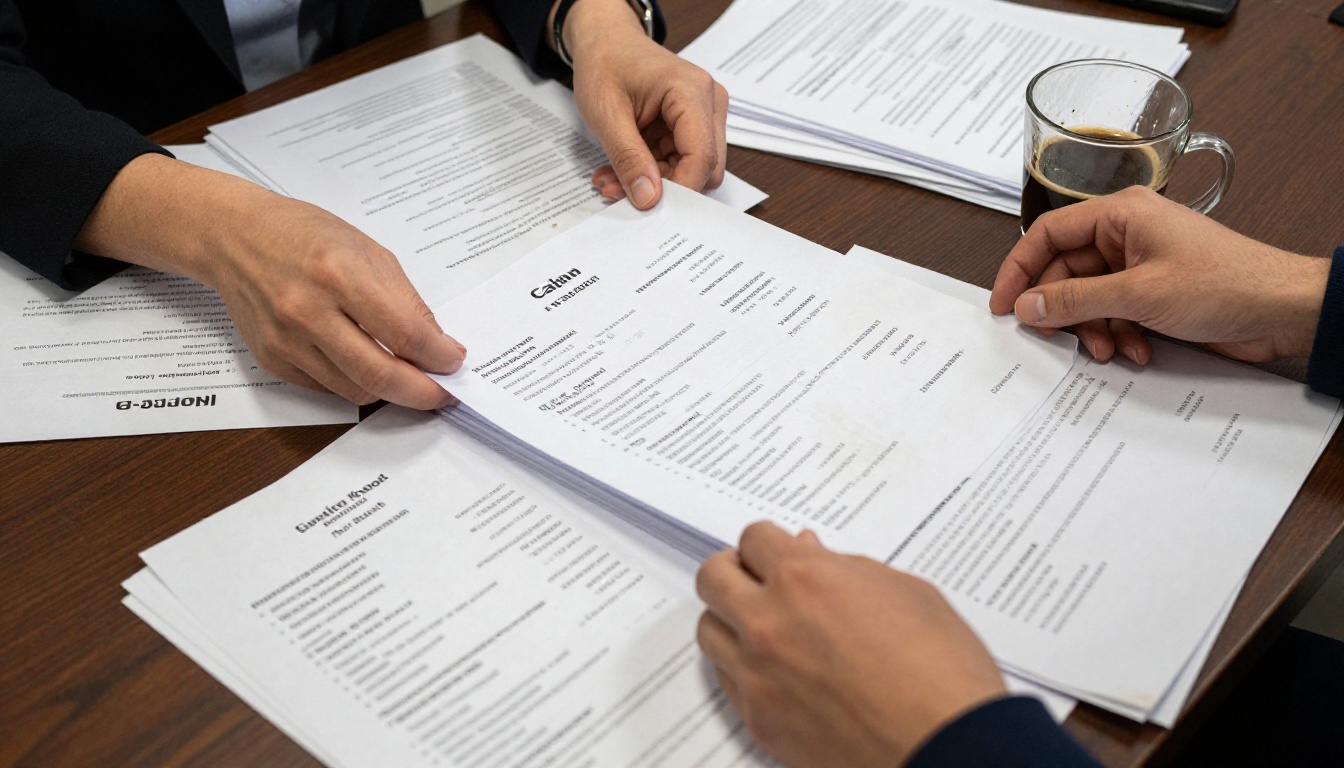
Every recruiter has seen the same white rectangle. Two pages. Times New Roman or Calibri. Bullet points. Contact info in the header. Whether it arrives as an email attachment or through an applicant tracking system, most resumes look identical the moment they land in an inbox.
That is not a design problem. It is a format problem.
7 Seconds to Make an Impression
Research from job application studies consistently shows that recruiters spend an average of 6 to 7 seconds scanning a resume before deciding whether to read further. In that window, only the most visually distinct documents get a second look.
A flipbook resume works differently. It opens in a browser, shows a polished opening page, and invites the reader to turn a page. That interaction alone adds 10 to 15 additional seconds of attention. In recruiter time, that is significant.
PDFs Buried in an Inbox
A PDF attachment is passive. It sits in a folder, waiting to be opened. A flipbook resume is a link. It has a custom URL, it can be tracked, and it opens directly in any browser without requiring the recruiter to download anything.
💡 Pro Tip: Sending a direct link rather than an attachment makes your resume easier to forward, share internally, and review on mobile devices.
The format alone signals something about the applicant: they care about presentation, they are comfortable with digital tools, and they put in extra effort before hitting send.
What a Flipbook Resume Actually Is
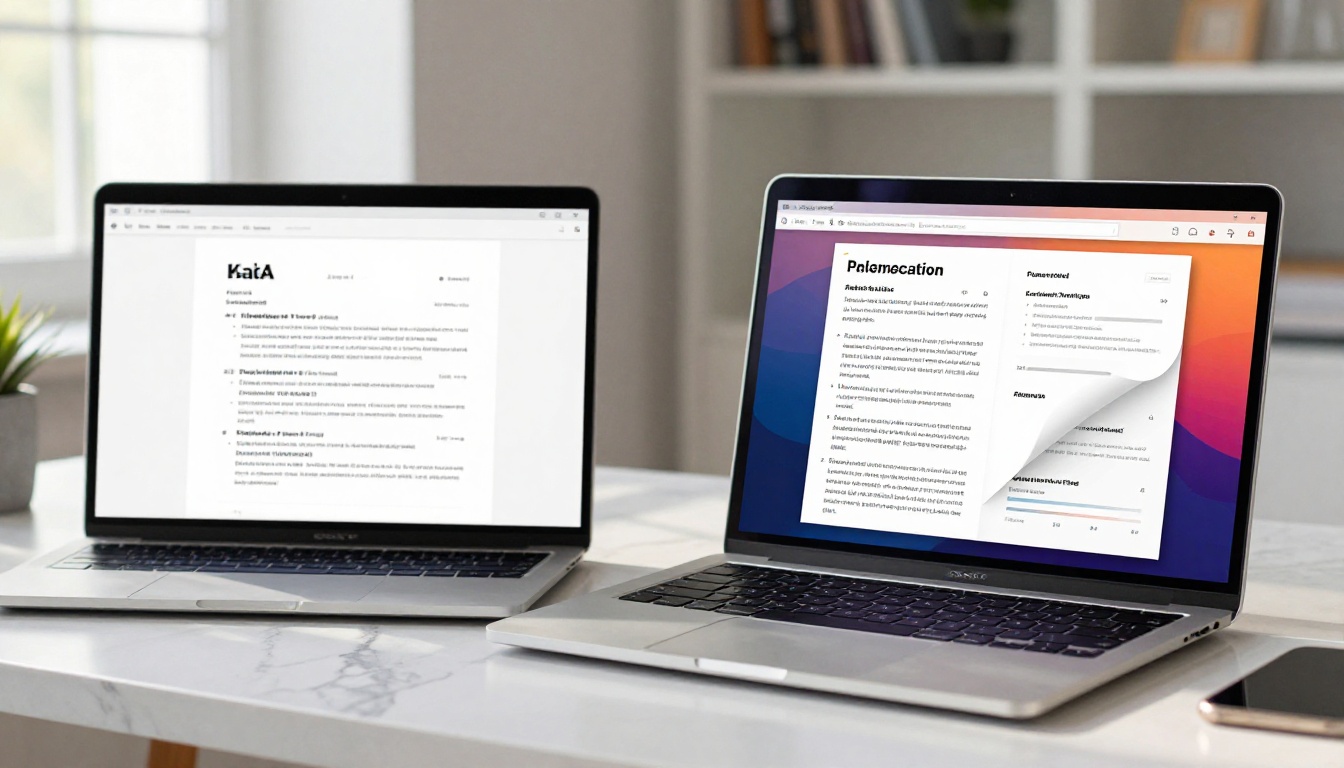
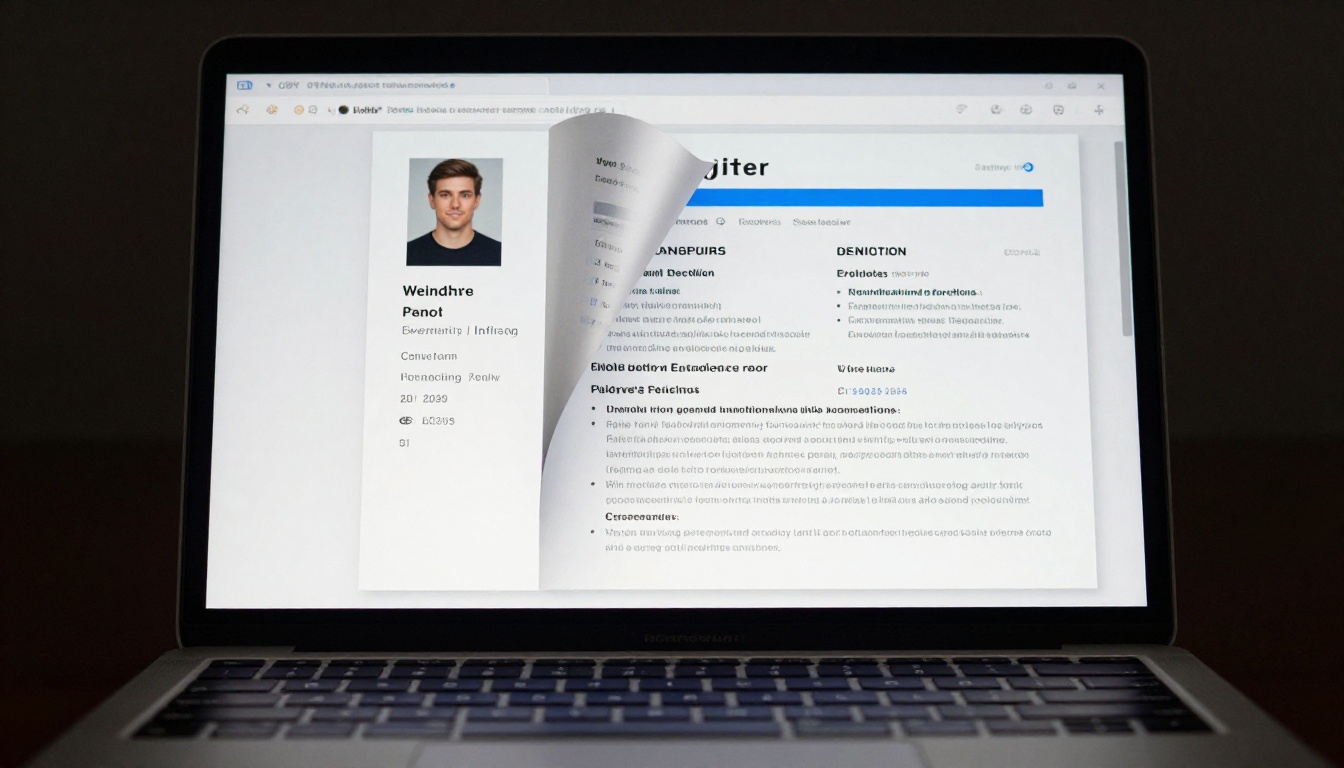
A flipbook resume is a digital document that simulates the physical sensation of turning pages, presented in a browser-based viewer. You design your content as a PDF, upload it to a platform like Flipbooks AI, and the system converts it into an interactive publication with page-flip animations, navigation controls, and a shareable URL.
Pages That Turn in Real Life
The visual effect of a page turning is not just cosmetic. It creates a reading rhythm that feels familiar and engaging. Rather than scrolling through a flat document, the reader moves through your resume the way they would flip through a well-designed brochure or magazine. Each page feels intentional.
More Than a Document
What separates a flipbook from a PDF is the layer of interactivity underneath. Links in your flipbook resume are clickable. A recruiter can tap directly to your LinkedIn profile, your GitHub, your portfolio site, or any project link you include. You can embed a brief introductory video if the platform supports it. Your contact email becomes a live mailto link.
This is not a resume that sits still. It behaves like a landing page for your career.
Flipbook Resume vs Traditional Resume
| Feature | Traditional PDF | Flipbook Resume |
|---|
| Page-flip animation | No | Yes |
| Clickable links | Sometimes | Always |
| Mobile-responsive | Depends | Yes |
| Shareable via URL | No | Yes |
| Viewable without download | No | Yes |
| View tracking | No | Yes (Professional plan) |
| Custom branding | Limited | Full control |
| First impression | Standard | Distinctive |
| Password protection | No | Yes |
| Embed in portfolio site | No | Yes |
The difference is substantial. A traditional PDF delivers information. A flipbook resume delivers an experience.
Why Recruiters Respond Differently
A hiring manager reviewing 80 applications in a day develops a reflex. The PDF opens, they scan left to right, top to bottom, and within seconds they are already forming a judgment. When a flipbook link arrives instead, that reflex breaks. There is a pause. The format demands a moment of actual attention before anything else happens.
Visual Storytelling That Sticks
A flipbook resume lets you separate your content into chapters. Your first page can be a clean, confident introduction with your name and title. The second page handles your skills. The third goes into work history. The fourth becomes a portfolio showcase or case study page.

This kind of structure gives recruiters a story rather than a list. That story is easier to remember in the afternoon meeting when the team is deciding who gets a first interview.
Proof You Know Your Stuff
For candidates in creative fields, marketing, product, design, or tech, the resume format is itself a piece of work. Submitting a beautifully designed interactive flipbook says more than any bullet point about your attention to detail, your comfort with digital tools, and your ability to communicate with clarity. It is a portfolio entry disguised as a job application.
✅ Best Practice: Use the first page of your flipbook resume as your personal opening page. Include your name, title, a brief tagline, and a high-quality photo. Make it feel like a magazine front page, not a header line.
How to Build Your Flipbook Resume on Flipbooks AI
The Digital Portfolio Creator and the Portfolio Flipbook Builder on Flipbooks AI are built exactly for this use case. Here is how to put yours together.
Step 1 - Design Your PDF First
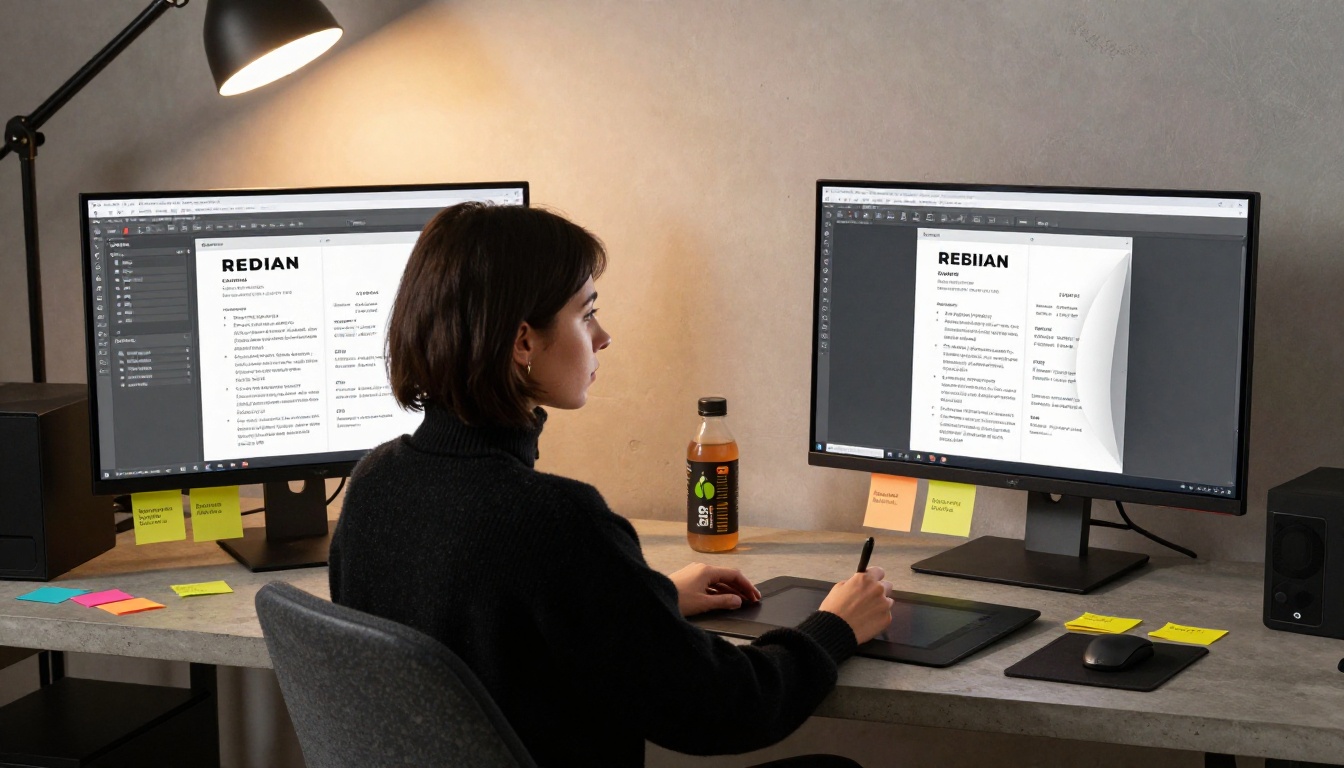
Before uploading anything, create your resume in any design tool you are comfortable with. Canva, Adobe InDesign, Figma, or even Google Slides work well. Focus on:
- Clean grid layout with consistent margins
- No more than two typefaces, one for headings and one for body text
- Color accents that carry through every page for visual consistency
- Full-bleed first page that makes a strong visual statement
- Dedicated portfolio or work samples page if you have relevant projects
Save the file as a high-resolution PDF before moving to the next step.
Step 2 - Upload and Convert
Head to Flipbooks AI and create your account. Once inside the dashboard:
- Click New Flipbook
- Upload your resume PDF
- The platform converts every page into a high-fidelity flipbook with page-turn animation
- The process takes under a minute for a standard 4 to 6 page resume
💡 Pro Tip: Use 5 to 6 pages instead of trying to compress everything into 2. The flipbook format rewards more content because it handles multi-page documents natively, unlike traditional resumes where length is penalized.
Step 3 - Customize the Look
Flipbooks AI gives you full branding control without watermarks on Standard plans and above. Customize:
- Thumbnail image displayed when the link is shared
- Background color or texture behind your pages
- Navigation bar style to match your personal brand
- Custom domain link if you want the URL to feel professional
Step 4 - Share the Link
Once published, you get a direct URL you can paste into emails, LinkedIn messages, your email signature, and your LinkedIn profile URL field. You can also use the embed feature to place your flipbook resume directly in a personal website.
If you upgrade to the Professional plan, you also get view analytics: how many people opened your resume, how long they spent on each page, and whether they clicked any of your links. That data changes how you follow up.
What Belongs in a Flipbook Resume
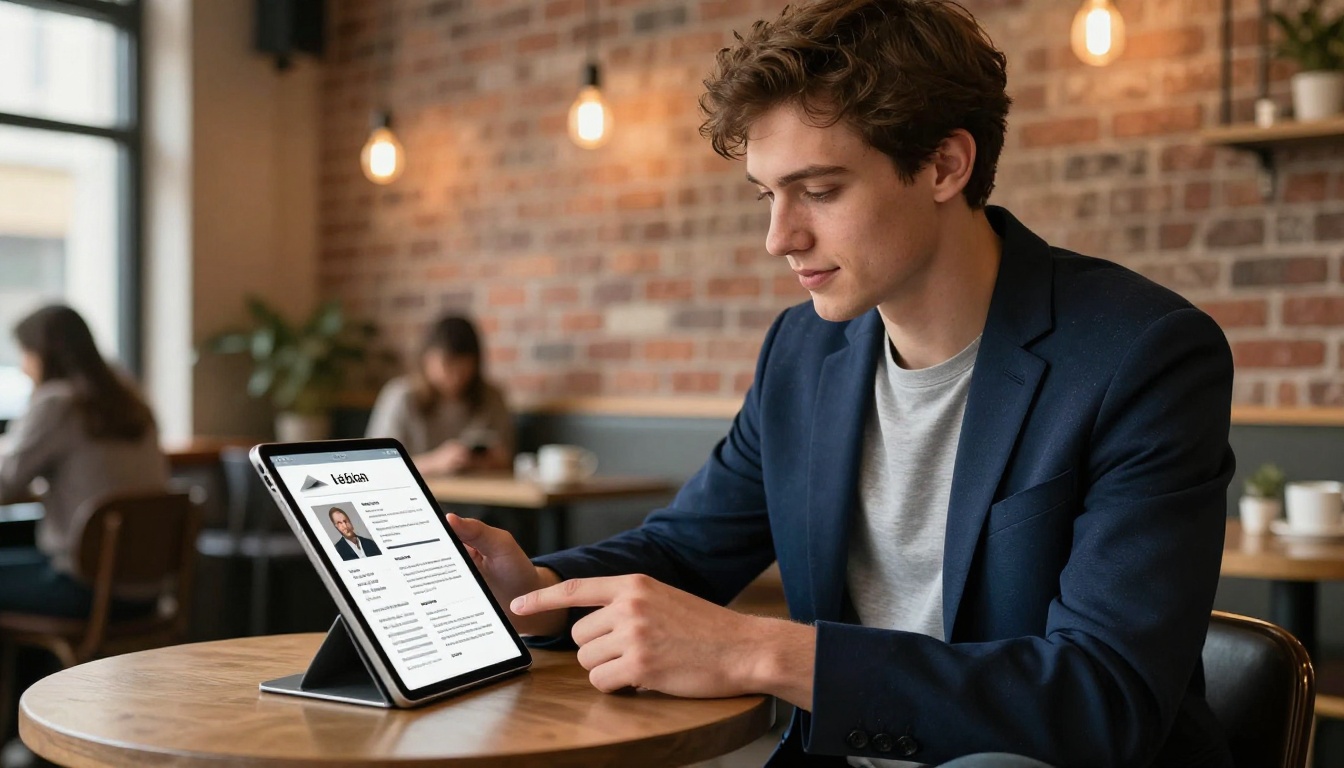
Because you have more real estate to work with, think of your flipbook resume as a 5 to 8 page personal publication rather than a two-page document.
Your First Page Sells You
Page one is your opening page. It should feel like the front of a personal brochure. Large name, professional title, a strong photo, and optionally a one-sentence positioning statement. This page sets the visual tone for everything that follows.
Skills, Experience, and Portfolio Pages
Break content across pages by type rather than cramming everything onto one sheet:
- Page 2: Skills, tools, certifications, languages
- Page 3: Work experience with visual company logos where available
- Page 4: Education and awards
- Page 5: Portfolio or case studies with screenshots
- Page 6: References and contact page with clickable links
⚠️ Warning: Do not use your flipbook resume in place of an ATS (applicant tracking system) upload. When a job post requires you to submit a resume file, attach the original PDF. The flipbook link belongs in your letter, email, or LinkedIn message.
Flipbooks AI Plans at a Glance
| Plan | Flipbooks | Watermark | Analytics | Password Protection | Offline Download |
|---|
| Free | Limited | Yes | No | No | No |
| Standard | Unlimited | No | No | Yes | No |
| Professional | Unlimited | No | Yes | Yes | Yes |
For most job seekers, the Standard plan is enough. The Professional plan becomes worth it when you want to track exactly how recruiters interact with your document. Check pricing plans to see what works for your situation.
Real-World Scenarios
The Creative Professional
A UX designer applies to 40 companies over three months with a standard PDF resume. Response rate: under 5%. They rebuild the same content as a 6-page flipbook, add screenshots of three product projects, and start sharing the link directly in LinkedIn DMs. Response rate within the first two weeks: notably higher, with multiple hiring managers commenting on the format in their replies.
The flipbook did not change the experience. It made the experience visible.
The Remote Job Seeker
A project manager in Lisbon applies to fully remote roles at US companies. The time zone difference means email responses come hours later, often without reading attached files. A flipbook resume link opens instantly from any device, on any schedule, without a download prompt. Recruiters on the other side of the Atlantic review it the same way they would review content in their own browser.
The Career Changer
Someone moving from a corporate finance role into product management has a resume that looks like it belongs in the wrong category. A two-page PDF cannot easily explain the pivot. A flipbook resume can dedicate an entire page to that story, with a clear narrative, transferable skills highlighted visually, and links to any side projects or courses that build credibility.
The format buys space to make the case.
Flipbook Resumes in the Hiring Room
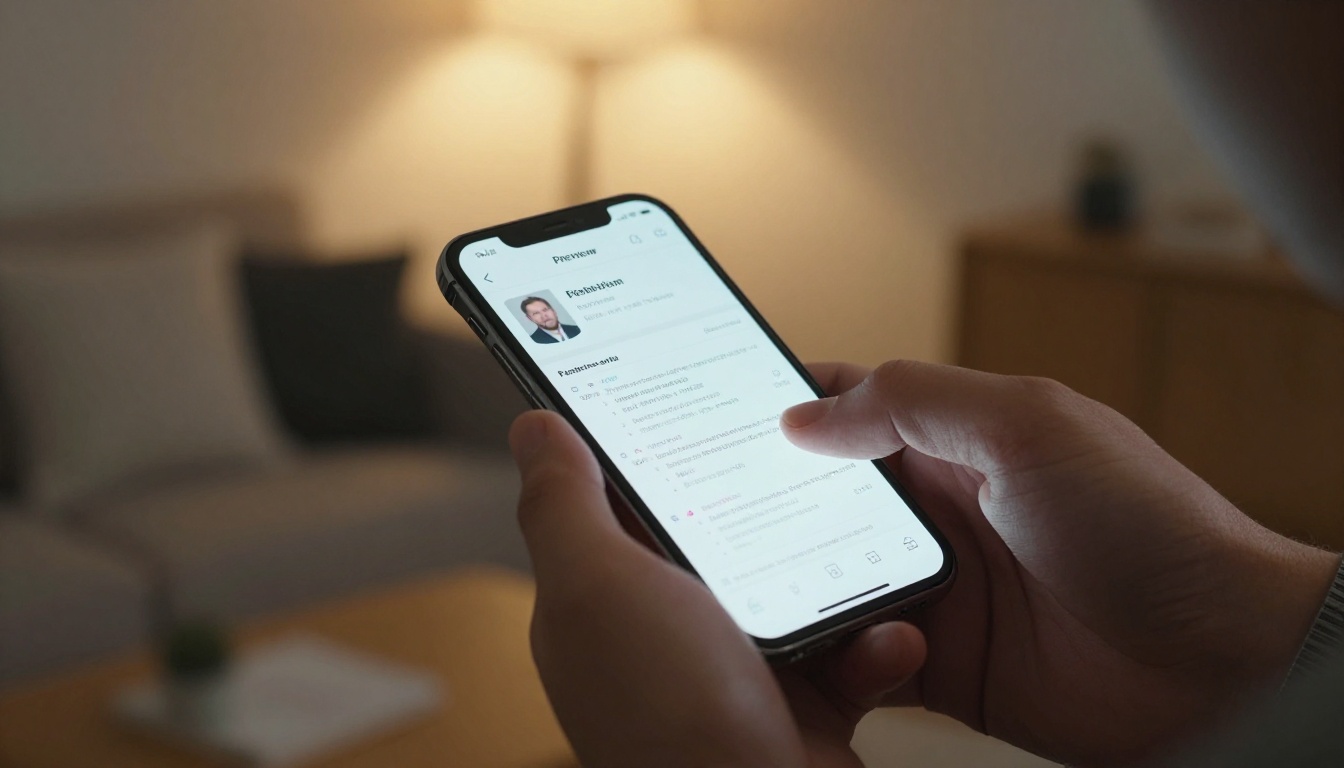
When a candidate makes it past the first screen, their materials often get forwarded. A hiring manager sends a link to two colleagues. Those colleagues open it on their phones during a coffee break. The flipbook loads instantly, looks polished on mobile, and the page-turn format keeps them reading for the 60 to 90 seconds needed to form a real impression.

That kind of internal sharing is almost impossible to track with a PDF. With a Professional plan on Flipbooks AI, you can see page-by-page view data. If every visitor spends time on your skills page but bounces before your portfolio, you know exactly what to revise.
💡 Pro Tip: After sending your flipbook resume link, check your analytics within 24 to 48 hours. If there are zero views, follow up. If there are multiple views from the same session, the recruiter shared it internally and your follow-up is already warm.
Stop Sending What Everyone Else Sends
The job market rewards differentiation at every level. A flipbook resume does not compensate for a weak career history, but it makes a strong one impossible to ignore. It is the same information, formatted in a way that demands a few more seconds of attention, and a few more seconds is often the entire difference between a callback and silence.
Ready to create your own? Get started for free on Flipbooks AI. Browse all available portfolio and career tools to find the right format, or check pricing plans if you want view analytics and Professional features from the start.
Your resume is already good. Make it look that way.



