A blank year is a strange thing to stare at. 2027 starts on a Friday, ends on a Friday, and sits between 365 days of school runs, deadlines, birthdays and long weekends you will want to plan before they sneak up on you. A 2027 calendar PDF printable solves this in about four minutes: you pick a layout, print it, and pin it where you will actually see it. And once you have a clean PDF, a tool like Flipbooks AI can turn it into a page-turning digital copy you can share with a family, a class or a whole team.
This article walks through the two layouts people search for most, the holiday dates you should expect to see on a good template, the print settings that avoid cut-off margins, and a simple way to publish the same calendar online.
What a Good Free Calendar PDF Includes
Not every free download is worth your ink. Some templates are blurry exports, some hide Sunday behind a decorative border, and some forget that February 2027 has exactly 28 days. Before you print anything, check that the file has the basics.
Holidays Already Marked
A useful template shows national holidays in a different shade or with a small label, so you do not have to look them up. For a US audience that means federal holidays. For an international audience, look for a version where holidays can be switched off or edited, because a Canadian, British or Australian calendar has different dates.
Here is a quick checklist for judging a free file:
- Vector text, not a flattened image, so printing stays sharp at any size.
- Week start choice: Sunday or Monday, depending on your country and habits.
- Blank space for notes, at least one inch per month on the monthly pages.
- Weekend shading that is light enough to write over with a pen.
- Standard page size: US Letter (8.5 x 11 in) or A4, ideally both.
- No watermark across the date grid.
💡 Pro tip: Open the PDF and zoom to 400%. If the numbers stay crisp, the file is vector based and will print cleanly even on a basic home printer.
Quick Facts About the 2027 Calendar
| Fact | 2027 Detail |
|---|
| First day of the year | Friday, January 1 |
| Last day of the year | Friday, December 31 |
| Leap year? | No, February has 28 days |
| Total days | 365 |
| Months starting on a Monday | February, March, November |
| Months starting on a weekend | May (Saturday), August (Sunday) |
| Number of Friday the 13ths | One, in August |
Those first-weekday details matter when you design or choose a monthly layout. May opens on a Saturday, so a Sunday-start grid needs a sixth row to fit the 31st. A good template handles this gracefully instead of squeezing the last dates into one cramped cell.
One Page vs Monthly Layouts
The two formats solve different problems, and many people print both. Think of one page as the map and monthly pages as the street view.
When One Page Wins
A one page yearly calendar shows all twelve months at once. It is perfect for spotting patterns: which weeks are packed, where the quiet stretches fall, and how far apart your vacation and your product launch really are. It also costs one sheet of paper.
Use a single page for:
- Planning vacation days around public holidays.
- Marking school terms or semester dates.
- Tracking habits, such as a streak of workouts or reading days.
- Giving a quick overview to a client or a roommate.
The trade-off is space. Twelve months on a sheet leaves roughly one centimeter per day, so it works for circles, dots and short highlights, not for meeting notes.
When Monthly Pages Win
Monthly layouts give each month a full page with large date boxes. This is the format for anyone who writes things down: appointments, bills, meal plans, shift schedules. You get twelve sheets, which also means you can reprint a single month if you spill coffee on it.
| Feature | One Page Yearly | Monthly Pages | Weekly Pages |
|---|
| Sheets to print | 1 | 12 | 52 |
| Writing space per day | Very small | Medium | Large |
| Best for | Overview and planning | Appointments and tasks | Detailed schedules |
| Wall display | Excellent | Good, one month at a time | Poor |
| Desk or binder use | Fair | Excellent | Excellent |
| Ink and paper cost | Lowest | Moderate | Highest |
✅ Best practice: Print the one page version for your wall and the monthly pages for your desk. The overview keeps you honest about the year, and the monthly sheets hold the details.
2027 Dates Worth Marking
If your template does not include holidays, you can add them yourself in a few minutes. Here are the dates, so you can check any printable against them.
US Federal Holidays
| Holiday | 2027 Date | Day |
|---|
| New Year's Day | January 1 | Friday |
| Martin Luther King Jr. Day | January 18 | Monday |
| Presidents' Day | February 15 | Monday |
| Memorial Day | May 31 | Monday |
| Juneteenth | June 19 (observed June 18) | Saturday |
| Independence Day | July 4 (observed July 5) | Sunday |
| Labor Day | September 6 | Monday |
| Columbus Day / Indigenous Peoples' Day | October 11 | Monday |
| Veterans Day | November 11 | Thursday |
| Thanksgiving | November 25 | Thursday |
| Christmas Day | December 25 (observed December 24) | Saturday |
Observed Days Trip People Up
Three federal holidays land on a weekend in 2027: Juneteenth, Independence Day and Christmas. Offices and banks usually close on the nearest weekday instead, which is why your template should mark the observed date too. Plenty of free printables only highlight the calendar date, and you end up planning a Friday meeting on a day when the bank is closed.
⚠️ Watch out: Observed rules differ between federal agencies, private employers and school districts. Treat the observed date as a strong hint and confirm it with your employer.
Beyond Federal Holidays
Other dates people commonly add to a printed 2027 calendar:
- Valentine's Day: Sunday, February 14
- Chinese New Year: Saturday, February 6
- Daylight saving starts (US): Sunday, March 14
- Easter Sunday: March 28
- Mother's Day: Sunday, May 9
- Father's Day: Sunday, June 20
- Halloween: Sunday, October 31
- Daylight saving ends (US): Sunday, November 7
Religious holidays such as Ramadan, Diwali, Rosh Hashanah and Hanukkah follow lunar calendars, so the exact start date can shift by a day depending on the region. Check a local source before you circle those.
How to Print It Without Waste
A good PDF can still look bad if the printer settings fight it. Most "my calendar is cut off" complaints come from one dropdown.
Paper and Scale Settings
| Setting | Recommended Value | Why It Matters |
|---|
| Scale | Actual size or 100% | "Fit to page" shrinks margins unpredictably |
| Orientation | Landscape for monthly grids | Wider boxes for writing |
| Paper weight | 28 to 32 lb (105 to 120 gsm) | Stops ink from showing through |
| Quality | Standard for drafts, High for final | Saves ink on test prints |
| Color mode | Grayscale for notes pages | Cheaper and easier to read |
| Duplex | Off for wall calendars | Back side stays clean |
Run a single test page first, for example January, and check that the bottom row of dates is not clipped. If it is, switch from "Fit" to "Actual size" and make sure your paper size in the dialog matches the PDF.
Binding and Hanging
You do not need a stapler and a prayer. A few reliable options:
- Binder rings: Punch the left edge and add pages to a three-ring binder. It is the easiest way to swap in a reprinted month.
- Clipboard or clipboard wall rail: Clip twelve pages and flip each one back at the start of the month.
- Spiral binding at a print shop: Costs a few dollars and gives you a proper wall calendar.
- Magnets on a fridge: Ideal for a one page yearly sheet.
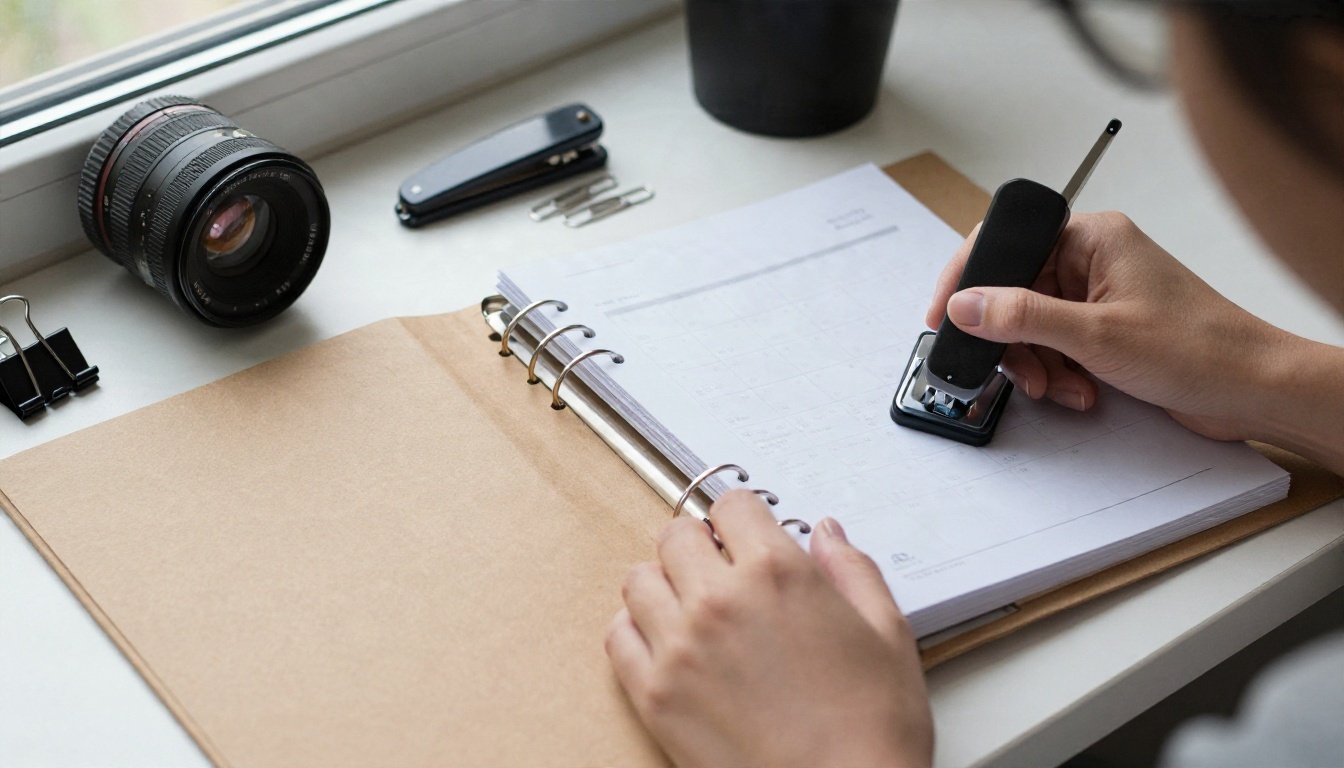
💡 Pro tip: Print on the lightest cardstock your printer accepts for the cover month only. It protects the stack and looks intentional.
How to Create a 2027 Calendar Flipbook
Paper is great until you are at work and the calendar is on your fridge. A digital flipbook solves that: the same PDF becomes a page-turning, phone-friendly document with a link you can drop into a group chat. Here is how to build one with Flipbooks AI.

Upload and Convert
- Open Flipbooks AI and create an account.
- Start a new flipbook and select your 2027 calendar PDF. The PDF to Flipbook Converter turns each page into a flippable spread.
- Wait a moment while the pages process. Twelve monthly pages plus a one page overview usually load quickly.
- Preview the result and check that the first page is your year overview or January.
Brand and Style
Once the conversion finishes, you can customize how the flipbook looks and feels:
- Custom branding: Add a logo, pick a background color and match your family, school or company palette.
- Page effects: Choose a realistic page curl or a flatter slide, depending on the vibe.
- Multimedia: Embed a video, an audio note or a link on a specific month, for example a welcome message on the January page.
- Mobile responsive layout: The flipbook adjusts to phones and tablets automatically.
- No watermarks: Your calendar looks like yours, with nothing stamped across the corner.
Share and Protect
| Sharing Option | Best For | Notes |
|---|
| Direct link | Group chats and email | Fastest option, works on any device |
| Embed code | Websites and intranets | Use the Embed Flipbook on Website tool |
| Password protection | Private family or staff calendars | Only people with the password can open it |
| Offline download | Travel and weak signal | Keep a copy on the device |
Pro Options Worth Knowing
If the calendar is for a business, club or school, the Professional plan adds analytics and lead generation. You can see how many people opened the file, which pages they viewed and, if you gate it with a form, who signed up for it. Compare pricing plans to see which tier fits your volume, or browse all flipbook tools for related formats such as the Event Program Maker or the School Newsletter Creator.
Real Ways People Use a 2027 Calendar
A calendar is only as good as the routine around it. These are three setups that work.
Families and Classrooms
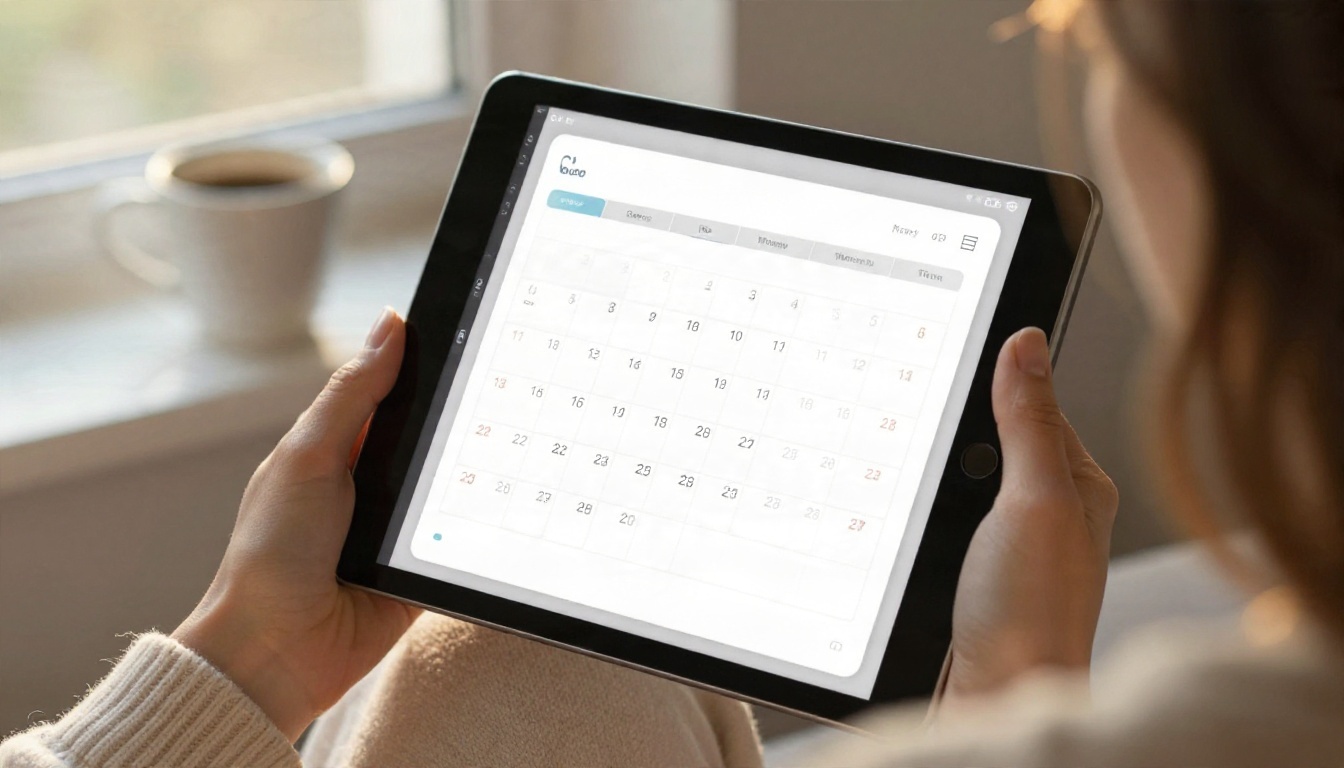
A household can print a one page overview for the fridge and share the flipbook link in the family chat. Kids see school holidays at a glance, and parents keep appointments in the monthly pages. A teacher can pin a large monthly sheet near the door, mark test days in one color and holidays in another, then send the digital version to parents so nobody asks "is Monday off?" five times.
Small Shops and Teams
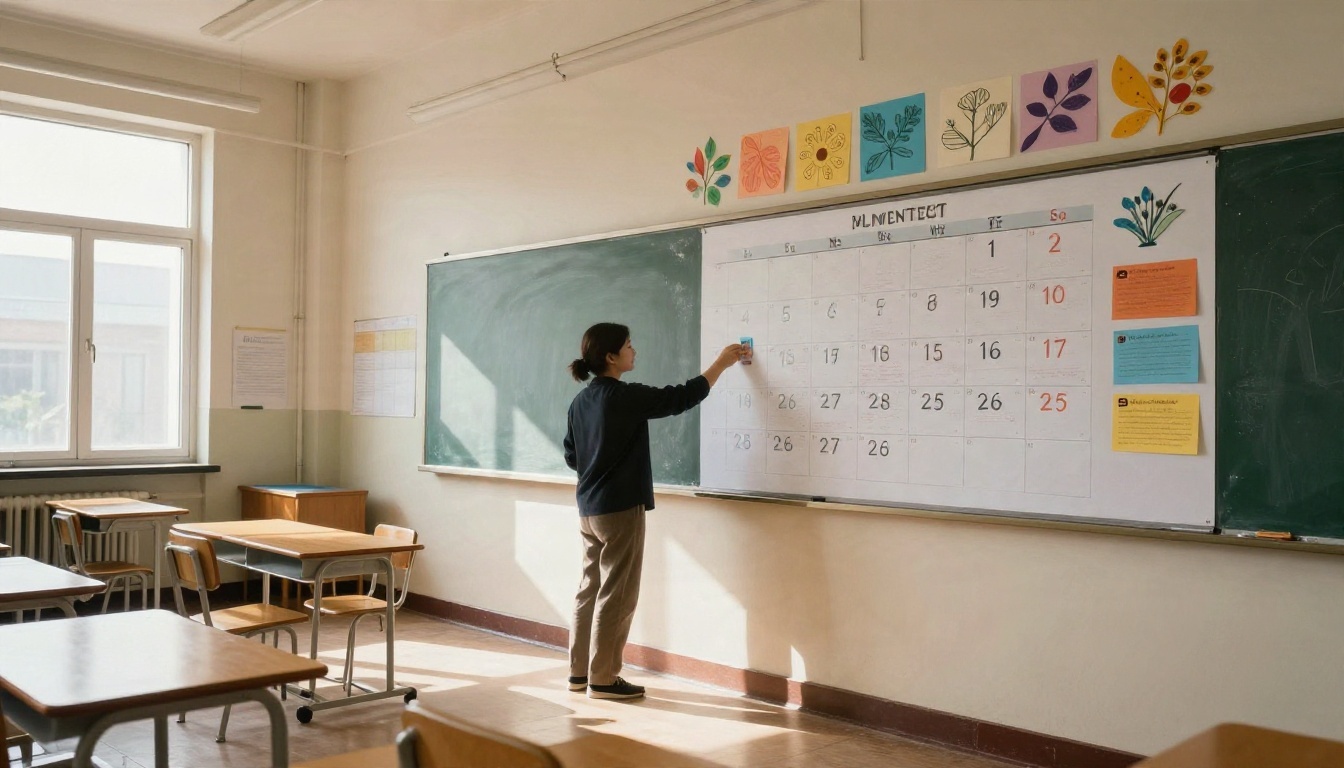
A boutique owner can mark shipping cutoffs, sale dates and supplier holidays on a monthly layout, then export a branded version for staff. A freelancer can print the year overview to spot gaps in the pipeline. In both cases, a shareable link beats an email attachment that nobody opens.
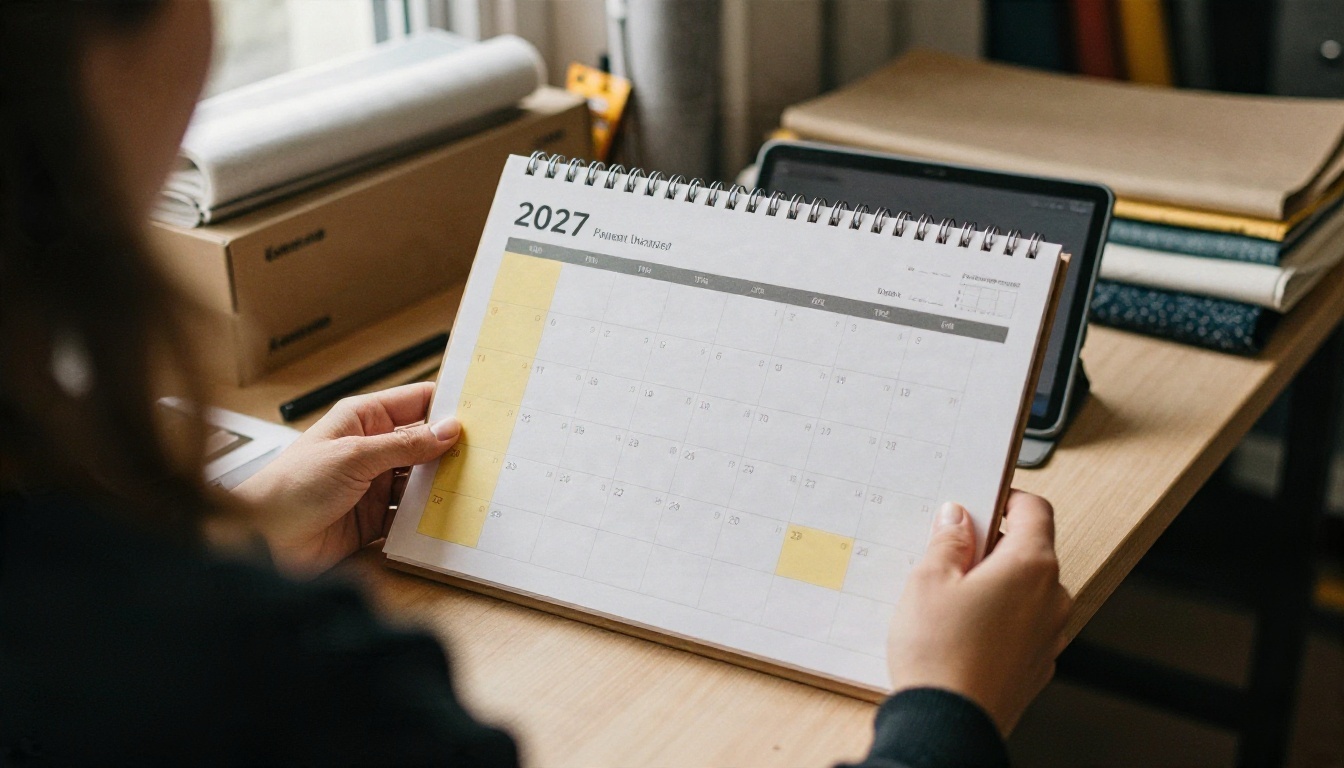
Here is a simple color code you can adopt on any printed calendar:
- Red: Holidays and office closures
- Blue: Deadlines and launches
- Green: Personal and family events
- Yellow: Travel and time off
- Pencil only: Anything that might move
Mistakes That Ruin a Printed Calendar
A few small decisions decide whether the calendar lasts until December or ends up in a drawer by March.
- Printing at "fit to page." The margins shrink and the grid no longer lines up with your wall space.
- Choosing a Sunday start when you think in Monday weeks. You will misread dates for months.
- Ignoring observed holidays. Juneteenth, Independence Day and Christmas all fall on weekends in 2027.
- Using thin paper. Pen ink bleeds through and the back becomes unreadable.
- Hanging it somewhere you never walk past. A calendar you do not see is not a calendar.
- Skipping a digital backup. If the paper is lost or damaged, a flipbook link restores it in seconds.
✅ Best practice: Reprint a month whenever it gets messy. A clean page takes ten seconds and keeps the whole system usable.
Ready to Publish Yours?
Pick a layout, check the holidays against the list above, print one test page, and then decide whether you also want a shareable digital copy. If you do, get started for free on Flipbooks AI, convert your PDF in a few clicks and send the link to everyone who needs it.
Need more than a calendar? Browse the full list of tools and templates, compare pricing plans, or create your account and choose a plan when you are ready for analytics, lead capture and unlimited flipbooks.



