There is a particular hush that falls over a room when someone opens an anniversary scrapbook. A ticket stub slips out, a faded photo from year one appears, and suddenly everyone is laughing at the same questionable haircut. That moment is exactly what an anniversary scrapbook flip through captures, and today you can recreate it on a screen, send it to relatives in three different countries, and never worry about a spilled coffee. With Flipbooks AI, scanned pages or a simple PDF become a page-turning online book that feels remarkably close to the real thing.
This article shows real digital examples, photo page ideas you can copy tonight, and the free ways to share your finished scrapbook online. Whether you are marking a first year or a fiftieth, you will find a layout that fits your story.
Why Digital Scrapbooks Win
Paper scrapbooks are lovely, but they have a quiet flaw: only one person can hold them at a time. A digital version keeps the charm of the handmade pages and removes the limits.
The Trouble With Paper Albums
Anyone who has stored an album in an attic knows the risks. Glue yellows, photos curl, and a single leak can erase decades of work. There is also the sharing problem. Mailing a fragile album to a grandmother costs money and causes worry, and making duplicates for siblings means hours of scanning and reprinting.
What a Flip Through Adds
A flip through is the experience of turning pages one by one, at your own pace, with the pages bending the way paper does. It matters because it preserves the rhythm of a story. A slideshow pushes images at you. A flipbook lets the viewer linger on the page with the handwritten vows, then rush past the page of grocery receipts. That control is what makes people feel like they are sitting beside you on the sofa.
| Feature | Paper Scrapbook | Digital Flipbook Scrapbook |
|---|
| Sharing with distant family | Mail or visit in person | One link, instant access |
| Risk of damage | High (water, light, age) | None once saved |
| Copies for relatives | Expensive reprints | Unlimited views |
| Adding music or video | Not possible | Easy to embed |
| Viewing on a phone | No | Yes, mobile-responsive |
| Updating next year | Rework pages by hand | Add a page and re-upload |
💡 Pro tip: Keep the paper album too. Scan it once, share the digital copy widely, and let the original stay safely on the shelf as the heirloom.
Digital Anniversary Scrapbook Examples
Before you design anything, it helps to see how other couples structure their books. These three formats cover most situations and can be mixed freely.
The Year-by-Year Timeline
This is the most popular format. Each spread represents one year together, with three to five photos, a short caption, and one small memento such as a concert ticket or a restaurant receipt. A couple celebrating ten years might build ten spreads plus an opening page and a closing note. The structure is easy to follow, and viewers instantly find the year they remember best.
Best touches for this format:
- A large year number in a simple serif font at the top of each spread
- One photo that fills the whole page, followed by a grid of smaller ones
- A single sentence about what changed that year, like a move, a new pet, or a job
- A recurring color, such as sage green or dusty rose, that ties every page together
The Love Story Photo Album
Instead of years, this version follows chapters: how you met, the first trip, the proposal, the wedding, the first home. It reads like a short illustrated novel. Chapter pages work well with a full-bleed photograph and one line of text, followed by a collage of supporting images. This format suits couples who do not have neat records for every single year.
A Gift for Parents' Milestone Anniversary
Adult children often build a flipbook for a 25th or 50th anniversary. They gather old prints from relatives, scan them, and add short quotes collected from cousins and friends. The result is a shared tribute, and because it lives online, every contributor can watch the reveal at the same time. The Wedding Album Flipbook tool is a natural starting point for this kind of project, since it already suits formal portraits and ceremony photos.
| Example Format | Best For | Typical Page Count | Mood |
|---|
| Year-by-year timeline | Couples with steady photo archives | 14 to 30 | Warm, organized |
| Love story chapters | Newer couples or gaps in records | 10 to 20 | Romantic, narrative |
| Parents' tribute | Large families and big milestones | 20 to 40 | Emotional, celebratory |
| Single-year highlight | First anniversary gifts | 8 to 12 | Playful, intimate |
Photo Page Ideas to Copy
A good scrapbook page has one clear focal point, a bit of breathing room, and a small surprise. Here are layouts that work again and again in digital form.
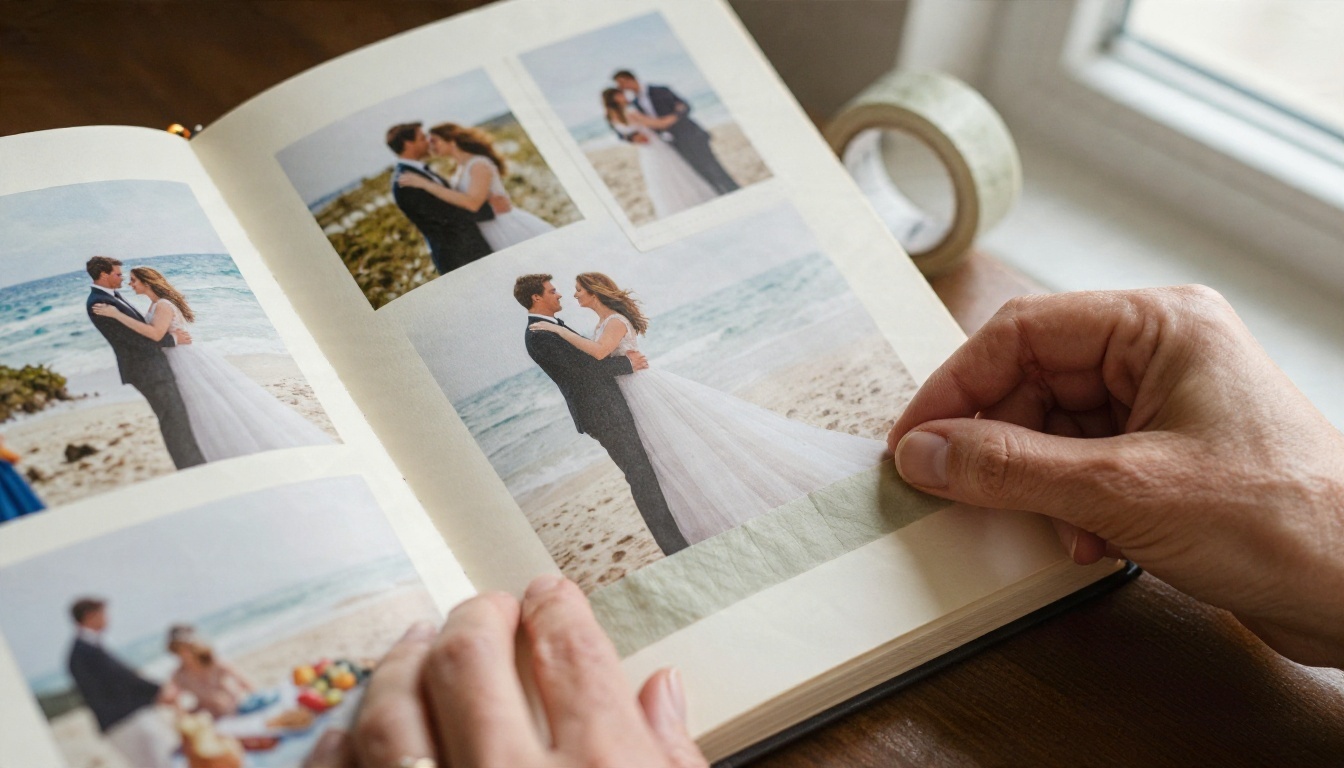
The Opening Spread
Your first spread sets the tone for everything after it. Try a black-and-white portrait on the left page and a short handwritten line on the right, something like "Ten years, one very long road trip." Keep the margins generous. Many couples add a faint texture, such as linen or watercolor paper, behind the photo so the pages feel tactile even on a phone.
Other strong opening ideas:
- The first photo you ever took together, paired with the most recent one
- A flat lay of rings, a pen, and a handwritten note
- A map with the places you have lived, marked with small pins
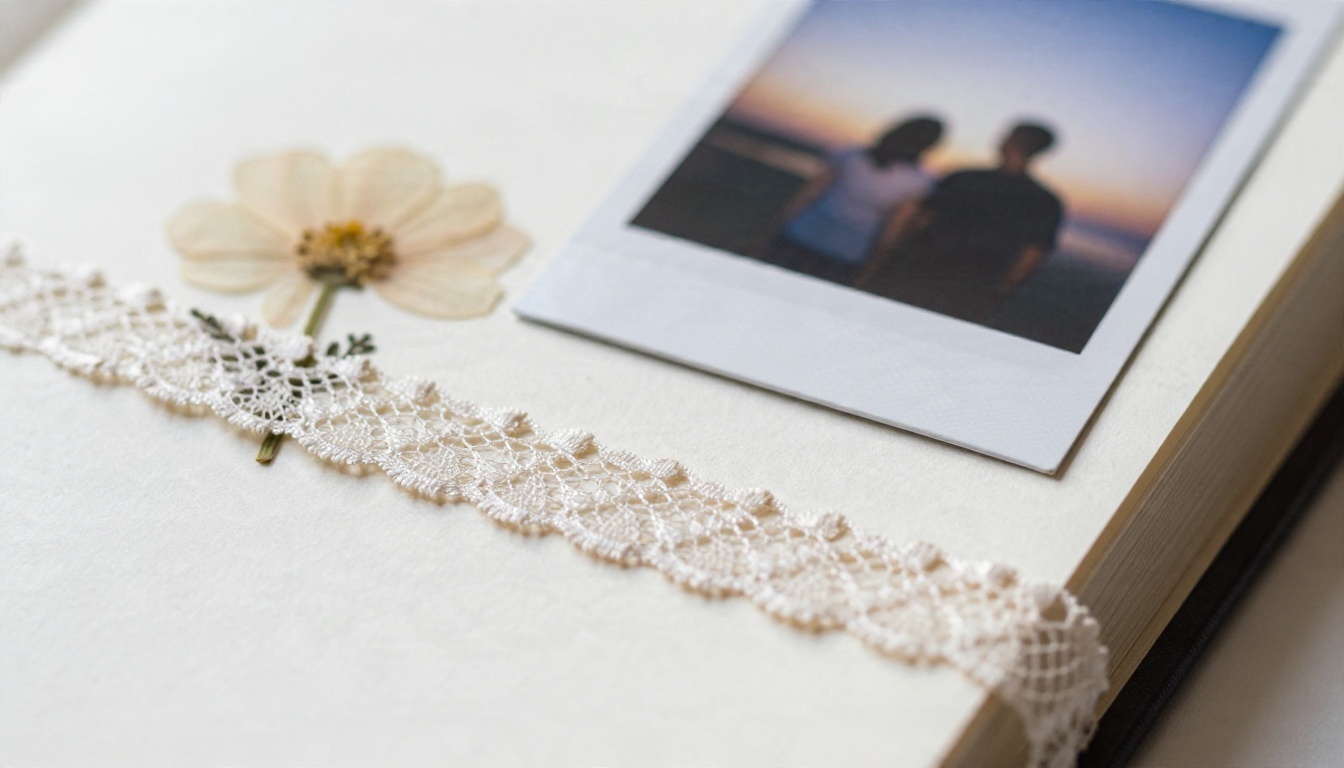
- A title page with names, dates, and a single pressed flower
Milestone and Memento Pages
Milestone pages are where a scrapbook becomes personal. Scan or photograph your keepsakes flat, with natural light coming from one side so the paper texture shows. A boarding pass, a wedding invitation, a hand-drawn card, or a ticket from your first film all work well. Pair each with a short caption that explains why it mattered. Without the caption, a stub is just paper. With it, a stub becomes a story.
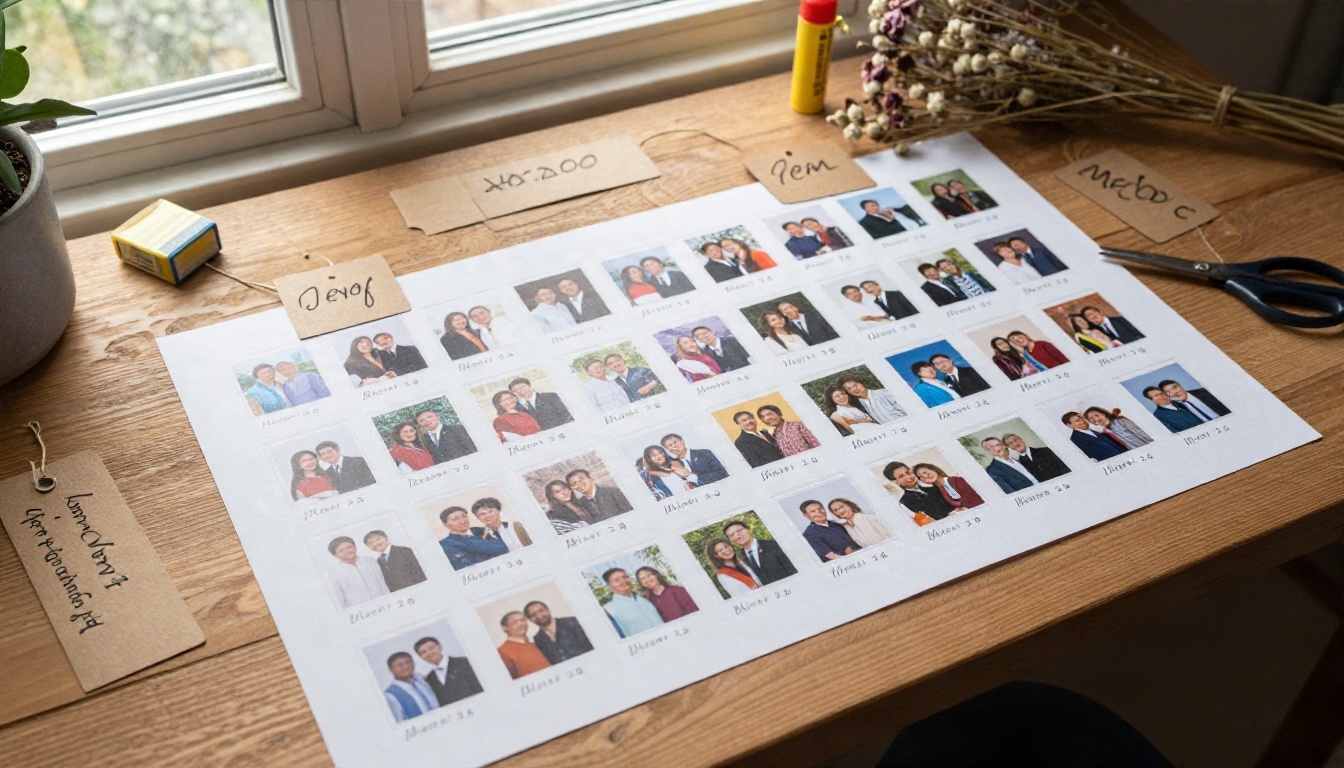
| Page Idea | What to Include | Layout Tip |
|---|
| Then and now | Two photos of the same place, years apart | Place side by side with equal size |
| Trip highlights | Map, boarding pass, three photos | One large photo, two small |
| Handwritten letters | Scanned notes or cards | Slight angle and soft shadow |
| Favorite quotes | Words from friends or family | Large type on a plain background |
| Recipe or ritual | Your Sunday pancake recipe | Photo of the dish plus the card |
| Closing page | Photo plus a promise for the year ahead | Quiet space and one short line |
✅ Best practice: Limit each page to one idea. If a spread tries to show the wedding, the honeymoon, and the first apartment, the viewer will not know where to look.
How to Create an Anniversary Flipbook
You do not need design skills to build this. If you can export a PDF, you can publish a flipbook. The process below uses Flipbooks AI, and the whole thing takes about twenty minutes once your photos are ready.
Prepare Your Pages
Build your pages in whatever tool you already know. Canva, Google Slides, PowerPoint, and Apple Pages all work, as does a plain photo layout app. Use a consistent page size, and landscape spreads give the best open-book effect. Export the finished file as a PDF, keeping the resolution high so photos stay crisp when zoomed.
Upload and Convert
- Open Flipbooks AI and sign in or create your account.
- Choose the upload option and select your PDF. The PDF to Flipbook Converter handles the conversion automatically.
- Wait a few moments while each page becomes a turnable leaf with a realistic page-curl effect.
- Preview the book on both desktop and phone to check that text stays readable.
💡 Pro tip: Name your file clearly, such as "Sam and Lee 10 Years," so you can find it quickly if you build a new edition next year.
Customize the Look
This is where the scrapbook feels like yours. You can set a background color that matches your page theme, such as a warm cream or a deep forest green. Adjust the page-turn effect, add your own title, and apply custom branding if you want a monogram or logo on the viewer. Because there are no watermarks, ever, the finished book looks clean enough to give as a gift.
Add Music and Video
Embed audio or short video clips so the pages talk back. A recording of your wedding song, a ten-second clip of your first dance, or a voice note from a grandparent can sit right on the page. For a surprise gift, a soft instrumental track that plays as pages turn gives the flip through a cinematic quality. If you want a bigger story with chapters and long text, the Interactive E-Book Publisher is a good fit.
Free Online Sharing Options
Once your flipbook is ready, the next question is who sees it and how. The good news is that sharing a personal flipbook does not need to cost anything or involve complicated settings. You can review current plan limits on the pricing page.
Share a Direct Link
The simplest method is a link. Paste it into a family group chat, an email, or a message on your anniversary morning. Viewers open the book in their browser, so there is nothing to install. It works on phones, tablets, and laptops, which matters when your aunt only has an older tablet.
Embed on a Website
If you keep a wedding site, a family blog, or a small photo page, you can embed the flipbook right into it. Use the Embed Flipbook on Website tool to copy the embed code and paste it where you want the book to appear. Guests can turn pages without leaving your site.

| Sharing Method | Best For | Privacy Level | Effort |
|---|
| Direct link | Quick family sharing | Anyone with the link | Very low |
| Password-protected link | Private or sensitive memories | Only people with the password | Low |
| Website embed | Wedding or family sites | Public or limited by your site | Medium |
| Offline download | Relatives with poor internet | Controlled by you | Low |
⚠️ Heads up: Anniversary scrapbooks often include faces of children, home addresses on old letters, or travel dates. Blur or crop sensitive details before you export, and use password protection whenever the book is meant only for close family.
Pro Features Worth Considering
Most people need nothing beyond a link and a password. Still, a few extras can be useful for bigger projects:
- Analytics: See how many people opened the book and which pages held attention. Handy for a large family tribute where you want to know that everyone watched it. This is part of the Professional plan, listed on the pricing page.
- Offline downloads: Let relatives save the flipbook to view without internet, ideal for a grandparent who travels or lives in a rural area.
- Unlimited flipbooks: On the Standard plan and above, you can build a new edition every year without running into a cap. A yearly tradition becomes easy.
- Custom branding: Add your own names, monogram, or wedding colors to every page of the viewer.
If you plan to turn the same photos into other formats, the Photography Portfolio tool is a nice option for presenting a polished gallery of your best images alongside the scrapbook.
Common Mistakes to Avoid
Even a lovely idea can fall flat if a few details are overlooked. Watch for these:
- Low-resolution scans. A blurry photo looks worse on a large screen than in a print. Scan at 300 DPI or higher whenever possible.
- Too much text. Scrapbook captions should be short. Two lines is plenty. If you have a long story, give it its own page with plain background.
- Inconsistent margins. Photos that hug the page edge on one spread and float in the middle of the next make the book feel messy. Choose a margin and stick with it.
- Ignoring mobile viewers. Most relatives will open your link on a phone. Preview on a small screen and enlarge any tiny text.
- Skipping a backup. Keep the original PDF and your photo folder in at least two places, such as a cloud drive and an external disk.
- Forgetting the ending. A scrapbook without a closing page feels unfinished. End with a photo from this year and one line about what comes next.
| Mistake | Quick Fix |
|---|
| Blurry images | Re-scan at 300 DPI or higher |
| Wordy captions | Cut to one or two sentences |
| Uneven layout | Use a grid and fixed margins |
| Unreadable on phone | Increase font size to at least 18 pt |
| No ending | Add a closing page with a promise or toast |
Ready to Share Your Story?
An anniversary scrapbook is more than a stack of photographs. It is proof that ordinary days add up to something worth celebrating, and a flip through lets the people you love feel that for themselves. Gather your pictures, pick a layout from the examples above, and turn them into a book that can travel anywhere.
Here is a simple plan for tonight:
- Choose one format: timeline, love story, or tribute.
- Pick 20 favorite photos and three small keepsakes to scan.
- Build the pages in your favorite design tool and export a PDF.
- Create your flipbook on Flipbooks AI and add music or a voice note.
- Send the link, or protect it with a password, on your anniversary.
Browse all available flipbook tools and templates to find the layout that suits your celebration, or compare pricing plans when you are ready to build a book every year. Your next anniversary is the perfect deadline, and your family will thank you for it. When you want to go straight to a plan, start here.


