You wrote a workbook, a recipe collection, a template pack or a pricing sheet, and now you want money for it without paying for hosting, a developer or a monthly subscription. Good news: you can sell PDFs for free, and you can do it this afternoon. The catch is that "free" hides trade-offs in fees, payouts and buyer experience. This article lays them out plainly, and shows how a tool like Flipbooks AI can make your product look far more valuable than a bare attachment.
Search intent in one line: you want to know where to list a PDF, how buyers will pay, what the platform keeps, and whether a website is really necessary. Let's answer each one in order.
What "Free" Really Means
Most platforms advertise "free to start." That phrase covers at least three different situations, and mixing them up is how sellers end up surprised by a payout statement.
Free to Join vs Free to Sell
Free to join means no signup charge and no monthly plan. Free to sell would mean you keep every cent, and that almost never happens. Someone has to pay for card processing, and it is either you or the platform's cut.
- Zero upfront: you open a seller account and list a file at no cost.
- Per sale fee: the platform takes a percentage, often plus a small fixed amount.
- Processor fee: the card or wallet network takes roughly 3% plus a few cents.
- Optional upgrades: a monthly plan that lowers the per sale percentage.
💡 Pro tip: Judge a platform by what lands in your bank after a typical sale, not by the headline percentage.
Who Pays the Tax Bill
Selling digital goods across borders triggers VAT or sales tax in many regions. Some platforms act as the merchant of record, meaning they collect and remit tax for you. Others leave that to you. For a beginner selling a few hundred copies, a merchant of record service removes a real headache, even at a higher percentage.
Best Sites to Sell PDFs
Here is how the most common free options compare. Rates change, so always check the current fee page before committing. Figures below are rounded and meant for comparison only.

Free Platforms Compared
| Platform | Monthly cost | Typical per sale cut | Merchant of record | Best for |
|---|
| Gumroad | $0 | About 10% plus a small fixed fee | Yes | Fast setup, first product |
| Payhip | $0 on the free plan | About 5% on free, lower on paid | Optional | Sellers who want lower cuts later |
| Ko-fi Shop | $0 | Low on free, 0% on Gold | No | Creators with an existing fan base |
| Lemon Squeezy | $0 | About 5% plus a fixed fee | Yes | Global tax handled for you |
| Etsy | $0 (listing fee applies) | Listing fee plus about 6.5% plus processing | Yes | Printables with search traffic |
| Stripe Payment Links | $0 | Processor fee only | No | Lowest fees, DIY delivery |
Marketplaces vs Your Own Store
A marketplace such as Etsy brings buyers who are already searching. That traffic is valuable, and you pay for it in fees and competition. A self-run storefront on Gumroad or Payhip brings nobody on its own, but you keep the customer relationship and email list.
Pick a marketplace if: your product is a printable, planner, wall art or template that people search for by name.
Pick a storefront if: you already have an audience on social media, a newsletter or a YouTube channel.
✅ Best practice: Start with one storefront. Add a marketplace listing later once you know which product sells.
Payment Options Buyers Expect
Buyers abandon checkout when their preferred method is missing. For a low priced PDF, friction costs more than fees do.
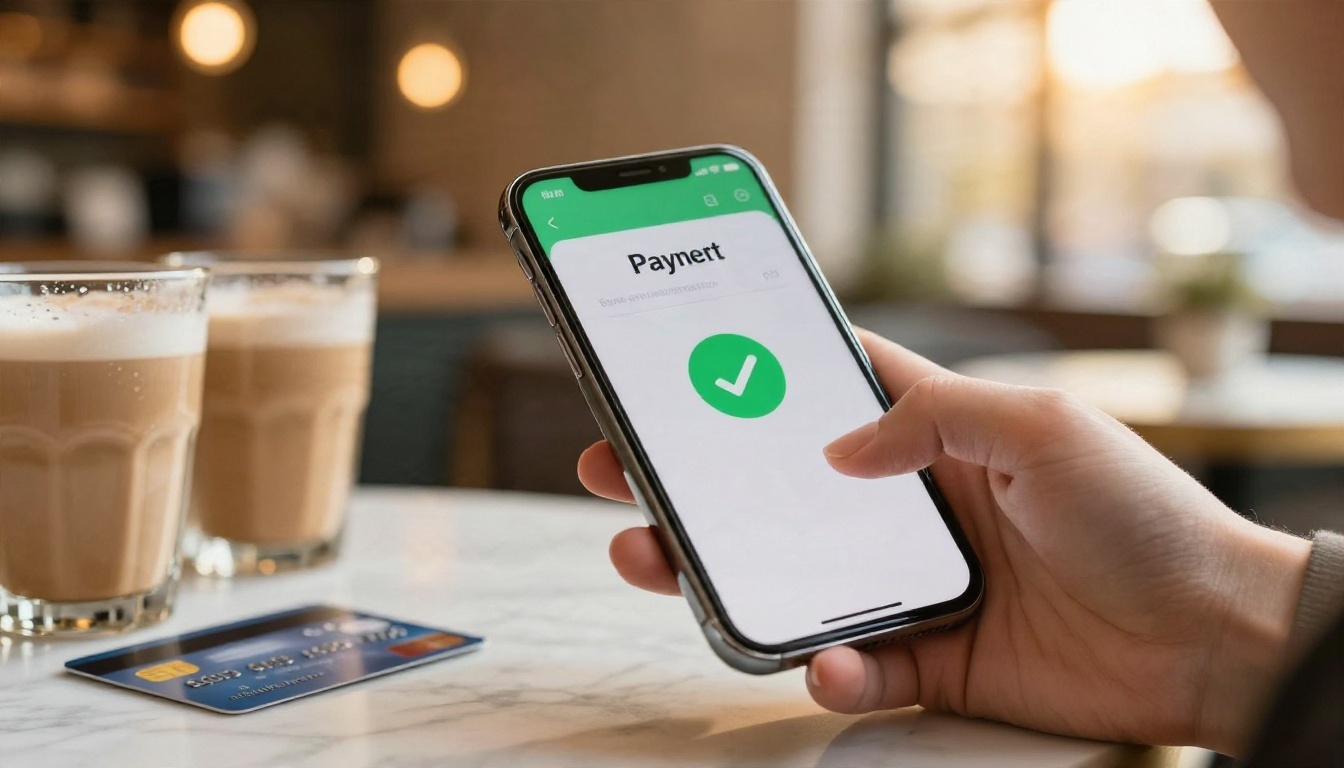
Cards and Wallets
Credit and debit cards still lead, followed closely by Apple Pay and Google Pay. Wallets matter on mobile because they skip typing a card number. Most storefronts above enable them automatically through Stripe or a similar processor.
PayPal and Stripe
These two sit behind most free selling tools. Stripe is usually cheaper per card payment, while PayPal wins trust with buyers who do not want to share card details with a stranger. If you can, offer both.
| Method | Typical fee (US) | Payout speed | Buyer trust | Notes |
|---|
| Card via Stripe | About 2.9% + $0.30 | 2 to 7 days | High | Lower fee, wallets included |
| PayPal checkout | About 3.5% + a fixed fee | Instant to 1 day | Very high | Higher fee, strong buyer protection |
| Apple Pay / Google Pay | Same as card | Same as card | High | Fastest mobile checkout |
| Bank transfer / local methods | Varies | Slower | Region dependent | Useful in Europe and Latin America |
Payout Timing
New accounts often face a holding period on the first payouts. Plan for it. If you are launching a product with ad spend attached, you will pay for ads before the money arrives.
The Real Cost of Selling
Let's run a simple example. You sell a $15 PDF and make 100 sales, for $1,500 gross. The numbers below use an assumed 2.9% + $0.30 processor fee ($73.50 across 100 sales) where processing is not already bundled. Treat them as an illustration, not a quote.
A $15 Example Run
| Route | Platform fee | Processing | Total fees | You keep |
|---|
| Direct Stripe link | $0 | $73.50 | $73.50 | $1,426.50 |
| 5% free plan storefront | $75.00 | $73.50 | $148.50 | $1,351.50 |
| Etsy (one listing) | $97.50 + $0.20 | About $70 | About $167.70 | $1,332.30 |
| 10% + $0.50 storefront | $200.00 | $73.50 | $273.50 | $1,226.50 |
The spread between the cheapest and priciest route is about $200 on $1,500. That sounds modest, yet it pays for months of tools. On the other hand, the cheapest route makes you responsible for delivery emails, receipts and tax.
Hidden Costs to Watch
- Refunds: some platforms keep the processing fee when you refund.
- Currency conversion: a 1% to 2% markup on foreign sales is common.
- Tax collection: without a merchant of record, you register and file yourself.
- Withdrawal fees: some payout routes charge a flat amount per transfer.
⚠️ Warning: Never price a PDF below $3 without checking the fixed fee. A $0.50 flat charge on a $2 file eats a quarter of your revenue.
Selling Without a Website
You do not need a domain. A product page on a hosted platform is a real storefront with its own URL, and a URL is all a buyer needs.

Link in Bio Selling
Place your product link in your Instagram, TikTok or YouTube profile. A single clear offer converts better than a menu of options. Use a short description, a price and one button.
Email and Direct Messages
A small list beats a large cold audience. Send one email describing the problem your PDF solves, show two preview pages and add the link. A five page sample usually outsells a long sales pitch.
Payment Links and Invoices
Stripe and PayPal both let you generate a link for one product. Paste it into a message, a QR code on a printed flyer or a pinned post. A fitness coach, for instance, can text a link for a 12 week meal plan to a client and be paid before the call ends.
| Channel | Setup time | Cost | Works best for |
|---|
| Link in bio | 15 minutes | Free | Social creators |
| Email list | 30 minutes | Free tier tools | Course and workbook sellers |
| Payment link | 10 minutes | Processor fee only | Consultants and coaches |
| QR code on print | 20 minutes | Printing only | Local businesses, events |
Present PDFs With Flipbooks AI
A raw PDF attachment looks like a file. A page-turning preview looks like a product. Flipbooks AI converts a PDF into an interactive flipbook with no watermarks, so you can give buyers a polished sample before they pay. Pair it with any checkout above: the flipbook sells, the checkout collects.

How to Build a Sales Preview
- Open the platform. Go to Flipbooks AI and create an account.
- Upload your PDF. Use the PDF to Flipbook Converter. Pages convert in seconds and keep their layout.
- Trim to a sample. Upload a version with the first 5 to 8 pages for the public preview, and keep the full file for paying customers.
- Brand it. Add your logo, pick background colors and choose a page flip effect that suits your tone.
- Add media. Embed a short video or audio clip if your product includes a walkthrough.
- Share it. Copy the direct link or the embed code. The Embed Flipbook on Website tool shows how to place it on a sales page.
💡 Pro tip: Put your checkout link on the last page of the preview. Readers who reach the end are your warmest buyers.
Customize for Your Product
Different products suit different formats. Browse the full tools directory to find a match.
Share and Protect Files
Password protection lets you deliver the full flipbook privately. Send the password in your order confirmation and the link stays useless to anyone else. For deeper numbers, the Professional plan adds analytics and lead generation, so you can see which pages hold attention and who opened your sample. See the pricing plans to compare. Offline downloads are available as well.
Keep Your PDFs From Leaking
Piracy worries every seller, and no method is bulletproof. You can still make casual sharing harder and low value.
- Use unique delivery links that expire or limit the number of downloads.
- Add the buyer's name in a footer when the platform supports it.
- Share a flipbook instead of a file so there is nothing to forward as an attachment.
- Update often. A file that gets monthly improvements stays more valuable than a leaked copy.
⚠️ Warning: Do not rely on PDF passwords alone. They are easy to strip with free software.
Mistakes That Cost Sales
- No preview. Buyers cannot judge a file they cannot see. Show at least five pages.
- Vague title. "Marketing Pack" loses to "30 Instagram Caption Templates for Coaches."
- Wrong price anchor. Pricing too low signals low quality. Test $9, $15 and $27.
- Ignoring mobile. Most buyers view your page on a phone. Check checkout on a small screen.
- Skipping email capture. Even on a free platform, collect addresses so you can sell the next product.
- Forgetting terms. State refund policy and license limits in two clear sentences.
A realistic first week plan looks like this:
- Day 1: Finalize the PDF and a sample version.
- Day 2: Create the storefront listing and test a purchase with your own card.
- Day 3: Build the flipbook preview and add the checkout link on the last page.
- Day 4 and 5: Share with your list and social profiles.
- Day 6 and 7: Gather replies, fix questions in the product description and repeat.
Start Selling This Week
You now have what you need to choose a platform, estimate your fees and sell with nothing more than a link. Choose a storefront that matches your audience, offer both card and PayPal checkout, and give buyers a sample that shows what they get.
Ready to make your PDF look like a real product? Get started for free on Flipbooks AI, browse the tools and templates, or compare pricing plans when you need analytics and lead capture.


