Yes, you can sell PDFs on Etsy, and thousands of shops do it every day: planners, printable wall art, recipe booklets, wedding stationery, budget trackers and lesson packs. But "is it allowed" is only the first question. You also need to know how heavy your file can be, what Etsy takes from each sale, which rules can get a listing pulled, and whether you can avoid paying for extra tools. This article answers all four. Along the way you will see how a tool like Flipbooks AI can turn a plain PDF into a page-turning preview that gives buyers more confidence to hit "add to cart."
💡 Quick answer: Etsy lets you upload up to 5 files per digital listing, 20MB each. PDF is a supported format. Expect to pay a listing fee, a transaction fee and a payment processing fee on every sale.
Yes, You Can Sell PDFs on Etsy
Etsy has a dedicated digital listing type. When you choose it, the shop skips shipping settings and the buyer gets an instant download after payment. No packaging, no postage, no inventory counts. That is why PDFs are one of the most popular products on the marketplace.
What Etsy Counts as a Digital Item
A digital item is any file a buyer downloads instead of receiving by mail. For PDF sellers, that usually means:
- Printables: planners, checklists, wall art, party games, calendars
- Documents: resume templates, contracts, business forms, invoices
- Booklets: recipe books, workout plans, travel itineraries, ebooks
- Teaching material: worksheets, flashcards, curriculum bundles
Who Can List Digital Files
Any open Etsy shop can add digital listings. You do not need a special seller tier. You do need a verified shop, a payment method on file and a billing setup so Etsy can charge fees. Rules differ slightly by country for tax collection, so check the Seller Handbook for your region before you publish.
Etsy Rules for PDF Sellers
Etsy cares more about what you sell than how you format it. A perfectly sized PDF can still be removed if it breaks a policy. Here is a quick snapshot of the rules sellers trip over most often.
| Rule area | What Etsy expects | Typical mistake |
|---|
| Creativity standards | You made, designed, handpicked or sourced the item | Reselling a pack you bought without rights |
| Copyright | No copyrighted characters, fonts or images without a license | Using cartoon characters in party printables |
| Digital labeling | Mark the listing as a digital item | Choosing "physical" and then emailing the file |
| Item description | Clearly state that nothing is shipped | Buyers expecting a printed copy |
| Returns | Digital files are generally not returnable, but you must still resolve real problems | Ignoring a buyer whose file will not open |
| Off-platform sales | Do not push buyers to pay outside Etsy | Adding "message me for a discount on my own site" |
Originality and Creativity Standards
Etsy's creativity standards ask that a seller be involved in making or designing the product. For a PDF, that means you wrote it, laid it out, or directed someone to create it for your shop. Dropping a stock template into a PDF with no changes and calling it yours is a fast route to a policy notice.
⚠️ Warning: If your shop uses a production partner or a freelance designer, Etsy may ask you to describe that on your shop's About page. Do it before a reviewer asks.
Copyright, PLR and Licenses
Private label rights (PLR) content can be sold on Etsy only if the license allows resale and you have meaningfully changed or added to it. Fonts and clip art are a trap: many "free for personal use" assets forbid commercial use. Keep a folder with receipts and license terms for every asset in a product. If a rights holder files a complaint, that folder saves your listing.
Listing Setup Requirements
Before you publish a PDF listing, check these items:
- Select Digital as the listing type.
- Upload your files (up to five) and add a clear preview image showing what is inside.
- Write a description that lists page count, page size (for example US Letter or A4), software needed and print instructions.
- State your license terms: personal use, commercial use or neither.
- Add a line saying that no physical item will arrive.
Etsy keeps limits simple, but they bite when your PDF is full of high resolution photos.
| Limit | Value |
|---|
| Files per digital listing | Up to 5 |
| Maximum size per file | 20MB |
| Maximum total per listing | About 100MB (5 files × 20MB) |
| Supported formats | PDF, JPG, PNG, GIF, DOC, DOCX, XLS, MP3, MP4, ZIP and others |
| Buyer download access | From the Purchases page and the confirmation email |
Etsy updates these numbers from time to time, so confirm them in the Seller Handbook before you plan a large product.

The 20MB Per File Cap
Twenty megabytes sounds generous until you export a 60 page photo planner. Image heavy PDFs from Canva or InDesign can easily reach 40MB or more. When a file goes over the cap, Etsy will refuse the upload, so the problem shows up early. The fix is either to shrink the file or to split it.
Shrinking a Heavy PDF
Try these steps in order:
- Export at "web" or "standard" quality instead of "print" quality unless buyers truly need 300 DPI.
- Compress images to around 150 to 200 DPI for screen use.
- Remove unused fonts and hidden layers before exporting.
- Split the product into parts, such as "Part 1: Planner" and "Part 2: Stickers," and upload each as its own file.
- Run a free compressor like Smallpdf or iLovePDF, then open the output and check that text is still sharp.
💡 Pro tip: Always open the compressed PDF on a phone before uploading. Many buyers will view it there first, and blurry text leads to bad reviews.
What Selling Really Costs
Etsy is not free to sell on. Here are the standard fees at the time of writing. Rates vary by country and change, so treat this as a planning table and verify against Etsy's current fee page.
| Fee | Typical amount | When it is charged |
|---|
| Listing fee | $0.20 per listing | When you publish, and when the listing renews after a sale |
| Transaction fee | 6.5% of the item price | On every sale |
| Payment processing | Varies by country, for example 3% + $0.25 in the US | On every sale |
| Offsite Ads | 15% of the order (12% for shops above $10,000 a year) | Only when an ad led to the sale |
| Etsy Plus (optional) | About $10 per month | If you opt in for extra shop tools |
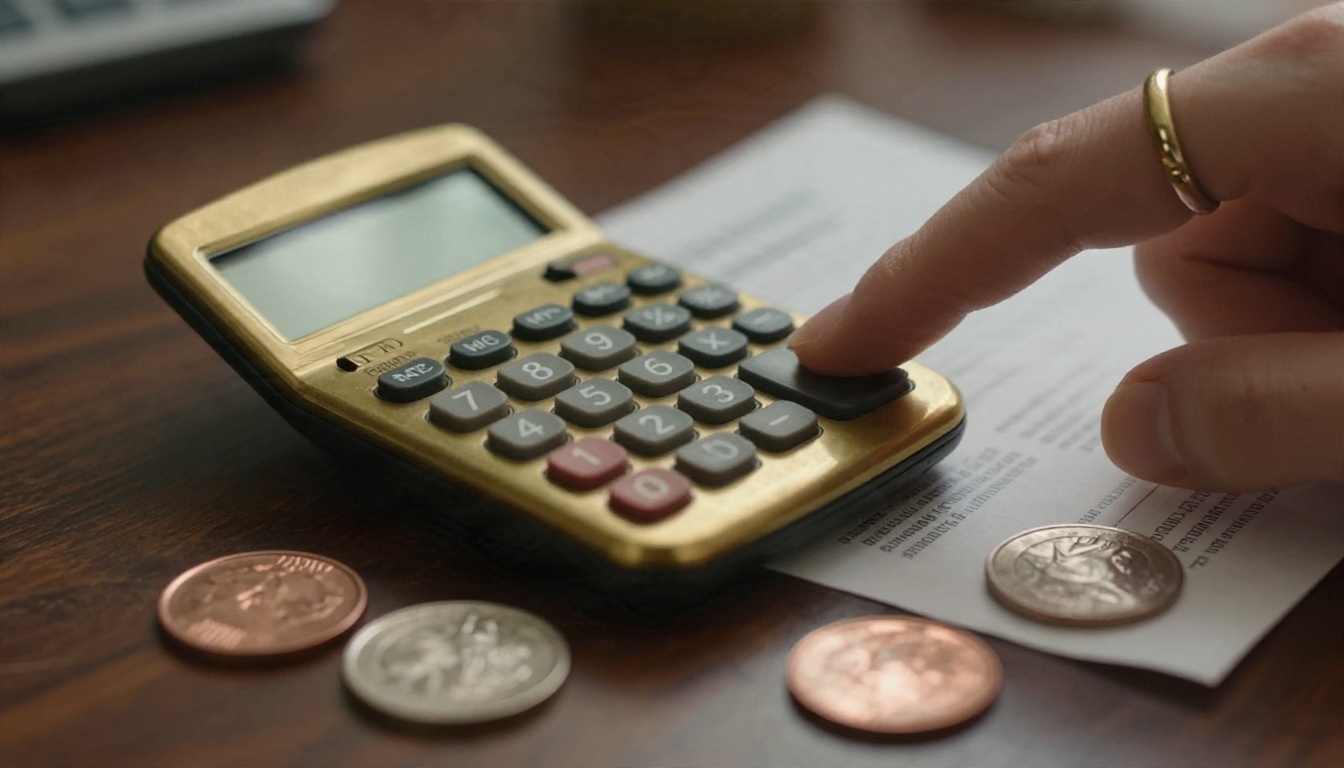
Sample Profit Math
Say you sell a budget planner PDF for $12.
- Transaction fee: $12 × 6.5% = $0.78
- Payment processing (US example): $0.36 + $0.25 = $0.61
- Listing fee: $0.20
- Total fees: $1.59
- You keep: $10.41
If that same sale came from an Offsite Ad, add 15% ($1.80). Fees become $3.39 and you keep $8.61. That is why cheap digital products need volume, bundles or higher price points to stay worthwhile.
Ways to Protect Your Margin
- Bundle related PDFs into one higher priced listing.
- Offer a small price ladder: a basic version at $6, a deluxe version at $14.
- Watch how much of your revenue comes from ads, and adjust prices if the ad share grows.
- Track fees in a simple spreadsheet each month, not once a year.
Free Ways to Deliver Large PDFs
When your PDF is bigger than 20MB, you have free choices that keep the product intact.
Link Inside a PDF
The common workaround is a small PDF, under the limit, that contains a button or link to a larger file hosted elsewhere, such as a cloud drive. Many Canva template sellers deliver exactly this way. It works, but handle it with care:
- Put real value in the Etsy file too (instructions, a sample, a license page). Etsy expects the item you deliver to be the product, so a file that does nothing but redirect can draw complaints.
- Use a link that does not expire, and test it from a logged-out browser.
- Never ask buyers to pay anywhere other than Etsy.
Free Tools Compared
| Option | Cost | Best for | Watch out for |
|---|
| Canva | Free tier available | Designing printable PDFs | Large photo exports run heavy |
| Google Docs or Slides | Free | Simple worksheets and checklists | Fewer layout controls |
| LibreOffice | Free | Offline document design | Steeper setup |
| Smallpdf / iLovePDF | Free tier with daily limits | Shrinking oversized files | Quality loss if compressed too far |
| Cloud drive link | Free storage tier | Files beyond 20MB | Links can break or expire |
| Flipbooks AI | See pricing | Interactive previews and hosted large PDFs | Pick a plan that fits volume |
Browse the full tools directory if you want to see which formats fit your product type.
Build a Flipbook Preview to Boost Sales
Buyers cannot flip through a PDF before they pay, and that is a conversion problem. A hosted flipbook lets shoppers see real pages, so they know what they are getting. You can link to it from your shop's About page, your social profiles or a bonus page inside your delivered PDF.

Here is how to create a flipbook version of your PDF with Flipbooks AI.
Upload and Convert
- Go to Flipbooks AI and create an account.
- Open the PDF to Flipbook Converter.
- Drag your PDF into the upload area. Conversion starts automatically.
- Wait for the page-turning preview to load.
Screenshot description: a clean upload box in the center of the screen, a progress bar below it, and a first page thumbnail appearing on the right once conversion finishes.
Brand It
Open the editor and adjust the look so it matches your shop:
- Add your logo and shop colors.
- Pick a background that fits your product, such as soft cream for planners.
- Choose page effects like a realistic page curl.
- Insert videos or audio for a walkthrough or a thank-you message.
The result is mobile responsive, and there are no watermarks, so your design stays clean. For specific product types, try the Interactive E-Book Publisher, the Recipe Book Flipbook or the Course Material Publisher.
Share and Protect
- Copy a direct link for your Etsy listing description or your shop announcement.
- Use an embed code to place the flipbook on your own website. The Embed Flipbook on Website tool shows how.
- Turn on password protection if you want to deliver the full flipbook only to buyers as a bonus.
✅ Best practice: Preview only the first 5 to 8 pages publicly. Keep the full product behind your Etsy checkout.
Track Buyers
On the Professional plan, you get analytics to see which pages people view, plus lead generation forms that capture emails. Offline downloads are also available. Check the pricing plans to see which tier matches your needs. Unlimited flipbooks are available from the Standard plan up.
Ready to try it? Create a free account and convert your first PDF in a few minutes.
Common Mistakes to Avoid

| Mistake | Why it hurts | Fix |
|---|
| Uploading a 60MB file | Etsy rejects it | Compress or split the product |
| Using unlicensed fonts | Takedown risk | Keep license receipts |
| No preview images | Lower conversion | Show 5 to 10 real pages |
| Vague license terms | Disputes | State personal or commercial use clearly |
| Ignoring mobile viewing | Poor reviews | Test on a phone before publishing |
| Relying only on a link file | Buyer complaints | Include real content in the Etsy file |
Three Habits of Shops That Last
- Test the download yourself by buying your own listing from a second account or checking the file in the buyer view.
- Answer messages fast. Digital buyers expect instant help when a file will not open.
- Update products with fresh years, new layouts and bonus pages so past buyers return.
Ready to Sell Your First PDF?
PDFs sell well on Etsy when you respect three things: the 20MB per file limit, the fee structure, and the originality rules. Compress smartly, price with fees in mind, and give shoppers a preview so they trust what they are buying.
Next steps:


