Your guest lands at 11:40 p.m., the door will not open, the Wi-Fi password is buried in a chat thread, and the heating panel looks like an airplane cockpit. That is how a five-star stay turns into a four-star review. A well built welcome book fixes all of it before the questions arrive, and with a tool like Flipbooks AI you can publish it as a clean, page-turning digital booklet that opens on any phone in two seconds.
This article walks through exactly what to include in an Airbnb welcome book, which sections matter most, what real hosts put on each page, and a free template you can copy today and export as a PDF. If you manage one apartment or twenty, the structure is the same.
Why Every Host Needs a Welcome Book
A welcome book is the single document that answers the questions guests would otherwise send you at the worst possible moment. Think of it as a polite, always-awake co-host.
What Guests Actually Read
Guests do not read walls of text. They scan for four things within the first hour: how to get in, the Wi-Fi, where to park, and what to do about the shower. Everything else is read later, usually on the sofa on day two when they are deciding where to eat.
That behavior should shape your layout. Put the urgent answers first, the house rules second, and the local favorites last.
The Real Cost of Repeat Questions
Every message you answer twice is time you will not get back. Hosts who add a welcome book commonly report fewer "how do I..." messages and fewer small misunderstandings about quiet hours, trash day or checkout. Fewer surprises also mean better reviews, and better reviews mean higher placement in search results.
💡 Pro tip: Count the messages you received during your last five stays. Every repeated question is a page your welcome book should already contain.
12 Sections to Include
Here is the structure that works for almost every property type. Keep each section to one page or one screen.
Arrival and Check-In
This is the most important page you will write. Include:
- The full address with a one-line landmark ("green door next to the bakery")
- Check-in and checkout times
- Step-by-step entry instructions for the lockbox or smart lock, including the exact code format
- Parking details, with a photo if parking is tricky
- A phone number for arrival problems

Wi-Fi and House Rules
Put the network name and password in large type on its own line. Then list your house rules in plain, friendly language: quiet hours, smoking policy, guest limits, shoes indoors, pets. A short reason beside each rule ("quiet hours start at 10 p.m. because neighbors have small children") gets far better compliance than a bare list of prohibitions.
Appliances and Home Systems
Guests break things they cannot figure out. Cover the items that cause the most confusion:
- Heating and air conditioning, including what the remote buttons mean
- Coffee machine and kettle
- Oven, stove and induction cooktop
- Washer, dryer and dishwasher
- TV, streaming apps and sound system
- Hot water, which is a surprise in older buildings
A short photo next to each instruction removes the need for explanations.
Kitchen, Bathroom and Bedding
List what is supplied (coffee, tea, salt, oil, soap, towels) and what is not. Say where extra blankets, pillows and towels are stored. If the primary bedroom has blackout curtains that need a certain trick to close, say so.
Trash, Recycling and Cleaning
Local waste rules are a classic source of neighbor complaints. Write down which bins, which days, and where to leave the bags at checkout. If you expect guests to run the dishwasher or strip the beds before leaving, state it clearly and keep the list short.
Local Recommendations
This is where your personality shows. Pick five restaurants, three coffee shops, two grocery stores and one pharmacy, and write one honest sentence about each. Add walking times and a map link. Guests trust a host's short, opinionated list more than any travel website.

Getting Around
Explain the nearest metro, tram or bus stop, how to buy tickets, airport transfer options and typical taxi costs. If your area is walkable, say that and give two or three favorite routes.
Emergency Information
Place this on a page of its own so it is easy to find in a hurry:
- Local emergency number
- Nearest hospital and 24-hour pharmacy
- Location of the fuse box, water shutoff and first aid kit
- Fire extinguisher location and exit route
- Your own phone number and a backup contact
Safety and Security
Mention smoke and carbon monoxide detectors, window locks, and any security cameras on the exterior, with a clear note about where cameras are and are not. Transparency here protects both you and your guests.
Checkout Instructions
Keep this list short enough to fit on a phone screen. Typical items: turn off lights and heating, close windows, leave towels in the bath, take out trash, return the lockbox code or close the smart lock. Say thank you at the end.
Extras and Local Experiences
Include seasonal events, a favorite day trip, local markets, or partnerships with a nearby bike rental or tour company. This page can also hold a discount code for direct bookings.
A Personal Note
Close with two or three warm sentences and your name. A personal note, even a brief one, is the thing guests mention most in reviews.
Must-Have vs Nice-to-Have Sections
Not every property needs all twelve pages. Use this table to decide what to build first.
| Section | Priority | Why it matters | Best format |
|---|
| Arrival and check-in | Must-have | Prevents late-night calls | Short steps with photos |
| Wi-Fi and house rules | Must-have | Used within the first hour | Large type, one screen |
| Appliances and systems | Must-have | Stops breakage and complaints | Photo plus 2 lines each |
| Emergency information | Must-have | Safety and liability | Dedicated page |
| Checkout instructions | Must-have | Saves cleaning time | Checklist |
| Local recommendations | Strongly recommended | Raises review scores | Map links and short notes |
| Getting around | Strongly recommended | Helps first-time visitors | Table of options |
| Trash and recycling | Recommended | Avoids neighbor friction | Simple schedule |
| Extras and experiences | Nice-to-have | Supports upsells and direct bookings | Short cards |
| Personal note | Nice-to-have | Builds emotional connection | Two or three sentences |
Free Airbnb Welcome Book Template
You do not need design skills. Copy the outline below into Google Docs, Word or any editor, replace the brackets with your details, and export it as a PDF. It takes about 45 minutes to fill in.
Copy-and-Paste Template Text
Page 1: Welcome
Welcome to [Property Name], [Guest First Name]! We are so happy you are here. This book has everything you need for a smooth stay. If something is missing, message [Host Name] at [Phone].
Page 2: Arrival
Address: [Full Address]. Landmark: [Landmark]. Check-in: [Time]. Checkout: [Time]. To enter: [Lockbox or smart lock steps]. Parking: [Details].
Page 3: Wi-Fi and Rules
Network: [Name]. Password: [Password]. Quiet hours: [Times]. Smoking: [Policy]. Pets: [Policy]. Maximum guests: [Number].
Page 4: Using the Home
Heating and cooling: [Steps]. Kitchen: [Steps]. Laundry: [Steps]. TV: [Steps]. Hot water: [Steps].
Page 5: Trash and Cleaning
Bins are in [Location]. Collection days: [Days]. Please [short list] before you leave.
Page 6: Eat and Drink
Breakfast: [Place, walking time, one sentence]. Dinner: [Place, walking time, one sentence]. Groceries: [Place, hours].
Page 7: See and Do
Top three sights: [List]. Local favorite: [Hidden gem]. Rainy day idea: [Idea].
Page 8: Getting Around
Nearest station: [Name, minutes]. Airport transfer: [Options and cost]. Taxi: [Phone or app].
Page 9: Emergencies
Emergency number: [Number]. Hospital: [Address]. Pharmacy: [Address]. Fuse box: [Location]. First aid kit: [Location].
Page 10: Checkout and Thank You
Before you leave: [Checklist]. Thank you for staying with us. [Host Name]
Turn It Into a PDF
Once your text is ready, add three or four photos (the front door, the thermostat, the coffee machine), pick one clean font, and export as PDF. A PDF works, but it opens as a static file that can be awkward to read on a phone. That is where converting it into a flipbook pays off, which we will do below.
⚠️ Watch out: Never put your Wi-Fi password and door code in a document you share publicly. Use password protection or send the link only after booking is confirmed.
Real Examples by Property Type
The same twelve sections look different depending on the property. Here is how three hosts adapt them.
City Apartment
A host in a busy European city leads with entry instructions, because the building has two doors and an intercom. Page two shows the correct buzzer with a photo. The recommendations page is organized by walking time ("under 5 minutes", "under 15 minutes"), and a transit table lists the tram, metro and night bus.
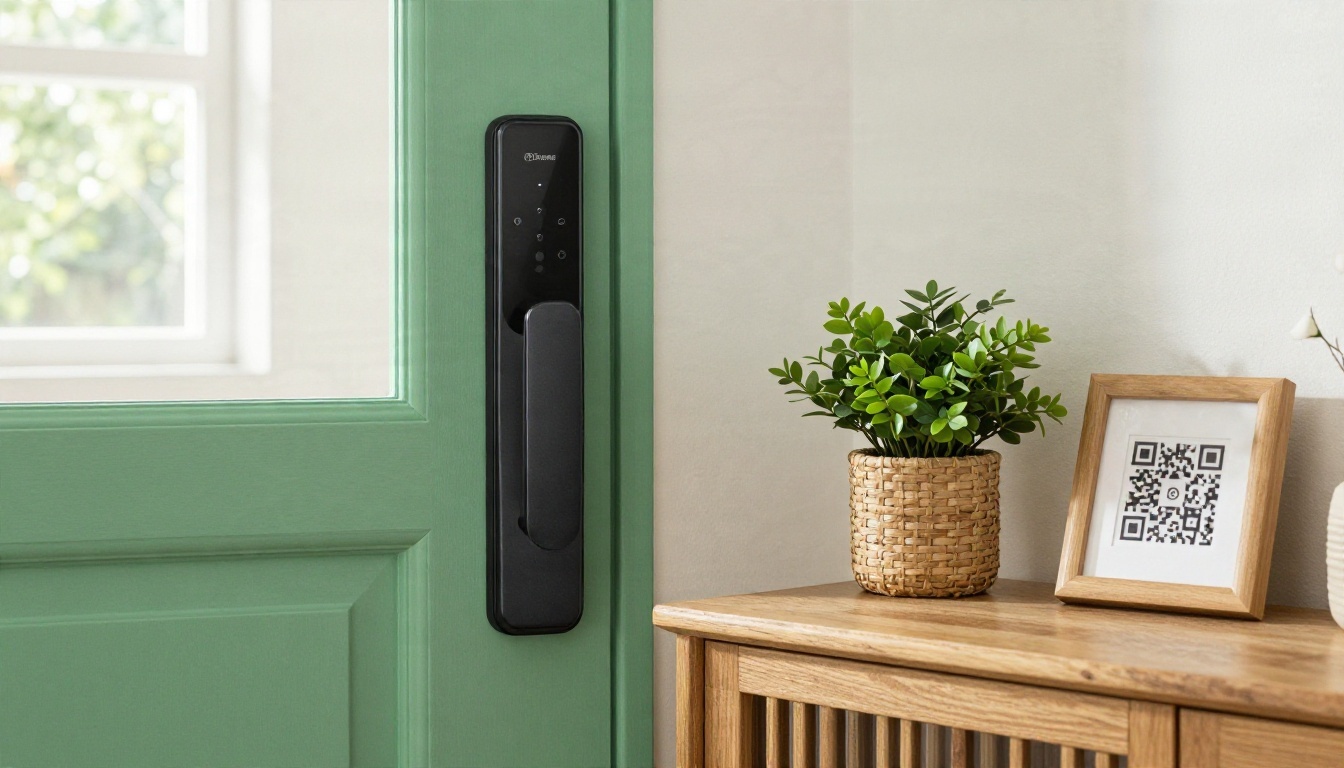
A QR code card at the door links straight to the digital welcome book, so guests can read the entry steps before they even take out a phone to message the host.
Beach House
A coastal host includes tide notes, beach rules, outdoor shower instructions, and a rinse-and-hang routine for wet towels. The appliance section covers the grill and outdoor heater. Safety gets a prominent page: rip current signs, the nearest lifeguard station and a warning about sand in the drains.
Mountain Cabin
Cabin guests need practical knowledge. The welcome book explains how to light the wood stove, where the firewood is, what to do if the power goes out, and how to handle wildlife. A winter page covers road conditions and snow chain requirements. Because mobile signal is weak, the host provides the book as a downloadable file for offline reading.
| Property type | Top priority page | Unique extra | Format that works best |
|---|
| City apartment | Entry and intercom | Transit table | Mobile flipbook with QR code |
| Beach house | Safety and outdoor gear | Tide and beach notes | Flipbook plus printed copy |
| Mountain cabin | Heating and power | Weather and road page | Offline PDF or downloadable flipbook |
| Family home | Kid-friendly info | Nearby parks and clinics | Shareable link |
| Luxury villa | Staff and services | Concierge contacts | Branded flipbook |
Print, PDF or Flipbook?
You have three practical formats. Each has strengths, and many hosts use two of them together.
| Feature | Printed binder | Plain PDF | Flipbook |
|---|
| Works without internet | Yes | After download | Yes, with offline download |
| Easy to update | No | Moderate, must resend | Yes, same link stays live |
| Mobile friendly | Not applicable | Often awkward | Yes, responsive |
| Photos, video and audio | Photos only | Photos only | Photos, video and audio |
| Link to maps and menus | No | Yes | Yes |
| Usage tracking | No | No | Yes, on the Professional plan |
| Password protection | No | Limited | Yes |
A printed copy in the living room still creates a lovely first impression. A flipbook link in the booking confirmation message makes sure the guest already has what they need before they arrive. Together, they cover every guest, from the one who loves paper to the one who wants everything on a phone.
How to Create It with Flipbooks AI
If you already have your template as a PDF, you can turn it into an interactive welcome book in a few minutes. Here is the process, step by step.
Step 1: Create Your Account
Go to Flipbooks AI and create an account. You can start with a free account to test the experience with your own document.
Step 2: Upload Your PDF
Open the PDF to Flipbook Converter, drag your welcome book PDF onto the upload area, and wait a few seconds. Every page becomes a flipbook page with a realistic page-turn animation. The result looks just as good on a phone as it does on a laptop, because the layout is mobile-responsive.
Step 3: Customize the Look
Next, make it feel like your property:
- Add your logo and brand colors
- Choose a background that matches your home's style
- Adjust page effects and sound
- Embed a short welcome video or a voice note greeting guests by name
- Add clickable links to maps, restaurant menus and your direct booking page
There is no watermark, so the book looks like your own.
Step 4: Share with Guests
You have several sharing options:
- Direct link: paste it into your booking confirmation message
- QR code: print it and place it by the door and next to the Wi-Fi router
- Embed code: place the flipbook on your own site using the Embed Flipbook on Website tool
- Password protection: keep door codes and Wi-Fi details private
✅ Best practice: Send the link 24 hours before arrival, along with a one-line message such as "Here is everything you need for a smooth check-in."
Step 5: Add Analytics and Offline Access
On the Professional plan, analytics show how many guests opened the book and which pages they spent time on. If page three is opened ten times, you probably need to simplify your entry instructions. Lead generation features let you collect an email address from guests who want to hear about future stays, which helps you build a direct booking list. Offline downloads keep the book accessible in places with poor signal, like that mountain cabin.
Compare pricing plans to see which tier fits your portfolio. If you manage multiple units, unlimited flipbooks on the Standard plan and above means you can make one for each property without counting.
| Need | Recommended setup |
|---|
| One property, basic sharing | Free account, one flipbook with link and QR code |
| Several listings | Standard plan, unlimited flipbooks with custom branding |
| Property manager or agency | Professional plan, analytics, lead generation and offline downloads |
Hosts who also produce property brochures for owners and investors can use the Real Estate Brochure Creator, and boutique stays with several rooms may like the Hotel Brochure Designer. You can also browse all flipbook tools for other formats.
Mistakes to Avoid
Even a good template can fail when it is executed poorly. These are the most frequent problems.
Writing Too Much
If your welcome book is 40 pages long, guests will not read it. Aim for 8 to 12 pages, with short paragraphs, bullets and photos. When in doubt, cut.
Leaving Information Outdated
Restaurants close, codes change and Wi-Fi providers get switched. Review your welcome book every season. With a flipbook, you update the document once and the same link shows the new version, so you never have to resend anything.
Forgetting the Mobile Experience
Most guests read on a phone, often while standing at the door. Large text, short lines and tappable links matter more than elaborate design.
Hiding the Essentials
Put the entry steps, Wi-Fi and emergency details near the front. Local recommendations are lovely, but nobody wants to scroll past them when the door will not open.
Send Your Welcome Book Today
A strong welcome book takes one afternoon to build and pays you back with every stay: fewer messages, smoother check-ins and warmer reviews. Start with the template above, fill in your details, export the PDF, and then turn it into a polished, shareable experience.
Ready to publish yours? Get started for free on Flipbooks AI, browse the full list of tools and templates, or compare pricing plans to pick the setup that suits your listings. Your next guest will arrive with every answer already in hand.


