A proposal is often the first real document a prospective client reads from your practice, and it either makes you look organised or makes you look like every other accountant in the postcode. The good news is that accounting proposal software does not have to cost much, and several of the best options for UK accountants are free. This article compares free and paid tools, shows what belongs inside a proposal, and walks through three worked examples with illustrative UK fees. You will also see how to turn a plain PDF into a page-turning proposal with Flipbooks AI, which is useful when you want something a client opens, reads and shares with their partner or business adviser.
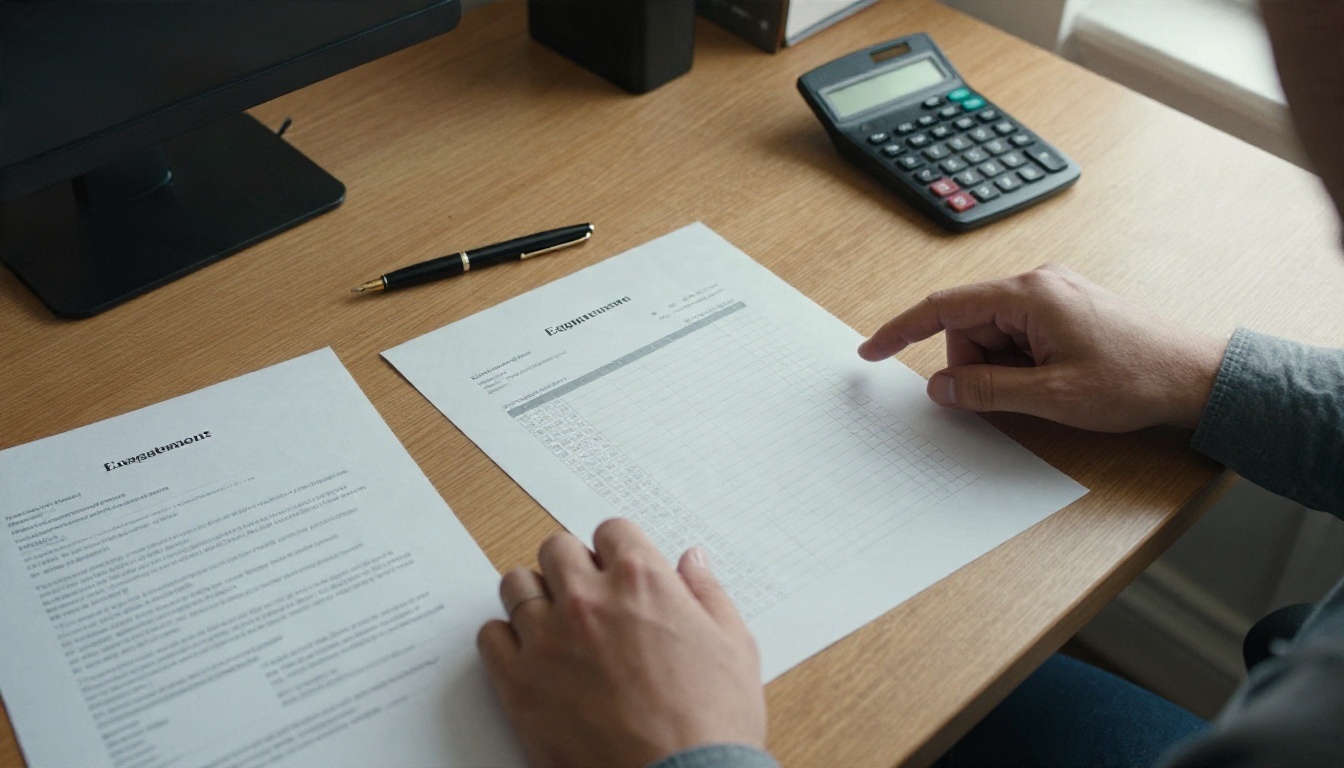
What Accounting Proposal Software Does
At its simplest, proposal software helps you assemble a document that explains who you are, what you will do, what it costs and how the client says yes. The better tools add templates, a fee table, an e-signature step, a way to take payment or set up a direct debit, and a notification when the client opens the file.
Proposal vs Letter of Appointment
UK practices usually deal with two documents. The proposal is the sales document: it persuades. The letter of appointment (sometimes called a client agreement) is the contractual document: it sets out responsibilities, professional terms and the legal basis for the work. Many tools let you bundle both, so the client accepts the proposal and the terms in one step.
What UK Clients Expect
A sole trader with a Self Assessment return wants a fixed price and a plain explanation. A limited company director wants to know who handles Companies House filings, VAT returns, payroll and corporation tax. A landlord wants clarity on property income and allowable expenses. Good software lets you reuse one structure and swap the services, not rewrite from scratch each time.
💡 Pro tip: Clients in the UK rarely read more than six or seven pages of a proposal. Put the price and the next step on page two, not page eleven.
Free Options That Actually Work
You do not need a paid platform on day one. Many sole practitioners and small firms win work with free tools and a disciplined template.
Word and Google Docs
A well-built Word or Google Docs template is still the most common starting point. Create a locked structure with sections for scope, fees, timeline and terms. Save it as a template, then duplicate it per prospect. Export to PDF before sending so formatting never breaks on the client's phone.
Canva and Design Tools
The free tier of Canva gives you layouts, icons and brand colours, which helps a one-person practice look established. Use it for the cover page and the fee summary, then export as PDF. Keep fonts to two and images to a minimum so the document stays light.
Free Tiers of Proposal Apps
Several proposal and e-signature platforms offer free plans with limited documents or signatures per month. That is plenty when you send a handful of proposals a week. Check each vendor's current pricing page, because free limits change often.

| Free option | Best for | Main limitation |
|---|
| Word template | Sole practitioners who want full control | No tracking, manual signature step |
| Google Docs template | Remote practices sharing drafts | Limited design polish |
| Canva free plan | Branded cover and fee pages | Not built for contracts |
| Free e-signature plan | Getting signed acceptance quickly | Monthly document limits |
| Flipbook from a PDF | Presentation and sharing | Not an e-signature tool on its own |
⚠️ Warning: A free tool is only free if your time is. If you spend 45 minutes reformatting each proposal, a paid platform may cost less in real terms.
Once you send more than a few proposals a month, dedicated software starts to pay for itself. The market splits into practice management suites and standalone proposal platforms.
Practice Management Suites
Platforms such as Ignition, Karbon and TaxDome combine proposals with client onboarding, workflows, billing and a client portal. They suit firms that want one system from first enquiry to recurring invoicing. Some are designed with UK practices in mind, others originate in the US, so check support for GBP, VAT and direct debit before you commit.
Dedicated Proposal Platforms
PandaDoc, Proposify, Qwilr and Better Proposals are general proposal tools. They are flexible, with strong templates and tracking, but you will need to build the accounting language yourself. That is not hard, and it gives you control over tone.

| Tool type | Examples | Strength | Watch out for |
|---|
| Practice management suite | Ignition, Karbon, TaxDome | Proposal to billing in one flow | Monthly cost per user |
| General proposal platform | PandaDoc, Proposify, Qwilr | Polished templates and tracking | No accounting content built in |
| Document plus flipbook | Word or Canva plus Flipbooks AI | Low cost, strong presentation | Pair with an e-signature tool |
| E-signature only | Dropbox Sign, DocuSign | Legally recognised signing | Does not build the proposal |
✅ Best practice: Decide what you need first. If you want automated recurring billing, choose a suite. If you only need a better looking document and a signature, a lighter combination is enough.
What Goes in a UK Proposal
Whatever software you pick, the contents matter more than the tool. A strong UK accounting proposal usually has these sections.
Scope of Services
List exactly what is included and, just as important, what is not. For example: annual accounts, corporation tax return, confirmation statement, VAT returns, and bookkeeping review. Add a line such as "Payroll for more than five employees is quoted separately." That one sentence prevents most scope arguments later.
Fees and Payment Terms
Give a fixed monthly or annual fee wherever you can. UK small business owners dislike open-ended hourly billing. State whether prices include VAT, how payment is collected (direct debit is popular), and when fees are reviewed. If you publish a menu of services, a Digital Price List Generator can present it cleanly.
Compliance and AML Wording
UK practices must complete anti-money-laundering checks before acting for a new client. Mention that you will need proof of identity and address, and explain that this is a legal requirement rather than a personal request. Also reference your professional body, such as ICAEW, ACCA or AAT, and your data protection approach under UK GDPR.

Making Tax Digital Considerations
Making Tax Digital is changing how many self-employed people and landlords report income to HMRC. Include a short paragraph explaining which software you will use, how often you will collect records, and who submits the quarterly updates. Clients value this clarity because it removes the fear of missing a deadline.
Three Proposal Examples
These are illustrative packages. Adjust the numbers to your region, your client mix and your costs.
Sole Trader Package
Client: a self-employed electrician in Leeds.
Services: Self Assessment return, quarterly bookkeeping review, one catch-up call each year.
Pitch: "One fixed price, no surprises, and your return filed well before 31 January."
Limited Company Package
Client: a two-director marketing agency.
Services: annual accounts, corporation tax, confirmation statement, VAT returns, director Self Assessment returns, quarterly management accounts.
Pitch: "Everything HMRC and Companies House need, with a monthly fee you can plan around."
Landlord Package
Client: an individual with three buy-to-let properties.
Services: property income schedules, expense categorisation, tax return, and an annual tax planning call.
Pitch: "Know your tax position before the year ends, not after."
| Package | Typical services | Billing style | Best proposal format |
|---|
| Sole trader | Self Assessment, bookkeeping review | Fixed annual or monthly | Short, 3 to 4 pages |
| Limited company | Accounts, CT600, VAT, payroll | Fixed monthly | Mid length, 5 to 7 pages |
| Landlord | Property income, planning call | Fixed annual | Short with a fee table |

How to Create a Proposal with Flipbooks AI
A flat PDF works, but a page-turning flipbook feels more like a brochure than an attachment. It loads on any phone, looks consistent, and lets you track what the client does. Here is the process, step by step.

- Open your account. Go to Flipbooks AI or create an account in a minute. No watermark is added to your documents, ever.
- Prepare the PDF. Build your proposal in Word, Google Docs or Canva and export it as PDF. Keep it to six or seven pages, with the fee table early.
- Upload and convert. Drag the file into the PDF to Flipbook Converter. The platform turns each page into a flipping page with smooth effects.
- Customise the look. Add your logo, brand colours and background. You can also embed a short video introduction or an audio note, which gives a personal touch that a standard PDF cannot.
- Set sharing options. Copy a direct link for an email, or use an embed code to place the proposal on your site with the Embed Flipbook on Website tool. For sensitive financial details, switch on password protection.
- Check on mobile. The design is mobile-responsive, so test it on your phone before sending.
- Track and follow up. On the Professional plan you get analytics and lead generation, so you can see when a prospect has opened the proposal and follow up at the right moment. Compare pricing plans to see which tier fits.
You can also enable offline downloads so clients can save the proposal for a board meeting or a conversation with their partner.
💡 Pro tip: Pair your flipbook with a free e-signature tool. Put the signature link on the last page so the next step is obvious.
For related formats, the Sales Presentation tool suits pitch decks, and the Corporate Report Maker works well for annual client review packs.
| Format | Looks professional | Easy to track | Works on mobile | Cost |
|---|
| Plain Word file | Low | No | Often awkward | Free |
| Standard PDF | Medium | No | Yes | Free |
| Proposal platform | High | Yes | Yes | Monthly subscription |
| Flipbook from PDF | High | Yes (Professional plan) | Yes | Plan based |
Common Mistakes to Avoid
Even good accountants lose work through avoidable proposal errors.
- Burying the price. If the client has to hunt for the fee, they assume it is high.
- Using jargon. Write "we file your tax return" rather than "we discharge your self-assessment obligations."
- No deadline. Add an expiry date, such as 14 days, to create gentle urgency.
- Skipping the AML explanation. Clients get frustrated when ID checks arrive unannounced.
- Sending too late. Send within 24 hours of the first call, while the conversation is fresh.
- No follow-up. Most signed proposals come after a second message, not the first.

⚠️ Warning: Never include client tax references or personal data in a public link. Use password protection and send credentials separately.
A Simple Workflow You Can Copy
Here is a lightweight setup that costs very little and scales as your client list grows.
- Take enquiries through a web form or a short discovery call.
- Fill in your Word or Google Docs template with the client's services and fee.
- Export to PDF and convert it with Flipbooks AI.
- Email the link with a short, friendly note and a clear deadline.
- Send the letter of appointment and AML request through your e-signature tool once they agree.
- Set up billing, then move the client into your regular workflow.

If your volume grows, you can move to a practice management suite later. The proposal content you built stays useful, because the structure is the same.

Ready to Send Better Proposals?
Free tools get you started, paid platforms save time at scale, and a polished presentation helps you stand out either way. If you want your next proposal to look sharper than a plain attachment, create your first flipbook for free on Flipbooks AI. Browse all flipbook tools to find the right layout, or compare pricing plans when you are ready for analytics and lead tracking.



