You have a product to present, a budget that is not unlimited, and a decision to make: print a few thousand brochures, send a plain PDF, or build something readers can actually click, watch and flip through. An interactive brochure sounds like the obvious winner, yet it is not right for every campaign. This article lays out the advantages and disadvantages of an interactive brochure with honest numbers, so you can choose with your eyes open. If you want to test the idea while you read, you can turn any PDF into a page-turning brochure on Flipbooks AI in a few minutes.
What an Interactive Brochure Is
An interactive brochure is a digital brochure that reacts to the reader. Pages turn with a swipe or a click, links open product pages, videos play inside the layout, and forms can collect an email address without sending the visitor elsewhere. It lives at a web address, so it opens on a phone, a tablet or a laptop without any app.
How It Differs From a PDF
A PDF is a static file. It downloads, it scrolls, and that is about it. An interactive brochure keeps the familiar layout of a printed piece but adds motion, media and tracking. The reader gets a page-turn feel instead of an endless scroll, and you get data instead of guesses.
| Feature | Printed brochure | Plain PDF | Interactive brochure |
|---|
| Page-turn experience | Physical | No | Yes |
| Video and audio | No | Rarely | Yes |
| Clickable links | No | Basic | Yes, anywhere |
| Update after publishing | Reprint | Resend file | Edit and republish |
| Reader analytics | None | Download count only | Views, time, page data |
| Works offline | Yes | After download | Optional download |
Who Uses Them
Hotels, real estate agencies, car dealers, schools, travel companies and manufacturers use them most. A boutique hotel can embed a room tour video beside the rate card. A dealer can link each trim level to a configurator. A school can add a registration form to the last page. The common thread is a product that benefits from motion, photos or a direct next step.
The Real Advantages
Always Up to Date
Print has a nasty habit: the moment a price changes, a thousand brochures become wrong. With a digital version you edit the source, republish, and the same link shows the new content. Readers who saved the link always see the latest version.
💡 Pro tip: Keep one master link in your email signature, QR codes and social bios. When the brochure changes, none of those touchpoints need to change.
Rich Media Inside the Pages
Paper cannot show how a hinge moves or how a lobby sounds at breakfast. A digital brochure can. You can embed video, audio, image galleries and animated hotspots right where the text mentions them. For visual products such as furniture, cars, travel or food, that difference alone often justifies the switch.
Measurable Reader Behavior
This is the advantage marketers underestimate. You can see how many people opened the brochure, which pages held attention, where they dropped off and which links they clicked. A printed piece gives you none of that. If page six is ignored by 80 percent of readers, you know exactly what to rewrite.
Lower Cost at Scale
Every extra printed copy costs money, plus shipping. Every extra digital view costs almost nothing. The more people you need to reach, and the more often the content changes, the better the economics look. We break the numbers down further below.
Shareable Anywhere
A link travels through email, chat apps, social posts and QR codes on packaging or posters. Prospects forward it to colleagues without you lifting a finger, which is something a paper brochure in a drawer never does.
The Honest Disadvantages
No format is perfect, and pretending otherwise is how budgets get wasted. These are the real drawbacks.
Screen Fatigue and Lost Touch
Paper has weight, texture and a physical presence. At a trade show, a luxury property viewing or a high-end boutique, a thick printed brochure signals effort in a way a screen cannot. Some audiences, especially older decision makers, still prefer to hold what they read.
Dependence on Connectivity
An interactive brochure needs a screen and, usually, a connection. Poor Wi-Fi in a conference hall or a rural client with weak mobile data can break the experience. Offline downloads reduce the problem, but you have to plan for them.
Setup Time and Skills
A beautiful PDF is not the same thing as a beautiful interactive brochure. Someone has to decide where the videos go, which links matter and how the first page looks on a phone. With a no-code tool this takes hours rather than weeks, but it still takes thought.
Privacy and Tracking Concerns
Analytics and lead forms are valuable, but they bring responsibilities. If you collect emails, you need a clear notice and a lawful basis under rules such as GDPR. Password protection helps when the brochure is meant for a limited audience.
⚠️ Warning: Heavy videos and oversized images can make a brochure slow on mobile. Compress media and test on a mid-range phone before you share the link widely.
Quick Verdict
| Advantage | Disadvantage |
|---|
| Instant updates | Needs a device and often a connection |
| Video, audio and links | Less tactile than paper |
| Page-level analytics | Requires privacy awareness |
| Cheap to distribute | Some setup time up front |
| Easy to share | Lower "wow" in physical settings |
What an Interactive Brochure Costs
Costs vary a lot, so treat the figures below as realistic ranges rather than quotes. Printing prices depend on paper, size, finish and quantity. Digital costs depend mainly on the platform and whether you outsource design.
| Cost item | Printed brochure (1,000 copies) | Interactive brochure |
|---|
| Design | Same layout work | Same layout work |
| Production | Roughly 400 to 1,500 USD | Subscription, often tens of USD per month |
| Distribution | Shipping or hand delivery | Free via link, email or QR code |
| Update a price | Full reprint | Minutes of editing |
| Extra readers | Cost per copy | Almost zero |
| Analytics | Not available | Usually included |
You can see current plans and what each one includes on the pricing page.
Hidden Costs to Plan For
- Media production: Video and photography still cost money, even if hosting does not.
- Staff time: Someone must own updates and check analytics.
- Translation: Each language version needs its own review.
- Lead follow up: Collecting emails is useless without a sales process behind it.
When Print Still Wins on Price
For a small, local, one-time event with 100 attendees and no future updates, a short print run may cost less than the time spent building a digital piece. The break-even point arrives quickly once you need updates, translations or wide distribution.
Alternatives Worth Comparing

An interactive brochure is one option among several. Here is how the others stack up.
| Option | Best for | Main weakness |
|---|
| Printed brochure | Events, luxury touchpoints, in-person sales | Costly to update, no data |
| Plain PDF | Quick internal sharing, formal documents | Static, weak on mobile |
| Landing page or microsite | Single campaigns with a clear call to action | Needs web design and maintenance |
| Slide deck | Live presentations and sales calls | Not designed for solo reading |
| Video | Emotional storytelling | Hard to scan, no detail depth |
| Interactive flipbook | Catalogs and brochures with many pages | Needs a screen |
Printed Brochure
Still strong when the moment is physical: a hotel front desk, a showroom, a conference booth. Pair it with a QR code that opens the digital version, and you get the best of both.
Plain PDF
Fine for contracts and manuals, weak for marketing. Many readers never open it on a phone because pinching and zooming is tiring. If you already have one, the PDF to Flipbook Converter is the fastest upgrade path.
Microsite or Landing Page
A custom site gives total control and works well for one big campaign. The trade-off is development cost and ongoing maintenance. For multi-page product content, a brochure format is quicker to produce.
How to Create One With Flipbooks AI
If the pros outweigh the cons for your case, here is a practical walkthrough using the Brochure Flipbook Maker. You can also browse the Online Brochure Designer if you are starting from a blank page.
- Create an account. Go to Flipbooks AI and sign up. No watermarks are added to your work.
- Upload your PDF. Drag the file into the uploader. Each page converts into a flipbook page automatically, keeping fonts and images sharp. Export your PDF at 150 dpi or higher for best results.
- Customize the look. Add your logo, pick brand colors, choose a background and select a page-turn effect. Preview it on a phone before moving on.
- Add multimedia. Embed a video on the product page, add audio to an introduction, and turn product names into links that open the matching page of your website.
- Choose sharing options. Copy the direct link, generate an embed code with the Embed Flipbook on Website tool, or add password protection for private content.
- Turn on analytics and lead capture. On the Professional plan you can see views and reader behavior and collect contact details. Enable offline downloads for events with weak connections. Details are on the pricing page.
- Publish and promote. Print the link as a QR code on posters, packaging and business cards.
✅ Best practice: Put your strongest page first. Most readers decide within the first two pages whether to keep going.
Industry Shortcuts
Specialized tools can save setup time: the Hotel Brochure Designer for hospitality, the Real Estate Brochure Creator for listings and the Automotive Brochure Generator for dealerships. The full list lives in the tools directory.

Theory is useful, but scenarios decide things. Here are four common situations.
A Real Estate Agent
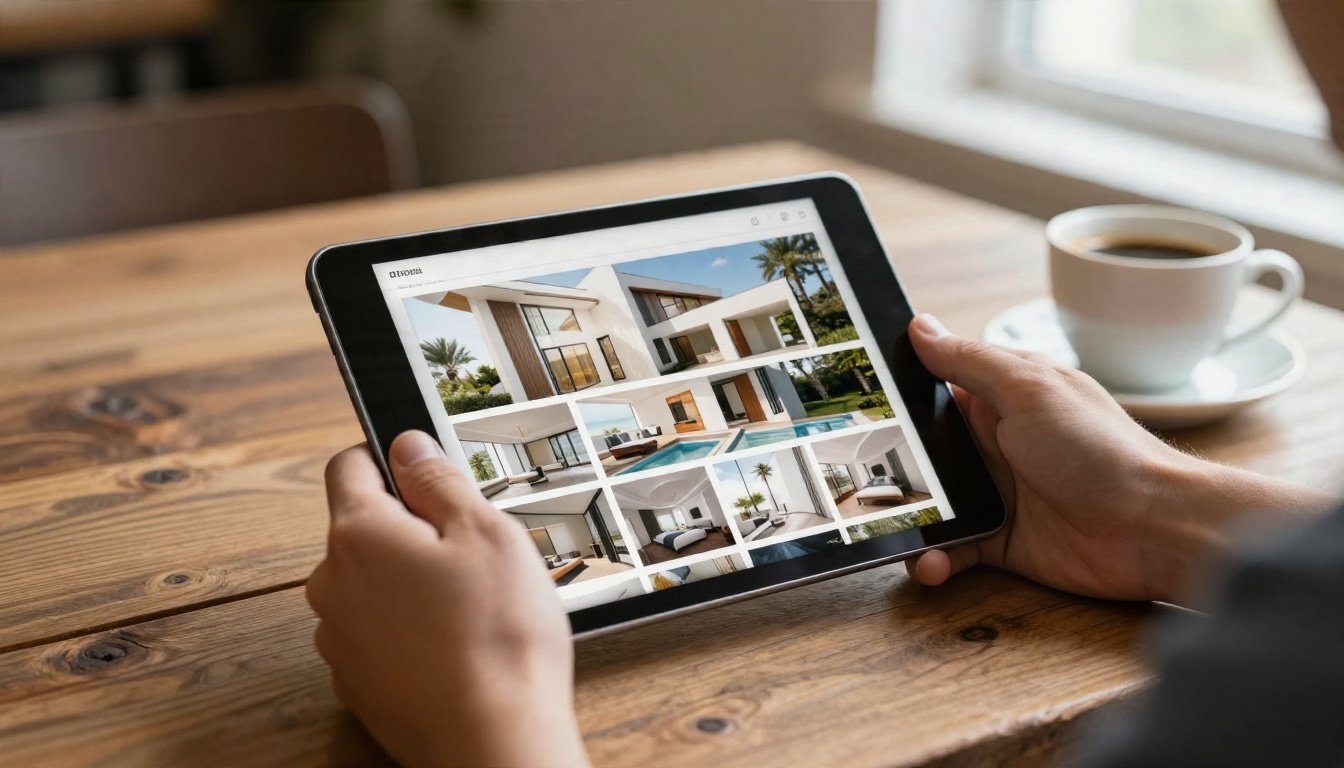
An agent can send a property brochure to a hundred leads on Monday and fix a price on Tuesday without reprinting anything. During a showing, a tablet with the interactive version lets the buyers see floor plans, neighborhood photos and a video tour. Analytics reveal which listings people reread, which is a strong buying signal.
A Boutique Hotel
Print a small, elegant welcome card for the lobby and let a QR code lead to the interactive brochure with rooms, spa menu, seasonal offers and booking links. Seasonal changes take minutes. The physical touch stays, and the digital depth is added.
A Manufacturer at a Trade Show
Shows have bad Wi-Fi and crowded booths. Offer an offline download plus a QR code, and keep a short printed leaflet for people who want something to carry. Follow up afterwards with the full interactive version.
A Small Local Business
A café or salon with a stable menu and offers may not need analytics at all. A simple digital brochure for social media, plus a small print run for the counter, usually works well.
Quick Decision Checklist
- Does your content change more than twice a year? Lean digital.
- Do you need to know who read what? Go digital.
- Is the audience in a physical, premium setting? Add print.
- Do you have video or rich photos to show? Go interactive.
- Is the budget tiny and the run one-off? Short print run may do.
💡 Hybrid approach: The strongest campaigns often combine both. Print creates the first impression, a QR code carries the reader into the interactive version, and analytics show what worked.
Ready to Build Yours?
The balance is fairly clear. Interactive brochures win on updates, media, reach and measurable results. Print wins on touch and prestige. Plain PDFs and slide decks have their place but rarely sell on their own. For most businesses, a digital brochure with a printed companion gives the best return.
You can try it yourself without a big commitment:
Upload one brochure, open it on your phone, and judge the result for yourself. That ten-minute test will tell you more than any list of pros and cons.



