Printing a wedding program for every guest sounds small until the invoice lands. Paper, design fees, trimming, shipping, and the reprint after you spot a misspelled aunt's name: it all adds up, and most programs end up folded into fans or forgotten under a chair. A digital flipbook program gives guests the same order of service, the same photos, and the same personal touches, but it lives on their phone and costs a fraction of the print run. With Flipbooks AI, you turn a simple PDF into a page-turning booklet that opens with one scan.
This article lays out budget-friendly flipbook ideas, layout templates you can copy, the free options that actually work, and a step by step setup you can finish in one evening.

Why Digital Programs Cost Less
Budget-conscious couples usually look at the guest count first. A 120-guest wedding means 120 programs, or at least 70 or so if you share one between couples. Every extra page raises the price, and every late change means a reprint.
The Real Cost of Printing
Printed programs carry hidden costs that rarely show up in the first quote:
- Design time or fees for a layout that fits the paper size
- Cardstock and finishing such as folding, trimming, ribbon, or tassels
- Shipping and rush charges when the date is close
- Reprints after a late change in the lineup, a name fix, or a venue update
- Waste, since a good share of programs are never read after the ceremony
A digital version removes most of these lines. You edit the PDF, upload it again, and every guest sees the new version instantly.
What Guests Actually Want
Guests mainly want to know three things: when things start, who is who, and where to go next. A phone-friendly flipbook answers all three, and it keeps working after the day ends. Relatives who could not travel can open the same link and follow along from home.
💡 Pro tip: Put the link in your invitation suite and your wedding website too. Guests who check the program early arrive less confused and ask you fewer questions on the day.
Print vs Digital at a Glance
| Item | Printed Program | Digital Flipbook |
|---|
| Cost per guest | Rises with every copy | Same no matter the guest count |
| Late changes | Reprint needed | Re-upload the PDF |
| Page count | Limited by budget | As many pages as you like |
| Photos and video | Static images only | Photos, audio, and video embeds |
| Remote guests | Cannot receive it | Open the link anywhere |
| Keepsake value | Paper that may be lost | Link kept in an email forever |
| Environmental impact | Paper and ink | None beyond the screen |
Digital Flipbook Ideas That Work
A flipbook is not just a PDF on a screen. The page-turn effect, the embedded media, and the instant sharing make it feel like a small keepsake booklet. Here are ideas that suit different budgets and styles.
The Classic Page-Turn Program
Keep it simple: a cover page with your names and date, an order of service, the wedding party, and a thank-you page. Four to six pages is plenty. The page-turn effect gives it the feel of a real booklet without any printing.
Programs With Music and Video
Here a flipbook beats paper by a wide margin. Embed a short clip of your processional song, a welcome message from the couple, or a video tribute for a loved one who could not attend. Flipbooks AI supports embedded video and audio, so the program becomes part of the celebration.
The QR Code Welcome Sign
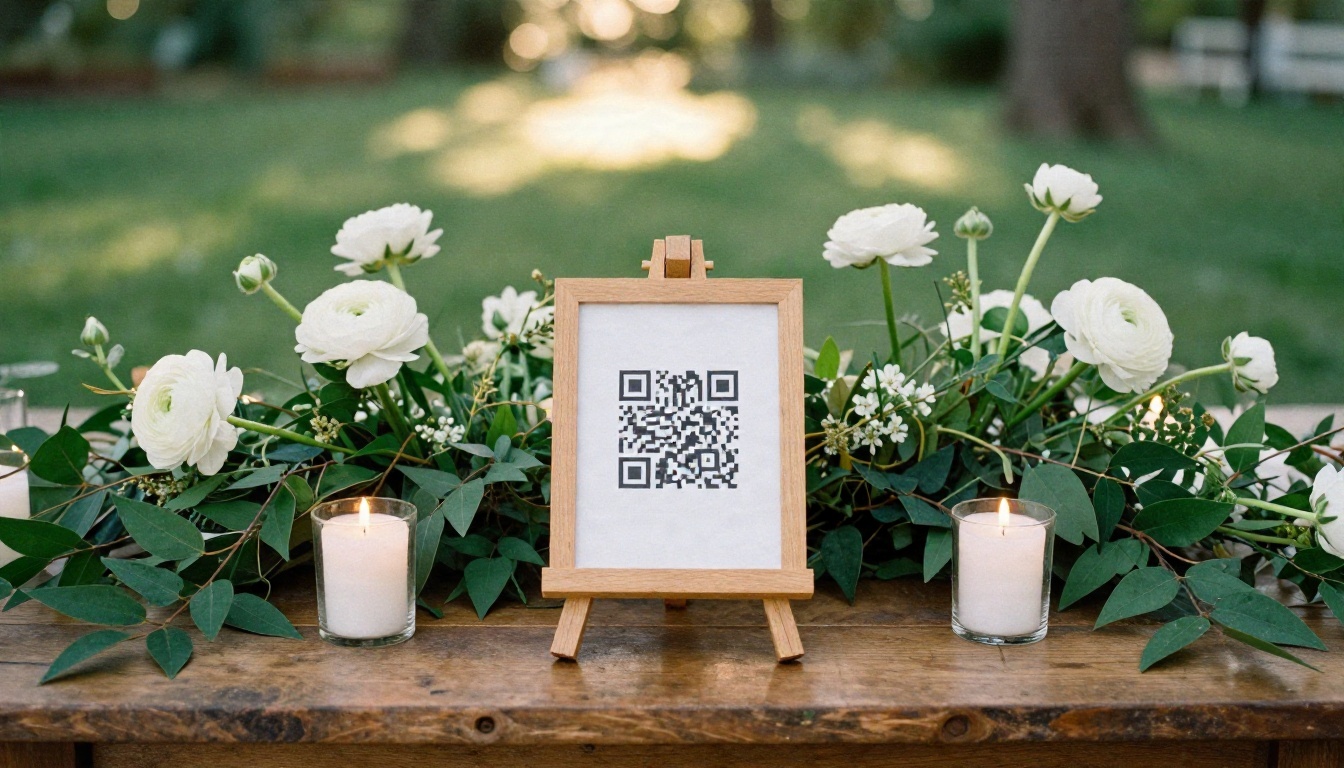
Skip the stacks of paper at the door. Print one elegant sign for the entrance and a few small cards for the tables, each carrying a QR code that opens the program. That is a handful of printed items instead of a hundred.
Multilingual Programs
Mixed-language families benefit most from digital. You can create two versions, one per language, and give each its own link, or put both languages on facing pages. No paper waste, and no guest feels left out.
The Story Booklet
Instead of only listing the schedule, tell the story of how you met. Add a timeline, a few candid photos, and short bios of the wedding party. Guests flip through it while they wait for the ceremony to start, and it sets the mood.
Template Layouts to Start From
You do not need a designer. These layouts work as starting points in any design editor or word processor, and you can export them as a PDF afterward.
Single Page Order of Service
The most economical layout fits on one page. Use it when the ceremony is short and the budget is tight.
- Names and date at the top
- Time and place
- Ceremony order in a short numbered list
- Officiant and music credits
- A line of thanks at the bottom
Multi-Page Story Booklet
For couples who want more, plan six to ten pages. Each page has one job, which keeps the design calm and readable on a small screen.
Layout Comparison
| Template | Pages | Best For | Effort Level |
|---|
| One-page order of service | 1 | Courthouse and micro weddings | Very low |
| Classic booklet | 4 to 6 | Most ceremonies | Low |
| Story booklet | 6 to 10 | Couples with photos to share | Medium |
| Full weekend itinerary | 8 to 12 | Destination weddings | Medium |
| Bilingual booklet | 6 to 8 | Mixed-language families | Medium |
✅ Best practice: Use large type, at least 16 pt in the PDF, so older guests can read it on a phone without zooming.

Free Options Worth Trying
Free does not have to mean flimsy. You can build a polished program without paying for design software.
Free Design Tools
Free design editors, office suites, and slide tools all export to PDF. Pick a wedding-style layout or start with a blank page, add your text and photos, and download the file. This is the cheapest route, and it works well with a flipbook converter on top.
What to Check in Free Plans
Before committing to any free tool, check these points:
- Watermarks. Some free plans stamp their logo across every page. That looks awkward in a wedding keepsake.
- Expiry. Some links disappear after a trial period. Your program should still open a year later.
- Page limits. A story booklet may need more pages than the free tier allows.
- Privacy. Wedding details are personal. Look for password protection if you want to limit who sees the program.
You can try Flipbooks AI for free and see how your PDF looks before you decide on a plan. The platform adds no watermarks, ever, which matters when the pages carry your names and photos.
Free vs Paid Options
| Option | Cost | Page-Turn Effect | Media Embeds | Watermark Risk |
|---|
| Print at home | Paper and ink | No | No | None |
| PDF shared by email | Free | No | No | None |
| Free flipbook trial | Free | Yes | Varies | Check the plan |
| Flipbooks AI | See pricing | Yes | Yes | None |
| Professional print shop | Highest | No | No | None |
How to Create a Wedding Program With Flipbooks AI
The whole process takes about an hour once your text and photos are ready. The Event Program Maker is built for exactly this kind of booklet.
Step 1: Prepare Your PDF
Design the program in any editor and export it as a PDF. Keep each page the same size, and use portrait orientation for the booklet feel. Add your photos at a reasonable resolution so the file stays light for guests on mobile data.
Step 2: Upload and Convert
- Go to Flipbooks AI and create an account.
- Upload your file. The PDF to Flipbook Converter turns each page into a flippable spread.
- Check the preview on both desktop and phone. The layout is mobile-responsive, so it adapts to the screen.
Step 3: Customize the Look
Match the flipbook to your wedding style:
- Custom branding: add your monogram or wedding logo
- Colors: choose a background that fits your palette, such as blush, sage, or navy
- Page effects: keep the page-turn animation soft and natural
- Multimedia: embed a video message or your processional song on the relevant page
Step 4: Share With Guests
You have several ways to share:
- Direct link for invitations and your wedding website
- QR code for the welcome sign and table cards
- Embed code to place the program on your site with the Embed Flipbook on Website tool
- Password protection if you want only invited guests to open it
Step 5: Track and Keep
On the Professional plan you get analytics, so you can see how many guests opened the program, plus lead generation tools if you also use the flipbook for a wedding business. You can also enable offline downloads, which helps at venues with poor signal. See the pricing plans for what each tier includes. Standard and above give you unlimited flipbooks, handy if you also want a rehearsal dinner program and a separate album.
⚠️ Warning: Test your QR code on at least three different phones before you print the sign. Check it in the lighting of your venue too.
What to Put in Your Program
Content matters more than decoration. Guests skim, so every page should earn its place.
The Order of Service
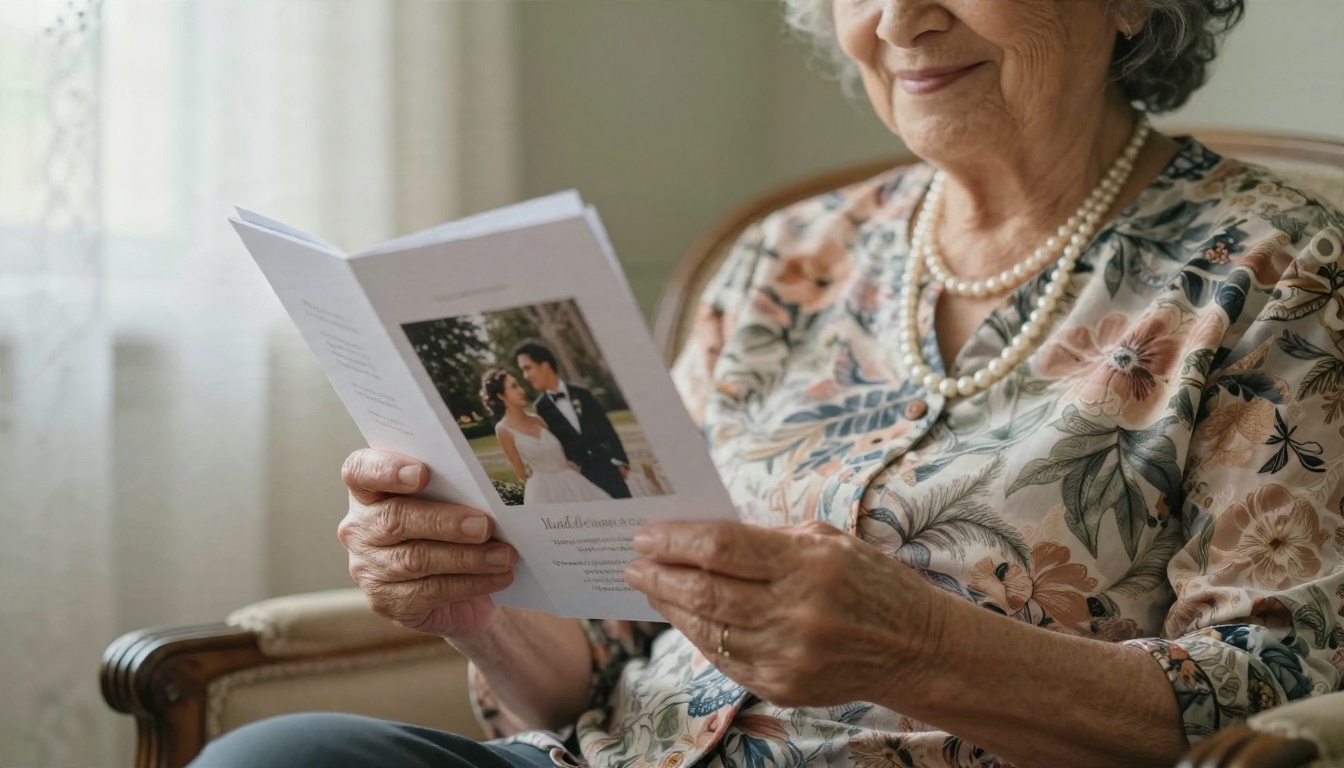
List each moment in sequence: the processional, readings, vows, ring exchange, the pronouncement, and the recessional. Add the names of readers and musicians. If there is a unity candle or a cultural ritual, add a short line explaining it so guests feel included.
Wedding Party Bios
Two or three sentences per person is enough. A funny detail about the best man or the sister who has been your friend since age six adds warmth. Pair each bio with a small photo.
A Thank-You and a Memory Page
Close with a short note thanking family and guests. You can also leave a page for the reception schedule, dress code, and the hashtag for photos. If you plan to share photos afterward, link your Wedding Album Flipbook from the same page so guests know where to look later.
Real-World Examples
- A courthouse wedding with 25 guests: a one-page flipbook with the schedule and a short thank-you, shared in a group chat.
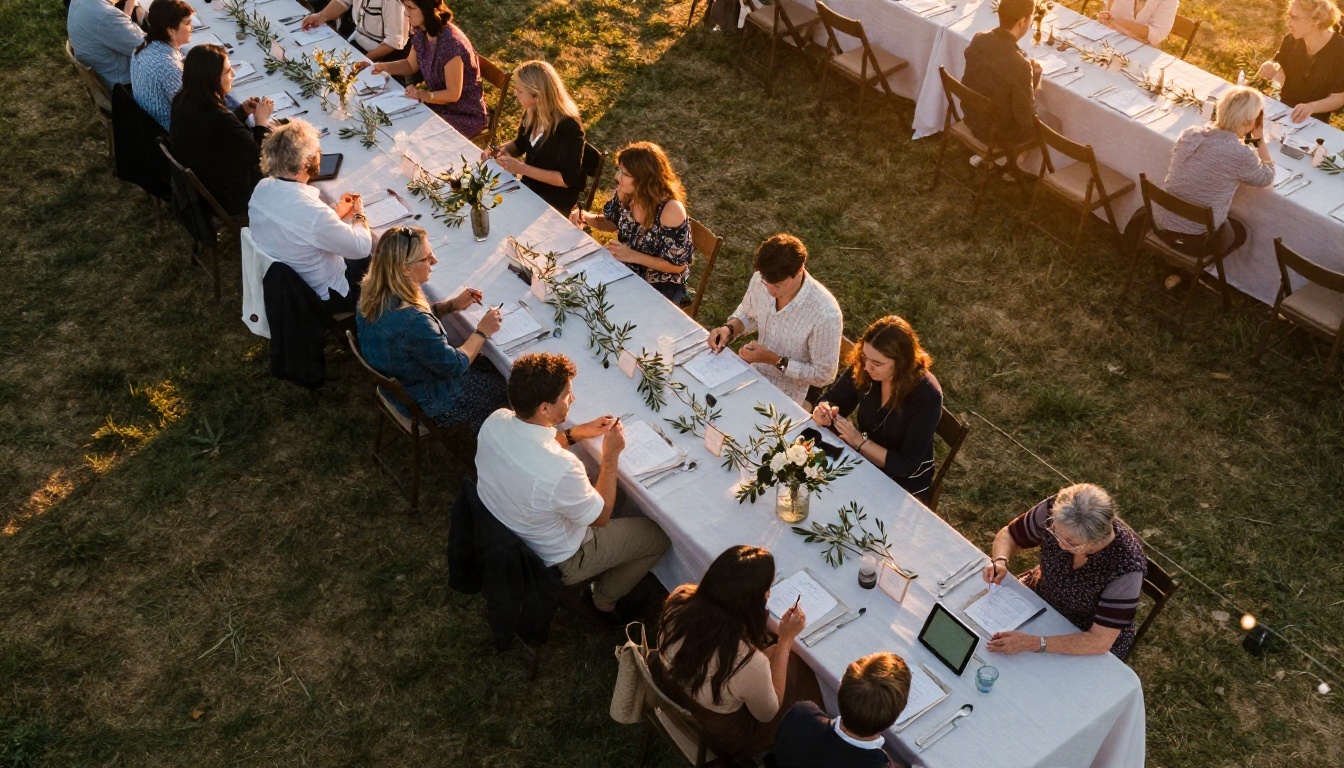
- A garden wedding with 100 guests: a six-page booklet with a QR sign at the entrance, a processional song embedded on page two, and a photo bio of the bridal party.
- A destination wedding with 60 guests: a ten-page itinerary covering flights, shuttle times, the welcome dinner, and the ceremony, with a password to keep details private.
Common Mistakes to Avoid
Even a simple program can go wrong. Watch for these:
- Tiny text. What looks fine on a laptop is unreadable on a phone. Use big type and short paragraphs.
- Heavy files. Huge photos make pages load slowly at venues with weak signal. Compress images before exporting.
- No fallback. Keep a handful of printed copies for guests without smartphones. A dozen is usually enough.
- Late sharing. Send the link a week ahead and again on the morning of the wedding.
- Untested links. Open the final link on a phone that is not yours before you print any sign.
💡 Pro tip: Ask a friend to read the program as if they were a guest. They will spot confusing steps in two minutes.
Ready to Build Yours?
A wedding program should welcome guests, not drain the budget. A flipbook gives you the elegant page-turn look, room for photos and music, and the freedom to fix a typo at midnight before the big day.
Here is a simple plan to follow this week:
- Draft your order of service and wedding party bios.
- Design the pages in any free editor and export a PDF.
- Create your account on Flipbooks AI and upload the file.
- Print one QR sign for the entrance and a few table cards.
- Compare pricing plans if you want analytics, password protection, or unlimited flipbooks.
You can also browse all flipbook tools for menus, itineraries, and albums that match the rest of your wedding weekend. Start with the free option, see how it looks on your own phone, and decide from there.



