Type "AI book maker" into a search bar and you get a messy mix: writing bots, layout apps, jacket generators, and a handful of tools that promise all three for free. Most of them stop at the same place, a PDF or EPUB file that sits in a folder and never gets read. This article sorts the free options from the paid ones, compares online tools side by side, shows what pricing really looks like, and then turns the finished book into an interactive flipbook with Flipbooks AI.
💡 Short on time? Draft with a free text assistant, lay out with a free design tool, then publish as a flipbook. That three-step chain costs close to nothing and gives you a shareable result.
What an AI Book Maker Does
An "AI book maker" is not one product. It is a label stuck onto at least four different kinds of software, and mixing them up is the fastest way to waste a weekend.

Four Tools Under One Name
- Writing assistants draft chapters, outlines and rewrites from a prompt.
- Layout engines place text and pictures on pages, set margins and export files.
- Image generators produce illustrations, interior art and front pages.
- Publishing platforms turn the finished file into something readers can open and share.
Search results blur these together, so a tool advertised as an "all in one AI book maker" often does one of them well and the other three poorly. Decide which job you need done before you compare anything else.
The Output Problem
Here is the part most listicles skip. Whatever you build, the book has to leave the tool in some format. A static PDF is fine for printing, but it feels flat on a phone. An EPUB reflows text nicely but cannot hold a designed spread. A flipbook keeps the exact page design and adds the page-turn motion readers expect, which is why output format deserves as much thought as the writing tool.
Free Options That Actually Work
Free plans are real, but they come with a catch. The trick is knowing which limits matter for a book and which you can ignore.
What Free Plans Usually Limit
| Limit | What it means for a book | Does it hurt? |
|---|
| Word or credit caps | You hit a wall mid-chapter | Yes, on long drafts |
| Watermarks on export | Branding stamped on every page | Yes, if you share publicly |
| Page count limits | Short booklets only | Depends on length |
| Low resolution images | Soft pictures in print | Yes, for print runs |
| Slow queue times | Waiting during busy hours | Rarely |
| No commercial license | You cannot sell the result | Yes, for sellers |
The watermark and license rows are the dealbreakers. Everything else is an inconvenience you can plan around.
⚠️ Read the license before you sell anything. A tool that lets you export for free does not always let you sell what you export. Check the terms on commercial use, especially for generated images.
A Free Stack Worth Trying
You do not need one tool to do everything. A simple stack looks like this:
- Outline and draft in a free-tier writing assistant, in short sessions so you stay under the cap.
- Edit by hand. Read every paragraph aloud and cut anything that sounds generic.
- Lay out in a free design or word-processing app, exporting a clean PDF.
- Publish the PDF as a flipbook. Flipbooks AI has no watermarks, ever, so your finished pages look the way you designed them.
This is the cheapest path from blank page to shareable book, and it keeps you in control of every file along the way.
The market splits into three practical groups. Here is how they stack up for someone building a book from scratch.

Writing, Layout and Image Tools
| Tool type | Best for | Typical free tier | Output |
|---|
| Writing assistant | Outlines, drafts, rewrites | Limited daily messages | Text |
| Layout app | Page design, templates | Basic templates, watermark on some | PDF |
| Image generator | Illustrations, front pages | A few credits per day | PNG or JPG |
| All in one book builder | Quick short books | One or two small projects | PDF or EPUB |
| Flipbook platform | Sharing and reading online | Trial or entry plan | Interactive flipbook |
The last row matters most. Every other tool produces a file. A flipbook platform produces an experience your reader can open from a link.
Match the Tool to the Book
Different books need different setups:
- Novel or memoir: a writing assistant for structure, then a plain layout app. Pictures are optional.
- Photo book or portfolio: an image-heavy layout tool. See the Digital Portfolio Creator for a ready path.
- Recipe collection: short pages with big photos. The Recipe Book Flipbook tool fits well.
- Business booklet: a layout app with brand colors, published through a Corporate Report Maker.
✅ Best practice: Pick the output format first. If readers will open your book on phones, plan for a flipbook from day one and design pages that look good on a small screen.
The Real Cost of Pricing Tiers
Sticker prices on AI book tools look small until you add them up. Most creators end up paying for two or three subscriptions at once.

Typical Price Ranges
The figures below are rough market ranges seen across popular subscription tools. They shift often, so treat them as a planning baseline and check each vendor before you commit.
| Tool category | Free tier | Typical paid monthly range | What the upgrade adds |
|---|
| Writing assistant | Yes, capped | Roughly 10 to 30 USD | More words, longer memory, faster replies |
| Layout and design app | Yes, with limits | Roughly 10 to 25 USD | Premium templates, brand kits |
| Image generator | Yes, few credits | Roughly 10 to 40 USD | More credits, higher resolution |
| All in one book builder | Sometimes | Roughly 15 to 50 USD | Longer books, export options |
| Flipbook platform | Entry option | See current plans | Unlimited flipbooks, analytics, offline downloads |
Add three of these together and a "free" book project can quietly cost 40 USD or more per month. Cancel each subscription when its job is done.
Hidden Costs to Watch
- Credit top-ups when an image generator runs out mid-project.
- Export fees charged per file on some layout apps.
- Watermark removal sold as a separate add-on.
- Your time. A free tool that needs three hours of cleanup is not free.
On Flipbooks AI, the Standard plan and above gives you unlimited flipbooks, and the Professional plan adds analytics and lead generation. Because pricing changes, always confirm details on the pricing page.
Why Flipbook Output Wins
Once the book is written and laid out, the format decides how many people actually finish it.

PDF, EPUB or Flipbook?
| Format | Keeps page design | Works on phones | Shareable by link | Page-turn feel | Tracks readers |
|---|
| PDF | Yes | Poorly | Via download | No | No |
| EPUB | No | Yes | Via download | Basic | No |
| Flipbook | Yes | Yes | Yes | Yes | Yes (Professional) |
A travel writer sending a destination book to subscribers is a good example. A PDF attachment gets buried in an inbox. A flipbook link opens instantly, looks like a real book, and can include embedded video and audio. Browse the Travel Guide Flipbook tool to see how that looks in practice.
💡 Pro tip: Export your PDF at the final page size. Resizing after upload can shift spreads and crop text near the edges.
How to Create a Flipbook from Your Book
Here is the full workflow with Flipbooks AI, assuming your AI-assisted book is already exported as a PDF.
Upload and Convert Your PDF
- Go to Flipbooks AI and create an account.
- Choose the PDF to Flipbook Converter or the E-Book Flipbook Generator.
- Drag your PDF into the upload area. Conversion takes a short while depending on page count.
- Preview the result. Flip through every spread and check that images and text line up.
⚠️ Check fonts before you export. If your layout app substitutes a font on export, the flipbook will show the substitute. Embed fonts in the PDF settings first.
Customize, Share and Protect
Customization is where a plain conversion becomes a branded book:
- Branding: add your logo, pick background colors and choose a page-turn effect.
- Multimedia: embed a video trailer or an audio narration on the pages that need them.
- Mobile check: open the preview on a phone. The design is mobile-responsive, but confirm that small text stays readable.
- Share: copy the direct link, or use the Embed Flipbook on Website option to paste the embed code into a page.
- Protect: set a password if the book is for subscribers, clients or students only.
Pro Features Worth Paying For
The Professional plan is aimed at authors and businesses who need results, not just a nice-looking file:
- Analytics show which pages readers reach and where they drop off.
- Lead generation asks for an email before readers open the book.
- Offline downloads let readers keep a copy on a train or a plane.
An author selling a paid course companion, for instance, can gate the first chapter behind an email form and see exactly where readers stop. Compare plans on the pricing page to see which tier matches your project.
Real-World Use Cases
The same workflow fits very different projects. A few examples show how.
Authors and Small Businesses
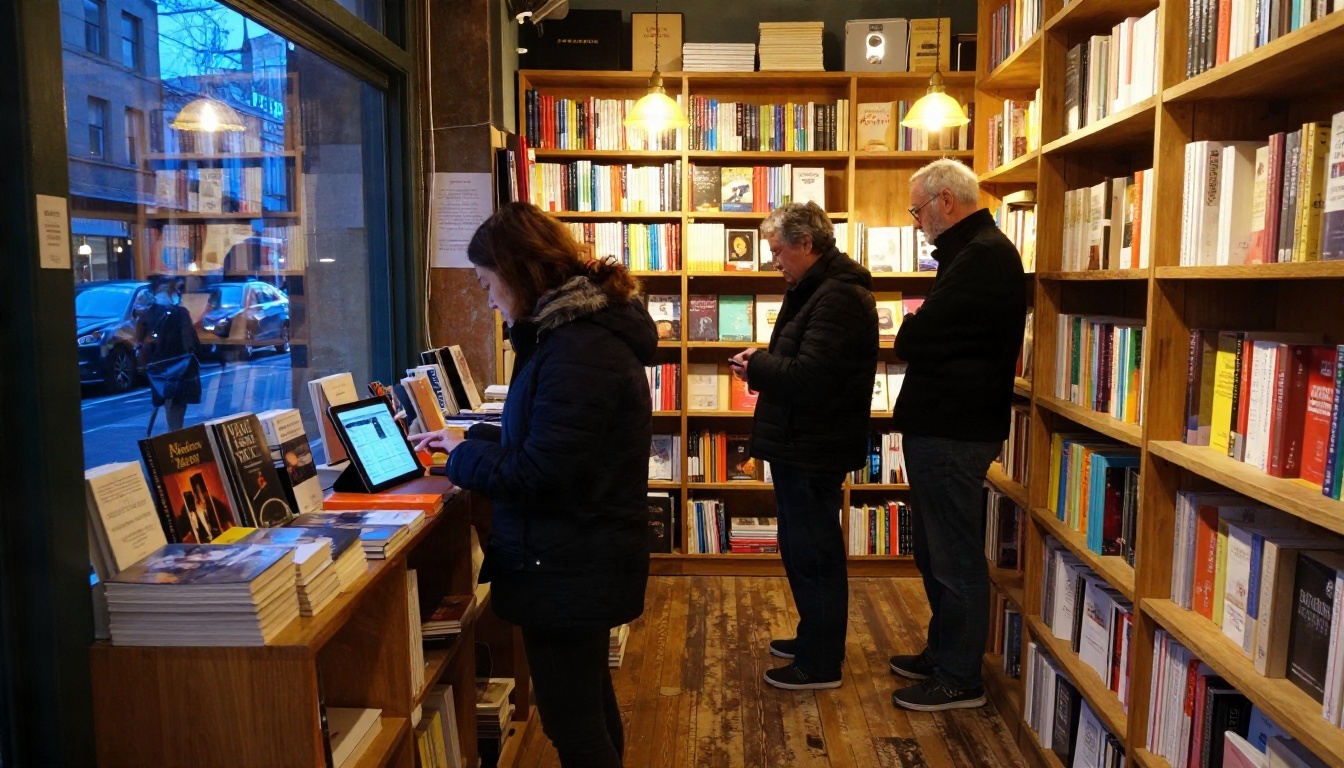
An independent bookshop owner can turn a seasonal reading list into a Digital Catalog Maker flipbook and send one link to the newsletter. A self-published author can share a free sample chapter as a flipbook instead of a clunky attachment. A boutique hotel can publish a Hotel Brochure that looks like a printed magazine.

Teachers and Creators
Teachers can draft worksheets with a writing assistant, edit them by hand, and publish a booklet through the Course Material Publisher. Photographers and designers can build a Photography Portfolio or a lookbook with the Interactive Lookbook Designer.

Pick Your Setup in Five Minutes
Use this short checklist to choose without overthinking:
- Zero budget? Free writing assistant, free layout app, then a flipbook through the entry plan.
- Selling a book or course? Confirm commercial licenses on every tool, then publish with password protection or lead capture.
- Sharing with clients? Skip the PDF attachment and send a branded flipbook link.
- Unsure which format? Build the PDF once, publish it as a flipbook, and keep the PDF for print.
Ready to turn your draft into something people actually open? Get started for free on Flipbooks AI, browse all flipbook tools and templates to find the right fit, or compare pricing plans to choose what works for your book.



