You have a story in your head, a few sketches in a notebook, and no budget for a penciller, inker and colorist. That is exactly the gap an AI comic maker fills. Type a scene, get a panel, repeat until you have a page. The harder part comes afterward: a folder full of images is not a comic yet, and a loose PDF is a clumsy way to read one. This article walks through the free tools worth trying, the prompts that keep your characters looking like themselves, and how to publish the result as a real page-turning flipbook with Flipbooks AI.
What an AI Comic Maker Does
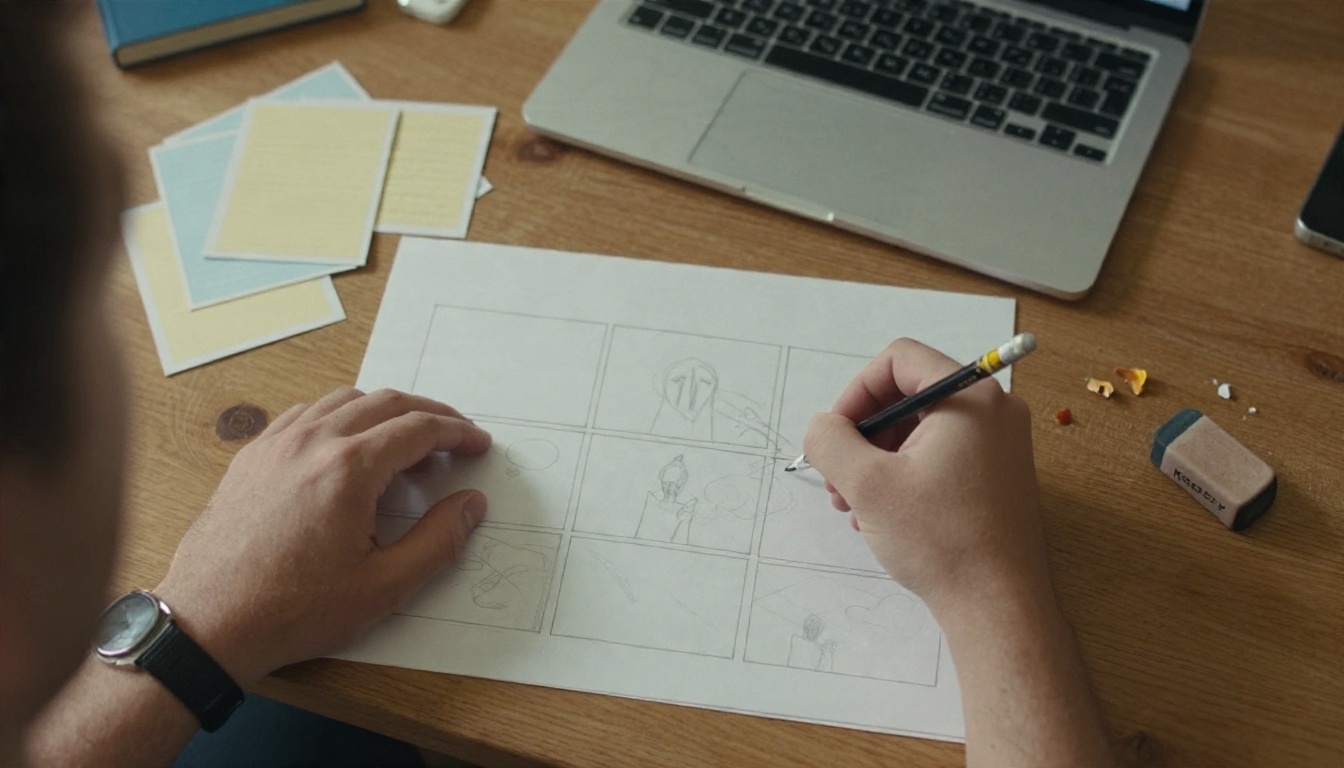
An AI comic maker is software that turns written descriptions into illustrated panels, then helps you arrange those panels, add speech bubbles and export finished pages. Some tools do everything in one place. Others only generate images, and you assemble the pages yourself.
Text to Panel Workflow
The basic loop is the same almost everywhere:
- Write a short script, one line per panel.
- Generate each panel from a prompt.
- Arrange panels on a page grid.
- Add lettering: captions, speech bubbles, sound effects.
- Export as images or a multi-page PDF.
The AI handles step 2. Everything else is still your craft, and that is where a comic stops looking like a pile of pictures and starts reading like a story.
Who Uses Them
You do not need to be an artist. The people getting the most from these tools tend to fall into a few groups:
- Writers who can plot a story but cannot draw it.
- Teachers building short illustrated lessons.
- Small brands making mascot stories or product explainers.
- Hobbyists drafting webcomics before committing to a full art pipeline.
💡 Pro tip: Write the whole script before you generate a single image. Comics fall apart when you chase pretty pictures and invent the plot afterward.
Free AI Comic Maker Options
"Free" comes in three flavors, and the difference matters before you invest hours in one tool.

Browser Based Generators
Dedicated comic apps run in the browser and bundle layouts, speech bubbles and character tools. Most offer a free tier with daily credits or a limited number of pages, plus exports that may carry a small mark. They are the quickest route from idea to page, but the free allowance changes often, so check the current limits on the tool's own pricing page before you plan a long project.
Image Generators You Already Have
A general image generator can produce every panel, and a free layout editor can assemble them. This route takes more effort, though it gives you the most control over style. Many general design apps include free page templates with comic style grids, which is enough for a clean six panel page.
Open Source for Local Use
If you have a capable graphics card, open source image models run on your own computer with no credit limits at all. The trade-off is setup time. You will install software, download model files and tinker with settings. For a long series, that investment pays off.
| Route | Cost | Setup effort | Character consistency | Best for |
|---|
| Dedicated comic app (free tier) | Free, with limits | Low | Medium, built in tools help | Fast first drafts |
| General image generator plus layout editor | Free or low cost | Medium | Medium, depends on your prompts | Style control |
| Local open source models | Free after hardware | High | High, with reference images | Long series, no credit caps |
| Hand drawn plus AI coloring | Free to low cost | Medium | High, you draw the characters | Artists who want speed |
⚠️ Watch the terms: Free tiers often restrict commercial use. If you plan to sell your comic, read the license for generated images before you publish.
Prompts That Actually Work
A weak prompt gives you a different character every panel. A good one reads like a camera and costume brief.
Character Sheet Prompt
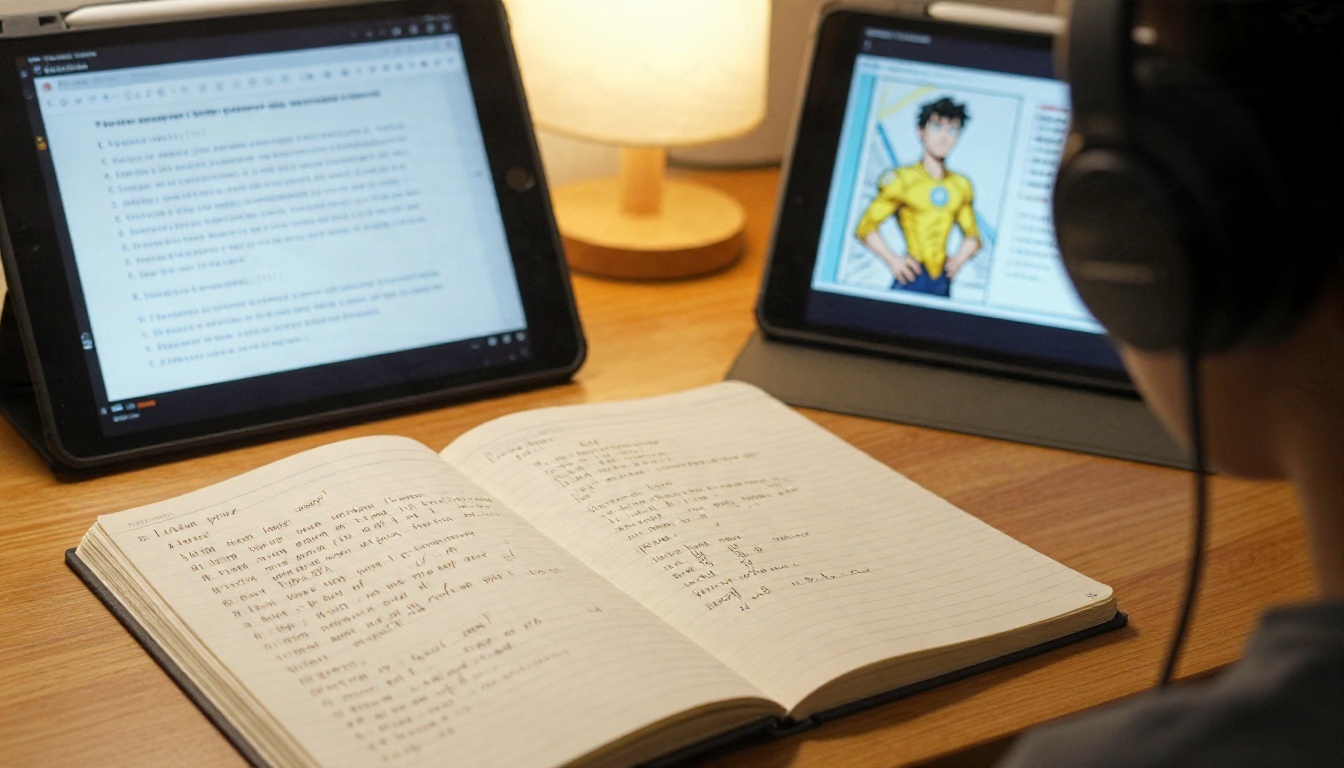
Start by locking down your cast. Generate one reference image per character, then reuse the same description word for word:
Full body character sheet of Mara, a 16 year old courier with short copper hair, round glasses, a mustard yellow rain jacket, black boots, and a canvas satchel. Front view, side view and back view on a plain light background. Clean ink outlines, flat cel shading, consistent proportions.
Save that paragraph in a notes file. Paste it into every panel prompt that includes Mara.
Panel by Panel Prompts
Each panel prompt should answer five questions: who, doing what, where, from which angle, in what mood. Here are ready to use templates:
| Panel purpose | Prompt template |
|---|
| Establishing shot | Wide shot of [location] at [time of day], [weather], no characters, [art style] |
| Dialogue | Medium close up of [character description] speaking to [character description], [setting], warm light, [art style] |
| Action | Low angle dynamic shot of [character description] leaping over [obstacle], motion lines, [art style] |
| Reaction | Extreme close up of [character description] with wide eyes, [emotion], blurred background, [art style] |
| Final beat | Over the shoulder view of [character description] looking at [object or place], quiet mood, [art style] |
Leave empty space in your prompt for the speech bubble. Adding "empty sky area in upper left" saves you from covering faces later.
Keeping Characters Consistent
Consistency is the hardest part of any AI comic. These habits help:
- Reuse exact wording. Change one adjective and you may get a new person.
- Use reference images if your tool supports them. Upload the character sheet with each panel request.
- Fix the seed where the tool allows it, so style stays stable.
- Limit costume changes. A signature jacket or hat is the cheapest consistency trick in comics.
- Generate a few options per panel and keep the closest match.
Building Pages That Read Well
Generated art is only half the page. Readers judge a comic by flow and clarity.
Layout and Lettering
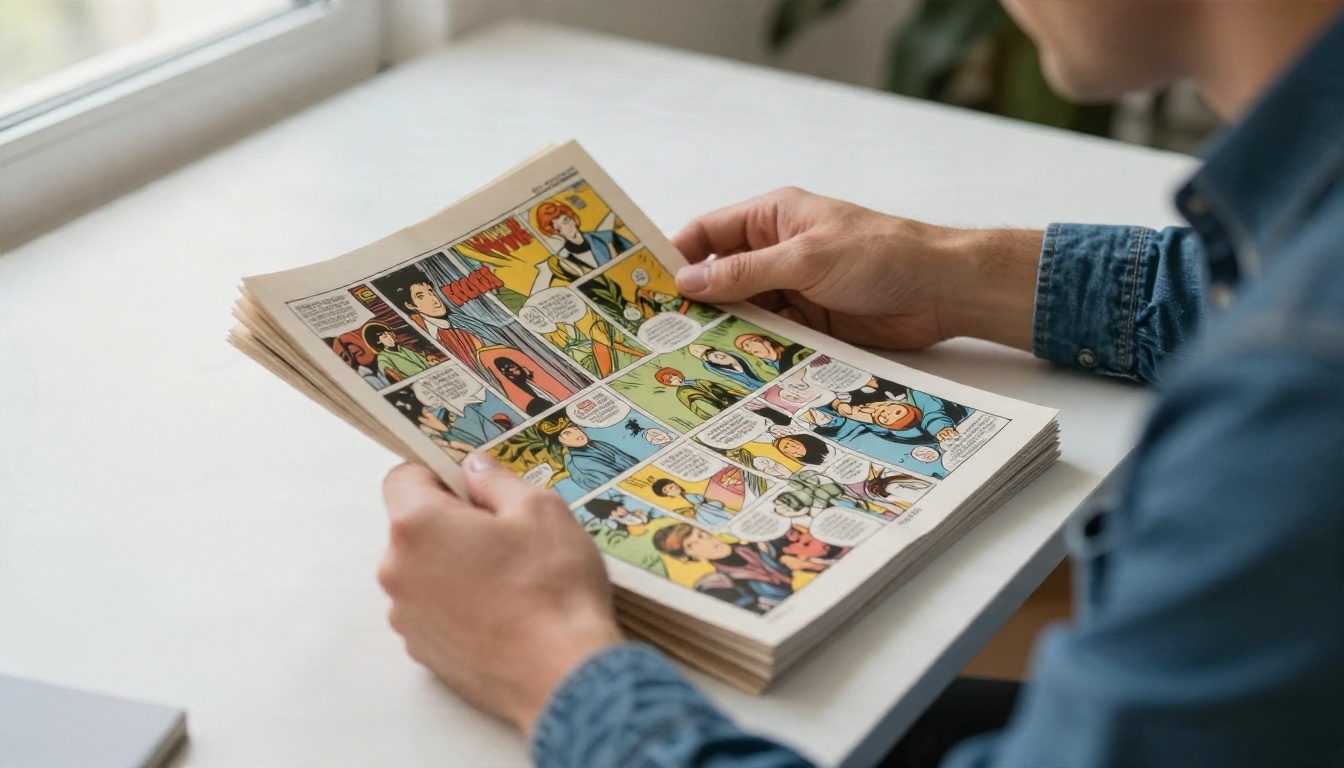
Keep your grid simple: two or three rows with varied panel widths. Place a big panel at the start of a scene and smaller ones for quick beats. Letter in a clean comic font and keep speech to about two short sentences per bubble. Read order runs left to right, top to bottom, so place bubbles in that sequence.
✅ Best practice: Print one page at small size or view it as a thumbnail. If you cannot tell who is speaking from the thumbnail, simplify the layout.
Export Settings for PDF
Before you leave your comic tool, export properly. A flipbook is only as sharp as the file you feed it.
| Setting | Recommended value | Why it matters |
|---|
| Page size | One consistent size for all pages | Avoids jumping layouts when pages turn |
| Resolution | 150 to 200 DPI for screen reading | Sharp lines without a huge file |
| Format | Single multi page PDF | Converts into one flipbook in one step |
| Page order | Cover first, then story, then back page | Matches how readers expect a book to open |
| File size | Under 50 MB when possible | Faster loading on mobile connections |

How to Turn Your Comic Into a Flipbook
A PDF opens as a scrolling document. A flipbook opens like a book, with real page turns, a front cover and sensible zoom. For a comic, that difference is huge, because the rhythm of turning a page is part of the storytelling. Flipbooks AI converts your PDF in a few minutes, with no watermark added to your pages.

Upload Your PDF
- Go to Flipbooks AI and create an account.
- Choose the option to create a new flipbook.
- Drag your comic PDF into the upload area. The platform converts each page automatically.
- Check the preview. Flip through every page to confirm the order and that no panel is cropped.
If you want the quick version without an account walkthrough, the PDF to Flipbook Converter is the direct entry point. For longer works with chapters, the Interactive E-Book Publisher and the E-Book Flipbook Generator suit a graphic novel better.
Customize the Look
Open the design settings and tune the reading experience:
- Branding: add your logo, series name and a custom background color that complements your cover.
- Colors: pick a neutral backdrop so the art stays the star. Dark grey flatters bright panels.
- Page effects: keep the page turn animation and a soft page shadow for a physical book feel.
- Multimedia: embed a video trailer, a soundtrack or a short audio narration on selected pages.
- Mobile layout: the flipbook is responsive, so single page view appears automatically on phones.
💡 Pro tip: Put an audio loop or short animated teaser on the first page. It tells readers this is not a flat PDF.
Share and Embed
Once the flipbook looks right, pick how people will reach it:
| Sharing option | Best use | Notes |
|---|
| Direct link | Social posts, messages, newsletters | Fastest way to publish |
| Embed code | Your webcomic site or blog | See the Embed Flipbook on Website tool |
| Password protection | Early access for patrons or beta readers | Keeps unfinished chapters private |
| Offline download | Readers without stable internet | Handy for conventions and travel |
Professional Plan Extras
If your comic is more than a hobby, the Professional plan adds analytics and lead generation. You can see which pages readers reach, where they drop off, and capture an email address before they open the next chapter. That is real data for a serial comic: if half your readers leave on page four, page four needs work. Unlimited flipbooks are available from the Standard plan upward, so a long series does not run into a cap. Compare everything on the pricing page.
Real World Use Cases
A comic flipbook is useful well beyond webcomics. Here is where the format fits:

A teacher, for instance, can write a ten panel story about the water cycle, generate the art in an afternoon, and send students a single link. No printing, no photocopies, and it works on the school tablets.
Mistakes to Avoid
Most failed AI comics trip over the same few problems:
- Skipping the script. Pretty panels without a plot read as a slideshow.
- Changing art style midway. Pick one style phrase and keep it for every prompt.
- Overstuffed bubbles. If a reader needs more than a few seconds, trim the text.
- Ignoring AI glitches. Check hands, text inside images and background details. Regenerate or retouch anything odd.
- Exporting at inconsistent sizes. Mixed page dimensions make a flipbook wobble when pages turn.
- Forgetting disclosure. Many platforms and readers expect you to say when a comic uses AI art. A short note on the credits page keeps trust.
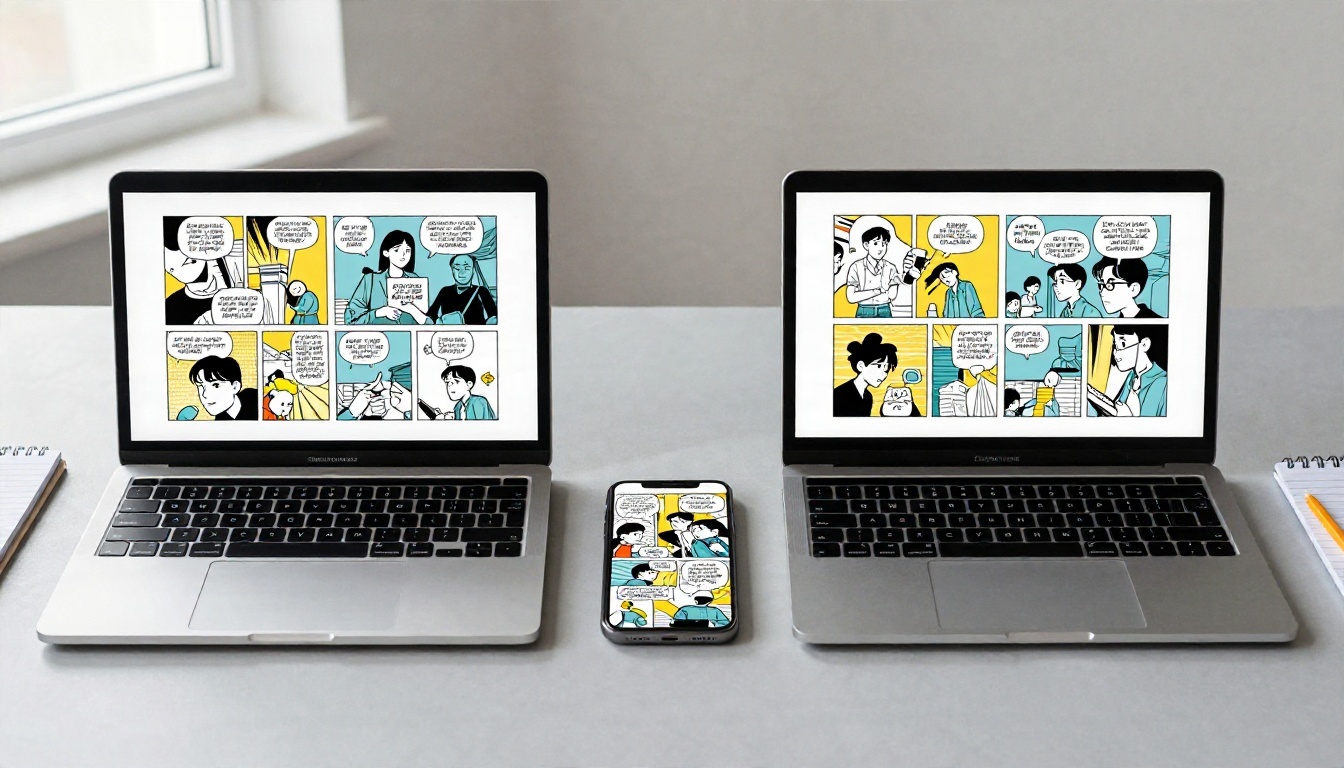
⚠️ Test on a phone first. Most readers will open your link on a small screen. If the lettering is hard to read there, increase the font size in your comic tool and export again.
Publish Your First Issue Today
Here is the short version. Write the script. Lock your characters with a reference sheet. Generate and arrange your panels in a free AI comic maker. Export a clean, consistent PDF. Then give it the page turns it deserves.
Ready to see your comic as a real book? Get started for free on Flipbooks AI, browse all flipbook tools to find the right fit for your series, or compare pricing plans when you are ready for analytics and unlimited chapters. Your readers are one link away.



