You paste a title and a few chapters into a tool, and a few minutes later an AI ebook designer hands back a front page, a layout and a file. That is the promise. The reality is more interesting, and a little messier. This article shows what these tools actually produce, what they charge, where they stop, and how to turn the result into something readers open and enjoy, using Flipbooks AI for the final export.
If you are a self-publisher, a coach with a lead magnet, or a small business owner who needs a polished ebook by Friday, read on. You will see real design patterns, a pricing breakdown, a table of limits worth checking before you pay, and a step-by-step export workflow.
What an AI Ebook Designer Does
The Short Version
An AI ebook designer takes your text and a few preferences (genre, mood, color, audience) and generates three things: a front page, interior page templates, and an export file. Most tools run on a mix of layout rules and generative models. The layout rules keep margins, headings and spacing consistent. The generative part proposes imagery, color palettes and title treatments.
What it does well:
- Produces a first draft of a front page in seconds instead of days
- Keeps typography consistent across chapters
- Suggests palettes that match your topic
- Resizes layouts for tablet, phone and print
What it does poorly:
- Understands very little about your brand unless you feed it assets
- Struggles with complex tables, footnotes and multi-column text
- Tends to produce similar looking results when you use default prompts
Who Actually Needs One
Not everyone benefits equally. A novelist with a 90,000-word manuscript needs careful typesetting. A consultant with a 24-page playbook needs speed and a sharp look. The second person gets far more from AI design tools.
| Use case | Typical length | Fit with AI design | Notes |
|---|
| Lead magnet | 10 to 30 pages | Excellent | Speed matters more than perfection |
| Product catalog | 20 to 80 pages | Very good | Image heavy, repeatable layouts |
| Short nonfiction | 40 to 120 pages | Good | Needs manual checks on headings |
| Novel | 200+ pages | Mixed | Typesetting details matter |
| Photo book | 30 to 100 pages | Good | Image quality is the limit |
💡 Pro tip: If your ebook is mostly images and short text blocks, an AI designer plus a flipbook export is usually the fastest route from idea to published.
Front Page Examples That Work
A front page is a thumbnail first. Readers judge it at roughly the size of a postage stamp, so legibility at small sizes decides whether it works. Here are three patterns that AI tools handle reliably.
Minimalist Typography
One typeface, one accent color, lots of empty space. This works for business books, checklists and playbooks. The AI picks a serif for the title and a clean sans for the subtitle. Keep the title under six words and let the whitespace do the work.
Best for: consultants, finance, productivity, B2B lead magnets.
Photo-Led Layouts
A single strong photograph fills the page and the title sits in a calm area of the image. AI tools are good at finding that quiet zone. The risk is generic stock imagery, so upload your own photos whenever you can.
Best for: travel, lifestyle, wellness, recipe collections. If you are building a food ebook, a Recipe Book Flipbook pairs well with this style.
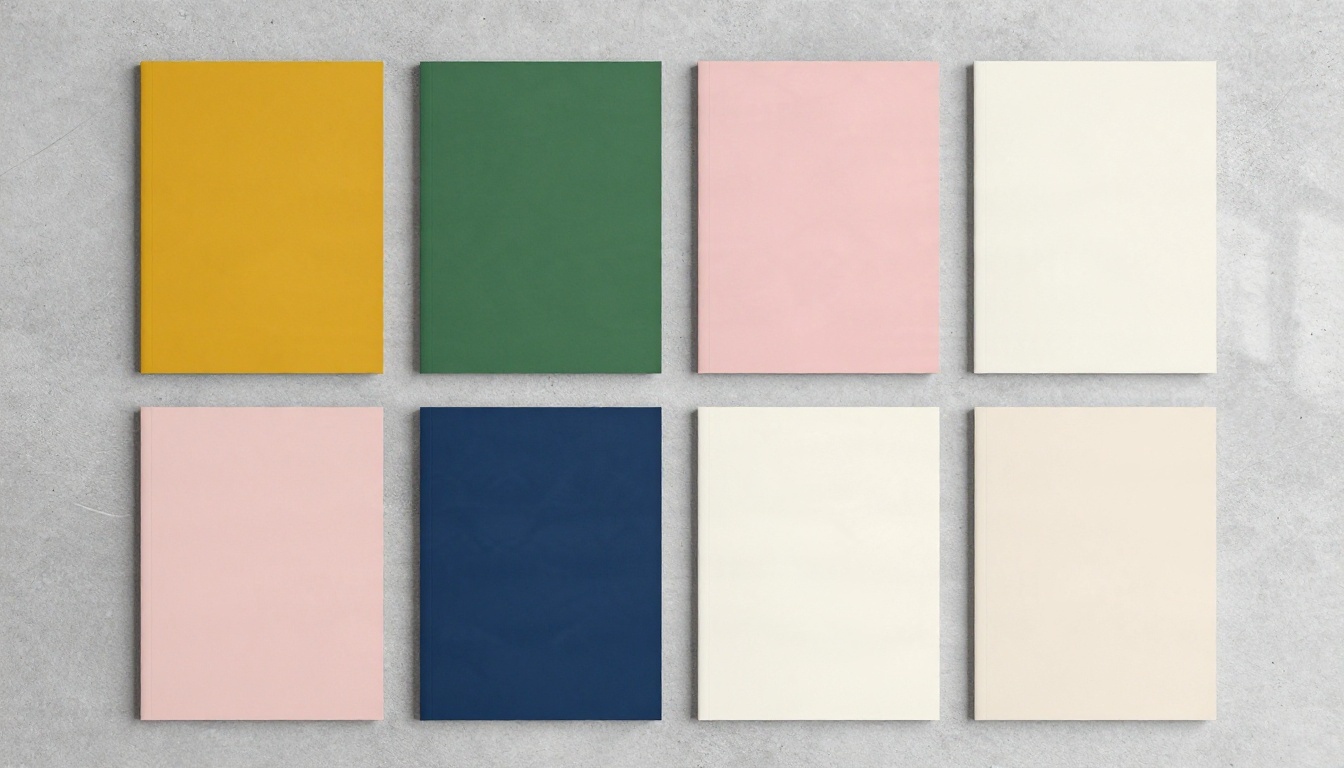
Bold Color Blocks
Flat color fields with large lettering. These read well on phone screens and look sharp in a thumbnail grid. Pick two or three colors at most and test the design in grayscale. If the title is still readable, the contrast is fine.
Best for: self-help, education, workbooks, kids' activity books.
| Pattern | Thumbnail legibility | Customization effort | Risk |
|---|
| Minimalist typography | High | Low | Can look plain |
| Photo-led | Medium | Medium | Generic imagery |
| Color blocks | Very high | Low | Looks dated if colors clash |
✅ Best practice: Generate five variations, then pick the one you would still choose after looking at it on your phone from arm's length.
What It Really Costs
Pricing Models
AI ebook designers charge in a handful of ways. The headline price rarely tells the whole story, so compare the model, not just the number.
| Model | How it works | Good for | Watch out for |
|---|
| Free tier | Limited exports, often watermarked | Testing | Branding on the file |
| Monthly subscription | Fixed fee, usage caps | Frequent publishers | Caps on exports or credits |
| Credit packs | Pay per generation | One-off projects | Credits vanish on retries |
| One-time purchase | Pay once, keep access | Single ebook | Fewer updates |
| Per-seat team plan | Fee per user | Agencies | Costs grow with headcount |

Hidden Costs
The subscription is only part of the bill. Add up these items before deciding:
- Stock imagery. If the tool does not include a licensed library, budget for your own photos.
- Font licenses. Some fonts are fine for screens but not for print or resale.
- Retries. On credit-based plans, each regeneration spends credits.
- Export upgrades. Watermark-free or high resolution exports are sometimes gated behind a higher tier.
- Hosting. A PDF sitting in a folder is not a reading experience. A hosted, shareable format costs something somewhere.
On that last point, a flipbook host is the cheaper way to handle delivery. Flipbooks AI publishes without watermarks, and unlimited flipbooks come with the Standard plan and above. Check the pricing page for the current plan details before you commit, since plans change.
⚠️ Warning: A "free" plan that stamps a watermark on every page is not free if you are sending the file to clients.
Limits You Will Hit
Every tool has ceilings. Knowing them in advance saves a painful restart at page 60.
Page and File Size
Most generators cap page count or file size per project, and image-heavy ebooks hit the file size cap first. Compress images to around 150 to 200 DPI for screen reading. Anything above that adds weight without adding visible quality on a phone.
Fonts and Image Rights
AI tools may offer a font list that looks generous but includes licenses with limits. Check three things: can you use the font commercially, can you embed it in a downloadable file, and can you resell the ebook? The same questions apply to generated images. Read the terms about commercial use.
Export Formats
Here is the part many people skip. A designer that only exports to PDF leaves you with a static file. That is fine for printing. It is weaker for reading on a phone.
| Limit to check | Why it matters | What to look for |
|---|
| Max pages per project | Long ebooks may be refused | At least double your page count |
| Max file size | Image heavy books break limits | 50 MB or more is comfortable |
| Revision count | Edits can use credits | Unlimited edits on paid tiers |
| Export formats | Shapes how you distribute | PDF plus an interactive option |
| Commercial license | Legal safety when selling | Clear written terms |
| Watermarks | Looks unprofessional | None on paid exports |
💡 Pro tip: Run a stress test. Build a 10 page sample with your largest images and your longest chapter, export it, and check the result on a phone before upgrading.
Why Flipbook Export Matters
Why PDF Falls Short
A PDF opens in a viewer that was designed for paper. On a phone you pinch, zoom and scroll sideways. Links work but feel dated. You cannot track who opened it. And once you email it, you lose control: anyone can forward it.
An interactive flipbook behaves like a book. Pages turn, the layout reflows for the screen, and a link replaces an attachment. You can embed video and audio, protect it with a password and see how many people read it.

Sharing Options Compared
| Format | Reading experience | Tracking | Access control | Embeds on a website |
|---|
| Emailed PDF | Basic | None | None | No |
| Hosted PDF link | Basic | Limited | Limited | Link only |
| Interactive flipbook | Page turning, mobile friendly | Analytics on Professional plan | Password protection | Yes |
| Print on demand | Physical book | None | None | No |
Real-world scenarios make the difference clear:
- A coach sends a workbook to new subscribers as a link, not an attachment, so the welcome email stays light and the file never lands in spam.
- A boutique turns a seasonal lookbook into a flipbook and embeds it on the landing page. See the Interactive Lookbook Designer for that use case.
- An agency shares a client report behind a password so only the right people see it.
How to Create an Ebook Flipbook with Flipbooks AI
Once the designer gives you a finished file, the export takes minutes. The E-Book Flipbook Generator and the PDF to Flipbook Converter handle the conversion. If you plan to sell or distribute at scale, the Interactive E-Book Publisher is the closest match.

Upload and Convert
- Export your ebook as a PDF from your AI designer at screen quality (150 to 200 DPI is plenty).
- Create an account. Head to Flipbooks AI and sign in.
- Upload the PDF. Drag the file into the uploader. Conversion starts automatically and each PDF page becomes a flipbook page.
- Preview the result. Flip through the pages and check that the text is crisp and the images are sharp. If something looks off, go back to the PDF, fix it and upload again.
💡 Screenshot tip: On the preview screen, look for the page-turn animation and the thumbnail strip along the bottom. These show you the reading flow before you share.
Customize the Look
- Add your branding. Upload your logo and choose colors that match the front page, so the viewer feels like one product rather than two.
- Pick page effects. Choose the page-turn style and background. Subtle effects look more professional than flashy ones.
- Add multimedia. Drop in video or audio where it helps, for instance a short author introduction on page two or a recorded walkthrough in a tutorial chapter.
- Check mobile. The flipbook is mobile-responsive, but still open it on a phone to confirm the text size is comfortable.
Share and Protect
- Choose how to share. You can send a direct link, or copy an embed code and paste it into your site. The Embed Flipbook on Website page explains the options.
- Set a password if the ebook is paid or private. Share the password only with buyers or clients.
- Allow downloads if readers need an offline copy.
- Turn on analytics and lead generation if you are on the Professional plan, so you can see opens and collect emails before readers reach page three. Compare the plans to see which one fits.
| Step | Time needed | Plan needed |
|---|
| Upload and convert | 2 to 5 minutes | Any |
| Branding and effects | 5 to 10 minutes | Any paid tier |
| Password protection | 1 minute | Paid tier |
| Analytics and lead capture | 5 minutes | Professional |
Common Mistakes to Avoid
Most failed ebook projects fail in the same few places:
- Starting with the front page. Finish the content first. A beautiful front page on a weak ebook only raises expectations.
- Trusting the default prompt. Generic prompts produce generic results. Name the audience, the tone and two reference moods.
- Ignoring file weight. A 120 MB ebook will frustrate mobile readers on slow connections.
- Skipping the phone test. More than half of readers will open your ebook on a phone.
- Forgetting alt text and contrast. Accessible design helps everyone, including people reading in sunlight.
- Locking yourself into one tool. Keep your source text and images in separate folders so you can switch tools without starting over.
⚠️ Warning: Never publish without checking the commercial license on the images and fonts. A takedown notice after launch costs far more than the check.
Your Next Move
An AI ebook designer is a fast first-draft machine. It will give you a front page, a layout and a file. It will not give you a delivery system, and it will not replace your judgment about what readers need.
Here is a simple plan:
- Generate three front page options and pick the one that reads best as a thumbnail.
- Check limits on pages, file size, fonts and licenses before paying.
- Export a screen-quality PDF.
- Convert it into a flipbook with Flipbooks AI, add your branding and share a link.
Ready to publish? Create your free account, browse all flipbook tools for your niche, or compare pricing plans to see which tier fits your next ebook.



