You have a PDF. It took weeks to design, and now it sits in an inbox as a flat attachment that half your readers never open. An AI flip book maker fixes that by turning the same file into a page-turning online publication with a single link. Platforms like Flipbooks AI do the conversion in seconds, with no design software and no developer.
This article answers the three questions people type into search before they sign up: is there a free online tool, what does it cost once you outgrow it, and what can it actually do for a catalog, menu, report or portfolio. You will also get a step-by-step tutorial, comparison tables and a list of mistakes worth avoiding.
💡 Quick answer: A good AI flip book maker converts a PDF into a flippable, mobile-friendly document, lets you add branding, links, video and audio, and shares it by link, embed code or download. The best ones never put a watermark on your work.
What an AI Flip Book Maker Does
From Static PDF to Page Turner
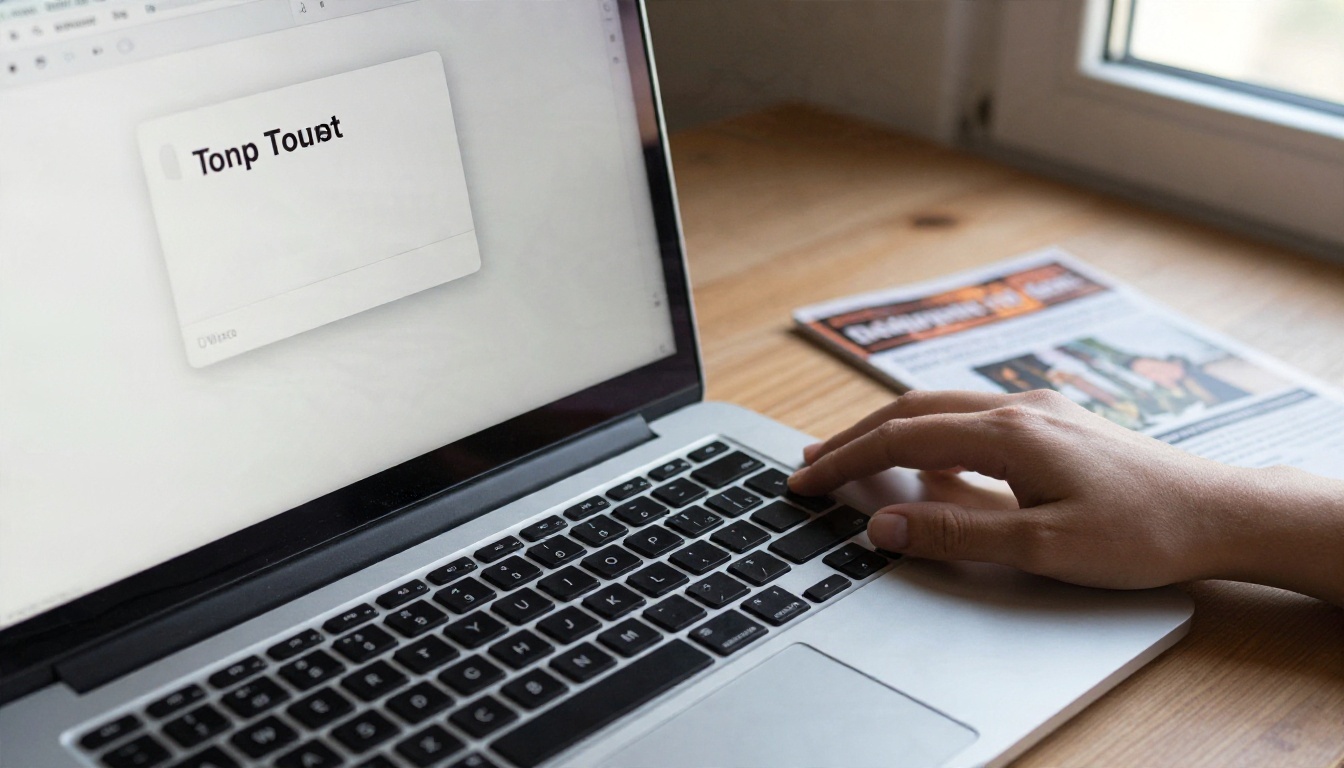
A flipbook is a digital publication that behaves like a printed book. Readers see two-page spreads, click or swipe to turn pages, and watch a soft curl animation as they go. Underneath, it is still your original content, just delivered in a format people enjoy using.
The "AI" part handles the tedious work. It reads your PDF, detects pages, optimizes images so large files load fast, builds a clickable table of contents, and adapts the layout to phones, tablets and desktops. What used to need a designer and a hosting setup now happens right after you drag a file into the browser.
Who Actually Needs One
If you publish anything with more than a few pages, you are a candidate. The most common users fall into a few groups:
- Retailers and wholesalers who send product catalogs and seasonal lookbooks
- Restaurants, spas and hotels with menus, service lists and brochures
- Real estate agents sharing property packs with buyers
- Photographers and designers who need a portfolio that feels like a book
- Teachers and trainers distributing workbooks and manuals
- Marketing teams publishing annual reports, whitepapers and newsletters
Each of these groups has one thing in common: the content already exists as a PDF, and the PDF is not doing it justice.
Yes, and that is why the category grew so quickly. You can create a flipbook from a PDF without installing anything or paying upfront. The catch is that "free" means very different things from one provider to another, so read the fine print before you build anything you plan to share widely.
What Free Should Include
A useful free plan lets you upload a real PDF, see the finished flipbook, and share a link. Anything less is a demo, not a tool. Here is a quick way to judge a free offer:
| Free plan feature | Healthy sign | Red flag |
|---|
| Conversion | Full PDF converts with all pages | Capped at 3 to 5 pages |
| Sharing | Public link works for anyone | Link expires after a few days |
| Mobile viewing | Responsive on phones and tablets | Desktop only |
| Branding | Your title and cover are shown | Provider logo dominates the viewer |
| Account | Email signup, no card required | Card needed for a "trial" |
You can test the process yourself by opening a free account and converting one document.
Watermarks and Hidden Limits
The biggest trap in free flipbook software is the watermark. Some tools stamp a logo across every page, or force readers through an ad screen before they see your content. That looks careless when you send it to a client.
⚠️ Warning: Before you share a flipbook publicly, open it on your phone and check every page for stamps, banners and forced redirects. Fixing it after your audience has seen it is much harder than choosing the right tool first.
Flipbooks AI takes a clear position here: no watermarks, ever. That applies to your published flipbooks, so a client opening your catalog sees your brand and nothing else.
Pricing Without the Guesswork
Standard vs Professional
Most flipbook platforms use tiered plans, and the logic is easy once you see the pattern. Lower tiers give you the core conversion and sharing tools. Higher tiers add volume, privacy controls and business features. The table below shows how the Flipbooks AI plan structure fits different needs. For current prices, check the pricing page, since rates can change.
| Capability | Free | Standard | Professional |
|---|
| PDF to flipbook conversion | ✅ | ✅ | ✅ |
| No watermarks | ✅ | ✅ | ✅ |
| Mobile-responsive viewer | ✅ | ✅ | ✅ |
| Unlimited flipbooks | Limited | ✅ | ✅ |
| Custom branding and colors | Basic | ✅ | ✅ |
| Password protection | ❌ | ✅ | ✅ |
| Embed video and audio | ❌ | ✅ | ✅ |
| Analytics | ❌ | ❌ | ✅ |
| Lead generation forms | ❌ | ❌ | ✅ |
| Offline downloads | ❌ | ✅ | ✅ |
💡 Rule of thumb: If you publish one document now and then, start free. If you publish monthly, you need the unlimited flipbooks that come with the Standard plan. If you want to know who reads your content and capture their contact details, choose Professional.

Print Cost vs Digital Cost
The right comparison is not "free tool vs paid tool." It is "flipbook vs printing and shipping." A 40-page printed catalog has to be designed, proofed, printed, stored, packed and posted. Every update means a new print run, and every unsold copy ends up in a warehouse.
A flipbook has one cost, the subscription, and you can update it whenever a price or product changes.
| Cost item | Printed catalog | Flipbook |
|---|
| Production per copy | Paper, ink, binding | None |
| Shipping | Per recipient | None |
| Updates | New print run | Replace the PDF |
| Storage | Boxes and shelves | Cloud |
| Reach | Limited by budget | Anyone with a link |
| Tracking | None | Analytics on Professional |

How to Create a Flipbook in Minutes
Here is the full workflow with Flipbooks AI. The same steps apply to most catalogs, menus, reports and brochures. If you want a shortcut, the PDF to Flipbook Converter handles the basic conversion directly.
Step 1: Open Your Account
Go to Flipbooks AI and create an account. You only need an email address. Once you are inside, you will see your dashboard with a button to start a new flipbook.
Step 2: Upload Your PDF
Click the upload button and choose your file, or drag it into the window. The conversion starts automatically.
- Prepare the PDF so pages are in the right order and images are sharp (150 DPI or higher works well).
- Upload the file. Most documents convert in under a minute.
- Check the preview. Flip through each page to confirm text and images look right.
- Name the flipbook. A clear title helps when you manage many publications.
✅ Best practice: Export your PDF with fonts embedded and use RGB color for screen viewing. Print-oriented CMYK files can look slightly dull on a phone.
Step 3: Customize the Look
This is where a plain document turns into something that feels like yours. Inside the editor, adjust:
- Branding: add your logo and choose a background color that matches your brand
- Page effects: select the page-turn style and animation speed
- Multimedia: drop in video, audio or links on any page
- Table of contents: make section titles clickable for quick jumps
- Toolbar: show or hide zoom, share, fullscreen and download buttons
Keep the design restrained. A neutral background lets your pages stand out, while loud colors compete with your content.
Step 4: Share and Embed
Once the flipbook looks right, you have several ways to publish it:
- Direct link: paste it in an email, chat or social post
- Embed code: place the flipbook on your own site with the Embed Flipbook on Website tool
- Password protection: limit access to clients, staff or students
- Offline download: let readers save a copy for places with weak signal
Pro Features Worth Using
On the Professional plan, a flipbook becomes a lead tool as well as a document. You can see analytics such as views, time spent and which pages get the most attention. You can also add a lead generation form that asks readers for an email before they see the full publication. See the plan details to check what each tier includes.
What It Can Do in Real Life
Features sound good in a list. Here is how they play out for actual businesses.
Restaurants and Hospitality
A bistro owner can upload the menu PDF, publish it with a QR code on each table, and update prices in a minute when suppliers change costs. No reprinting, no stained laminated pages. The Restaurant Menu Creator is built for exactly this job.

Real Estate and Property
An agent can send one link that opens a full property brochure with floor plans, photos and a video tour. The buyer reads it on a sofa, on their phone, without downloading a heavy file. The Real Estate Brochure Creator gives agents a ready starting point.

Catalogs and Price Lists
Wholesalers and shops can publish a seasonal range as a flipbook and replace it whenever stock changes. Try the Product Catalog Generator or the Digital Catalog Maker for a quick start.
Portfolios and Creative Work
Photographers, architects and designers get a portfolio that feels like turning the pages of a printed monograph. The Digital Portfolio Creator keeps image quality high while the file stays light.

Training and Education
Teachers and corporate trainers can publish workbooks, handbooks and course packs that students open on any device. Password protection keeps paid material private. The Course Material Publisher is a good fit.

Use Case Summary
| Use case | Best feature | Typical plan |
|---|
| Restaurant menu | Fast updates, QR code sharing | Standard |
| Property brochure | Video, photo-heavy pages | Standard |
| Product catalog | Unlimited flipbooks, links to shop | Standard |
| Annual report | Analytics, password protection | Professional |
| Course workbook | Password protection, offline download | Standard |
| Sales presentation | Lead capture, analytics | Professional |
Features That Matter Most
Not every feature deserves equal attention. These are the ones that change results:
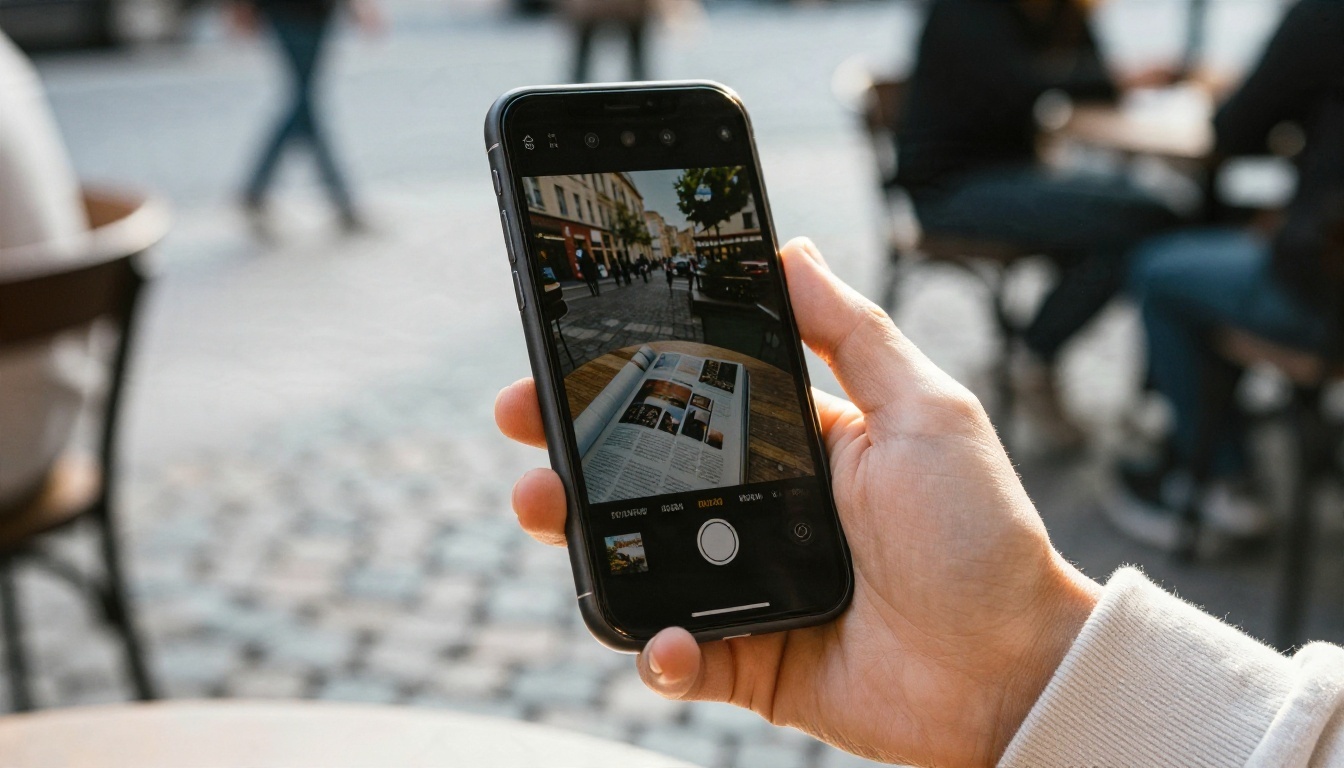
- Mobile-responsive design. Over half of readers open links on a phone. If pages are tiny or the layout breaks, they leave.
- No watermarks. Your content should look like yours.
- Fast loading. Optimized images keep a 60-page flipbook usable on mobile data.
- Embedded media. A short video on page three often does more than a paragraph of text.
- Password protection. Essential for internal reports, pricing for partners and paid content.
- Analytics. You can't improve a catalog if you don't know which pages readers skip.
Flipbook vs Plain PDF
| Factor | Plain PDF | Flipbook |
|---|
| Reading experience | Scroll or zoom | Page-turn spreads |
| Mobile friendliness | Often poor | Built in |
| File size to open | Entire file downloads | Streams page by page |
| Interactive links and media | Limited | Video, audio, links |
| Branding | Basic | Full control |
| Reader tracking | None | Analytics on Professional |
What Analytics Can Show You
When a team publishes a report or catalog, the first question is always "did anyone read it?" Analytics answers that. You can see how many people opened the flipbook, how long they stayed, and where they dropped off. If most readers stop at page 6, move your best offer earlier. If one product page gets double the time, feature it on the cover.

Mistakes to Avoid
Most disappointing flipbooks fail for the same reasons. Check these before you publish.
- Uploading a low-resolution PDF. Blurry source files make blurry flipbooks. Export at a proper resolution.
- Stuffing in too many pages. A focused 20-page catalog beats a sprawling 120-page one most readers will never finish.
- Ignoring the first page. The cover decides whether someone keeps reading. Make it clean and obvious.
- Skipping the phone test. Open the final link on your own phone. If text is hard to read, adjust the layout.
- Forgetting links. Every page should lead somewhere: a product, a booking form, a contact page.
- Sharing without access rules. Internal documents need a password. Public documents do not.
⚠️ Heads up: Never reuse a private link in a public post. If a document was meant for clients only, protect it with a password from the start.
Ready to Build Yours?
An AI flip book maker is one of the fastest ways to make existing documents look professional and reach readers on any device. The free online tool is enough to test the idea, and the paid plans make sense once you publish often or want to track results.
Here is a simple plan for the next ten minutes:
- Create a free account on Flipbooks AI.
- Upload one PDF you already have, such as a menu, brochure or catalog.
- Add your logo, a background color and one link or video.
- Share the link with a colleague and ask them to open it on a phone.
If you decide you need unlimited flipbooks, password protection or lead capture, compare the pricing plans or go straight to account setup with pricing. To find the template that suits your industry, browse all flipbook tools and start with the one closest to your document.



