A café owner types one paragraph into a chatbot and, ninety seconds later, has a menu draft with dish names, tidy descriptions, allergen notes and a sensible price ladder. That is an AI generated menu in its simplest form, and it is already happening in kitchens everywhere. The catch is what comes next. A draft sitting in a chat window is not something a hungry diner can flip through on a phone. This article shows the free tools worth your time, the exact prompts that produce usable copy, real examples by venue type, and how to turn the finished menu into a page-turning digital flipbook with Flipbooks AI.
The goal is practical. Everything below is built to be copied, pasted, adjusted and published today.
An AI generated menu is any restaurant menu where artificial intelligence did part of the heavy lifting. It might have written the dish descriptions, grouped the sections, suggested price points, translated the text into three languages, or proposed a page layout. Most owners use AI for the writing, then finish the design in a layout tool.
That split matters. AI is fast at words and patterns. It is not standing in your kitchen tasting the sauce.
What AI Does Well
- First drafts in seconds. Give it your dish list and it returns clean, consistent descriptions.
- Tone matching. Rustic trattoria, sleek sushi bar or family diner: it can hold one voice across forty items.
- Translation. A tourist-heavy neighborhood needs English, Spanish and French menus, and AI produces all three quickly.
- Dietary labeling drafts. It can tag items as vegetarian, vegan or gluten-free for you to verify.
- Menu structure. It suggests section order, from starters to desserts, and flags sections that are too long.
Where It Falls Short
- It invents ingredients that are not in your recipe.
- It cannot know your food cost, so its prices are guesses.
- It writes generic phrases like "a symphony of flavors" unless you forbid them.
- It cannot confirm allergens. Only your kitchen can.
⚠️ Never publish allergen information straight from an AI draft. Check every label against your real recipes and suppliers.
You do not need a paid stack to build a good menu. A free chat assistant for the text, a free design editor for the layout and a PDF export covers the whole production line. Free plans change often, so check current limits before you commit to a workflow.
Text Tools for Dish Copy
Any major AI chat assistant, such as ChatGPT, Claude or Gemini, can draft descriptions, rewrite them in a new tone and translate them. Paste your real ingredients into the prompt and tell it to use only those ingredients. That single instruction cuts most invented details.
Layout Tools for Design
Free design editors like Canva, Adobe Express or Google Docs with a template let you place text, photos and a logo on a page. Export the result as a PDF. That PDF is the raw material for your flipbook later.
Free Tool Comparison
| Tool Type | Best For | Typical Free Limit | Output |
|---|
| AI chat assistant | Dish names, descriptions, translations | Daily message caps | Plain text |
| Free design editor | Page layout, logo, color palette | Limited premium templates | PDF or image |
| Spreadsheet | Price lists, cost per dish | None meaningful | CSV or sheet |
| Free image generator | Mood backgrounds, decorative textures | Watermarks or daily credits | Image files |
| Restaurant Menu Creator | Turning a finished menu into a flipbook | See pricing | Shareable flipbook |
💡 Keep a spreadsheet with three columns: dish, ingredients, price. Paste it into every prompt. Your AI output will stay grounded in what you really cook.
Prompts You Can Copy Today
Good prompts are specific. They name the venue, the audience, the tone, the length and the things to avoid. Replace the brackets with your own details.
Prompt for a Full Menu
Act as a menu writer for a [type of venue] in [city]. Our guests are [audience]. Create a menu with [number] starters, [number] mains, [number] desserts and [number] drinks. Use only these ingredients: [list]. Keep every description under 18 words. Do not use the words "symphony", "delight" or "bursting". Return a table with dish name, description and a suggested price range.
Prompt for Dish Descriptions
Rewrite the description of [dish] in a warm, sensory voice. Mention texture, temperature and one standout ingredient. Maximum 20 words. Give me three options: short, playful and elegant.
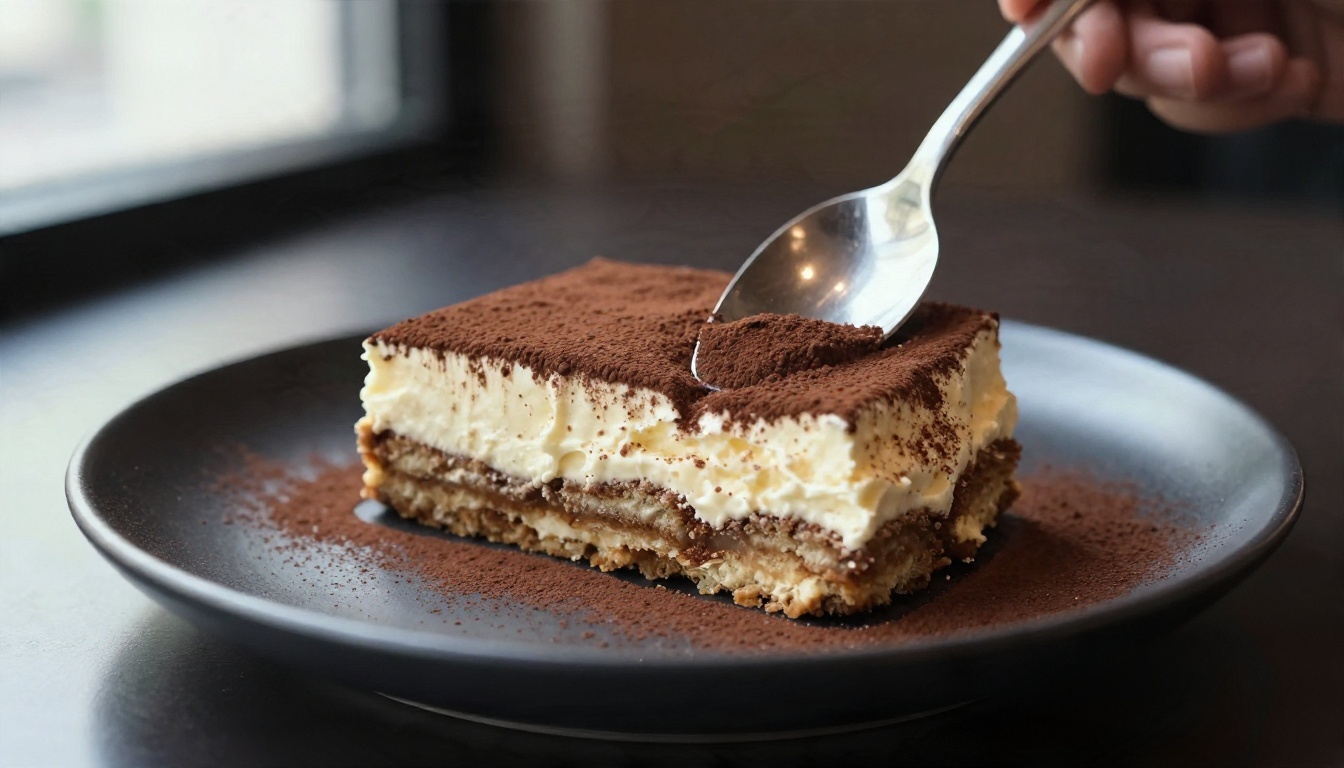
Sensory words sell dessert. "Cocoa-dusted mascarpone layers over espresso-soaked sponge" will outsell "tiramisu" by itself, and AI is very good at producing that kind of line when you ask for texture and temperature.
Prompt for Dietary Labels
Here is my menu with ingredients. Suggest which dishes could be labeled vegetarian, vegan, gluten-free or dairy-free. For each label, list the ingredient that could break it so I can verify with my kitchen.
That last sentence is the useful part. You are asking the AI to show its reasoning so a human can check it.
Prompt for Seasonal Specials
Suggest five seasonal specials for [month] in [region] using ingredients from this list: [list]. Each special needs a name, a 15-word description, and a note on how it reuses ingredients already in my regular menu to reduce waste.
Quick Reference for Prompt Ingredients
| Prompt Ingredient | Why It Helps | Example |
|---|
| Venue type | Sets vocabulary and price tone | "Neighborhood wine bar" |
| Audience | Controls formality | "Remote workers and couples" |
| Ingredient list | Prevents invented items | "Burrata, fennel, blood orange" |
| Word limit | Keeps descriptions scannable | "Under 18 words" |
| Banned phrases | Removes cliché language | "No 'symphony of flavors'" |
| Output format | Saves editing time | "Table with three columns" |
Theory is easy. Here is how three different businesses might use an AI generated menu, and what each ends up publishing.
Neighborhood Café
A café owner needs a short, scannable menu: coffee, pastries and a lunch special. The prompt asks for twelve items, a friendly tone and a vegan marker on at least four. AI returns clean copy in one pass. The owner swaps two descriptions for house phrases, adds prices, and exports a two-page PDF.

Wine Bar
A wine bar cares about pairings. The prompt feeds in a list of eight bottles and six small plates, then asks for a pairing note under each plate in under 12 words. The result reads like it came from a sommelier, and the owner keeps the three best notes and rewrites the rest.
Family Pizzeria
A pizzeria has a long menu with sizes, toppings and combo deals. Here AI helps with structure: group pizzas by sauce base, create a "build your own" section and write kid-friendly names for the children's items. The long layout runs to six pages, which is where a flipbook shines.
Examples at a Glance
| Venue | Menu Length | AI's Main Job | Human's Main Job |
|---|
| Neighborhood café | 2 pages | Descriptions, vegan tags | Prices, house voice |
| Wine bar | 3 pages | Pairing notes | Bottle accuracy, vintages |
| Family pizzeria | 6 pages | Structure, kids' names | Sizes, combo pricing |
| Spa café | 2 pages | Wellness wording | Ingredient verification |
A hotel spa with a juice bar can do the same with the Spa & Wellness Menu tool, and a bakery that wants a simple price sheet can use the Digital Price List Generator.
Why a Flipbook Beats a Plain PDF
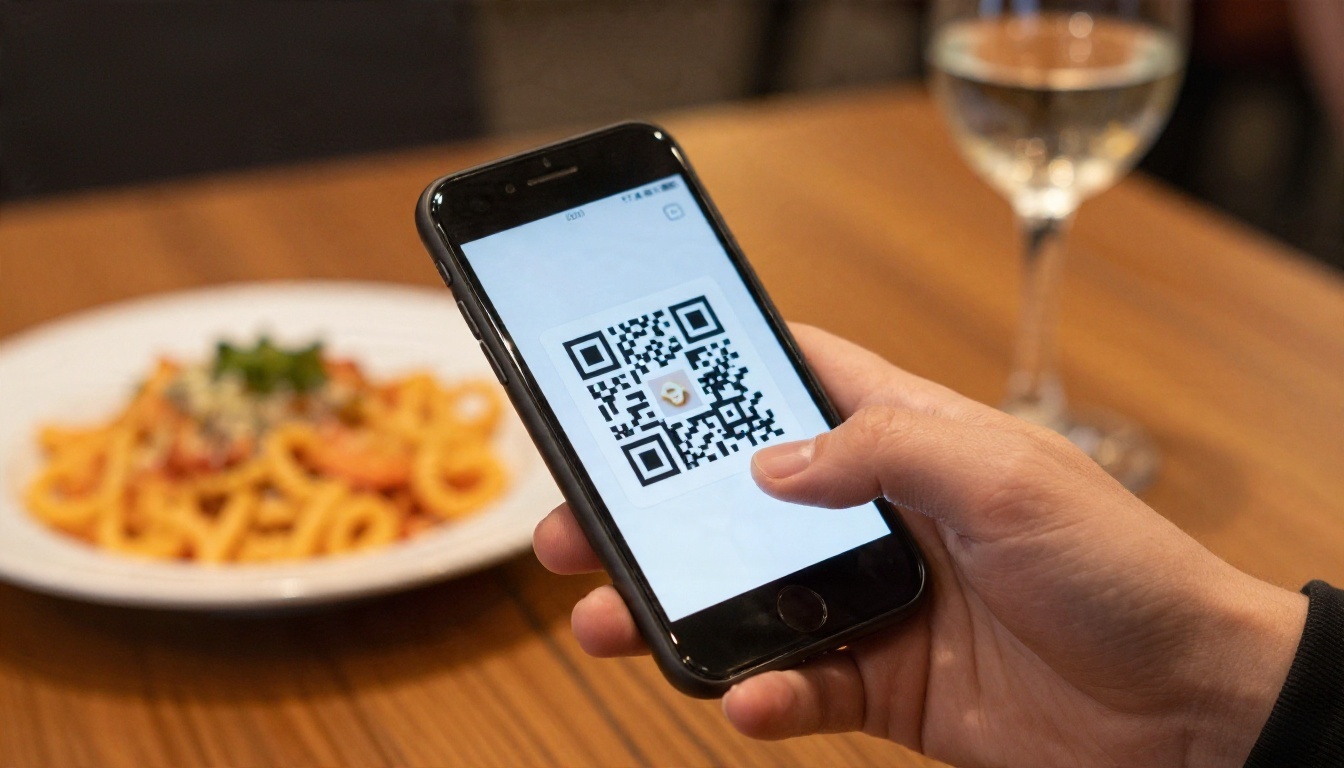
Once the text is ready, most owners export a PDF and email it or post it on a website. It works, but it is clumsy. On a phone, a PDF opens in a viewer, zooms awkwardly, and feels like a document rather than a menu. A flipbook keeps the page-turning feel of a real menu, loads in the browser and stays readable on any screen.
Format Comparison
| Feature | Plain PDF | Menu Image on QR | Flipbook Menu |
|---|
| Mobile readability | Pinch and zoom | Single image, hard to read | Responsive pages |
| Page-turning feel | None | None | Yes |
| Easy to update | Re-send file | Re-print or re-upload | Replace the PDF, keep the link |
| Embed on website | Awkward | Static image | Clean embed |
| Access control | Rare | None | Password protection available |
| Visit tracking | None | None | Analytics on Professional plan |
Where a Flipbook Menu Fits
- Table QR codes. One code, one link, always the current version.
- Your website. Embed it on the menu page so visitors never download anything.
- Instagram bio and Google profile. A single clean link.
- Private events. Password-protect a tasting menu for a wedding or corporate dinner.
- Delivery partners. Send the same link to every platform.
✅ Best practice: print a small QR code on every table and one on the door. People check menus from the sidewalk more often than owners expect.
Here is the full path from AI draft to live menu. You will need your finished PDF and about ten minutes. For a menu-specific starting point, open the Menu Flipbook Designer.
Step 1: Open your account. Head to Flipbooks AI and create an account. You can compare plans on the pricing page at any time.
Step 2: Export your menu as a PDF. From your design editor, export at a high quality with one menu page per PDF page. Keep the file under a reasonable size so conversion is quick.
Upload and Convert
Choose the PDF to Flipbook Converter and drop your file in. The platform turns each PDF page into a flipbook page, with realistic page-turning motion. Check that the order is right and that no text is cut off at the edges.
Customize the Look
- Branding. Add your logo and pick background colors that match your dining room.
- Page effects. Choose the page-turn style and speed that suits your brand: slow and elegant for fine dining, quick and light for a café.
- Multimedia. Embed a short video of your open kitchen or an audio loop on a special page. Videos and audio can sit right inside the flipbook.
- No watermarks. Your menu carries your brand only. There are no watermarks, ever.
Share by Link, QR or Embed
- Direct link. Copy the URL into your social profiles and delivery listings.
- QR code. Generate a code from the link and print it for tables, windows and takeaway bags.
- Website embed. Use the Embed Flipbook on Website option and paste the embed code into your menu page.
- Password protection. Lock private menus, such as a chef's table or a catering proposal.
Pro Features Worth Using
Some features sit on higher plans. Unlimited flipbooks are included from the Standard plan up, which suits a restaurant group with a lunch menu, dinner menu, drinks list and brunch card. The Professional plan adds analytics and lead generation, so you can see which pages people open and collect emails for a newsletter or a booking list. Offline downloads let guests save the menu for later.
| Feature | Why a Restaurant Cares | Plan |
|---|
| Unlimited flipbooks | Separate menus for each service | Standard and above |
| Password protection | Private events, catering | Available on paid plans |
| Analytics | See which pages get opened | Professional |
| Lead generation | Collect guest emails | Professional |
| Offline downloads | Menu saved on the guest's phone | See pricing |
| Mobile-responsive pages | Reads well on every phone | All plans |
💡 Updating a price? Replace the PDF inside the same flipbook. The link and the QR code on your tables stay exactly the same.
Mistakes That Cost You Diners
AI makes menus faster. It also makes certain errors faster. Watch for these.
Trusting Prices Blindly
AI suggests prices from general patterns, not from your food cost or rent. Work out your own margin per dish first, then use AI only for wording. A menu with prices that ignore costs looks great and loses money.
Using Fake Dish Photos
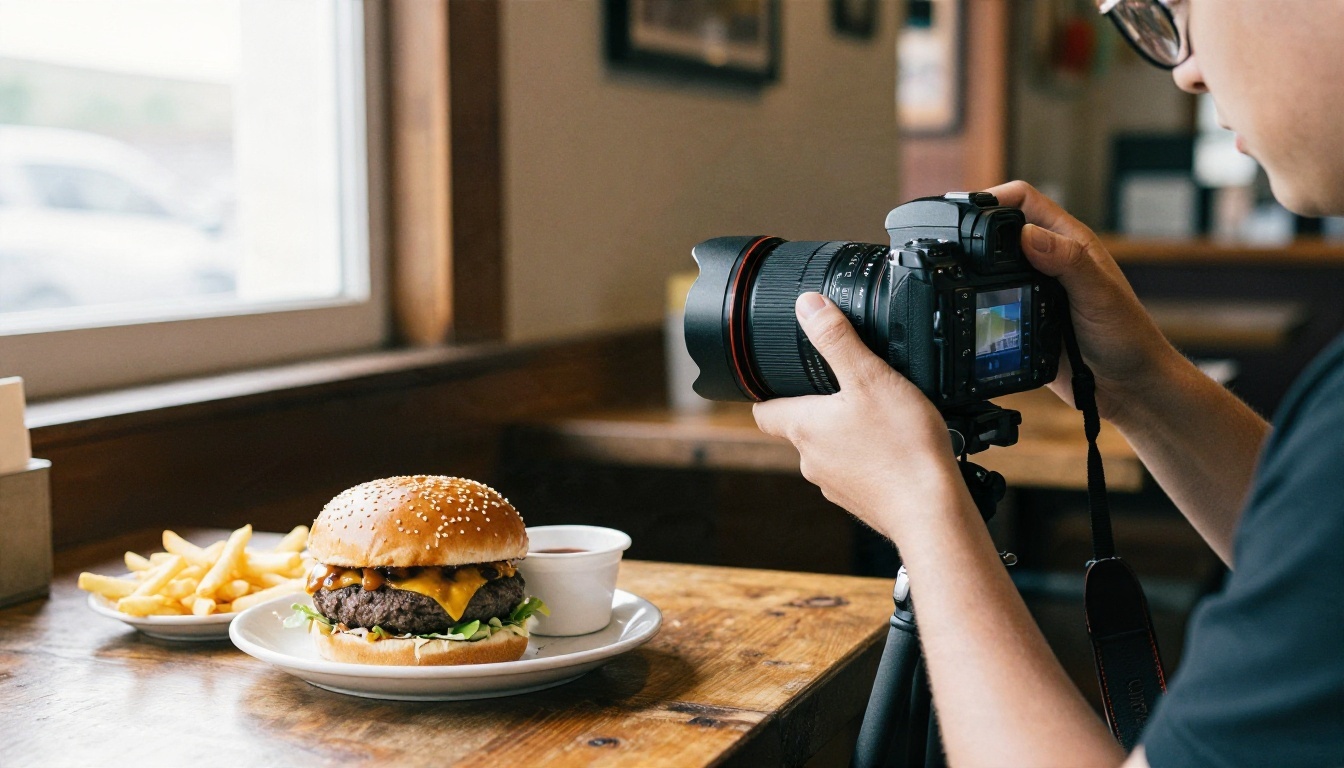
AI image generators can produce a dish that looks perfect and does not exist. Diners notice when the plate in front of them looks nothing like the photo. Use real photographs of your own food. A phone, a window and a white plate beat a synthetic image every time.
Skipping the Team Review
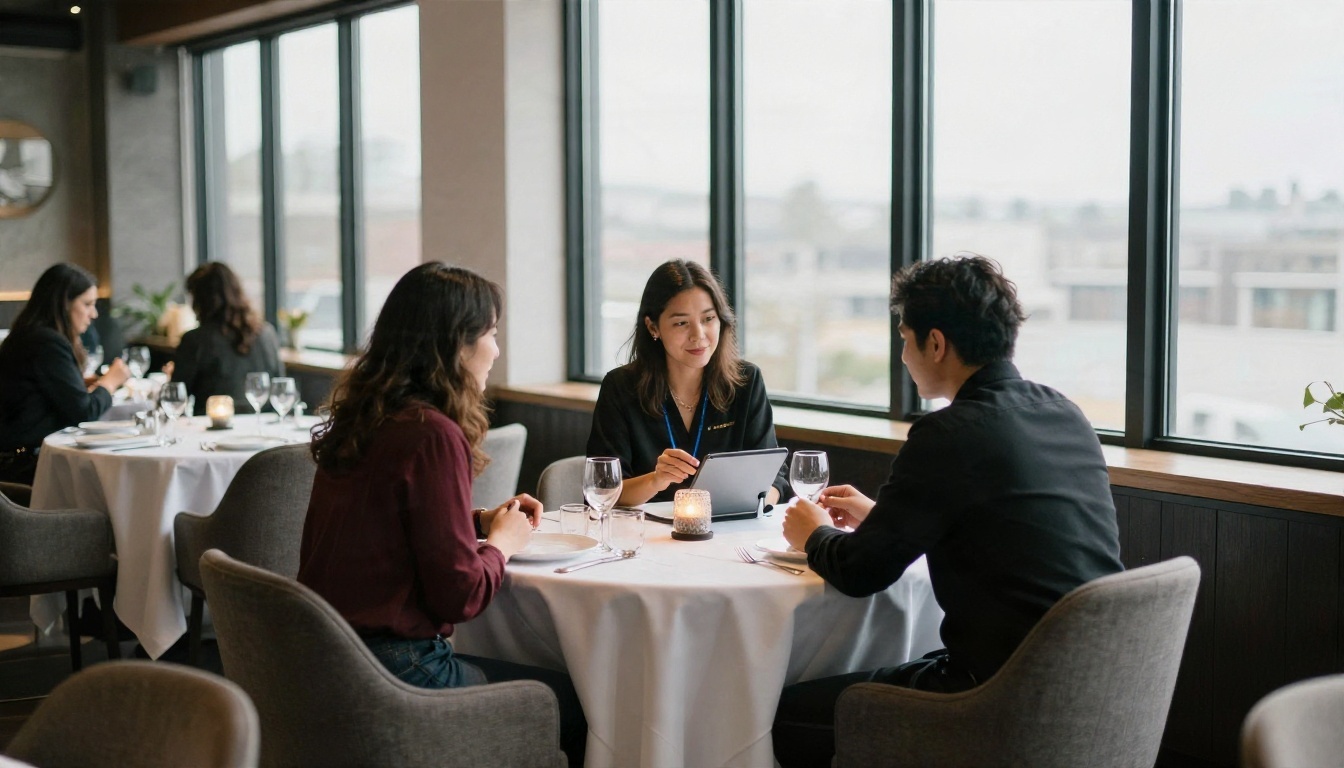
Your servers answer questions about the menu all night. Put the draft in front of them before it goes live. They will catch a wrong ingredient, a confusing name or a dish that left the kitchen last month.
Pre-Publish Checklist
- Every ingredient matches a real recipe.
- Every allergen label is confirmed by the kitchen.
- Prices match your point-of-sale system.
- No cliché phrases survived the edit.
- Text is readable on a small phone screen.
- The flipbook link and QR code open correctly on both iPhone and Android.
⚠️ Test the QR code at the table, in the dim lighting your guests will use it in. A code that scans in daylight but fails in a candlelit room is a common surprise.
You now have the whole workflow: gather your real ingredients, run the prompts above, polish the copy by hand, design the pages, export a PDF and turn it into a flipbook your guests can open from any phone.
Ready to put it live? Create your account on Flipbooks AI and upload your first menu. Browse all flipbook tools to find templates for brochures, recipe books and event programs, such as the Recipe Book Flipbook. When you are ready to scale across several venues, compare the pricing plans to choose what works for you, or go straight to account setup with pricing.



