Most of us have between 3,000 and 20,000 photos sitting on a phone, and almost none of them will ever be looked at again. An AI memory book maker fixes that by sorting your pictures, grouping them by event, suggesting layouts, and even drafting captions, so you end up with a finished keepsake instead of a folder named "Misc." If you want that keepsake to flip like a real book and open on any phone with one link, you can convert the result into a flipbook on Flipbooks AI in a few minutes.
This article walks through what these tools actually do, which free options are worth your time, photo ideas that make a book feel personal, what everything costs, and how to share the result without losing control of your family photos.
What an AI Memory Book Maker Does
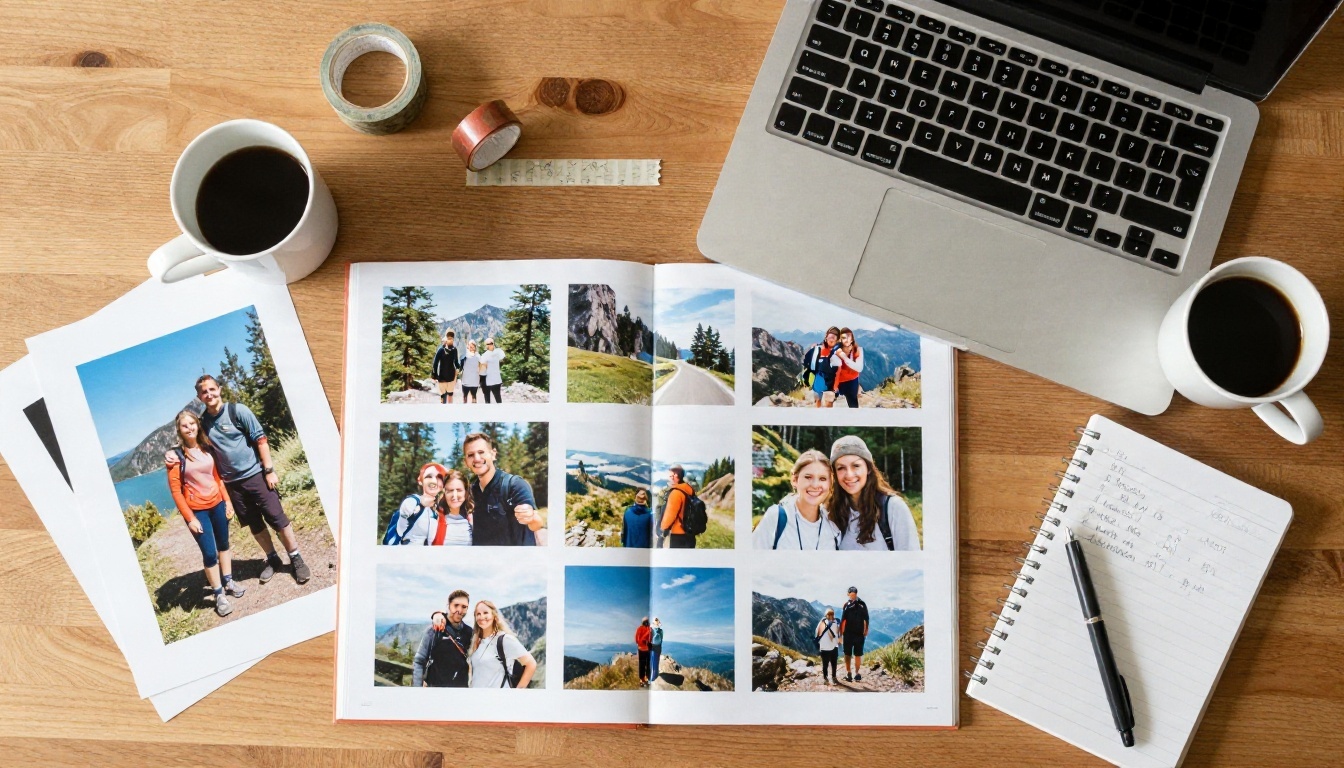
An AI memory book maker is software that takes a pile of photos and helps you arrange them into a story. Some tools are built only for this. Others are general design apps with AI features added on top. Either way, the good ones do the same four jobs.
- Sort and group: photos are clustered by date, location, or faces so a trip does not get mixed with a birthday.
- Pick the best shots: the AI drops blurry frames, closed eyes, and near duplicates.
- Suggest layouts: it chooses grids, full-page spreads, and collages that fit the number of photos you have.
- Write captions: it drafts short lines such as "Lisbon, June 2024" that you can edit into your own voice.
From Camera Roll to Keepsake
The typical flow is simple. You upload a batch of photos, pick a theme, let the AI propose a first draft, then spend your time on the part only you can do: choosing what matters. A draft that takes the AI two minutes will still need about 30 to 60 minutes of your attention if you want it to feel like yours.
💡 Pro tip: Before you upload anything, delete the obvious junk on your phone first: screenshots, receipts, and burst duplicates. The AI will make better choices from a cleaner pile.
Digital vs Printed Memory Books
You do not have to pick only one. Many people build a single design, order one printed copy for the shelf, and keep a digital version for everyone else. Here is how the two formats compare.
| Feature | Printed memory book | Digital flipbook |
|---|
| Cost per copy | Moderate to high | Near zero after the first |
| Delivery time | 1 to 3 weeks | Instant |
| Sharing with relatives abroad | Postage and delay | One link |
| Video and audio | Not possible | Supported |
| Edits after publishing | Reprint required | Update and republish |
| Feels like a gift | Very much | Depends on presentation |
| Lasts without power | Yes | Needs a device (or offline download) |
For most families the answer is both: print one hero copy, and share a flipbook for the rest.
Free Online Options That Work
"Free" can mean very different things. Some tools are free to try but charge before you can export. Others let you export, but stamp a watermark on every page. A handful are genuinely free for small books.
What Free Plans Usually Include
- A limited number of pages, often 10 to 30.
- Basic templates, with the nicest ones locked.
- Basic AI sorting or auto-layout.
- PDF export, sometimes with a logo or watermark.
- A limited number of AI caption or photo-enhancement credits per month.
Where Free Plans Fall Short
The pain points show up late, usually right when the book is nearly done. Watch for these.
- Watermarks on export. A logo across a wedding photo ruins the gift.
- Page caps. A 24-page limit is fine for a weekend trip but tight for a first year of a baby's life.
- Low resolution output. Fine on a phone, blurry on a 27-inch monitor or in print.
- No privacy controls. Public links mean anyone with the URL can see your family.
| Feature | Typical free tier | Typical paid tier |
|---|
| Pages per book | 10 to 30 | 100 or more |
| Watermark | Often yes | No |
| Export quality | Screen resolution | Print resolution |
| Password protection | Rare | Common |
| AI caption credits | A handful per month | Generous or unlimited |
| Number of books | 1 to 3 | Unlimited |
⚠️ Warning: Always export a test page before you invest hours in a book. If there is a watermark, you will know before the work is done, not after.
A practical free workflow looks like this: let a free AI tool or a slide app handle the layout, export the book as a PDF, then convert that PDF into a flipbook. That last step is where a free memory book starts to feel like a proper publication, with page turns, mobile support, and a shareable link.
Photo Ideas for Every Occasion
A memory book works when it has a point of view. "All photos from 2025" is a archive. "The summer we finally went to Portugal" is a story. These ideas give you a starting angle.
Family Trips and Holidays
Open with a map or a single wide landscape, then move day by day. Mix big scenic spreads with small candid moments: the breakfast table, the wrong turn, the sandy shoes by the door. Those small shots are the ones people linger on years later. If you want a ready format for this, a travel flipbook layout works well for itinerary pages plus photos.
Baby and Kids Milestones
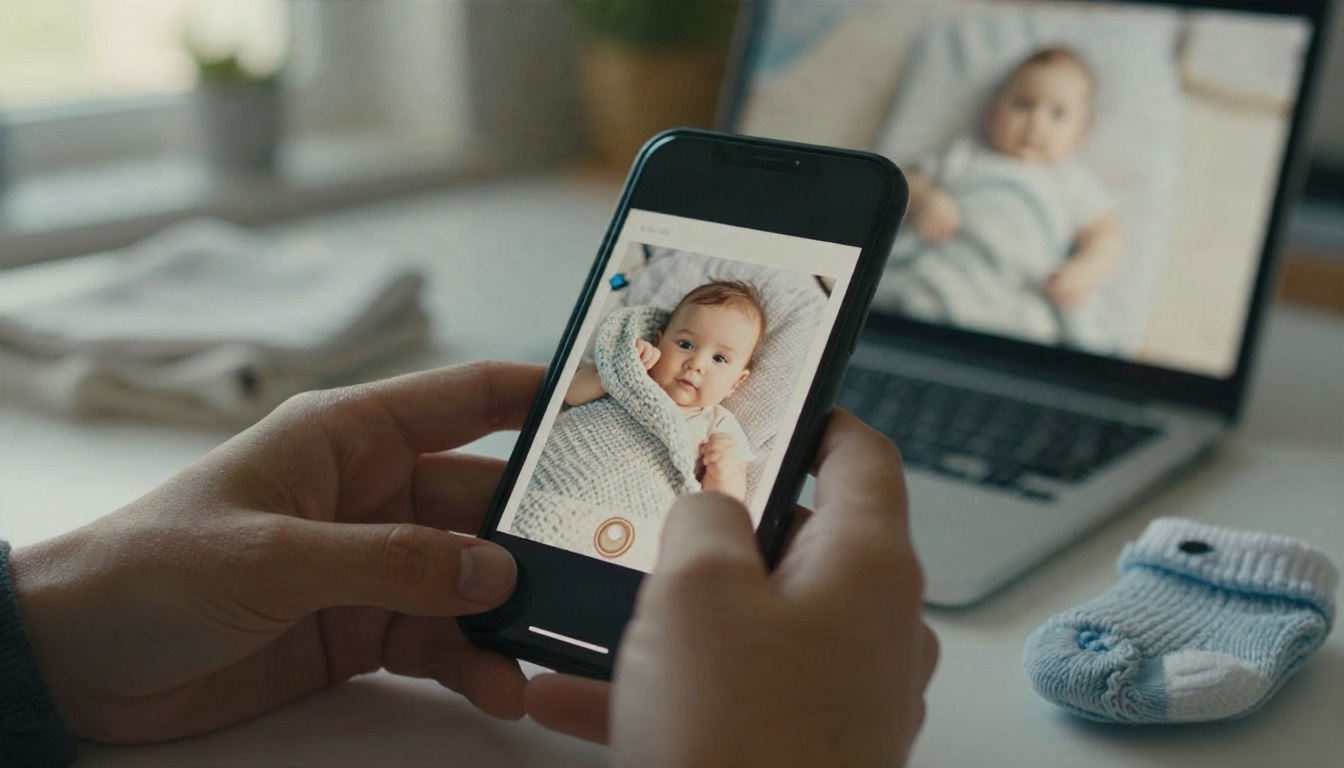
Think in months rather than events. One spread per month for the first year, each with a close-up portrait, one candid, and one detail shot such as tiny hands or a favorite blanket. Add a handwritten note or a voice recording for the first laugh.
Weddings and Anniversaries
Couples tend to over-focus on the ceremony. Try the opposite: start with the morning rush, include the guests' faces, and close with the quiet photo at the end of the night. For a dedicated format, the Wedding Album Flipbook tool is built for exactly this kind of sequence. An anniversary book works beautifully too: one photo per year together, side by side.

Tributes and Family History
Scan old prints, then pair each with a short caption from the person who knew the story. Ask a grandparent to record a 20 second voice note per photo and embed the audio. This is the kind of book that gets more valuable with every passing year.
| Occasion | Suggested pages | Best layout | Extra touch |
|---|
| Family trip | 20 to 40 | Full spreads plus small candids | Map page, short daily captions |
| Baby first year | 30 to 50 | One spread per month | Voice note or video clip |
| Wedding | 40 to 80 | Chronological story | Guest messages page |
| Anniversary | 12 to 30 | Side by side, year by year | Handwritten letter scan |
| Family history | 20 to 60 | Old and new in pairs | Audio from relatives |
| School year | 24 to 48 | Collage plus portraits | Class quotes page |
For school memories, the Yearbook Flipbook Maker fits a class or club project neatly.
How to Make One with Flipbooks AI
Here is the full process, from raw photos to a shareable book. The tutorial assumes you build the pages as a PDF first, using any AI layout tool or slide app you like.
Step by Step Tutorial
- Build your pages. Use your favorite AI memory book tool, or a slide app, to lay out the photos. Export the finished book as a PDF at the highest quality available.
- Create your account. Go to Flipbooks AI and sign up. You can try it before committing to a plan.
- Upload the PDF. Drag the file into the uploader. The PDF to Flipbook Converter turns each page into a flipbook page with a realistic turn effect. Large photo-heavy files take a little longer, so give it a minute.
- Preview on phone and desktop. The flipbook is mobile-responsive, so check that captions are still readable on a small screen.
- Customize the look. Pick a background color that matches your theme, choose page effects, and set your own branding or title.
- Add multimedia. Embed a video of the first steps, or audio of a grandparent telling the story behind a photo.
- Publish and share. Copy the direct link, or use the embed code to place it on a family website.
✅ Best practice: Keep file size under control by exporting images at 150 to 200 DPI for the flipbook. Pages will load faster on mobile, and nobody will see the difference on screen.
Customize Without Overdoing It
Pick one background color, one font style, and one page effect. A memory book that looks calm lets the photos do the talking. Flipbooks AI has no watermarks, ever, which matters when the content is a wedding or a newborn.
If you want to go further, the Professional plan adds analytics so you can see whether the family actually opened the book, plus offline downloads for relatives with poor internet. For a more publication-style approach, the Interactive E-Book Publisher is worth a look.
Pricing Without Surprises
Costs for a memory book split into two categories: making it and distributing it. People tend to budget for the first and forget the second.
Printed Book Costs
Printed photo books vary widely by size, paper, and binding. As a rough guide, a small softcover can start around the price of a sandwich lunch, a standard hardcover of 40 pages often lands in the 30 to 60 dollar range, and a large lay-flat premium album can climb past 100 dollars. Shipping and tax are usually extra, and every extra copy for a relative costs the same again.
Digital Plan Costs
A digital flipbook flips that math. Once the book exists, ten recipients cost the same as one. Plans on Flipbooks AI scale by how many flipbooks you need and which features you want, with the Standard plan opening unlimited flipbooks and the Professional plan adding analytics and lead generation. Check the pricing page for current figures, since they can change.
| Cost item | Printed only | Digital flipbook | Both |
|---|
| Design tool | Free to paid | Free to paid | Free to paid |
| First copy | 30 to 100 dollars | Plan price | Plan price plus print |
| Ten extra copies | 300 to 1,000 dollars | No extra cost | One printed copy only |
| Shipping | Per order | None | One order |
| Update later | Reprint | Republish | Republish digital |
💡 Pro tip: A common money saver is printing one hero copy for the living room and sending the flipbook link to everyone else. The grandparents who want paper can order their own.
Sharing Your Memory Book
Sharing is where a lot of memory books quietly fail. A beautiful PDF attached to an email might be 80 MB, and half the family cannot open it.
Link, Embed, or Password
You have three main options, and each suits a different situation.
| Method | Best for | Privacy level |
|---|
| Direct link | Group chats and email | Anyone with the link |
| Embed code | Family blog or personal site (see how to embed a flipbook) | Depends on your site |
| Password protection | Newborn photos, weddings, private tributes | High |
For anything with children or sensitive moments, use a password and send it in a separate message from the link.
Sharing With Older Relatives
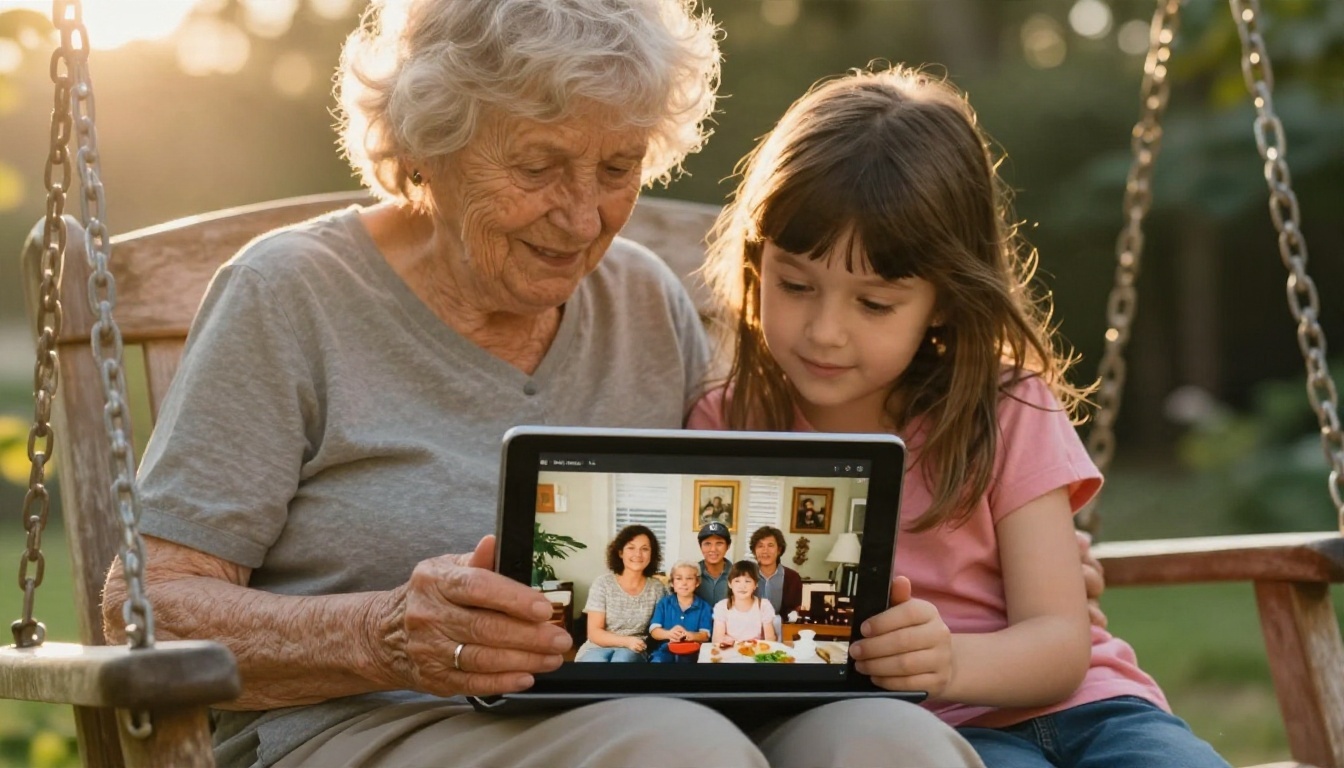
Relatives who are not comfortable with technology need the smallest possible number of steps. Send a link in a text message, add a short note such as "Tap the link, then swipe left to turn the page," and keep the book to a manageable length. A 30 page book is far more likely to be read to the end than a 200 page one.
A flipbook also solves the "which version is the latest" problem. When you fix a typo or add a missing photo, the link stays the same, so nobody ends up holding an outdated copy.
Common Mistakes to Avoid
Most disappointing memory books fail for the same few reasons.
- Too many photos per page. Five photos per spread is plenty. More than eight and nothing stands out.
- Trusting AI captions blindly. The AI might guess the wrong location or name. Read every caption.
- Skipping the backup. Save the original PDF and the photo folder somewhere other than your phone.
- Ignoring privacy. Faces of children and addresses visible in the background should not be on a public link.
- No clear ending. Finish with a closing page: a favorite photo, a short note, or the date you made the book.
⚠️ Heads up: Check the terms of any free AI tool before uploading private photos. Some services use uploads to train their models, and that may not be what you want for family images.
A short checklist before you publish:
- Is every caption correct?
- Are the photos sharp at full screen?
- Does the book open on a phone in under five seconds?
- Is a password set if the content is private?
- Did you save a backup of the original files?
Make Your Memory Book Today
You already have the photos. The hard part is picking a theme and sitting down for an hour. Choose one story, whether that is a trip, a first year, or an anniversary, and build only that.
When the pages are ready, create a free account on Flipbooks AI, upload the PDF, and share the link. Browse all flipbook tools to find a format that fits your project, from a recipe book flipbook for family dishes to a photo portfolio for your best shots. If you want unlimited books or analytics, compare the pricing plans and pick the one that matches how many memories you plan to keep.



