You have forty dishes, a printer that jams, and a dinner service that starts in three hours. An AI menu generator takes the pile of dish names and prices you already have and turns it into a clean, readable layout in a few minutes. The harder part is what comes next: getting that menu out of the tool as a PDF, and getting it in front of guests on their phones. This article walks through the free options, the export settings that matter, how online tools stack up, and how to publish the finished file as a flipbook with Flipbooks AI.
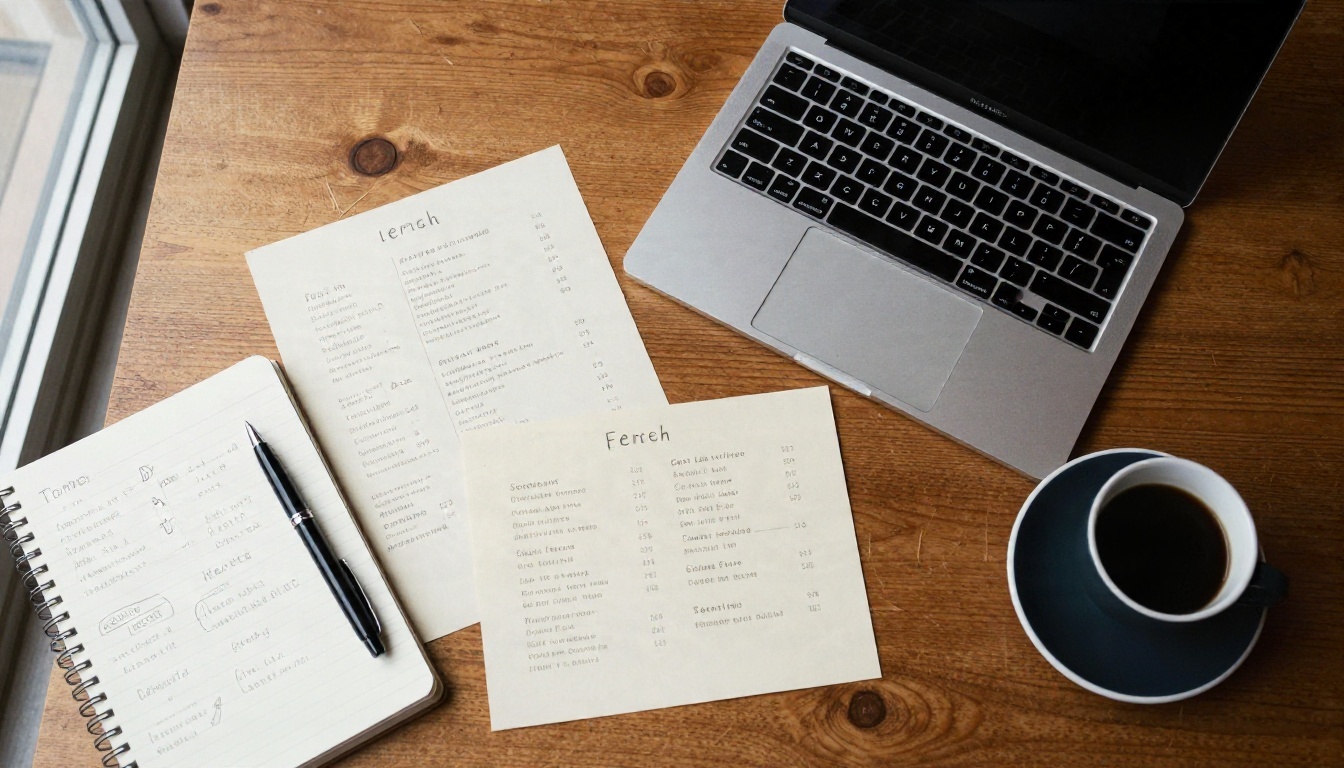
At its simplest, an AI menu generator is a tool that accepts your raw content (dish names, descriptions, prices, allergens) and returns a laid-out menu. Some tools start from a template and let you edit. Others write the dish descriptions for you, suggest sections, and even propose a color palette that matches your venue.
From Dish List to Layout
Most generators follow the same flow:
- You paste or type your dishes, grouped by section.
- The AI suggests a layout, fonts, and spacing.
- It can rewrite descriptions in a tone you choose, such as rustic, upscale, or playful.
- You adjust, then export.
💡 Pro tip: Write your own prices and allergen notes before you ask the AI for anything. Models are good at phrasing and spacing. They are not a source of truth for what is actually in your sauce.
Where It Falls Short
AI tools can invent ingredients, misplace a price, or write "house-made" next to something that arrives frozen. Treat every generated line as a draft. A chef or manager should read the final text out loud once before it goes live.
Free Options That Work
Free is real, but it comes with trade-offs. Before you commit hours to a design, check what the free tier actually limits.
Free Tier Comparison
| Option type | Typical free limit | Best for | Watch out for |
|---|
| Template editors with AI text | Limited templates, basic export | Cafes with simple menus | Watermarks or low-resolution PDFs |
| Chat assistants | Text only, no layout | Writing dish descriptions | You still need a layout tool |
| Word processor templates | Fully free, manual work | One-page menus | Time spent on spacing |
| AI menu builders | A few free generations | Quick first drafts | Credits run out fast |
| Spreadsheet to PDF workflows | Free, very plain output | Price lists, daily specials | Looks basic |
What Free Usually Costs
The hidden costs are rarely money. They are time and polish. A free tool that adds a logo you cannot remove, caps you at one page, or exports at screen resolution can look worse than a menu you built yourself in a word processor.
Ask these four questions before you pick a free option:
- Does the export carry a watermark?
- Can I download a print-quality PDF at no charge?
- Can I edit the menu later without starting over?
- Do I own the content once it is exported?
⚠️ Warning: Some free tools keep your menu behind a login. If your account lapses, your link can disappear. Always keep a local copy of the PDF.
PDF is the format that survives everywhere. Printers accept it, phones open it, and it keeps fonts and spacing locked in place. That is why PDF export is the step that decides whether your menu looks professional or accidental.
Print vs Screen Settings
You actually need two files, not one.
| Setting | Print version | Screen version |
|---|
| Page size | A4, Letter, or custom trim | Same as print, or a taller mobile format |
| Resolution | 300 DPI images | 150 DPI is enough |
| Margins | At least 5 mm safe area | Smaller margins are fine |
| Color mode | CMYK if your printer asks | RGB |
| File size | Size is not a concern | Under 5 MB for fast loading |
A heavy print PDF on a slow mobile connection makes guests give up before the first dish appears. Keep a lighter copy for the web.
PDF Mistakes to Avoid
- Tiny fonts. Anything under 9 pt is hard to read in dim light.
- Text baked into images. Search engines and screen readers cannot read it.
- Missing fonts. Embed fonts when you export, or the layout can shift on another device.
- Outdated prices. Date your file name, for example
menu-2026-11.pdf, so you never upload the wrong version.
Online tools fall into a few families. None is universally best, so match the tool to the menu you actually serve.
| Tool family | Speed | Design control | PDF quality | Sharing options |
|---|
| AI text-to-menu generators | Very fast | Low to medium | Medium | Usually download only |
| Drag-and-drop design editors | Medium | High | High | Link or download |
| Word processor templates | Slow | Medium | Medium | Download only |
| Menu management platforms | Medium | Medium | Medium | Hosted page, often tied to a subscription |
| PDF to flipbook platforms | Fast once you have a PDF | Medium (branding, effects) | Preserves your PDF | Link, embed, QR code, password |
Menu Types and Best Fit
- Single-page cafe menu: an AI generator plus a quick PDF export is enough.
- Multi-page restaurant menu with wine list: use a design editor, then publish the PDF as a flipbook so pages turn naturally.
- Seasonal tasting menu: a flipbook lets you swap the file without changing the link or the QR code.
- Spa or wellness menu: a layout with photos works well. See the Spa & Wellness Menu tool for that format.
Turn Your PDF Into a Flipbook
Once your generator gives you a PDF, you can stop there and email it around. Or you can turn it into a page-turning online menu that opens instantly on any phone. That second route is what the Restaurant Menu Creator and the Menu Flipbook Designer are built for.
Step-by-Step Setup
Here is how to create a menu flipbook with Flipbooks AI:
- Open the platform. Go to Flipbooks AI and create an account.
- Upload your PDF. Drag the file into the upload area. The PDF to Flipbook Converter turns each page into a flippable spread. Conversion usually takes a short moment, depending on file size.
- Check every page. Flip through the preview. Look for cut-off text, blurry photos, and wrong prices.
- Apply your branding. Add your logo, pick background colors, and choose how pages turn.
- Add extras. Embed a short video of the kitchen, or audio for a live music night.
- Publish and share. Copy the link, grab the embed code, or generate a QR code for table cards.
✅ Best practice: Name the flipbook after the menu and the season, such as "Dinner Menu Autumn." You will thank yourself when you have five of them.
Branding and Page Effects
Your menu should look like your restaurant, not like a template. In the editor you can:
- Add your logo and match background colors to your brand.
- Pick a page-turn effect that suits the mood. A slow, soft turn suits fine dining. A quick one suits a fast casual spot.
- Place embedded video or audio where it helps, for example a clip of the chef torching a dessert.
The platform works on phones, tablets, and desktops, and it never adds a watermark to your menu.
Sharing, Embeds and Passwords
You have several ways to put the menu in front of guests:
| Sharing method | Best use | Setup effort |
|---|
| Direct link | Social bios, messaging apps, Google Business profile | One click |
| QR code | Table cards, window stickers, receipts | Low |
| Website embed | Menu page on your own site, see Embed Flipbook on Website | Paste a snippet |
| Password protection | Private events, wedding tasting menus, corporate dinners | Low |
| Offline download | Guests who want a copy or travel with weak signal | Low |
Password protection is especially useful for private dining. A host can send one link and a password to guests, and nobody else sees the event menu.
Pro Features Worth Paying For
The Standard plan and above allows unlimited flipbooks, which matters if you run lunch, dinner, drinks, brunch, and holiday menus. The Professional plan adds analytics and lead generation. Analytics shows how many people open your menu and where they spend time, so you can see whether guests ever reach your dessert page. Check current pricing plans to see what fits your venue.
Real Examples From Real Venues
Abstract advice only goes so far. Here is how different businesses use this workflow.
A Neighborhood Cafe
A cafe owner pastes forty items into an AI generator, trims the descriptions to one line each, and exports a two-page PDF. She uploads it as a flipbook, prints the QR code on small table stands, and updates the file every Monday when the pastry list changes. The QR code never changes, so the stands never need reprinting.
A Food Truck
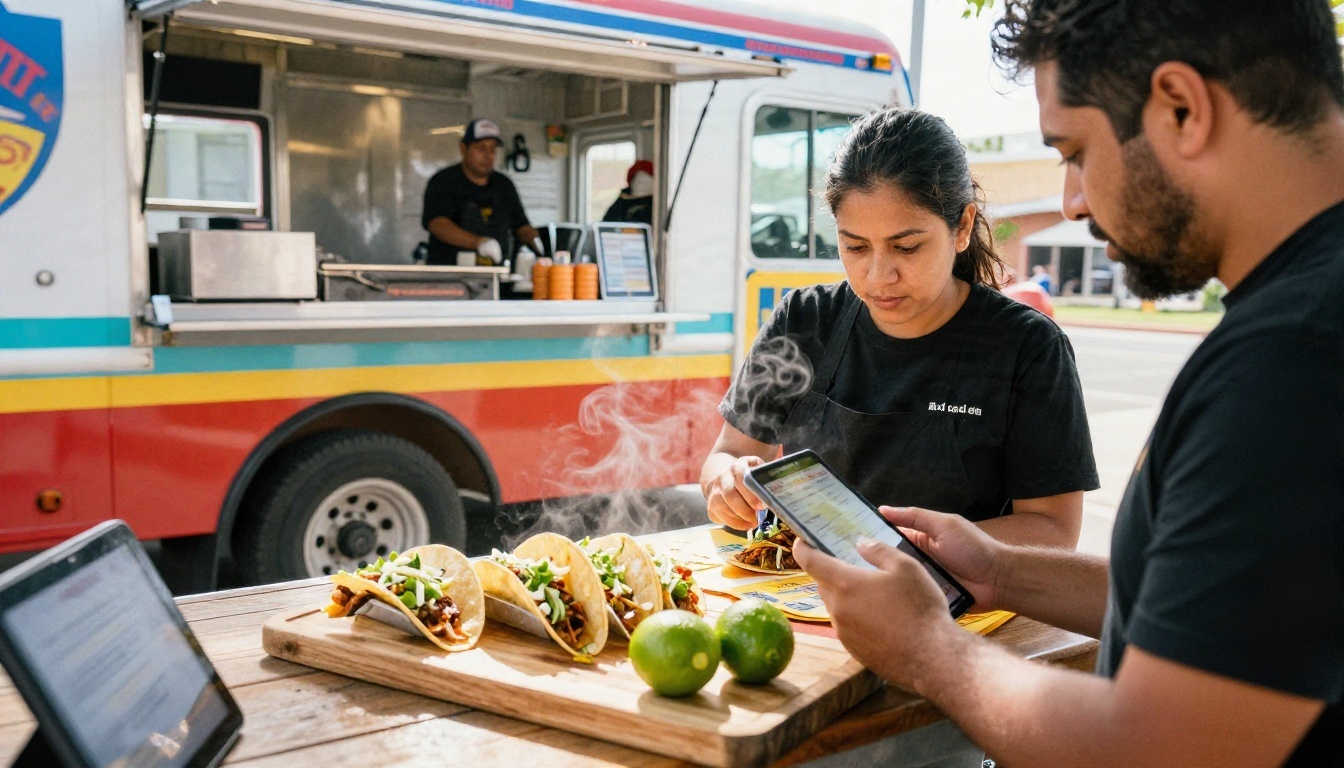
A food truck changes location and menu constantly. The owners keep one flipbook link in their social bio. When tacos sell out or a special appears, they upload a new PDF and the link stays the same. No reprinting, no confusion.
A Hotel Spa
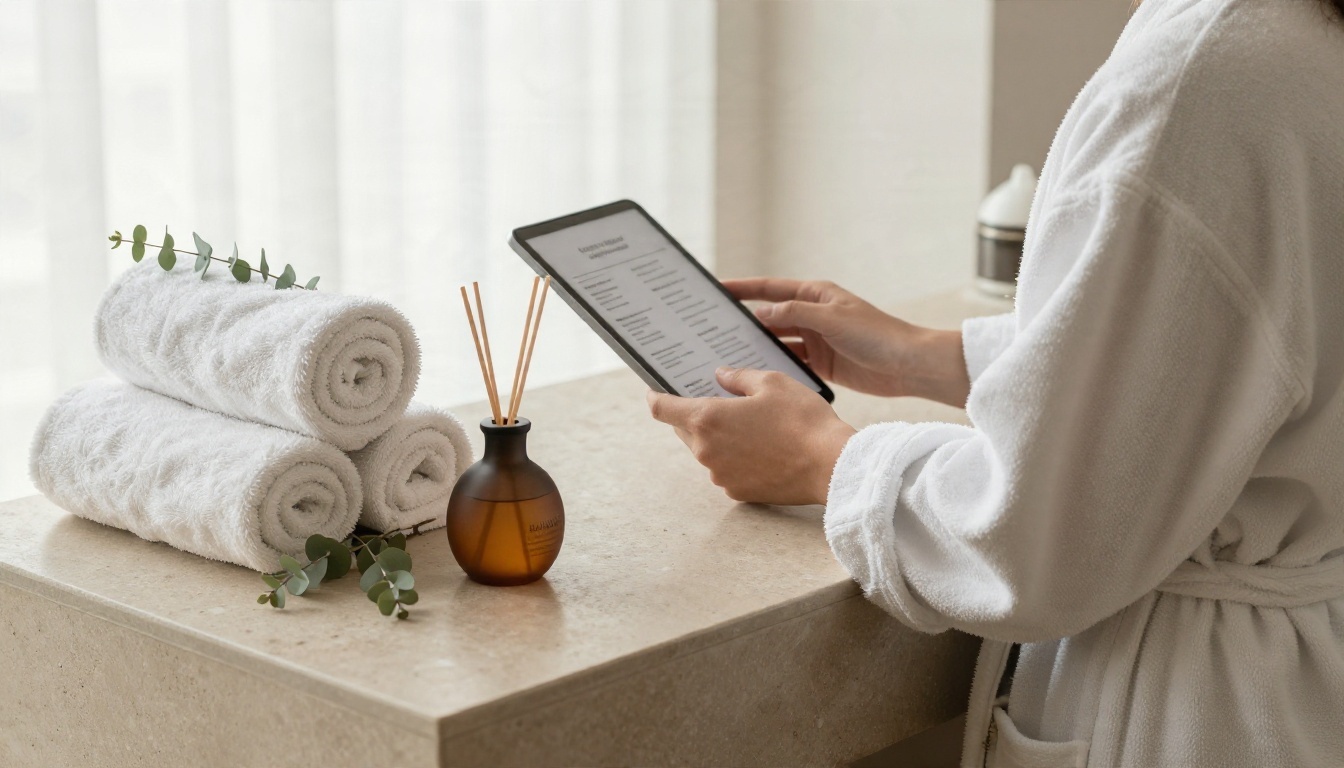
Spa menus often include long treatment descriptions and durations. A hotel spa builds the PDF with photography, then shares it by link in booking confirmations. Guests read it before they arrive, which means fewer questions at the front desk. If your venue is a hotel, the Hotel Brochure tool is a natural companion.
Common Mistakes and Quick Fixes
Most menu problems come from the same handful of habits. Fix these and your menu improves immediately.
| Mistake | Why it hurts | Quick fix |
|---|
| Too many dishes | Guests freeze, kitchens slow down | Cut to 7 to 10 items per section |
| Dollar signs everywhere | Draws attention to cost | Write prices as plain numbers |
| No allergen info | Legal and safety risk | Add short icons or notes next to each dish |
| Blurry food photos | Looks cheap | Use natural light and a clean plate |
| Uploading the wrong file | Guests see old prices | Date your file names and check the preview |
| Menu only in print | Excludes online guests | Publish a flipbook and add a QR code |
A Quick Pre-Publish Checklist
- Read every price aloud against your point-of-sale system.
- Open the link on an older phone, not just your new one.
- Scan the QR code from two meters away to check it works at table distance.
- Ask one staff member who did not help build the menu to read it and flag anything confusing.
💡 Pro tip: Update menus on a fixed day each week. A routine beats good intentions every time.
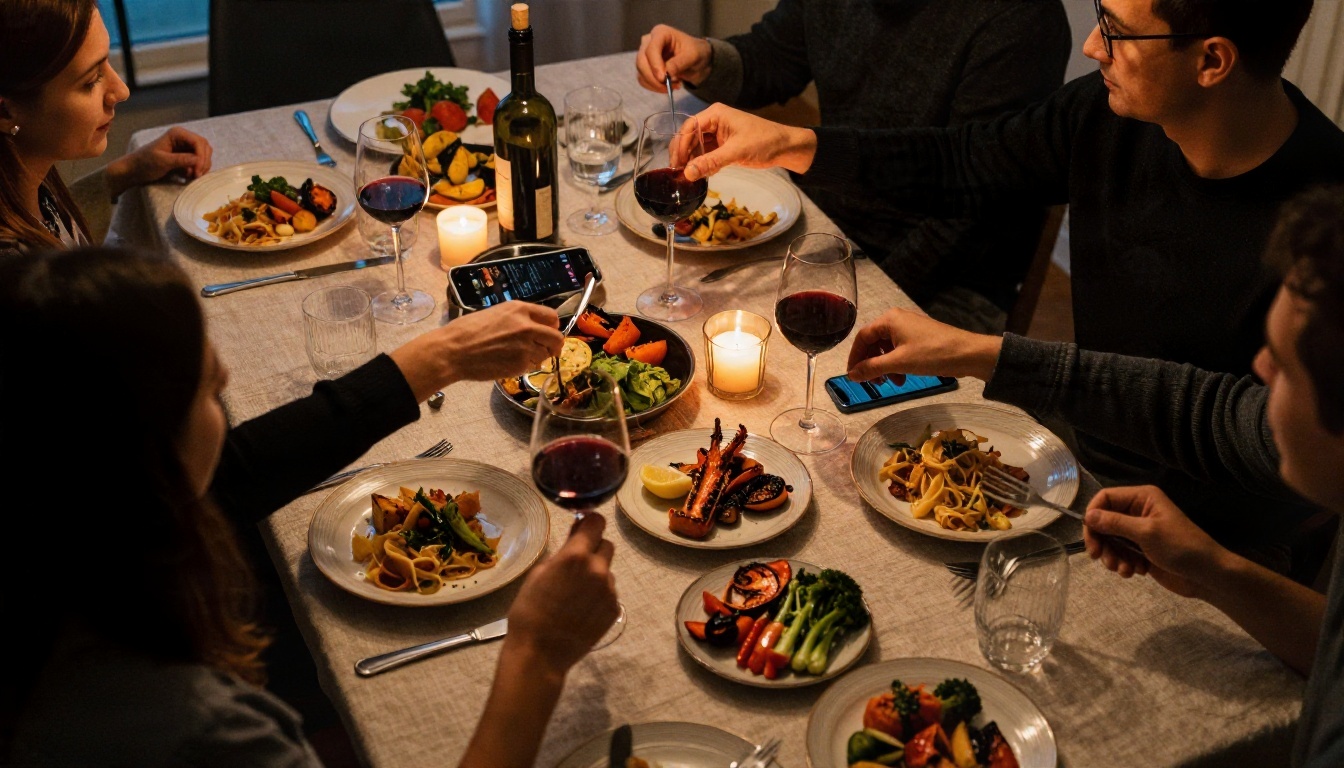
An AI menu generator gets you to a good draft fast, a clean PDF export makes it printable, and a flipbook makes it easy to share and easy to update. The whole workflow can fit inside one afternoon.
- Build your first draft, then get started for free on Flipbooks AI and upload the PDF.
- Browse all flipbook tools to find the right layout for a cafe, restaurant, spa, or event.
- Compare pricing plans when you are ready for unlimited flipbooks, analytics, and lead generation.
Your guests are already holding their phones. Give them a menu that opens in one tap.



