A pamphlet used to mean a print run, a courier and a week of waiting. Today an AI pamphlet maker can draft the layout in minutes, and a platform like Flipbooks AI can turn the finished PDF into a page-turning link that opens on any phone. This article shows how to get a free first draft, which design choices make it look professional, and how to share it so people actually read it.
If you run a cafe, sell homes, manage a clinic or organize a neighborhood event, you probably need a pamphlet at some point. You do not need a design degree or a big budget. You need a clear message, a handful of design rules and a smart way to distribute the result.
Why Pamphlets Still Work
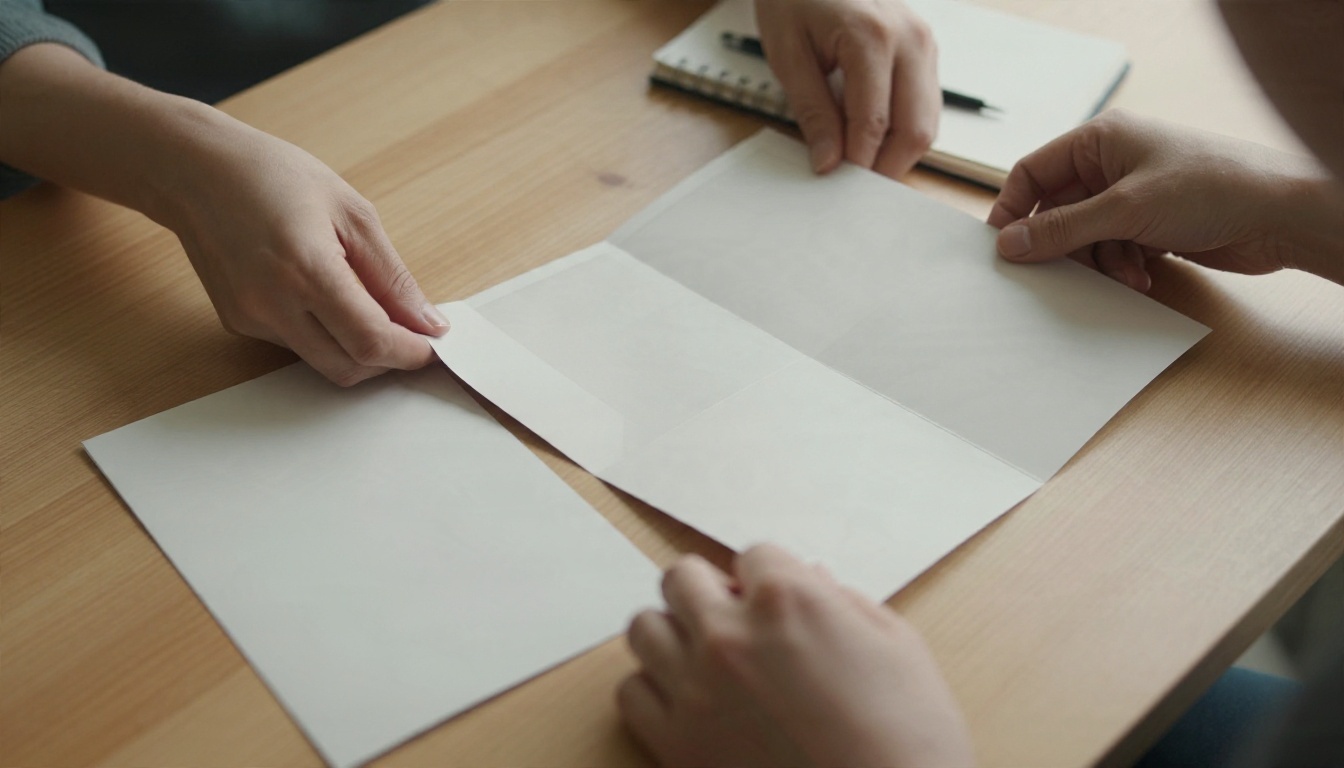
Pamphlets survive because they do one job well. They give a stranger a short, focused story they can finish in two minutes. A website asks people to click around. A pamphlet puts the whole pitch in one place, in a fixed order.
Short Format, Clear Job
A good pamphlet answers three questions fast: who you are, what you offer and what the reader should do next. Everything else is decoration. That tight scope is exactly why AI tools handle pamphlets better than long reports. The structure is predictable, so the generator rarely gets lost.
What the AI Actually Does
An AI pamphlet generator usually handles four tasks:
- Draft copy from a short description of your business or event
- Suggest a layout with panels, headings and image slots
- Propose color and font pairings based on your industry
- Export a PDF you can print or publish online
It does not replace your judgment. You still decide what is true, what matters and what to cut. Think of the AI as a fast junior designer who needs a clear brief.
💡 Pro tip: Write your one-sentence offer before you open any generator. If you cannot say it in one sentence, the pamphlet will be confusing no matter how pretty it looks.
Before you generate anything, choose a format. The format sets your word budget and decides how readers move through the page.
Bi-Fold, Tri-Fold or Single Sheet
| Format | Panels | Best for | Suggested word count |
|---|
| Single sheet flyer | 1 to 2 sides | Events, promotions, quick announcements | 60 to 120 |
| Bi-fold | 4 | Service overviews, menus, small product lines | 150 to 250 |
| Tri-fold | 6 | Clinics, hotels, tours, real estate listings | 200 to 350 |
| Multi-page booklet | 8 or more | Courses, product ranges, annual summaries | 400 and up |
A tri-fold remains the classic choice because the panel order creates a natural story: the front panel hooks, the inside panels explain, the back panel tells people how to act.
Digital First, Print Second
Here is a shift worth making. Design for the screen first, then print if you need to. A digital pamphlet has no postage cost, no reprint cost and no outdated stock. You can fix a typo at 9 a.m. and every reader sees the corrected version by 9:05.
If your pamphlet leans toward a hotel, property or vehicle, the dedicated pages for a Hotel Brochure, Real Estate Brochure or Online Brochure Designer show how those layouts work in flipbook form.
Get a Free Draft From an AI Generator

Many free generators let you produce a draft without paying. The catch is usually a watermark, a limited export or a small template library. Know the trade-offs before you invest an hour.
A Prompt Formula That Works
Vague prompts produce vague pamphlets. Use this structure instead:
- Who: the business or event and its audience
- What: the single offer or message
- Tone: friendly, formal, playful or calm
- Format: tri-fold, bi-fold or single sheet
- Action: the one thing the reader should do
Weak prompt: "Make a pamphlet for my bakery."
Strong prompt: "Create a tri-fold pamphlet for a neighborhood bakery that sells sourdough and pastries. Audience is local families. Tone is warm and simple. Include a short story panel, a weekly special panel and a final panel asking readers to order by phone."
The second version gives the AI constraints. Constraints are what separate usable drafts from generic ones.
Free vs Paid vs Hired Designer
| Option | Cost | Speed | Control | Best for |
|---|
| Free AI generator | Free | Minutes | Medium | First drafts, small budgets |
| Paid design software | Monthly fee | Hours | High | Teams with brand rules |
| Freelance designer | Per project | Days | Very high | Launch campaigns, print runs |
| AI draft plus manual polish | Low | An hour or two | High | Most small businesses |
The last row is the sweet spot. Let the AI produce the skeleton, then spend your time on the details that make it yours.
⚠️ Watch out: Free tools often add a watermark to exported files. Check the export before you send anything to a client. Publishing through Flipbooks AI adds no watermark, so your final flipbook stays clean.
Design Rules That Hold Up
AI drafts often look decent but slightly generic. These rules lift them from "fine" to "professional."
Pick Two Fonts, Not Five
Use one font for headings and one for body text. That is enough. A bold serif headline with a clean sans-serif body is a safe pairing that never looks dated. Keep body text at 10 to 12 points in print, and at least 16 pixels on screen.
Limit Your Palette
Choose one dominant color, one accent and one neutral. Use the dominant color for about 60 percent of the design, the neutral for 30 and the accent for 10. The accent belongs on buttons, prices and calls to action, nowhere else.
Give Content Room to Breathe
White space is not wasted space. Crowded panels feel cheap and tire the eye. If a panel feels busy, remove one element instead of shrinking everything.
Choose Photos With Purpose
Pick real photos over generic stock whenever you can. A genuine picture of your storefront, team or product builds more trust than a polished stranger holding a coffee cup. Crop tightly, keep the lighting consistent, and use one strong image per panel.
| Design element | Do | Avoid |
|---|
| Headline | Short, specific, 6 words or fewer | Long sentences in all caps |
| Body text | Short paragraphs, bullet points | Walls of text |
| Images | One clear focal point per panel | Five small photos competing |
| Color | Three colors with clear roles | A rainbow of equal choices |
| Call to action | One button or one phone number | Three different next steps |
✅ Best practice: Squint at your pamphlet from arm's length. If you cannot tell what the headline is and where the call to action sits, simplify.
Review the Draft Like a Reader

Fresh eyes catch problems you will miss. Show the draft to one person who knows nothing about your business and ask them what it is for. If they hesitate, rewrite the front panel.
A Five-Minute Proof Checklist
- Are names, prices, dates and phone numbers correct?
- Does every panel have one clear purpose?
- Is the call to action visible without scrolling or unfolding?
- Do the colors have enough contrast to read on a phone in sunlight?
- Did the AI invent any claim you cannot prove?
That last point matters. Generators sometimes write confident statements about awards, years in business or results that are simply made up. Delete anything you cannot back up.
How to Create a Pamphlet Flipbook
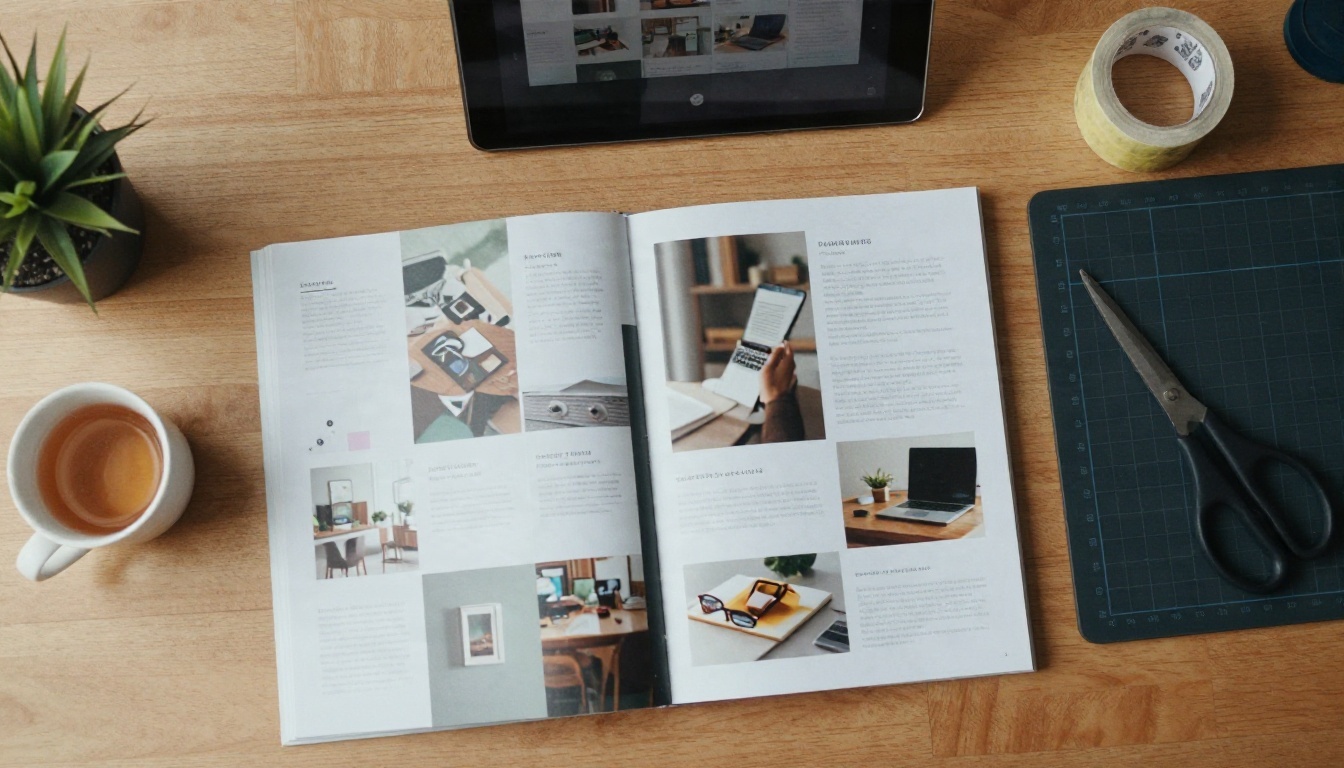
Once your PDF is ready, turning it into an interactive flipbook takes a few minutes. Here is the full workflow on Flipbooks AI.
Step 1: Create Your Account
Head to Flipbooks AI and create an account. You can compare plans on the pricing page whenever you are ready to publish more.
Step 2: Upload and Convert the PDF
- Click the upload button in your dashboard.
- Select your pamphlet PDF. Export it at the final page size so the pages convert cleanly.
- Wait a few moments while the file is converted into pages.
- Preview the result. You should see realistic page turns and sharp text.
The PDF to Flipbook Converter page explains the conversion in more detail, and the Brochure Flipbook Maker is the closest match for pamphlet projects.
Step 3: Customize the Look
Open the settings panel and adjust:
- Branding: add your logo and match your brand colors
- Background: choose a plain color that complements your cover panel
- Page effects: keep the page-turn animation subtle so text stays easy to read
- Multimedia: embed a short video or audio clip, such as a welcome message or a product demo
Because the layout is mobile-responsive, your pamphlet adapts to phones and tablets without extra work.
Step 4: Choose How to Share
Copy a direct link, grab an embed code for your website or restrict access with a password. The next section compares these options.
Step 5: Turn On Pro Features
On the Professional plan you can track views with analytics and collect contact details through lead generation. You can also allow offline downloads, so readers can save a copy for later. Unlimited flipbooks come with the Standard plan and above, which suits anyone producing a new pamphlet for every season or event.
💡 Pro tip: Name your flipbook the way a customer would search for it. "Spring Garden Tour Pamphlet" works better than "Final_v3".
Share It Where Readers Already Are
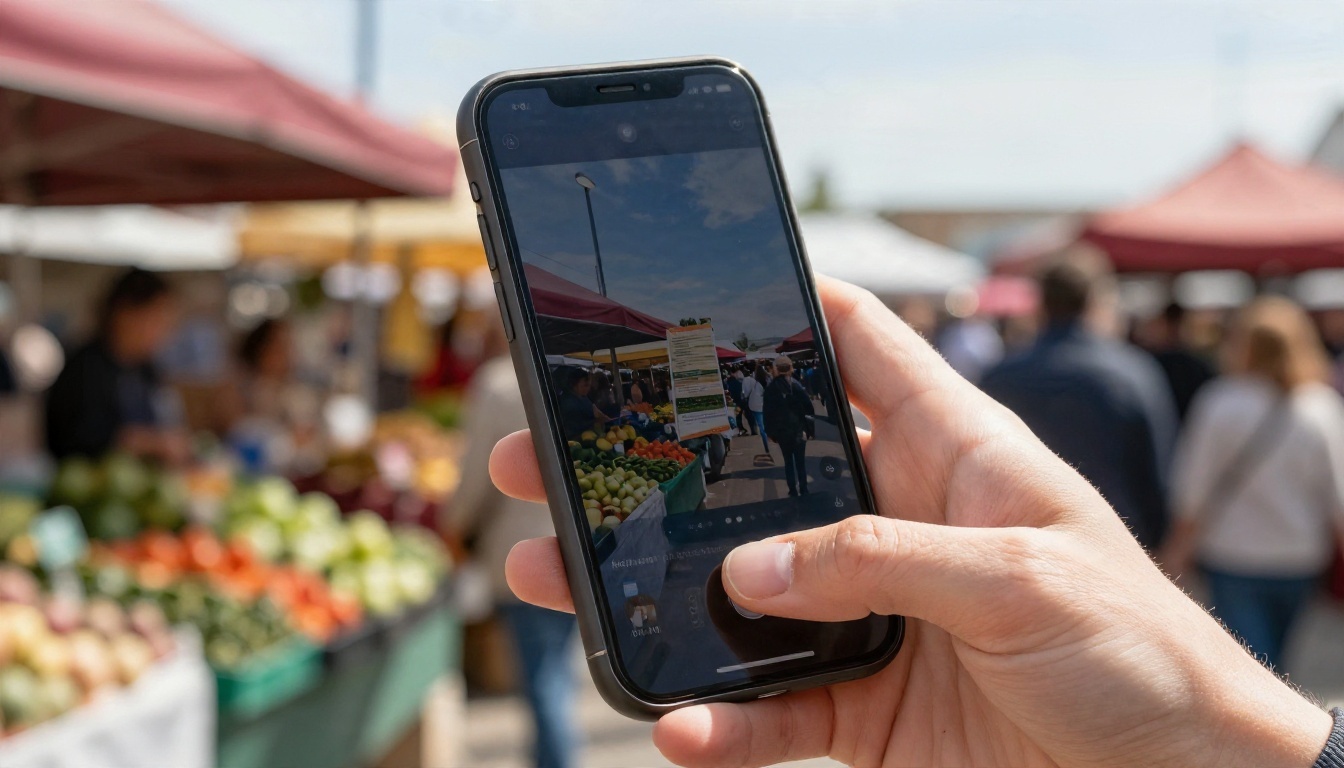
A pamphlet nobody opens is just a file. Distribution decides whether your work pays off.
Compare Your Sharing Options
| Method | Best for | Effort | Notes |
|---|
| Direct link | Email, text messages, social posts | Very low | Works on any device |
| Website embed | Landing pages, blog posts | Low | See Embed Flipbook on Website |
| QR code | Posters, receipts, shop windows | Low | Links print readers to the digital version |
| Password protection | Client proposals, internal material | Low | Keeps private content private |
| Offline download | Events, travel, poor signal areas | Low | Readers save a copy to their device |
Pair Print With a QR Code
Print a small stack for the counter, then add a QR code that points to the live flipbook. Readers who pick up the paper copy can share the digital one with a friend in seconds. When you update the flipbook, the QR code keeps working, so you never need to reprint a code.
Time Your Release
Send the link when people are ready to act. A restaurant promotion lands best before a weekend. A school pamphlet works best a few weeks before enrollment opens. A property pamphlet belongs in the follow-up email right after a viewing.
Real Examples You Can Copy

Theory is useful, but examples make it concrete.
A Neighborhood Cafe
A cafe owner drafts a bi-fold with an AI generator: a short story panel, a seasonal drinks panel and a loyalty offer. She converts it to a flipbook, prints a QR code for the counter and shares the link on social media. When the menu changes, she swaps the PDF and the link stays the same. For menu-heavy projects, the Restaurant Menu Creator is a handy starting point.
A Real Estate Agent
An agent builds a tri-fold for each listing: exterior photo on the front, floor plan and features inside, contact details at the back. She emails a password-protected link to serious buyers and uses analytics to see who opened it. A buyer who viewed the pages three times is a better lead than one who skimmed once. The Real Estate Brochure tool shows how this layout works.
A Community Clinic
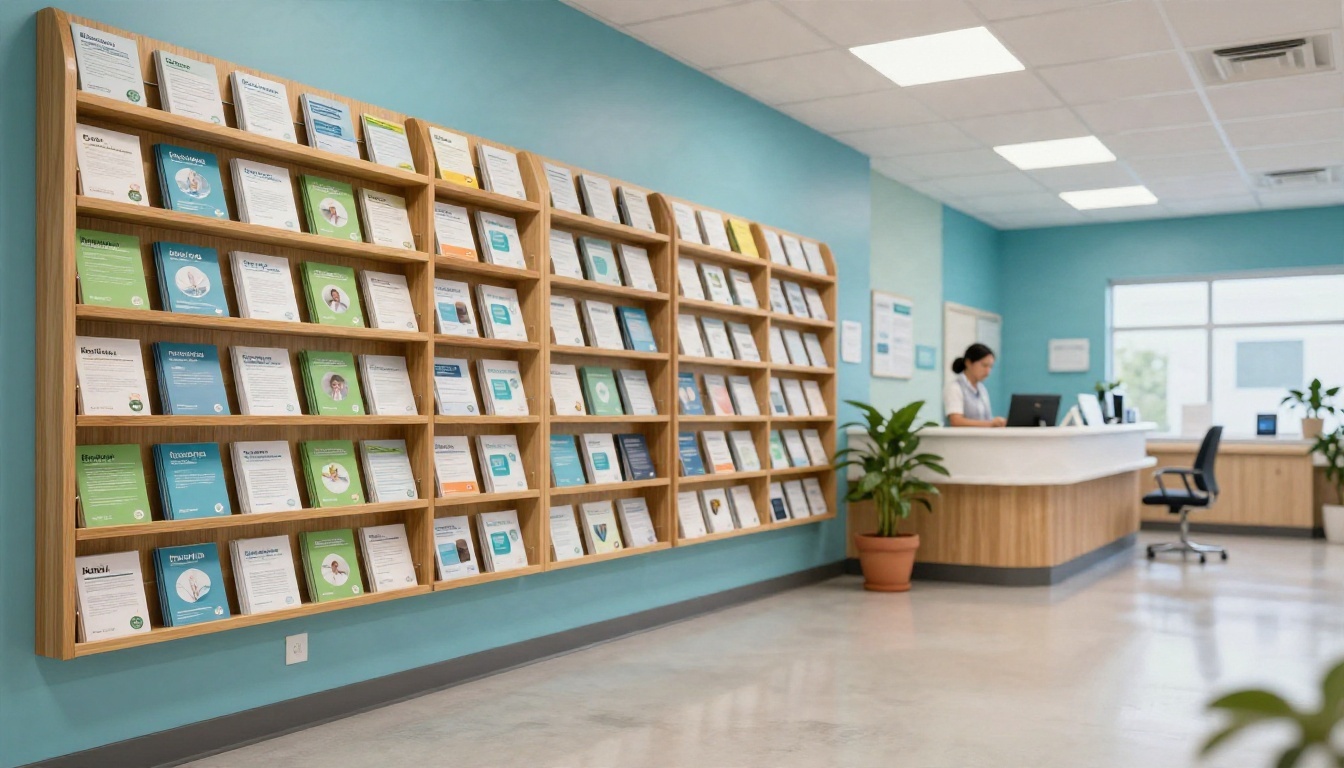
A clinic needs clear, calm information about services, hours and preventive care. A tri-fold in soft blue and green tones sits in the waiting room rack, while the same pamphlet is available as a flipbook on the clinic website. Patients can read it at home, on a phone, in a larger font if they pinch to zoom.
| Scenario | Format | Main goal | Sharing method |
|---|
| Cafe | Bi-fold | Repeat visits | QR code and social link |
| Real estate | Tri-fold | Qualified leads | Password link and analytics |
| Clinic | Tri-fold | Clear information | Website embed and print rack |
| Local event | Single sheet | Attendance | Direct link and poster QR |
Mistakes That Sink Good Pamphlets
Even with a strong draft, a few errors show up again and again.
- Too many messages. One pamphlet, one goal. If you have three goals, make three pamphlets.
- Tiny text. If readers must squint, they will stop. Test on a real phone.
- No call to action. Tell people exactly what to do: call, scan, book or visit.
- Stale information. Old prices and expired offers damage trust. Digital publishing makes updates easy, so use that advantage.
- Skipping the proof. Always read the final export, not just the editor view.

⚠️ Watch out: AI image tools and generators sometimes produce small errors in hands, logos or text inside pictures. Zoom in on every image before you publish.
Ready to Publish Your Pamphlet?
You now have a clear path: write a one-sentence offer, pick a format, generate a draft with a free AI tool, apply the design rules, then publish the PDF as a flipbook people can open anywhere.
Here is what to do next:
- Create your free account on Flipbooks AI and upload your first pamphlet PDF.
- Browse all flipbook tools to find the template that fits your project.
- Compare pricing plans when you need analytics, lead generation or unlimited flipbooks.
- Ready to go further? Pick a plan and start sharing a polished, watermark-free pamphlet today.
A good pamphlet is short, honest and easy to act on. The AI gets you to a draft fast. Your clear thinking and a few careful design choices do the rest.



