Your phone holds about 4,000 photos, and you will probably never scroll back to most of them. A photo book fixes that, and AI now does the boring part for you: sorting, picking the best shots, and arranging pages in minutes. This article compares the free online makers, shows layout ideas that look professional, breaks down what printing really costs, and shows how a digital version built with Flipbooks AI lets you share the same album with anyone, for free or close to it.
What Is an AI Photo Book?
An AI photo book is an album where software handles the first draft. You upload pictures, and the tool detects faces, removes near duplicates, groups images by date or location, and drops them into page templates. You then adjust what you don't like.
That is the whole idea. The AI is an assistant, not an artist. You still decide the story.
How the Automation Works
Most makers run the same basic steps behind the scenes:
- Quality scoring: blurry, dark or half-closed-eye shots get ranked lower.
- Duplicate removal: ten near identical sunset photos become one or two.
- Smart grouping: images are clustered by timestamp, GPS data or the people in them.
- Auto layout: the tool picks a template that fits each group, such as one large photo for a landscape or a grid for a party.
- Caption suggestions: some tools write a short line for each page from the photo metadata.
💡 Pro tip: Always review the auto-selected photos before you accept them. AI tends to keep technically sharp pictures and drop the slightly blurry ones that carry the best emotion.
Printed Book or Digital Flipbook?
You have two output formats, and they solve different problems.
| Feature | Printed Photo Book | Digital Flipbook |
|---|
| Cost per copy | Roughly $15 to $90 | Near zero after creation |
| Delivery time | 5 to 14 days | Instant |
| Sharing with family abroad | Expensive shipping | One link |
| Feel and keepsake value | Excellent | Good, screen based |
| Edits after finishing | Not possible | Anytime |
| Video and audio inside | No | Yes |
Many people now do both. They print one copy for the coffee table and share a flipbook for everyone else.
Free Online Photo Book Makers Compared
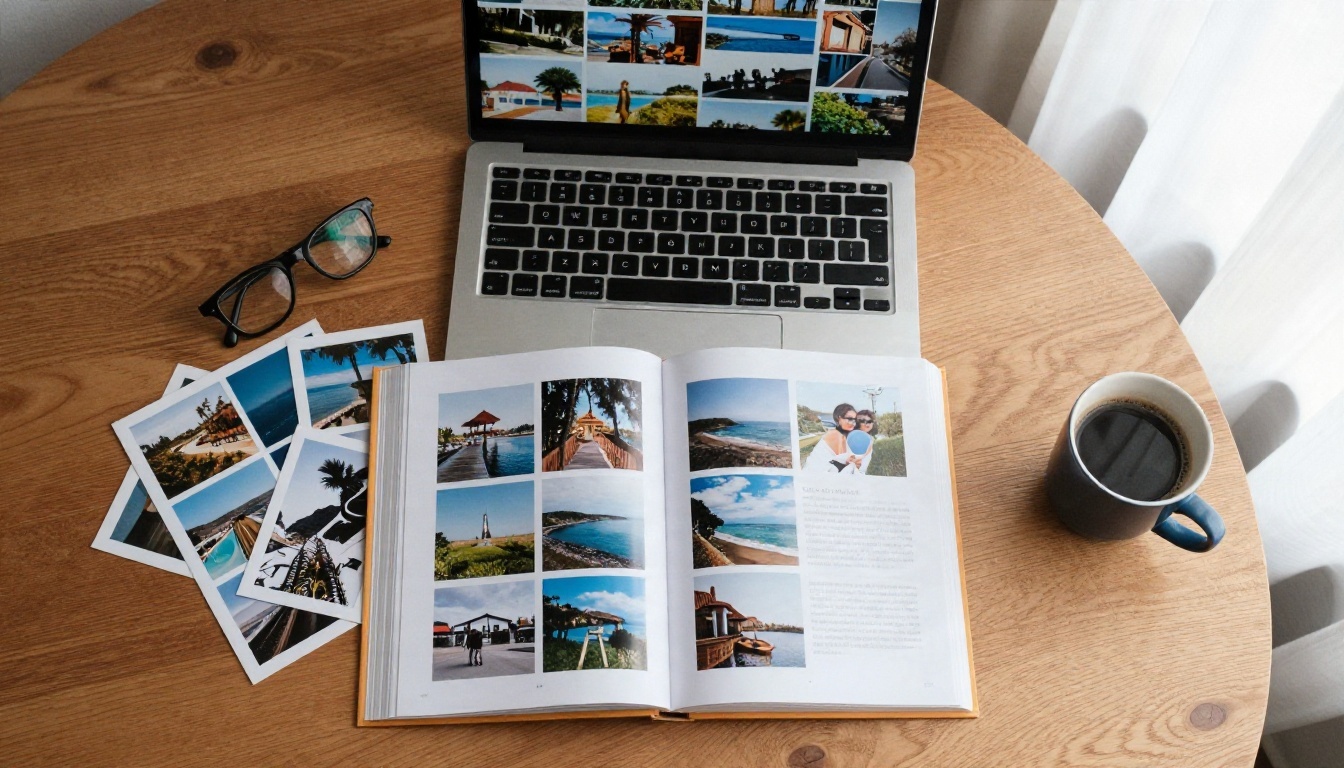
"Free" means different things depending on the tool. Some let you design for nothing and charge only when you print. Others add a watermark. A few cap the number of pages. Here is a fair picture of the most common models.
What Free Usually Means
- Free design, paid print: the most common model. You pay only for the physical book.
- Free trial with watermark: your exported file carries a logo until you upgrade.
- Free with page limits: often 20 to 24 pages maximum.
- Free templates, paid AI features: auto layout and smart selection sit behind a subscription.
Side by Side Comparison
The table below describes types of makers, because individual prices and limits change often.
| Maker Type | Design Cost | AI Auto Layout | Watermark | Best For |
|---|
| Print company app | Free | Yes, basic | No | People who want a printed book fast |
| Drag and drop design platform | Free tier | Limited | Sometimes | Custom layouts and full control |
| Phone gallery photo book feature | Free | Yes | No | Quick vacation albums |
| PDF to flipbook platform | Free plan available | Manual or imported | No watermarks on Flipbooks AI | Sharing online, embedding, tracking views |
| Desktop publishing software | Paid | No | No | Professional photographers |
Which One Should You Pick?
Ask yourself one question: who will see this book?
- If it is a gift to one person, use a print company app and order a hardback.
- If it is for 30 wedding guests in six countries, build a digital flipbook.
- If you want total design freedom, use a drag and drop platform, export a PDF, then convert it.
⚠️ Watch out: Some free makers lock your project behind their format. Always check that you can export a PDF before you spend three hours designing.
Layout Ideas That Look Professional
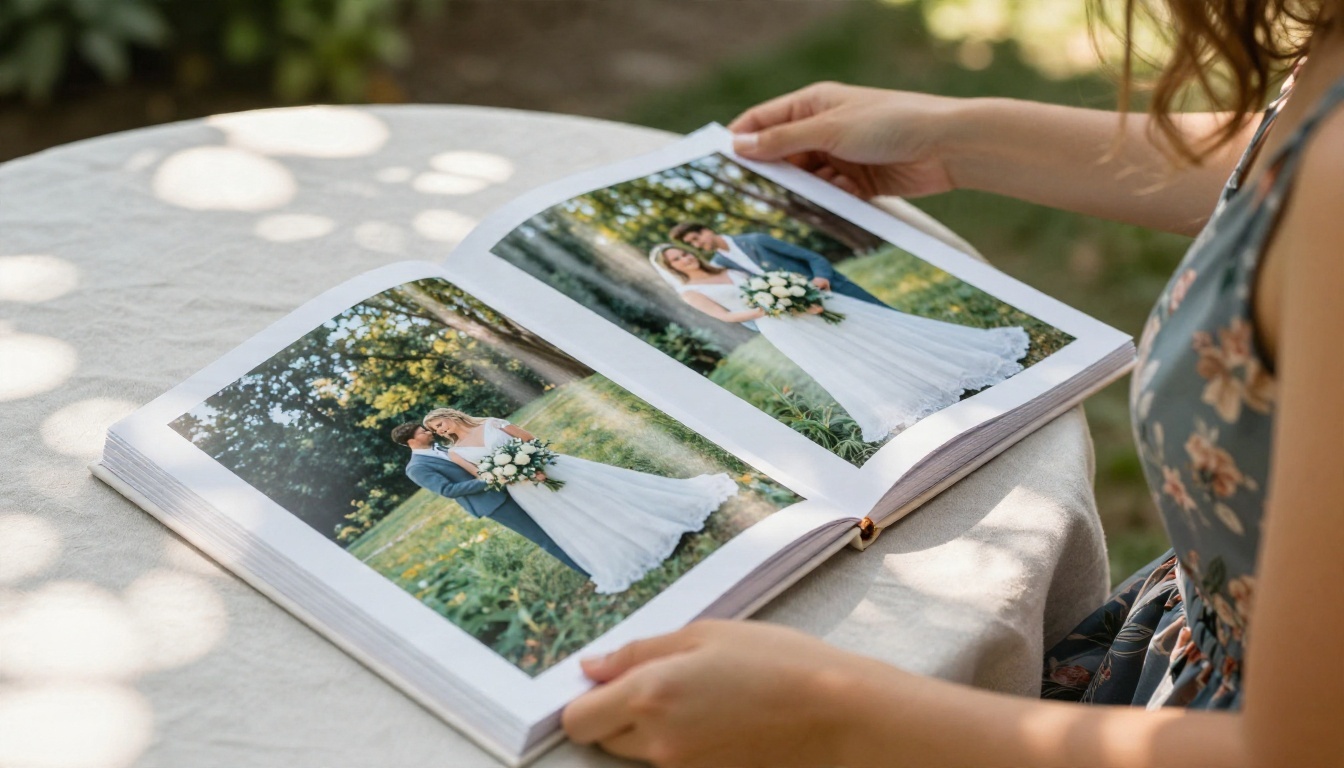
Good layouts are mostly about restraint. A page with five photos fighting for attention looks messy. A page with one great photo and white space looks expensive.
The Hero Page
Use one large photo across the full page or a full spread. Save it for the best shot of each chapter, such as the beach at sunrise or the first dance. Don't put text over busy areas.
The Grid
Three, four or six equally sized images on a clean white background. This is perfect for details: food, street signs, textures, kids' faces. Keep the gutter (the gap between photos) consistent, about 5 mm in print.
The Story Spread
Pair one large image on the left with three smaller ones on the right. The big photo sets the scene, and the small ones add detail. This is the layout most AI tools pick by default, and it works.
Layout Cheat Sheet by Occasion
| Occasion | Best Layout | Photos Per Page | Tone |
|---|
| Wedding | Hero pages plus story spreads | 1 to 4 | Elegant, lots of white space |
| Family vacation | Story spreads and grids | 3 to 6 | Lively, colourful |
| Baby's first year | One page per month, grid | 1 to 12 | Soft, sentimental |
| Travel journal | Full bleed plus map pages | 1 to 3 | Adventurous |
| Yearbook or club | Grids and portraits | 6 to 20 | Practical |
| Portfolio | Hero and minimal grids | 1 to 2 | Clean, gallery style |
Three Mistakes to Avoid
- Low resolution images. Aim for at least 300 DPI at the printed size. A phone photo is usually fine for half a page, but not always for a full spread.
- Placing faces on the fold. In a printed book, the centre crease can slice through someone's face. Keep important details at least 1 cm away from it.
- Too many fonts. Use one font for headings and one for captions. That's enough.
✅ Best practice: Tell the story in order. Beginning, middle, end. A chronological book needs less explanation than a random mix of favourites.
The Real Cost of Photo Books
Prices vary by size, page count, paper and binding. The numbers below are typical ranges, not quotes from any specific company, so confirm the final price at checkout.
Printed Book Price Ranges
| Format | Size | Pages | Typical Price |
|---|
| Softback | 7 x 7 in | 20 to 30 | $12 to $25 |
| Softback | 8 x 11 in | 30 to 40 | $20 to $35 |
| Hardback | 8 x 8 in | 20 to 40 | $30 to $55 |
| Hardback, lay flat | 11 x 14 in | 40 to 60 | $60 to $120 |
| Premium linen or leather | 12 x 12 in | 40 to 80 | $100 to $200 |

Hidden Costs People Forget
- Shipping: often $5 to $15, and more for international orders.
- Extra pages: most makers charge per page beyond the base count.
- Premium paper: lustre or pearl finishes usually add 10 to 25 percent.
- Duplicate copies: discounts exist, but they rarely drop below 20 percent off.
- Reprints for mistakes: a typo means a new book. Proofread every page.
Ways to Save Money
- Wait for sales. Photo book companies run 40 to 60 percent off promotions several times a year, especially before holidays.
- Choose softback for anything the kids will handle.
- Cut pages. Fifty good photos beat two hundred average ones.
- Print one, share the rest digitally. A flipbook replaces the five extra copies you would have mailed.
Digital Flipbook Options
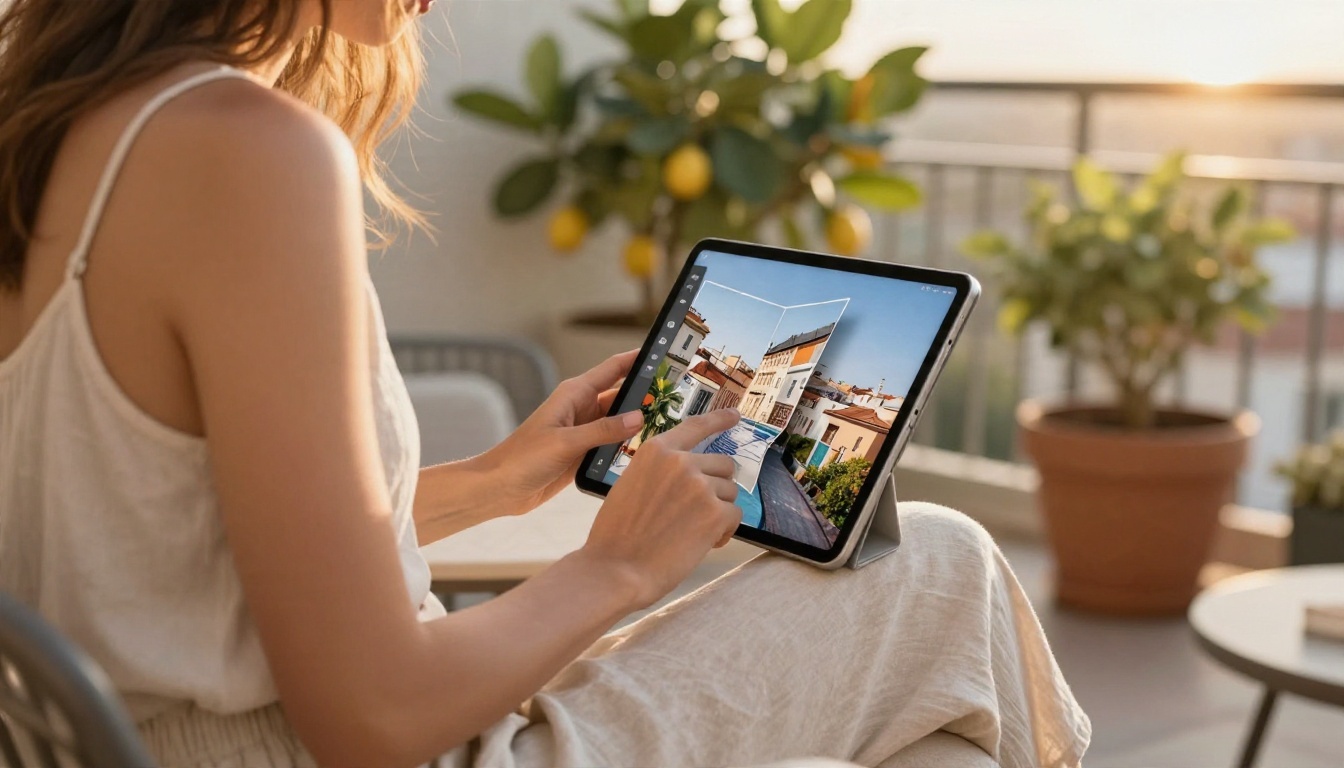
A digital flipbook is a photo book you read on a screen with a realistic page-turning effect. Instead of ordering ten copies for relatives, you send a link. They open it on a phone, a tablet or a laptop, and flip through it like the real thing.
Why Choose a Flipbook?
- No shipping and no waiting. The album is ready the second you finish.
- Fixable. Spot a wrong date? Update the file and everyone sees the new version.
- Richer than paper. Add a short video clip of the toast, or a voice recording from grandma.
- Private when you want it. Password protection keeps family photos away from strangers.
- Easy to embed. Put it on a wedding website or a family blog.
Flipbook Use Cases for Photo Albums
A photographer, for example, can design a 30 page album in a layout tool, export it as a PDF, and send the client a private link the same afternoon. No courier, no print proof delays.
How to Create a Photo Flipbook
This tutorial assumes you already have a designed album as a PDF. If you don't, build it in any free maker listed earlier, using the layout ideas above, and export it.
Step by Step Tutorial
- Open the platform. Go to Flipbooks AI and create an account. Signing up takes a minute.
- Upload your PDF. Use the PDF to Flipbook Converter. Drag your file in, and each PDF page becomes a flipbook page. Large image heavy files may take a little longer to process.
- Customize the look. Pick a background colour that suits your photos (a dark neutral makes colours pop), set the page-turn effect, and add your own branding if you want a logo on the viewer.
- Add multimedia. Drop in a video clip or audio track on any page. A wedding album with the vows playing on the final page is hard to forget.
- Preview on mobile. Most of your viewers will open it on a phone. The design is mobile responsive, but check that captions are still readable.
- Set privacy. Add a password if the album is personal. Skip it if you want it fully public.
- Share it. Copy the direct link, or grab the embed code and place the album on your site with the Embed Flipbook on Website option.
💡 Pro tip: Export your PDF at a reasonable size, around 20 to 50 MB. Huge files load slowly on mobile connections, and nobody waits for a photo album.
Features Worth Knowing
| Feature | What It Does | Plan |
|---|
| No watermarks | Your album looks clean, always | All plans |
| Unlimited flipbooks | Make as many albums as you like | Standard and above |
| Password protection | Keeps private photos private | See pricing |
| Offline downloads | Guests can save the album for later | See pricing |
| Analytics | See how many people opened the album | Professional |
| Lead generation | Collect emails before viewing | Professional |
Analytics and lead capture suit photographers and small studios more than families. If you sell photo services, knowing which clients actually opened their album is useful. Compare options on the pricing page.
Which Option Fits You?
Here is a quick decision table to settle it.
| Your Situation | Best Choice |
|---|
| Single gift for a parent or partner | Printed hardback from a print company app |
| Large group, spread across countries | Digital flipbook |
| Tight budget | Free maker plus a flipbook, print nothing |
| Professional photographer | Designed PDF, flipbook delivery, optional premium print |
| Want it both ways | Print one copy, share a flipbook link |
A Simple Workflow That Works
- Let AI sort and select photos, then override the weak picks.
- Choose two layouts and stick to them for consistency.
- Write short captions: date, place, and one memorable detail.
- Export a PDF.
- Print one copy if you want a keepsake.
- Convert the PDF to a flipbook and send the link.
This takes an evening, not a month. And the result is something people will actually open.
Start Your Photo Book Today
You don't need a design degree or a big budget. Pick a free maker, trust the AI for the first draft, polish the pages yourself, and choose the format that matches your audience.
Ready to share your album? Get started for free on Flipbooks AI, browse all the flipbook tools to find your best match, or look at the pricing plans to see which one suits the way you share photos.



