Your next client will probably open your brochure on a phone, between two meetings, with about eight seconds of patience. If the file takes a minute to download, loses its formatting, or hides your logo on page six, it gets closed. An AI platform that can create a corporate brochure PDF with your logo, online and free to start, fixes most of that in one afternoon. With Flipbooks AI you upload a PDF, apply your branding, and get a page-turning brochure you can share with one link.
This article walks through the whole process: what the AI actually does, which free templates fit which business, how to add a logo properly, and how to send the finished brochure so people actually open it.
💡 Quick answer: Design or upload your brochure PDF, convert it to an interactive flipbook, add your logo and brand colors, then share it by link, embed code or password protected page. No watermark, no print run.
Why a Corporate Brochure PDF Still Works
Brochures were declared dead about every two years since 2010, and yet every sales team still asks for one. The reason is simple: a brochure is the only sales asset that fits a whole company story into six to twelve scannable pages. A website is endless. A slide deck needs a presenter. A brochure works alone.
What Buyers Expect Today
Buyers now expect a brochure to behave like a website page:
- It opens instantly on mobile, with no pinch and zoom.
- The logo and brand colors look consistent from page one to the last page.
- Links, buttons and contact details actually work.
- It can be forwarded to a colleague without an attachment limit.
A flat PDF meets the first expectation only sometimes. A flipbook meets all four.
PDF vs Flipbook Brochure
| Feature | Plain PDF | Flipbook Brochure |
|---|
| Opens in browser | Sometimes | Always |
| Mobile friendly | Poor (zoom needed) | Responsive layout |
| Page turn effect | No | Yes |
| Embedded video and audio | No | Yes |
| Password protection | Limited | Yes |
| Share as one link | Needs hosting | Built in |
| Track who reads it | No | Yes (Professional plan) |
| Works offline | Yes | Offline download option |
The strongest setup uses both. Keep the PDF as the master file, and publish the flipbook as the version people actually read.
"AI" in this context is not magic. It handles the slow, repetitive parts of brochure production so you spend your time on the message.
Layout and Copy Drafting
Good AI tools help with three jobs:
- Structuring pages. Cover page, about us, services, proof, contact. The AI suggests the order and the amount of text each page can carry.
- Drafting first-pass copy. Short headlines, benefit-focused bullets and a clean call to action you can edit.
- Fitting content to the grid. Long paragraphs get trimmed so pages stay airy instead of crowded.
You still decide what is true and what is on brand. Treat the draft like a junior copywriter's first pass: useful, fast, never final.
Logo and Brand Colors
This is where most brochures fall apart. A logo that is stretched, low resolution or placed on a clashing background makes a serious company look amateur.

Before you upload anything, prepare these three files:
- Logo as SVG or high-resolution PNG with a transparent background.
- A light version and a dark version of the logo, for different page backgrounds.
- Your brand color codes (HEX values), usually two main colors and one accent.
⚠️ Warning: Never screenshot your logo from your own website. Screenshots are low resolution and look soft once the brochure is viewed full screen on a large monitor.
Free Brochure Templates by Business Type
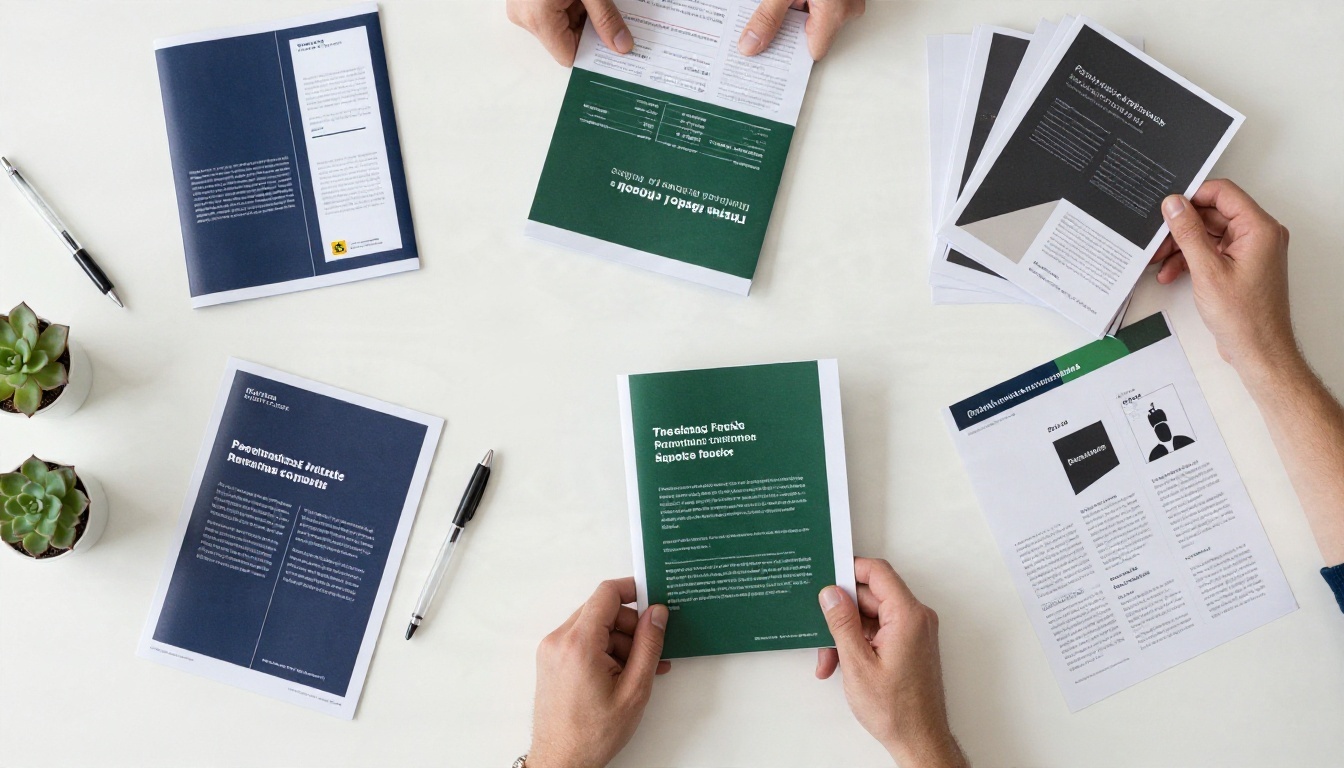
A template removes the blank page problem. The right one depends on what you sell and how people will read it. Flipbooks AI offers purpose-built tools, so you are not forcing a restaurant layout onto a law firm.
Picking a Layout
Ask yourself one question: what should the reader do after page one? If the answer is "call us", choose a layout with a prominent contact panel. If the answer is "browse products", choose a grid-heavy layout. If the answer is "trust us", choose a layout with large quotes, client logos and short case studies.
Choosing the Right Page Count
Shorter wins for first contact. Use these rules of thumb:
- 4 to 6 pages: cold outreach and event handouts.
- 8 to 12 pages: standard corporate profile for prospects.
- 16 pages and up: only when readers have already shown serious interest.
How to Create a Corporate Brochure with Flipbooks AI
If you already have a PDF, you are about five minutes from a live brochure. If you do not, build one in Canva, Word, InDesign or Google Docs, export it as PDF, and come back. The Brochure Flipbook Maker is the closest match for this workflow.

Step 1: Open Your Account
Head to Flipbooks AI and create an account. You can start without paying, and your flipbooks never carry a watermark.
Step 2: Upload and Convert the PDF
- Click the upload button on your dashboard.
- Drop in your brochure PDF. Files with live links and clean fonts convert best.
- Wait a few seconds while each page is turned into a flipbook spread.
- Flip through the preview and check that no text is cut off at the edges.
The PDF to Flipbook Converter handles this step on its own if you only need conversion.
💡 Pro tip: Export your PDF at its final page size. Resizing after conversion can shift margins and push your logo too close to the edge.
Step 3: Add Your Logo and Brand Colors
Now make the viewer feel like your property, not a generic reader.
- Upload your logo to the viewer toolbar, so it stays visible on every page.
- Set your brand colors for the background, buttons and toolbar.
- Choose the page effect, such as a soft curl or a flat slide, depending on how formal you want it.
- Pick a background that does not compete with the brochure itself. Neutral grays and warm whites rarely fail.
Step 4: Add Video, Audio and Links
A corporate brochure becomes memorable when a page does something. You can embed:
- A 30 second welcome video from the founder.
- Audio narration for an accessibility-friendly version.
- Clickable buttons to your booking page, pricing page or LinkedIn profile.
Keep video short. People forgive a missing video, but not a slow page.
Step 5: Publish and Test
Hit publish, then open the link on three devices: your phone, a laptop and a colleague's tablet. If your logo, links and fonts look right on all three, you are done.
Sharing Your Brochure Online
A brochure that sits in a shared folder does nothing. Pick the sharing method that matches the audience.

| Sharing Method | Best For | Effort | Control Level |
|---|
| Direct link | Email, WhatsApp, LinkedIn messages | Very low | Medium |
| Embed code | Website pages, landing pages | Low | High |
| Password protection | Investor decks, partner pricing | Low | Very high |
| Offline download | Trade shows, travel, weak signal | Low | Medium |
| QR code on print | Packaging, posters, business cards | Medium | Medium |
Direct Links and Embeds
A direct link is the quickest route: paste it into an email signature or a LinkedIn message. For your website, the Embed Flipbook on Website tool gives you a snippet that sits inside any page. Visitors read the brochure without leaving your site, which keeps them on your domain and close to your contact form.
Password Protection for Private Content
Not every brochure is meant for everyone. Partner price lists, tender proposals and pre-launch product details deserve a lock. Add a password, send it separately from the link, and you keep control of who reads what.
✅ Best practice: Use one public brochure for general prospects and a separate password protected version for partners with wholesale pricing. Never mix the two.
Offline Downloads
Sales reps often meet clients in basements, warehouses and airports where signal is poor. Offline download lets them carry the brochure and show it anyway.
Free vs Paid: What You Actually Get
Free is a fine place to start, and many small businesses stay there for their first brochure. The upgrade question comes down to volume and measurement. Check the current plan details on the pricing page, since limits can change.
| Need | Starting Out | Standard Plan and Above | Professional Plan |
|---|
| Convert a PDF to flipbook | Yes | Yes | Yes |
| No watermark | Yes | Yes | Yes |
| Custom branding | Yes | Yes | Yes |
| Unlimited flipbooks | Limited | Yes | Yes |
| Password protection | Check plan | Yes | Yes |
| Reader analytics | No | Basic | Full |
| Lead generation forms | No | No | Yes |
Pro Features Worth Paying For
Two features justify an upgrade for most companies:
- Analytics. See which pages readers open, how long they stay, and where they drop off. If nobody reaches page eight, move your offer to page three.
- Lead generation. Ask for a name and email before the brochure opens. Every download becomes a lead that your sales team can follow up on the same day.
Both live in the Professional plan. You can compare everything on the pricing page before you commit.
Real Examples You Can Copy
Seeing the process in a real business makes it easier to picture your own.
A boutique law firm uploads an eight page PDF with practice areas, partner profiles and a short client quote on each spread. The logo sits in the toolbar. The link goes into every proposal email.
A regional hotel group uses the Hotel Brochure Designer and adds a short video tour on page three. The brochure is embedded on the "Weddings" page of their website.
A B2B manufacturer publishes a twenty page catalog flipbook with password protection for distributors, then a lighter public version for new buyers. When they want something larger, the Annual Report Creator handles the investor side.
A sales team pairs the brochure with a Sales Presentation flipbook, so a prospect gets the story in short form first and the detail later.
Mistakes That Hurt Brochure Results
These are the errors that show up again and again.
Too Much Text Per Page
If a page needs a magnifying glass or a coffee, it is too dense. Aim for one idea per page, a short headline, and three to five lines of body copy.
A Weak or Missing Call to Action
Every brochure should end with one clear next step: book a call, request a quote, visit a page. Do not list five options. Pick one.
Inconsistent Branding
Using three shades of blue and two fonts for headings makes a company look unsure of itself. Lock your palette and your fonts before you start.
Never Checking Mobile
Over half of brochure views happen on a phone. Test the published link on mobile before sending it to anyone important.
⚠️ Warning: Do not email the PDF as an attachment and the flipbook link in the same message. Readers will open whichever loads first, and you lose your tracking.
Ready to Build Yours?
You do not need a design agency or a print budget to look like a serious company. You need a clean PDF, your logo, two brand colors and about fifteen minutes.
Publish the brochure today, send the link to three prospects tomorrow, and let the reader data tell you what to change next.



