Most investors spend less than three minutes on a pitch deck before deciding whether to keep reading. For an AI company, that window is even tighter, because every founder in the batch claims to have a "proprietary model" and a "huge market." Your deck has to prove the difference fast, and it has to look sharp on a phone, since that is where many first reads happen. In this article you will get a 12 slide structure, design rules that hold up, a free template, three examples, and a clean way to share the final file online with Flipbooks AI.
Why AI Decks Need a Different Approach
A generic startup deck tells a story about a problem, a product and a market. An AI deck has to do all that and also answer a harder question: is this a real business, or a thin wrapper around someone else's API?
What Investors Look For
Partners reviewing AI companies in 2027 tend to scan for the same five signals:
- A painful, specific problem that a named buyer already pays to solve
- A data advantage such as proprietary datasets, feedback loops or exclusive partnerships
- Evidence the product works, shown through benchmarks, pilots or retention numbers
- Unit economics that survive inference costs, since compute is a real line item
- A team that can ship, with applied research and product experience on the same page
If your deck hides any of these, the reader fills the gap with doubt.
Common AI Pitch Mistakes
Founders often lead with architecture diagrams, model names and parameter counts. Investors rarely care at slide two. They care about the customer, the pain and the result. Technical depth belongs in an appendix, not in the opening.
💡 Pro tip: Write the one sentence that completes "We help [buyer] do [outcome] by [mechanism]." If you cannot say it in 20 words, your first slide is not ready.
The 12 Slide Structure That Works
Twelve slides is a sweet spot. It is long enough to prove your case and short enough to be read in one sitting. Here is the structure at a glance.
| # | Slide | Purpose | Ideal Length |
|---|
| 1 | Title | Name, one line promise, contact | 1 sentence |
| 2 | Problem | Show the pain with a number | 2 to 3 bullets |
| 3 | Solution | What you built and who it serves | 1 visual, 1 line |
| 4 | Product | Real screenshots, not mockups | 1 to 2 images |
| 5 | How the AI works | Plain language mechanism | 3 steps max |
| 6 | Data moat | Why competitors cannot copy you | 2 to 3 bullets |
| 7 | Traction | Revenue, pilots, usage growth | 1 chart |
| 8 | Market | Bottom-up sizing | 1 simple graphic |
| 9 | Business model | Pricing and margins | 1 table |
| 10 | Competition | Honest positioning | 2x2 or table |
| 11 | Team | Credentials that matter | 3 to 5 faces |
| 12 | The ask | Amount, use of funds, milestones | 1 clear number |
Slides 1 to 4: The Hook
Open with the problem, not the technology. A strong slide two might read: "Support teams spend 38% of their week on tickets that follow ten repeatable patterns." Then show the product in action on slide four. A real screenshot beats any abstract icon of a glowing brain.
Slides 5 to 8: The Proof
This is where AI decks win or lose. Show your mechanism in three steps a non-engineer can repeat back to you. Then back it with proof: a pilot that cut handling time by 41%, a model that beat a baseline by a measurable margin, a customer who expanded after 90 days.
For market size, build it bottom-up. "12,000 mid-market logistics firms times $24,000 average contract" is far more believable than a top-down "1% of a $400 billion market."
Slides 9 to 12: The Ask
Be blunt. State how much you are raising, what it buys over the next 18 months, and which milestones it unlocks for the next round. Investors respect a founder who treats the ask like a plan, not a wish.
Design Tips That Make Slides Readable
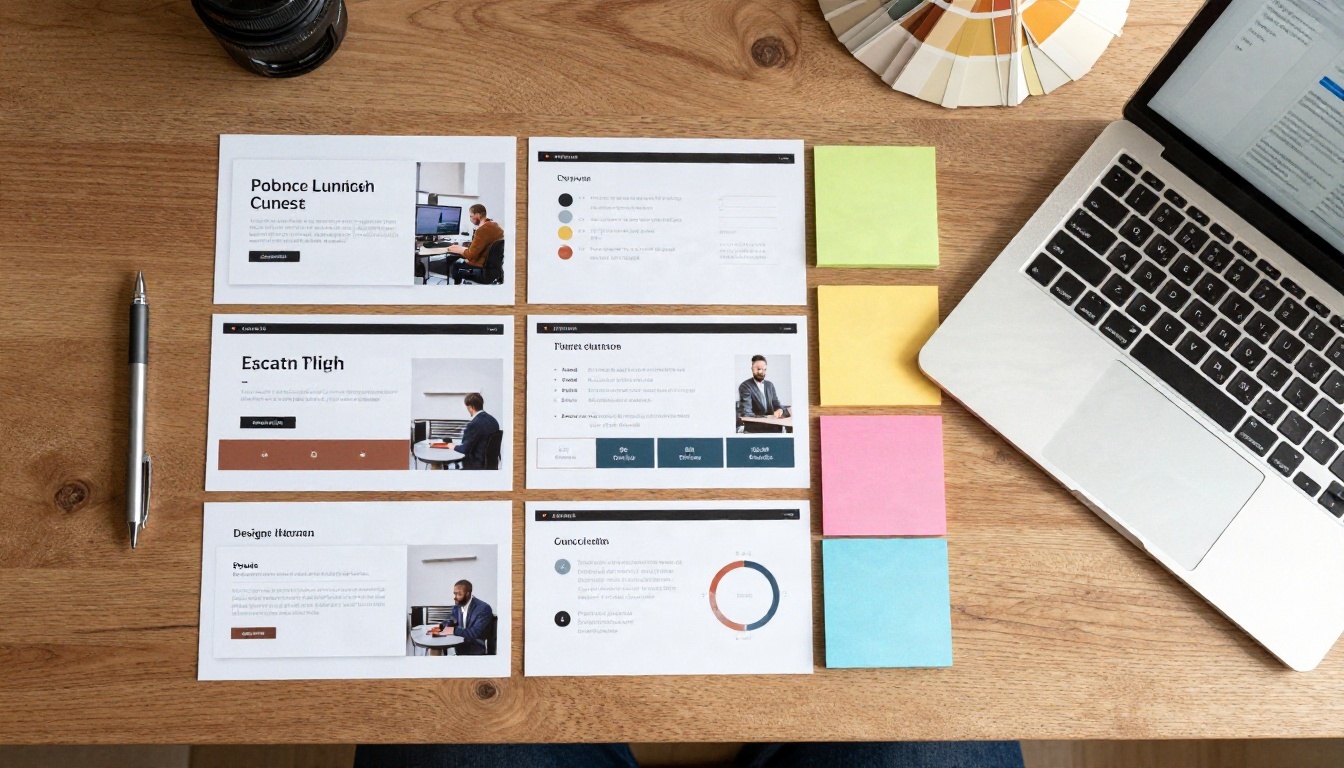
Good design is not decoration. It is the difference between a reader finding your traction number in two seconds or never finding it at all.
Typography and Color
Stick to one font family with two weights. Use at least 24 pt for body text and 40 pt or more for headlines. For color, choose one dark neutral, one light neutral and a single accent. Use the accent only for the number or phrase you most want remembered.
| Design Choice | Do This | Avoid This |
|---|
| Fonts | One family, two weights | Three or more decorative fonts |
| Colors | 1 accent plus neutrals | Rainbow chart palettes |
| Text per slide | 25 to 40 words | Dense paragraphs |
| Images | Real product screens, real people | Generic robot or brain stock art |
| Charts | One message per chart | Five series on one axis |
| Background | Plain, high contrast | Busy gradients behind text |
Showing AI Without Clichés
Skip the blue circuit boards, floating brains and humanoid robots. They signal "template" and tell the reader nothing. Show instead:
- A before and after of a real workflow
- A short input and output example with actual text or data
- A metric that compares your system with the current process
- A customer quote that names a specific saved cost or hour
⚠️ Warning: Never paste a benchmark chart without naming the dataset, the baseline and the date. Experienced investors check, and a vague chart costs you credibility on every other slide.
Free Template You Can Copy Today
Here is a plain-text template you can paste into any slide editor. Replace the brackets, keep the order, and cut anything that does not apply.
Slide by Slide Template
| Slide | Headline Formula | Body Content |
|---|
| 1. Title | [Company]: [Outcome] for [Buyer] | Logo, tagline, founder email |
| 2. Problem | [Buyer] loses [number] on [task] every [period] | 3 bullets with sources |
| 3. Solution | [Product] does [task] in [time] | One screenshot, one sentence |
| 4. Product | See it work | 2 annotated screens |
| 5. How it works | Three steps from input to result | Input, processing, output |
| 6. Data advantage | Our data gets better every week | Source, volume, exclusivity |
| 7. Traction | [Metric] grew [x]% in [months] | One line chart |
| 8. Market | [Number] buyers at [price] each | Bottom-up math |
| 9. Business model | How we make money | Pricing tiers and gross margin |
| 10. Competition | Why we win | Table comparing 3 to 4 rivals |
| 11. Team | Built by people who shipped this before | Photos, one line each |
| 12. The ask | Raising [amount] to reach [milestone] | Use of funds, timeline |
Placeholder Copy
Use language like this as a starting point:
- Problem: "Claims adjusters spend 6 hours per file reading documents that follow the same 20 patterns."
- Solution: "Our model reads, extracts and flags exceptions in 4 minutes, with an adjuster reviewing every result."
- Traction: "9 paying insurers, $640K annual recurring revenue, 112% net revenue retention."
- Ask: "Raising $3M to reach $2M ARR and SOC 2 Type II within 18 months."
✅ Best practice: Save one master deck, then duplicate it for each investor type. A seed fund wants team and traction up front. A strategic investor wants product integration and distribution. Reorder, do not rewrite.
Three AI Pitch Deck Examples
Patterns are easier to copy than principles. These three are composites based on common structures, so you can borrow the logic without copying a real company.

B2B SaaS Copilot
A sales copilot startup opens with one number: reps lose 11 hours a week on CRM updates. Slide four shows a recording of the product filling in a deal record from a call. Traction shows 40 paying teams and a retention curve that flattens at 94%. The standout choice is a pricing slide that ties cost to meetings logged, so investors can see margin per seat.
AI Healthcare Startup
A clinical documentation company leads with burnout statistics, then shows a before and after of a physician's evening workload. Compliance gets its own slide, listing HIPAA controls, human review steps and audit logs. Trust is the product here, so the deck treats safety as a feature, not a footnote.
Vertical AI for Logistics
A freight startup builds its entire narrative around a proprietary dataset of 3 million delivery exceptions. The data moat slide explains why a general model cannot match it: carriers share this data only with a neutral platform. Competition is a simple table comparing accuracy on the same lane types.
| Example | Hook | Strongest Slide | Main Risk Addressed |
|---|
| Sales copilot | 11 hours lost weekly | Retention curve | Churn |
| Healthcare documentation | Physician burnout | Compliance controls | Regulation |
| Logistics exceptions | 3M event dataset | Data moat | Commoditization |
How to Share Your Deck Online
A PDF attached to an email gets forwarded, stripped of context and never tracked. A flipbook gives you a clean link, a polished reading experience and visibility into who opened it. Several tools on Flipbooks AI fit this job, including the Presentation Flipbook Designer and the Sales Presentation tool.

How to Create Your Deck Flipbook
Follow these steps to turn your finished slides into a shareable page-turning deck:
- Export your slides as a PDF from PowerPoint, Keynote, Google Slides or Figma. Use landscape orientation and keep file size under 25 MB.
- Create a free account at Flipbooks AI and open the dashboard.
- Upload the PDF. The PDF to Flipbook Converter processes each page in seconds and keeps text sharp. Screenshot description: a drag and drop panel with a progress bar and a thumbnail of the first slide.
- Customize the look. Add your logo, pick background colors that match the brand, choose a page-turn effect, and set the cover thumbnail to your title slide.
- Add multimedia. Drop in a 60 second product demo or an audio founder note so the reader gets context without scheduling a call.
- Set protection. Turn on password protection for confidential financials and share the password separately.
- Publish and copy the link. Send it by email or paste it into your investor update. If you want it on your own site, use the Embed Flipbook on Website option and paste the embed code into your page.
💡 Pro tip: Create two versions of the same deck. Keep a public one without detailed financials for cold outreach, and a password-protected one with the full model for investors in active diligence.
Sharing Options Compared
| Method | Best For | Tracking | Privacy | Mobile Experience |
|---|
| Email attachment | Quick internal notes | None | Low | Often awkward |
| Public PDF link | Website downloads | Basic | Low | Acceptable |
| Flipbook direct link | Cold and warm outreach | Yes | Medium to high | Excellent |
| Password-protected flipbook | Diligence and data rooms | Yes | High | Excellent |
| Embedded flipbook | Fundraising page on your site | Yes | Medium | Excellent |
Flipbooks AI never adds a watermark, supports offline downloads when you want to allow them, and renders cleanly on any screen size.
Track Who Reads It
Analytics and lead generation sit on the Professional plan, which you can compare on the pricing page. With analytics on, you see how many people opened the deck, which pages held attention, and where they dropped off. If every reader leaves at slide nine, your business model slide needs work. If a partner spends four minutes on traction, that is your follow-up opener.
Five Mistakes That Kill Deals
Avoid these, and you are ahead of most decks in an investor's inbox:
- Opening with technology. Lead with the customer pain.
- Claiming "no competition." Everyone competes with a spreadsheet, an agency or the status quo.
- Ignoring inference costs. Show gross margin at your current scale, and at 10 times that scale.
- Overloading slides. If you need to read it aloud, it is not a slide.
- Sending an untracked file. You lose the chance to learn which slides did the work.
| Mistake | Quick Fix |
|---|
| Jargon heavy opening | Replace with a customer outcome |
| Vague benchmarks | Name dataset, baseline and date |
| Stock robot imagery | Use real product screenshots |
| No traction proof | Show a pilot, even a small one |
| Huge file size | Compress images, export at 150 dpi |
Send It Today
Your deck does not need to be perfect, it needs to be clear, honest and easy to open. Use the structure above, fill in the free template, and polish with the design rules. Then publish it properly.
Build the deck, share the link, and watch which slides earn the second meeting.



