A director opens the board packet on Thursday night, sees 214 pages, and quietly decides to skim. Nobody planned it that way. The packet was built for record keeping, not for reading. The fix is not a shorter meeting or a stricter chair. It is AI that reduces board packet reading time by turning long documents into short summaries, clear examples, and page-turning formats people actually open. This article shows what AI does well, what it should never do alone, and how a platform like Flipbooks AI turns a heavy PDF into something a busy volunteer can read in twenty minutes on a phone.
Why Board Packets Take So Long
Most packets grow by accumulation. Finance adds the statements, programs add the updates, committees add their minutes, and legal adds an appendix just in case. Nobody removes anything, because removing feels risky.
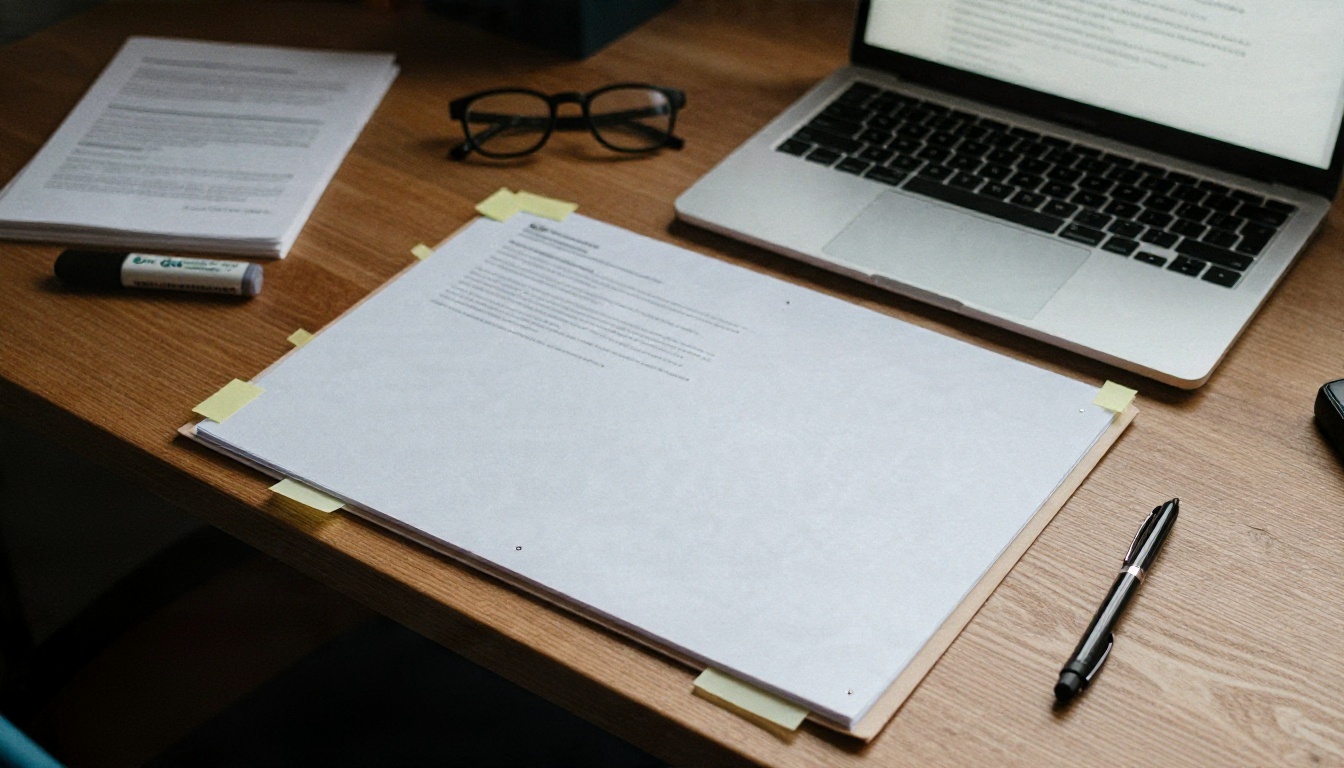
The Real Cost of 200 Pages
Directors are usually volunteers or part-time advisors. They read the packet in the gaps of a full-time job. When a packet needs three hours of focused attention and a director has forty minutes, the math decides what happens next.
- Skimming replaces reading. Directors flip to the financial summary and the agenda, then stop.
- Questions arrive late. Real concerns surface during the meeting instead of before it, which burns discussion time.
- Staff overprepare. Executive directors spend days assembling material that is only partly read.
- Decisions slow down. When members arrive unsure, motions get tabled "until more information is available."
Where Directors Lose Time
The slowdown rarely comes from hard ideas. It comes from friction around the ideas.
- Hunting for the one page that matters inside a 200 page file.
- Reading narrative that repeats what the agenda already says.
- Zooming and pinching a scanned PDF on a small screen.
- Switching between email, attachments, and a shared drive.
- Having no way to tell which items need a decision and which are for information only.

💡 Pro tip: Before adding any AI, count how many pages in your last packet were "for information only." That number is usually your fastest win, because those pages can shrink to a paragraph and a link.
What AI Can Actually Do
AI does not replace the judgment of the board or the staff who prepare the packet. It does the slow, repetitive part: condensing, sorting, and pointing. Used that way, it gives directors back their evenings.
Summaries That Respect Context
A good AI summary is not a random shortening. It follows the structure of the source and keeps the numbers, dates, and names intact. For a board audience, the most useful summaries share a few traits:
- They open with the decision or action requested, not with background.
- They quote figures exactly as they appear in the source document.
- They state what changed since the last meeting.
- They point to the original page for anyone who wants detail.
Feed the AI one section at a time, such as the treasurer's report or a committee update. Short inputs produce more faithful summaries than a single 200 page upload.
Highlights, Questions and Flags
Beyond summaries, AI can read a packet the way a careful director would and prepare the ground:
- Highlights: the five to ten lines most likely to matter.
- Variance flags: budget lines that moved more than an agreed threshold.
- Likely questions: what a skeptical member might ask about a proposal.
- Cross references: where two documents mention the same grant, contract, or risk.
| AI task | What it produces | Typical reading time saved (illustrative) | Human check needed |
|---|
| Section summary | 150 to 250 word digest of a report | 60 to 80 percent per section | Verify every number against the source |
| Executive overview | One page covering the whole packet | 30 to 50 percent overall | Chair or ED reviews tone and priorities |
| Variance flags | List of budget lines outside tolerance | 10 to 20 minutes per finance report | Treasurer confirms thresholds |
| Question prep | Ten likely questions per proposal | Shortens meeting debate | Staff adds context and answers |
| Plain language rewrite | Jargon-free version of legal or audit text | 40 to 60 percent per section | Counsel signs off on anything binding |
⚠️ Warning: Savings in the table are illustrative planning figures, not guarantees. Measure your own packet before and after, and keep a human reviewer on every AI output that reaches the board.
Summary Examples You Can Copy
Abstract advice only goes so far. Here are three patterns you can adapt, each following the same logic: decision first, evidence second, source page last.

Finance Report Example
Source: 38 page treasurer's report with statements, notes, and a reserve policy review.
AI summary (sample):
Action requested: Accept the Q3 financial report.
Headline: Revenue is 4 percent below budget, driven by a delayed foundation payment expected in November. Expenses are 2 percent under budget. Reserves stand at 5.1 months of operating costs, above the 4 month policy floor.
Watch item: Two program lines exceed the 10 percent variance threshold (pages 12 and 19).
Source: Full report, pages 3 to 41.
A director can read that in under a minute and still walk into the meeting with a view.
Program Update Example
Source: 15 page program report with outcome tables and participant stories.
AI summary (sample):
- Reach: 1,240 participants served this quarter, up from 1,090.
- Result worth noting: Job placement rate rose to 68 percent after the new mentor model.
- Risk: One site lost a lease and needs a decision on relocation funding.
- Story: A one paragraph participant quote linked to page 9.
Decision Memo Example
Decision memos are where AI saves the most discussion time. Ask for a fixed template every time, so directors learn where to look.
| Section | What it must contain | Length |
|---|
| Decision | The motion, in one sentence | 1 line |
| Why now | The trigger or deadline | 2 lines |
| Options | Two or three choices with cost | Short table |
| Recommendation | Staff or committee view | 2 lines |
| Risks | What could go wrong | 3 bullets |
| Source | Pages or attachments | Links |
✅ Best practice: Put the same template at the top of every agenda item. Consistency does more for reading speed than any clever wording.
AI shortens the words. The format decides whether those words get read. A summary hidden on page 47 of a flat PDF still gets missed.
| Format | Reading experience on phone | Navigation to key pages | Access control | Reader tracking |
|---|
| Email attachments | Poor, many files | Manual | None once forwarded | None |
| Single large PDF | Pinch and zoom | Bookmarks if present | Limited | None |
| Board portal | Good, but locked to one tool | Folders | Strong | Basic |
| Flipbook packet | Responsive, page-turning | Linked contents and jump links | Password protection | Analytics on Professional plan |
Why Flipbooks Beat Plain PDFs
A flipbook keeps the familiar page-by-page structure that boards trust, then adds the things a PDF lacks. Pages reflow to fit a phone screen. A linked contents page lets a director jump straight to the finance report. Short videos or audio notes from the chair can sit beside the page they explain. And because the packet lives at a single link, version confusion disappears: everyone reads the same file.

How to Create a Board Packet Flipbook
Once your summaries are ready, building the packet takes minutes. Here is the full workflow using Flipbooks AI.
- Create your account. Go to Flipbooks AI and sign up. Compare pricing plans if you need unlimited flipbooks or analytics.
- Assemble one PDF. Put the AI summary page first, then the agenda, then each section in meeting order. Place the decision memo template at the top of each item.
- Upload and convert. Drop the file into the PDF to Flipbook Converter. Your pages become a flipbook with realistic page-turning, and no watermarks are added, ever.
- Review the preview. Flip through on desktop and on a phone. Check that tables are legible and that the first screen shows the summary.
- Brand the packet. Add your logo, organization colors, and page effects so the packet looks like something your board recognizes.
- Add media where it helps. Embed a short video from the executive director or an audio walkthrough of the budget.
- Share securely. Copy the direct link or use the Embed Flipbook on Website option for a private board page.
Brand It and Lock It Down
Board material is often confidential. Turn on password protection before you send the link, and share the password through a separate channel. For members who travel, enable offline downloads so they can read on a plane without a connection. The Report Flipbook Creator and Corporate Report Maker both suit recurring packets that need consistent branding.

Track Who Opened What
On the Professional plan, analytics show how many people opened the packet and how far they read. Lead generation forms can also collect names and emails when a version goes to outside stakeholders such as funders or auditors. See the Professional plan details before you decide.
Use the data gently. The goal is not to police directors. It is to see that nobody opens the packet and stops at page 3 because page 3 is confusing.
💡 Pro tip: If analytics show most readers drop off at the same page, move that page's summary earlier or split the section. The packet is the problem, not the people.
Nonprofit and Annual Report Uses
Nonprofit boards feel the packet burden more than most. Members give their time freely, staff teams are small, and the material mixes finance, fundraising, programs, and compliance.
Nonprofit Board Meetings
A small nonprofit can run this process with one staff member and a free afternoon each month. Use the AI to draft summaries, have the executive director edit them, and publish through the Non-Profit Annual Report tool or a standard flipbook. A typical monthly routine looks like this:
- Day 7 before the meeting: staff collects reports and drafts AI summaries.
- Day 5: executive director and treasurer review and correct the summaries.
- Day 4: the flipbook is published and the link is sent with a password.
- Day 1: a short reminder lists the three decisions to be made.
Annual Report Season
The same method works once a year when the board approves the annual report. Directors can review the draft as a flipbook, leave comments by email, and see the final version published at the same link. The Annual Report Creator turns the approved version into a public-facing document, so the board and the donors read from one source.

| Workflow step | Old way | AI plus flipbook way |
|---|
| Drafting summaries | Staff writes from scratch over days | AI drafts in minutes, staff edits |
| Distribution | Several emails with attachments | One private link |
| Version control | "Which file is final?" | One live packet |
| Director reading | Print or pinch and zoom | Phone-friendly pages with linked contents |
| Feedback | Scattered email threads | Questions gathered before the meeting |
| Public release | Rebuild for donors | Publish the approved version |
Mistakes That Waste the Savings
AI shortens reading time only when the process around it is sound. A few errors undo the gain quickly.
Three Common Mistakes
- Trusting the summary blindly. AI can drop a qualifier or misread a table. A single wrong figure damages trust in every later summary. Always verify numbers against the source.
- Cutting the source. The summary is a doorway, not a replacement. Keep the full report linked so any director can check the details.
- Changing the template every month. If the layout shifts, directors must relearn where things sit. Fix the template and keep it.
A Simple Safety Checklist
- Remove or mask sensitive personal data before pasting text into any AI tool.
- Check your organization's data policy and the tool's privacy terms.
- Keep a named person responsible for approving each summary.
- Log which sections were AI-assisted so the record is clear.
- Protect the final flipbook with a password and share the link only with board members.

⚠️ Warning: Never let AI draft legal, audit, or compliance conclusions without review by the qualified person. Use it to make the material easier to read, not to decide what it means.
Ready to Shorten Your Next Packet?
Start small. Take one section from your next packet, such as the treasurer's report, and write a one page summary with AI. Check every figure, add it to the front of the packet, and publish the whole thing as a flipbook. Then ask your directors one question after the meeting: did you read more of it this time?
Ready to build your first packet? Get started for free on Flipbooks AI, browse all flipbook tools to find the right template, or compare pricing plans to see which one adds analytics for your board. When you are ready to commit, choose your plan and publish your next packet in an afternoon.



