You spent forty hours on a single chapter. The linework is crisp, the panels flow, the joke lands on page six. Then you post it as a stack of loose JPEGs and watch readers pinch, zoom, and lose their place. An AI webcomic tool that turns comic pages into a flipbook fixes that in a few minutes. With Flipbooks AI, you upload a PDF, and your pages become a page-turning book that opens in any browser, on any phone, with no app to install.
This article walks through why flipbooks suit comics so well, how to prepare your files, and how to build, brand, and share your first one. You will also find comparison tables, real examples from working creators, and a short list of mistakes that waste people's time.
Why Comic Pages Need a Flipbook
Comics are a paced medium. Where the eye lands, when a page turns, how a splash page reveals itself: these are storytelling decisions. A flat gallery of images throws most of that away.
The Problem With Scrolling Images
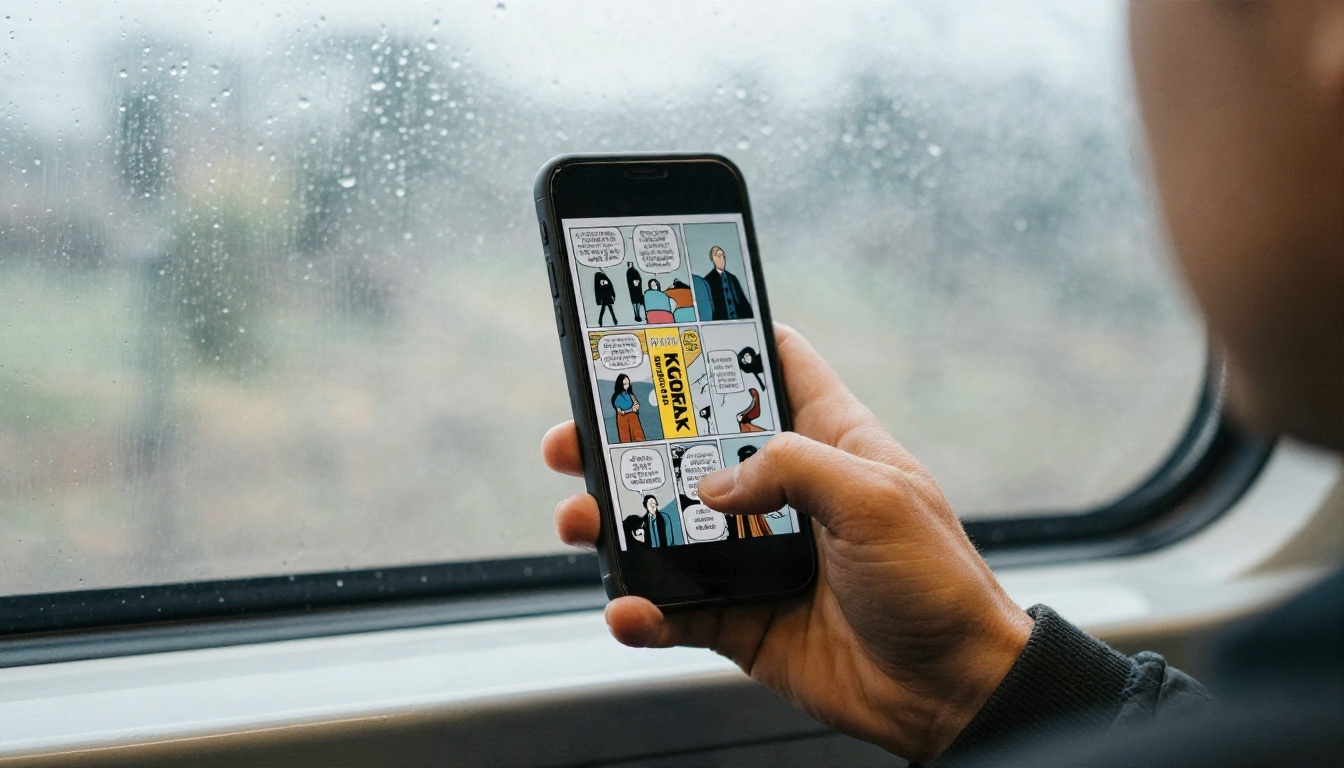
Most webcomic hosting falls into one of two traps. Either every page is a separate post that readers must click through, or the whole chapter is a long vertical scroll that ignores your page layout.
Here is what typically goes wrong:
- Page turns disappear. A dramatic reveal on the next page gets spoiled because the reader already sees it below the fold.
- Spreads break. Two-page layouts get chopped into separate images.
- Quality drops. Social platforms compress your art, and fine screentone patterns turn into mush.
- Nothing is portable. You cannot hand a reader a single link to the whole chapter.
What Readers Actually Expect
Readers who grew up on printed manga and graphic novels expect to flip. They want a book that opens at page one, turns with a swipe or a click, and remembers where they stopped.

A flipbook gives that feeling back. It keeps your page order, your pacing, and your resolution, and it adds the convenience of a link.
💡 Pro tip: If your comic reads right to left, like traditional manga, check the page direction before you publish so spreads line up the way you drew them.
Think of it as a translator between your art files and a reading experience. You hand over a PDF. The tool handles page detection, sizing, the page-curl animation, mobile layout, and hosting.
From PDF to Page Turns
The PDF to Flipbook Converter reads each page of your file and turns it into a flipbook page. You do not need layout software, a developer, or a print-ready template. If you can export a PDF from Clip Studio Paint, Procreate, Photoshop, Krita, or a scanner, you can publish.

Features That Matter for Comics
Not every flipbook feature is useful for sequential art. These are the ones comic creators lean on most:
| Feature | Why it helps a comic creator |
|---|
| No watermarks | Your art stays clean, with nobody else's logo on your pages |
| Mobile-responsive reading | Most webcomic readers are on phones |
| Custom branding | Match your series colors, logo, and background |
| Password protection | Share a patron-only chapter or a pitch with an editor |
| Embed videos and audio | Add a soundtrack or an animated intro to a chapter |
| Offline downloads | Let fans keep a copy for travel |
| Analytics and lead capture | See where readers drop off and collect emails (Professional plan) |
If you also publish longer works such as collected volumes, the Interactive E-Book Publisher is a close relative of the same technology.
Prepare Your Pages Before Uploading
A flipbook can only be as sharp as the file you feed it. Ten minutes of prep saves you from re-uploading later.
Scan and Export Settings
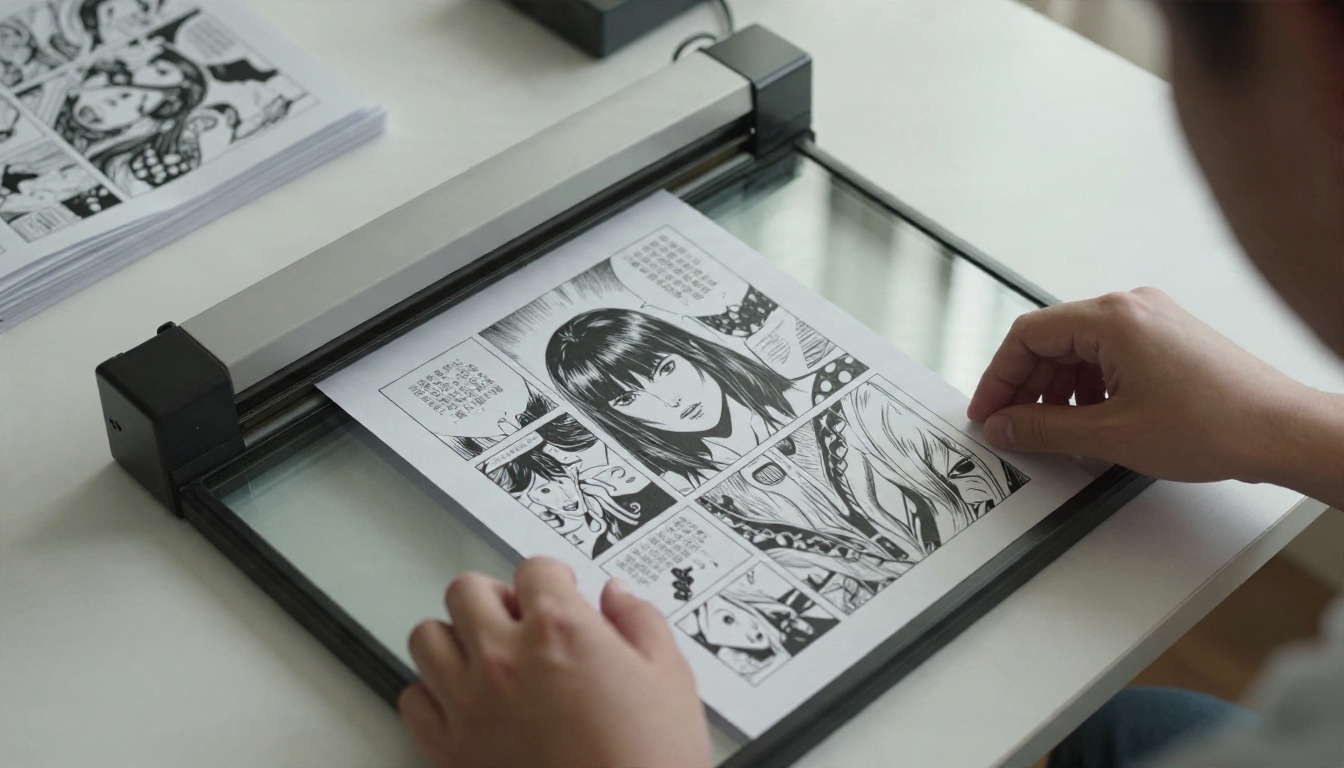
If you draw on paper, scan at 300 to 600 DPI. Inked black and white pages benefit from the higher end, because screentones and fine hatching need the resolution.
If you draw digitally, export straight from your canvas rather than screenshotting. Here is a quick reference:
| Source | Recommended export | Typical issue to avoid |
|---|
| Scanned inks | PDF, 300 to 600 DPI, grayscale or RGB | Tilted pages and dark scanner edges |
| Digital color pages | PDF, 150 to 300 DPI, RGB | Oversized files that upload slowly |
| Mixed print and digital | PDF with uniform page size | Pages with different dimensions |
| Webtoon strips | Cut into page-sized sections first | One extremely tall image |
Page Order and Spreads
Before exporting, double-check three things:
- Page order. Rename files with leading zeros (01, 02, 03) so they sort correctly.
- Uniform size. Every page should share the same dimensions.
- Spread placement. If a double-page splash sits on pages 4 and 5, make sure it falls on a left-right pair when the book opens.
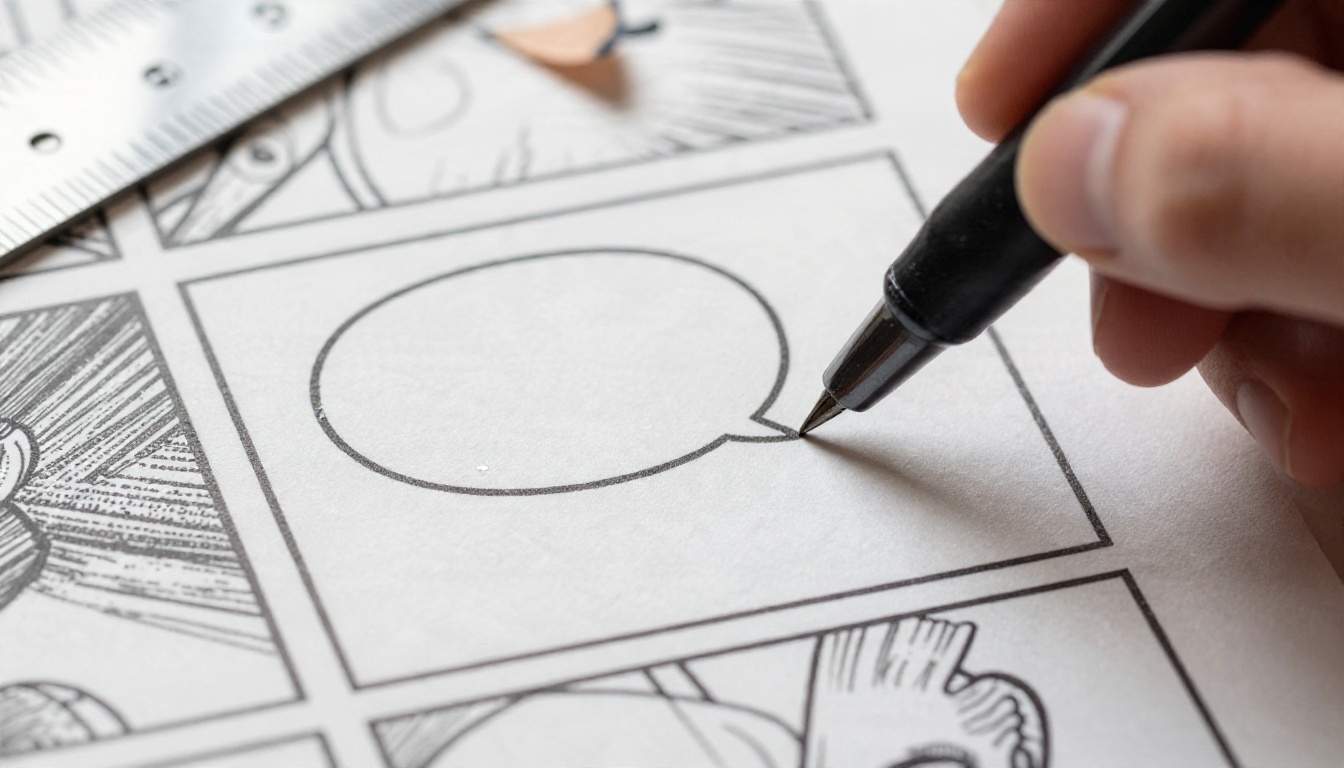
⚠️ Watch out: Do not flatten your lettering into a low-resolution layer. Small text in speech bubbles is the first thing to blur when a file is over-compressed.
How to Create a Comic Flipbook
Here is the full workflow, from blank browser tab to a live link. Plan on about ten minutes for a short chapter.
Upload Your PDF
- Go to Flipbooks AI and create an account. You can start for free and upgrade later if you need more.
- Click the option to create a new flipbook.
- Drag your comic PDF into the upload area, or pick it from your computer.
- Wait while the pages convert. A short chapter usually takes under a minute.
- Check the preview. Flip through every page to confirm order and spreads.
✅ Best practice: Always flip through the preview on your phone as well as your computer. That is where most of your readers will be.
Brand and Style It
Open the customization panel and set the look of your reader:
- Background color. A dark charcoal suits action comics. Warm cream suits slice-of-life.
- Logo and title. Add your series mark so the book feels like your own.
- Page effects. Choose how pages curl and how fast they turn.
- Multimedia. Add an audio track, a short video intro, or links to your Patreon or shop.
The goal is for readers to feel they are opening your book, not a generic viewer.
Share It Everywhere
Once the flipbook looks right, you have several ways to publish:
| Sharing option | Best for |
|---|
| Direct link | Social posts, newsletters, Discord servers |
| Embed code | Your own site or blog, using the Embed Flipbook on Website tool |
| Password-protected link | Patron-only chapters, editor submissions, beta readers |
| Offline download | Fans who want to read without a connection |

Track Readers and Capture Leads
On the Professional plan, you get analytics that show how many people opened the book and how far they read. For a webcomic, that tells you something priceless: the exact page where readers quit. If 40% leave on page three, your pacing or your page size needs a look.
Lead generation lets you place an email form inside the flipbook, so a reader who finishes chapter one can join your mailing list before chapter two drops.
Free Versus Paid Plans
Creators often ask whether the free route is enough. For a single short comic or a portfolio sample, it often is. As your library grows, the plan matters more.
| Need | Free start | Standard and above | Professional |
|---|
| Try your first flipbook | ✅ | ✅ | ✅ |
| No watermarks | ✅ | ✅ | ✅ |
| Unlimited flipbooks | | ✅ | ✅ |
| Password protection | | ✅ | ✅ |
| Analytics and lead generation | | | ✅ |
Check the current details on the pricing page, since plan limits can change. A sensible path: publish your first chapter free, then upgrade when you have a second series or want reader data.
💡 Pro tip: If you only need a quick test, upload a three-page sample first. It lets you check your export settings before you convert a full 40-page issue.
Real Ways Creators Use Flipbooks
The same tool serves very different kinds of comic makers. Here are three setups that work well.
Weekly Webcomic Serials
A creator posting a weekly chapter can publish each one as its own flipbook, then link every chapter from a single index page. Readers always land on a clean reader with the same branding. Because there is no limit on flipbooks in the Standard plan and above, a long-running series does not hit a ceiling.
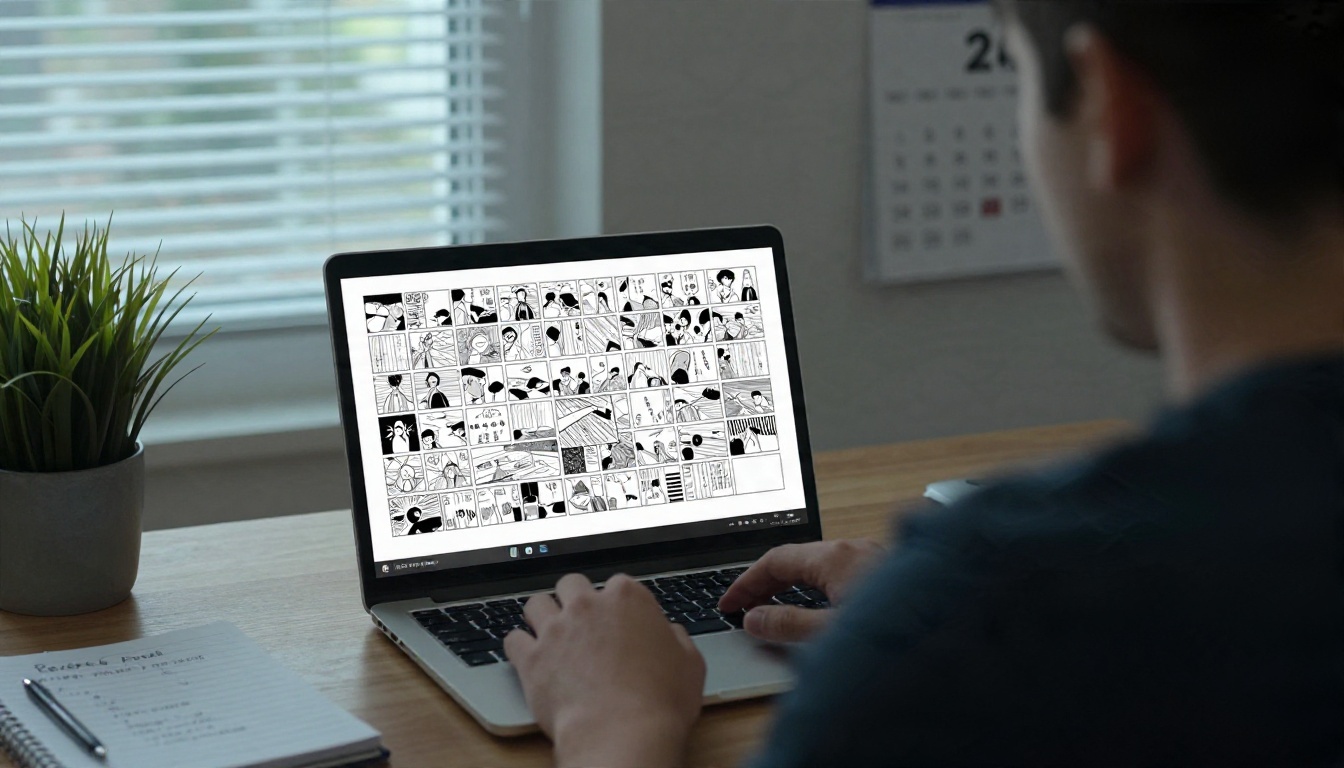
A simple weekly rhythm looks like this:
- Finish and export the chapter PDF on Thursday.
- Upload and check the preview on Friday morning.
- Post the link to socials, Discord, and your newsletter on Friday afternoon.
- Review the analytics on Monday and note any drop-off page.
Convention Handouts
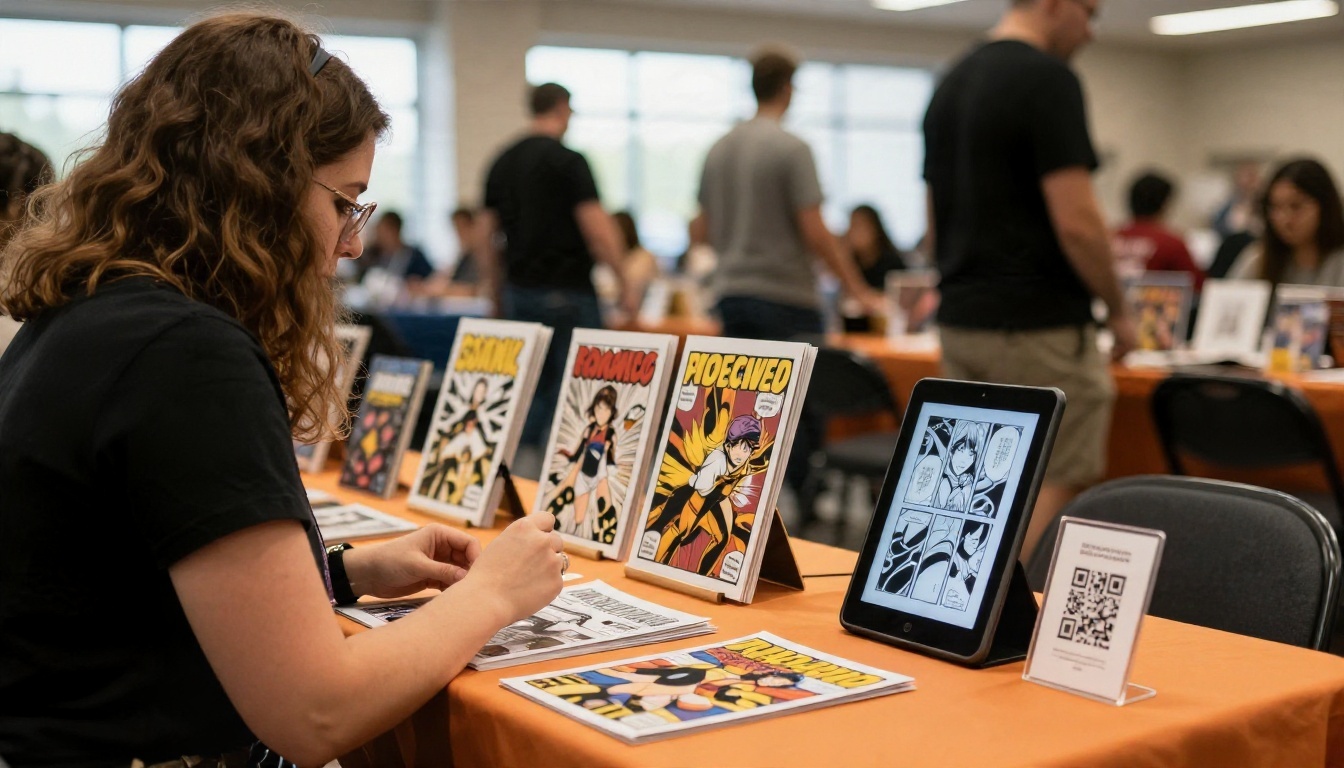
At a small press table, a QR code that opens a free first chapter is a cheap and effective handout. People scan it, read a few pages on the spot, and many will buy the print volume afterward. Because the flipbook works on any phone, there is nothing to install and nothing to explain.
Print Previews and Portfolios
Illustrators pitching to publishers or agents can send a password-protected sample instead of a bulky attachment. For a broader body of work, the Digital Portfolio Creator and Portfolio Flipbook Builder turn several pieces into a single browsable book.
Here is how the main options compare for comic creators:
| Approach | Page turns | Mobile friendly | Branding control | Setup time |
|---|
| Loose image posts | No | Partly | Low | Minutes, but repetitive |
| Raw PDF download | No | Poor | None | Instant |
| Self-built website reader | Maybe | Depends | High | Days or weeks |
| Flipbook from a PDF | Yes | Yes | High | About 10 minutes |
Common Mistakes to Avoid
Most problems are small and easy to prevent.
- Uploading mixed page sizes. Odd dimensions cause awkward margins and misaligned spreads. Resize first.
- Skipping the mobile check. A page that looks fine on a monitor can have tiny text on a phone. Lettering needs to stay readable at small sizes.
- Over-compressing the PDF. Squeezing a file to save space costs you line quality. Pick a balance and test.
- Forgetting a call to action. The last page should point somewhere: your next chapter, your shop, your mailing list.
- Never looking at the data. If you have access to analytics, use them. A drop-off page is feedback you cannot get any other way.
⚠️ Watch out: Always keep your original layered files. A flipbook is a reading format, not a backup of your art.
Start Publishing Your Comic Today
Your pages are already finished. The only thing standing between them and readers is a format that respects how comics are meant to be read.
Here is a quick recap:
- Export a clean, uniform-size PDF.
- Upload it to Flipbooks AI and check the preview.
- Brand it, then share by link, embed, or password.
- Add analytics when you want to see how readers behave.
Ready to publish your first chapter? Create your free account and have a live comic flipbook before your tea gets cold. Browse all the flipbook tools to see what else you can build, or compare pricing plans when your series is ready to grow.



