Your photographer just delivered 1,400 wedding photos, and you have no idea where to start. That is the exact moment an AI wedding album maker earns its place. These tools sort your images, pick the strongest shots, lay out the pages and hand you something you can actually share with grandma. Platforms like Flipbooks AI go one step further and turn the finished album into a page-turning digital flipbook that opens on any phone, with no app and no watermark.
This article compares the free options, the generator tools, the creator tools and the real pricing, so you can pick the right path before you spend a weekend (or a lot of money) on the wrong one.
What an AI Wedding Album Maker Does
An AI wedding album maker is software that takes a pile of photos and builds an album from them with very little manual work. The word "AI" usually refers to a handful of specific jobs.
The Short Version
Most tools in this category handle some mix of the following:
- Photo sorting: grouping images by moment, such as getting ready, ceremony, portraits, reception and dancing.
- Duplicate and blur detection: flagging the 14 nearly identical shots of the same toast.
- Best-shot selection: ranking photos by sharpness, open eyes and smiles.
- Auto-layout: placing photos on pages with sensible spacing and balance.
- Caption and title suggestions: drafting page text, vows excerpts or chapter names.
- Export: producing a print-ready PDF, a flipbook link, or both.
💡 Pro tip: AI is best at the boring parts (sorting, culling, spacing). Keep the emotional decisions, like which photo opens the album, for yourself.
Who Actually Needs One
| Who you are | Biggest problem | What helps most |
|---|
| Newlywed couple | Too many photos, no design skills | Auto-layout and culling |
| Wedding photographer | Hours spent on client proofing | Batch album generation and branded sharing |
| Parent or guest | Wants a keepsake from shared photos | Simple upload and a share link |
| Wedding planner | Needs a portfolio piece | Custom branding and embeds |
Free Options That Actually Work
"Free" is the most searched word around this topic, and for good reason. A wedding is expensive enough. But free tools differ a lot in what you really get.
What Free Plans Usually Include
Most free tiers give you a limited number of albums, a cap on pages or photos, and a basic set of templates. Some let you export for nothing but add a logo to every page. Others let you build for free and only charge when you want a printed copy.
A realistic free setup for a couple looks like this:
- Use a free photo manager on your phone or computer to sort images into folders.
- Pick your best 60 to 120 photos.
- Export them as a single PDF from any free layout tool or slideshow app.
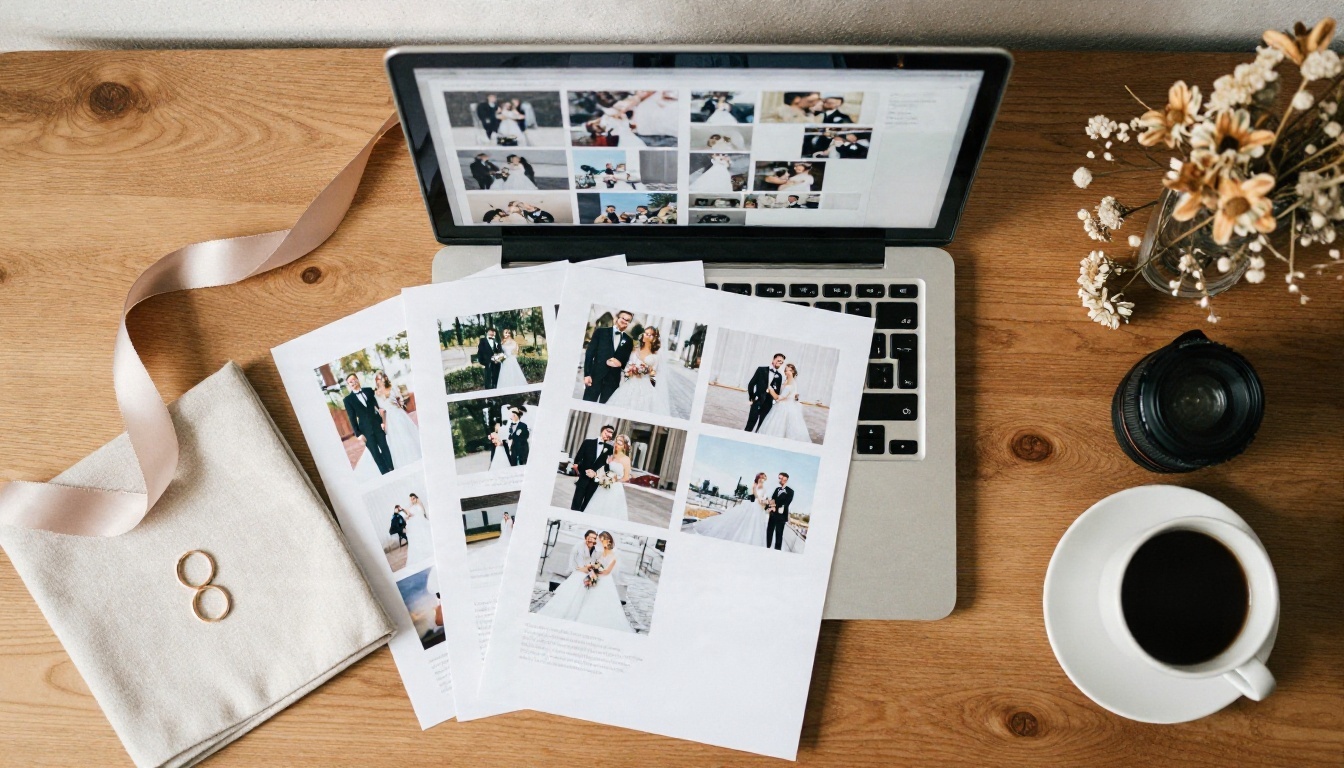
- Convert that PDF into a flipbook with the PDF to Flipbook Converter.
That route costs nothing in software and gives you a polished, shareable result.
Where Free Gets Frustrating
Free plans tend to break down in four places:
- Watermarks stamped across the pages of your own wedding.
- Photo limits that cut you off at 50 images when you wanted 150.
- Low-resolution exports that look soft on a big screen or in print.
- Expiring links that vanish after 30 days, which is a bad surprise for an album meant to last decades.
⚠️ Warning: Before you upload 400 photos to any free tool, check three things: does it add a watermark, does the link expire, and can you download your own album afterward?
Free Options Compared
| Option type | Cost | Watermark | Best for |
|---|
| Phone gallery auto-albums | Free | None | Quick private memories |
| Free online album builders | Free | Often yes | Simple drafts |
| Slideshow app to PDF to flipbook | Free to low | No (with the right converter) | Polished sharing |
| Free trials of premium tools | Free for a period | Sometimes | Testing before buying |
People use these two labels loosely, but they describe different experiences.
Auto-Layout Generators
A generator does the design for you. You upload photos, choose a style such as classic, modern or romantic, and the software produces a full album in minutes. You then tweak it.
Strengths: speed, zero design skill needed, consistent spacing.
Weaknesses: layouts can feel generic, and the AI sometimes crops heads or places a favorite photo on a tiny tile.
Manual Creator Tools
A creator tool gives you a blank canvas, templates and drag-and-drop control. Nothing is automatic unless you ask for it. This suits couples who already know the look they want, and photographers who deliver a consistent branded style to every client.
Strengths: full control, unique results, better storytelling.
Weaknesses: slower, and easy to over-design.
Which One Fits You
| Factor | Generator | Creator |
|---|
| Time to first draft | 5 to 15 minutes | 1 to 3 hours |
| Design skill needed | None | Low to medium |
| Uniqueness | Medium | High |
| Best for | Couples, guests, gifts | Photographers, planners |
| Typical output | Auto-paged album | Custom designed album |
Many people mix both: let a generator build the first draft, then switch to manual editing for the pages that matter, like the first look, the vows and the last dance.
Pricing is where this category gets confusing, because the sticker price and the real price are rarely the same.
Common Pricing Models
- Free with limits: low commitment, but watermarks and caps are common.
- Monthly subscription: good for photographers who deliver albums every week.
- One-time album fee: common with print-focused services, charged per album.
- Per-print cost: the software is free, but you pay for each printed book or spread.
The figures below are typical market ranges and shift often, so check each provider's current page before you decide.
| Model | Typical range | What to watch for |
|---|
| Free tier | $0 | Watermarks, page caps, expiring links |
| Monthly plan | Low single digits to a few dozen dollars | Cancelling after the wedding season |
| One-time digital album | Roughly $10 to $50 | Download rights and file format |
| Printed hardcover book | Roughly $40 to $300 or more | Shipping, paper type, reprint fees |
Hidden Costs Worth Spotting
- Export fees for high-resolution files.
- Extra pages charged one by one after a limit.
- Guest access locked behind a paid tier.
- Storage fees that start after the first year.
For digital albums, Flipbooks AI pricing is built around plans rather than per-page fees. The Standard plan and above includes unlimited flipbooks, and the Professional plan adds analytics and lead generation, which matters if you are a photographer sharing albums with many clients. No plan adds a watermark.
How to Create an Album with Flipbooks AI
If you want a digital album that feels like a real book, the flipbook format is hard to beat. The pages turn, the layout stays crisp on every screen, and you share it with a single link. The Wedding Album Flipbook tool is built for exactly this.
Step 1: Build Your PDF
Design your album in any layout tool you like, or let an AI album generator produce the first draft. Export the final version as a PDF at high quality. A landscape spread layout works well for wedding photography, because photos usually look better wide.
Step 2: Upload and Convert
- Go to Flipbooks AI and sign in or create an account.
- Click to upload your PDF.
- Wait a short moment while the file converts into a page-turning flipbook.
- Preview the result on desktop and on your phone.
💡 Screenshot tip: You will see your album pages appear as a book with a visible page curl. Click the arrows or drag the corner to test the flip effect.
Step 3: Customize the Look
This is where the album starts to feel like yours:
- Custom branding: add your names, wedding date or studio logo.
- Colors: match the background to your wedding palette, such as dusty rose, sage or champagne.
- Page effects: choose how pages turn and how the book opens.
- Multimedia: embed your wedding film, add vows as audio, or place a favorite song behind the album.
Step 4: Share It Your Way
| Sharing option | Best for | Notes |
|---|
| Direct link | Family group chats | One tap to open |
| Embed code | Wedding website or blog | Use the Embed Flipbook on Website tool |
| Password protection | Private albums | Share the password only with invited guests |
| Offline download | Relatives with poor internet | Handy for travel or remote venues |
Step 5: Track Who Views It
On the Professional plan, analytics show how many people opened the album and which pages they spent time on. Photographers can use lead generation to collect contact details from visitors, which turns a delivered album into a quiet referral engine. See pricing and plan details to compare tiers.
Real Wedding Scenarios
Theory is fine, but here is how people actually use these tools.
The Couple on a Tight Budget
Maya and Dan had 900 photos and a honeymoon to pay for. They used their phone gallery to shortlist 90 favorites, built a simple PDF in a free layout app, and converted it to a flipbook with a password. Total software cost: nothing. Their parents opened it on tablets the same weekend.
The Wedding Photographer
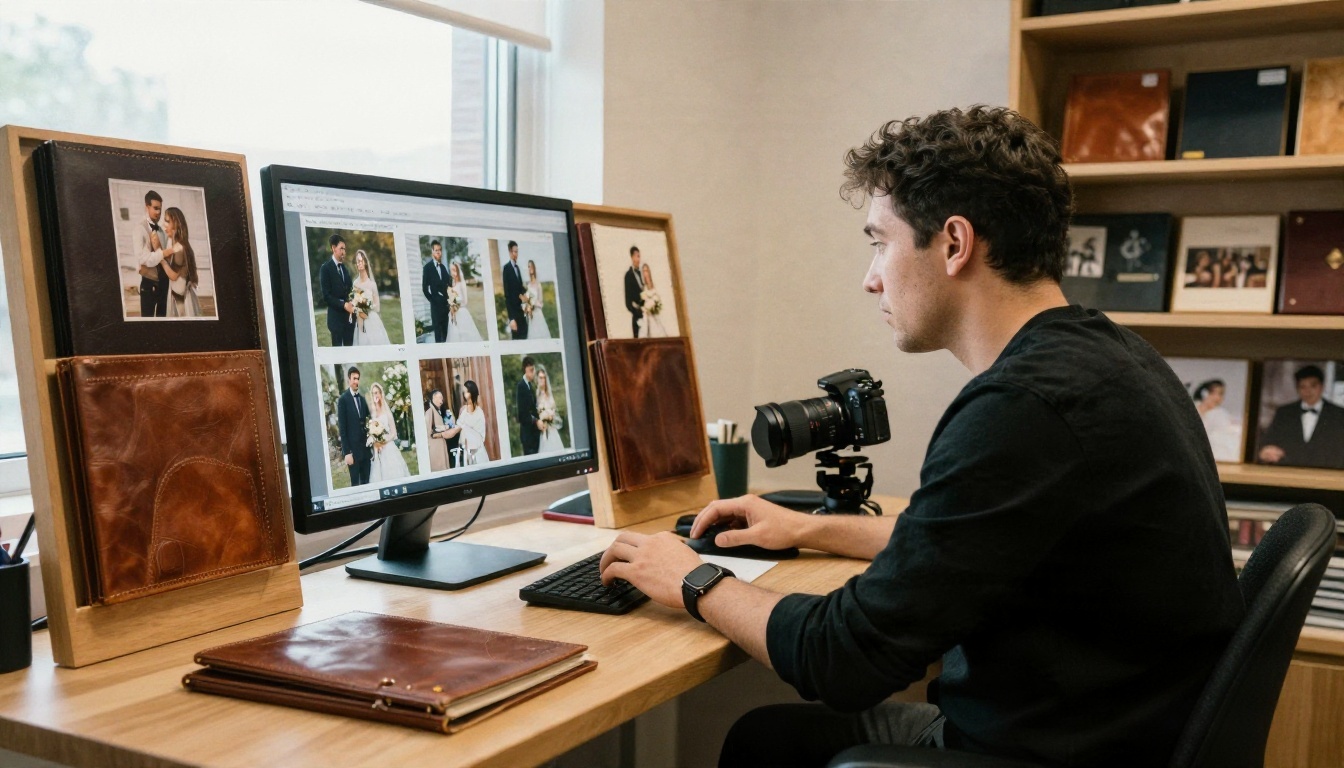
A photographer delivering 25 weddings a year cannot hand-build 25 albums from scratch. A generator creates the first draft, the photographer edits the standout pages, and the album goes out as a branded flipbook. Clients get a link instead of a heavy download, and analytics show whether the album was opened. For portfolio work, the Photography Portfolio Flipbook tool is a natural companion.
The Destination Wedding
When half the guests live abroad, printed books are slow and expensive to ship. A digital flipbook with an embedded highlight video reaches everyone at once. Add audio from the toasts and the album becomes a small time capsule.
The Wedding Planner
Planners can turn finished events into branded flipbooks for their digital portfolio, showing real weddings in a format that feels like a magazine spread.
Mistakes to Avoid
Even the best AI wedding album maker cannot rescue a few classic errors.
Using Too Many Photos
More is not better. A 300-page album is a chore to flip through. Aim for 60 to 120 images for a digital album, and fewer for print.
Trusting Auto-Select Blindly
AI picks sharp, well-lit photos. It does not know that the blurry shot of your dad crying during the vows is the one you will treasure. Review every selection.
Ignoring File Quality
Upload originals or high-quality exports, never screenshots or compressed chat copies. A soft image on screen looks worse in print.
Skipping a Backup
Keep the original photos and the final PDF in at least two places, such as an external drive and cloud storage.
✅ Best practice: Name your files by moment (for example, "01-getting-ready") before uploading. It makes both AI sorting and your own review much faster.
Choosing Format Before Purpose
Decide first whether the album is for printing, for sharing, or for both. Digital flipbooks suit sharing, and a print book suits the shelf. Many couples do both, starting digital and printing a smaller favorite-spreads edition later.
Quick Comparison of Output Formats
| Format | Speed to share | Lasting value | Cost |
|---|
| Printed hardcover | Slow | Very high | Highest |
| PDF file | Fast | Medium | Low |
| Digital flipbook | Instant | High | Low to medium |
| Social media post | Instant | Low | Free |
Ready to Build Yours?
The best AI wedding album maker is the one that matches your goal. If you want speed, try a generator. If you want control, choose a creator tool. If you want a result that looks like a real book and opens anywhere, finish with a flipbook.
Here is a simple next step list:
- Gather your best 60 to 120 photos.
- Build or generate your album as a PDF.
- Get started for free on Flipbooks AI and convert it into a flipbook.
- Open the Wedding Album Flipbook tool to set your colors, branding and password.
- Compare pricing plans if you need analytics or unlimited albums.
- Browse all flipbook tools for related projects like a Yearbook or Event Program.
Your wedding photos deserve more than a forgotten folder. Turn them into an album people will actually open, and start your first flipbook today.



