Your guest just landed, you are asleep two time zones away, and the door code is buried in a chat thread from last week. That is the exact moment a good welcome book earns its place on the coffee table. Below you will find Airbnb welcome book ideas you can copy today, page-by-page examples for different property types, a printable PDF page order and an honest look at Canva alternatives. If you want the digital version to feel as polished as a magazine, Flipbooks AI turns the same PDF into a page-turning flipbook with a link and a QR code.
Why Guests Read Welcome Books
A welcome book is a short, friendly manual that lives inside your rental. It answers questions before guests think to ask them, and it sets the tone for the whole stay. Done well, it replaces a dozen messages and a few awkward phone calls.

What Guests Ask Most
After reading hundreds of host threads and review snippets, the same questions come up again and again:
- How do I get in, and what if the code fails?
- What is the Wi-Fi name and password?
- How do I turn on the heating, the TV or the coffee machine?
- Where do I put the trash and when is checkout?
- Where can we eat tonight without a long walk?
Every one of those belongs in your book. Put them in the first pages, not buried at the end.
The Real Cost of Silence
When guests cannot find an answer, they message you. When you do not answer fast, they write it in the review. A small gap in information often becomes a star lost in the "communication" or "check-in" rating.
| Common Problem | What Happens Without a Book | What a Welcome Book Does |
|---|
| Door code confusion | Late-night messages, stress at arrival | Shows the steps with a photo on page one |
| Appliance mistakes | Broken or misused equipment | Gives short instructions beside each device |
| Noise and house rules | Neighbor complaints | Explains rules in a warm, clear tone |
| Local questions | Generic search results | Offers your own trusted picks |
| Late checkout | Cleaning delays | States the time and the exact checkout steps |
💡 Pro tip: Write the book after you have answered the same question three times. Repeated questions are the best content outline you will ever get.
Airbnb Welcome Book Ideas That Work
Here are the sections that guests actually open. You do not need all of them, but you do need the first three.

Arrival and Access Pages
Start with a warm greeting that uses the guest's name if you can. Then give the facts in the order guests need them:
- Address and parking instructions
- Door code or lockbox steps, with a photo of the exact spot
- What to do if the code fails, with a backup phone number
- A short note about the first thing to try after walking in, such as the lights or the thermostat
Tip: add a second photo of the building entrance from the street. It saves many "I am standing outside and cannot find it" messages.
House Rules in a Friendly Tone
Nobody enjoys a list of "do not" statements. Rewrite the rules so they sound like a neighbor talking.
- Instead of "No parties," try "We share walls with kind neighbors, so quiet hours begin at 10 pm."
- Instead of "No smoking," try "The balcony is the best spot for a cigarette, and the ashtray is waiting there."
- Instead of "Do not move furniture," try "The sofa leaves marks on the floor, so please lift it gently."
⚠️ Warning: Do not hide serious safety rules in a joke. Fire exits, gas shutoff and pool rules deserve plain language.
Appliance and Wi-Fi Pages
This is the section guests use most during the stay, so make it visual. Use one photo per device and three short steps at most.
- Wi-Fi: network name, password and a small QR code that joins the network on most phones
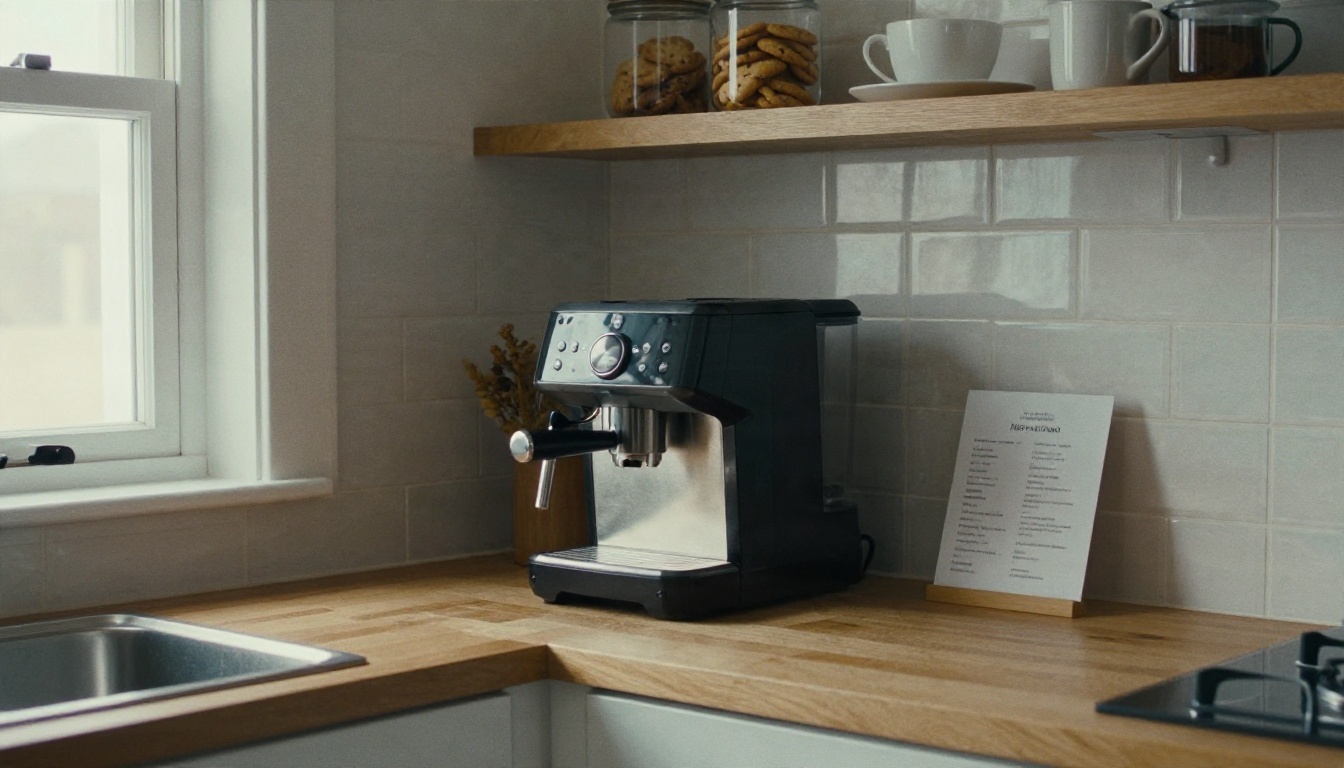
- Coffee machine: where the pods are, how to start, how to clean
- Heating and air conditioning: the best temperature range and who to ask if it feels wrong
- Washer and dryer: program name, detergent location and the right cycle for towels
- TV and streaming: which remote does what, and which accounts guests can use
Local Picks That Feel Personal
Skip the long list copied from a search engine. Choose five places you would send a close friend and add one sentence about why.
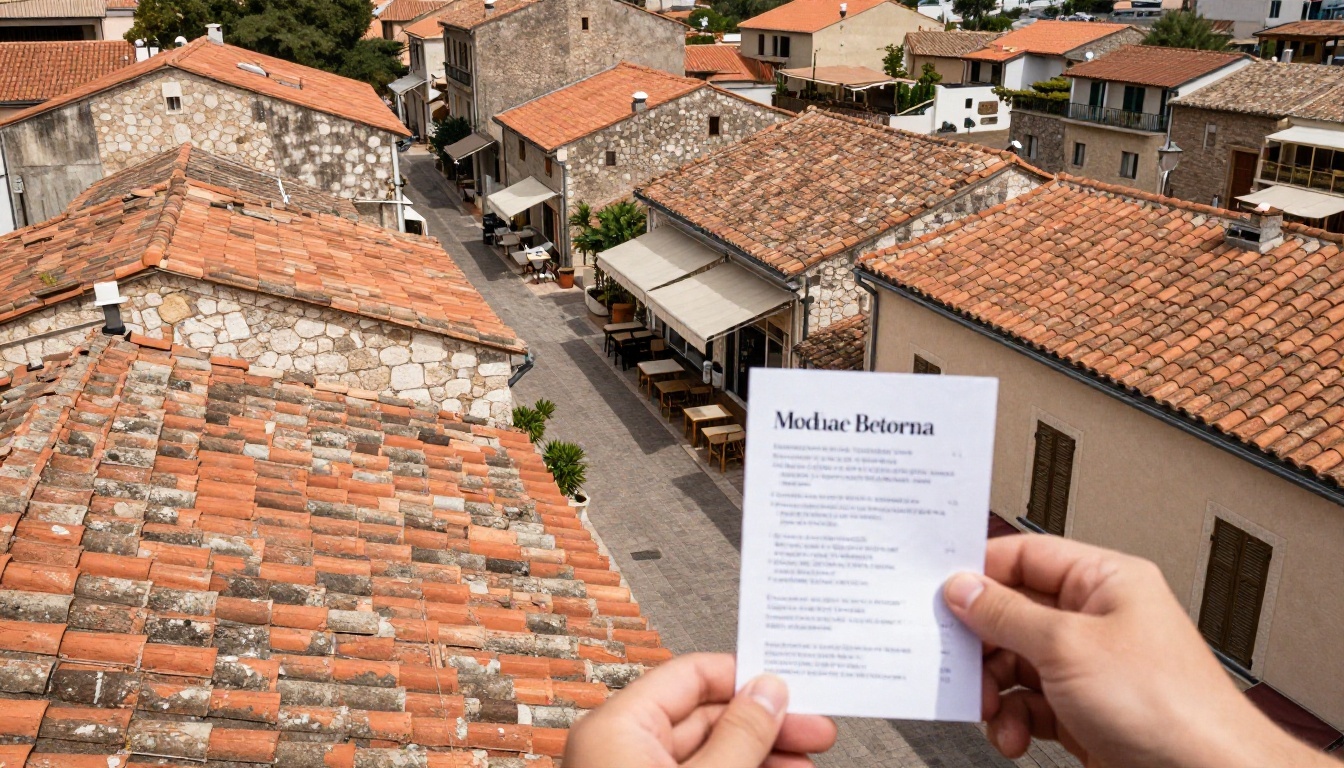
A strong local page includes:
- Breakfast: the bakery with the short line before 9 am
- Dinner: one casual place and one special-occasion table
- Groceries: the nearest supermarket and its opening hours
- Walks: a 30-minute loop starting at your front door
- Rainy day: a museum, a cinema or a covered market
If you already run a restaurant-heavy area, you can even link to a menu flipbook your favorite local spot publishes, so guests can read tonight's dishes before they leave.
Real Examples by Property Type
The same book does not suit every rental. A city studio needs speed and clarity. A cabin needs safety and quiet. Use the table below as a starting point.
| Property Type | Pages to Prioritize | Tone | Extra Idea |
|---|
| City apartment | Access, transit, noise rules, late-night food | Quick and practical | Transit map with walking times |
| Beach house | Towels, sun safety, parking, trash, local tide notes | Relaxed and sunny | Page with the best sunset spot |
| Mountain cabin | Heating, fireplace safety, wildlife, road conditions | Warm and careful | Packing list for each season |
| Family home | Kid-friendly spots, safety, baby gear, quiet hours | Reassuring | Emergency pediatric contact |
| Luxury villa | Staff schedule, concierge services, private chef | Polished and elegant | Photo-rich, magazine-style layout |

City Apartment Example
A host in a busy European city built a ten-page book. Page one shows the street door with an arrow. Page two shows the elevator and the apartment door. Page three is Wi-Fi with a QR code. The remaining pages cover the washing machine, the nearest metro stop and five places to eat within seven minutes. Guests reported that they never needed to message the host about check-in again.
Beach House Example
A coastal rental opens with a "first hour" checklist: unpack, turn on the water heater, hang towels outside and find the beach path. Later pages list the best morning swim spot, where to buy fresh fish and which days the market runs. The host adds a small section titled "Sand rules," asking guests to rinse feet at the outdoor shower before coming inside.
Mountain Cabin Example
A cabin host places the fireplace instructions on page two, with a bold warning about ash disposal. The book includes a wildlife page with food storage rules, a map of trail difficulty and a note on road conditions in winter. A final page offers a short packing list, because many guests arrive without proper boots.
✅ Best practice: Whatever the property, keep every page to one topic. Guests should find the answer in under ten seconds.
Printable PDF Page Order
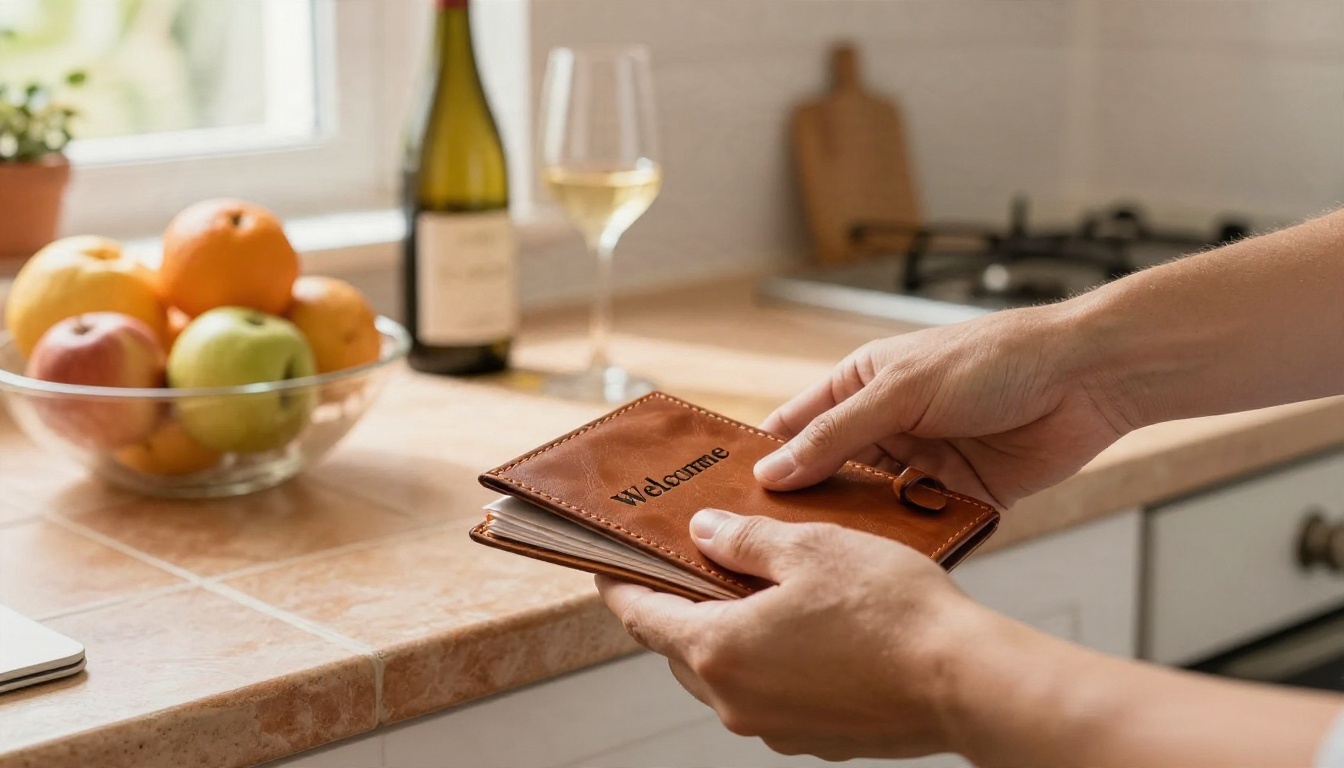
A printed book works well on a coffee table, but you need to keep it light. A binder with clear sleeves, or a spiral-bound booklet, lets you update single pages without reprinting everything.
Page Sizes and Print Settings
- Size: A5 or half-letter feels like a real booklet and fits on a nightstand. Use A4 or Letter only if you include large maps.
- Margins: keep at least 12 mm of white space on every side so nothing is cut off at home printers.
- Font: choose one readable sans-serif for body text at 11 to 12 pt, and one friendly font for headings.
- Color: use two or three brand colors. Dark text on a light background prints cleanly on any machine.
- Finish: matte paper reduces glare, and light lamination protects pages in the kitchen.
Page Order That Works
| Page | Content | Purpose |
|---|
| 1 | Welcome note and host photo | Builds trust |
| 2 | Arrival and door access | Solves the first problem |
| 3 | Wi-Fi and QR code | Most requested item |
| 4 | Appliances and heating | Prevents damage |
| 5 | House rules, written kindly | Sets expectations |
| 6 | Trash, recycling and cleaning | Saves your cleaner time |
| 7 | Local picks | Adds personality |
| 8 | Emergency numbers | Safety and peace of mind |
| 9 | Checkout steps | Smooth departure |
| 10 | Thank you and review request | Invites a good rating |
💡 Pro tip: Keep a master PDF on your computer and print only the pages that changed. It is also the file you will upload to create a digital version.
Canva Alternatives Compared
Canva is popular for welcome books because of its templates and easy drag-and-drop editor. It is a good starting point, but it is not the only choice, and it is not always the best one for sharing.

| Tool | Best For | Strengths | Limits for Hosts |
|---|
| Canva | Designing pages from templates | Huge template library, easy editing | Shared links feel like a design file, not a book |
| Google Docs | Quick text-first manuals | Free, simple, easy collaboration | Limited layout control, plain look |
| Microsoft Word | Printable booklets | Familiar, good print settings | Heavy files, weak on mobile |
| Notion | Living house manual | Easy updates, links between pages | Reads like a document, not a booklet |
| Flipbooks AI | Publishing any PDF as a page-turning flipbook | QR code, mobile-friendly, no watermarks, password option | Needs a finished PDF to start |
The most useful way to read that table is this: design in whatever tool you like, then publish in a format guests actually enjoy on their phones.
When Canva Still Makes Sense
If you want a fast layout with ready-made icons and photo frames, Canva is perfectly fine. Export your pages as a PDF and keep working there. Many hosts also use Word for a text-heavy house manual and add images later. The design tool is not the problem. The sharing format is.
Why Add a Flipbook Layer
A raw PDF forces guests to pinch and zoom on a small screen, and long files often load slowly. A flipbook looks like a real booklet, adapts to the phone screen and can be updated without changing the link or the QR code. You can also protect it with a password, so only booked guests can open it. The PDF to Flipbook Converter does exactly that in a few minutes.
How to Create a Welcome Book with Flipbooks AI
Here is the workflow from finished PDF to a link guests can open at the front door. You can follow it with a free account on Flipbooks AI.
Upload Your PDF
- Export your welcome book from Canva, Word or Google Docs as a PDF.
- Open the PDF to Flipbook Converter and sign in or create an account.
- Drag your PDF into the upload area. Within moments the pages convert into a flipbook with a realistic page curl.
- Preview the book on your phone and your laptop to check text size.
If you are building a larger property manual with photo galleries, the Interactive E-Book Publisher gives you more room for multimedia. A boutique hotel or bed and breakfast can also try the Hotel Brochure Designer for a more brochure-like feel.
Brand It
- Add your logo or a small host photo on the opening page.
- Choose a background color that matches your property, such as warm cream or sage green.
- Pick a page-turn effect that feels natural, not flashy.
- Embed a short video for tricky tasks, such as how to open a stuck patio door, or add an audio note with a personal hello.
There are no watermarks, so the book looks like it belongs to you and not to a software company.
Share It
- Direct link: paste it into your Airbnb check-in message and the automated welcome message.
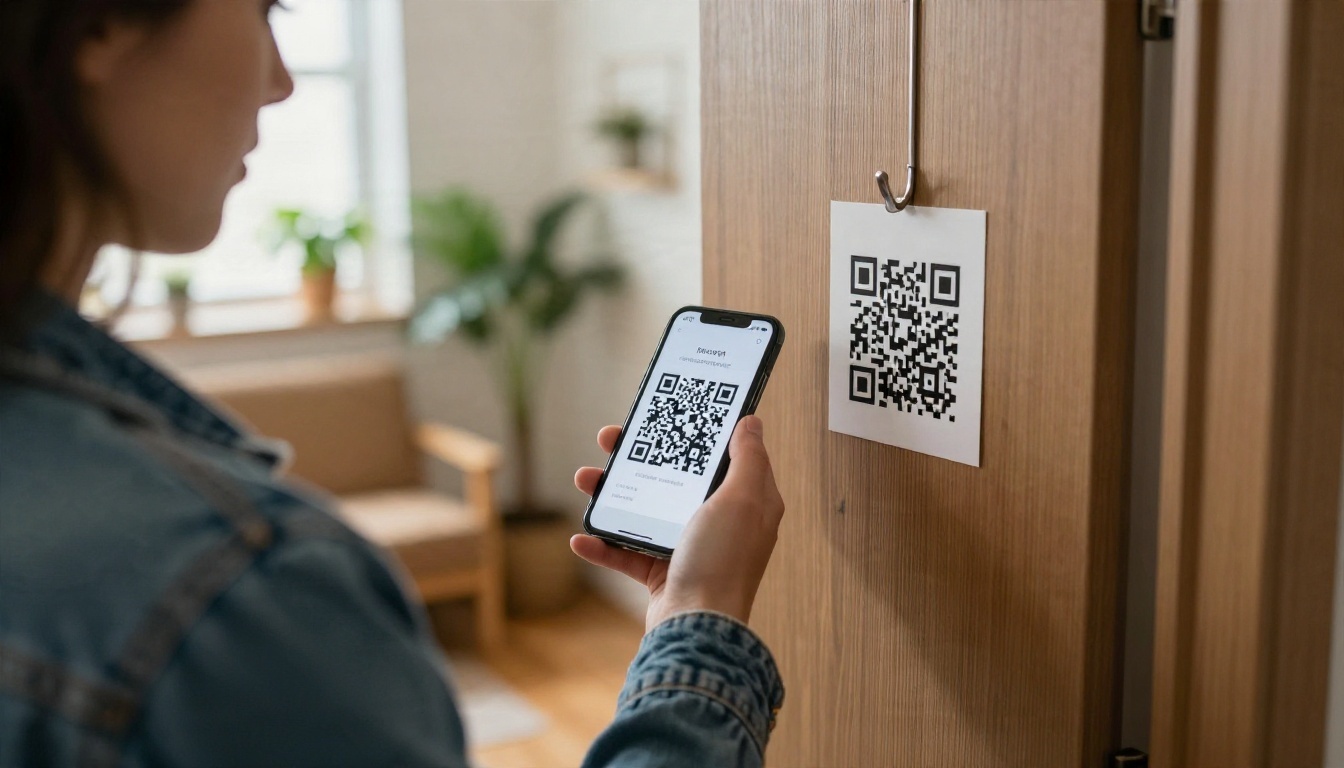
- QR code: print a small card and place it near the door, on the fridge and next to the Wi-Fi router.
- Embed: if you run a direct booking website, use the Embed Flipbook on Website tool to show the book on a guest portal page.
- Password protection: add a simple password, such as the booking last name, so the book stays private.
✅ Best practice: Print the QR code at least 3 cm wide and test it with two different phones before guests arrive.
Pro Features Worth Using
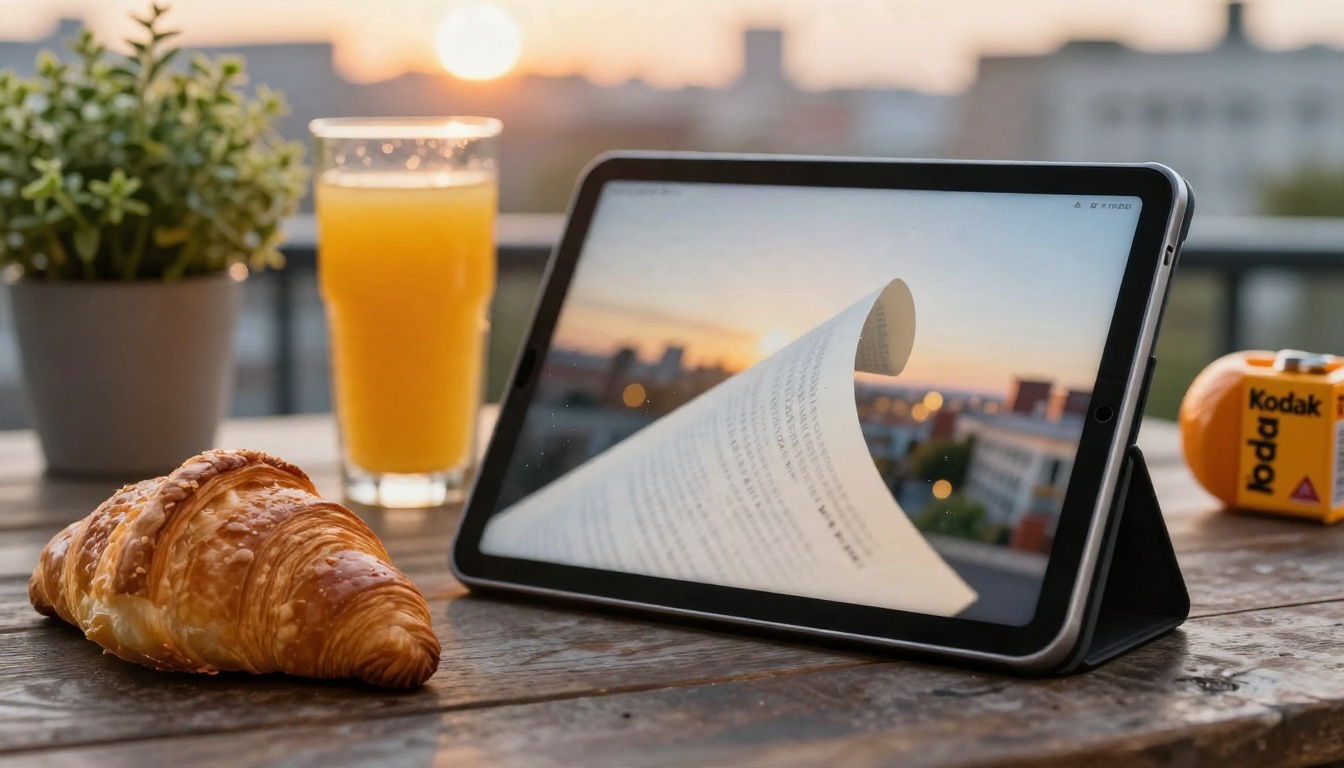
Some features matter more once you manage several listings:
- Unlimited flipbooks on the Standard plan and above, so each property can have its own book
- Offline downloads, helpful in cabins or rural homes where mobile signal is weak
- Analytics on the Professional plan, to see which pages guests open most
- Lead generation on the Professional plan, useful if you want past guests to join a returning-guest list for direct bookings
Check the pricing plans to see which tier fits the number of properties you run.
| Need | Feature | Plan |
|---|
| One property, simple sharing | Link, QR code, no watermark | Starter level |
| Several listings | Unlimited flipbooks | Standard and above |
| Know which pages work | Analytics | Professional |
| Collect guest contacts | Lead generation | Professional |
| Private access | Password protection | Available for private content |
Three Mistakes That Cost Reviews
Even well-designed books fail when they repeat these errors.
- Writing a novel. A thirty-page document will not be read. Keep it to ten or twelve pages, and move extra detail to optional pages at the end.
- Leaving outdated information. A wrong Wi-Fi password or a closed restaurant creates more frustration than no information at all. Review the book every season, and set a reminder.
- Hiding the book. If guests cannot find it, they will not read it. Put the printed copy on the coffee table, add the QR code near the door and mention the link in your first message.
⚠️ Warning: Never include private details like the owner's home address or alarm codes that are not for guests. If something is sensitive, use a password-protected version.
Publish Your Welcome Book Today
A great welcome book does not need a designer or a big budget. It needs clear pages, a friendly voice and a format guests can open in two taps. Start with the ten-page order above, design it in Canva or the tool you already know, and export a PDF.
Then publish it. Get started for free on Flipbooks AI, browse all available flipbook tools for menus, brochures and e-books, and compare pricing plans when you are ready to manage more than one property. Your next guest will thank you before they even unpack.



