A guest asks whether the risotto contains shellfish stock, and your server disappears into the kitchen for four minutes. Sound familiar? An allergen matrix ends that scramble. It is a single grid that lists every dish against every allergen, so anyone on your team can answer in ten seconds. In this article you will get a template you can copy today, sample matrices for different kinds of restaurants, a printable PDF workflow, and a way to publish the whole thing online with Flipbooks AI so guests can check it from their own phone.
Why Every Kitchen Needs a Matrix
Allergen information is not a nice extra. In many countries it is a legal duty, and for a guest with a severe allergy it can be a matter of life and death. A matrix turns scattered knowledge (the chef's memory, a sticky note, a supplier sheet in a drawer) into one reliable reference.
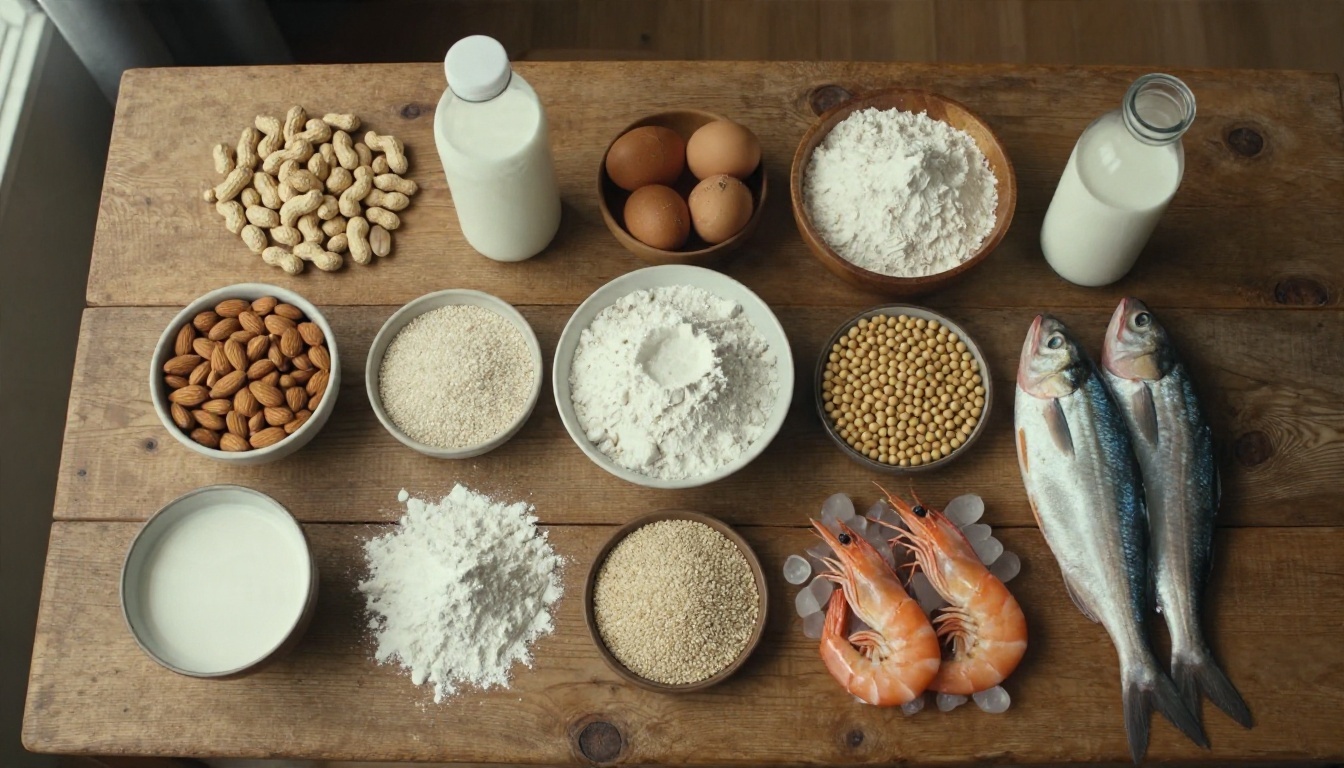
What an allergen matrix shows
A matrix is a table. Dishes run down the left side, allergens run across the top, and each cell is marked when that dish contains the allergen. Some kitchens add a second symbol for "may contain" to flag cross contact risks.
The benefits are practical:
- Speed: servers answer without leaving the floor.
- Consistency: every team member reads the same source.
- Proof: an up to date chart shows inspectors you take the duty seriously.
- Confidence: guests with allergies return to places that make this easy.
The 14 and 9 allergens
The list you must track depends on where you operate. The European Union and the United Kingdom require 14 allergens. The United States recognizes 9 major food allergens. Always confirm the current rules with your local food authority, because lists and labeling duties change.
| Allergen | EU / UK list | US major list |
|---|
| Cereals containing gluten | Yes | Wheat only |
| Crustaceans (shrimp, crab) | Yes | Yes |
| Molluscs (mussels, squid) | Yes | No |
| Eggs | Yes | Yes |
| Fish | Yes | Yes |
| Peanuts | Yes | Yes |
| Tree nuts | Yes | Yes |
| Soybeans | Yes | Yes |
| Milk | Yes | Yes |
| Sesame | Yes | Yes |
| Celery | Yes | No |
| Mustard | Yes | No |
| Lupin | Yes | No |
| Sulphur dioxide and sulphites | Yes | No (labeling rules differ) |
💡 Pro tip: If you serve guests from several countries, build your matrix on the longer 14 allergen list. You can always hide columns, but you cannot invent data you never collected.
Allergen Matrix Template You Can Copy
Open any spreadsheet tool and create a new sheet. The layout below works for a bistro with 20 dishes or a hotel kitchen with 200.
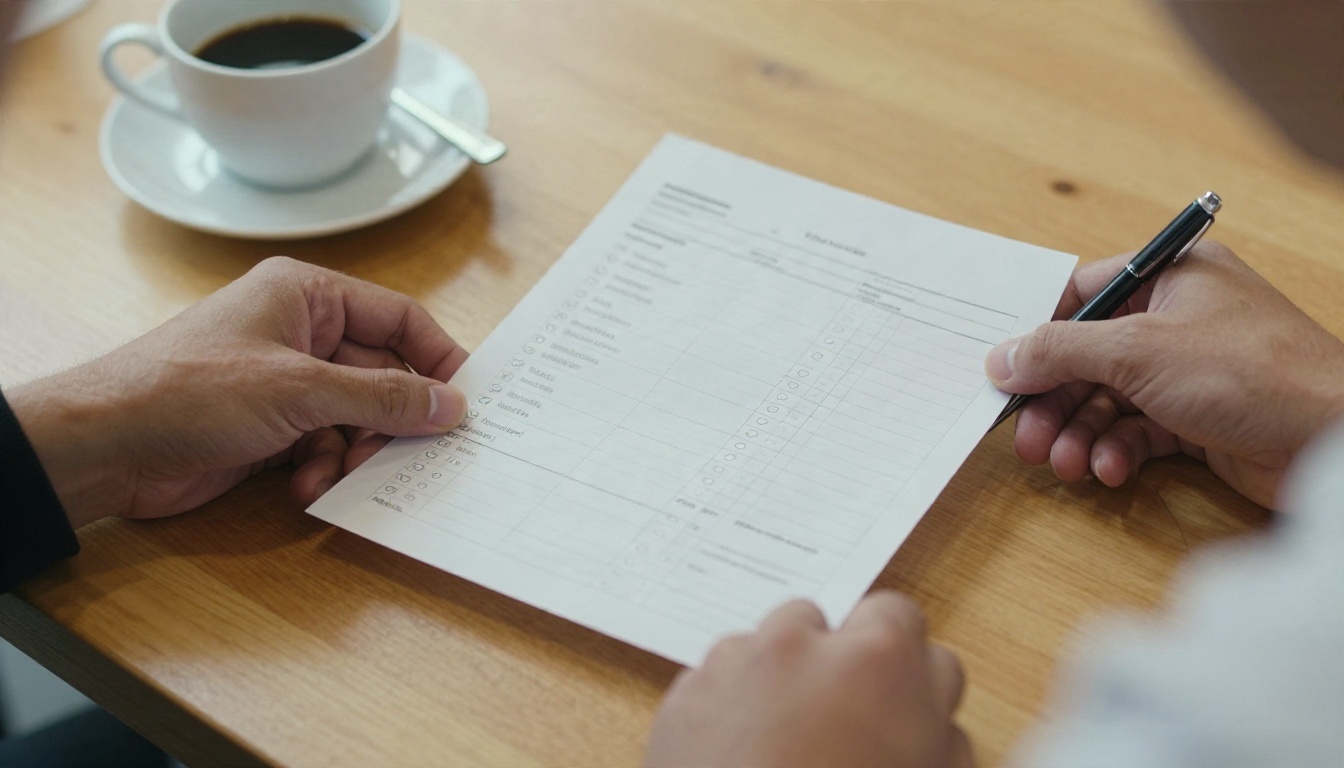
Columns and rows to include
Set up these columns, in this order:
- Dish name exactly as it appears on the menu.
- Menu section (starters, mains, desserts, drinks).
- One column per allergen (14 or 9, depending on your region).
- Can be adapted? A short note such as "without croutons".
- Last checked date and the initials of the person who verified it.
- Recipe version so you know which spec the row reflects.
The last two columns are the ones most kitchens forget. They are also the ones that save you when something goes wrong.
Sample matrix to start from
Here is a shortened example with six allergen columns. Your real sheet will have all of them.
| Dish | Gluten | Milk | Eggs | Fish | Peanuts | Sesame | Adaptable |
|---|
| Caesar salad | ● | ● | ● | ● | | | No croutons, no dressing |
| Margherita pizza | ● | ● | | | | ● | Gluten free base on request |
| Grilled salmon | | ● | | ● | | | Dairy free with olive oil |
| Pad thai | | | ● | ● | ● | | Peanut free on request |
| Hummus plate | ● | | | | | ● | Gluten free with veg sticks |
| Chocolate fondant | ● | ● | ● | | | | No |
Symbols that stay readable
Use a filled dot for "contains" and a hollow circle for "may contain through shared equipment". Keep the legend at the top of every page. Avoid color as the only signal, since a printout in grayscale or a viewer with color blindness will lose the meaning.
Real Examples by Restaurant Type
A matrix is not one size fits all. A taqueria with a short menu needs a very different layout from a hotel buffet.
| Restaurant type | Best layout | Special column to add | Update frequency |
|---|
| Small cafe | One page, 15 to 25 dishes | Plant milk options | Weekly |
| Fine dining tasting menu | One page per course | Pairing notes | Every menu change |
| Pizzeria | Base, sauce and topping tables | Shared oven warning | Monthly |
| Hotel buffet | Station by station | Label number for each tray | Daily |
| Food truck | Single laminated card | Fryer oil type | Per event |
| Catering company | Event specific copy | Client dietary list | Per booking |
A cafe with a short menu
A neighborhood cafe with 18 items can fit the whole matrix on one landscape page. The owner prints it, laminates it, and keeps a copy beside the till. When the seasonal soup changes, she edits the row, reprints the page, and swaps it in.
A hotel kitchen with a rotating buffet
Here the problem is volume. A hotel serving breakfast, lunch and dinner needs the matrix split by meal and by station. A good habit is to give every tray a number and match it to a row. The guest sees "Tray 7" on the card, and the chart tells them what is inside.
⚠️ Warning: Daily specials are where most mistakes happen. If a special is not in the matrix before service starts, do not serve it until someone adds the row.
Free PDF Version: Build and Print
A PDF is the simplest format to share and the easiest to keep on file. You can produce one in about fifteen minutes from the template above.

Steps to export your PDF
- Fill in the spreadsheet with every dish, using your supplier labels and recipe cards as the source.
- Set the page to landscape and fit all columns to one page width.
- Repeat the header row on each page so allergen names stay visible.
- Add a short footer: "Please tell your server about any allergy. Dishes may be prepared near other allergens."
- Export as PDF and name it with the date, for example
allergen-matrix-2026-11.
- Store the old version in an archive folder. Never overwrite it.
Printing tips for the kitchen
- Print on A3 or tabloid for the pass, and A4 or letter for servers.
- Laminate the page so spills wipe off.
- Pin the printed copy at eye level near the pass, not behind a door.
- Put the print date in large type. A guest or an inspector should see how fresh it is at a glance.
✅ Best practice: Keep one master file and generate every copy from it. If five people edit five different sheets, your matrix is already out of date.
Share It Online with Flipbooks AI
Paper has one big weakness: it is in one place. A guest at table 12 cannot read the chart pinned in the kitchen. Putting the PDF online fixes this, and it gives your front of house a link they can open in seconds. With the PDF to Flipbook Converter, your matrix becomes a clean, mobile friendly page with page turning, zoom and no watermarks.

How to create your online matrix
- Open the platform. Go to Flipbooks AI and create an account.
- Upload the PDF. Drag your allergen matrix file into the uploader. Conversion takes under a minute, and every page keeps its table layout, symbols and legend.
- Check each page. Zoom in on the table cells and confirm that no symbol is cut off. If something looks wrong, fix the PDF and upload again.
- Apply your branding. Add your logo, choose background colors that match your menu, and pick a page effect that feels calm and simple.
- Add helpful extras. Place a short note at the top such as "Ask your server about any allergy", and add a link to your main menu. If you already publish your menu with the Restaurant Menu Creator or the Menu Flipbook Designer, place both side by side so guests move between them easily.
- Publish and test. Open the link on your own phone before you share it with anyone.
Sharing options that fit a restaurant
| Option | Best for | Notes |
|---|
| Direct link | Social bios, email, delivery apps | Short and easy to paste |
| QR code on tables | Dine in guests | Print on table tents or coasters |
| Website embed | Your allergy information page | See Embed Flipbook on Website |
| Password protection | Staff only version | Share the password in your team chat |
| Offline download | Kitchens with weak Wi-Fi | Keep a copy on a tablet |
A smart setup uses two versions. The public matrix is open to guests. A staff matrix, protected by a password, includes extra detail such as supplier names, batch notes and cleaning steps.
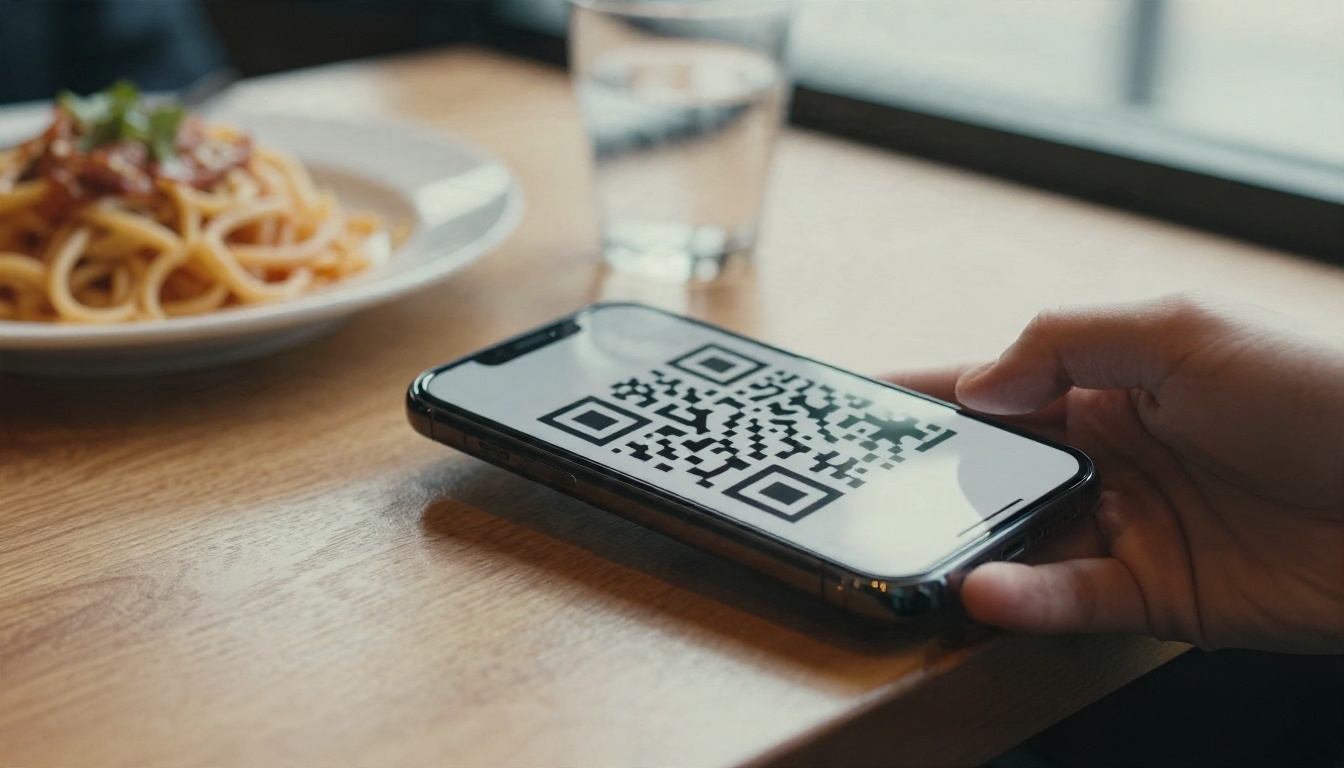
Analytics and offline copies
On the Professional plan you can see how often the matrix is opened and which pages get the most attention. If page 3 (desserts) gets twice as many views as page 1, you know guests worry most about nut and egg content there, and you can place that page first. You can also keep an offline download on a tablet at the pass. Compare options on the pricing page.
💡 Pro tip: When you replace the PDF, keep the same link and QR code. Printed table tents keep working, and guests always see the latest version.
You do not have to pick one. Most strong kitchens use both. Here is how they compare.
| Feature | Printed matrix | PDF file | Online flipbook |
|---|
| Works without internet | Yes | Yes | With offline download |
| Guest can open on phone | No | Clumsy | Yes |
| Easy to update | Reprint needed | Re-export | Replace file, same link |
| Version history | Manual | Manual | Easy with dated files |
| Branding | Basic | Basic | Full custom branding |
| Usage data | No | No | Yes (Professional) |
| Accessible zoom | No | Limited | Yes |
The printed copy is your safety net when Wi-Fi fails. The online version is what makes the chart useful for guests, delivery platforms and new hires on day one.
Keep the Matrix Accurate
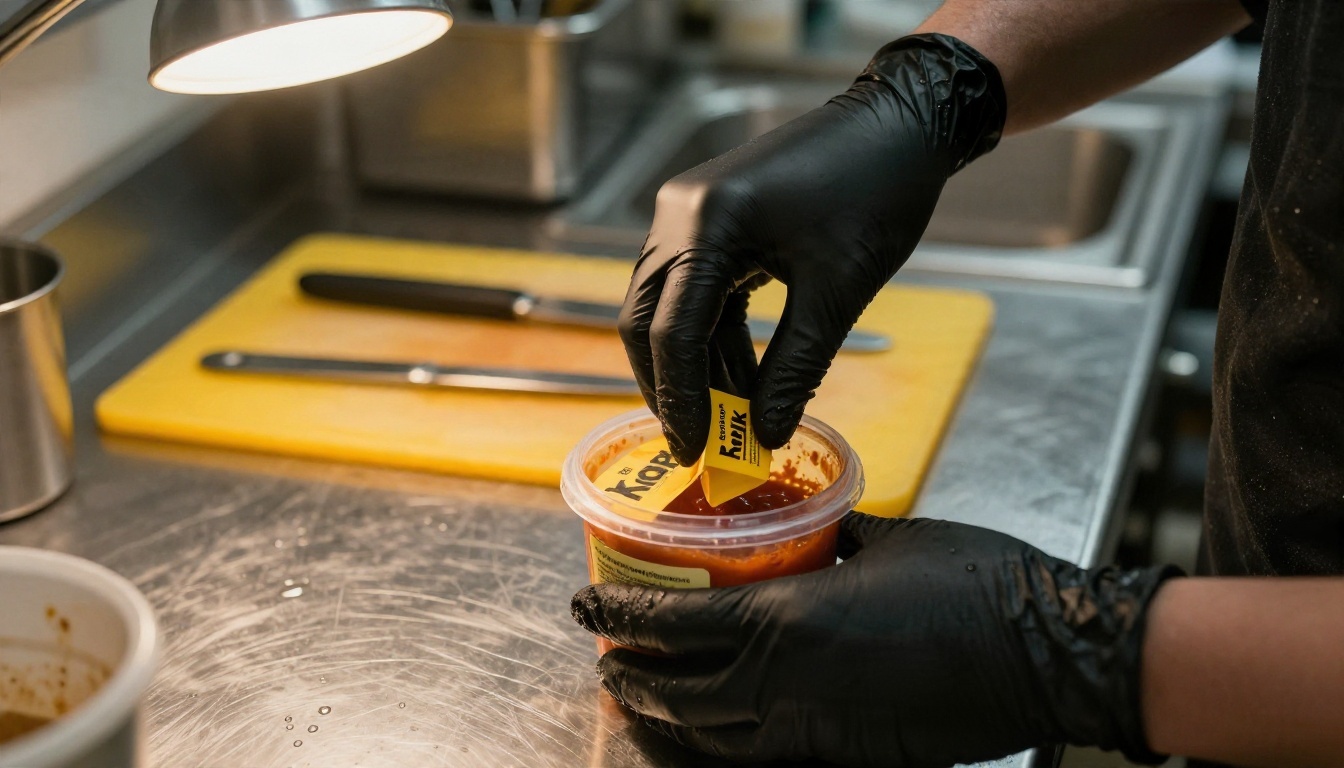
A perfect chart on Monday can be wrong by Friday. A supplier changes a brand of stock, a cook adds butter to a sauce, and suddenly the row is false. Accuracy is a habit, not a one time project.
Triggers that require an update
Update the matrix whenever one of these happens:
- A recipe changes, even by one ingredient.
- You switch a supplier or a product brand.
- A new dish or special goes on the menu.
- A cook substitutes an ingredient during a shortage.
- You change fryer oil or shared equipment.
Train the team in ten minutes
Hold a short briefing before service. Show the chart, pick two dishes, and ask the team to find the allergens. Repeat this each time the menu changes.

A simple script helps servers: "Thank you for telling me. Let me check our chart and confirm with the chef." Never guess, and never say "I think it's fine."
3 common mistakes
- Trusting memory over the label. Always read the supplier's current ingredient list.
- Ignoring cross contact. A dish without peanuts in the recipe can still carry traces if it is cooked on the same grill or in the same oil.
- Forgetting drinks and sauces. Cocktails with egg white, pesto with pine nuts and Worcestershire sauce with fish all hide allergens.
⚠️ Warning: A matrix supports your process but does not replace it. A guest with a severe allergy should always speak directly with a manager or chef, and your team should follow your local food safety law.
Questions guests often ask
- "Is the fryer shared?" Note it in a footer on the chart.
- "Can you make it dairy free?" Fill in the Adaptable column honestly. If you cannot guarantee it, say so.
- "Can I see the chart before I book?" With an online link on your website, you can say yes.

Start Your Matrix Today
You already have the ingredients: a spreadsheet, your recipe cards and ten quiet minutes before service. Build the grid, check it against your supplier labels, export the PDF, and publish it so every guest can reach it.
A clear allergen matrix protects your guests, your team and your reputation. Build it once, keep it current, and let it do the talking.



