Ten years of photos are sitting in your phone right now, scattered between screenshots, grocery lists, and 400 nearly identical sunset shots. An anniversary photo flipbook pulls the best of them into one page-turning story you can send with a single link. With Flipbooks AI you can build one from a simple PDF, add the page-curl effect, and share it with your partner, your parents, or a whole guest list without printing a thing.
This article walks through the decisions that actually shape the result: which layout fits your story, how many pages to use for each milestone, what free online makers can and cannot do, and how to send the finished flipbook to the right people.
Why a Flipbook Beats a Slideshow
A slideshow moves at its own speed. A flipbook moves at yours. Your partner turns the page when they are ready, lingers on the photo from the Lisbon trip, and goes back to the one from your first apartment. That small bit of control is what makes it feel like an album instead of a video.
Here is how the common anniversary formats stack up:
| Format | Feels like | Shareable by link | Easy to update | Cost to produce |
|---|
| Printed photo book | A keepsake on the shelf | No | No | Medium to high |
| Video slideshow | A short film | Yes | Hard | Low |
| Social media post | A quick tribute | Yes | Yes | Free |
| Digital flipbook | A real album, on any screen | Yes | Yes | Low |
💡 Pro tip: A flipbook and a printed book are not rivals. Many couples build the flipbook first, share it, and order a print run only after friends and family have pointed out which pages they loved most.
Who Makes These Flipbooks
You will see a few repeating situations:
- A partner surprising their spouse on a milestone year
- Adult children assembling a 25th or 50th anniversary tribute for their parents
- Friends collecting photos for a wedding anniversary party
- Couples keeping a yearly album, adding a new edition every anniversary
If you already have a wedding album in mind, the Wedding Album Flipbook tool is a natural starting point, and the same approach works for anniversary stories.
Layout Ideas That Actually Work
A good layout is mostly restraint. Most disappointing photo books fail for the same reason: every page tries to do too much. Pick one layout idea for each spread and let the photos breathe.
The Timeline Layout
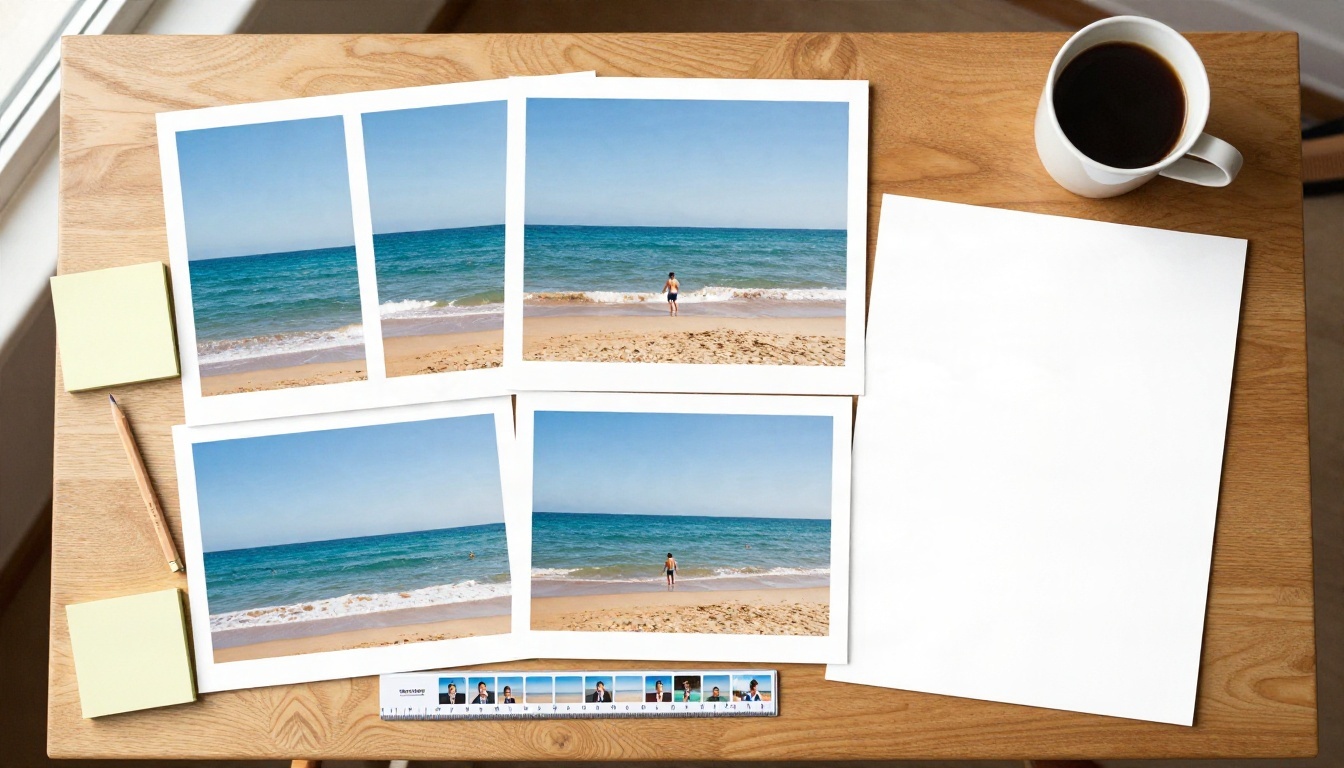
Arrange photos chronologically, one year or one season per spread. Add a short caption such as "Year three: the move" and let the order tell the story. This is the safest choice for milestone anniversaries because it answers the question every viewer has: "What happened next?"
The Full-Bleed Hero Page
One photo, edge to edge, no border, no caption. Use it for your strongest image: the wedding kiss, the summit photo, the baby's first day. Place hero pages on the right side of a spread so they land as the page turns.
The Collage Grid
Three to six photos on a clean grid with equal gaps. This works well for trips, holidays, and "everyday" moments where no single image carries the story. Keep the gutters consistent, around 3 to 5 percent of the page width.
The Single Photo With Space
One small photo centered on a plain page with a lot of white space and a short line of text. It feels quiet and confident. Use it between busy spreads to reset the reader's eye.
The Letter Spread
A left page with a handwritten note or typed message, and a right page with one photo. This is the emotional core of many anniversary flipbooks, and it is where a few sentences do more than twenty extra photos.
Here is a quick way to match layout to purpose:
| Layout | Best for | Photos per page | Mood |
|---|
| Timeline | Long relationships | 2 to 4 | Narrative |
| Full-bleed hero | Standout moments | 1 | Dramatic |
| Collage grid | Trips and events | 3 to 6 | Playful |
| Single with space | Pauses between chapters | 1 | Calm |
| Letter spread | Personal messages | 1 plus text | Intimate |
✅ Best practice: Mix at least three of these layouts. A book made only of collages feels busy, and a book made only of hero pages feels slow.
How Many Pages Is Right?
This is the question most makers get wrong in one of two directions: too few pages to tell the story, or so many that the viewer quits at page 30. Flipbooks reward a clear rhythm.
A sensible rule is one spread for every year or chapter, plus an opening page, a letter spread, and a closing page.
| Milestone | Suggested page count | Photos to pick | Notes |
|---|
| First anniversary | 12 to 16 pages | 20 to 30 | Wedding day plus first-year highlights |
| 5th anniversary | 20 to 24 pages | 40 to 60 | Add a move, a trip, or a new family member |
| 10th anniversary | 24 to 32 pages | 60 to 80 | One chapter per two years works well |
| 25th anniversary | 32 to 40 pages | 80 to 120 | Mix old scans with recent photos |
| 50th anniversary | 40 to 60 pages | 120 to 180 | Group by decade and add family spreads |
Keep Page Counts Even
Print-style flipbooks open in spreads, so aim for an even number of pages. An odd count leaves a blank page at the end, which looks like a mistake.
The 3 Photo Rule
If you cannot decide between two similar shots, pick one and move on. Viewers do not miss the second sunset. They miss the photo with the funny face, the messy kitchen, the dog in the background.
⚠️ Warning: Do not pad the flipbook just to reach a round number. Twenty strong pages beat forty average ones every time.
Free Online Makers Compared
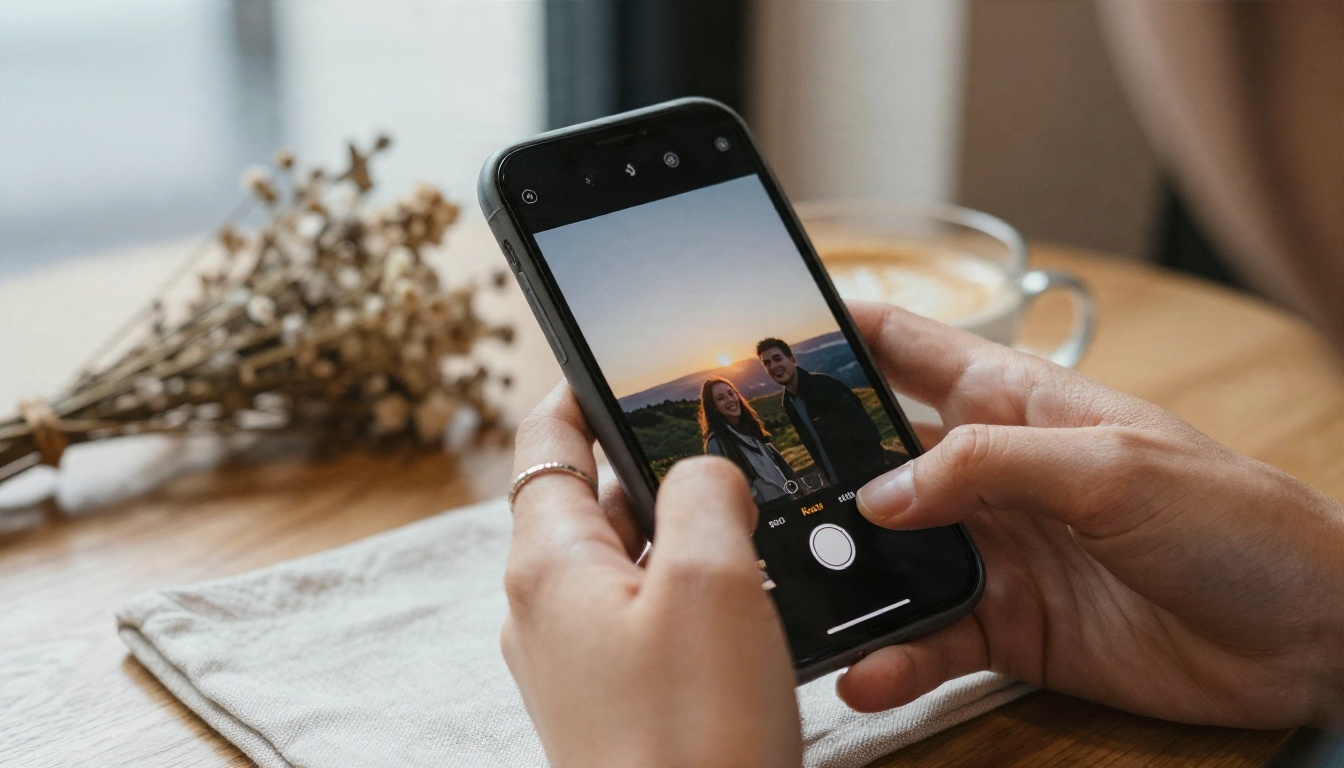
You have plenty of ways to build the PDF or pages behind a flipbook. Most people start with a free option, and that is a perfectly reasonable place to begin. The trade-offs show up in watermarks, export limits, and how the final result is shared.
| Approach | Typical cost | Watermark risk | Page-turn effect | Link sharing |
|---|
| Free template-based album maker | Free tier, paid exports | Often present | Sometimes | Sometimes |
| Slide or document editor exported to PDF | Free | None | No (static PDF) | Via file |
| Free flipbook converter | Free tier | Often present | Yes | Yes |
| PDF to flipbook on Flipbooks AI | See pricing | No watermarks | Yes | Yes, plus embed and password |
A practical combination for most couples: design the pages in any editor you already know, export a PDF, then convert it to a flipbook. That way you keep full control over the design and only rely on one tool for the reading experience. The PDF to Flipbook Converter is built for exactly this.
What to Check Before You Commit
Before you pick any free tool, run through this short list:
- Does it add a watermark to your pages or your shared link?
- Can you password protect the flipbook for private photos?
- Does the link work on phones, where most relatives will open it?
- Can you update the flipbook later without changing the link?
- Is there an expiry date on free links?
Photos of your marriage are personal. A link that vanishes after thirty days is a poor fit for something meant to be revisited every year.
How to Create an Anniversary Flipbook with Flipbooks AI
If your pages are ready as a PDF, the rest takes a few minutes. Here is the full workflow.
Step 1: Prepare Your Pages
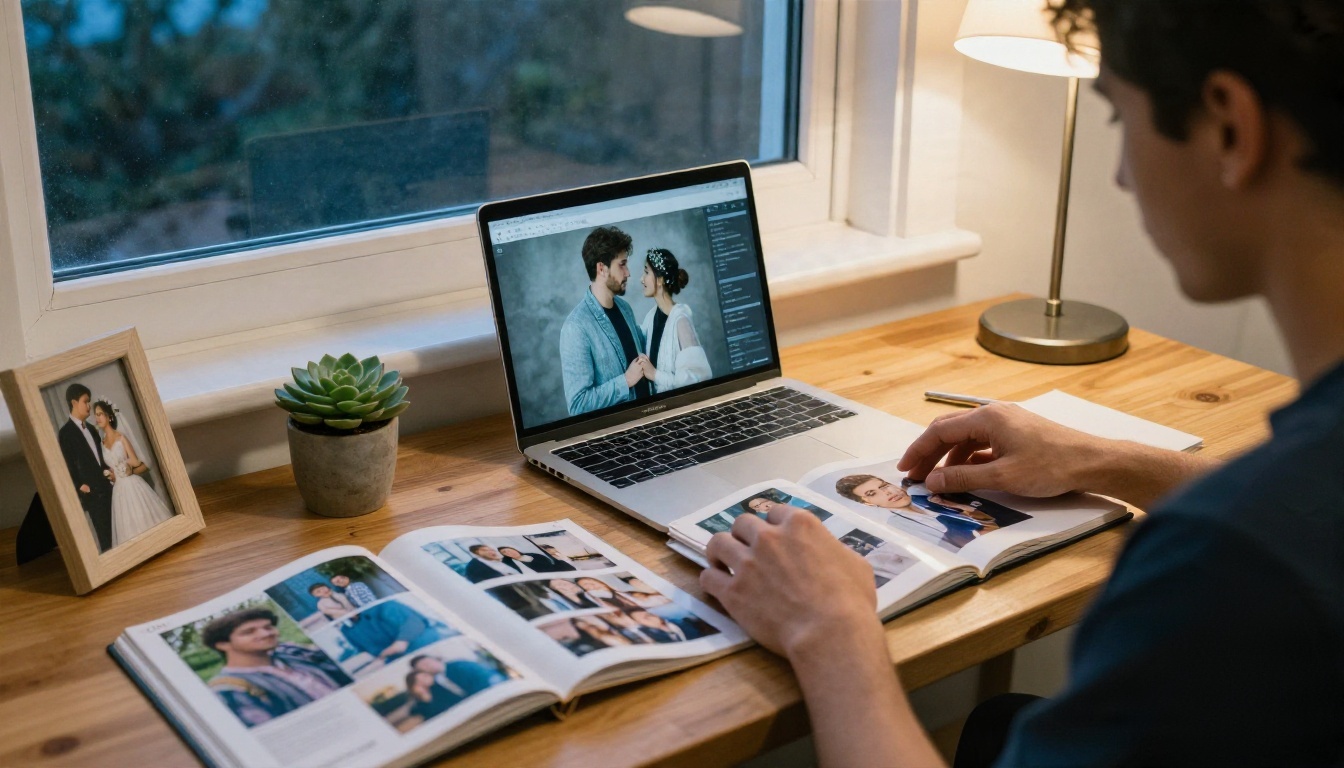
Design your album in a document or design editor. Use a landscape or square page size, keep margins of at least 5 percent, and export at a screen-friendly resolution. Photos around 1600 to 2000 pixels on the long edge look sharp without making the file huge.
Step 2: Create Your Account
Head to Flipbooks AI and create an account. You will land in a dashboard where you can start a new flipbook.
Step 3: Upload the PDF
- Click to create a new flipbook.
- Upload your anniversary PDF.
- Wait for the conversion to finish. Each PDF page becomes a flipbook page with a realistic page-turn animation.
Step 4: Customize the Look
- Background color: Soft cream, warm grey, or deep navy all flatter photos.
- Page effects: Keep the page curl on; it is what gives the flipbook its album feel.
- Branding: Add a small logo or a custom title if you want a personal touch.
- Multimedia: Embed a short video clip of your vows or a voice message, and add background audio such as the song from your first dance.
💡 Pro tip: Put your most emotional audio or video clip on the final spread. Viewers who reach the last page are the ones paying attention, so reward them.
Step 5: Choose Sharing Options
| Option | Best for | Privacy level |
|---|
| Direct link | Quick sends by message | Anyone with the link |
| Password-protected link | Private couple albums | Only people with the password |
| Embed code | A personal website or anniversary page | Depends on the host page |
| Offline download | Relatives with weak internet | Stored on their device |
For a personal anniversary page, the Embed Flipbook on Website tool shows how to drop the flipbook straight into your own site.
Step 6: Review the Pro Options
If you are sharing with a large group, such as a 50th anniversary party list, the Professional plan adds analytics and lead generation, so you can see how many guests opened the flipbook. Compare the options on the pricing page before you decide.
Sharing Without Oversharing
Anniversary photos often include children, family homes, and travel locations. Treat sharing like you would treat handing someone a physical album: choose who gets a copy.

Who Gets Which Version
You do not have to send one flipbook to everyone. A few couples make two versions:
- The full album with private photos, for the two of you and close family
- A shorter highlight edition for friends, coworkers, and anniversary party guests
Simple Sharing Habits
- Add a password for anything with children or home interiors.
- Send the password separately from the link, for example by text after emailing the link.
- Open the link yourself on a phone before sending it to others.
- Test it in a private browser window to see exactly what guests see.
- Send it at a good moment, such as the morning of the anniversary or right before a dinner.
⚠️ Warning: Do not post a public link to a private album on a social feed. Anyone who finds the link can open it, and posts can be copied or indexed.
Sharing Plans for Different Occasions
| Occasion | Best sharing method | Extra touch |
|---|
| Surprise for your partner | Password-protected link | Send at breakfast |
| Parents' 25th anniversary party | Link on the invitation or a QR code | Display on a screen at the venue |
| Long-distance family | Direct link plus offline download | Add a voice message |
| Yearly tradition | Same link, updated each year | Add a new spread annually |
Real Examples You Can Copy
The 5th anniversary tribute. A couple picks 24 pages: 4 for the wedding, 10 for travel, 4 for home life, 4 for friends and family, and 2 for a letter spread. They add a song from the wedding as background audio and send it by text on the morning of the day.
The 50th anniversary gift. Three siblings scan old prints, group them by decade, and add one caption per spread written by a different family member. The finished 48-page flipbook is shown on a screen at the party and then emailed to everyone with a password.
The yearly album. One couple creates a 12-page flipbook every anniversary with a single highlight per month. After ten years, they have ten short editions that sit nicely beside each other.
If your photos lean toward travel, the Travel Guide Flipbook tool is a good model for map-style spreads. For couples who treat photography as a serious hobby, the Photography Portfolio tool offers a cleaner, more gallery-like feel.
Common Mistakes to Avoid
- Using low-resolution screenshots. Pull the original files from your camera roll or cloud backup instead.
- Crowding captions. Keep each caption to one line or two short sentences.
- Ignoring phone viewing. Most people open links on their phones, so check text size on a small screen.
- Mixing too many fonts. One serif for headings and one clean sans for captions is plenty.
- Skipping the final page. End with a photo of the two of you today and a short line looking ahead to the next year.
Your Anniversary Flipbook, Ready to Send
Pick a layout for each spread, match the page count to your milestone, and choose a sharing method that fits how private the photos are. That is the whole recipe.
When you are ready to build, get started for free on Flipbooks AI and convert your first PDF in minutes. You can browse every available flipbook tool to find the best fit for your project, and compare pricing plans when you want password protection, analytics, or unlimited flipbooks for every anniversary to come.



