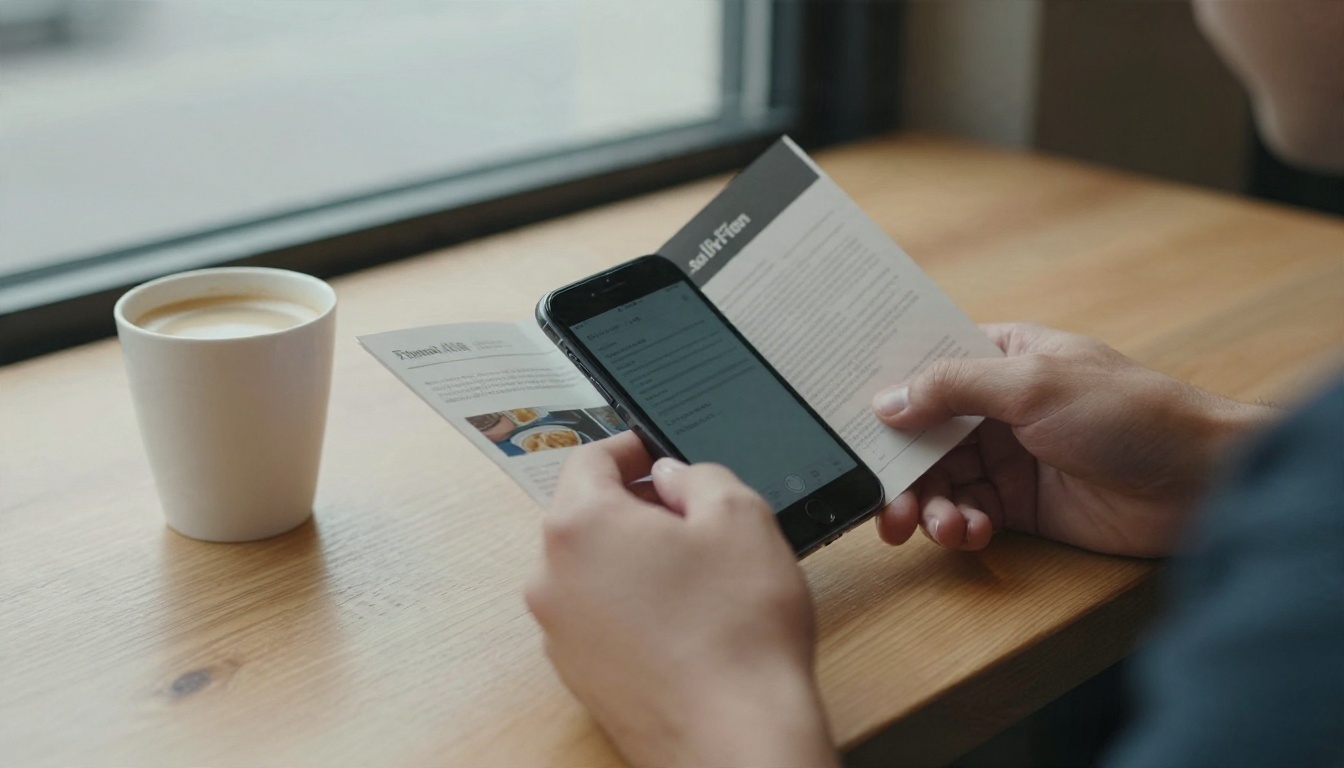
You tapped a link, a page-turning magazine loaded on your phone, and now you want to know whether you need to install something to read it properly. Short answer: in most cases you don't. A modern flipbook is built with web technology, so the browser already on your iPhone or iPad does the job. If you publish your own flipbooks, Flipbooks AI creates them in a format that opens on iOS without an app, an account or a download for the reader.
This article walks through every realistic way to view a flipbook on Apple devices: the built-in browser, the Files and Books apps, third-party PDF readers, home screen shortcuts and offline copies. You'll also see which options cost nothing, where the free ones stop being useful, and what to do when a flipbook refuses to load.
Do You Need an App at All?
Let's clear up the confusion first. People search for an "iOS app to view flipbooks" because older flipbooks relied on Adobe Flash, which Apple never supported on iPhone. Those days are gone. Today's flipbooks use HTML5, which Safari renders natively, including the page curl, zoom, and embedded video.
Why Safari Handles Most Flipbooks
Safari on iOS and iPadOS supports everything a standard HTML5 flipbook needs: touch swiping, pinch to zoom, full screen mode and media playback. You open the link, the pages load, and you flip with your thumb. No installation, no sign-in, no storage used beyond the browser cache.
Chrome, Firefox, Edge and Brave on iOS all use Apple's rendering engine under the hood, so a flipbook that works in Safari works in them too.
When a Dedicated App Helps
An app becomes useful in three situations:
- The publisher distributed the document as a PDF file rather than a web link
- You want to annotate, highlight or sign pages
- You need a permanent offline library of many documents
💡 Pro tip: If someone sends you a "flipbook" and it arrives as an attachment ending in .pdf, it is a regular document. A web flipbook always arrives as a link.
Your Options on iPhone and iPad
Here is how the main ways to read a flipbook compare on Apple devices.
| Option | Cost | Page-turn effect | Offline use | Best for |
|---|
| Safari or any browser | Free | Yes | Limited | Opening any flipbook link |
| Home screen shortcut | Free | Yes | Limited | Flipbooks you reopen often |
| Files app | Free | No, scrolling | Yes | Downloaded PDF copies |
| Apple Books | Free | No, page swipe | Yes | PDFs you want in a library |
| Third-party PDF reader | Free or paid | No | Yes | Annotation and signing |
| Downloaded flipbook copy | Depends on publisher | Yes | Yes | Reading without a connection |
The Browser Route
This is the default and the one I'd recommend first. Paste the link into Safari, tap, read. On an iPad the double-page spread appears in landscape and a single page in portrait, which matches how a printed magazine feels. Rotate the device to switch.
Files and Apple Books for PDFs
When the source is a PDF, the Files app previews it instantly, and Apple Books stores it in your library so it syncs across your Apple devices. You lose the page curl, but you gain fast search and bookmarks. Both are free and already installed.
Third-Party PDF Readers
The App Store has plenty of PDF readers, and many have a free tier. They shine for markup, form filling and signatures. They are not flipbook viewers in the strict sense, because a PDF reader shows a static document instead of an animated page-turn publication. Pick one only if you need to write on the pages.
Add a Flipbook to Your Home Screen
Open the flipbook in Safari, tap the share icon, then choose Add to Home Screen. You get an icon that launches the flipbook like an app. It is the closest thing to a dedicated flipbook app on iOS, and it costs nothing.
Free Ways to View Flipbooks Online
Viewing is free almost everywhere. The reader never pays: the publisher does, if anyone does. That said, free flipbooks come with trade-offs you should spot before you rely on them.
Free Sharing Links
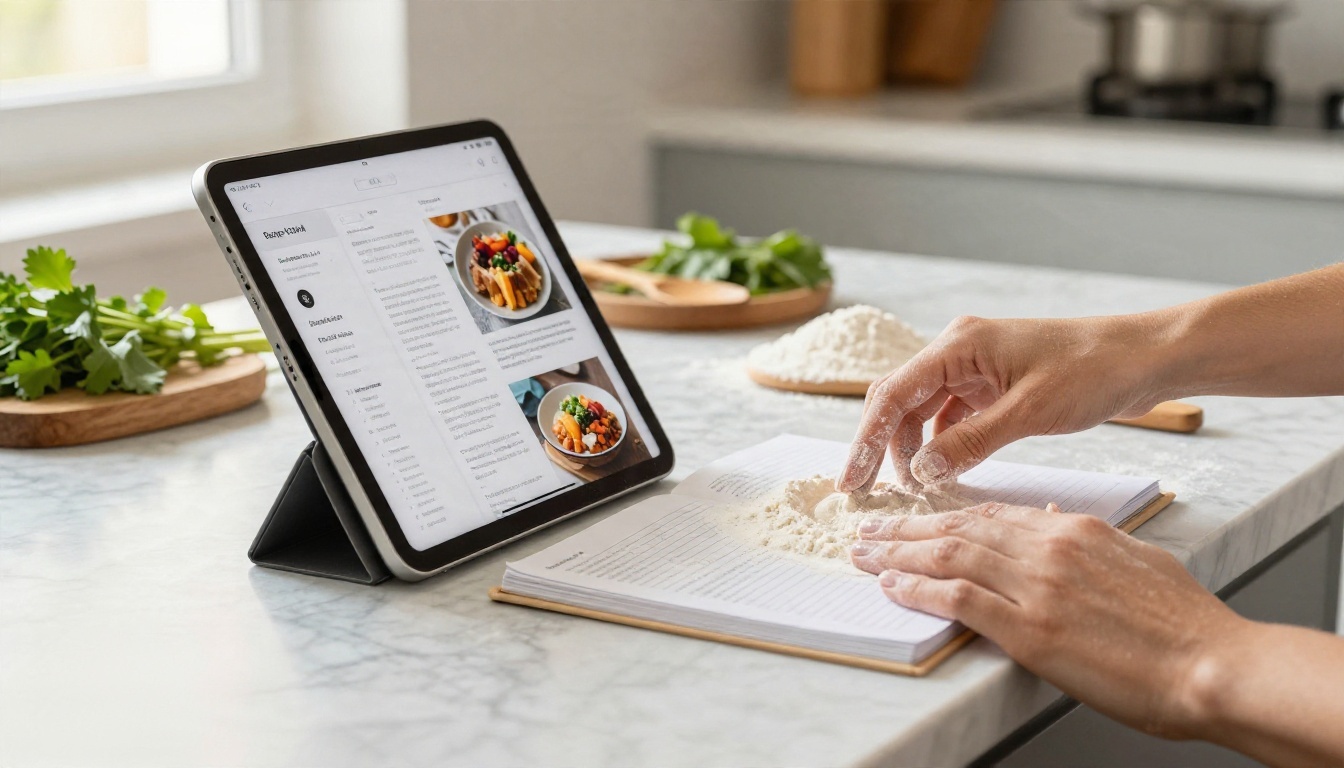
Most flipbook platforms hand the publisher a public link. Anyone who has it can read in Safari at no charge. A recipe collection, a menu or a lookbook all work this way. A cook with floury hands can prop an iPad against the backsplash and swipe without touching anything but the glass edge.
Where Free Plans Fall Short
If you create flipbooks, free tiers on many platforms add watermarks, cap page counts or remove downloads. Check the following before you share:
- Is a watermark printed over your pages?
- Does the link expire after a trial?
- Can readers download the file for offline use?
- Is there a page or storage limit?
Flipbooks AI never adds watermarks to your publications. See the current plans on the pricing page.
How to Open a Flipbook on iPhone
Follow these steps and you will have any flipbook link open in under 20 seconds.
- Tap the link in your message, email or QR code. A QR code opens straight from the Camera app.
- Wait for the pages to load. The first spread appears quickly, the rest load as you read.
- Swipe left or right to turn pages, or tap the page edges.
- Pinch to zoom into small text, then double-tap to reset.
- Tap the full screen icon if the publisher included one.
- Rotate your iPhone to landscape for a wider view on a small screen.
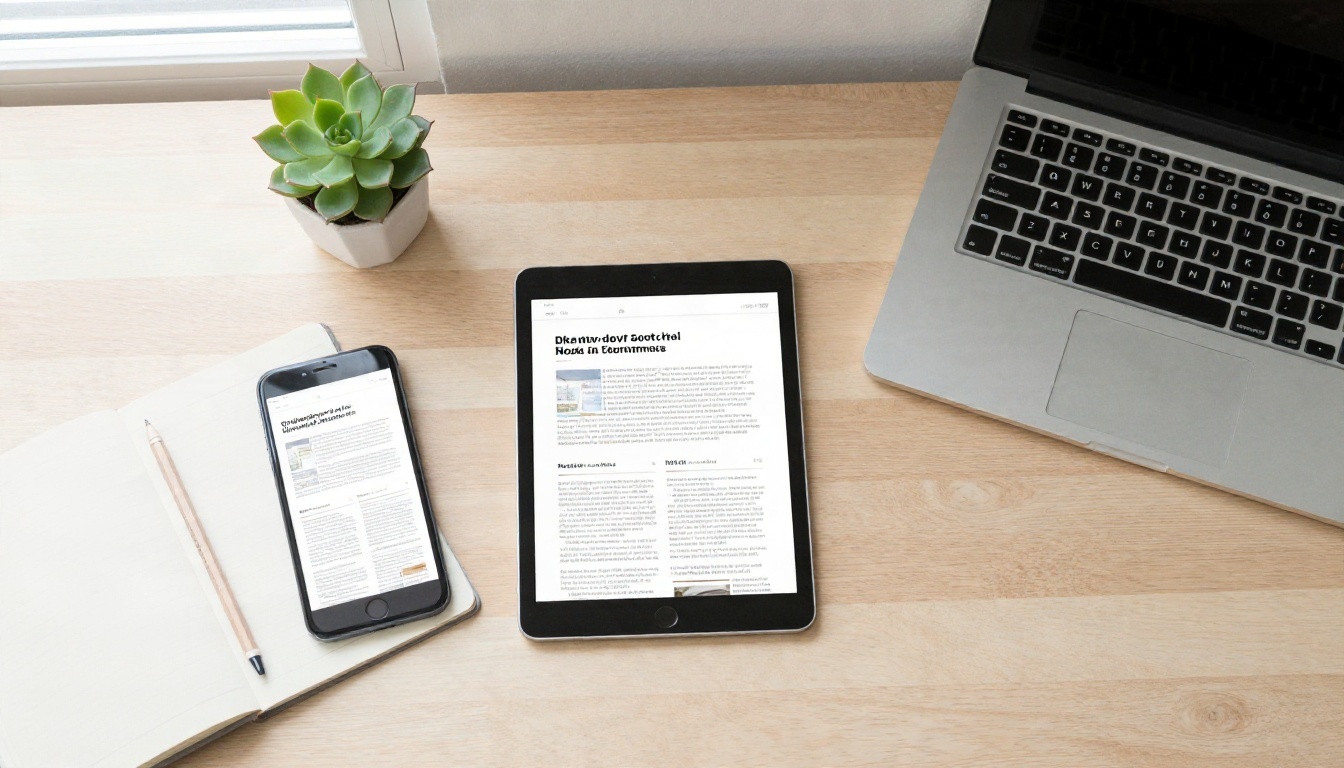
✅ Best practice: For long documents, use an iPad in landscape. A double-page spread on a tablet is far more comfortable than a single page on a phone.
Reading With a Password
Some flipbooks are locked. The publisher gives you a password separately. Enter it once, and the flipbook opens. Safari can offer to save it in iCloud Keychain so you don't retype it.
Reading Flipbooks Offline on iOS
Trains, flights and weak hotel Wi-Fi are where web-only flipbooks let you down. You have three realistic fixes.

| Method | Steps | Result |
|---|
| Publisher's download button | Tap download, save to Files | Offline copy of the document |
| Safari Reading List | Share, Add to Reading List, enable offline saving in Settings | Text and basic layout offline |
| Save as PDF | Share, Options, choose PDF, save to Files | Static PDF, no page curl |
Ask the Publisher for a Download
The cleanest solution is a publisher who enables downloads. Flipbooks AI supports offline downloads, so a reader can keep a copy for a flight. If you are the reader, look for a download icon in the toolbar. If you are the publisher, switch it on before sharing.
Reading List as a Backup
Reading List is a fair fallback for text-heavy flipbooks, but interactive elements like embedded video will not play without a connection.
Create a Flipbook That Works on iOS
If you publish documents, the easiest way to guarantee a smooth iPhone and iPad experience is to build the flipbook in a format that is already mobile-responsive. Here is the process in Flipbooks AI.
Step 1: Sign Up and Upload
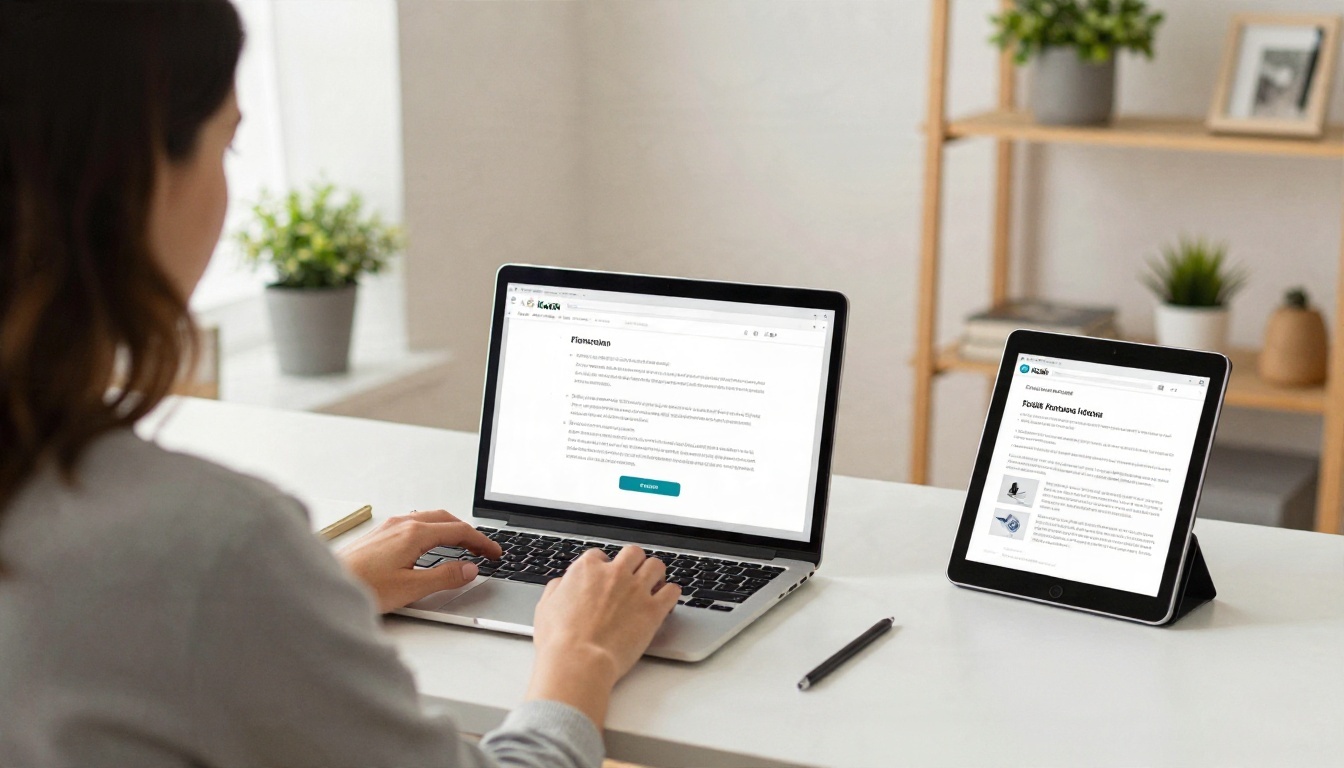
Go to Flipbooks AI and create an account. Then use the PDF to Flipbook Converter: drop in your PDF, and the platform converts each page into a flipbook with a page-turn effect. Large files are fine, and the layout stays sharp on Retina screens.
Step 2: Customize the Look
Add your logo, pick brand colors, choose a page effect and set a background. Drop in videos and audio where they help, for example a product demo on page three. Everything adapts to the iPhone screen automatically.
Step 3: Choose How to Share
You have several routes:
- Direct link for messages and email
- Embed code for your site, using the Embed Flipbook on Website tool
- Password protection for private content
- Offline download for readers who travel
Step 4: Add Analytics and Lead Capture
On the Professional plan you get analytics to see which pages people read, plus lead generation forms that collect an email before the flipbook opens. Compare the tiers on the pricing page.
⚠️ Warning: Always test your flipbook on a real iPhone before sending it to clients. Open the link in Safari, check the text size, and play any embedded video.
Real-World Examples on iPad and iPhone
Flipbooks are not just magazines. Here is where reading on iOS makes a real difference.

A Boutique With One iPad
A small clothing shop can keep a lookbook open on a counter iPad. Customers swipe through outfits, and the owner sends the same link to their phones by text. One file, two screens, no printing.
Teachers and Students
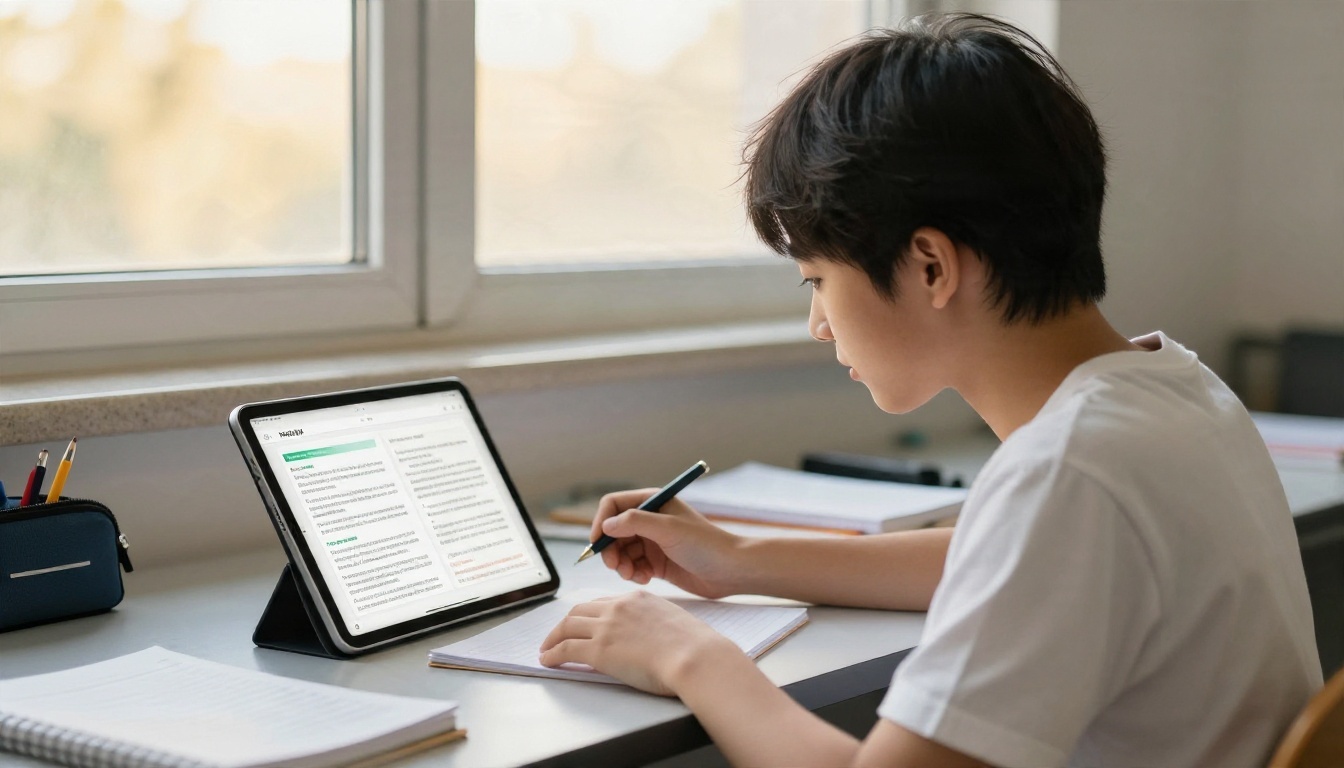
Schools often hand out iPads. A teacher shares a single link, and every student opens the reading pack in Safari. Updates happen on the publisher's side, so nobody holds an outdated copy.
Bedtime Reading

For longer reads, an iPad in portrait mode works well. Turn on Night Shift or dark appearance in Settings and the evening reading stays gentle on the eyes. Publishers can build books with the E-Book Flipbook Generator.
Fixing Common iPhone Viewing Problems
Most trouble comes from a handful of causes. Run through this table before you blame the flipbook.
| Problem | Likely cause | Fix |
|---|
| Blank page after tapping | Link opened in an in-app browser with limits | Tap the compass icon to open in Safari |
| Pages load slowly | Weak signal or large file | Switch from cellular to Wi-Fi, wait for load |
| Text too small | Single-page view on a phone | Pinch to zoom or rotate to landscape |
| Video will not play | Silent switch or low power mode | Flip the ringer switch, turn off Low Power Mode |
| Password not accepted | Extra space copied | Retype the password by hand |
| Flipbook looks cut off | Old cached version | Close the tab, reopen the link |
Update iOS if Something Looks Broken
A very old iOS version may not handle newer web features. Check Settings, General, Software Update. Most flipbook problems disappear after an update.
Clear Safari Website Data
If one flipbook acts strange, clear website data for that site in Safari settings. You will be logged out of the site, but the flipbook will reload from scratch.
Ready to Publish Your Own?
You do not need a special iOS app to read a flipbook. Safari works, a home screen shortcut makes it feel like an app, and Files or Apple Books handle PDF copies. The real quality difference comes from how the flipbook was made. A mobile-responsive build opens fast, looks sharp and behaves on every iPhone and iPad.
Ready to create your first flipbook? Get started for free on Flipbooks AI, browse all flipbook tools to find a template that fits, or compare pricing plans to see which tier adds analytics, lead capture and offline downloads.



