You found two names showing up in nearly every "best free flipbook maker" search: Anyflip and FlipbooksAI. Both promise easy PDF-to-flipbook conversion with no design background required. Both have free plans. But once you actually try to use them for real work, the differences become significant fast. This article puts both platforms through a direct comparison across features, pricing, branding, and publishing so you can make the right call without spending hours testing both.

At their core, both platforms convert static PDF documents into interactive flipbooks with page-turn animations. You upload a file, the platform processes it, and you get a shareable link or embed code. The technology is not complicated. What separates platforms at this point is execution: how good the output looks, how much control you have over it, and what the free plan actually allows you to do.
Anyflip in Plain Terms
Anyflip is a browser-based tool that has been available for several years. Its audience spans educators, small businesses, and marketers who need a quick way to present PDFs as page-flipping documents. The platform has a broad feature set, but the free plan is limited and includes platform branding on every published flipbook. Core customization, analytics, and white-label publishing all require paid upgrades.
FlipbooksAI in Plain Terms
Flipbooks AI is a design-focused platform built around clean output and a no-watermark promise from day one. It includes a full ecosystem of specific tools for different content types, from product catalog generators to wedding album flipbooks, each with tailored defaults that match the use case. The platform is built for anyone who wants the final result to represent their brand, not the publishing tool's brand.

Free Plan Realities
Free plans often hide their limitations in the fine print. Here is exactly what you get when you use each platform without paying anything.
| Feature | Anyflip Free | FlipbooksAI Free |
|---|
| Platform watermark | Yes, visible | No watermark |
| Number of flipbooks | Up to 5 | Limited by plan |
| Custom branding | Not available | Not available |
| Password protection | Not available | Not available |
| Analytics | Not available | Not available |
| Mobile responsive | Yes | Yes |
| Embed on website | Yes | Yes |
| Remove platform logo | Paid only | Paid only |
| File size limit | 200MB | Varies by plan |
| Offline downloads | Not available | Not available |
⚠️ The watermark issue with Anyflip's free plan is not subtle. It appears on every published flipbook and cannot be removed without upgrading. For any client-facing content, this creates an immediate professionalism problem.
FlipbooksAI's decision to eliminate watermarks on all plans, including free, reflects a different philosophy. The platform earns upgrades through features like analytics and lead generation, not by holding the cleanliness of your output hostage. For small businesses, freelancers, and content creators testing the platform before committing budget, this is a meaningful practical difference.
Interface and Viewer Quality
Both platforms animate a page flip. The difference is everything surrounding that animation: how the viewer looks, how fast it loads, and how the experience feels on mobile.
Anyflip's Viewer
The Anyflip viewer is functional and reliable. The page-flip animation works smoothly and the basic navigation controls are intuitive. However, the design language is dated. The toolbar styling, the overall layout proportions, and the loading screen all feel like they belong to a previous era of web design. For internal documents or non-public use, this does not matter. For anything meant to impress an audience, it shows.
FlipbooksAI's Viewer
The Flipbooks AI viewer uses a modern, minimal design that lets your content take center stage. The page-turn animation is fluid, the controls are unobtrusive, and the loading is fast. On mobile, the reading experience scales properly and does not require pinching or awkward scrolling. When someone receives a link to your flipbook, the viewer is the first thing they see before they read a single word. A polished viewer sets a credibility tone that a dated one cannot.
💡 Pro tip: Viewer loading speed directly affects whether people actually read your content. A flipbook that takes three seconds to load on mobile loses a significant portion of its audience before the first page appears.
Customization and Branding Control
This is where the two platforms diverge most sharply. Customization is not just about aesthetics; it is about whether your content reinforces your brand identity or accidentally promotes someone else's platform.
| Customization Option | Anyflip | FlipbooksAI |
|---|
| Custom logo in viewer | Paid | Standard plan+ |
| Background color or image | Paid | Standard plan+ |
| Remove platform branding | Paid | Standard plan+ |
| Custom page thumbnail | Paid | Standard plan+ |
| Embed video in pages | Paid | Standard plan+ |
| Embed audio in pages | Paid | Standard plan+ |
| Password-protected sharing | Paid | Standard plan+ |
| Custom sharing URL | Paid | Standard plan+ |
| White-label viewer | Enterprise | Professional |
| Offline download option | Paid | Professional |
Both platforms require payment for full branding control, which is expected. The difference is that Anyflip's free tier actively works against you with its visible watermark, while FlipbooksAI's free tier gives you clean, professional-looking output from the start.
For practical scenarios, this matters enormously. A real estate agent sharing a real estate brochure with potential buyers needs that document to reflect their agency's brand. A retailer publishing a seasonal fashion catalog needs the viewer to look intentional and polished. A hotel sharing its digital brochure needs the experience to match the property's standard. In each case, a competing platform's watermark or dated viewer design undermines the effort put into the content itself.
How to Build a Flipbook on FlipbooksAI
Flipbooks AI is designed to get you from PDF to published link fast. Here is the full process from account creation to sharing your flipbook.
Step 1: Sign Up
Go to flipbooksai.com and create your free account. No credit card needed. The signup takes under two minutes and gives you immediate access to the full dashboard.
Step 2: Upload Your PDF
From the dashboard, select the upload option and choose your PDF. The platform accepts drag-and-drop directly in the browser. Once the file is selected, conversion begins automatically. Depending on file size, the flipbook is typically ready within seconds to a minute.
Step 3: Customize the Viewer
After conversion, you enter the editor where you can adjust:
- Background color or upload a custom background image
- Your logo placement within the viewer
- Cover thumbnail to use as the flipbook preview image
- Page-flip animation style
- Multimedia embeds including videos and audio (Standard plan and above)
- Password protection for content you want to keep private
Step 4: Publish and Share
When the design is set, publish the flipbook. You receive a direct shareable link and an embed code for placing the flipbook on any website. The Embed Flipbook on Website tool provides clean iframe code that integrates into any CMS without technical expertise.

Step 5: Add Analytics and Lead Capture
With the Professional plan, you gain access to reader analytics: page views, time on each page, and overall engagement data. The lead generation feature lets you insert an email capture form directly within the flipbook viewer. For businesses using their catalog or brochure as a marketing asset, this turns a passive document into an active sales tool. See all available features at flipbooksai.com/pricing.
✅ The PDF to Flipbook Converter is the fastest route from file to published flipbook, handling the technical conversion so you focus entirely on content and presentation.
No tool is universally better for every person. Here is where each one genuinely earns its place.
Where Anyflip Fits
- Internal documentation that will not be shared publicly
- Educational materials for closed groups or classrooms
- One-off conversions where branding does not matter
- Users with an established Anyflip library they prefer not to migrate
Where FlipbooksAI Fits
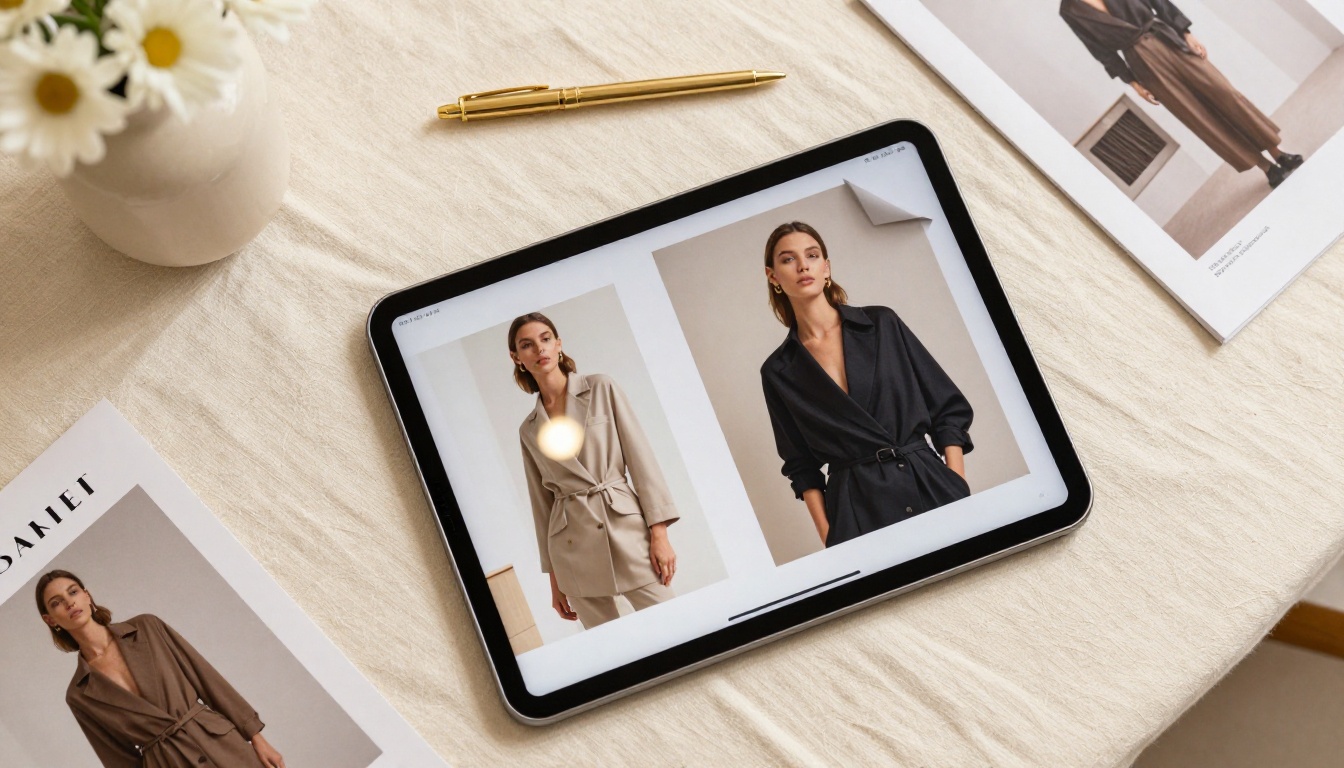
A fashion brand producing a seasonal lookbook, for example, needs a viewer that does not compete with the product photography visually. The Interactive Lookbook Designer starts with defaults built specifically for lookbook content, reducing setup time and producing a more appropriate result than a generic converter would.
Pricing, Side by Side
Knowing what each tier actually costs, and what it unlocks, prevents unpleasant surprises when your needs grow.
| Plan Tier | Anyflip | FlipbooksAI |
|---|
| Free | 5 flipbooks, watermark, basic sharing | No watermark, limited flipbooks |
| Standard/Basic | Paid, removes watermark, more flipbooks | Paid, custom branding, multimedia embeds |
| Professional | Higher tier, analytics, larger storage | Analytics, lead generation, offline downloads |
| Enterprise | Custom pricing, white-label | Custom pricing, white-label |
💡 For current FlipbooksAI pricing tiers and what each one includes, the pricing page has the full breakdown. Plans are designed to scale with actual usage rather than requiring enterprise commitments for standard business needs.
The core difference in philosophy: Anyflip charges to remove what should not have been there in the first place (the watermark). FlipbooksAI charges for additive features (analytics, lead capture, offline access) that go beyond the base publishing capability. The latter model is more respectful of free users' work and makes the platform easier to evaluate before spending a dollar.
Feature Coverage by Content Type
FlipbooksAI offers dedicated tools for specific content categories, each with appropriate defaults. Anyflip treats all content the same regardless of type.
This matters in practice because a training manual and a product catalog have very different design requirements. Starting from a tool built for your specific content type reduces setup time and produces better output than adapting a generic template.
The Bottom Line
Both platforms work. Both convert PDFs. Both give you a shareable link. But "working" is the floor, not the ceiling.
Anyflip is a solid, functional tool that has served its users well for years. If your use case is strictly internal, non-public, or you simply need a fast conversion with no concern for presentation quality, it does the job. For anything beyond that, the watermark on the free plan, the dated viewer design, and the generic approach to all content types create friction that compounds over time.
Flipbooks AI starts from a cleaner position. No watermarks on any plan. A modern viewer that makes your content look intentional. Dedicated tools for specific content types. A Professional plan that turns your flipbooks into active marketing assets through analytics and lead capture. The platform is built around the premise that what you publish should represent you, not the tool you used to publish it.

Ready to create your first professional flipbook? Get started for free and have a shareable link in minutes. Browse the full library of flipbook tools to find the right starting point for your content type. When you are ready to add analytics, lead generation, or offline downloads, see the plans to choose what fits your workflow.



