A homeowner gets three solar quotes in a week, and the one they remember is rarely the cheapest. It is the one with the brochure that made the numbers feel clear. Good solar brochure design turns roof diagrams, kilowatt figures and payback periods into something a person can read at the kitchen table in five minutes. This article gives you free template structures, layout ideas and PDF page examples you can copy today, plus a simple way to publish the result as an interactive flipbook with Flipbooks AI.
Why Solar Brochures Still Win Deals
Solar is a considered purchase. Buyers compare panels, inverters, warranties, financing and installers, often over several weeks. A website gets skimmed. A brochure gets kept, forwarded to a spouse, and pulled out again before the final decision.
That is why installers, EPC contractors and solar distributors still rely on brochures at every stage:
- Door knocking and local campaigns: a short one-page flyer that earns a phone call.
- Home consultations: a bi-fold or tri-fold that supports the conversation.
- Commercial proposals: an 8 to 16 page PDF with yield estimates and case studies.
- Trade shows and partner meetings: a product-focused sheet with specs and certifications.
💡 Pro tip: Treat the brochure as a sales assistant that works when you are not in the room. Every page should answer one question the buyer is already asking.
What Buyers Look For First
Before you open any design tool, write down the five questions your reader is silently asking. Almost every solar buyer wants the same answers:
- How much will I save? Monthly bill reduction, not just system size.
- How long until it pays for itself? A plain payback estimate.
- Can I trust this company? Certifications, years in business, local installs.
- What happens if something breaks? Warranty and monitoring.
- What does the process look like? From site survey to switch-on.
Your brochure structure should follow that order. The most common mistake is opening with the company history. Nobody opens a solar brochure hoping to read about your founding story.
Match the Brochure to the Audience
| Audience | Main Concern | Best Format | Ideal Length |
|---|
| Homeowners | Savings and simplicity | Tri-fold or 6 page PDF | 6 to 8 panels |
| Small businesses | Payback and tax benefits | 8 page PDF | 8 pages |
| Commercial and industrial | Yield, ROI, financing | Detailed proposal PDF | 12 to 20 pages |
| Farms and rural land | Land use, net metering | Bi-fold with site photos | 4 to 6 pages |
| Distributors and resellers | Specs and margins | Product data sheets | 2 to 4 pages |
Free Solar Brochure Template Structures
Rather than hand you one rigid layout, here are three structures that cover the most common sales situations. Build them in any design tool, from Canva to InDesign to Google Slides, then export as PDF.
Template 1: The Tri-Fold Homeowner Brochure
This is the classic. Six panels, printed on both sides of one sheet, handed over at the door or left after a consultation.
| Panel | Content | Design Notes |
|---|
| Front panel | Bold headline, rooftop photo, logo | One image, one promise, no clutter |
| Inside left | The savings story with a simple chart | Use real local utility rates |
| Inside center | How the system works in three steps | Icons plus short labels |
| Inside right | Equipment and warranty summary | A compact table works best |
| Back panel, upper | Customer testimonial and a photo | Real names and locations |
| Back panel, lower | Contact details and QR code | Large, scannable, obvious |
Template 2: The 8 Page Business Proposal PDF
Commercial buyers want evidence. This structure works well as an emailed PDF.
- Title page with the site photograph
- Executive summary: system size, annual output, payback
- Site assessment and roof or land layout
- System design and equipment specifications
- Financial model with a year-by-year table
- Financing options compared
- Installation timeline
- Warranty, service plan and next steps
Template 3: The One Page Flyer
A flyer has one job: get a call or a scan. Use one strong photograph, a three-line value proposition, a single number (such as "average household saving") and a QR code to a booking page. Everything else is noise.
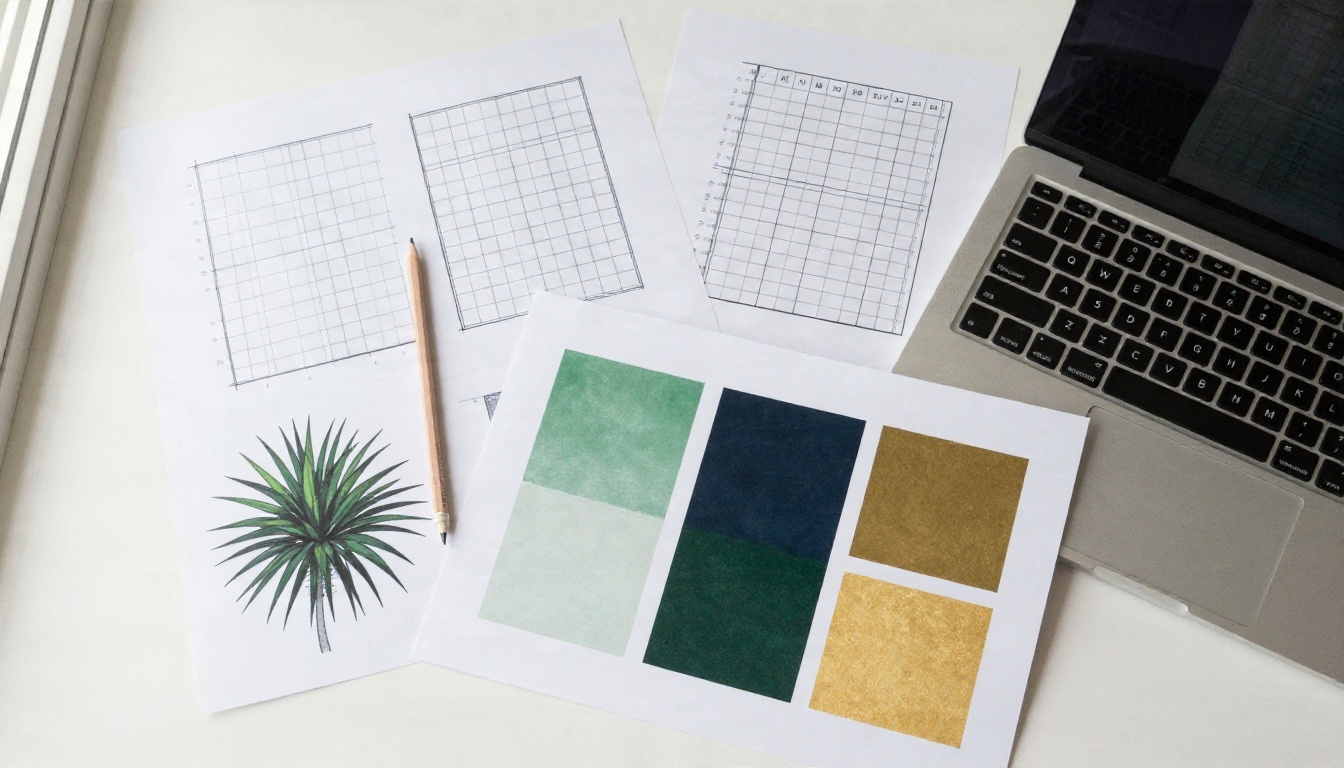
✅ Best practice: Sketch the layout on paper first. A thumbnail sketch of each page takes ten minutes and prevents hours of redesign.
Layout Ideas That Actually Work
Solar brochures often fail in one of two ways: they look like an engineering datasheet, or they look like a generic stock-photo advert. The best ones sit in between, with warm human photography and clean technical detail.
Lead With a Real Roof
Use a photograph of an actual installation from your own portfolio. Buyers can tell the difference between a staged stock image and a real house on a real street. A before-and-after pair of the same roof is one of the strongest openers you can use.
Show Savings as a Picture
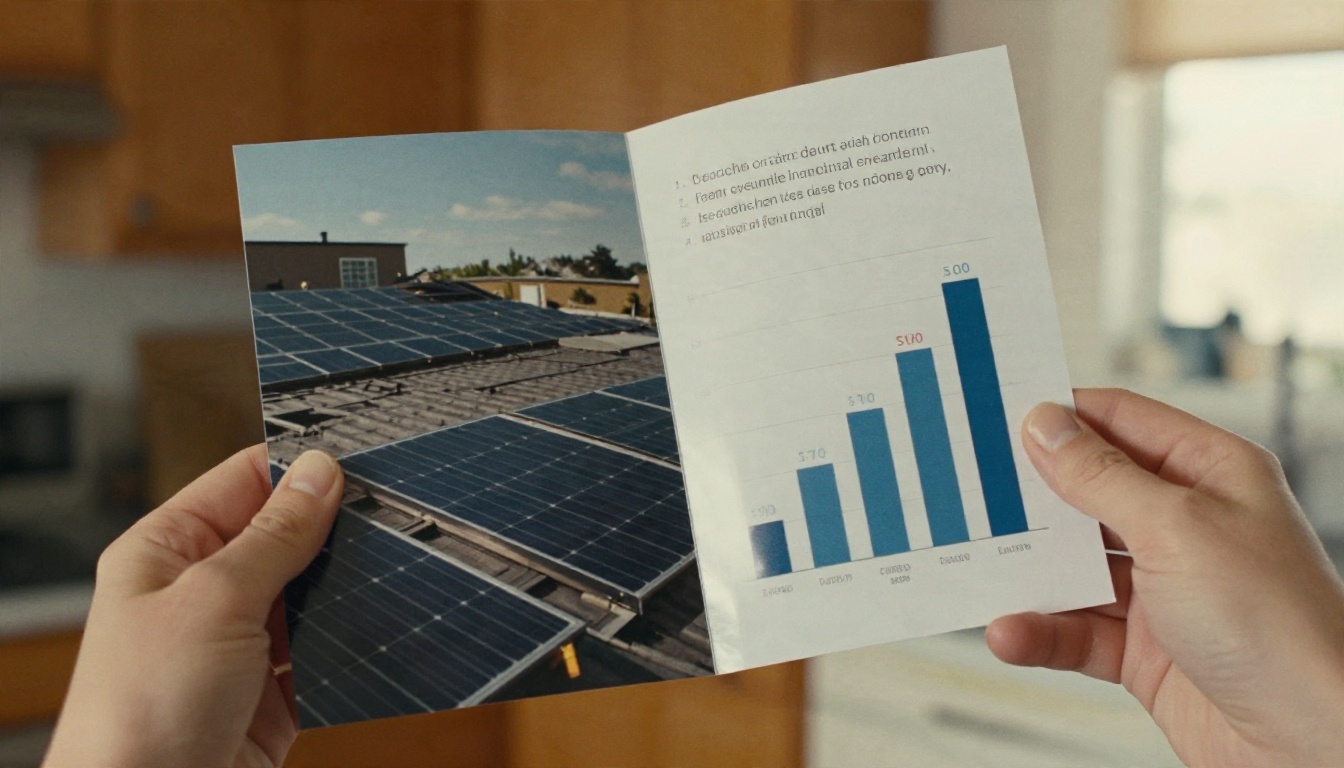
A bar chart comparing a typical yearly electricity bill before and after solar is faster to read than a paragraph. Keep it to two or three bars, use a green and a gray, and label the amounts directly on the bars rather than in a legend.
Use a Process Strip
A horizontal strip of four to six numbered steps (survey, design, permit, install, inspect, switch on) shows the buyer that the project is organized. It also answers the nervous question: "How disruptive will this be?"
Keep Specs in Tables
Technical details are important, but they should never block the reader. Move them into a tidy table near the back.
| Spec Item | What to Include | Why It Matters |
|---|
| Panel type and wattage | Brand, model, watts per panel | Shows quality and output |
| Inverter | Type, brand, efficiency | Signals reliability |
| System size | kW total, number of panels | Anchors the price |
| Estimated annual output | kWh per year | Ties to savings |
| Warranty | Product and performance years | Builds trust |
| Monitoring | App or portal included | Reassures ongoing support |
Color, Type and Photography
Solar branding leans on blue, green and yellow for good reason. They suggest sky, growth and sunlight. But a brochure full of bright yellow becomes hard to read, so use these colors with restraint.
A Palette That Prints Well
- Deep navy or charcoal for headlines and body text
- Fresh green for savings figures and calls to action
- Warm gold as a small accent, never a background for text
- Off-white paper tone to keep pages calm
- Light gray for table rows and dividers
Typography Rules
Choose one sans-serif family for headings and one for body text. Keep body text at 10 to 11 points in print and at least 16 pixels on screen. Numbers deserve special attention: make savings figures big and bold, since they are what the eye looks for first.
Photography That Builds Trust
Aim for these shot types and you will have a full set:
- A wide exterior of a finished home with panels on the roof
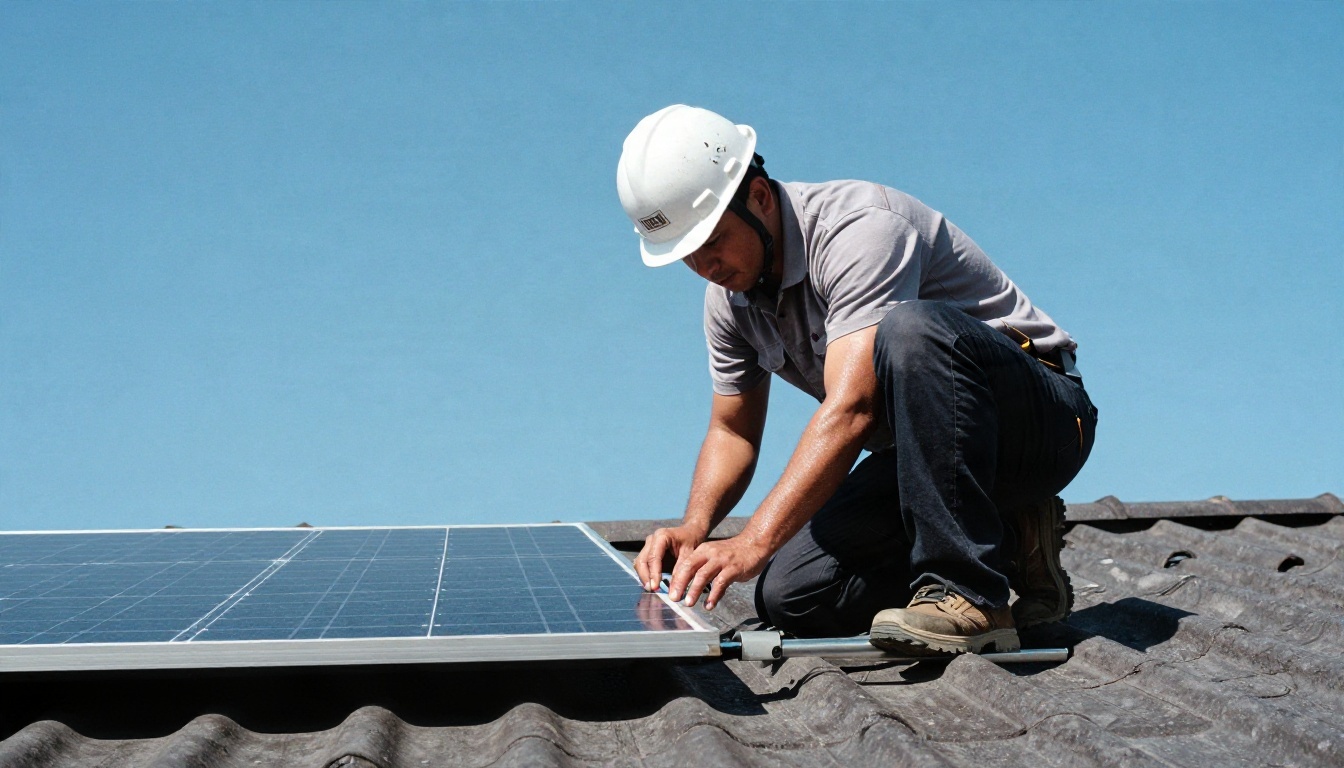
- A close-up of installers at work, wearing proper safety gear
- A detail shot of panels and mounting hardware
- A friendly portrait of your team or a happy customer
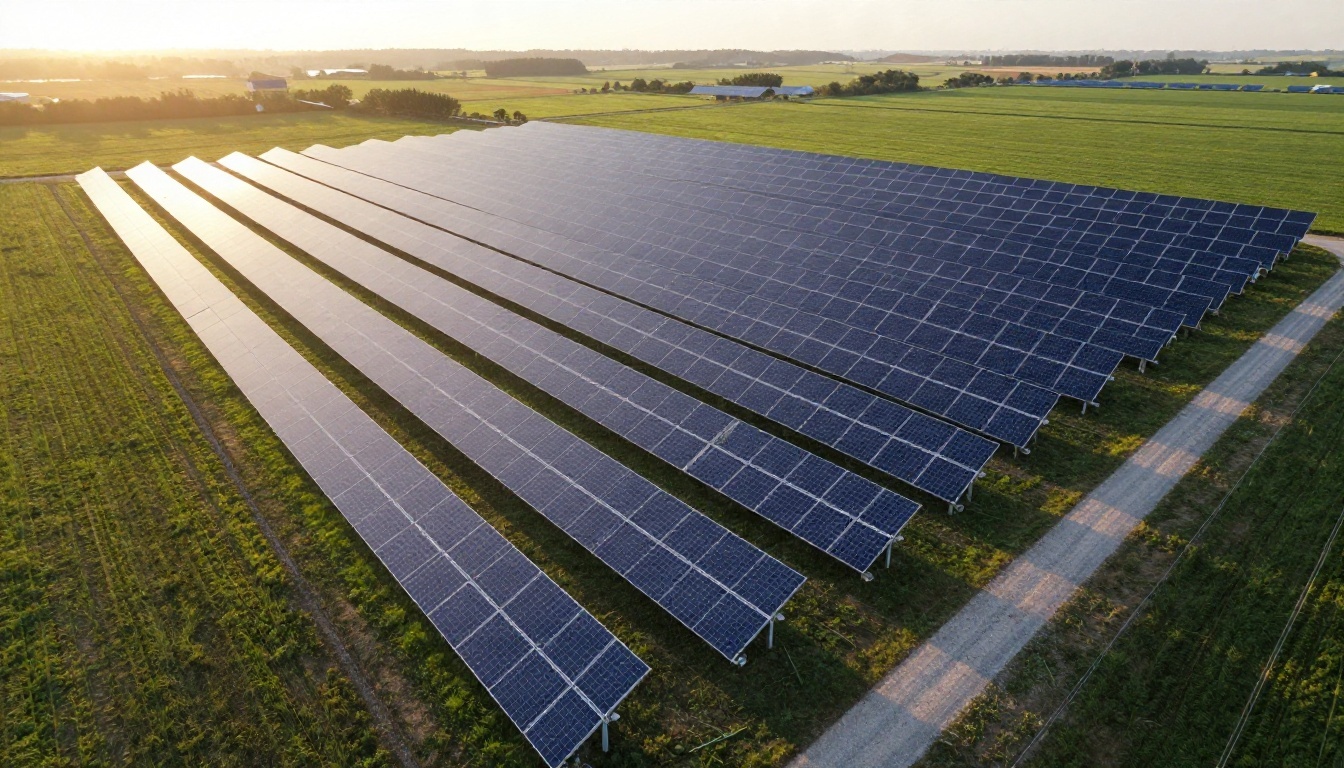
- An aerial view for larger or ground-mounted systems
⚠️ Warning: Avoid claims you cannot back up. "Eliminate your electricity bill" can create legal and trust problems. Use "reduce" and add the assumptions behind your estimate in small print.
Copy That Gets the Phone to Ring
Design gets attention, but words close the sale. Keep paragraphs to two or three lines and write the way you would talk to a neighbor.
Headline Formulas
- Outcome plus timeframe: "Lower your power bill within 30 days of switch-on"
- Question: "What would you do with an extra 90 dollars a month?"
- Local proof: "Over 400 homes powered across the valley"
- Simplicity: "Solar in four steps, handled by one local team"
Calls to Action
A strong call to action is specific and low-pressure. Compare these:
| Weak CTA | Stronger CTA |
|---|
| Contact us | Book a free 20 minute roof check |
| Learn more | Scan to see your estimated savings |
| Call today | Call Maria on 555 0142 for a no-obligation quote |
| Visit our website | Get your custom quote in two minutes |
Add Proof Everywhere
Weave small proof points through the whole brochure rather than hiding them on one page: a star rating near the contact details, a certification badge beside the warranty, and a one-line customer quote under each savings chart.

PDF Examples Worth Copying
Here are four page-level examples you can recreate. None of them need expensive software.
Example 1: The Savings Spread
A two-page spread. The left page shows a large photograph of a finished roof. The right page holds a three-bar chart (current bill, bill with solar, accumulated savings over 10 years) with a short paragraph and a green button-style call to action.
Example 2: The Process Page
A single page with a horizontal timeline. Each step has a small icon, a one-line title and an estimated duration. The final step says "Switch on and start saving," with a photo of a happy homeowner.
Example 3: The Financing Table
Buyers often hesitate over cost. A clean comparison table helps them see the options at a glance.
| Option | Upfront Cost | Monthly Payment | Best For |
|---|
| Cash purchase | Highest | None | Fastest payback |
| Solar loan | Low or zero | Fixed | Ownership with low upfront cost |
| Lease | Zero | Fixed, lower | Simple maintenance |
| Power purchase agreement | Zero | Per kWh used | Businesses avoiding capital spend |
Example 4: The Case Study Page
One local project told in 150 words: the problem (high bills), the system installed, the result (annual savings), and a photograph of the customer in front of their home. Add a short quote in large italic type.
Print or Digital: Pick Both
Print still works for door drops, events and in-home visits. But a PDF alone has limits. It can be large, awkward on a phone, and you get no information on whether anyone opened it.
A flipbook solves those problems. It keeps the page-turning feel of a brochure, loads quickly on any device, and can be shared with a simple link or embedded on your website.
| Feature | Printed Brochure | Plain PDF | Flipbook |
|---|
| Works at the door | Yes | No | Via QR code |
| Easy to email | No | Yes | Yes, as a link |
| Mobile-friendly reading | No | Poor | Yes |
| Updates after sending | No | No | Yes |
| Shows who opened it | No | No | Yes, with analytics |
| Embeds videos and links | No | Limited | Yes |
| Cost per copy | Printing cost | Free | Free to share |
💡 Pro tip: Print a short flyer for the doorstep, and put a QR code on it that opens your full digital brochure. You get the tactile first impression and the full detail without printing twelve pages.

How to Create a Solar Brochure with Flipbooks AI
If you already have a brochure PDF, you can publish it as an interactive flipbook in a few minutes. Here is the full process.
- Start your account. Go to Flipbooks AI and create an account. You can try the platform before choosing a plan.
- Upload your PDF. Use the PDF to Flipbook Converter to drop in your file. Each page is converted automatically into a flipbook page, and text and images stay crisp. If you are building from scratch, the Online Brochure Designer and the Brochure Flipbook Maker are good starting points.
- Customize the look. Add your logo, pick brand colors, and choose a page-turn effect and background. A navy and green theme suits most solar brands.
- Add multimedia. Embed a short video of an installation, a customer testimonial clip, or audio narration on the savings page. Add clickable buttons that link to your booking page.
- Set sharing options. Copy a direct link for emails and text messages, or use the Embed Flipbook on Website tool to place it on your quote page. For private commercial proposals, turn on password protection so only the intended client can open it.
- Check it on mobile. Flipbooks are mobile-responsive, but always open yours on a phone before sending it.
- Track results. On the Professional plan, analytics show how many people opened the brochure and which pages held attention, and lead generation forms can capture contact details. Compare options on the pricing page.
- Share offline too. Offline downloads let your sales team present the brochure at a site visit even with weak signal on a rural roof.
Because every flipbook is free of watermarks, your brand stays front and center. Standard plans and above offer unlimited flipbooks, so you can publish a separate brochure for each product line, region or customer segment.
✅ Best practice: Create one master brochure, then duplicate and adjust it for residential, commercial and agricultural audiences. Updating a link is far easier than reprinting a thousand copies.
Related Tools Worth Using
Common Mistakes to Avoid
Even well-designed solar brochures can fall flat. Watch for these:
- Too many numbers on one page. Give each chart a headline sentence that states the takeaway.
- Tiny, low-contrast text. Yellow on white and gray on green are hard to read, especially for older buyers.
- Stock photos of panels in a desert. If you install on suburban rooftops, show suburban rooftops.
- No clear next step. Every page spread should lead toward the contact panel.
- Outdated incentives. Tax credits and rebates change. Use a flipbook so you can refresh them quickly, or link to an official source.
- Hiding the price range. A rough "systems typically start from" figure builds trust and filters out poor-fit leads.
A Quick Checklist Before You Publish
- Does the first page make one clear promise?
- Is the savings story shown as a chart, not only as text?
- Are certifications, warranty and reviews visible?
- Is there a photo of a real local installation?
- Are specs organized in a table?
- Does every page spread point to a next step?
- Is the QR code large enough to scan from arm's length?
- Have you tested the PDF and the flipbook on a phone?
If you can answer yes to all eight, your brochure is ready to send.
Ready to Publish Your Solar Brochure?
A great solar brochure is clear, local and honest. Start with the three template structures above, add real photographs and a simple savings chart, and finish with a call to action that is easy to follow. Then let digital do the heavy lifting.
Ready to put your design online? Get started for free on Flipbooks AI, browse all flipbook tools to find the right fit for your sales process, or compare pricing plans to choose the one that suits your team. When you are ready for analytics and lead capture, upgrade your plan and see which pages turn readers into customers.


