A potential client rarely hires a lawyer after one click. They compare, they ask a friend, and they hold something in their hands or open something on their phone that tells them whether you feel trustworthy. That is the job of a law firm brochure. This article shows real-world law firm brochure examples, the design rules behind the best ones, and free template outlines you can copy. You will also see how to turn a finished PDF into an interactive flipbook with Flipbooks AI, so your brochure works in a waiting room, in an email and on a website.
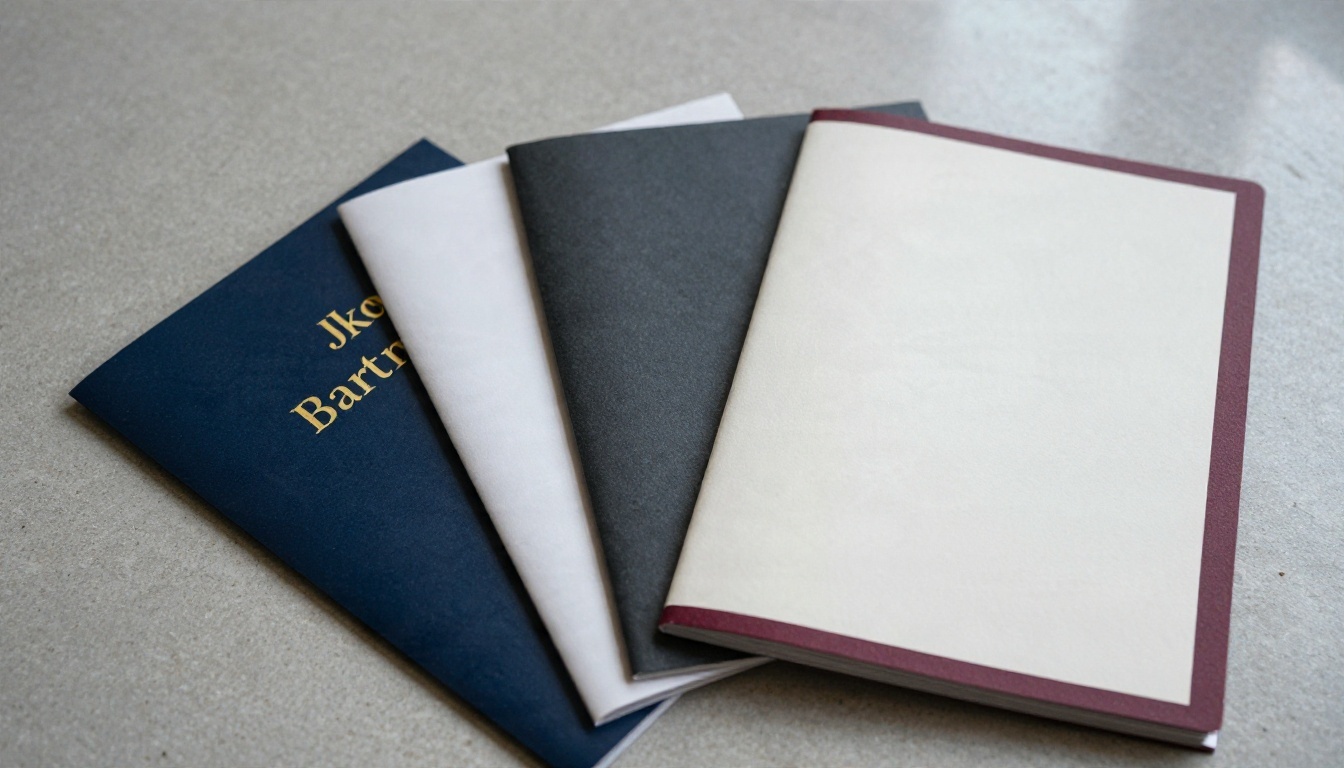
Why Law Firm Brochures Still Work
Legal services are a high-trust, high-anxiety purchase. People searching for a divorce attorney, an immigration lawyer or a business litigator are often stressed. A brochure slows them down and gives them a calm, structured summary of who you are and what happens next.
A good brochure does four things:
- Builds credibility through attorney photos, credentials and results.
- Explains services in plain language instead of legal jargon.
- Reduces fear by showing the process step by step.
- Prompts action with a clear phone number, QR code or booking link.
💡 Pro tip: Think of your brochure as a silent first consultation. If a stranger can finish it and say "I know who to call and why," it has done its job.
Who Uses Them Most
Brochures are not only for big firms. Solo practitioners hand them out at community events. Mid-size firms leave them at referral partners such as accountants and financial advisors. Large firms use them in pitch meetings and recruiting. The format changes, but the purpose stays the same.
Print, Digital or Both
In 2026 the smartest approach is both. Print still wins at in-person moments. Digital wins on reach, updates and tracking. We compare them in detail below.
Law Firm Brochure Examples That Win Clients
Below are five brochure formats that consistently perform. Each one suits a different type of practice and budget.

Example 1: The General Practice Trifold
The classic. Six panels, one clear story. The outer panel carries the firm name, a short tagline and one strong photo. Inside, three columns list practice areas with a one-line benefit each. The back panel holds contact details, office hours and a map or QR code.
Best for: family law, estate planning and small business firms that serve many needs.
Example 2: The Boutique Bifold
Four panels, more white space, bigger photography. This format suits firms with a narrow specialty, such as employment law or intellectual property. The left inside page tells a short founder story. The right inside page shows three case types and a simple process timeline.
Best for: niche firms that want a premium, editorial feel.
Example 3: The Attorney Profile Brochure
Instead of listing services, this format introduces the people. Each attorney gets a portrait, a three-line bio, bar admissions and a signature quote. It works well for firms that win business through personal reputation.
Best for: litigation boutiques and partner-led practices.
Example 4: The Practice Area One-Pager
A single folded sheet that focuses on one service, for example "Personal Injury" or "DUI Defense." It answers the five questions clients ask most: What should I do now? What will it cost? How long will it take? What are my options? Who will handle my case?
Best for: targeted campaigns, community events and referral partners.
Example 5: The Multi-Page Capabilities Brochure
Eight to sixteen pages, usually saddle-stitched. It includes firm history, industries served, representative matters, awards and a leadership page. This format also converts beautifully into a page-turning digital version.
Best for: corporate law firms, pitch meetings and RFP responses.
| Brochure Format | Pages / Panels | Best Use | Typical Print Cost (per 500) |
|---|
| General Trifold | 6 panels | Walk-in clients, events | $250 to $450 |
| Boutique Bifold | 4 panels | Niche, premium firms | $300 to $500 |
| Attorney Profile | 4 to 8 pages | Partner-led practices | $400 to $700 |
| Practice Area One-Pager | 2 to 4 panels | Campaigns, referrals | $150 to $300 |
| Capabilities Brochure | 8 to 16 pages | Pitches, RFPs | $900 to $2,000 |
Law Firm Brochure Design Rules
Legal design is conservative for a reason. Clients want to feel safe. That does not mean boring. It means every choice should signal clarity and competence.
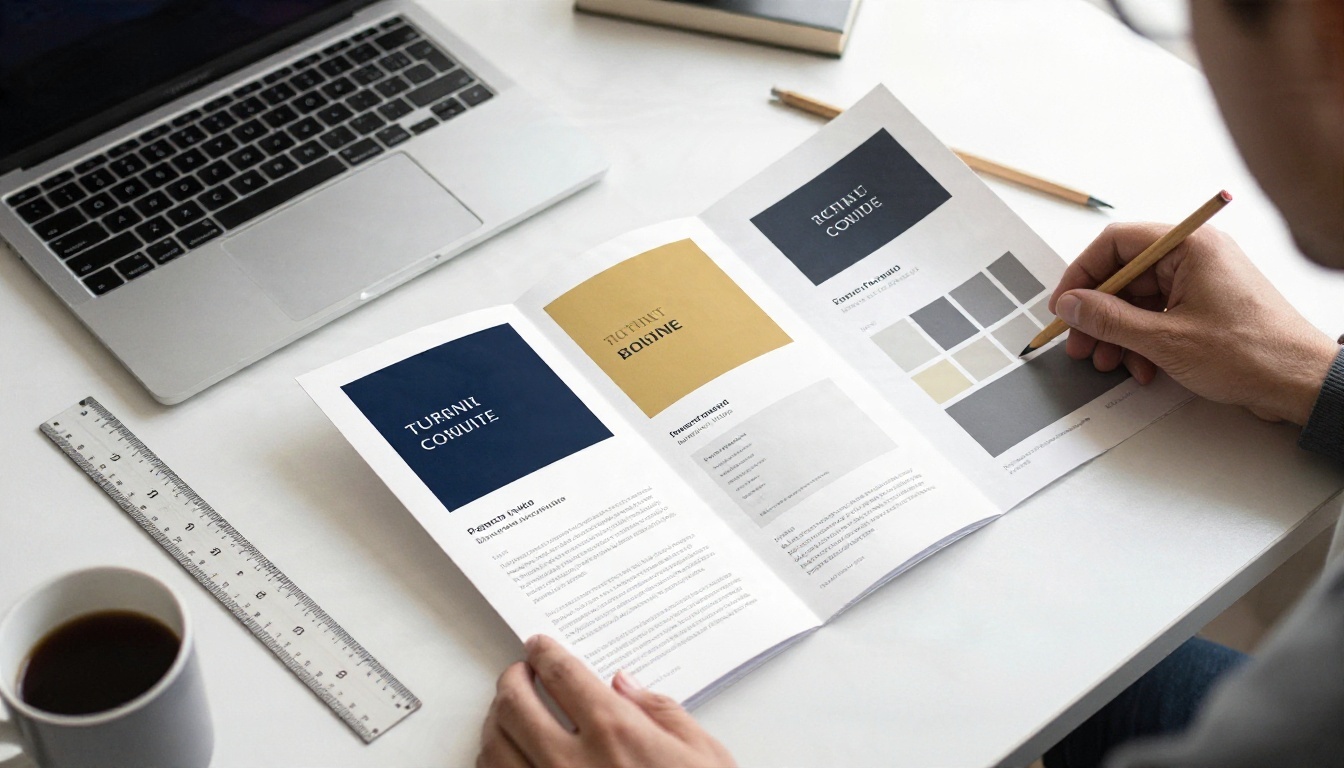
Choose a Color Palette With Purpose
Colors carry meaning. Use no more than three main tones plus a neutral.
| Color | Message | Works Well For |
|---|
| Navy blue | Stability, authority | Corporate, litigation |
| Deep green | Growth, prudence | Estate, tax, finance law |
| Burgundy | Tradition, confidence | Established, heritage firms |
| Charcoal and gold | Premium, precision | Boutique, high-value matters |
| Soft teal or sage | Calm, empathy | Family, immigration, mediation |
Pick Typography That Reads Easily
Pair a classic serif for headlines with a clean sans-serif for body text. Keep body copy between 9 and 11 points in print. Avoid decorative scripts, since they feel like wedding invitations rather than legal counsel.
Use Real Photography
Stock photos of handshakes and gavels are everywhere, and clients notice. Hire a photographer for one afternoon and capture your attorneys, your office and your reception area. Authentic images build trust faster than any slogan.
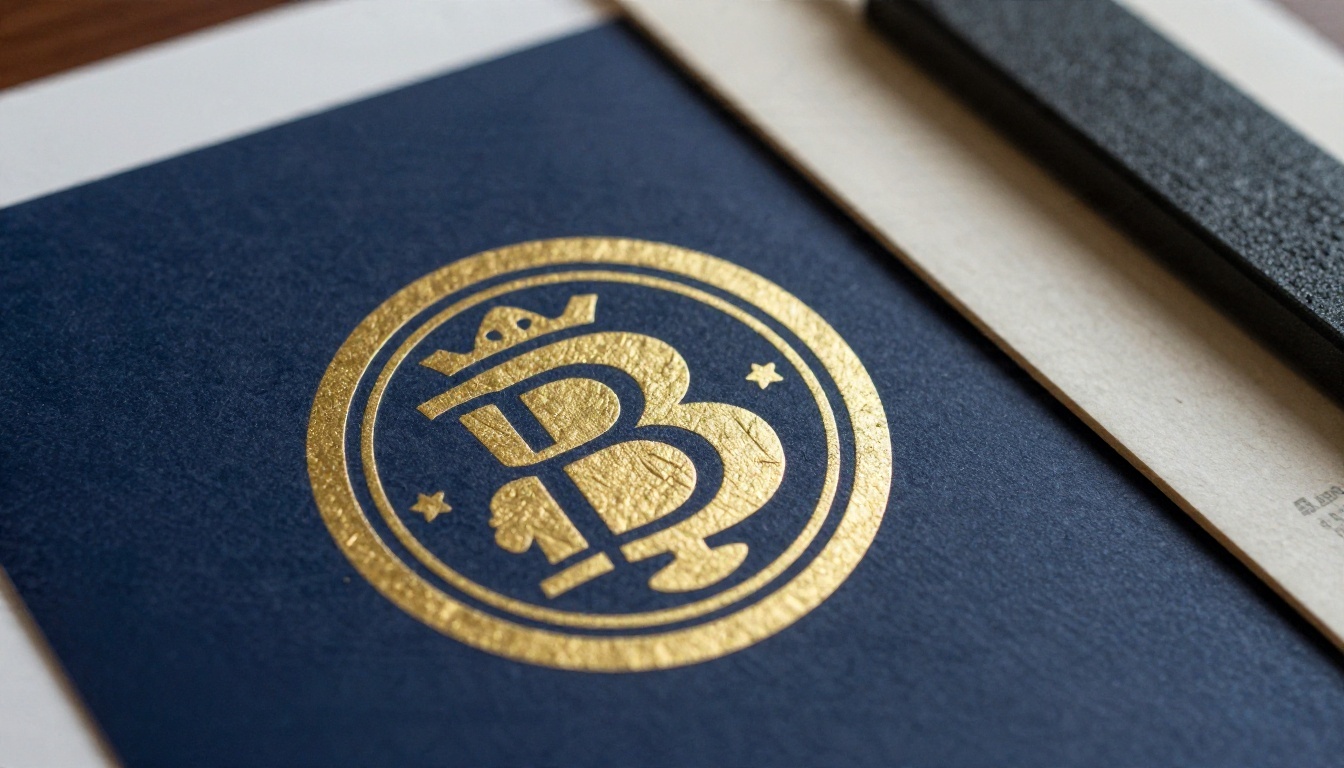
Pay Attention to Paper and Finish
Paper is part of the message. A heavy matte stock with a touch of spot foil feels expensive. A thin glossy sheet feels disposable. If your budget is tight, spend it on paper weight (at least 100 lb text or 250 gsm) rather than extra pages.
✅ Best practice: Always request a printed proof before the full run. Colors on screen rarely match colors on paper.
What to Put Inside Your Brochure
Every strong brochure follows a simple narrative arc. Use this outline as a free template you can adapt to any practice area.
The Six-Section Outline
- Opening panel: Firm name, tagline and one confident photo.
- Problem statement: Name the situation your client faces in one or two sentences.
- Services: Three to six practice areas with a short benefit for each.
- Process: A numbered path from first call to resolution.
- Proof: Credentials, awards, testimonials (where bar rules allow) and case highlights.
- Contact: Phone, email, address, hours, QR code and a clear next step.
Words That Work, Words That Don't
Legal marketing is regulated. Rules on advertising differ by state and country, so check your local bar association before publishing claims about results or expertise.
- Use: "We help," "Here is what to expect," "Free initial consultation" (if true).
- Avoid: "Guaranteed results," "Best lawyer in town," or any promise about outcomes.
- Add: A short disclaimer line on the back panel that matches your jurisdiction's requirements.
⚠️ Warning: Client testimonials and case results can trigger specific disclosure rules. Have a compliance-minded partner review every brochure before it goes to print.

Free Law Firm Brochure Templates
You do not need an expensive agency to start. These free template structures work in Canva, Word, InDesign or any layout tool. Build your design, export it as a PDF and you are ready for print or digital publishing.
Template A: Family Law Trifold
- Outer panel: soft teal palette, a warm portrait of the lead attorney.
- Inside left: "What to expect" timeline in four steps.
- Inside center: services such as divorce, custody, support and mediation.
- Inside right: an FAQ with three questions.
- Back: contact details and a booking QR code.
Template B: Corporate Capabilities Booklet
- Page 1: Firm overview and a single strong skyline or office photo.
- Pages 2 to 3: Industries served.
- Pages 4 to 6: Representative matters, written as short stories.
- Page 7: Leadership team with portraits.
- Page 8: Contact and offices.
Template C: Injury and Defense One-Pager
- Header: a single bold question, "Hurt in an accident?"
- Body: three "What to do right now" steps.
- Sidebar: a short fee explanation, such as contingency basis.
- Footer: a 24/7 phone number in large type.
| Template | Format | Tone | Ideal Audience |
|---|
| Family Law Trifold | 6 panels | Warm, calm | Individuals in transition |
| Corporate Booklet | 8 pages | Formal, precise | Business decision makers |
| Injury and Defense One-Pager | 1 sheet | Direct, urgent | People needing fast help |
How to Create a Digital Law Firm Brochure
A PDF sitting in a folder helps nobody. Turn it into a flipbook and you get a mobile-friendly, shareable and trackable version that looks like a real brochure. Here is the process with Flipbooks AI.
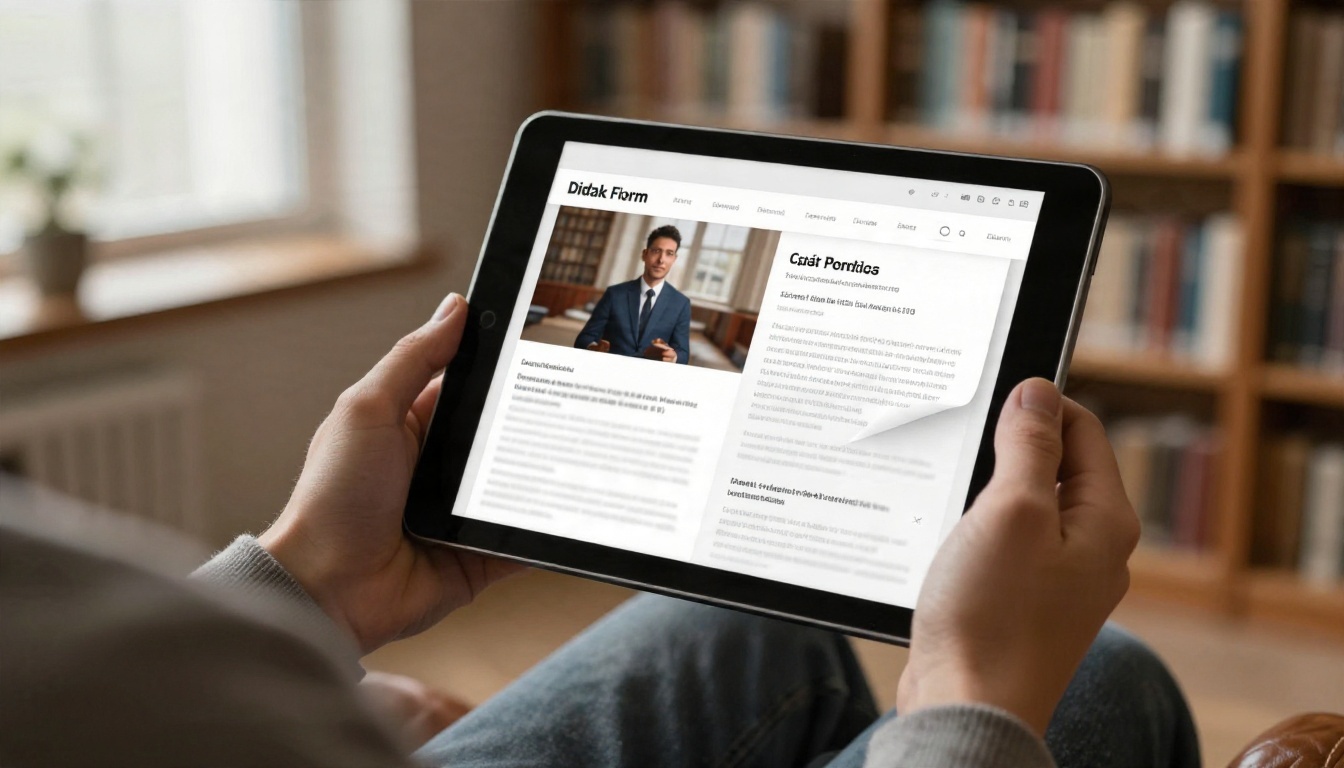
Step 1: Sign Up and Start
Create your account on Flipbooks AI. If you want to compare plans first, the pricing page shows what each tier includes.
Step 2: Upload Your PDF
Export your finished brochure from your design tool as a high-quality PDF. Drag it into the upload area. The PDF to Flipbook Converter turns every page into a smooth, page-turning layout within moments. For a brochure-specific workflow, try the Brochure Flipbook Maker or the Online Brochure Designer.
Step 3: Customize the Look
- Branding: Add your logo, set background colors to match your palette and choose a clean toolbar.
- Page effects: Choose a subtle page-turn style and sound that suits a professional audience.
- Multimedia: Embed a short welcome video from a partner or an audio introduction. Videos and audio play right inside the flipbook.
- Links: Turn phone numbers, emails and "Book a consultation" text into clickable buttons.
Step 4: Protect Sensitive Content
Some brochures, such as pitch decks for corporate clients, should stay private. Use password protection to limit access to invited readers. Public brochures can stay open for search and sharing.
Step 5: Share Everywhere
| Sharing Method | Best For | Notes |
|---|
| Direct link | Email signatures, social posts | Fast and simple |
| Embed code | Practice area pages on your site | See the Embed Flipbook on Website tool |
| QR code | Printed cards, office signage | Links print back to digital |
| Password-protected link | Pitches, private client packs | Controlled access |
| Offline download | Conferences, travel | Readers can save a copy |
Step 6: Track Results
On the Professional plan, you get analytics and lead generation. See how many people opened your brochure, which pages held attention and who left contact details. If your "Fees" page is read twice as long as any other, that tells you what clients worry about most. Review the plans to see which tier fits your firm.

💡 Pro tip: Flipbooks AI never adds watermarks, so your brochure always looks like it came from your firm and no one else.
If your firm also publishes yearly summaries, the Annual Report Creator and Corporate Report Maker follow the same simple process. For pitch meetings, the Sales Presentation tool is worth a look.
Print vs Digital Brochures
Neither format is better in every situation. Use them together.
| Factor | Print Brochure | Digital Flipbook |
|---|
| Cost per update | New print run needed | Edit and re-upload instantly |
| Reach | Local, in person | Global, any device |
| Tracking | None | Page views, time spent, leads |
| First impression | Tactile, premium | Interactive, modern |
| Shelf life | Fixed until reprinted | Always current |
| Sharing | Hand to hand | Link, QR, email, social |
A Practical Hybrid Plan
A mid-size employment law firm could print 300 bifold brochures for networking events and put a QR code on the back that opens the flipbook version. Attendees who scan it get the same story, plus a booking button. The firm then sees which pages were opened and follows up with the people who read the "Employer Services" page. One design, two channels, measurable results.
Common Brochure Mistakes

Most weak legal brochures fail for the same few reasons.
- Too much text. Walls of legal language lose readers by the second panel. Keep paragraphs to three lines.
- No clear next step. If the reader has to hunt for your phone number, you lose them.
- Generic stock imagery. Handshakes and gavels say nothing about your firm.
- Listing every service. Pick the three to six areas that bring in the best clients.
- Outdated information. Old attorney names and wrong addresses kill trust. This is where digital versions shine, since you can fix them in minutes.
- Ignoring accessibility. Low contrast and tiny type exclude older readers, who are a large part of the legal market.
✅ Quick test: Hand your brochure to someone outside the legal field for ten seconds. Ask what you do and how to reach you. If they can answer both, the design works.
A Quick Pre-Print Checklist
- Proofread twice, then have a third person read it.
- Confirm every phone number, email and URL.
- Check bar advertising rules in your jurisdiction.
- Test the QR code on two different phones.
- Export a PDF at 300 dpi with bleed for print, and a web-ready PDF for the flipbook.
Start Building Your Brochure Today
A strong law firm brochure comes down to clear structure, honest photography, restrained design and an obvious next step. Pick a format from the examples above, copy one of the free template outlines, and write for a nervous reader who wants to feel safe.
When the design is ready, get started on Flipbooks AI, upload your PDF and publish a flipbook your clients can open on any device. Browse all flipbook tools to find the right fit for your firm, or compare pricing plans to pick the level of analytics and lead capture you need.


