A client walks in, glances at your menu, and decides in about ten seconds whether your salon feels worth the money. A messy, outdated or confusing price list sends them back to their phone. A clean one sells your services before you say a word. This article gives you a free nail salon price list template, real sample menus, design ideas and a simple pricing method you can copy today. You can even turn the finished menu into a shareable digital flipbook with Flipbooks AI, so clients can open it from a QR code, Instagram bio or booking page.
💡 Quick win: If you only have ten minutes, jump to the template table below, paste in your own services and prices, and save it as a PDF. You can polish the design later.
Why Your Price List Matters
What Clients Check First
Most new clients look for three things before they book: what you offer, what it costs, and how long it takes. If any of those are hidden, they assume the worst. Vague pricing like "from $30" with no explanation creates doubt, and doubt kills bookings.
A good price list also protects you. When every service, add-on and surcharge is written down, there are fewer awkward conversations at the front desk. Your technicians stop negotiating on the spot, and clients stop feeling surprised at checkout.
Here is what a strong menu does for your business:
- Builds trust by showing the full cost upfront
- Speeds up booking because clients already know what to ask for
- Raises ticket size by placing add-ons next to base services
- Sets your brand tone, whether that is minimalist, glamorous or playful
- Reduces repeat questions on calls and direct messages
Printed vs Digital Menus
Most salons need both. A printed card sits on the counter and feels premium. A digital version travels with the client, updates in seconds and costs nothing to reprint.
| Feature | Printed Menu | Digital Flipbook Menu |
|---|
| Update cost | Reprint every time prices change | Edit once, republish instantly |
| Reach | Only people inside the salon | Anyone with a link or QR code |
| Look and feel | Tactile, upscale paper | Page-turn effect, works on any phone |
| Extras | None | Photos, video, audio, booking links |
| Tracking | Impossible | See views and clicks (Professional plan) |
| Best for | Reception desk, waiting area | Instagram, website, Google profile |
The smartest setup is a printed card for the counter and a digital copy for everything else.
Free Nail Salon Price List Template
The Basic Layout
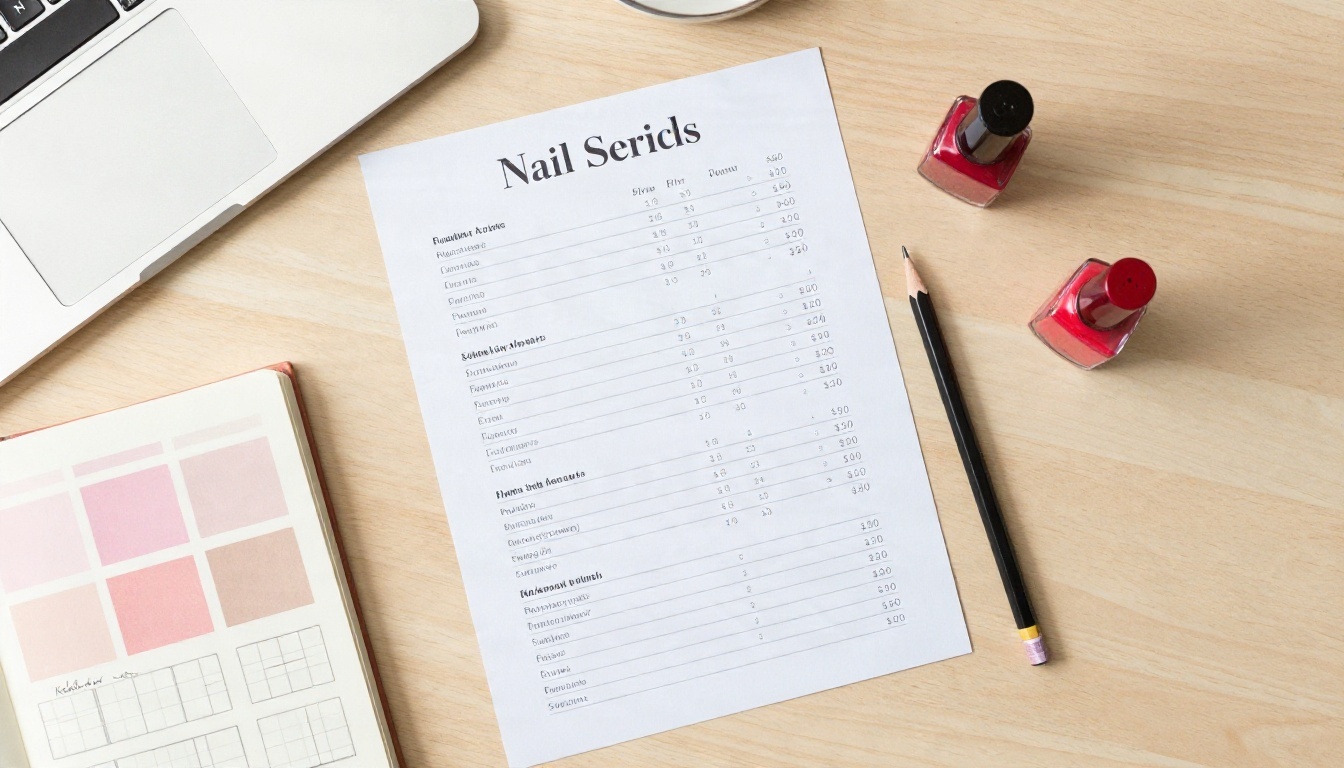
Copy the table below into Word, Google Docs, Canva or any design tool. Replace the sample prices with your own. This structure works because it groups services the way clients think about them: hands, feet, then extras.
| Service | Duration | Price |
|---|
| HANDS | | |
| Classic Manicure | 30 min | $[__] |
| Gel Manicure | 45 min | $[__] |
| Dip Powder Set | 60 min | $[__] |
| Acrylic Full Set | 75 min | $[__] |
| Acrylic Fill | 60 min | $[__] |
| FEET | | |
| Classic Pedicure | 45 min | $[__] |
| Gel Pedicure | 60 min | $[__] |
| Spa Pedicure | 75 min | $[__] |
| ADD-ONS | | |
| Nail Art (per nail) | 5 min | $[__] |
| Gel Removal | 15 min | $[__] |
| French Tips | 15 min | $[__] |
| Paraffin Treatment | 15 min | $[__] |
| POLICIES | | |
| Late Cancellation | | $[__] |
| Repairs (per nail) | | $[__] |
✅ Best practice: Always list the duration. Clients plan their lunch break around your menu, and your team stays on schedule when everyone knows how long each service should take.
Sections to Include
A strong nail salon price list has more than services and numbers. Add these small touches:
- Salon name and logo at the top
- Opening hours and booking link or phone number
- A short note on payment methods, tips and cancellations
- A "most popular" badge next to one or two services
- Social handles for people who want inspiration photos
Keep the text short. If a line needs more than a dozen words to explain, move it to a small footnote.
Nail Salon Price List Samples
The prices below are examples in US dollars for a mid-range salon in a mid-size city. Adjust them to your area, your skill level and your costs.
Sample 1: Classic Manicure and Pedicure Menu
This works for neighborhood salons with a steady base of regulars who want simple, reliable services.
| Service | Details | Price |
|---|
| Express Manicure | Shape, buff, polish | $22 |
| Classic Manicure | Soak, cuticle care, massage, polish | $30 |
| Express Pedicure | Soak, shape, polish | $32 |
| Classic Pedicure | Scrub, callus care, massage, polish | $45 |
| Mani + Pedi Combo | Classic manicure and classic pedicure | $70 |
The combo line is the star here. It saves the client $5 and gives you a bigger ticket for a single booking.
Sample 2: Gel and Nail Art Menu
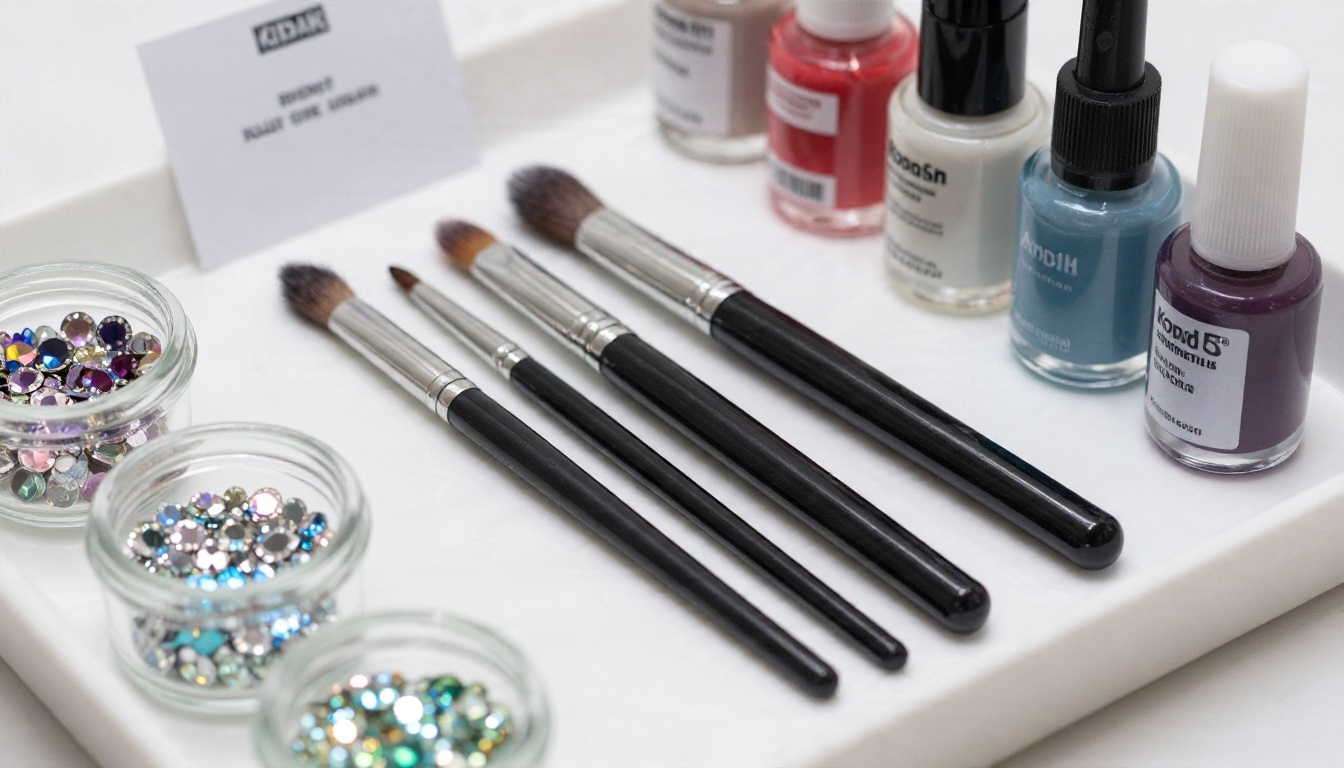
This layout suits studios that focus on longer-lasting sets and creative designs.
| Service | Details | Price |
|---|
| Gel Polish | Single color, 2 to 3 weeks wear | $40 |
| Gel Extensions | Soft gel tips, any shape | $75 |
| Dip Powder | Color and top coat | $55 |
| Nail Art, Simple | Lines, dots, accent nail | from $5 per nail |
| Nail Art, Detailed | Hand-painted, chrome or 3D | from $10 per nail |
| Rhinestones | Per stone or cluster | $2 to $6 |
| Soak-Off | Includes cuticle tidy | $15 |
Writing "from" before art prices is fine, as long as you add a short note such as "Final price depends on design complexity, quoted before we start."
Sample 3: Packages and Add-Ons
Bundles raise your average spend and make clients feel like they are getting a deal.
| Package | Includes | Price |
|---|
| Glow Up | Gel manicure, classic pedicure | $80 |
| Bridal Party (per person) | Gel manicure, simple art, hand mask | $65 |
| Self-Care Hour | Spa pedicure, paraffin, scalp massage | $95 |
| Teen Treat | Express manicure, one art accent | $35 |
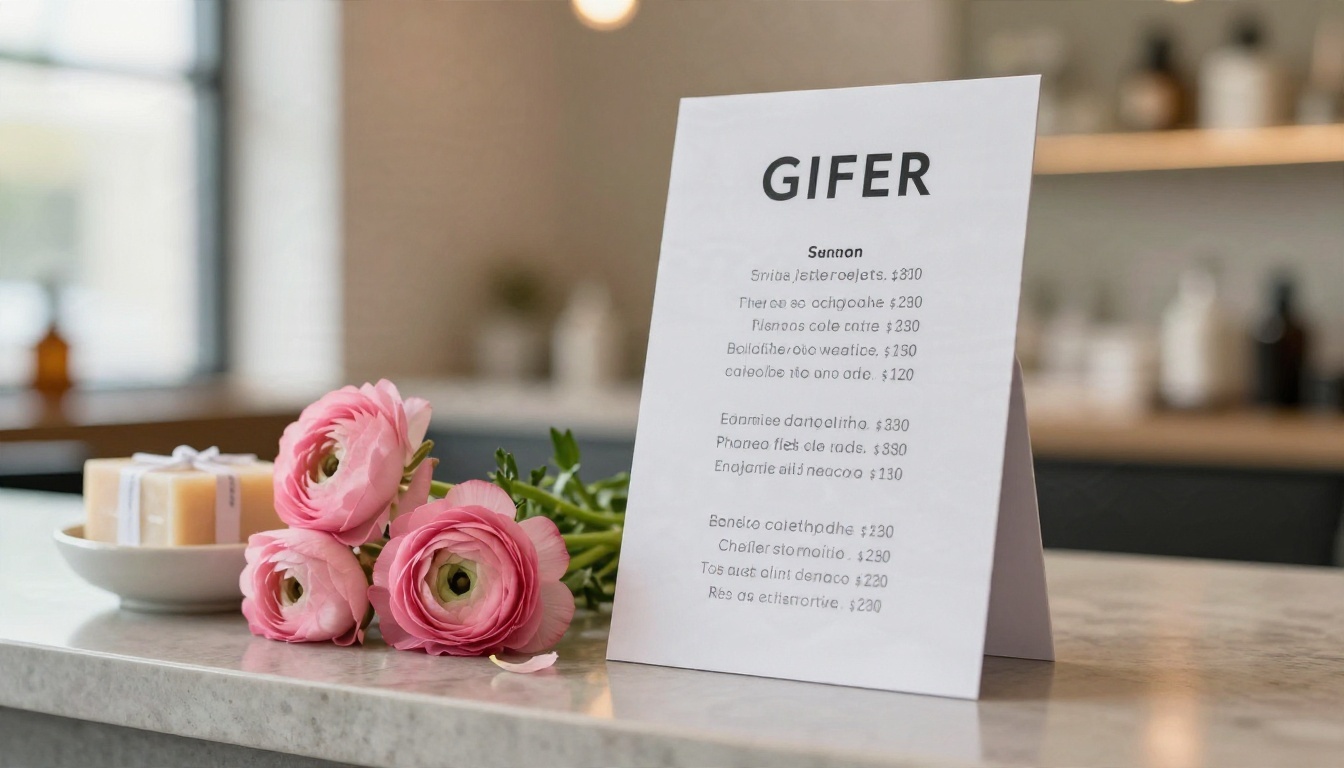
If you also offer facials, massages or waxing, a separate menu works better than cramming everything onto one page. The Spa & Wellness Menu Creator is built for exactly that kind of multi-service layout.
Price List Design Ideas
Colors and Fonts That Work
You do not need to be a graphic designer. A simple rule gets you most of the way there: one main color, one accent color, two fonts.
- Soft neutrals (blush, ivory, sand) feel calm and upscale
- Deep tones (burgundy, forest green, navy) feel bold and modern
- Pastels (lilac, mint, peach) feel playful and youthful
- Metallic accents like gold or rose gold add a touch of luxury when used sparingly
For fonts, pair a clean serif or script for headings with a plain sans-serif for prices. Prices must be readable from an arm's length away on a printed card and from a phone screen at arm's length too.
| Salon Style | Color Palette | Font Pairing | Mood |
|---|
| Minimalist studio | Ivory, charcoal, gold | Thin serif and light sans | Calm, premium |
| Neighborhood salon | Blush, white, sage | Rounded sans and script | Friendly, warm |
| Nail art bar | Black, white, bright accent | Bold sans and handwritten | Creative, edgy |
| Luxury spa | Cream, taupe, bronze | Elegant serif and small caps | Quiet, indulgent |
Layout Mistakes to Avoid
⚠️ Warning: The most common reason a price list feels cheap is clutter, not the paper or the printer.
- Too many fonts. More than two looks messy.
- Tiny prices. If clients squint, they will skip your upsells.
- No white space. Margins and gaps make a menu feel expensive.
- Stock photos that do not match your work. Use your own photos or none at all.
- Outdated prices. A crossed-out number looks careless. Reprint or update the digital copy.
- Long paragraphs. A price list is not a brochure. Keep every line short.
How to Set Your Prices

A Simple Pricing Formula
Pricing by gut feeling is the fastest way to work hard and earn little. Use this basic formula for every service:
Price = (Product cost + Time cost + Overhead share) + Profit margin
Here is a quick example for a gel manicure:
- Product cost: $4 (polish, base, top coat, supplies)
- Time cost: 45 minutes at $30 per hour = $22.50
- Overhead share: $6 (rent, utilities, software, laundry)
- Subtotal: $32.50
- Profit margin (20%): about $6.50
- Suggested price: $39, rounded to $40
💡 Pro tip: Review your prices every six months. If your calendar is booked three weeks out, you are almost certainly charging too little.
Typical Price Ranges
Prices vary a lot by city and salon type. Use these ranges as a starting point, then compare with two or three nearby competitors.
| Service | Budget Salon | Mid-Range Salon | Upscale Studio |
|---|
| Classic Manicure | $15 to $22 | $25 to $35 | $40 to $60 |
| Gel Manicure | $28 to $35 | $38 to $50 | $55 to $80 |
| Classic Pedicure | $25 to $35 | $40 to $55 | $65 to $95 |
| Acrylic Full Set | $40 to $55 | $60 to $85 | $90 to $140 |
| Nail Art (per nail) | $3 to $5 | $5 to $10 | $10 to $25 |
Build Your Price List With Flipbooks AI
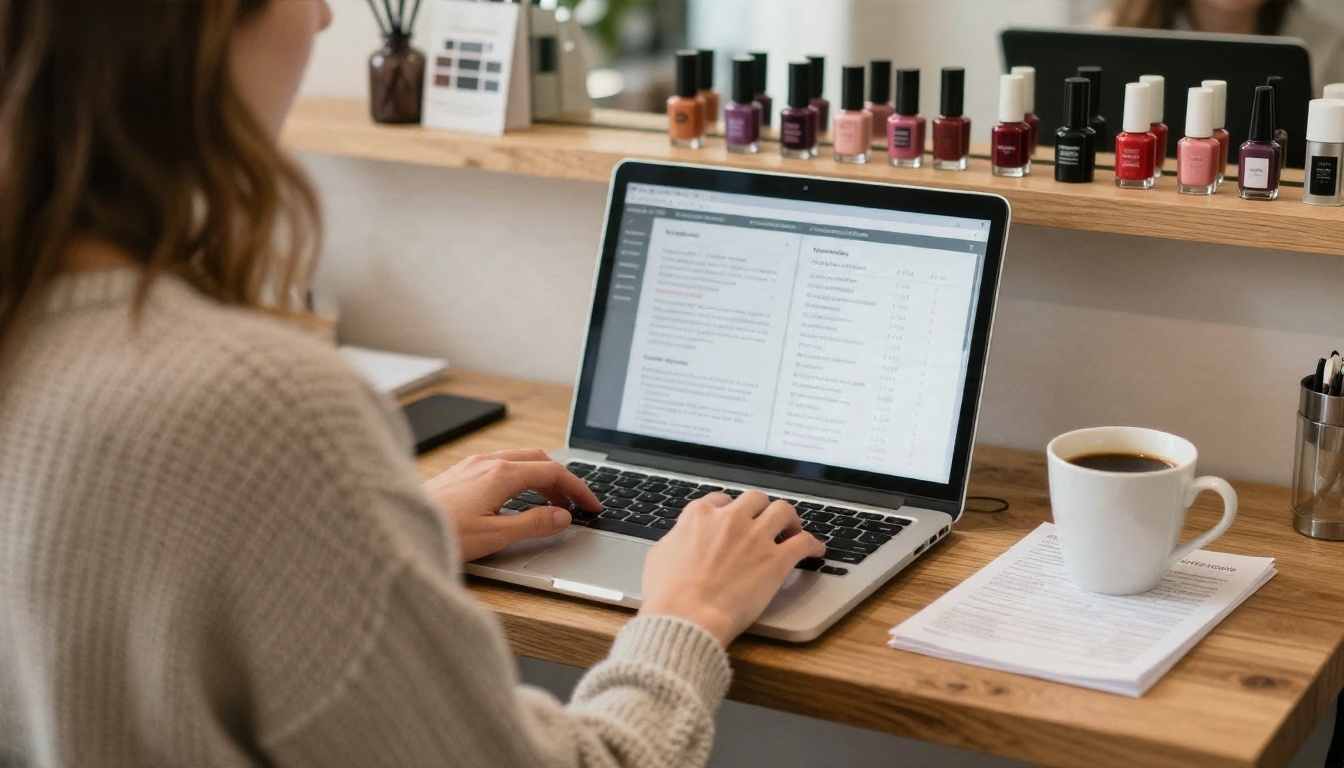
A static PDF is fine, but it is hard to share and easy to lose. A flipbook gives you a polished page-turn menu with a link, so clients can open it on any phone without downloading anything. Salons also use the Digital Price List Generator to turn a simple price sheet into a mobile-responsive menu in minutes.
Step by Step
- Create your price list file. Use the template above in Canva, Word or Google Docs. Export it as a PDF.
- Open Flipbooks AI. Create a free account and choose the PDF to Flipbook Converter.
- Upload your PDF. Drag the file in. Each page becomes a flipbook page in seconds, with the text kept sharp.
- Customize the look. Add your logo, pick background colors that match your brand and choose a page-turn effect. Nothing is stamped on your menu: there are no watermarks, ever.
- Add extras. Drop in a short video of your best nail art, a soft background audio track or a button that links to your booking page.
- Publish and share. Copy the direct link, create a QR code for your counter or use the Embed Flipbook on Website tool to place the menu right on your site.
Share and Track
Once your menu is live, put it everywhere clients look:
- Instagram and TikTok bio as a clickable link
- Google Business Profile under services or website
- Counter QR code so clients can browse while they wait
- Confirmation texts and emails so new clients see prices before arriving
- Embedded on your website so the menu appears right beside the booking button
Need privacy for a staff-only price sheet or wholesale list? Turn on password protection. Want a copy that works without Wi-Fi? Enable offline downloads. On the Professional plan you also get analytics and lead generation, which show how many people open your menu and which pages they view most. See the full list of pricing plans to pick what fits your salon.
| Feature | What It Does for a Salon |
|---|
| No watermarks | Your menu looks fully branded and professional |
| Mobile-responsive | Reads cleanly on any phone screen |
| Custom branding | Match your logo, colors and fonts |
| Embed video and audio | Show real nail art in action |
| Password protection | Keep staff or partner pricing private |
| Analytics (Professional) | See which services get the most attention |
| Offline downloads | Let clients save the menu to their device |
✅ Best practice: Update the flipbook whenever you change a price, and the same link and QR code keep working. No reprinting, no new stickers.
Questions Salon Owners Ask
Should I list exact prices or "starting at" prices?
List exact prices for fixed services like classic manicures. Use "from" only for custom work like nail art or extensions, and explain what changes the final price.
How many services should be on one price list?
Between 15 and 25 is the sweet spot. If you have more, split them into two menus: one for nails and one for spa or waxing.
Do I need to show durations?
Yes. It sets expectations, reduces rushed appointments and helps clients book the right time slot.
How often should I raise prices?
A small increase of 3 to 8 percent once or twice a year is easier for clients to accept than one big jump after several years.
Is a free template enough for a professional look?
Absolutely, as long as you keep the layout clean, use your brand colors and publish it in a format that looks sharp on phones.
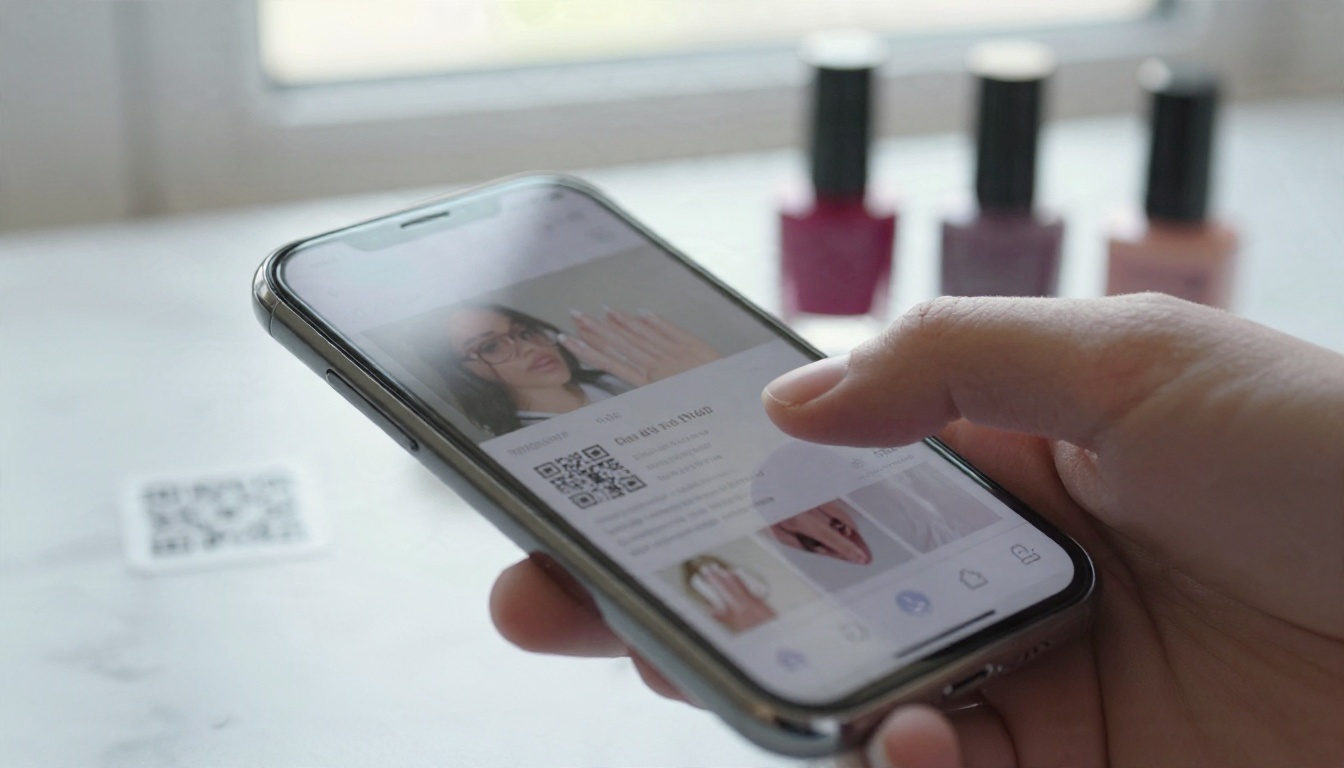
You now have a free template, three sample menus, design rules and a pricing formula. The last step is getting your menu in front of clients wherever they search for you.
A clear, good-looking price list is one of the cheapest upgrades a nail salon can make. Fill in the template, publish it, and let your menu do the selling.


