Most apartment newsletters get skimmed for three seconds and then land in the recycling bin. That is a shame, because a good one is the cheapest retention tool a property manager owns. It costs a few hours a month, it reaches every unit, and it gives residents a reason to feel like they live somewhere that pays attention. With a tool like Flipbooks AI, you can turn a simple PDF into a page-turning digital issue that opens on any phone, so the question is no longer how to publish. The question is what to put inside.
This article gives you the answer. You will find a full year of monthly topics, evergreen sections that fill the gaps, free template layouts you can copy today, real examples from small and large communities, and a step by step build you can finish in an afternoon.
Why Apartment Newsletters Still Work
Email inboxes are crowded and social feeds belong to everyone except your building. A newsletter is one of the few channels you fully control. It is branded, it is personal, and it sets the tone for the whole community.
The payoff is practical, not just pretty:
- Fewer repeat questions. When trash day changes or the pool closes, one clear page beats twenty phone calls.
- Higher renewal conversations. Residents who feel informed tend to feel valued.
- Better event turnout. A mailbox flyer is forgotten. A monthly calendar sits on the fridge.
- Stronger reviews. Happy, informed residents write the online reviews prospective renters read.
What Residents Actually Read
Before you plan topics, think about who opens the thing. Most residents read for one of four reasons: something affects their daily routine, something is free, something involves a neighbor they know, or something is visually interesting. Everything else gets skipped.
💡 Pro tip: Put the most useful item on page one, every time. Rent reminders, maintenance windows and closures should never be buried under a letter from management.
Print, Email or Flipbook?
Property managers usually pick one of three formats. Each has strengths, and many buildings combine two.
| Format | Cost per Issue | Mobile Friendly | Looks Polished | Tracks Readers | Best For |
|---|
| Printed handout | Printing and labor | No | Depends on paper | No | Older residents, lobby displays |
| Plain email | Low | Yes | Basic | Open rates only | Quick alerts |
| Digital flipbook | Low | Yes | High | Yes, on higher plans | Monthly issues, photo heavy content |
| PDF attachment | Low | Awkward | Medium | No | Archive copies |
A flipbook gives you the look of print with the reach of email. You can see how it works with the Newsletter Flipbook Publisher, which is built for exactly this kind of recurring issue.
12 Months of Newsletter Topics
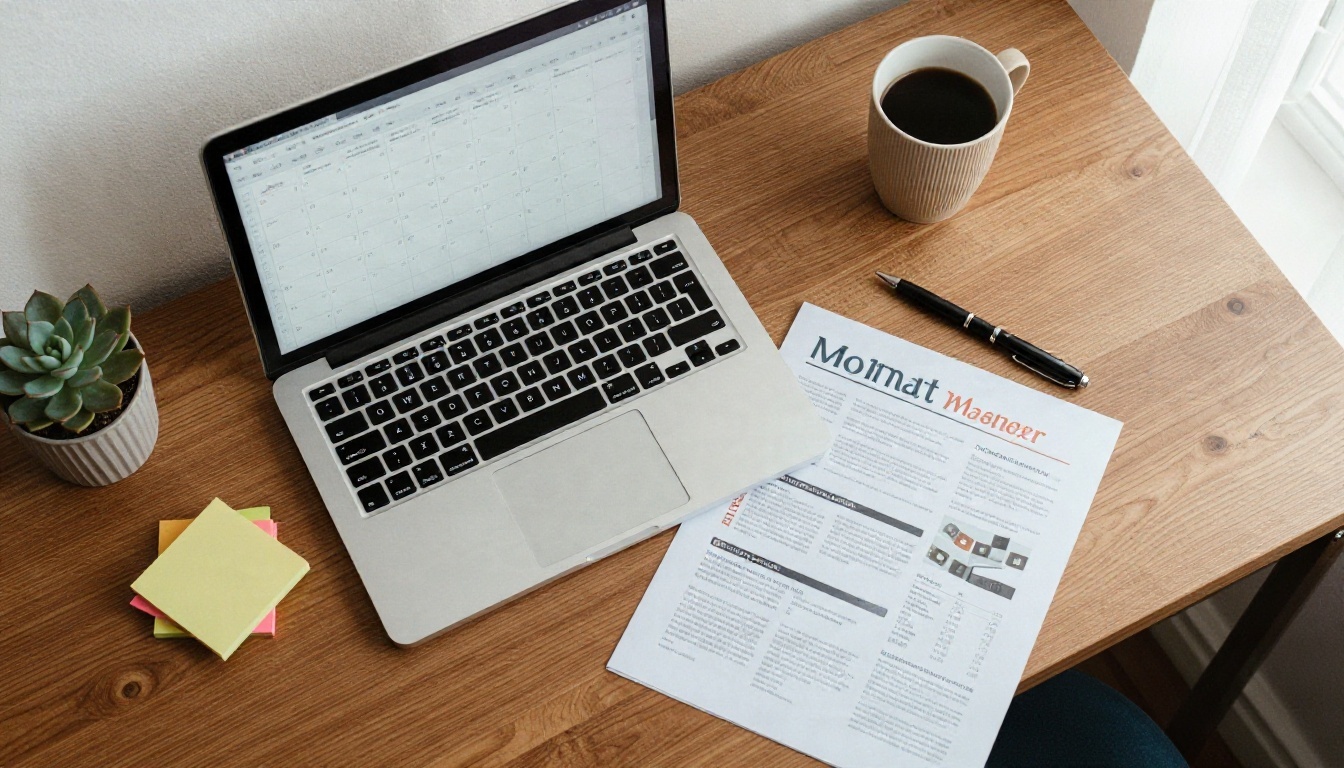
Planning a full year in one sitting saves you from the blank page every month. Pick one headline theme per issue, then add two or three smaller items around it.
Winter: January to March
Winter is when residents stay inside, so lean into comfort, safety and connection.
- January: New year reset. Share recycling updates, a decluttering checklist, and a reminder about renter's insurance renewals.
- February: Community love. Run a neighbor appreciation feature, a cozy recipe swap and a staff thank you note.
- March: Spring prep. Announce window cleaning dates, balcony rules, and the first outdoor event of the year.
⚠️ Warning: Always include frozen pipe tips in cold months. A single burst pipe costs far more than the hour it takes to write a helpful reminder.
Spring: April to June
Spring brings energy, open windows and a long list of community projects.
- April: Earth Day edition. Highlight recycling, a community garden sign up, and a pet cleanup reminder.
- May: Safety and maintenance. Share HVAC filter changes, smoke detector checks and a note about move-out season.
- June: Pool opening. Post hours, rules, guest policies and a poolside social date.
Summer: July to September
Summer is the best season for photos, events and neighbor stories.
- July: Holiday gathering. Promote a rooftop or courtyard cookout with a simple RSVP link.
- August: Back to school. Share local school info, a parking reminder and a student discount list from nearby shops.
- September: Fall prep. Announce gutter and balcony checks, heating system tests and a pumpkin season preview.

Fall: October to December
Fall and the holidays are the perfect time for storytelling and giving back.
- October: Costume contest, trick or treat hours for the hallways, and a safety note for visitors.
- November: Gratitude issue. Run a canned food drive, a potluck sign up and a staff spotlight.
- December: Holiday schedule. Post office hours, package pickup tips, trash and recycling changes, and a year in photos recap.
Here is the full year at a glance, so you can copy it straight into a planning calendar.
| Month | Headline Theme | Practical Item | Community Item |
|---|
| January | Fresh start | Insurance renewal reminder | Resident goals board |
| February | Neighbor love | Heating tips | Recipe swap |
| March | Spring prep | Window cleaning dates | Garden club kickoff |
| April | Earth Day | Recycling rules | Plant exchange |
| May | Safety month | Smoke detector checks | Move-out tips |
| June | Pool season | Pool hours and rules | Poolside social |
| July | Summer party | Grill safety | Cookout RSVP |
| August | Back to school | Parking reminders | Local school info |
| September | Fall prep | Heating system test | Pet photo contest |
| October | Spooky season | Visitor safety | Costume contest |
| November | Gratitude | Holiday guest policy | Food drive |
| December | Year in review | Holiday schedule | Photo recap |
Evergreen Sections That Fill Every Issue
Seasonal themes are the headline. Evergreen sections are the reliable structure that makes residents trust the format. Keep two or three of these in every issue.
Maintenance Tips and Reminders
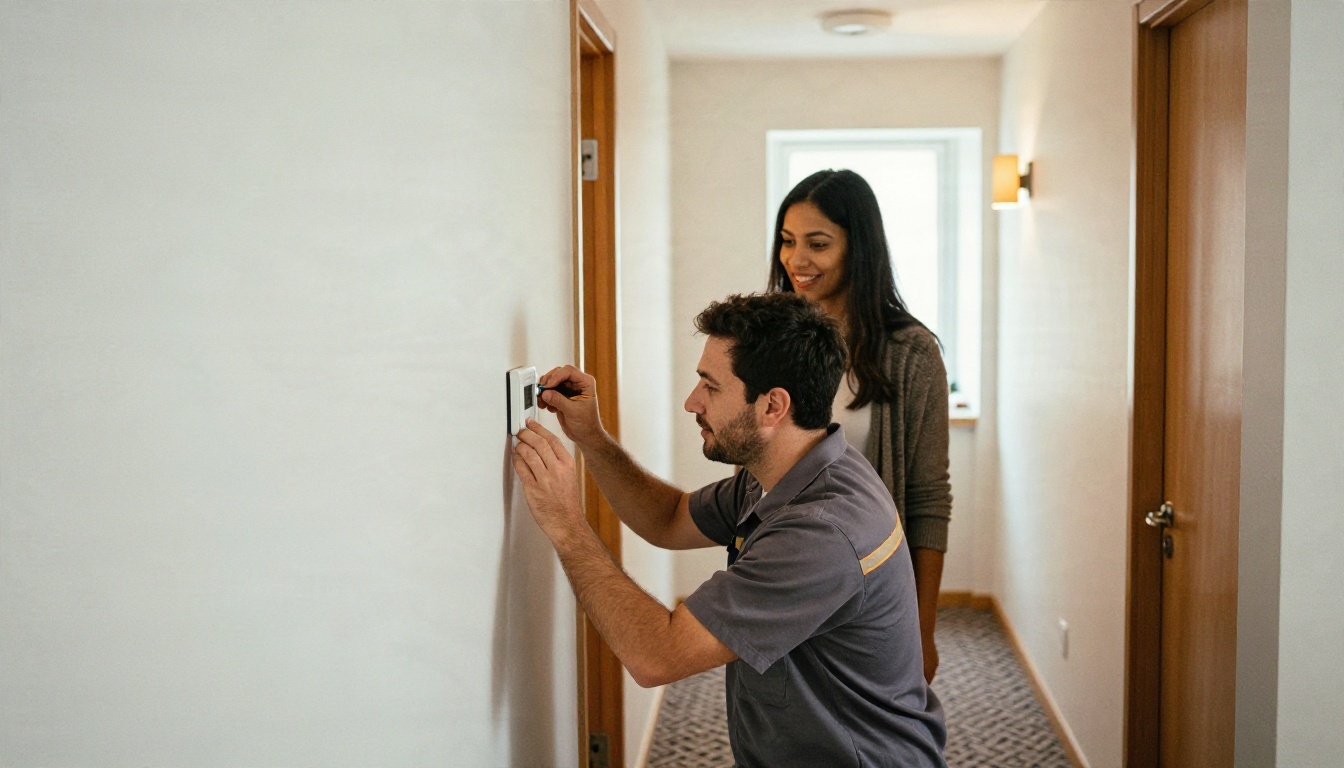
This is the section residents read first, so make it count. Use short, friendly instructions with a photo of your real maintenance team.
- How to reset a tripped breaker
- What to do when the garbage disposal jams
- How to submit a work order in under two minutes
- Seasonal checks for thermostats, filters and detectors
Putting a face to the team lowers the temperature on every future repair request. People are kinder to someone they have seen smiling in a newsletter.
Resident Spotlights
Every building has a retired teacher, a night shift nurse, a baker or a musician. Interview one resident each month with three simple questions and one photo. Spotlights are the most shared item in almost every community newsletter because people love seeing neighbors they recognize.
Local Business Picks
Partner with a coffee shop, a gym or a dog groomer for a resident discount. You get content that costs nothing, residents get a perk, and the business gets new customers. Some managers even trade a free ad for a small giveaway at an event.
✅ Best practice: Rotate a short "Ask the Manager" box into every issue. Answer one real question from a resident, anonymously, and you will quietly cut your inbox in half.
Free Template Layouts to Copy
You do not need a design degree. You need a repeatable layout. Here are two that work for most communities.
One-Page Layout
Best for small buildings and quick monthly notices.
- Header band: Building name, month and a single photo.
- Left column: The headline topic in 120 words or fewer.
- Right column: Maintenance reminders and key dates in a short list.
- Footer strip: Office hours, emergency number and a link to the resident portal.
Four-Page Flipbook Layout
Best for mid-size and large communities, and ideal for digital sharing.
- Page 1: Welcome note, the month's top three dates and one large photo.
- Page 2: Feature story or event recap with a photo gallery.
- Page 3: Maintenance tips, safety reminders and the "Ask the Manager" box.
- Page 4: Resident spotlight, local business perk and a clear call to action.
| Layout | Word Count | Photos | Production Time | Ideal Community Size |
|---|
| One-page | 250 to 350 | 1 | About 1 hour | Under 50 units |
| Four-page flipbook | 600 to 900 | 4 to 6 | About 2 to 3 hours | 50 to 300 units |
| Eight-page flipbook | 1,200 to 1,800 | 8 to 12 | About half a day | 300+ units or portfolios |
If you manage a larger portfolio and want to attract new tenants as well as inform current ones, the Real Estate Brochure Creator pairs well with a newsletter. Use the brochure for leasing and the newsletter for retention.
Real Examples From Property Managers
These are realistic scenarios based on what communities of different sizes commonly do.
A 40-unit walk-up in a college town. The manager sends a single-page issue with a cleaning schedule, a local pizza coupon and a "Meet your neighbor" blurb. Resident replies went up because the issue felt personal, and the office spent less time on routine questions.
A 220-unit garden community. The team publishes a four-page flipbook with a monthly photo gallery, a pet of the month and a maintenance calendar. They post the link on the resident portal and print one QR code poster for the lobby. Residents scan it on the way to the mailboxes.
A 600-unit luxury high-rise. The staff creates an eight-page issue with a concierge spotlight, a building amenity booking calendar, a neighborhood restaurant guide and an annual rooftop event recap. They use the flipbook as a leasing tool too, sending it to prospects during tours.
| Community | Format | Frequency | Standout Section |
|---|
| 40-unit walk-up | One-page PDF flipbook | Monthly | Meet your neighbor |
| 220-unit garden community | Four-page flipbook | Monthly | Pet of the month |
| 600-unit high-rise | Eight-page flipbook | Monthly plus event specials | Amenity booking calendar |
| Senior living property | Large-type print plus flipbook | Monthly | Activity calendar |
How to Create One With Flipbooks AI
Here is a simple walkthrough. Most managers finish their first issue in a single afternoon.
Build the PDF
- Draft the issue in any tool you already use, such as Canva, Word, Google Docs or InDesign. Use a page size of A4 or Letter.
- Add photos of real staff, real events and real amenities. Residents can spot stock images immediately.
- Export it as a PDF with each page in the order you want it to appear.
Upload and Convert
- Go to Flipbooks AI and create an account.
- Click to upload your PDF. The PDF to Flipbook Converter turns each page into a realistic page-turning layout in seconds.
- Preview the result on desktop and on your phone. The design is mobile-responsive, so residents can read comfortably on any screen.
Brand and Customize
- Add your logo and brand colors so the issue feels like your community.
- Choose a page turn effect and background that matches your building style.
- Embed a short video tour of the new fitness room, or an audio message from the property manager.
- Add clickable links for your resident portal, work order form and event RSVP.
There are no watermarks, so every issue looks like it came from your own office.
Share It Everywhere
- Direct link: Paste it into a text message or email to all residents.
- QR code: Print it on a lobby poster, elevator sign or mailbox flyer.
- Embed: Place the issue on your property site using the Embed Flipbook on Website option.
- Password protection: Keep private notices, such as board updates or lease changes, visible only to residents.
💡 Pro tip: Use the same link every month and update the file. Residents bookmark it once and always see the latest issue.
Analytics and Lead Capture
On the Professional plan you can see how many people opened each issue, which pages they spent time on, and where they dropped off. You can also add a lead form to a leasing edition, so prospective renters leave their email before they read about your amenities. Offline downloads are also available for residents who prefer to save a copy. Compare options on the pricing page, and note that the Standard plan and above include unlimited flipbooks, which suits managers who publish every month.
| Feature | Why Property Managers Care | Plan Level |
|---|
| No watermarks | Looks professional on every issue | All plans |
| Unlimited flipbooks | Publish monthly without limits | Standard and above |
| Password protection | Keep resident-only notices private | Paid plans |
| Embed video and audio | Add amenity tours and manager messages | Paid plans |
| Analytics and lead generation | Track readers and capture leasing leads | Professional |
| Offline downloads | Let residents save a copy | Paid plans |
3 Common Mistakes to Avoid
Even a great topic list fails when the delivery is off. Watch for these.
- Writing like a legal notice. If it reads like a lease, nobody will finish it. Use short sentences, real names and a friendly voice.
- Skipping consistency. A newsletter that arrives on a random date teaches residents to ignore it. Choose a day, such as the first Monday of the month, and never miss it.
- Burying the useful stuff. Put rent, maintenance and safety items at the front. Fun content earns attention, but useful content earns trust.
A few extra habits help too:
- Keep the issue to a length that can be read in five minutes.
- Use one clear photo instead of five small ones.
- Ask for resident submissions, such as recipes, pet photos and event photos.
- Save every issue in an archive so new residents can scroll through past months.
⚠️ Warning: Never include private resident information, such as unit numbers beside names, without permission. Get written consent for any photo that shows a resident or a child.
Ready to Send Your First Issue?
You now have a year of topics, two layouts to copy and a clear process for publishing. The hardest part is choosing a start date. Pick the first of next month, draft your headline theme tonight, and hit send before the weekend.
When you are ready, get started for free on Flipbooks AI and turn your first PDF into a polished digital issue. Browse the full set of flipbook tools if you also want a leasing brochure or a resident handbook, and compare pricing plans to find the one that fits your portfolio.
Your residents already open their mailboxes every day. Give them something worth reading when they do.



