Most resident notices get a two-second glance at the mailbox and then land in the recycling bin. A well-built apartment newsletter is different: it keeps neighbors informed, cuts down on repeat questions at the leasing desk, and quietly improves renewals. This article shows you what to put in an issue, which templates and examples work, which free tools are worth using, and how to share every edition online with Flipbooks AI so residents can read it on any phone in seconds.
Why Residents Read Newsletters
People don't ignore news from their building. They ignore news that is late, buried or boring. A short, friendly, predictable newsletter solves all three problems.
Here is what a good resident newsletter does for a property:
- Reduces front-desk interruptions by answering the same ten questions before they are asked.
- Builds community, which is one of the strongest drivers of lease renewals.
- Protects safety by delivering maintenance notices, shutoff times and emergency contacts in one trusted place.
- Promotes amenities such as the gym, rooftop or package lockers that residents forget they have.
- Creates a paper trail showing that residents were notified of rule changes and schedules.
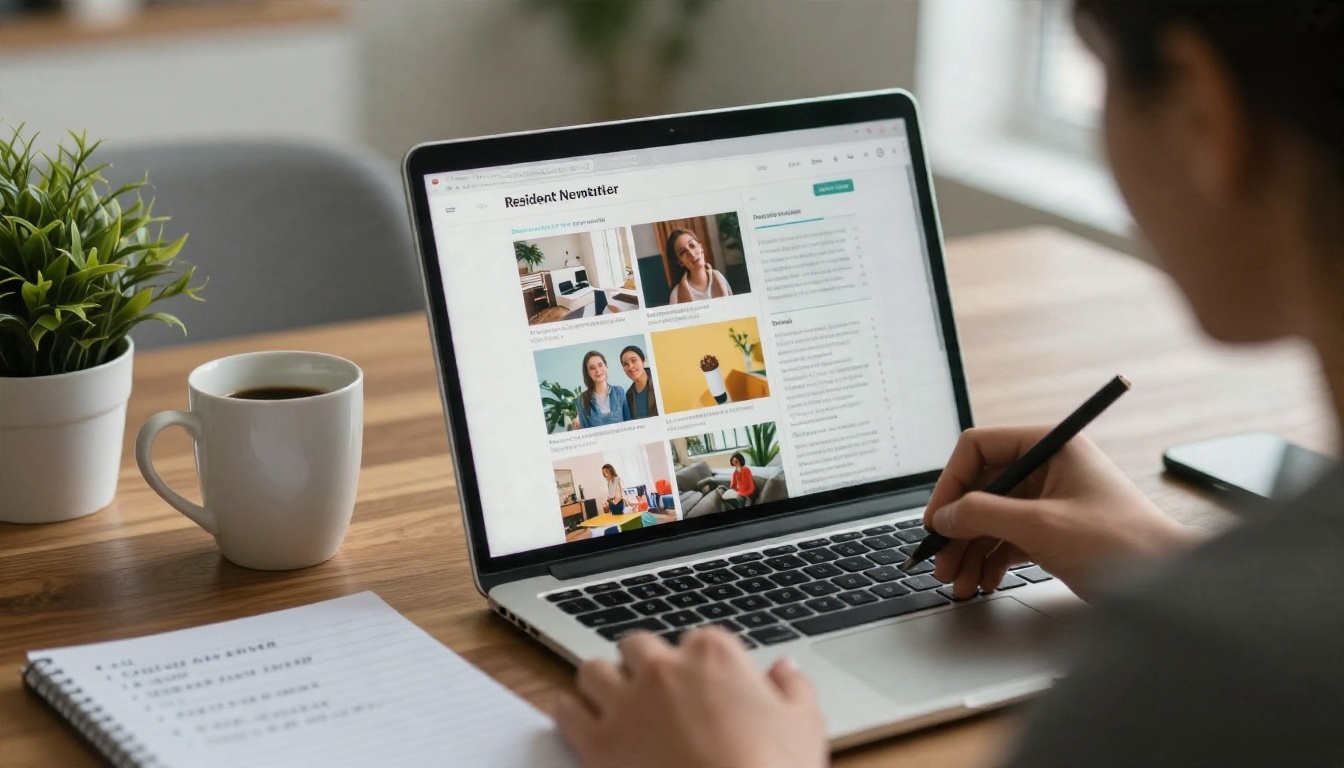
💡 Pro tip: Pick one send day and keep it. A newsletter that always arrives on the first Monday of the month becomes a habit. One that arrives randomly becomes noise.
Who Is the Audience?
Your readers are rarely one group. Think in segments, then write so each one finds something in every issue.
| Resident type | What they want | Best content |
|---|
| New move-ins | Orientation, trash days, parking rules | Welcome section, FAQ, contacts |
| Long-term residents | Recognition, fewer disruptions | Maintenance calendar, resident spotlights |
| Families | Events, safety, quiet hours | Seasonal events, playground updates |
| Remote workers | Wi-Fi, quiet spaces, packages | Amenity tips, coworking room hours |
| Seniors | Large text, clear dates | Printed copy plus a simple online version |
What to Include in Every Issue
You don't need twenty pages. A four to eight page issue with a consistent structure is easier to produce and easier to read.
The Core Sections
- Welcome note from the property manager, two or three sentences and a face people recognize.
- Important dates: rent reminders, inspections, water shutoffs, parking lot sealing.
- Maintenance updates: what was fixed, what is scheduled, how to submit a request.
- Community events: dates, times, location and a clear RSVP method.
- Resident spotlight: a neighbor, a pet, a local business or a long-term resident.
- Amenity reminder: one feature highlighted per issue with a short tip.
- Contacts: office hours, emergency line, after-hours maintenance.
Optional Sections That Work
- Local business discounts from nearby cafes and gyms
- Safety tips: fire alarm testing, package theft prevention, winter prep
- Sustainability corner: recycling reminders and energy-saving tips
- Photo wall of past events
- Short survey with a link or QR code
✅ Best practice: Lead with what residents must know, then follow with what they will enjoy reading. Urgent first, friendly second.
Newsletter Templates That Work
Templates save hours. The trick is choosing a layout that matches how much news you actually have each month, because a template that is too big leads to filler and a template that is too small leads to cramming.
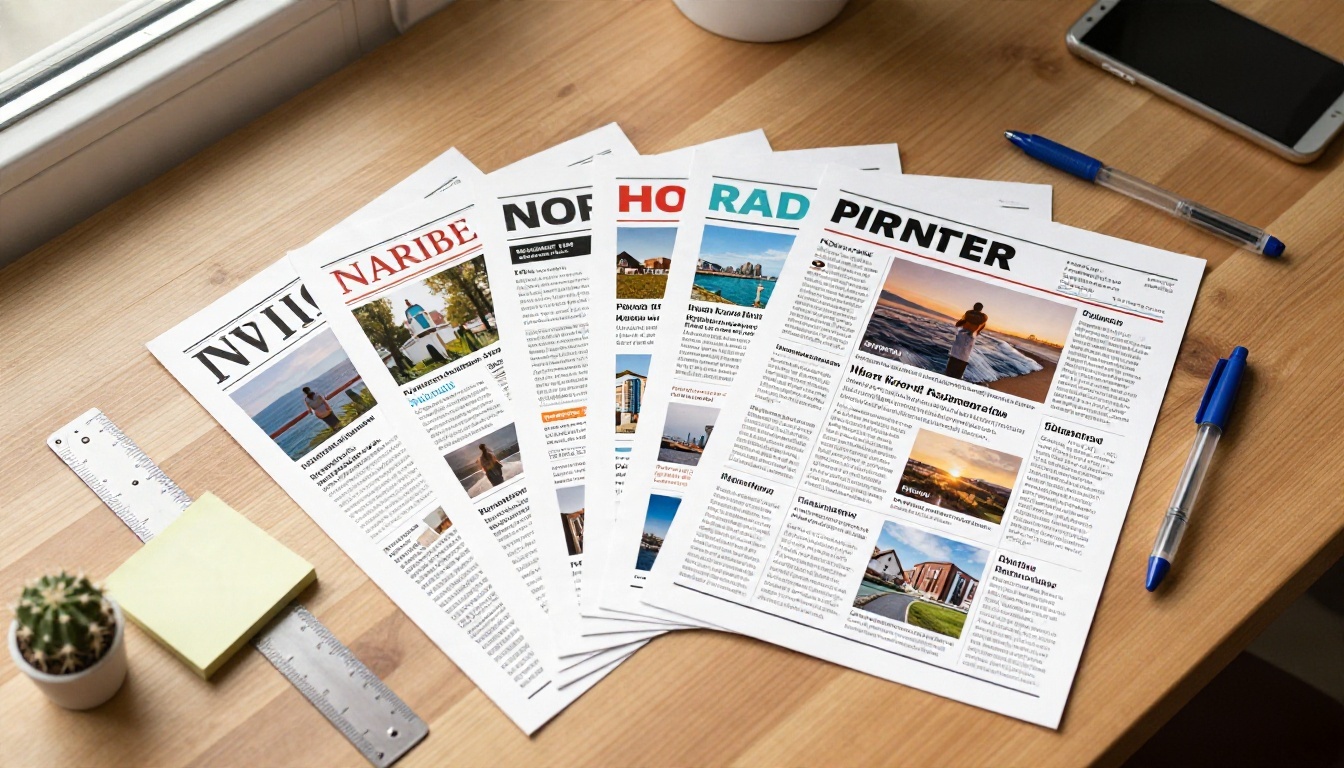
| Template type | Pages | Best for | Typical sections |
|---|
| One-page flyer | 1 | Small buildings, urgent news | Dates, contacts, one story |
| Four-page classic | 4 | Mid-size communities | Welcome, events, maintenance, spotlight |
| Eight-page magazine | 8 | Large complexes, luxury buildings | Features, photo spreads, local guide |
| Seasonal special | 4 to 6 | Holidays, summer, move-out season | Event calendar, safety tips, checklists |
| Welcome packet | 8 to 12 | New move-in kits | Rules, FAQs, amenities, contacts |
A Simple Four-Page Layout
If you are starting from scratch, copy this structure:
- Page 1: Welcome note, hero photo, three headline bullets
- Page 2: Maintenance and building updates with a dates table
- Page 3: Events and resident spotlight
- Page 4: Amenity tip, local deals, contact block
You can also build the layout in a design app and then turn the exported PDF into a page-turning edition with the Newsletter Flipbook Publisher.
Real Examples You Can Borrow
Theory is nice. Here are scenarios that mirror what property teams actually publish.
Example 1: The Monthly Mid-Rise
A 180-unit mid-rise sends a four-page monthly issue. Page one is a welcome note and a "this month in three lines" box. Page two lists elevator service dates and window cleaning days. Page three promotes a rooftop movie night and a resident photo contest. Page four reminds residents how to book the party room. Result: fewer "when is the elevator out?" calls.
Example 2: The Seasonal Special
A garden-style community publishes a summer edition with a pool schedule, grill safety rules and a block party sign-up. A winter edition covers snow removal routes, heating tips and holiday trash pickup. Seasonal issues feel fresh because the content naturally changes.
Example 3: The Move-In Welcome Issue
New residents receive a welcome edition within 48 hours of getting keys. It lists the nearest grocery store, laundry instructions, internet providers and who to call for what.

Example 4: The Maintenance Alert
Not every issue needs to be big. A one-page alert announcing a planned water shutoff, with the time window, affected floors and a contact number, can be shared digitally within minutes.
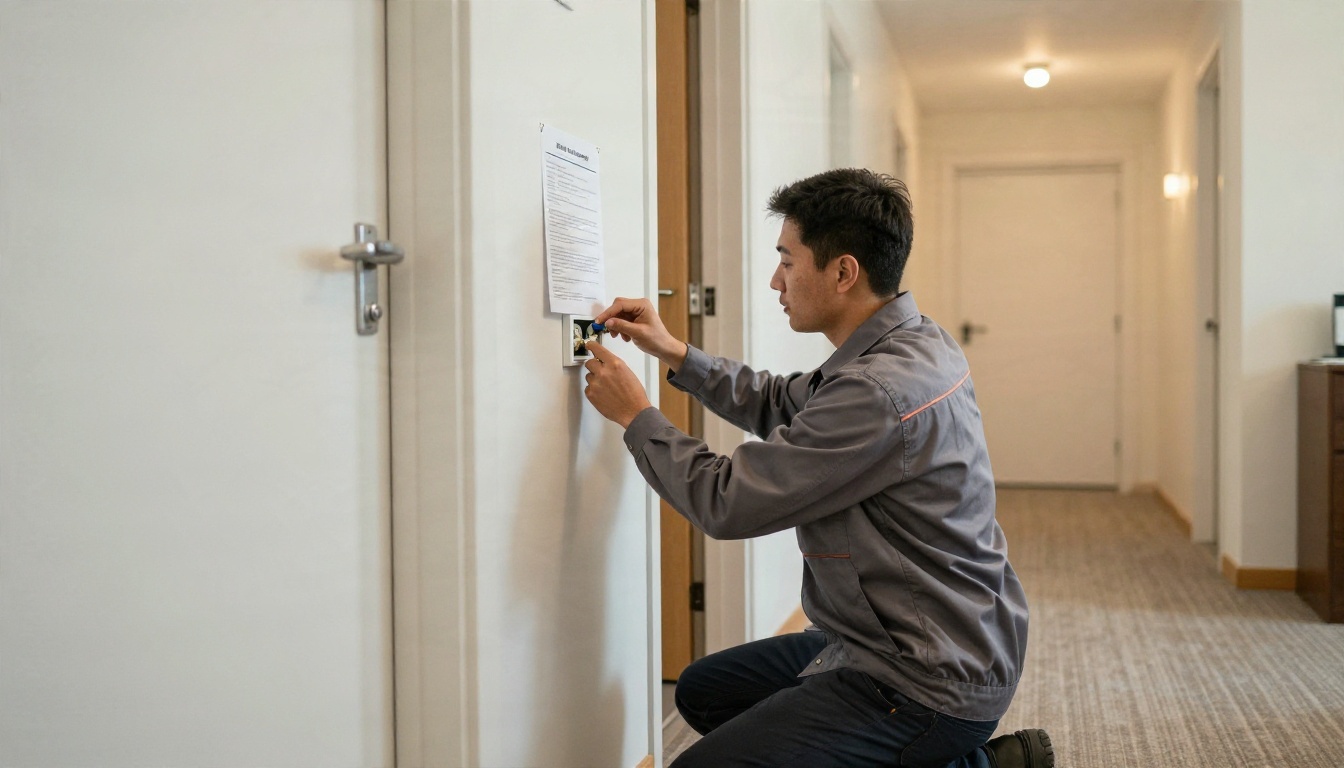
⚠️ Warning: Never bury safety or shutoff information on the last page. Put anything time-sensitive in the first third of the issue.
You can produce a polished newsletter without a design budget. Most property teams combine one writing tool, one layout tool and one publishing tool.
| Tool type | Free options | Strength | Limit to watch |
|---|
| Word processor | Google Docs, Microsoft Word templates | Familiar, quick edits | Basic layout control |
| Design app | Canva free tier, Adobe Express free tier | Drag-and-drop layouts, photo blocks | Some templates locked to paid plans |
| Email sender | Mailchimp free tier, similar services | Send to a resident list | Email only, may land in promotions tab |
| Page-turning publisher | Flipbooks AI | Link, QR code and embed sharing | Check plan for features you need |
| Survey tool | Google Forms | Collect feedback fast | Separate from the newsletter itself |
A Smart Free Workflow
- Write the text in a shared document so the whole office can contribute.
- Drop it into a design template and add three or four real photos of your building.
- Export to PDF at a standard page size.
- Convert the PDF to an online flipbook.
- Share one link by email, text, portal and a printed QR code.
Since the same PDF feeds both print and digital, you never maintain two versions.
Why Share Online as a Flipbook
Attachments are clumsy. A PDF sent by email has to be downloaded, opened, pinched and zoomed on a phone. Many residents simply don't bother.
A flipbook behaves like a real publication: pages turn, text stays readable and the whole thing loads in a browser with no app. It also keeps your brand front and center rather than burying it in an attachment.

| Format | Mobile reading | Easy to share | Looks professional | Tracking |
|---|
| Printed copy | Not applicable | Low | Good | None |
| PDF attachment | Poor | Medium | Medium | Limited |
| Plain email text | Good | Medium | Low | Basic |
| Online flipbook | Excellent | High | High | Available with analytics |
How to Create a Resident Flipbook with Flipbooks AI
Ready to publish? The process takes a few minutes once your PDF is ready. The PDF to Flipbook Converter handles the heavy lifting.

Step 1: Create Your Account
Head to Flipbooks AI and create an account. You can try it free before choosing a plan.
Step 2: Upload Your PDF
- Click to start a new flipbook.
- Upload the PDF exported from your design tool.
- Wait a few seconds while the pages convert into a page-turning edition.
You can also use the dedicated Newsletter Flipbook Publisher for resident publications.
Step 3: Customize the Look
- Branding: add your property logo and match your colors.
- Page effects: choose how pages turn, from soft curls to simple slides.
- Multimedia: embed a short video tour of the new gym or an audio message from the manager.
- No watermarks: your publication looks like yours, not ours.
Step 4: Choose How to Share
| Sharing method | Best use | Setup effort |
|---|
| Direct link | Email, text messages, resident portal | One click |
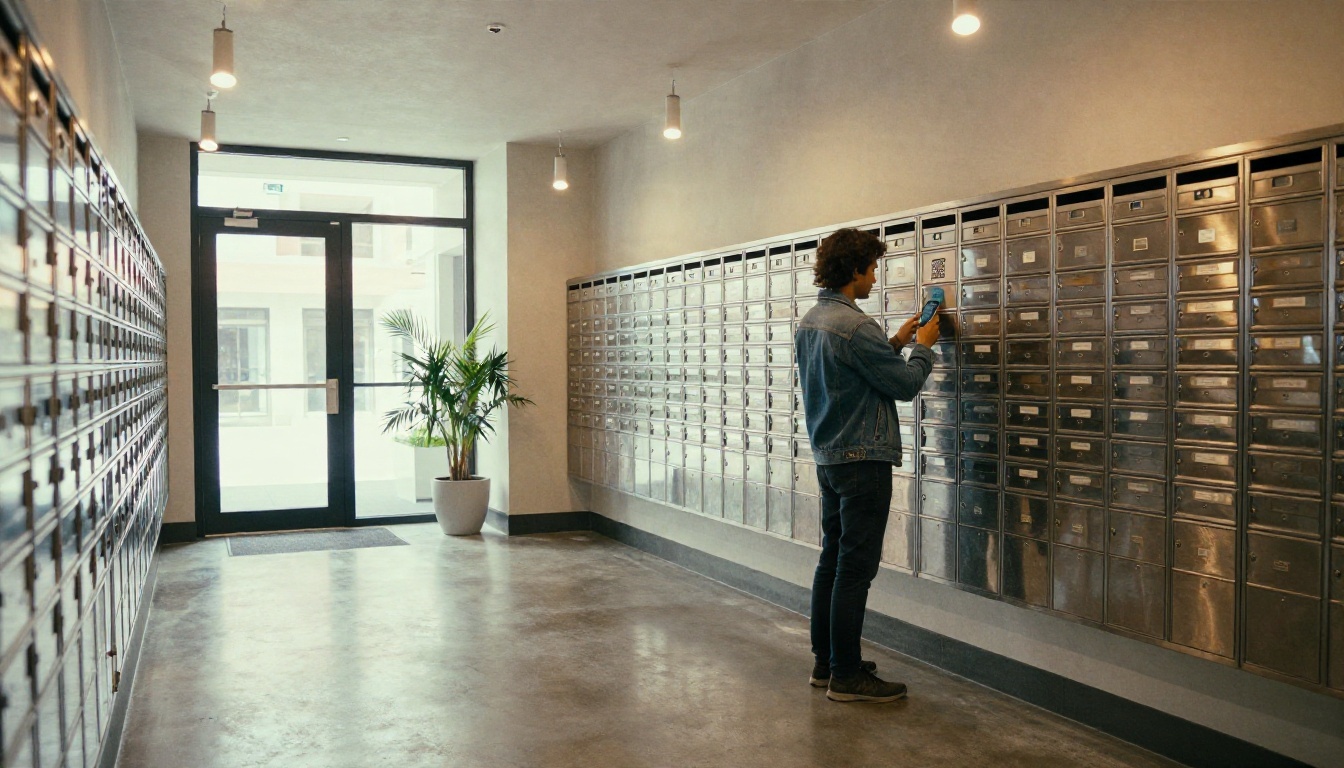
| QR code | Mailroom, elevators, lobby board | Print and post |
| Embed code | Property website or resident page | Paste a snippet with the Embed Flipbook on Website tool |
| Password protection | Lease-related or private notices | Add a password per issue |
💡 Pro tip: Use password protection for issues that include internal contact details or building access instructions, and share the password in the welcome email.
Step 5: Pro Features Worth Using
On the Professional plan you can add analytics to see how many residents opened each issue, which pages they spent time on, and where they dropped off. You can also use lead generation forms, useful for leasing teams who want to capture referral signups from the same publication. Compare options on the pricing page. Offline downloads let residents save an issue for later, and the mobile-responsive design means no pinching or zooming.
Getting Residents to Open It
A great issue still needs a smart delivery plan. Combine channels instead of relying on one.
Distribution Checklist
- Email the link with a short subject line that names the biggest news item.
- Send a text message reminder for time-sensitive issues.
- Post the QR code in elevators, mailrooms and laundry areas.
- Add the link to your resident portal and social pages.
- Keep a small stack of printed copies for residents who prefer paper.

Three Common Mistakes
- Too much text. Residents scan. Use short paragraphs, bold dates and photos.
- No clear action. Every section should answer "what do I do next?"
- Irregular timing. Skipping months teaches residents to stop looking.
Measuring What Works
Open rates are only the start. Track what residents actually do after reading.

| Metric | What it tells you | Action to take |
|---|
| Issue opens | Whether the delivery plan works | Test a new send day or subject line |
| Time on page | Which sections hold attention | Expand popular sections |
| Drop-off page | Where readers quit | Move important news earlier |
| Event RSVPs | Whether promotion converts | Simplify the sign-up step |
| Maintenance calls on topics covered | Whether the newsletter answers questions | Add the topic to the FAQ section |
A simple review every quarter is enough. Keep what residents read, cut what they skip, and ask for one suggestion in each issue.
Ready to Publish Your First Issue?
You now have the structure, the templates, the free tools and the sharing plan. The rest is a matter of picking a send date and writing your first welcome note.
Your residents are already reading something on their phones. Make it your newsletter.



