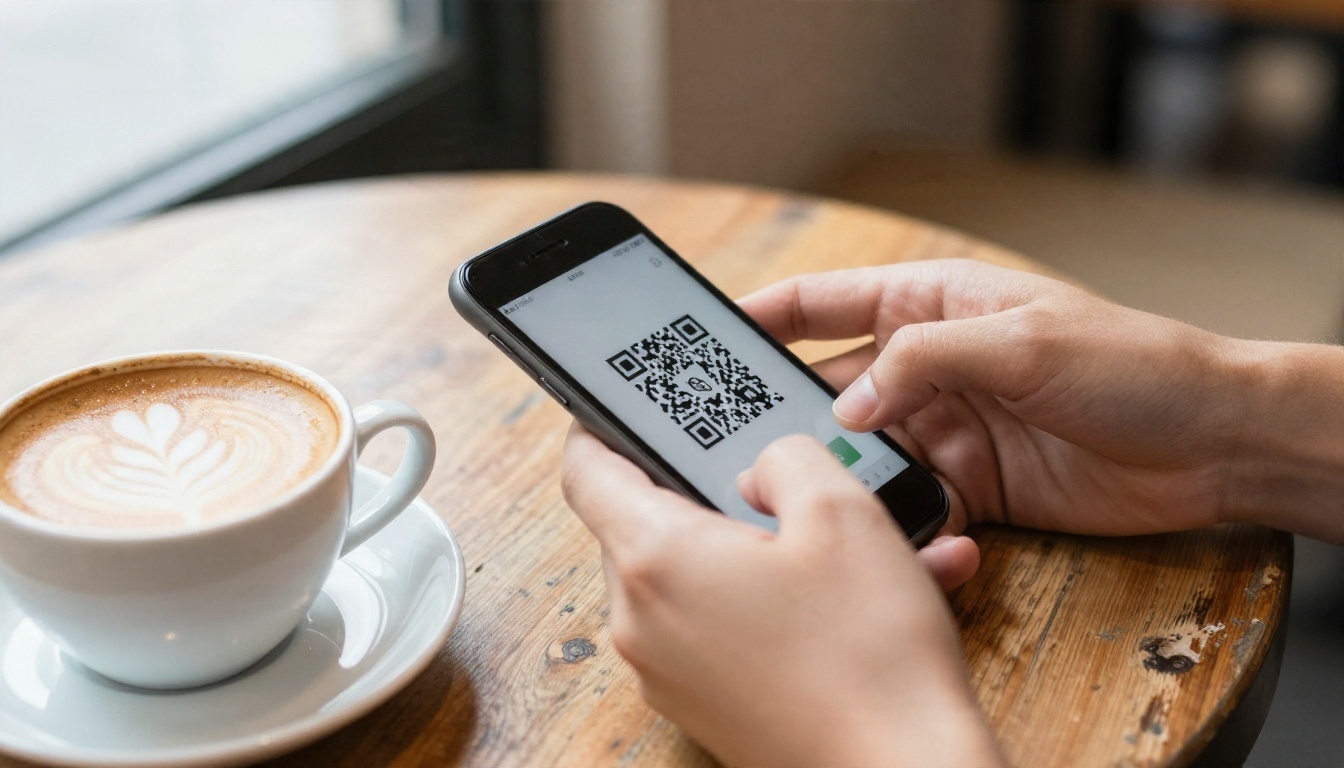
A guest sits down, pulls out a phone, scans a small square on the table, and your menu appears in under three seconds. No sticky laminated pages, no hand-me-down copy with a coffee ring on the dessert section. That is what a good app for restaurant menus does, and the best part is that you can start with a free option. Platforms like Flipbooks AI turn a plain PDF into a page-turning digital menu that opens instantly on any phone, so you can skip the developer and the printing invoice.
This article compares the free options on the market, shows how QR codes should actually be used, and fixes the most common complaint guests have: a menu that is impossible to read on a small screen.
What Guests Expect Now
Scanning a code at the table stopped being a novelty years ago. Most guests now carry a phone that can read a QR code straight from the camera app, with no extra download. They expect three things:
- A menu that loads fast on weak restaurant Wi-Fi or mobile data
- Text that is readable without zooming
- Prices and dishes that are up to date, not last season's version
If your menu fails on any of those, guests flag a waiter anyway, which defeats the purpose.
The Hidden Cost of Printing
A printed menu looks cheap until you add up the real numbers. Every price change means a reprint. Every typo means a reprint. Every seasonal special means another batch of laminated sheets, and the old ones end up in a drawer.
A digital menu changes the math. You edit one file, upload it, and every table sees the new version at once. The QR code never changes, so the stickers on your tables stay put for years.
💡 Pro tip: Keep a short "specials" page at the front of your digital menu. You can swap it daily without touching the rest of the document.
Free Options That Actually Work
Free App Types Compared
"Free" means different things depending on the tool. Some are genuinely free forever, some are free trials, and some are free until a guest tries to open the menu and sees an ad. Here is how the main categories stack up.
| Option Type | Typical Cost | Mobile Viewing | Branding Control | Best For |
|---|
| Plain PDF on your website | Free | Poor (pinch and zoom) | Full, but static | Quick stopgap |
| Social media menu post | Free | Average | Limited | Pop-ups, food trucks |
| Free QR menu generators | Free tier, upgrade for more | Good | Often limited, watermarks common | Testing the idea |
| Flipbook menu platforms | Free to start, paid for unlimited | Excellent, page-turn format | Strong, custom colors and logos | Restaurants that care about presentation |
| Full ordering systems | Monthly fee plus commissions | Good | Moderate | Venues that need online payments |
Notice the difference between a menu viewer and an ordering system. If all you need is for guests to see what you serve, a viewer is faster to set up, cheaper, and far easier to maintain.
Where Free Plans Fall Short
Free tiers are a fair way to test the idea, but watch for these limits before you print a hundred QR stickers:
- Watermarks. A competitor's logo on your menu is not a good look.
- Page or file caps. Large menus with wine lists often hit the limit.
- Expiring links. Some free plans disable the QR destination after a trial period.
- No analytics. You never see which dishes get attention.
- Locked branding. Colors, fonts and logos you cannot change.
⚠️ Warning: Never print QR codes pointing to a link that can expire. If the link dies, every table sticker becomes useless overnight.
Flipbooks AI lets you start without paying, and its stated policy is no watermarks, ever, which matters when the menu is the first thing a guest sees.
QR Codes Done Right
Place QR Codes Where Guests Sit
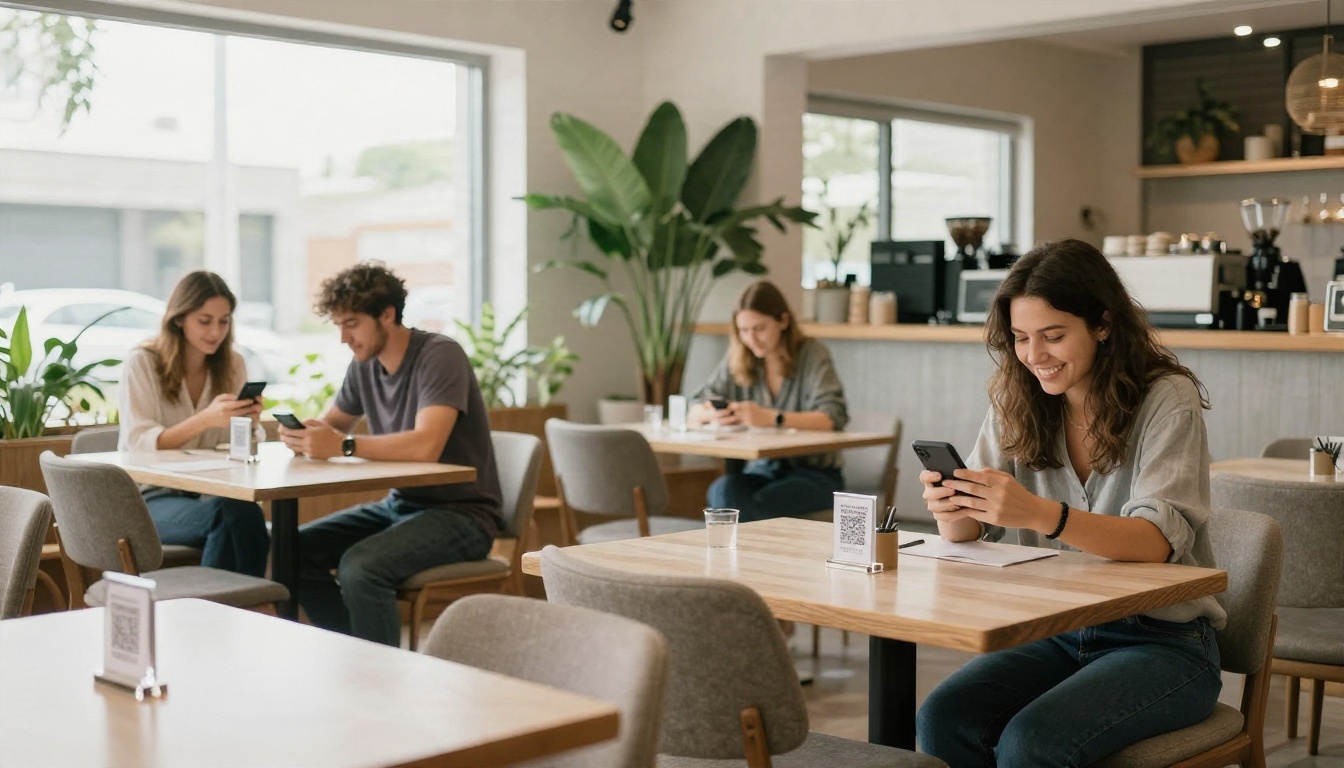
A QR code is only useful if people notice it. The best spots are where a guest's eyes and hands already rest:
- Table tents or small acrylic stands at the center of the table
- Stickers on the table edge for tight bistro setups
- Bar counters where guests wait for a drink
- Entrance signs so waiting guests can browse before being seated
- Window decals for passersby who want to check the menu from the street
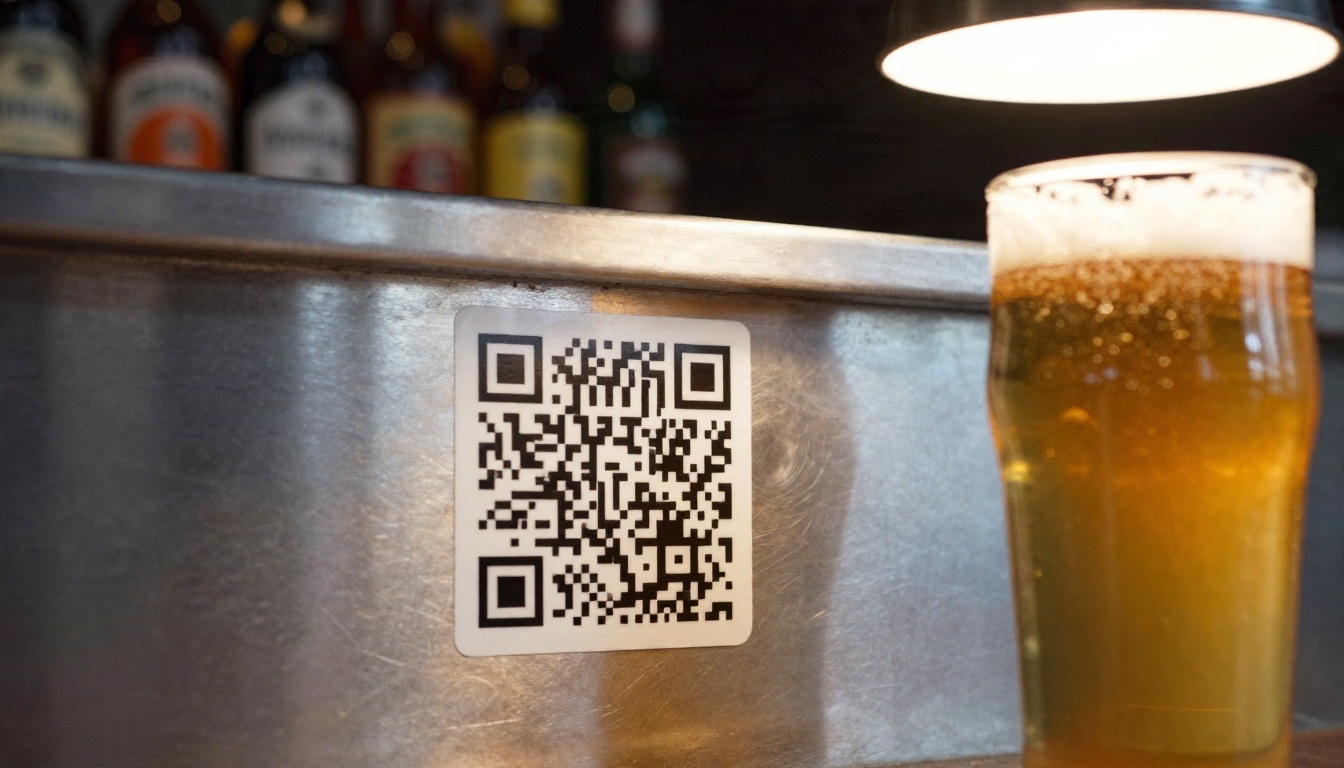
Add a short instruction next to the code, such as "Scan for menu". Two or three words are plenty. Keep the code at least 2 cm wide and print it in high contrast, dark on light, on a matte surface so it does not glare under restaurant lights.
Static or Dynamic QR Codes
This choice decides whether your table stickers last. A static code stores the web address directly. A dynamic code points to a redirect you control, so the destination can be changed later.
| Feature | Static QR Code | Dynamic QR Code |
|---|
| Change destination later | No | Yes |
| Scan tracking | No | Usually yes |
| Cost | Free | Free tier or small fee |
| Risk | Breaks if the link changes | Breaks if the service shuts down |
| Best use | Link that will never change | Menus that evolve over time |
The simplest safe approach: point the code at a stable flipbook link that you keep updating. When you replace the PDF behind it, the link and the QR code remain the same.
Mobile Viewing Without the Pinch
Why PDFs Frustrate Mobile Guests
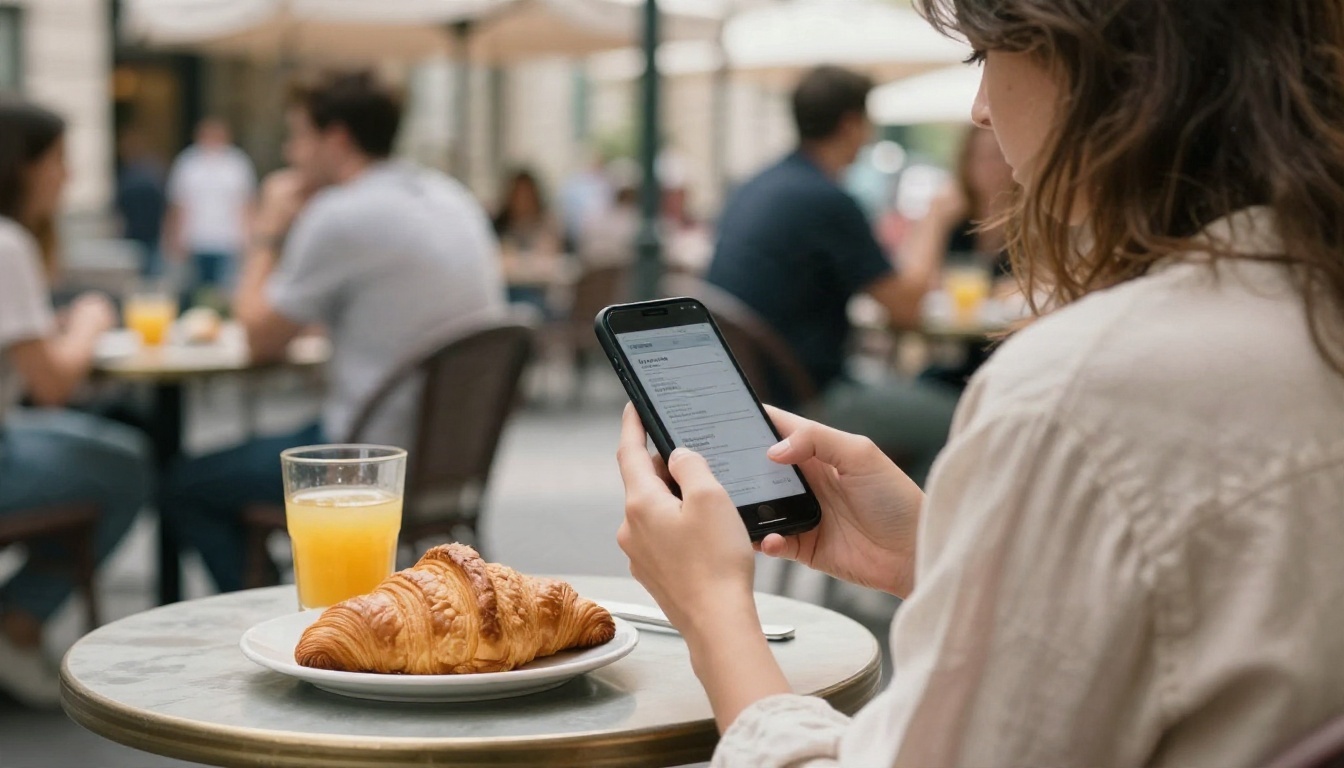
A standard PDF menu was designed for A4 paper. On a phone it shrinks to a tiny page, so guests pinch, drag, and squint. They lose their place, miss the vegetarian section, and often give up and ask the waiter what is good.
That friction hurts sales. A guest who cannot browse the dessert page easily will skip dessert.
What Good Mobile Menus Share
The menus that perform well on phones tend to follow the same pattern:
- Responsive layout that adapts to the screen width
- Page-turn navigation with a swipe, which feels natural and familiar
- Sharp zoom that stays crisp when guests do want a closer look
- Fast loading through optimized images
- A clear table of contents for long menus with drinks and wine
A flipbook format hits every point. The swipe feels like turning a real page, and the layout adjusts to the screen automatically. You can see the approach in the Menu Flipbook Designer, built specifically for this use.
✅ Best practice: Test your menu on at least two phones, one recent and one older, over mobile data rather than Wi-Fi. That is how many guests will actually see it.
If you already have a menu in PDF form, you are about ten minutes from a live digital version. If you do not, design one in a tool you know, such as Canva or Word, and export it as a PDF. The Restaurant Menu Creator page explains the process in more detail.
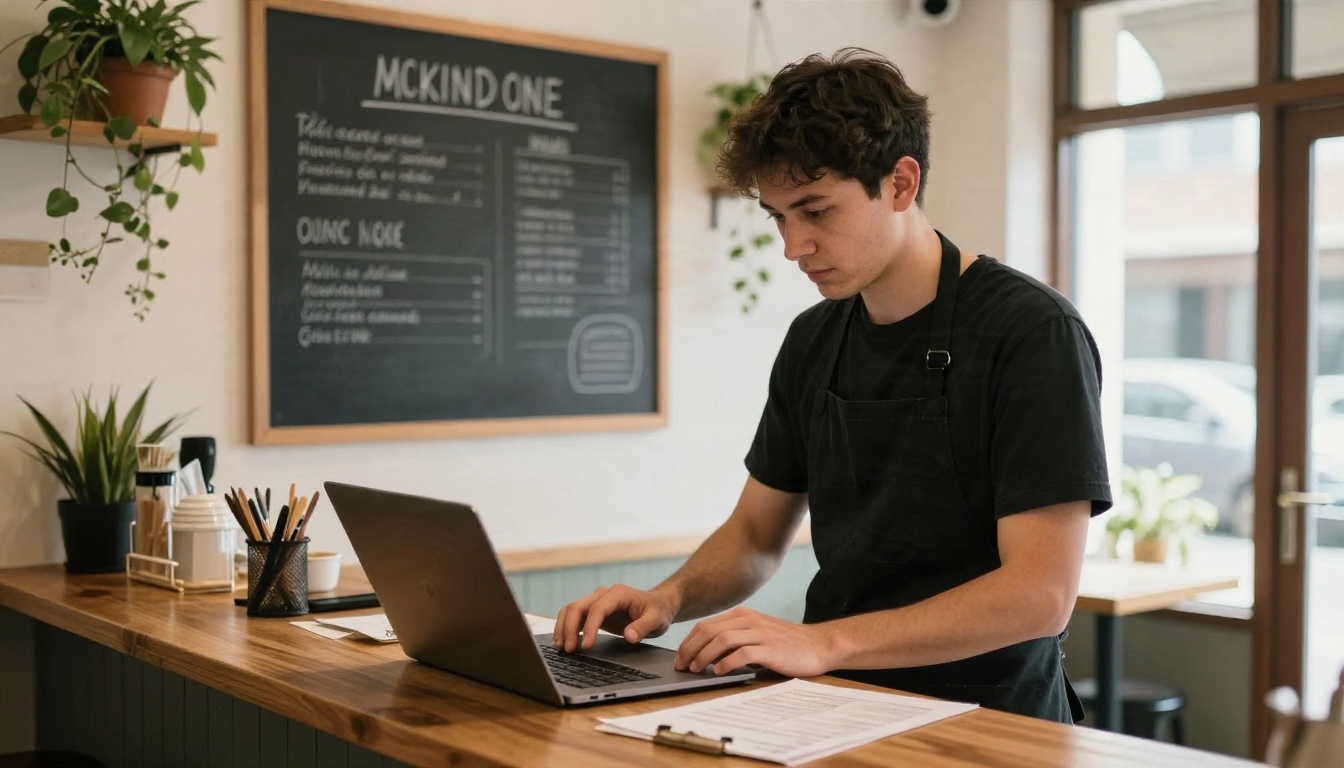
Step 1: Upload Your Menu PDF
- Go to Flipbooks AI and create an account.
- Click to create a new flipbook and select your PDF.
- Wait a few seconds while the PDF to Flipbook Converter turns each page into a turnable spread.
- Check the preview. Make sure dish names, allergen icons and prices are sharp.
💡 Pro tip: Export your PDF at 150 to 300 DPI. Lower than that and food photos look soft on a large phone screen.
Step 2: Brand the Design
This is where the menu starts to look like your restaurant rather than a generic template:
- Logo and colors: Match your signage, so the digital and physical experience feel connected.
- Page effects: Choose a soft page-turn animation, or a flat slide for a minimal feel.
- Background: Use a color or texture close to your table linen or wall color.
- Multimedia: Embed a short video of the kitchen, or audio for a live music night announcement.
Fine dining spots tend to prefer quiet, restrained branding. Casual cafes can go bolder with warm colors and photos.
Step 3: Share and Protect
Once the design looks right, you have several ways to share it:
| Sharing Method | How It Works | Best Use |
|---|
| Direct link | One short URL to paste anywhere | Social bios, messages, QR codes |
| Embed code | Paste into your website | Menu page on your own site, see Embed Flipbook on Website |
| QR code | Generated from the direct link | Tables, windows, bar counters |
| Password protection | Guests need a code to open | Private events, staff-only pricing, wedding menus |
Password protection is a quiet favorite for private dining. A corporate dinner or wedding reception can have its own menu that only invited guests can open.
Step 4: Track and Capture Leads
On the Professional plan, you get analytics that show how many people open your menu, which pages they spend time on, and when traffic peaks. You can also turn on lead generation, which asks for an email address before the menu opens or at the end. It builds a mailing list for weekly specials and event invitations without extra tools.
You can also allow offline downloads, helpful for venues with poor reception such as basements, rooftop bars with spotty signals, or festival sites.
Every plan includes mobile-responsive design and custom branding, and the Standard plan and above removes limits on how many flipbooks you can create. That matters if you run several locations or keep separate menus for lunch, dinner, drinks and brunch.
Real Restaurant Scenarios
The Neighborhood Cafe
A cafe with fifteen tables and a short menu prints a QR sticker for every table. The owner keeps one flipbook called "Menu" and swaps the PDF every month. The sticker stays the same.
Result: no more reprints, and the owner can fix a typo from a phone on a Sunday morning.
The Busy Pub
A pub with a long drinks list places QR codes on the bar, on tables and near the door. The drinks menu and food menu live in the same flipbook, with a table of contents on page two. Guests waiting at the bar can browse while the bartender handles other orders.
Staff report fewer questions like "What beers do you have on tap?" because the answer is one scan away.
The Tasting Menu Restaurant
A restaurant with a seasonal tasting menu uses a password-protected flipbook for reservation confirmations. Guests receive the link and password by email and see the menu, wine pairing and dietary notes before arrival. On the day, the same flipbook is on the tables.
For hospitality businesses beyond restaurants, the Spa & Wellness Menu tool follows the same method for treatment lists and price sheets.
Mistakes to Avoid
Even a well-built digital menu can fall flat. These are the issues that cause the most trouble:
- Tiny QR codes. If phones struggle to scan it, guests give up.
- No backup for guests without a phone. Keep a few printed copies at the host stand, especially for older guests.
- Heavy files. A 60 MB PDF with raw camera photos will crawl on mobile data. Compress images before exporting.
- Outdated prices. The biggest advantage of digital is easy updates, so use it. Review your menu weekly.
- Forgetting allergens. Mark allergens clearly and consistently, using icons or short labels.
- Hiding the link. Add the same menu link to your Google Business profile and social bios so people can check it before they arrive.
✅ Best practice: Put your most profitable dishes on the first two pages. Guests who swipe through quickly will see those first.
A quick setup checklist before you go live:
- PDF exported at the right resolution and compressed
- Prices and allergens double-checked by a manager
- QR code tested on two different phones
- Link added to your website and Google profile
- A few printed menus kept as a fallback
You do not need a custom app, a developer or a monthly ordering contract to give guests a menu that works on their phones. A clean PDF, a stable link, and a QR code on every table get you most of the way.
Ready to create your first digital menu? Get started for free on Flipbooks AI and have a live version before the next service. Browse all flipbook tools and templates to find the one that fits your venue, or compare pricing plans when you are ready for unlimited menus, analytics and lead capture. If your price list needs its own page, the Digital Price List Generator is a quick next step.



