You need a flyer by Friday, you have no design budget, and the last thing you want is a blank canvas staring back at you. The good news: a decent app to make a flyer is now sitting in your pocket, and most of the good ones are free. The better news is that a flyer no longer has to stop at the printer. Once the design is done, you can turn the PDF into a page-turning flipbook with Flipbooks AI and share it with a single link or a QR code.
This article compares the free options honestly, shows which templates suit which jobs, and walks through the exact steps for publishing your flyer online.
What a Flyer App Should Do
Before picking a tool, decide what you actually need from it. A flyer is a small piece of paper with one job: get a stranger to take one action. The app should make that easy, not bury you in menus.
The Must-Have Features
A good flyer maker, free or paid, should give you:
- Ready-made templates sized for A4, US Letter, A5 and social formats
- Drag and drop editing so you never touch code or grid settings
- Free stock photos and icons you can legally use on printed material
- Brand controls for fonts, colors and a logo upload
- Export to PDF at print quality, ideally with bleed marks
- Mobile and desktop versions so you can start on your phone and finish on a laptop
Features That Are Nice but Optional
Some things sound impressive but rarely decide whether a flyer works:
- AI image generation inside the editor
- Animated exports for social media
- Team folders and approval workflows
- Background removal (handy, but many free tools gate it)
💡 Pro tip: Export to PDF every time, even if you plan to post a PNG. The PDF keeps text sharp, and it is the file format you will need later for a flipbook.
Best Free Apps Compared
Free plans change often, so treat the table below as a snapshot of what each tool is generally known for. Always check the current limits on each site before you commit to a long project.
| App | Best For | Template Variety | Free Plan Notes | PDF Export |
|---|
| Canva | Beginners and small businesses | Very large | Big free library, some premium assets | Yes |
| Adobe Express | Brand consistency and quick edits | Large | Free tier with limits on premium content | Yes |
| Microsoft Designer | Fast layouts from a text prompt | Medium | Free with a Microsoft account | Yes |
| VistaCreate | Social posts plus print flyers | Large | Free tier with watermark-free basics | Yes |
| Google Docs or Slides | Plain, text-heavy flyers | Small | Completely free | Yes |
| Fotor | Photo-led flyers | Medium | Free tier, some paid effects | Yes |
Canva: The Default Choice
Canva is where most people land first, and for good reason. The template library covers almost every occasion, the editor feels like a slide deck, and sharing a design with a colleague takes seconds. The trade-off is that popular templates get reused everywhere, so your flyer can look familiar. Change the fonts and swap the photos to make it yours.
Adobe Express: Cleaner Brand Control
Adobe Express suits people who already use Adobe fonts or Creative Cloud files. Its layouts tend to feel slightly more editorial, and brand kits make it easier to keep colors consistent across a stack of flyers.
Microsoft Designer: Start From a Sentence
Describe the flyer you want in plain language, and Designer proposes layouts. It is quick for a first draft, though you will usually want to adjust spacing and text hierarchy by hand.
Google Slides: The Quiet Option
Do not laugh. Set the page size to A4 or Letter, use a bold background color, and you can produce a clean flyer with software you already have. It is limited, but it never asks you to sign up for anything new.

Free Templates That Work
A template is a shortcut, not a finished design. The trick is choosing one whose structure matches your message, then stripping it down.
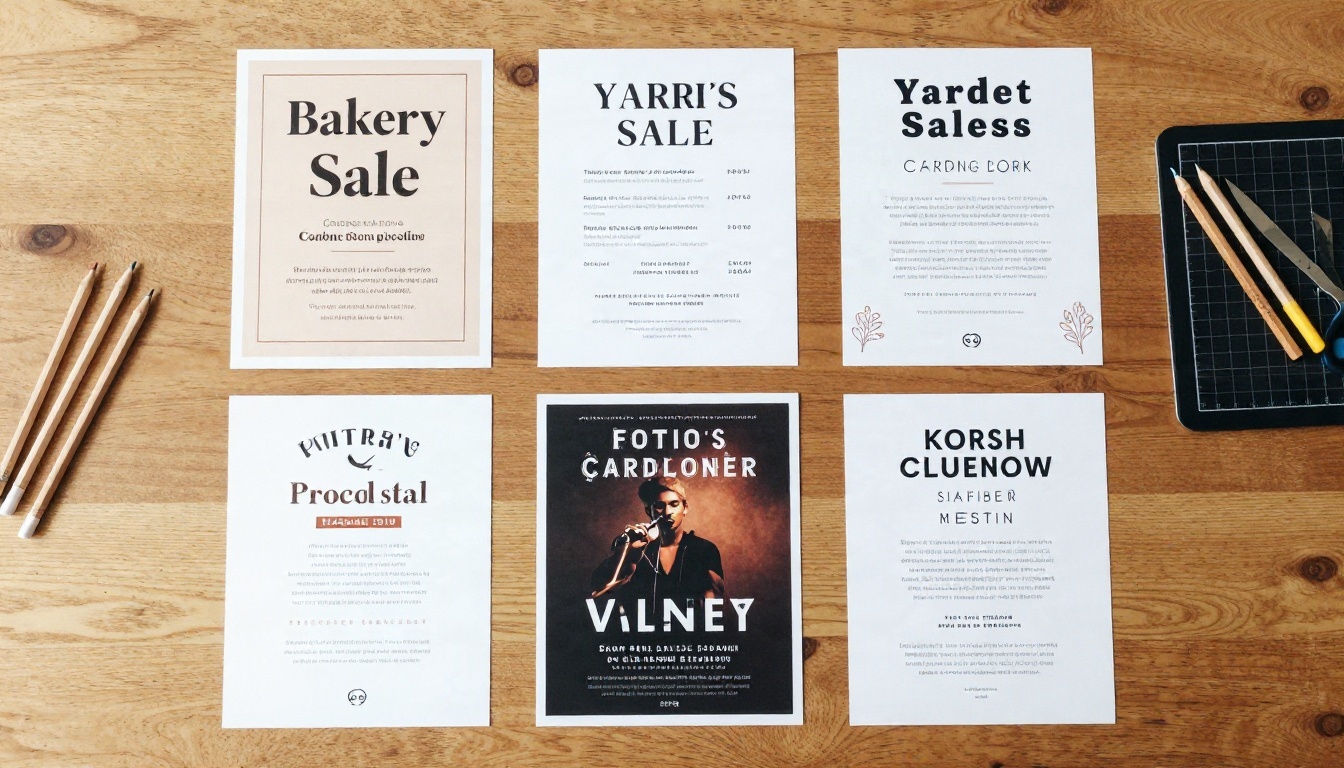
Event and Party Flyers
Events live or die on three facts: what, when, where. Pick a template with a big headline area and a clear block for date and address. Avoid templates that scatter details around the edges.
Sale and Promotion Flyers
Sale flyers need a number people notice, like "30% off" or "Buy one, get one." Choose a layout where that number takes up at least a quarter of the page. Use one accent color for the offer and keep everything else neutral.
Local Business Flyers
Bakeries, gyms, tutors and cleaners all rely on a similar format: a strong photo, a short promise, a phone number, and a way to book. Photo-led templates beat text-led ones here because people recognize the product instantly.
Real Estate and Property Flyers
For property listings, pick a template with a large hero photo and space for three to five highlights. If you regularly publish listings, the Real Estate Brochure Creator is worth a look for multi-page versions.
Quick Template Matching Table
| Goal | Template Style | Best Format | Must Include |
|---|
| Fill a room | Bold headline, date block | A4 portrait | Date, time, address |
| Drive sales | Large offer, single accent color | A5 or Letter | Offer, expiry date |
| Recruit clients | Photo-led, short promise | A4 portrait | Phone, QR code |
| List a property | Hero photo, highlights strip | Letter landscape | Price, agent contact |
| Announce a launch | Clean minimal, large logo | Square or A4 | Launch date, link |
Design Rules for Any Flyer
Apps do not fix weak decisions. These rules work in every tool.
Keep One Message Per Page
If you have three offers, you have three flyers. People spend a few seconds on a flyer. One headline, one supporting line, one action.
Respect Hierarchy
Readers scan in this order: image, headline, offer, contact. Size things accordingly. If your phone number is bigger than your headline, something is off.
Limit Fonts and Colors
Two fonts and three colors are plenty. A bold sans-serif headline paired with a simple body font almost never fails.
Leave White Space
Crowded flyers look cheap. Margins of at least 10 mm and generous space around the headline make a design feel confident.
Add a Clear Call to Action
"Call today" is vague. "Book your free tasting before 30 November" is a reason to act. Add a QR code if you want people to keep going online, and test it before you print.
⚠️ Warning: Never print a QR code smaller than about 2 cm square, and always scan it from a printed proof. A code that looks fine on screen can fail on glossy paper.
The Problem With Paper Flyers
Printed flyers still work. A bulletin board in a busy shop, a doorstep drop, or a table card at an event reaches people who are physically there. But paper has three limits that every organizer eventually hits.
- No updates: A typo or a changed date means reprinting.
- No reach beyond the street: Nobody forwards a paper flyer to a friend in another city.
- No data: You never know how many people actually read it.
A PDF emailed to a list or posted on social media solves reach, but attachments get ignored and PDFs open awkwardly on phones. That gap is exactly where a flipbook helps.
Flyer vs PDF vs Flipbook
| Format | Easy to Update | Mobile Friendly | Trackable | Feels Interactive |
|---|
| Printed flyer | No | Not applicable | No | No |
| PDF attachment | Slow | Mediocre | Barely | No |
| Image post | Slow | Yes | Platform stats only | No |
| Flipbook link | Yes, replace the file | Yes, responsive | Yes, with analytics | Yes, page turns, links, media |
How to Create a Flyer Flipbook with Flipbooks AI
If your flyer has one page, a flipbook might feel like overkill. It is not, when you build a multi-page flyer: a front page with the offer, an inside spread with details, and a back page with a map or contact form. It also works well for event programs, seasonal promotions and menu-style flyers. This is where Flipbooks AI comes in.
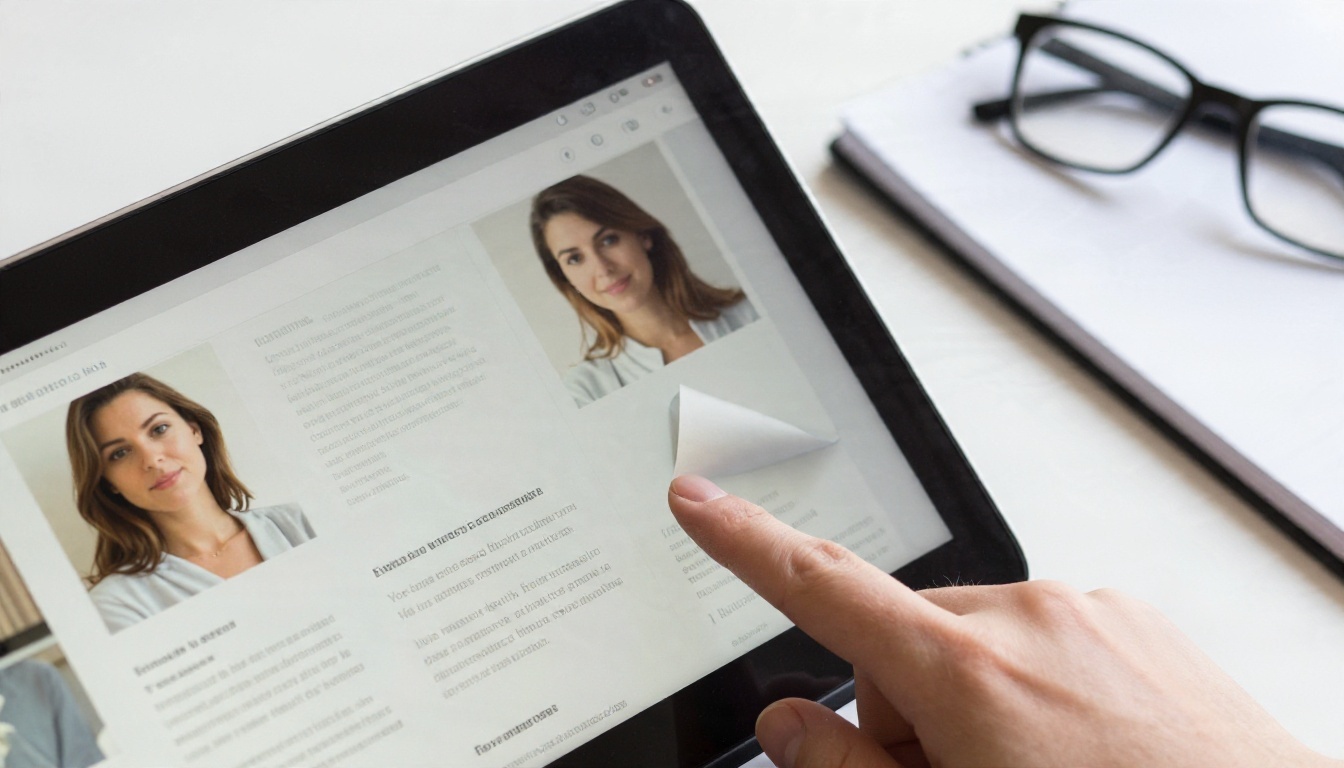
Step 1: Export Your Flyer as PDF
In your design app, choose Download, then PDF. Pick the standard or high quality option. If you built several pages, keep them in a single file in reading order.
Step 2: Create Your Account
Head to Flipbooks AI and sign up. You can try the platform before committing, and the pricing page shows what each plan includes.
Step 3: Upload and Convert
- Click the upload button on your dashboard.
- Drop in your PDF.
- Wait a few moments while each page converts into a flip page.
The PDF to Flipbook Converter handles the conversion, and your text and images stay sharp.
Step 4: Customize the Look
Open the editor and adjust the experience:
- Branding: add your logo and match the viewer colors to your flyer
- Page effects: choose the page-turn style and background
- Multimedia: embed a short video of the event or a music clip
- Links: make phone numbers, booking buttons and map addresses clickable
Step 5: Share It Everywhere
| Sharing Method | Best For | Setup |
|---|
| Direct link | Social bios, messaging apps, email | Copy and paste |
| QR code | Printed flyers, posters, table cards | Generate and place on print file |
| Embed code | Websites and landing pages | Paste into your page, see Embed Flipbook on Website |
| Password protection | Private offers, members-only events | Set a password in settings |
✅ Best practice: Print a QR code on your paper flyer that points to the flipbook. People who pick up the paper can then open the full interactive version and share it.
Step 6: Use the Pro Features
On the Professional plan, you get analytics that show how many people opened your flipbook and how far they read, plus lead generation forms that collect emails before readers see the content. You can also allow offline downloads so people save a copy. The plans start with unlimited flipbooks on Standard, and every plan is free of watermarks. Compare options on the pricing page.
💡 Pro tip: Update the flipbook rather than making a new one. Replace the PDF when your date or price changes, and every printed QR code keeps working.
Real-World Examples
Theory is fine, but here is how real situations play out.
A Bakery Launching a Weekend Special
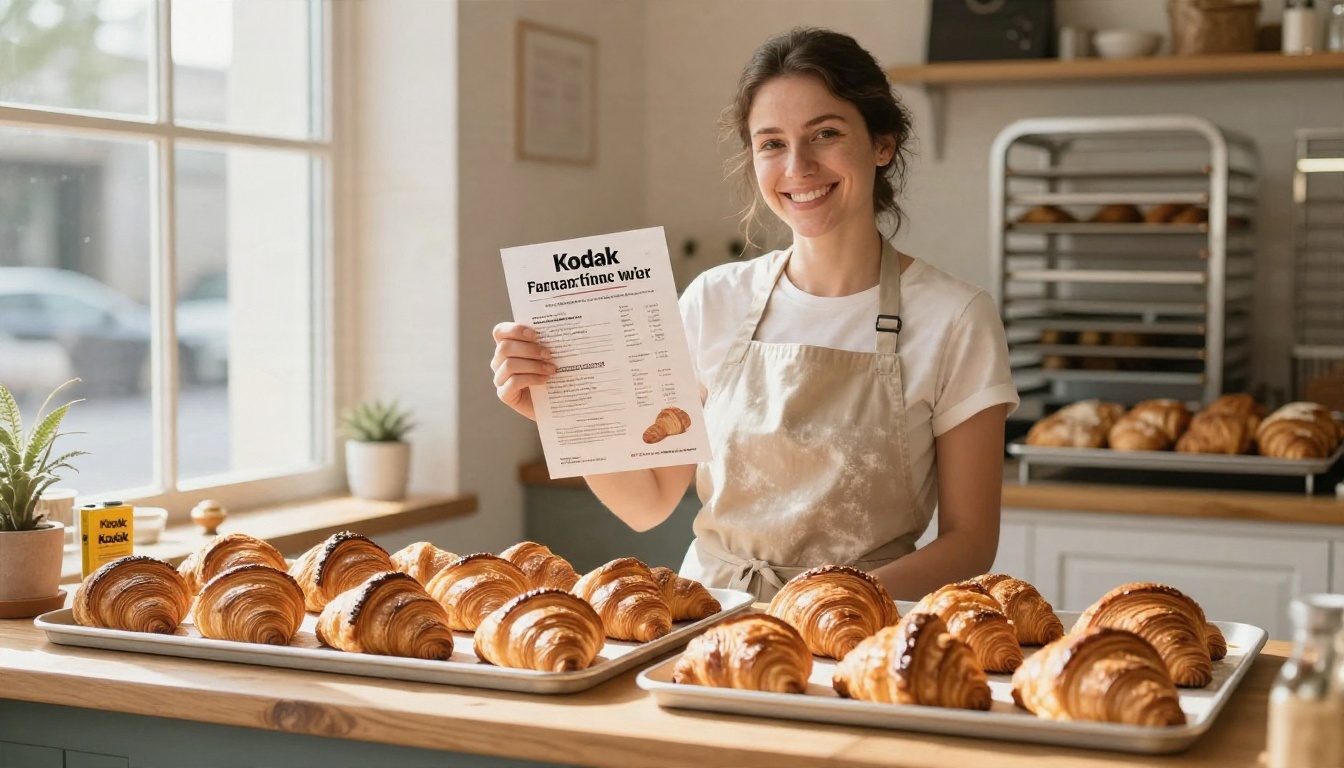
A small bakery designs an A4 flyer in a free app, then adds a second page with the full weekend menu and a third with ordering details. The PDF becomes a flipbook. The paper flyer sits on the counter with a QR code, and the same link goes into the shop's social bio. Prices change next month? Swap the file. For menu-heavy versions, the Restaurant Menu Creator is a natural fit.
A Real Estate Agent Promoting Listings
The agent makes a one-page flyer per property, merges five of them into a single PDF, and shares one link with buyers. Analytics show which listing pages get the most attention, so follow-ups are better targeted.
A School or Club Event
A parent committee designs a fundraiser flyer and adds a program page, a map and a sponsor page. They share a password-protected link with members and print a plain version for the notice board. The Event Program Maker covers this kind of project.
A Freelancer Sending a Portfolio Flyer
A photographer designs a stylish flyer with three sample images, then extends it into a short portfolio. A Photography Portfolio flipbook gives clients a polished piece they can flip through on a phone.
| Use Case | Pages | Flipbook Extras | Share Method |
|---|
| Bakery special | 3 | Clickable order button | QR code and link |
| Property listings | 5 to 8 | Analytics per page | Email link |
| Club fundraiser | 4 | Password, embedded video | Private link |
| Photographer promo | 6 to 10 | Branding, large images | Link in email signature |
Mistakes That Sink a Flyer
Even a good app cannot save these.

- Too much text. If it needs a magnifying glass, cut it in half.
- Low-resolution images. Stock photos from a free library are usually fine, but a screenshot from social media will look blurry in print.
- No date or deadline. Without urgency, people put the flyer in a drawer.
- Skipping the proofread. Have someone else read it aloud. Check the phone number twice.
- Forgetting the digital step. A flyer without a link or QR code is a dead end the moment someone is away from the street.
⚠️ Warning: Check the license of any free image or font before printing at scale. Most apps cover their own library, but uploads from random websites are your responsibility.
A Simple Workflow You Can Repeat
Here is a routine that takes under an hour once you have done it twice:
- Pick a template that matches your goal using the matching table above.
- Replace the photo with your own or a high-quality free stock image.
- Rewrite the headline so it names the benefit.
- Add the date, location and one action.
- Export a PDF and proof it on paper.
- Upload to Flipbooks AI, customize and generate your link.
- Add the QR code to your print file and send it to the printer.
If you work in a specific sector, browse the full Flipbooks AI tools directory for brochure, catalog, menu and newsletter templates that follow the same workflow, such as the Online Brochure Designer for multi-panel layouts.
Ready to Publish Yours?
Pick any of the free apps above, design your flyer, and export the PDF. Then give it a second life online: create your account on Flipbooks AI, upload the file, and share a clean, watermark-free flipbook with one link.
A paper flyer reaches the people on one street. A flipbook version reaches everyone you can send a link to.



