Your aunt's lasagna lives in a stained notebook, your dad's chili is a voice memo, and your grandmother's apple pie exists only in her hands. If you have ever searched for an app to share recipes with family, you already know the real problem: the recipes are scattered, and the people who know them best are not getting any younger. The good news is that you can fix this in a weekend, mostly for free. This article compares the simple options, then shows how a cookbook flipbook built on Flipbooks AI gives your family a real, page-turning book that opens on any phone.
💡 Quick answer: For a few recipes, a shared document or group chat is enough. For a collection you want to keep for years, turn your recipes into a PDF and convert it into a flipbook with a single private link.
Why Family Recipes Get Lost
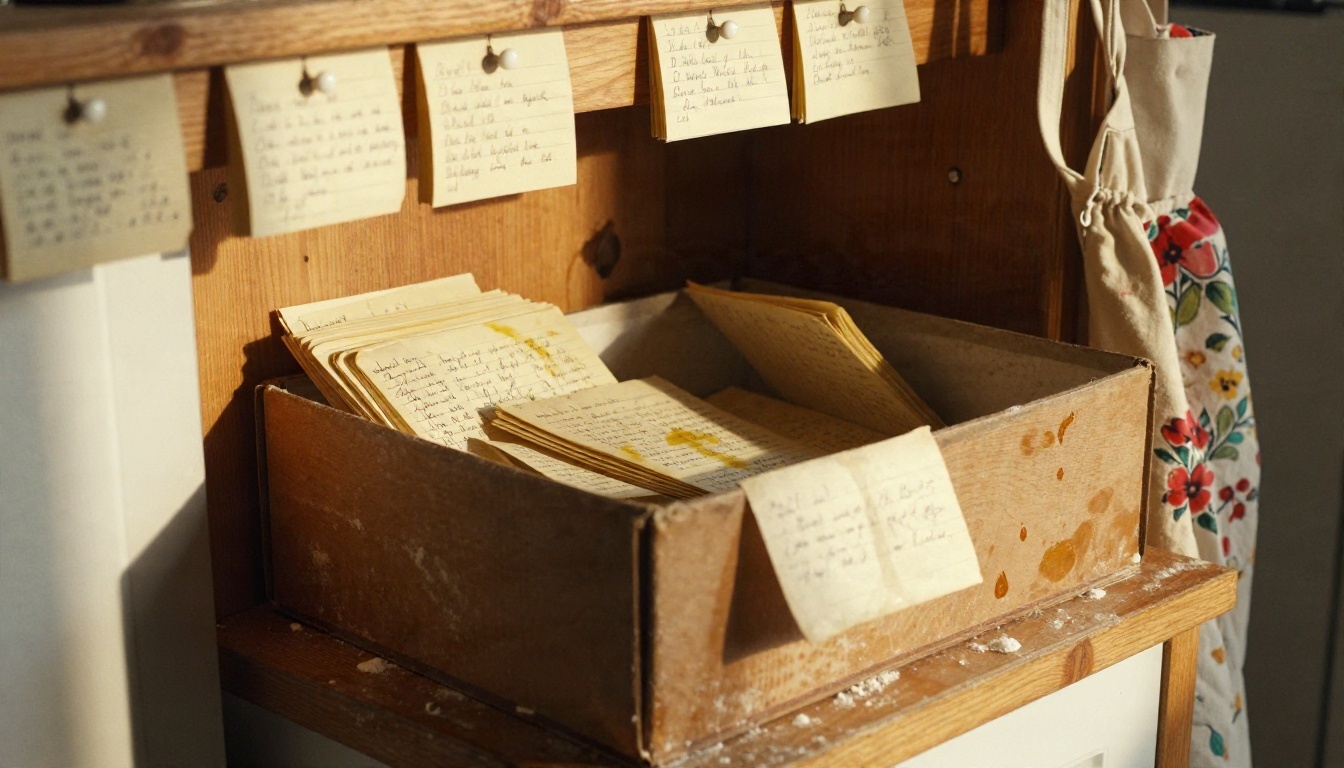
Most families do not lose recipes in one dramatic moment. They fade out slowly. A card gets stained, a phone gets replaced, a group chat gets muted, and nobody remembers who had the original version of the cake everyone loved.
The Scatter Problem
Think about where your family's recipes live right now. Chances are the list looks something like this:
- Paper cards in a drawer or shoebox, often with only one copy
- Photos buried in a camera roll between vacation pictures
- Messages in three different group chats, each with a slightly different ingredient list
- Memory, which is the most fragile storage of all
What a Good Sharing Setup Needs
A solid recipe sharing setup does a few simple things. It keeps every recipe in one place, it works on any device without installing anything, it lets relatives of all ages open it without help, and it protects the collection from strangers. Most free tools manage two or three of these. Very few manage all four.
Free Ways to Share Recipes
You do not need to spend money to start. Here are the three free routes most families try first, along with the honest limits of each.
Group Chats
Messaging apps are the fastest way to send a recipe. You snap a photo of a card, drop it into the family chat, and everyone sees it in seconds. That is also the weakness. Within a month the recipe is buried under birthday wishes and memes, and nobody can find it when they need it.
Best for: one-off recipes, urgent "how much flour?" questions.
Shared Documents
A shared online document or notes app lets everyone add and edit recipes in one spot. It is searchable, free, and familiar. The downside is that it looks like homework. There are no photos worth looking at, no layout, and no feeling of a real cookbook. Older relatives often get lost scrolling through a long document.
Best for: families who like to collaborate and edit together.
Dedicated Recipe Apps
Many recipe apps let you save recipes and share them with friends. Free tiers usually come with limits, such as a cap on saved recipes, ads, or sharing that requires every relative to create an account. If your cousin refuses to install another app, your collection stops being a family project.
Best for: people who cook daily and want meal planning.
⚠️ Watch out: Before you move 80 recipes into any app, check how you can export them. If there is no export, you are renting your family history.
Shared Apps vs Cookbook Flipbooks
A flipbook takes a PDF and turns it into an online book with realistic page turns. It opens in a browser, so nobody has to install anything. For recipes, that means your family receives something that feels like a printed cookbook, with photos, chapters, and handwriting, but it lives on a link.
Here is how the options compare in real life:
| Feature | Group chat | Shared document | Recipe app | Cookbook flipbook |
|---|
| Cost to start | Free | Free | Free tier, limits apply | Free to try, plans on pricing page |
| Looks like a real book | No | No | No | Yes |
| Easy for grandparents | Medium | Low | Low | High |
| One place for everything | No | Yes | Yes | Yes |
| Needs an account to read | Sometimes | Sometimes | Often | No |
| Password protection | No | Limited | Rare | Yes |
| Works as a gift | No | No | No | Yes |
| Keeps handwritten pages | As photos | As photos | As photos | As designed pages |
The pattern is clear. Chats and documents are great for quick work, but a flipbook is the only option here that gives you a keepsake. Many families use both: a chat for daily questions and a flipbook for the "official" family cookbook.
How to Create a Cookbook Flipbook with Flipbooks AI
This is the part that turns a pile of recipes into a finished book. The whole process takes an afternoon, and you only need a phone or computer. The dedicated Recipe Book Flipbook tool is built for exactly this job.
Step 1: Gather and Prepare Recipes
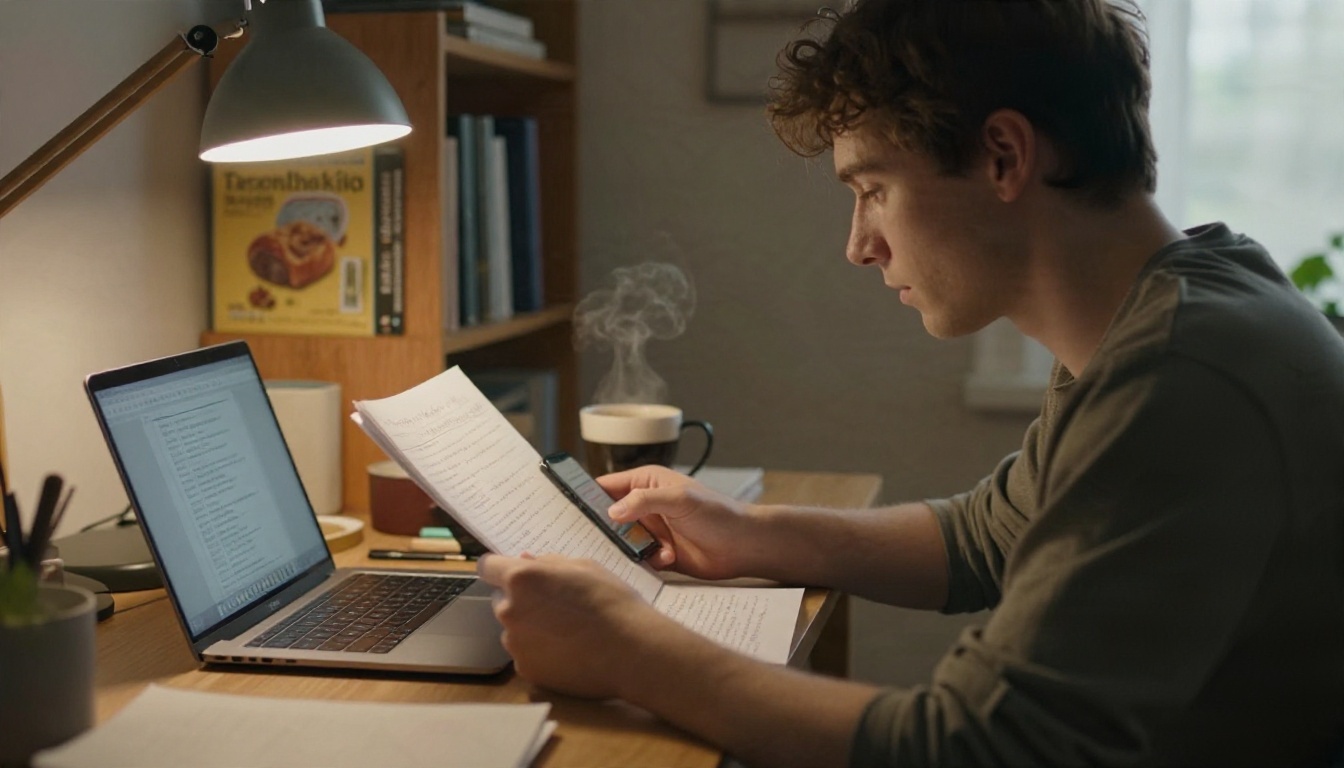
Collect everything first, then decide how polished you want it to be.
- Photograph old cards in daylight, flat on a table, with no shadow across the writing.
- Type the recipes you want to clean up in any word processor or presentation tool.
- Add a photo of each finished dish if you have one. A photo of the cook is even better.
- Group recipes into chapters: starters, mains, desserts, holiday favorites, "Grandma's classics."
- Export the whole thing as one PDF. Most word processors have a "Save as PDF" option.
💡 Pro tip: Keep the original handwriting on the page. A typed version next to a scan of the handwritten card is the detail families remember most.
Step 2: Upload and Convert Your PDF
Go to Flipbooks AI, create your account, and upload your PDF. The platform converts each page into a flipbook page automatically. If you want to see the process on its own, the PDF to Flipbook Converter page explains it. Within moments you have a book you can flip through on screen.
Step 3: Customize the Look
This is where the book starts to feel like yours. You can adjust:
- Branding and colors to match your family style, such as warm cream, olive green, or a deep tomato red
- Page effects like the classic page curl
- A cover and title, for example "The Martinez Family Table"
- Multimedia, because you can embed video and audio. Imagine a recipe page where Grandpa's recorded voice walks you through the sauce.
Step 4: Share with the Family
Sharing is the moment the project pays off. You have three main options:
| Sharing option | How it works | Best for |
|---|
| Direct link | Paste one URL into the family chat or an email | Quickest way to reach everyone |
| Embed code | Place the book on a family website or blog | Families with a shared page |
| Password protection | Readers enter a password before opening | Private recipes and secret formulas |
If your family has a website, the Embed Flipbook on Website tool shows how to place the cookbook right on a page.
Step 5: Download Offline and Track Reads
Kitchens do not always have great Wi-Fi, so you can allow offline downloads. Everyone gets a copy that opens at the stove. On the Professional plan, you also get analytics, so you can see how often the book is opened. It is a fun way to find out which cousin actually checks it before Thanksgiving.
✅ Best practice: Save the original PDF in at least two places, such as your computer and a cloud folder. The flipbook is the way to share it, and the PDF is your permanent backup.
Platform notes worth knowing: Flipbooks AI adds no watermarks, the book is mobile responsive, and plans from Standard upward allow unlimited flipbooks, so you can make a separate book for each side of the family.
Real Family Scenarios That Work
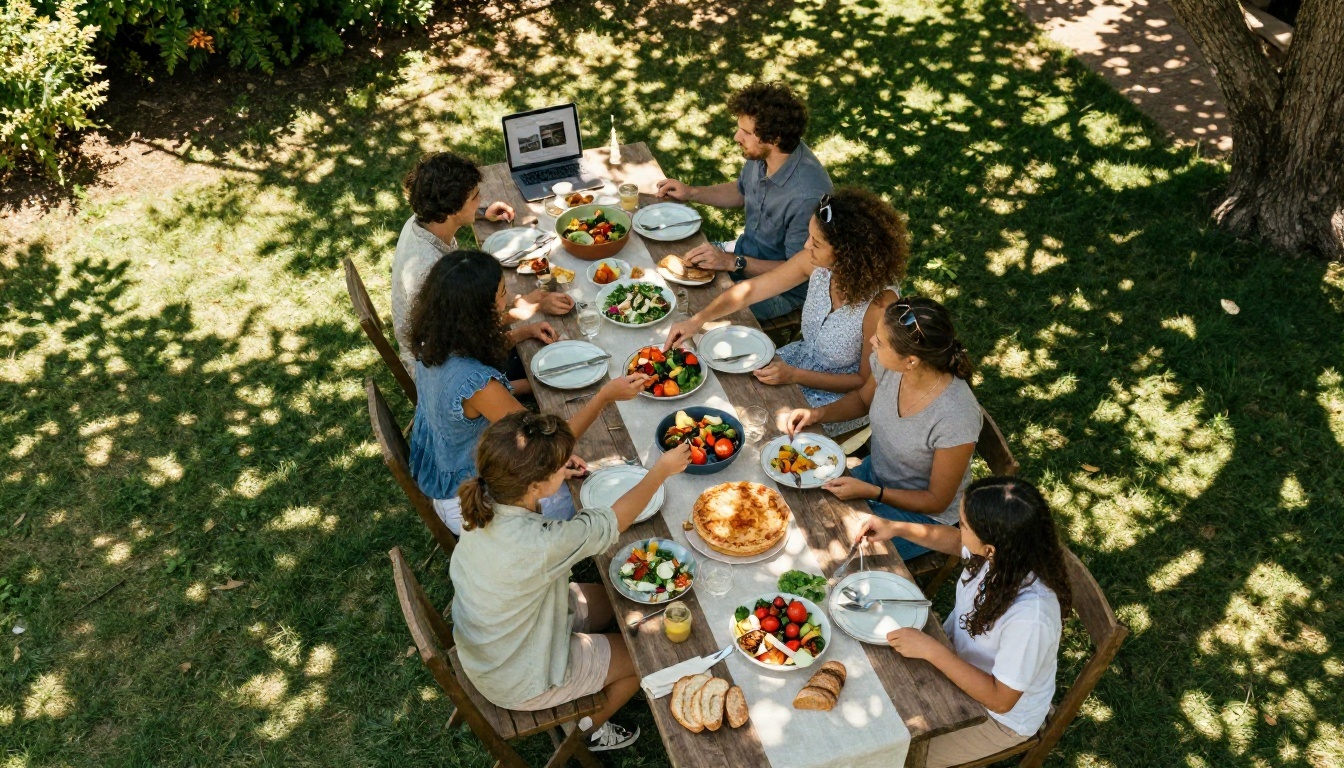
Theory is nice. Here is how real families use this kind of setup.
The Long-Distance Grandparent
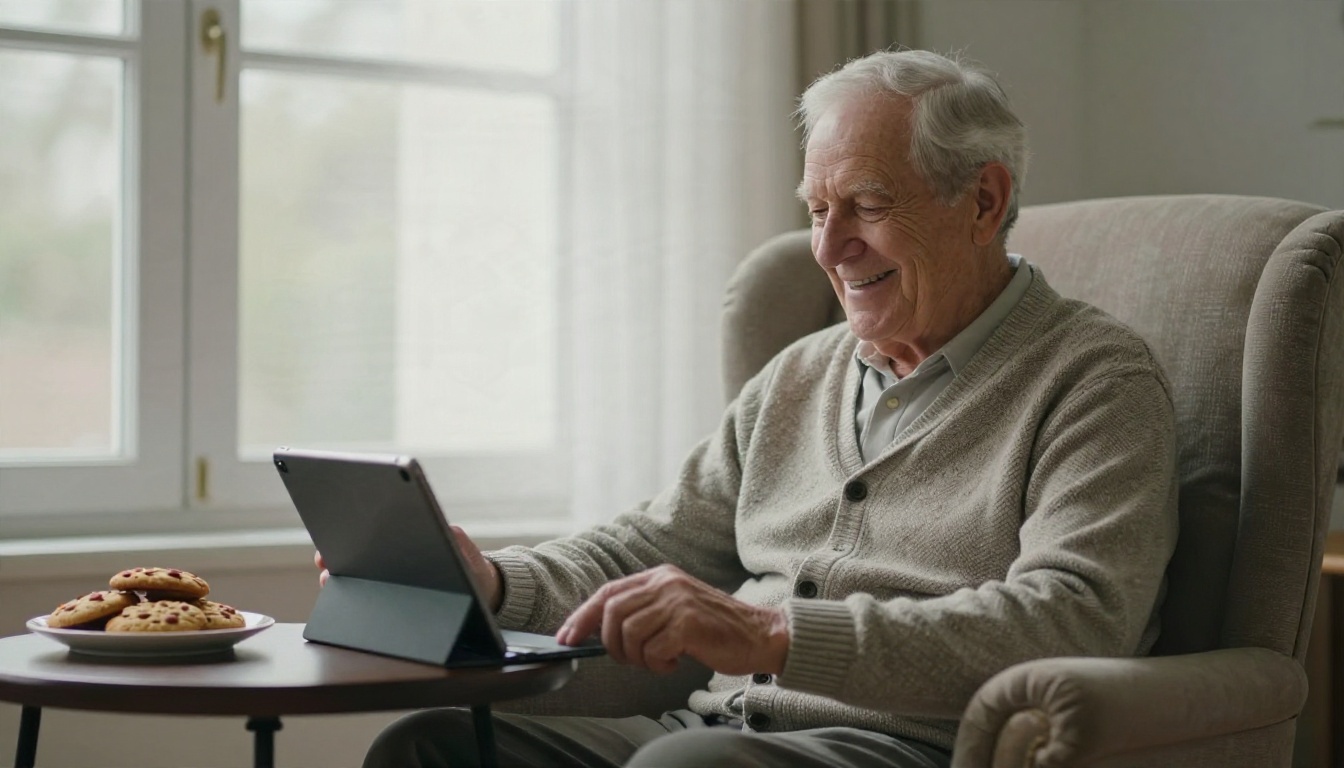
A grandfather in another country cannot cook alongside his grandchildren, but he can record short audio notes for each of his recipes. His granddaughter adds them to the flipbook, and now every page includes his voice saying "not too much salt, mija." The kids open one link and hear him every time they cook.
The Holiday Recipe Collection
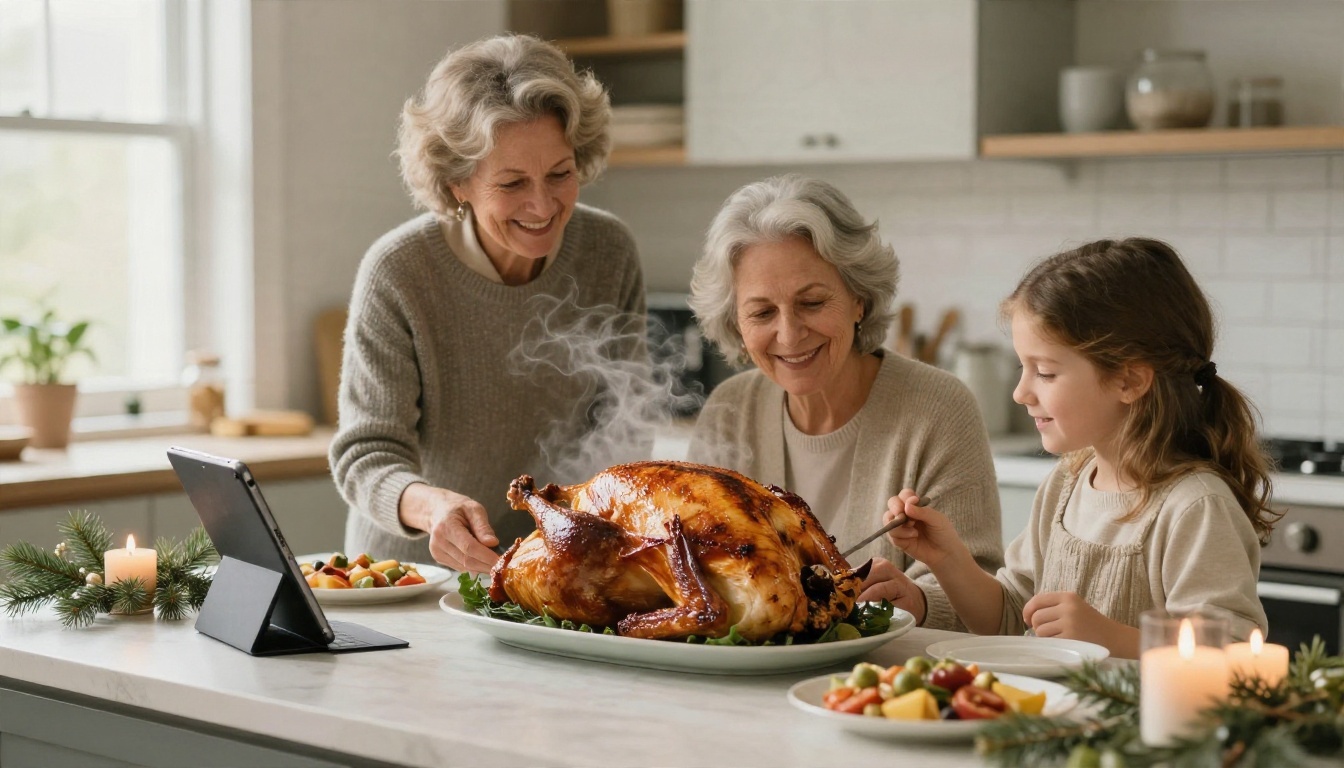
Every November, one relative gets stuck asking five people for the stuffing recipe. Instead, build a Holiday Favorites flipbook once, update the PDF each year, and send the same link every season. New members of the family, such as a partner or a baby cousin who grows up, receive it like a welcome gift.
The Wedding or Graduation Gift
Not sure what to give a newlywed couple? A cookbook flipbook with recipes from both families is personal, free to share, and easy to print as well. Pair it with a framed photo of the family table and you have a present nobody else will bring.
Use Cases at a Glance
| Situation | What goes in the book | Why a flipbook helps |
|---|
| Family reunion | Dishes from every branch | One link for dozens of relatives |
| New home cooks | Simple weeknight meals | Easy to open at the stove |
| Cultural heritage | Traditional dishes with stories | Keeps voices and handwriting |
| Holiday gatherings | Annual menu and sides | Updated PDF, same link |
| Gifts | Curated favorites | Looks like a printed book |
For different book styles, you can also browse all the flipbook tools, including the Interactive E-Book Publisher for longer, story-rich collections.
Keep Your Recipes Private and Safe
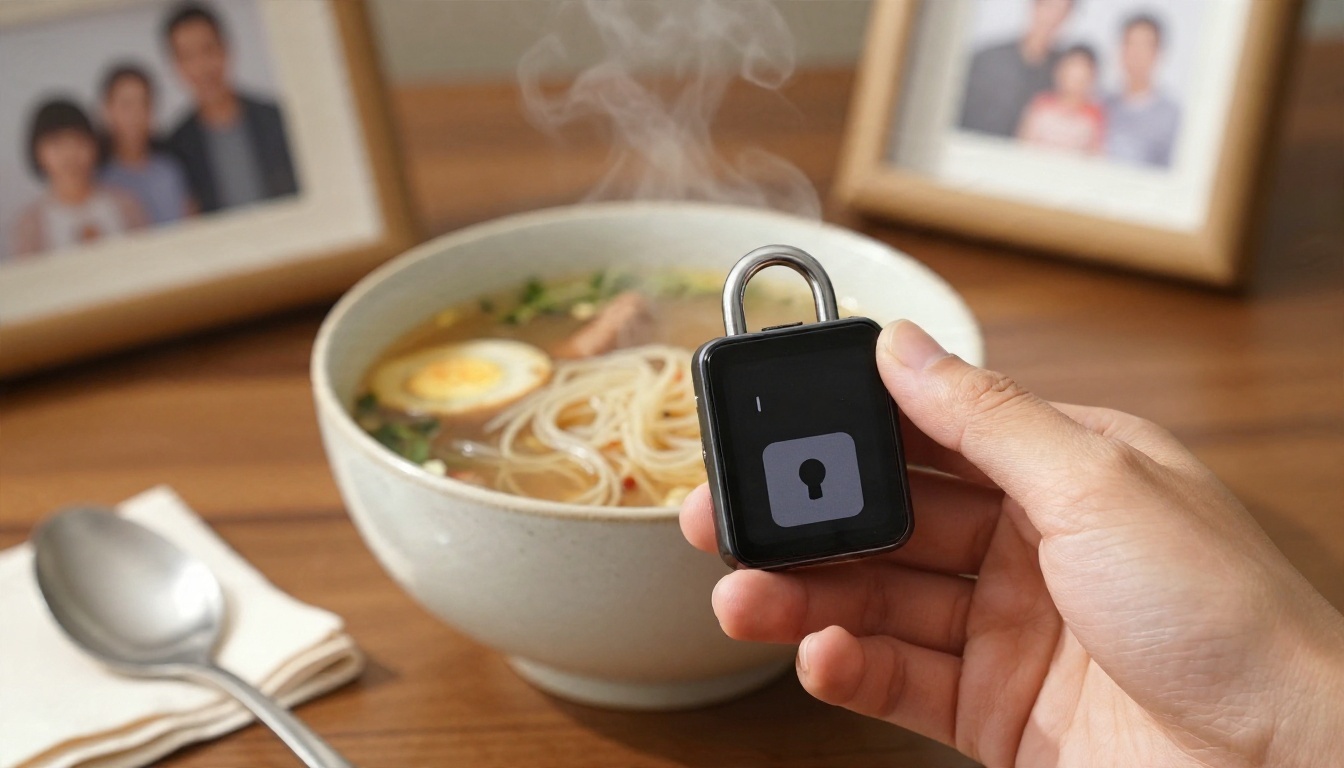
Family recipes can be surprisingly valuable. Maybe it is a secret barbecue rub, or maybe the book includes photos of children and relatives. Either way, a private family cookbook should not be public by default.
Password Protection
Add a password to your flipbook, then share the link in the family chat and the password separately. Anyone who finds the link by accident still cannot open the book. Pick something the family will remember, such as the name of the family dog plus a year.
Offline Copies
Printing or downloading an offline copy for older relatives who dislike screens is a thoughtful gesture. A digital file shared only with the people you choose gives you control that a public social post never will.
⚠️ Warning: Do not post a private family cookbook link on public social media. If you need to share widely, make a separate public sampler with only a few recipes.
Mistakes to Avoid
Most failed family cookbook projects stumble in the same three places.
- Waiting for perfection. Start with 15 recipes. You can always update the PDF and keep the same link.
- Skipping the stories. A recipe without a name, a date, or a memory is just a list of ingredients. Add one sentence about who made it and when.
- Choosing a tool nobody can open. If your grandmother cannot open it on the first try, the project fails. Test the link on the least technical person in your family before you send it to everyone.
A few smaller habits help too:
- Use the same measurement style across the book, either cups or grams
- Number the steps in every recipe
- Mark allergens clearly for guests with dietary needs
- Keep the font large, because many readers will be over 60
Send Your First Family Cookbook Today
You do not need a design team, a printing budget, or a perfect plan. You need a few recipes, a PDF, and ten minutes to share a link. If you only want quick, free sharing, start with a document or group chat. If you want something your family will keep, open, and pass down, build a flipbook.
Here is your next move:
- Create your account on Flipbooks AI and upload your first PDF.
- Try the Recipe Book Flipbook tool for a layout made for cookbooks.
- Compare pricing plans when you are ready for unlimited flipbooks, analytics, and more options.
- Ready to go further? Choose a plan that fits and start sharing.
The next time someone asks "what's in grandma's pie?", the answer will be one tap away.



