You spend months preparing for a trade show, pay for the booth, ship the samples, and then watch visitors walk away with a brochure they will bin before they reach the parking lot. It happens at every event. The good news is that a new generation of apps for exhibitions fixes the problem: digital catalogs that open on any phone, booth brochures that turn pages like paper, QR codes that put your whole range in a visitor's pocket, and plenty of free options to test the idea. Platforms like Flipbooks AI let you convert a PDF into a page-turning flipbook in minutes, so you can stop guessing and start measuring what visitors actually read.
This article compares the main app types, shows where QR codes work (and where they fail), breaks down what free tools really give you, and walks through a booth-ready flipbook from upload to sharing.
Why Paper Fails at Trade Shows
Paper has a long history at exhibitions, and it still feels reassuring to hand someone a glossy brochure. But the numbers on your booth table tell a different story.
The Real Cost of Printing
Printing is not just the invoice from the print shop. You also pay for design revisions, shipping heavy boxes to the venue, storage, and the leftovers you cannot reuse once a price or product changes.
| Cost item | Printed catalog | Digital catalog |
|---|
| Production per copy | Charged every copy | Close to zero after the first file |
| Shipping to the venue | Heavy boxes, customs risk | None |
| Updating a price or photo | Reprint everything | Replace the PDF, link stays the same |
| Leftover stock after the show | Usually thrown away | Keeps working for months |
| Visitor data | None | Visits, page views, optional lead forms |
What Visitors Actually Do
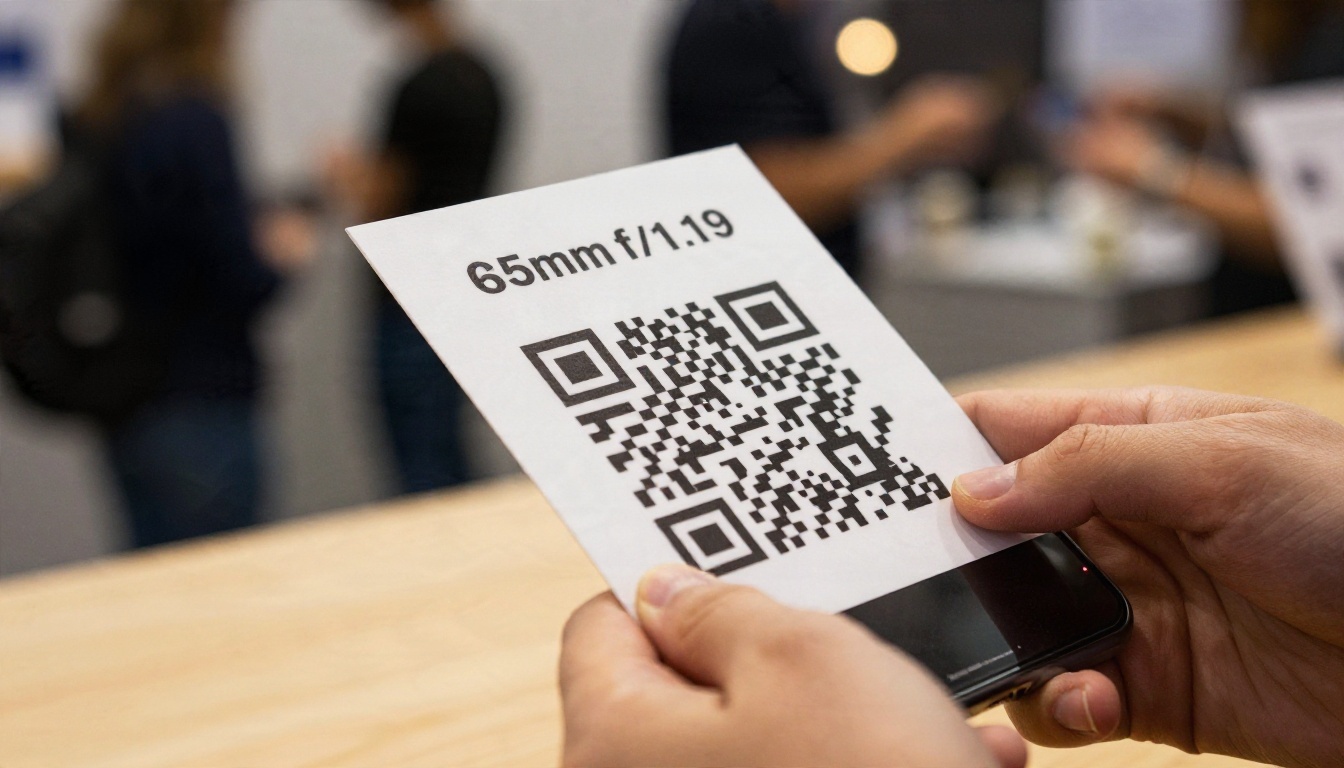
Think about your own behavior at a show. You collect paper in a tote bag, and by the second day it weighs a ton. Most people photograph what interests them, or scan something. That is why a link or QR code beats a brochure: it survives the trip home, and it is searchable on a phone.
💡 Pro tip: Keep a small number of printed pieces for high-value prospects, and make the digital version the default for everyone else. You cut waste without losing the personal touch.
What Exhibition Apps Actually Do
"Exhibition app" is a loose term. It can mean an official event app, a lead scanner, a QR generator or a publishing tool. For a single exhibitor, the useful categories are narrower.
| App type | Main job | Best for | Typical weakness |
|---|
| Flipbook and catalog publisher | Turns a PDF into a shareable, page-turning document | Product ranges, brochures, price lists | Needs a good source PDF |
| QR code generator | Creates a scannable link or image | Booth signage, badges, packaging | A bad link means a bad experience |
| Lead retrieval scanner | Scans visitor badges | Organizer-run events | Often rented per show |
| Event app | Schedules, maps, networking | Attendees and organizers | You rarely control the content |
| Cloud storage link | Shares a file quickly | Quick tests | No page effects, no tracking, plain look |
Digital Catalogs
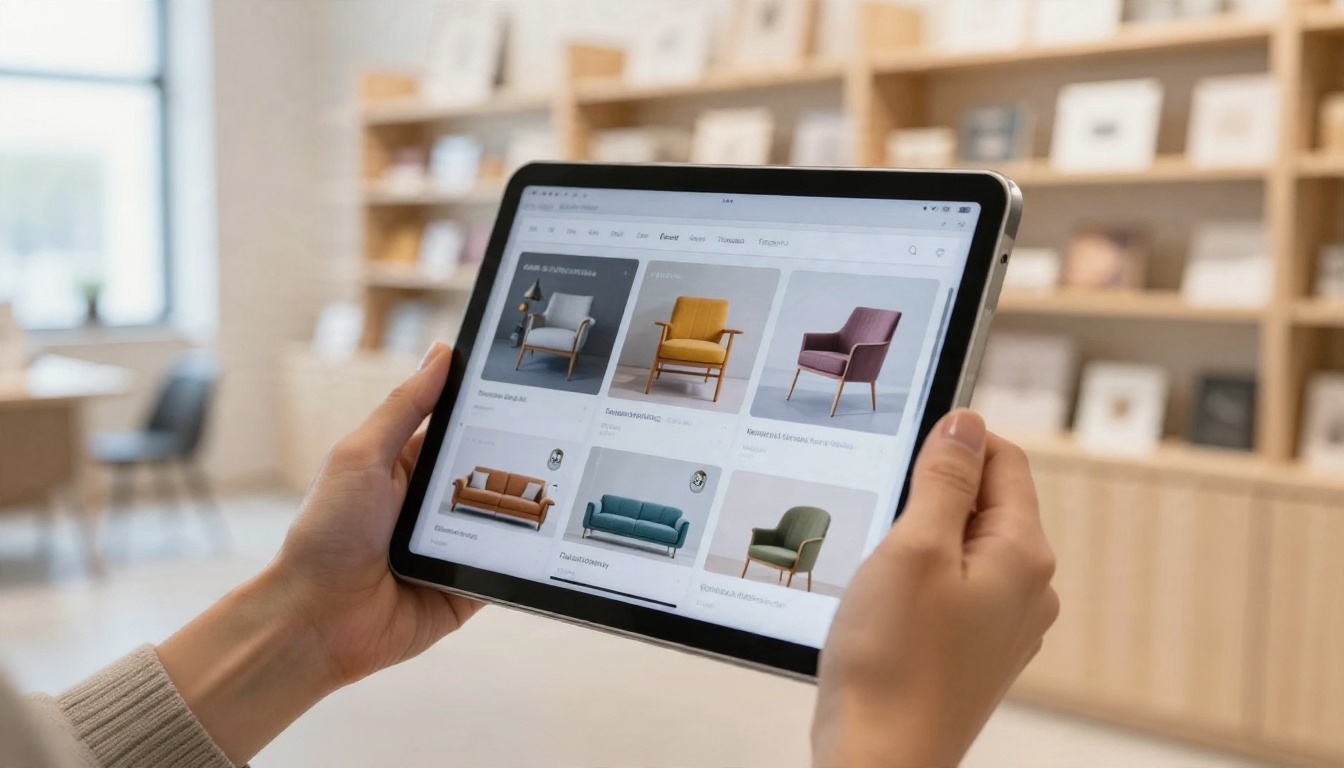
A digital catalog is the heart of any booth setup. Visitors browse products at their own pace on your tablet, or later on their phone. With a flipbook, the pages turn, the images zoom, and links can jump straight to a product page or order form. If your range is large, tools such as the Digital Catalog Maker or the Product Catalog Generator give you a starting point.
Booth Brochures
A brochure is shorter than a catalog: one story, one offer, one call to action. In digital form it works as a leave-behind. You can build one with the Online Brochure Designer or the Brochure Flipbook Maker, then show it on a screen at the booth and send the same link to every visitor.
Price Lists and Event Programs
Two documents that change often are price lists and event programs. A Digital Price List Generator keeps current prices live, and the Event Program Maker helps if you host a talk or demo at your stand.
QR Codes That Work on the Show Floor
A QR code is only a doorway. What matters is the room behind it. Send visitors to a slow, desktop-only PDF and you lose them in seconds. Send them to a mobile-responsive flipbook and they keep reading.
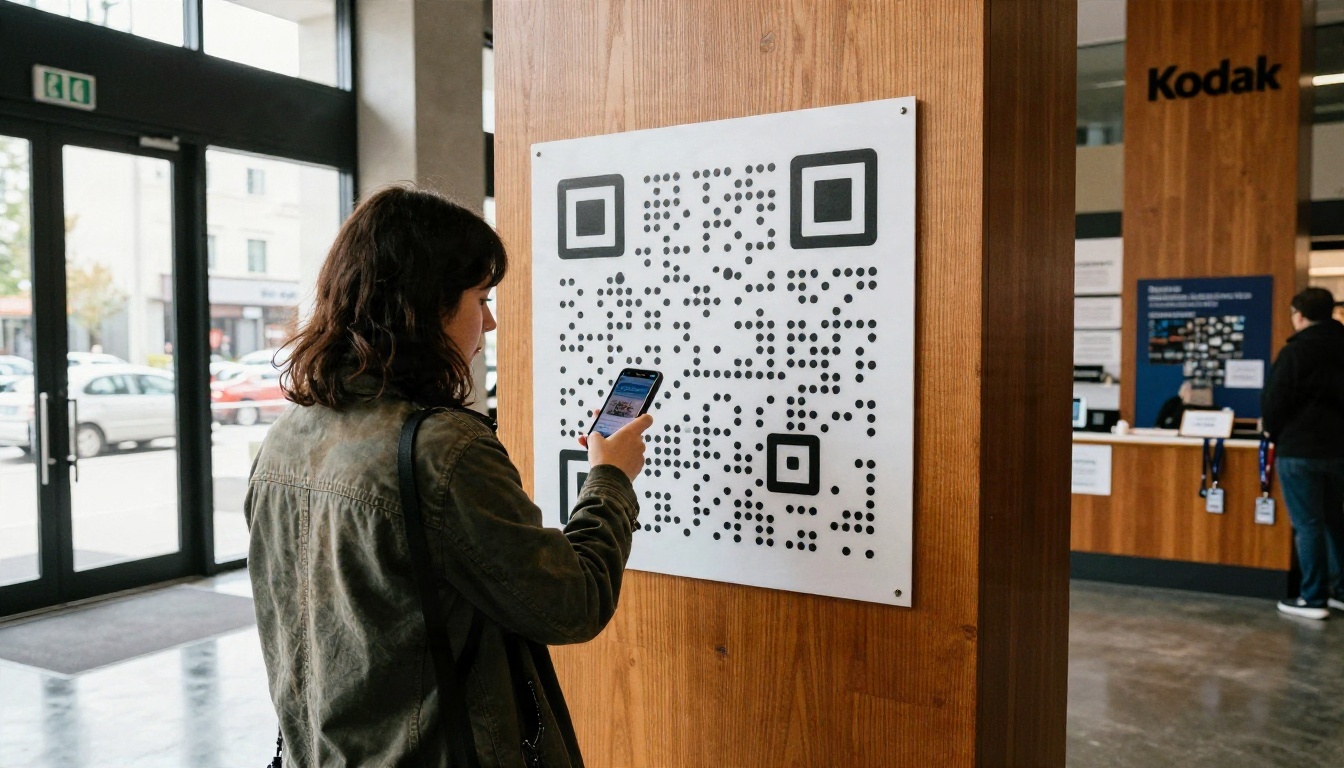
Where to Place Them
| Location | Why it works | Tip |
|---|
| Booth counter stand | Visitors are already looking down at the table | Use a card at least 8 cm wide |
| Back wall or banner | Visible from the aisle | Place at eye level, not above 2 meters |
| Business card | Survives the trip home | Print it on the back side |
| Giveaway packaging | Reaches people who never stopped | Pair with a clear reason to scan |
| Badge or lanyard card | Easy for the team to show | Link to a personal contact page |
3 Common Mistakes
- Tiny codes. A code smaller than a coin fails in poor lighting or from an angle. Print it large with generous white space around it.
- No reason to scan. A bare square tells people nothing. Add one short line such as "See the full range" next to it.
- Dead or slow links. Test the code on mobile data, not the booth Wi-Fi. Exhibition networks are crowded, and a heavy file will stall.
⚠️ Warning: Never print a QR code that points to a link you might delete. Use a stable address, such as a flipbook URL you can update in place, so printed signage keeps working after the show.
Dynamic vs Static Codes
A static code stores the address directly. A dynamic code points to a redirect you can change later. If you print thousands of cards, dynamic is safer because you can switch the destination to the next catalog edition without reprinting anything.
Free Options and Their Limits
Free tools are a fine way to test the idea before a big show. Just know what you are trading off.

What Free Plans Usually Include
| Feature | Typical free tool | Paid flipbook platform |
|---|
| Page-turn effect | Sometimes, basic | Yes, smooth and customizable |
| Watermarks | Often added | None on Flipbooks AI |
| Custom branding and colors | Limited | Full control |
| Password protection | Rare | Available |
| Offline downloads | Rare | Available |
| Analytics and lead capture | Not included | Professional plan |
| Number of documents | A few | Unlimited on Standard plan and above |
Free QR generators are even simpler. They work well for a static link, but many cap scans, limit styling or add a branded redirect. Read the terms before you print five hundred cards.
When to Pay
Move to a paid plan when one of these is true:
- You attend more than two shows a year and update your catalog often.
- You need no watermarks, because a third-party logo on your catalog looks careless.
- You want to know who opened the catalog and which pages held attention.
- You sell to private or wholesale buyers and need password protection.
You can check the pricing plans to see which tier fits your show schedule.
How to Create a Booth Flipbook with Flipbooks AI
If your catalog or brochure already exists as a PDF, you are about ten minutes from a digital version. Here is the full path from file to booth.
Step 1: Create Your Account
Go to Flipbooks AI and create an account. Once you are in, you land on a dashboard where all your flipbooks live.
Step 2: Upload and Convert Your PDF
Use the PDF to Flipbook Converter. Drag your file into the upload area, wait while the pages convert, and a preview appears with the page-turn effect already applied.
💡 Pro tip: Export your PDF at screen resolution with images compressed to a sensible size. Pages load quicker on weak show-floor connections, and the text stays sharp.
Step 3: Customize for Your Brand
Open the editor and adjust:
- Colors and background to match your booth graphics
- Logo and custom branding so the catalog looks like yours
- Page effects such as the page curl and sound
- Multimedia, including embedded video and audio, for product demos
- Links from products to your shop or contact form
Step 4: Choose Sharing Options
- Copy the direct link and turn it into a QR code.
- Use the Embed Flipbook on Website tool to place it on your event landing page.
- Add password protection if the content is for registered buyers.
- Enable offline download for visitors who want the PDF later.
Step 5: Turn On Professional Features
On the Professional plan you get analytics and lead generation. You can see how many people opened the catalog, which pages they viewed, and collect contact details through a form before the document opens. That turns a stranger with a phone into a lead you can follow up. See the pricing page for details.
Real Booth Scenarios
Theory is fine, but here is how different exhibitors put these apps to work.
A Furniture Maker
A furniture workshop with 300 products cannot bring every item to the booth. They publish a furniture catalog as a flipbook, run it on a tablet at the stand, and print a QR code beside each sample chair. Buyers scan the one they like and receive the full range, fabrics and dimensions.
A Fashion Brand
A small label presenting a new collection uses the Fashion Catalog Creator or an Interactive Lookbook Designer. Buyers flip through looks on their phones, and a link takes them to a wholesale order form.
A Real Estate or Hotel Exhibitor
Travel and property fairs reward visual storytelling. A Hotel Brochure or Real Estate Brochure with embedded video tours lets the visitor walk through ten properties in two minutes, with no heavy folder.
A B2B Software or Services Firm
Sales teams can load a Sales Presentation onto a tablet, show it during demos, and email the same link afterward. Pair it with a Press Kit Designer file for journalists walking the aisles.
A Simple Pre-Show Checklist
Preparation decides whether your digital setup works under pressure.
Two Weeks Before
- Finalize the PDF and convert it to a flipbook
- Test the link on iOS, Android and a slow connection
- Order QR signage and cards, with a printed test copy first
- Decide what lead data you actually need (name, email, company is enough)
At the Booth
- Keep the catalog open on a tablet and a wall screen
- Train every team member to share the link in one sentence
- Check the battery and keep a charger under the counter
- Keep a few printed cards with the QR code for visitors who ask
After the Show
- Review which pages got attention, and which products visitors skipped
- Follow up with leads within 48 hours, referring to what they viewed
- Update the flipbook with show feedback, and keep the same link alive
✅ Best practice: Send a short message that mentions one specific page the visitor opened. People remember a follow-up that shows you paid attention.
How to Measure Success
| Metric | What it tells you | Where to find it |
|---|
| Catalog opens | How many people used the link or QR code | Flipbook analytics |
| Pages viewed | Which products interest buyers | Flipbook analytics |
| Leads captured | Contacts ready for follow-up | Lead generation form |
| Sales conversations | Real value from the show | Your CRM |
Ready for Your Next Show?
Paper will not disappear from exhibition halls overnight, but it no longer needs to carry the job alone. A digital catalog, a short booth brochure and a well-placed QR code give every visitor a way to keep your products with them, and give you a way to see what worked.
Start small. Create a free account on Flipbooks AI, upload your current PDF, and test the link on your own phone. Browse all flipbook tools to find the format that fits your range, then compare the pricing plans when you are ready for analytics, lead capture and unlimited flipbooks. If you already know you need the upgrade, go straight to plans via your account.



