You have a stack of photos, a few articles half written, and a strong feeling that your ideas deserve a proper magazine. The good news: you do not need a design degree or a monthly software bill. A handful of free apps can handle the layout, and a tool like Flipbooks AI can turn the finished file into an online magazine that readers flip through on a phone, tablet, or laptop.
This article sorts the best free options for building a magazine, shows where to find templates that actually look professional, and walks through publishing your issue online so people can read it without downloading anything.
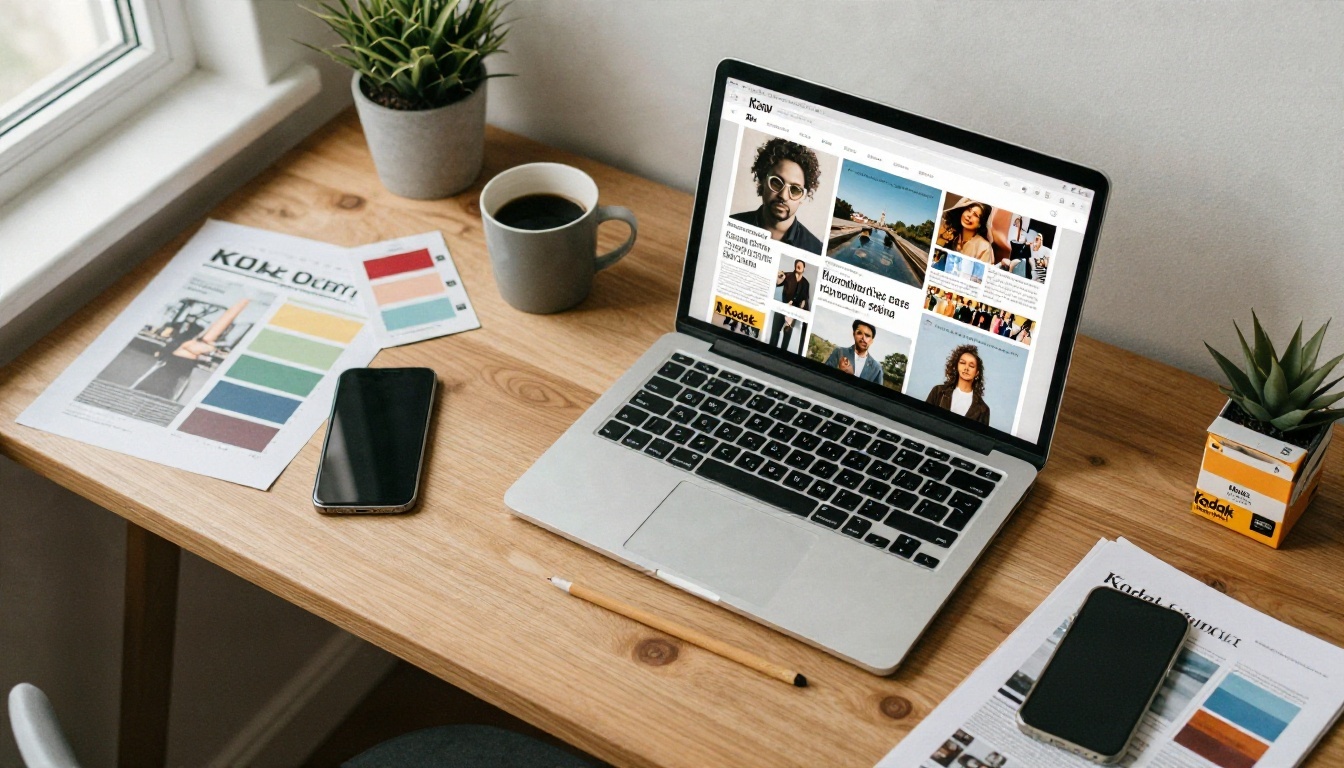
What Magazine Apps Actually Do
The phrase "magazine app" covers two very different jobs. Mixing them up is the number one reason first time publishers get stuck, so it is worth separating them early.
Design Apps vs Publishing Apps
A design app is where you build pages: placing photos, setting headlines, adjusting columns, and exporting a PDF. A publishing app takes that finished file and puts it in front of readers with page turning, sharing links, and sometimes statistics.
| Job | What it does | Typical output |
|---|
| Design | Layout, typography, images, color | PDF or image files |
| Publishing | Hosting, page turn effect, sharing, embedding | Web link, embed code |
| Distribution | Email, social posts, website placement | Reader traffic |
Most free design apps stop after the first row. That is where a flipbook tool steps in.
Who Needs Which Type
- Solo bloggers and creators usually need a design app with good templates and a simple publishing step.
- Small businesses often need branded layouts and a private link for customers or staff.
- Schools and clubs want something quick, collaborative, and free.
- Photographers and artists care most about image quality and a reading experience that feels like turning real pages.
💡 Pro tip: Decide where your readers will open the magazine before you pick a design app. A magazine read mostly on phones needs larger type and fewer columns than one meant for a desktop monitor.
Free Options Worth Trying
Free tools come with trade offs, usually limited templates, export caps, or a logo added to your pages. The three groups below cover nearly everyone.
Browser Based Design Tools
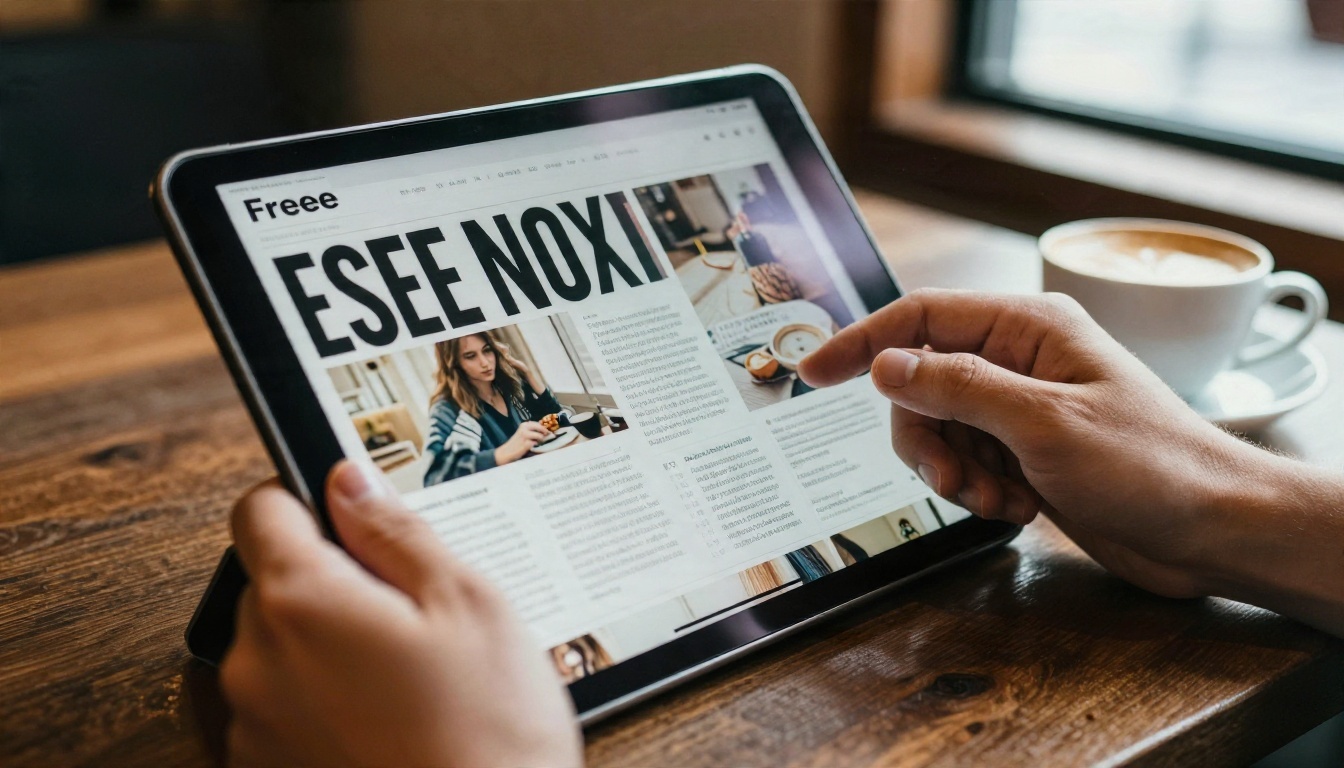
Online editors such as Canva and Adobe Express offer free plans with magazine style templates, stock images, and drag and drop editing. They are the fastest route from zero to a finished layout. The limits to watch are premium only templates and some restrictions on export options, which change over time, so check the current free plan before you commit to a design.
Best for: beginners, short issues, social media style magazines.
Desktop Layout Software
Scribus is a free, open source desktop publishing program built for print grade layout. It handles multi page documents, master pages, and precise typography. The interface feels dated and the first hour is rough, but nothing is locked behind a paywall and nothing is added to your pages.
Best for: longer issues, anyone who wants full control and no account.
Office Suites You Already Own
Google Docs, Google Slides, and Word can all produce a respectable magazine if you are disciplined. Slides in particular works well because each slide is one page, and you can set a custom page size. Export to PDF and you are done.
Best for: quick newsletters, school projects, teams that already work in a shared drive.
| Option | Skill level | Template variety | Best use |
|---|
| Canva (free plan) | Beginner | Very high | Visual, short issues |
| Adobe Express (free plan) | Beginner | High | Social friendly layouts |
| Scribus | Intermediate | Low (build your own) | Long, text heavy issues |
| Google Slides | Beginner | Medium | Team projects |
| Word or Docs | Beginner | Medium | Simple newsletters |
⚠️ Watch out: Free plans can change. Before investing hours in a layout, confirm that PDF export is available on the free tier and that no logo or watermark will be added to your pages.
Where to Find Free Templates
A good template saves roughly half the work. The trick is finding one that fits your content rather than forcing your content into it.
Reliable Template Sources
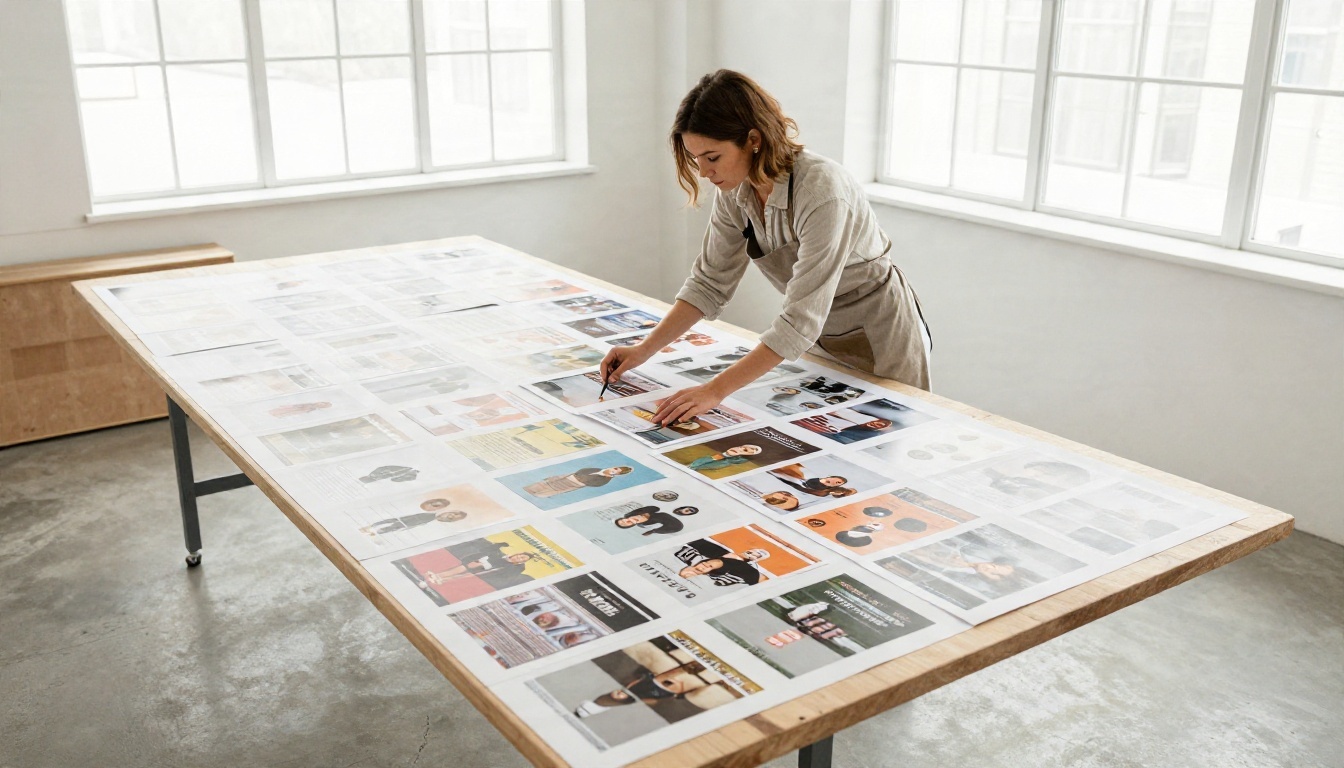
- Built in libraries inside design apps. Search for "magazine", "lookbook", "zine", or "editorial".
- Community marketplaces where designers share free layouts, often as editable files.
- Office template galleries from Google and Microsoft for newsletters and brochures.
- Your own past work. Duplicate a layout you already like and replace the content.
If you plan to publish a lookbook or portfolio style issue, the Interactive Lookbook Designer and Digital Portfolio Creator are worth a look for image led pages.
Picking a Template That Fits
Ask three questions before you open a template:
- How much text will each page carry? Heavy articles need wider columns and calm layouts.
- How many images do you have? A photo driven issue needs full bleed layouts.
- Will it be read on a phone? If yes, avoid tiny captions and tight margins.
4 Template Mistakes to Avoid
- Using more than two typefaces across the whole issue.
- Filling every page edge to edge with no white space.
- Picking a template with a fixed page size that does not match your export plan.
- Swapping in low resolution photos that look soft on a big screen.
✅ Best practice: Build one page that sets your style for headlines, body text, captions, and pull quotes. Then copy it for the rest of the issue so everything stays consistent.
Free Flipbook Publishing Online
Once the PDF exists, you have a choice: email the file and hope people open it, or publish it as a flipbook.
Why PDF Alone Falls Short
A raw PDF works, but it has real drawbacks for magazines:
- Large files are slow to download on mobile data.
- Readers scroll instead of turning pages, which loses the magazine feel.
- You cannot see who opened it or how far they read.
- Sharing means attaching files instead of sending one clean link.
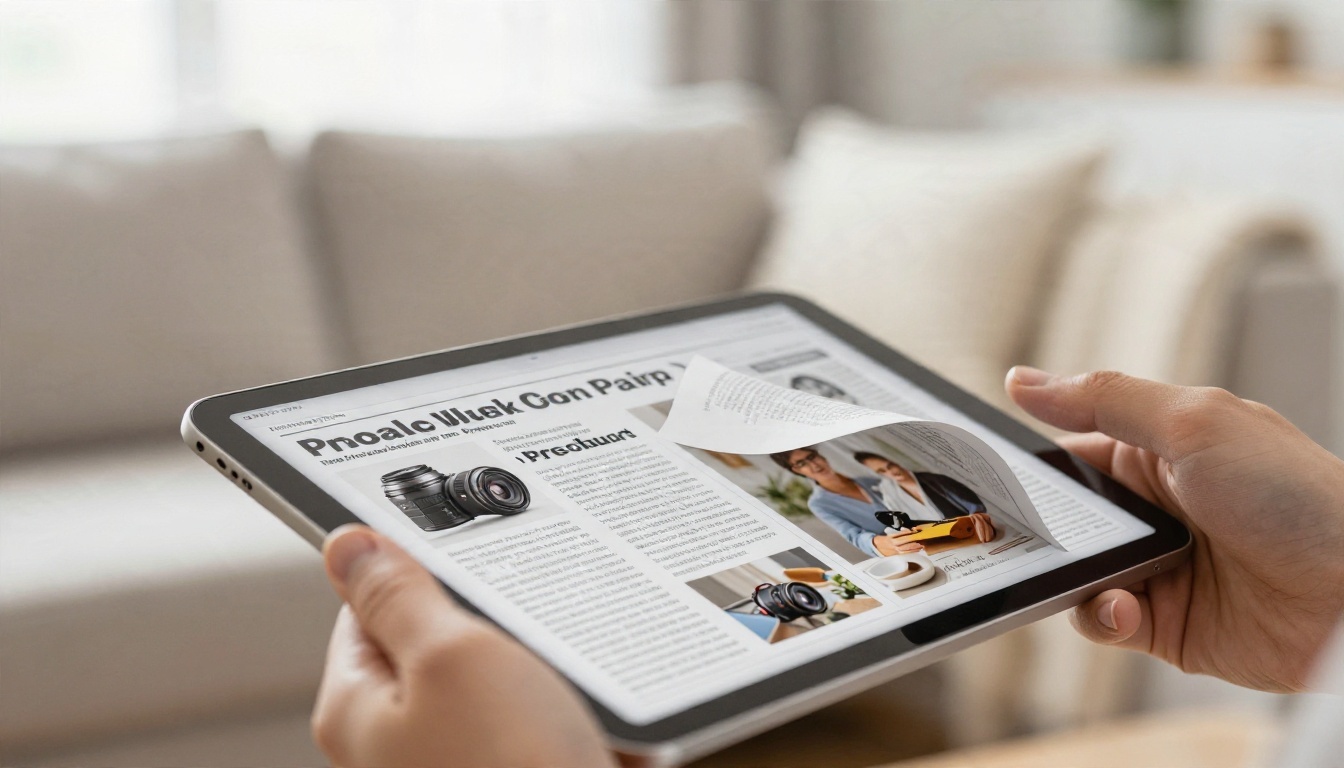
A flipbook fixes each of those. Pages turn like paper, the file loads in the browser, and one link goes everywhere. That is why a dedicated Magazine Flipbook Creator is a natural second step after your design app.
Flipbook vs PDF at a Glance
| Feature | Plain PDF | Online flipbook |
|---|
| Page turn effect | No | Yes |
| Opens in browser | Sometimes | Yes |
| Mobile friendly reading | Pinch and zoom | Responsive layout |
| One shareable link | Needs hosting | Built in |
| Embed on a website | Awkward | Simple embed code |
| Reader statistics | None | Available on higher plans |
How to Create a Magazine Flipbook with Flipbooks AI
Here is the full process, from a finished PDF to a published issue. Flipbooks AI is built for exactly this step, and no watermarks are ever added to your pages.
Step 1: Create Your Account
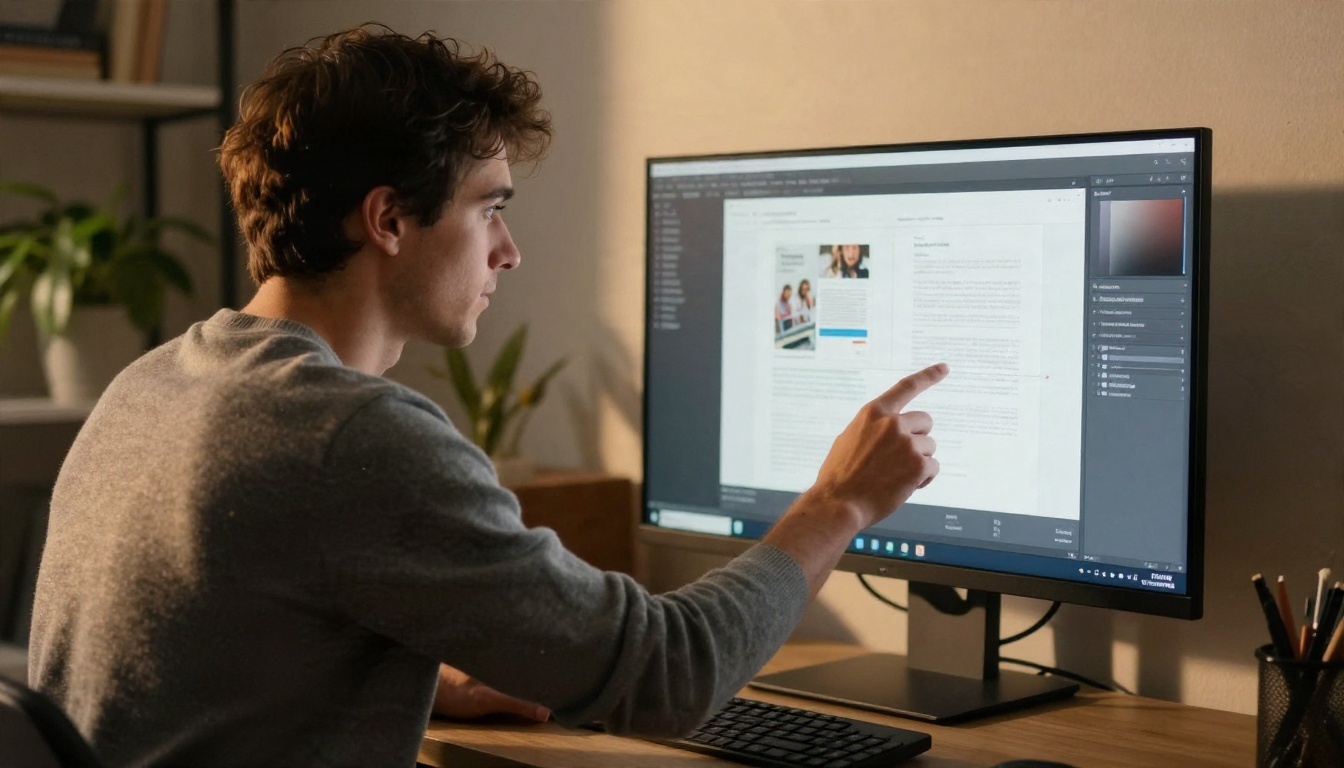
Head to Flipbooks AI and create an account. Then open the E-Magazine Publishing Tool, which is tuned for multi page editorial layouts.
Step 2: Upload and Convert
- Export your finished magazine from Canva, Scribus, Slides, or Word as a PDF.
- Drag the file into the uploader. The PDF to Flipbook Converter turns each PDF page into a flipbook page.
- Wait a moment while the pages process, then preview the result.
💡 Pro tip: Export at a reasonable resolution. Very heavy files slow loading, while tiny ones look blurry on large screens. Aim for sharp images without huge file sizes.
Step 3: Customize the Reading Experience
- Set your brand colors and background so the viewer matches your magazine.
- Choose a page turn effect that feels natural.
- Add videos or audio to pages where a short clip adds value, such as an interview or a behind the scenes moment.
- Add a logo and a custom title for a branded look.
Step 4: Share It Everywhere
| Sharing method | Best for |
|---|
| Direct link | Email, messaging apps, social posts |
| Embed code | Your website or blog, using the Embed Flipbook on Website tool |
| Password protection | Private issues, client previews, members only content |
| Offline download | Readers with limited connectivity |
Step 5: Use the Pro Features
On the Professional plan you can add analytics to see how readers behave, and lead generation forms to capture emails before or during reading. Unlimited flipbooks are available from the Standard plan up. Compare options on the pricing page to see which fits your publishing schedule.

Real World Use Cases
Magazines are not only for publishers. Here are scenarios where a free design app plus a flipbook makes sense.
Business and Brand Magazines
A boutique hotel can build a seasonal magazine with local tips and room features, then embed the flipbook on its website. A fashion label can turn a campaign into a page turning lookbook that feels richer than a product grid.
Newsletters That Look Like Magazines
Many teams already send a monthly update. Turning it into a visual issue with the Newsletter Flipbook Publisher gives it more presence than a block of email text.
Schools, Clubs, and Communities
A school can publish a student magazine, a club can share an annual recap, and a neighborhood group can release a local events issue. For classroom projects, the School Newsletter Creator keeps everything in one place.

Creators and Photographers
Photographers can build a themed photo magazine instead of a plain gallery. A flipbook lets the viewer move through the story at their own pace, which suits long form image series.
Costs and Limits Compared
Free does not mean unlimited. Here is where limits usually show up.
| Cost area | Free approach | When you might pay |
|---|
| Design software | Free plans or open source | Premium templates, brand kits |
| Stock images | Free photo libraries, your own shots | Exclusive imagery |
| Hosting issues | Basic flipbook plan | Unlimited issues, custom branding |
| Reader statistics | Not included on free setups | Professional plan analytics |
| Print copies | Skip printing | Print on demand services |
✅ Best practice: Start with free tools for your first two issues. If readers respond, invest in the parts that save you the most time, usually branding and statistics.
Tracking Results and Improving Issues
Publishing is only half the story. Once issues are live, watch how people read them.
What to Measure
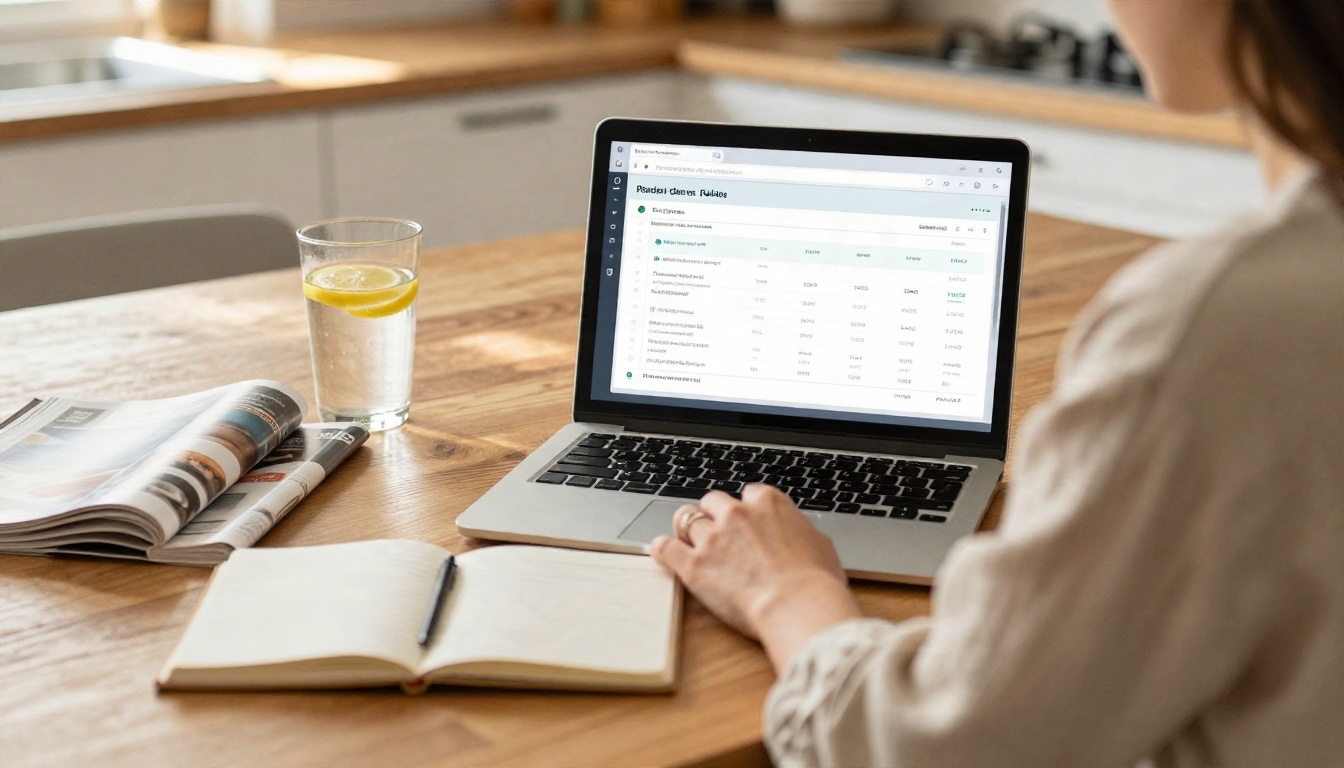
- Opens per issue: Is your audience growing?
- Pages reached: Do readers stop at page 5 or finish the whole issue?
- Traffic source: Which channel sends the most readers, email, social, or your website?
Small Changes That Pay Off
- Move your strongest story toward the front.
- Shorten your opening pages if readers drop early.
- Add a clear call to action on the last page, such as a signup link.
- Publish on a steady schedule so readers know when to expect you.
Design for Mobile Readers
Plenty of readers will open your magazine on a phone while commuting, so build with that in mind: larger body text, clear headings, and images that read well at small sizes.

Ready to Publish Your First Issue?
The workflow is simple: design in a free app, export a PDF, and publish it as a flipbook. You do not need expensive software to produce something that looks polished and reads well.
Pick a template, write your first story, and put your magazine in front of readers today.



