Art Display Website: Free Options, Examples, and Flipbook Embeds for Artists
Pick the right free platform for your art display website, study real examples by medium, and add an embedded flipbook portfolio that lets collectors page through your work like a printed book on any screen.
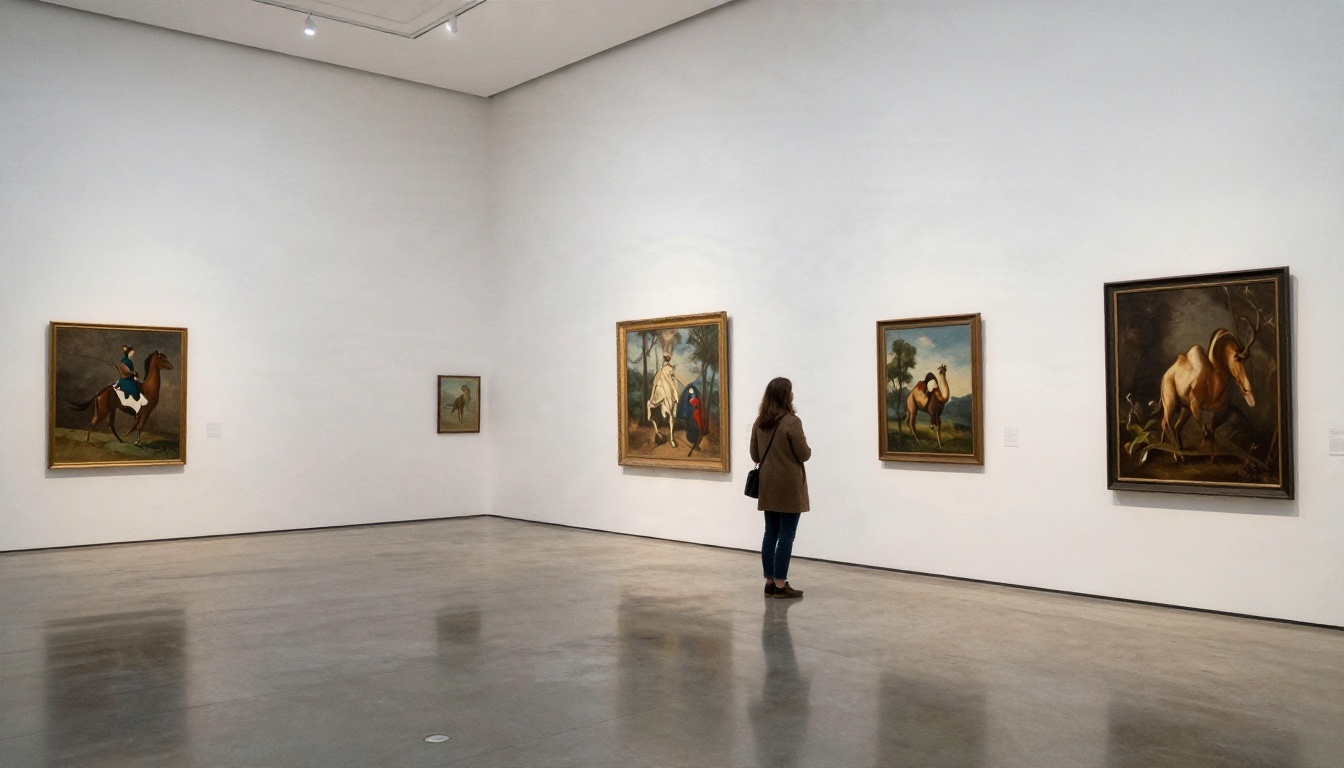
A collector sees your painting on Instagram, taps the link in your bio, and lands on a page that loads slowly, crops the artwork, and hides the prices. They leave in under ten seconds. A good art display website prevents that moment. It gives your work a calm, fast, well lit room of its own, and it costs far less than most artists assume. In this article you will see which free options are worth your time, what strong artist sites look like by medium, and how to add a page-turning portfolio with Flipbooks AI so visitors can browse your work like a printed art book.
Why Artists Need a Display Site
Social feeds are rented space. The algorithm decides who sees your work, compression flattens your colors, and a post disappears from view within days. A website is the only place where you control the order, the size, the context, and the call to action.
What Collectors Actually Look For
Buyers, gallerists, and commissioners tend to check the same things within the first minute:
Clear, large images that show texture and scale
A short artist statement written in plain language
Titles, sizes, mediums, and years for each piece
A visible way to inquire or buy, ideally within one click
Recent work, so the site does not feel abandoned
💡 Pro tip: Put your best six pieces on the first screen. Most visitors never scroll further, so the opening group sets the price expectation for everything else.
The Cost of Having Nothing Online
An artist without a site relies on screenshots and messages. Every inquiry needs a manual reply with attachments, and a gallery curator who cannot find a tidy overview often moves on to the next name. Even a simple one page site works as a permanent, shareable résumé.
Free Art Website Options Compared
Free plans change often, so treat the table below as a starting point and confirm current limits on each provider's pricing page before you commit.
Option
Best for
Typical free plan limits
Main drawback
Wix or WordPress.com free tier
Full multi page sites
Platform subdomain, platform ads, storage caps
Branded URL and ads
Google Sites
Simple, fast portfolio
Free with a Google account, basic templates
Limited design control
Carrd style one pagers
A single landing page
Few pages, limited widgets
Outgrown quickly
Behance
Illustrators, designers
Free profile and project pages
Your work lives inside their network
Instagram or Pinterest
Discovery
Free profile
No control over layout or sales
Self hosted WordPress
Long term ownership
Software is free, hosting is not
Needs setup and maintenance
Free Builders
A drag and drop builder suits most painters, photographers, and illustrators. You pick a gallery template, drop in images, and publish within an afternoon. The tradeoff is usually a subdomain such as yourname.platform.com and a small banner. If you plan to sell, a custom domain is worth the modest yearly fee once you have traction.
Social Platforms
Behance, Instagram, and similar networks are excellent for discovery, but treat them as the front door, not the house. Use them to point people toward your own site, where the images stay uncompressed and nothing competes with your work for attention.
When Free Stops Being Enough
Watch for these signals that you should upgrade:
You are turning down inquiries because there is no shop or contact form.
Your images look soft because of storage or resolution caps.
Collectors ask for a PDF portfolio and you export one by hand each time.
You want traffic statistics and the free plan hides them.
Art Display Website Examples by Medium
Different mediums need different layouts. A site that flatters a large oil painting can bury a series of small ceramics. These patterns come up again and again on strong artist sites.
Painters
Painters do best with a uniform grid on a neutral background, where each thumbnail opens to a large view with a detail crop. Showing a brushstroke close-up next to the full canvas communicates texture, which a thumbnail alone cannot. Add a short note on size and materials for every piece.
Photographers
Photographers need speed and sequence. Full width images, a quiet dark or white background, and series grouped by theme work better than one endless scroll. A photographer can also package each series as a short book, which pairs naturally with a Photography Portfolio flipbook.
Sculptors and Ceramicists
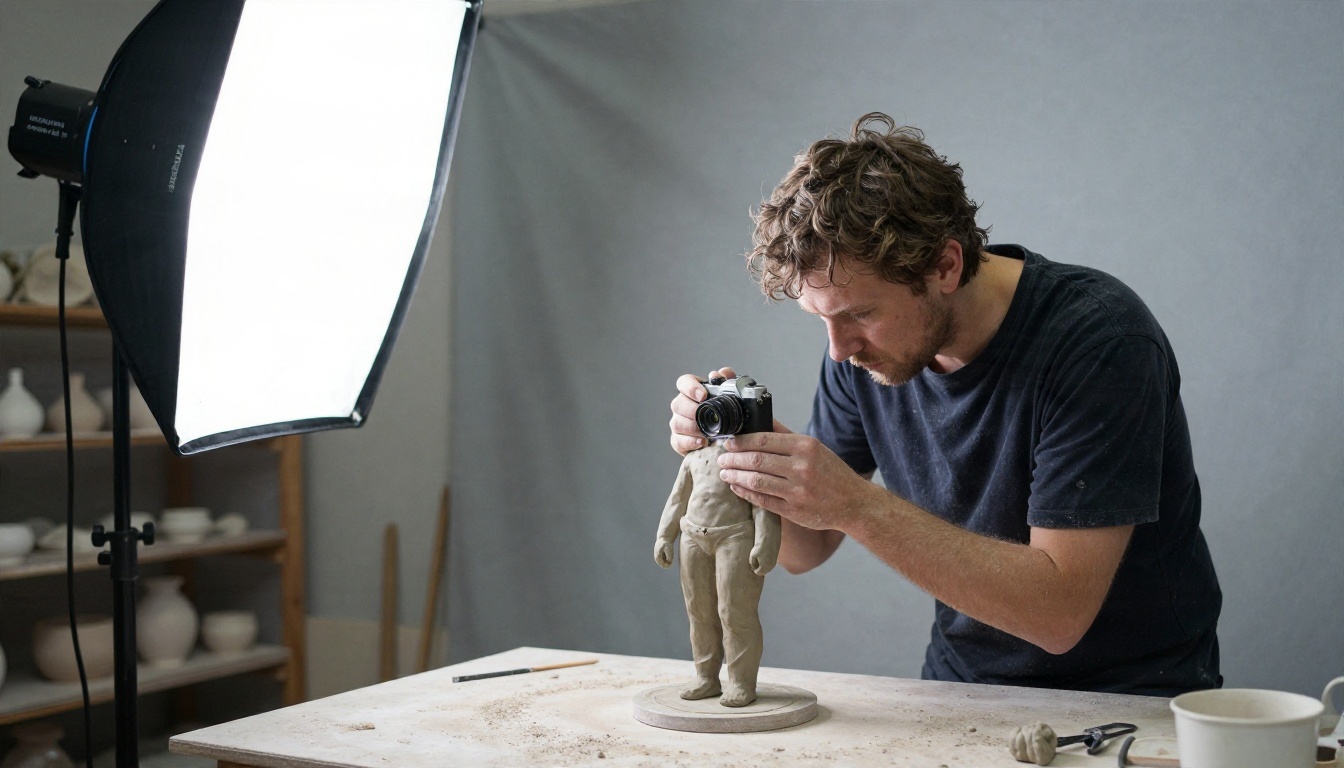
Three dimensional work needs several angles. Plan at least three photos per piece: front, side, and a detail of the surface. Place a hand or a familiar object in one frame so viewers grasp the scale. A seamless gray backdrop and soft side light keep the form readable without harsh shadows.
Illustrators
Illustrators usually show projects, not single images: a children's book, an editorial series, a character sheet. Case study pages that include sketches, process shots, and the final art help art directors judge how you work. A page-turning format fits this storytelling perfectly.
Where Flipbook Embeds Fit
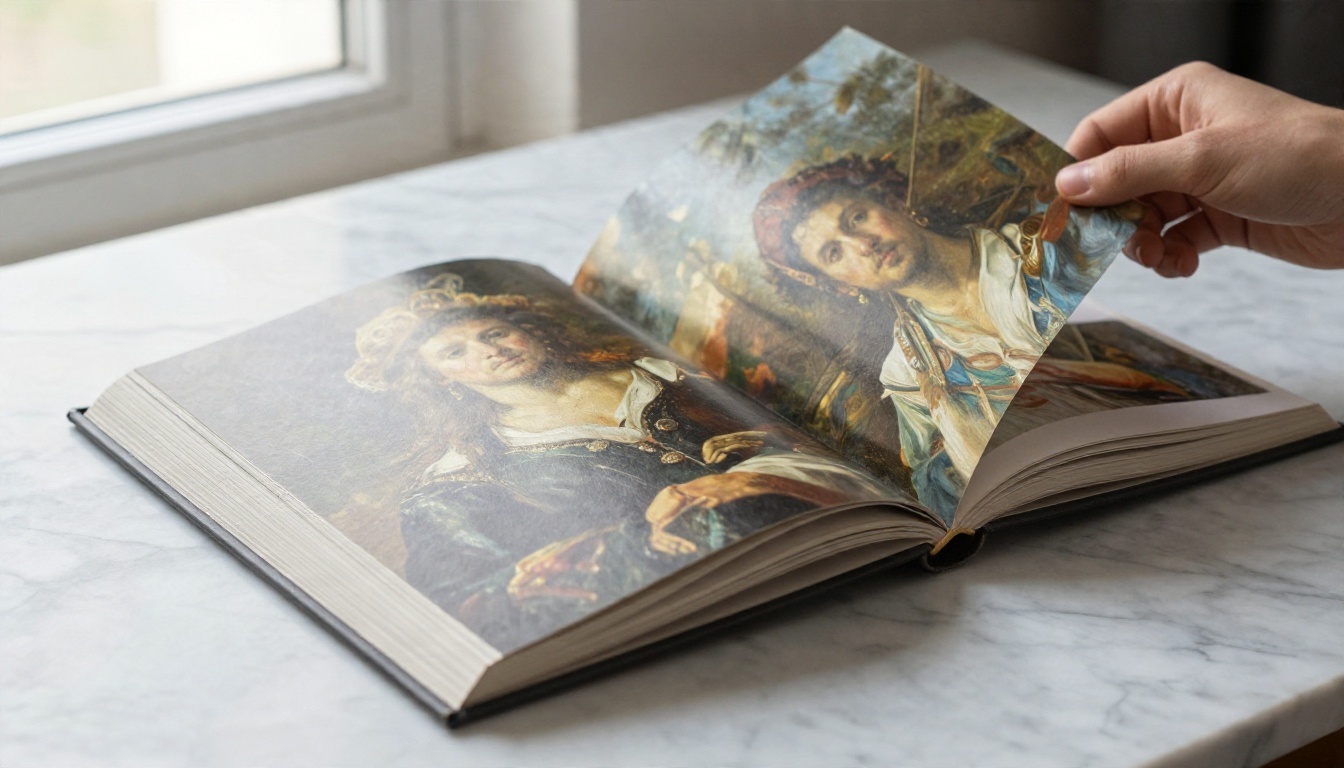
A gallery grid shows individual pieces. A flipbook shows a sequence. Visitors turn pages, see a curated order, and finish with the contact page, much like leafing through a monograph at a bookstore. You build it once from a PDF, then embed it anywhere.
Why a Page-Turning Portfolio Works
Familiar behavior. Everyone knows how to turn a page, so there is no menu to figure out.
Controlled order. You decide what appears first, and what comes last.
One file, many places. The same flipbook can live on your site, in your email signature, and on a QR code at an art fair.
Fresh updates. Replace the PDF and the link stays the same.
Mobile friendly. Pages resize to fit phones and tablets.
Flipbook or Gallery Grid?
You do not need to pick one. Most artists benefit from both, and the comparison below shows how they divide the work.
Feature
Gallery grid page
Embedded flipbook
Shows individual pieces large
Yes
Yes, page by page
Controls viewing order
Partly
Fully
Works as a downloadable portfolio
Rarely
Yes, with offline downloads
Easy to share as one link
No
Yes
Best use
Browsing and shop
Presenting a series or full portfolio
Tracks which pages get read
Basic site stats
Analytics on the Professional plan
How to Create a Portfolio Flipbook with Flipbooks AI
If you already have a PDF of your portfolio, you are about ten minutes away from a live flipbook. If you do not, export one from Canva, InDesign, Affinity, PowerPoint, or even Google Slides. Use landscape or square pages for most art, and keep one piece per spread so each image gets room.
Step by Step
Open your account. Go to Flipbooks AI and sign in or create a free account.
Upload your PDF. Drag the file in. The PDF to Flipbook Converter turns each page into a flippable spread automatically.
Customize the look. Set your background color, add your logo, and choose the page turning effect.
Add multimedia. Embed a short studio video or an audio note about a piece.
Share. Copy the direct link, or grab the embed code for your website.
Customize Without Design Skills
Branding matters more for artists than for most businesses, since the presentation is part of the work. Choose a background that stays out of the way: warm off white for watercolors, charcoal for photography, soft gray for sculpture. Keep one accent color at most. Flipbooks never carry a watermark, so your own name stays the only brand on the page.
✅ Best practice: Preview the flipbook on your phone before you publish. Most collectors will open it from a message or a social link on mobile.
Protect Work You Are Not Ready to Release
Preparing a pitch for a gallery, or a private price list for a collector? Use password protection so only invited viewers can open it. This works well for unreleased series, commissions in progress, and wholesale price lists. The Digital Price List Generator is helpful when you want to publish a catalog of prints with sizes and prices.
Track Who Reads What
On the Professional plan, analytics and lead generation show which pages hold attention and let you capture an email before a viewer opens a private book. If one series gets twice the reading time of another, that tells you what to promote. See the pricing page for plan details, and browse all flipbook tools to find the one closest to your project.
Embed Code Basics for Any Builder
An embed is a small snippet of HTML that places your flipbook inside a page. You paste it into an HTML or custom code block. The Embed Flipbook on Website tool shows the exact code for your file, and it generally looks like this:
Replace the placeholder with the link from your dashboard. Keep the width at 100% so the book scales on phones.
Where to Paste It
Platform
Where the code goes
Notes
Wix
Embed or custom HTML element
Resize the box on desktop and mobile views separately
WordPress
Custom HTML block
Works in the block editor
Squarespace
Code block
Needs a plan that allows code blocks
Google Sites
Embed from URL or embed code
Use the full page layout for larger display
Carrd style builders
Embed widget
Free tiers may limit widgets
Portfolio sites with no HTML option
Link or button to the flipbook
Still works, opens in its own tab
⚠️ Warning: Some free plans block custom code. If the embed option is missing, use a button that links to the flipbook instead. Visitors still get the full page-turning experience.
Real Scenarios
A painter embeds a 20 page flipbook of her latest series on the home page, with a link to inquire under every spread.
A ceramicist turns his seasonal collection into a lookbook using the Interactive Lookbook Designer and shares it before each market.
An illustrator attaches a process book to pitch emails, so art directors see sketches and final work in one file.
A photographer sells a limited edition of a book by publishing a preview flipbook of the first twelve pages.
Beyond the Website
Your site works hardest when it connects with the places where people already meet your art.
Art fairs: Put a QR code on your booth sign that opens the flipbook. Visitors keep browsing after they leave the tent.
Email signature: Add one link to your latest portfolio.
Gallery submissions: Send a password protected flipbook rather than a heavy attachment.
Press kit: Bundle bio, photos, and exhibition history with the Press Kit Designer.
Most weak artist sites fail in the same few ways. Check yours against this list.
Tiny images. If a viewer cannot see the surface, they cannot fall for the work. Upload at high resolution and let visitors zoom.
Too many pieces. Fifty images from ten years dilute the message. Show your strongest 20 to 30.
No prices or a price range. Hidden pricing makes buyers hesitate. Even "from" prices help.
No contact path. Put an email address and an inquiry button on every page.
Slow loading. Compress images sensibly, and avoid auto playing music.
Bad photography. Phone photos in daylight near a window beat a flash shot, but a plain backdrop and even light beat both.
Outdated content. Remove sold work from the front page or mark it as sold to build credibility.
Quick Checklist Before You Publish
Item
Done?
Six strongest pieces on the first screen
☐
Title, size, medium, and year for each work
☐
Artist statement under 150 words
☐
Contact link on every page
☐
Tested on phone and tablet
☐
Flipbook embedded or linked
☐
Private work behind a password
☐
💡 Pro tip: Revisit the site every quarter. Retire older pieces, add new work, and replace the PDF behind your flipbook. The link stays the same, so you never have to update your email signature or QR code.
Ready to Show Your Work?
An art display website does not have to be expensive or complicated. Start with a free builder, keep the layout quiet, and let the work do the talking. Then add a flipbook so visitors can experience your portfolio as a finished, curated book rather than a pile of thumbnails.
Here is a simple plan for this week:
Choose one free platform from the table above and publish a single page.
Pick your 20 best pieces and export them as a PDF.
Embed the flipbook on your site, or link to it from a button.
Share the link in your bio, your email signature, and on a QR code at your next show.
Compare pricing plans when you need unlimited flipbooks, analytics, or lead capture, and browse the full set of tools and templates to find the format closest to your practice. You can also get started free and see your own work turn into a book in a few minutes.