You don't need a budget to build an art portfolio online. You need good photos of your work, a clear sense of who you're showing it to, and a tool that doesn't get in the way of the art. Free website builders, free templates and free maker tools like Flipbooks AI can all get you there. The hard part is choosing between them, and that's what this article sorts out.
We'll compare the main options side by side, look at template layouts that suit different art styles, walk through a full tutorial for turning a PDF into a page-turning portfolio, and finish with real-world examples you can copy this week.
What an Art Portfolio Needs Online
A portfolio is not a storage unit for everything you've ever made. It's an argument. Each piece says "this is what I can do," and the order says "this is how I think."
Pick Your Goal First
Before you open any builder, decide what the portfolio is for. The answer changes everything about layout and length.
- Getting commissions: show a clear style, pricing hints and an easy way to get in touch.
- Applying to art school or a residency: follow the submission rules to the letter, usually 10 to 20 pieces in a set order.
- Selling prints or originals: put the work first and link to your shop with one obvious button.
- Landing agency or studio jobs: show process, not just polished finals.
- Pitching galleries: keep it short, consistent and tied to a single body of work.
💡 Pro tip: Write your goal in one sentence and tape it to your monitor. If a piece doesn't serve that sentence, leave it out.
The Right Amount of Work
Most reviewers decide within a minute or two. Twelve strong pieces beat forty uneven ones every time. A good rule: show your best 12 to 15 works, group them in two or three series, and add short captions with medium, size and year.
Free Website Builders Compared
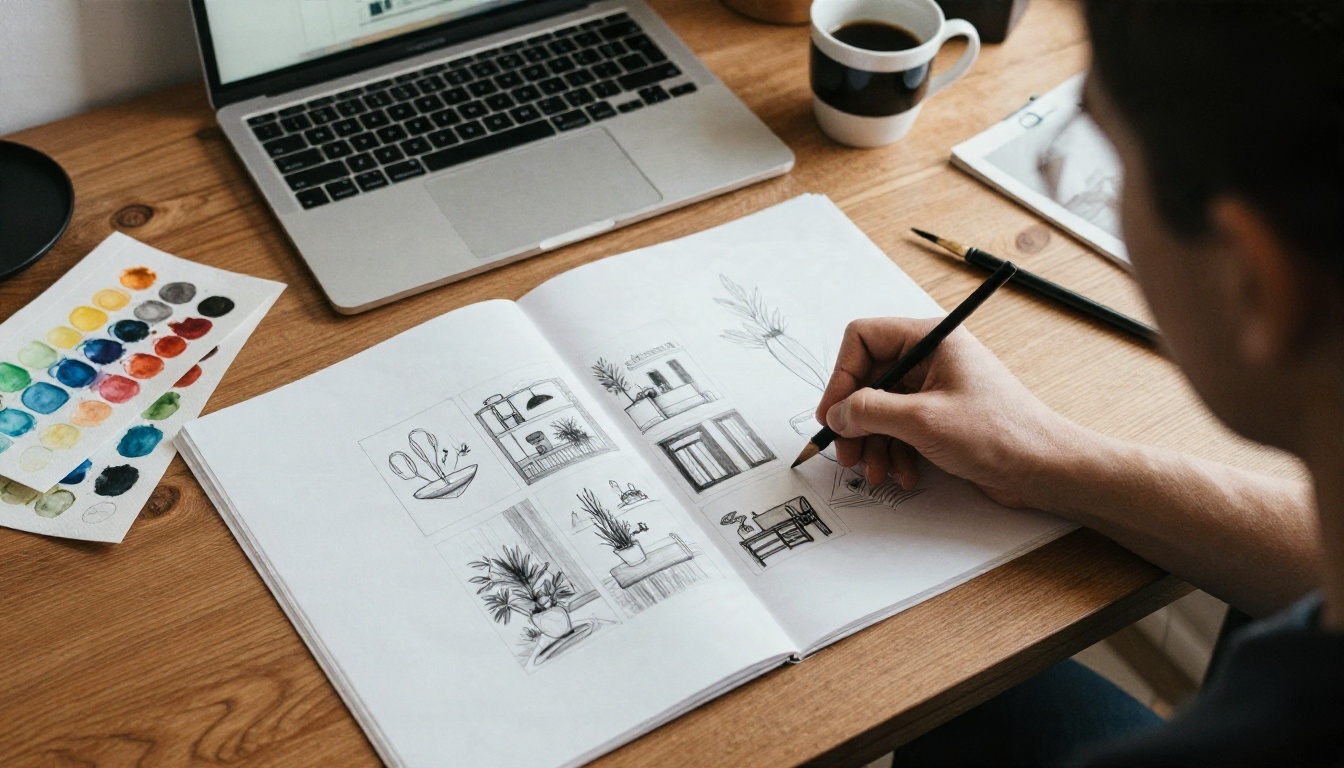
A website builder gives you a domain-style address, a gallery layout and a contact form without writing code. Free plans exist, but each one trades something away: a banner, a limited number of pages, or a platform address instead of your own name.
Plans change often, so check each provider's current terms before you commit.
| Option | Free access | Best for | Main trade-off |
|---|
| Behance | Free profile with project pages | Illustrators and designers seeking exposure | Layout control is limited |
| Wix | Free plan with platform address | Artists who want drag-and-drop freedom | Ads and a long web address |
| WordPress.com | Free plan with platform address | Artists who also write a blog | Fewer design options on the free tier |
| Google Sites | Free with a Google account | Simple, fast student portfolios | Basic gallery tools |
| Canva websites | Free for basic one-page sites | Quick single-page showcases | Not built for large image sets |
| Flipbook makers | Free tier available | Painters and print artists who think in pages | Not a full website with a store |
Where Free Plans Fall Short
Free is great until it isn't. Watch for these limits:
- Platform banners that sit on top of your work.
- Image compression that dulls color and fine detail.
- Storage caps that force you to delete older pieces.
- No custom domain, so your link looks like a school project.
- Weak search visibility, because free sites often block some SEO settings.
⚠️ Warning: If your work depends on subtle color, such as watercolor or photography, test how a builder compresses images before you upload your whole body of work.
Which Builder Fits Which Artist
- Illustrators and designers: Behance for reach, plus a simple site for your own brand.
- Painters and printmakers: a page-turn format or a minimal gallery site where each work gets space.
- Sculptors and installation artists: a builder with video and multi-image support, because one photo never shows a form.
- Students: Google Sites or a PDF portfolio converted to a flipbook, since both are quick to update.
Free Portfolio Templates Worth Using
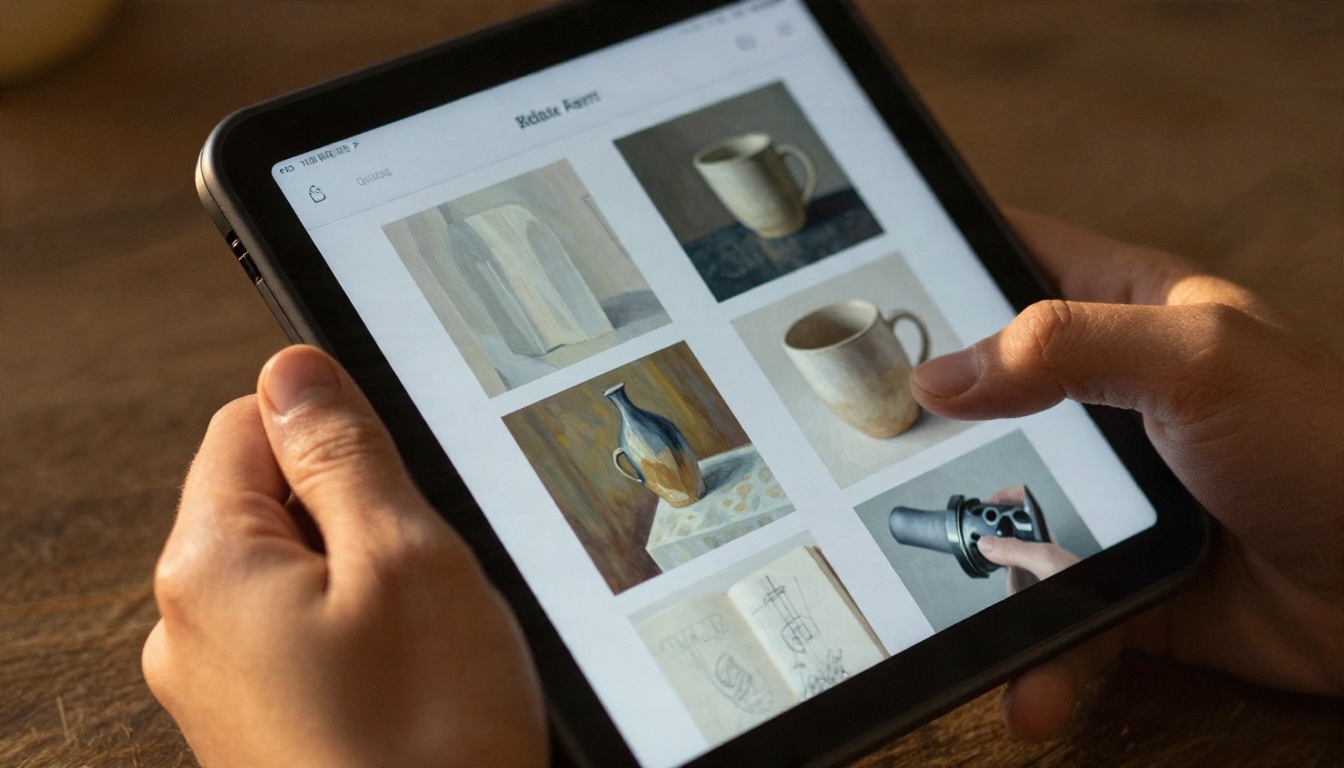
Templates save hours. The trick is picking one that disappears behind your work instead of competing with it.
Layout Rules That Work
Whatever template you choose, check it against these rules:
- Neutral background. White, off-white or soft charcoal lets color read honestly.
- Large images. If a thumbnail can't be opened at full size, skip the template.
- One typeface, maybe two. Your name in one font, captions in another.
- Consistent image ratios. Mixed crops make a grid look sloppy.
- Short menu. Work, About, Contact. That's enough.

Template Styles by Discipline
| Discipline | Best layout | Image count | Extra element |
|---|
| Painting | Full-bleed single images, one per page | 12 to 20 | Size and medium captions |
| Illustration | Grid with project pages | 15 to 25 | Sketches and process shots |
| Photography | Large series spreads | 20 to 30 | Series statement |
| Sculpture | Multi-angle sequences | 8 to 12 | Short video or turntable shot |
| Graphic design | Case-study pages | 6 to 10 projects | Brief, role and result |
| Mixed media | Themed chapters | 10 to 18 | Artist statement |
✅ Best practice: Lead with your strongest piece, put your second strongest last, and bury nothing weak in the middle. Cut it instead.
Maker Tools for Page-Turn Portfolios
A flipbook portfolio feels like holding a printed book. Pages turn, spreads open, and the viewer moves through the work at your pace. That suits art better than an endless scrolling grid, because you control the order and the rhythm.
Why the Page-Turn Format Works
- Sequencing is built in. Series stay together.
- Spreads show scale. A double-page image gives a large painting room.
- One link does everything. Send a single URL in emails and applications.
- It works on phones. A responsive viewer adapts to any screen.
- You keep control. Update the PDF and the flipbook updates with it.
Tools Built for Creative Work
Flipbooks AI offers several tools that fit art portfolios directly:
How to Create an Art Portfolio with Flipbooks AI
Here's the full process, from blank page to a link you can send today.
Step 1: Design Your Pages
Build your portfolio in any tool you already use, such as Canva, InDesign, Affinity, Figma or even Google Slides. Use a landscape or square page size, keep margins generous, and export a high-quality PDF. Aim for 150 to 300 DPI for images, but keep the file size reasonable so it loads quickly.
Step 2: Upload and Convert
- Go to Flipbooks AI and create an account.
- Choose the Portfolio Flipbook Builder or the PDF to Flipbook Converter.
- Drag your PDF into the upload area.
- Wait a few moments while the pages are converted into a page-turning flipbook.
- Preview the result on desktop and on a phone screen.
Step 3: Customize the Look
This is where the portfolio starts to feel like yours.
- Branding: add your logo or signature mark and pick a background color that suits your palette.
- Page effects: choose how pages turn and how fast.
- Multimedia: embed a short studio video, a process reel or an audio statement. Flipbooks AI supports video and audio embeds.
- Mobile view: check that text captions stay readable on a small screen.
💡 Pro tip: Pick a background color pulled from a single piece in your portfolio. It ties the whole book together without extra effort.
Step 4: Share It
- Direct link: paste it into emails, DMs and application forms.
- Embed code: place the flipbook on your own site with the Embed Flipbook on Website tool.
- Password protection: keep client-only or unreleased work private.
- No watermarks: your art stays clean, with no platform stamp across the pages.
Step 5: Use the Pro Features
On the Professional plan, you can add analytics, lead generation and offline downloads. Analytics show which pages people linger on. Lead capture collects names and emails from interested buyers and curators. Offline downloads let reviewers keep a copy for panel meetings. Compare options on the pricing page.
| Feature | Why artists use it |
|---|
| Custom branding | Looks like your own studio, not a template |
| Password protection | Share unreleased series with select buyers |
| Embed anywhere | Works on your site, blog or shop |
| Analytics | See which series gets the most attention |
| Lead generation | Build a collector mailing list |
| Offline download | Send a copy to a jury or a gallery |
Photograph Your Work Properly
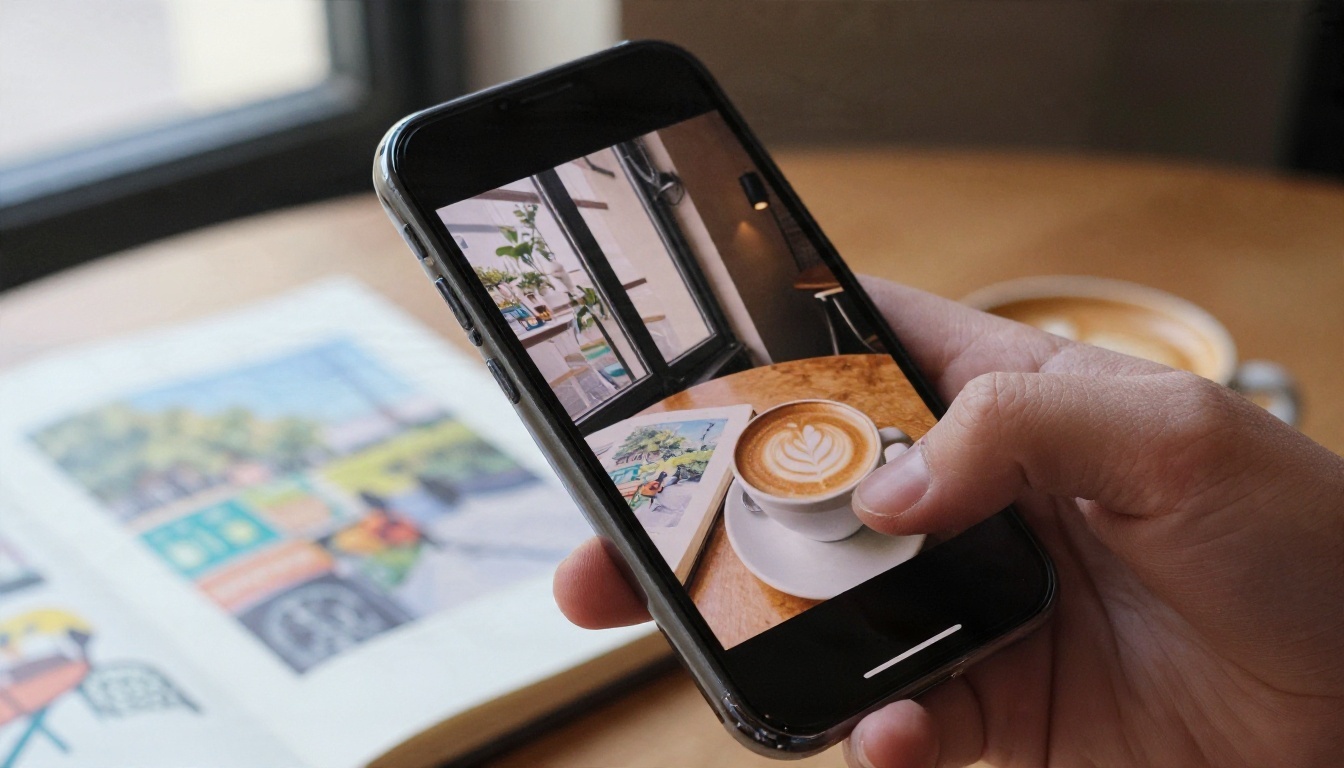
Even the best template can't rescue a bad photo. A phone camera is enough if you control the light.
Simple Setup That Works
- Use window light. Shoot near a large window on an overcast day, with no direct sun on the work.
- Hang the piece flat. Keep the camera parallel to the surface so edges don't distort.
- Use a tripod. Even a cheap one removes blur.
- Turn off the flash. It flattens texture and causes glare on varnish.
- Shoot a gray card if you can. It makes color correction much faster.
- Crop square to the canvas edge, then export at full resolution.
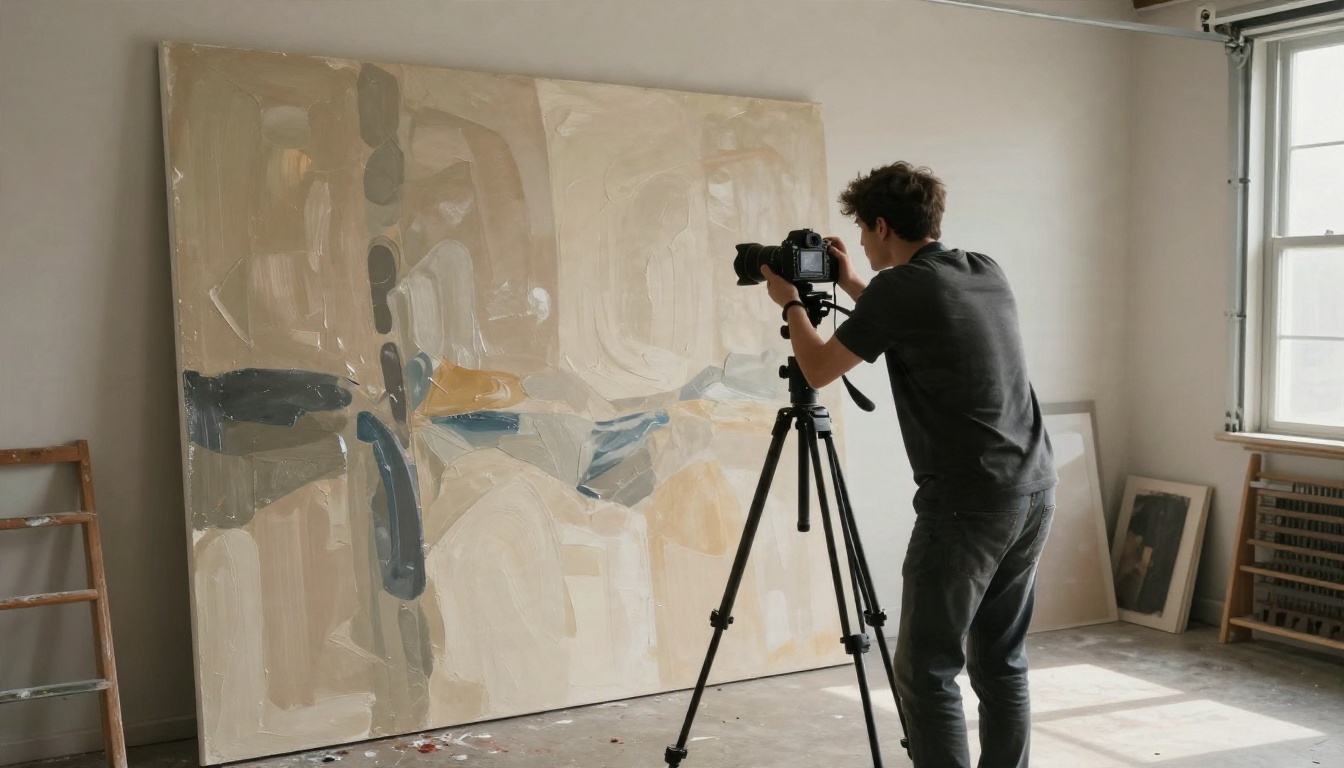
⚠️ Warning: Never shoot glossy work under a lamp positioned in front of it. You'll capture the lamp instead of the paint.
Real Examples by Art Discipline
Here's how different artists can use the tools above in practice.
Painters
A painter with three series can make a 20-page flipbook: one title page, three chapter openers, and sixteen full-page images with captions. Add a final page with an artist statement and a contact email. Share the link with galleries and password-protect an extra collection for private clients.
Illustrators
An illustrator might use Behance for discovery, then send art directors a flipbook with six tight projects: brief, sketches, finals and mockups. The page-turn format keeps the story of each project in order, which a loose grid of thumbnails can't do.
Sculptors
A sculptor can show each work across three pages: a wide shot, a detail and a scale shot with a person nearby. A short video of the piece rotating, embedded in the flipbook, tells the story a still photo can't.

Students and Graduates
A student applying to a master's program or an apprenticeship can build one flipbook for each application, reorder the pages to match the brief, and export a PDF copy as backup. The Course Material Publisher is also useful for teachers building class showcases.
Show It Off in the Real World
An online portfolio works best when it travels with you.
Reviews and Interviews
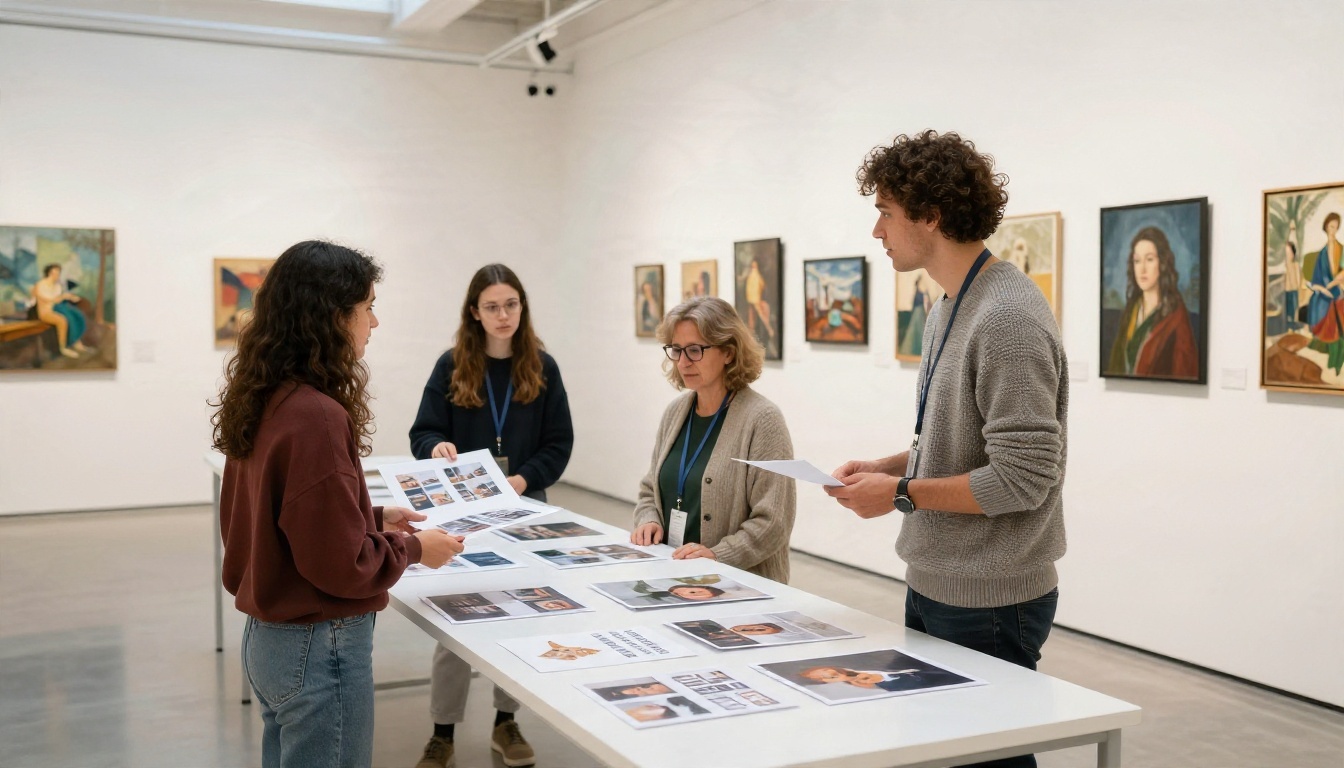
Open your flipbook on a tablet during portfolio reviews. Reviewers can flip through while you explain your process, and you can point to a page rather than describing it. Send the link afterward as a follow-up.
Openings and Events
Add the link to a small printed card or a QR code on your artist label. Collectors who like a piece at an opening can scan it and see the full series that night.
Three Mistakes to Avoid
| Mistake | Why it hurts | Fix |
|---|
| Too many pieces | Reviewers lose the thread | Cut to 12 to 15 |
| No captions | Scale and medium stay a mystery | Add size, medium, year |
| No contact page | Interested buyers can't reach you | Add an email and one social link |
Start Your Free Portfolio Today
You can have a clean, professional art portfolio online by the end of the weekend. Pick a free builder if you need a full site, or use a flipbook maker if you want your work to read like a book. Many artists use both: a simple site for discovery and a flipbook for pitches.
Ready to try it? Create your free account on Flipbooks AI, browse all the portfolio and creative tools, or compare plans and pricing to see which one fits the way you work. Upload one PDF, preview it on your phone, and send the link to someone who matters.



