Every deal team knows the ritual. Someone exports a 60 page deck to PDF at 11 p.m., the file lands at 38 MB, the email bounces, and a second version goes out under a slightly different filename. Automating pitchbook presentations removes that loop. Convert the PDF into a page turning flipbook with Flipbooks AI, reuse one template for every pitch, send a single link instead of an attachment, and see who opened it. This article walks through all four pieces: PDF to flipbook conversion, templates, sharing links and view tracking. You will also get a step by step tutorial, three comparison tables and a weekly workflow you can copy.
Why Pitchbooks Still Hurt
A pitchbook is the most expensive document many advisory, banking, consulting and sales teams produce. It carries market data, case studies, team bios, pricing and a point of view, and it gets rebuilt almost from scratch for every prospect. The design work is rarely the problem. The delivery is.

The Attachment Problem
Large PDFs get stripped by email filters, open slowly on phones, and are forwarded to people you never met. Once the file leaves your outbox you have no idea whether the managing director read page 3 or deleted it unopened. Printed copies are worse: they cost money, go out of date within days, and cannot be recalled.
Here is what that looks like in practice:
- Version drift: three people hold three different files, and nobody is sure which has the corrected fee table.
- Zero visibility: follow ups are timed by gut feeling instead of by real reader behavior.
- Clunky reading: pinch and zoom on a phone, a 30 second download on hotel Wi-Fi.
- Security gaps: a confidential PDF sits in an inbox forever.
💡 Pro tip: Count how many pitchbook versions exist in your shared drive right now. If the number is above five for a single deal, you have a distribution problem, not a design problem.
From PDF to Flipbook
The fastest fix is also the least disruptive: keep building your pitchbook in PowerPoint, Keynote, InDesign or Google Slides, export it to PDF as you always do, and let a converter handle the rest. The PDF to Flipbook Converter turns that static file into a responsive, page turning document that opens in any browser.

What Conversion Preserves
Your layout, fonts, charts and images stay as they were in the PDF. What changes is the reading experience: pages turn, the document scales to the screen, and the file loads progressively rather than as one heavy download. Links inside the PDF remain clickable, so a table of contents or a "book a call" button keeps working. You can also add video and audio, which is handy for a founder intro or a short product walkthrough.
PDF vs Flipbook Side by Side
| Feature | Emailed PDF | Printed Pitchbook | Flipbook Link |
|---|
| Delivery size | 20 to 80 MB | Physical shipping | One short URL |
| Mobile reading | Pinch and zoom | Not applicable | Responsive layout |
| Update after sending | Impossible | Impossible | Replace the source file |
| Access control | None once forwarded | None | Password protection |
| View data | None | None | Analytics on Professional plan |
| Cost per recipient | Free | High | Free |
The point of the table is simple: the flipbook keeps everything you like about a polished document and removes the handicaps of the two formats it replaces.
Templates That Save Hours
Automation starts with repetition. If 70 percent of every pitchbook is identical, that 70 percent should never be rebuilt. Teams that send a pitchbook every week usually settle on a base layout and swap only the client specific pages.

Build a Base Layout
Treat your pitchbook as a set of modules. A reliable structure looks like this:
- Cover and disclaimer: fixed, owned by compliance.
- Firm overview: fixed, refreshed once a quarter.
- Market view: semi fixed, updated monthly.
- Client specific pages: the only section rebuilt for every pitch.
- Team and contact page: fixed, with a direct link or booking button.
- Appendix: credentials, case studies, pricing.
Save this as a master file in your design tool, then export the PDF each time. The conversion step takes the same few minutes whether the deck has 20 pages or 80. If your pitches lean toward sales proposals, the Sales Presentation and Presentation Flipbook Designer pages show how finished results can look.
Template Types Compared
| Template Type | Best For | Typical Length | Update Rhythm |
|---|
| Credentials deck | First meetings, intro calls | 12 to 20 pages | Quarterly |
| Deal specific pitchbook | Live mandates, bids | 30 to 60 pages | Per deal |
| Market update | Existing clients, newsletters | 8 to 15 pages | Monthly |
| Annual or corporate report | Investors, board, partners | 40 to 100 pages | Yearly |
For the last row, the Annual Report Creator and Corporate Report Maker follow the same upload and convert flow, so your team learns one process and applies it to every document type.
✅ Best practice: Name files with a fixed pattern such as ClientName_Deck_2026-11_v1. A predictable name makes it obvious which flipbook belongs to which meeting.
How to Build a Pitchbook Flipbook
This is the hands on section. Setup takes about ten minutes the first time and roughly two minutes after that.

Upload and Convert
- Go to Flipbooks AI and create an account.
- Click to create a new flipbook and upload your pitchbook PDF.
- Wait while the pages convert. The preview opens with page turn effects applied automatically.
- Check each page for broken fonts or cropped charts. If anything looks off, fix the source file and upload again.
💡 Pro tip: Export your PDF at the size you want people to read. A 16:9 slide deck and a portrait A4 document both work, but mixing page sizes in one file looks untidy.
Brand It
Open the customization panel and set your look:
- Logo and colors: match your firm palette so the viewer recognizes you at once.
- Page effects: choose the page turn style and background that suit a formal audience.
- Multimedia: attach a short video from the lead partner or an audio note on the market view.
- Layout: confirm the flipbook displays well on a phone, since many prospects read on the move.
There are no watermarks on the output, which matters when the document goes to a client's investment committee.
Share It Safely
Next, decide how the pitchbook will travel. Copy the direct link for email and chat, or take the embed code and place the flipbook on a deal room page or your website. The Embed Flipbook on Website tool explains the embed route in more detail. For confidential material, switch on password protection and send the password through a separate channel such as a text message.
Pro Features: Analytics and Leads
The Professional plan adds analytics and lead generation. Analytics shows how people interact with the flipbook. Lead capture can ask a reader for contact details before the pitchbook opens, which is useful for public decks such as a fund overview on a landing page. Offline downloads are available when a recipient needs the file on a flight or in a secure room without internet.
| Plan Feature | Why a Deal Team Cares |
|---|
| Unlimited flipbooks (Standard and above) | One flipbook per client without counting |
| Password protection | Confidential mandates stay confidential |
| Custom branding | Looks like your firm, not a third party |
| Analytics and lead generation (Professional) | Follow up with evidence |
| Offline downloads | Reading without a connection |
Sharing Links That Work
A good sharing setup removes friction for the reader and keeps control for you. A short link is easier to paste into an email, a LinkedIn message, a WhatsApp thread or a calendar invite.

Links, Embeds, Downloads
| Method | Use It When | Watch Out For |
|---|
| Direct link | One to one pitches, follow up emails | Forwarding, so add a password if needed |
| Embed code | Deal rooms, investor pages, internal wikis | Page load on slow sites |
| Offline download | Travel, secure rooms, board packs | Older copies stay in circulation |
A practical rule: use direct links for people, embeds for places. If the pitchbook belongs to a named recipient, send a link. If it belongs on a page that many people visit, embed it.
Password and Access Rules
Pick one access rule per situation and stick to it:
- Open link: public credentials decks and market updates.
- Password protected: live mandates, pricing, anything under NDA.
- Retired link: when a deal closes, replace the file or remove access so old numbers do not circulate.
⚠️ Warning: Never paste the password into the same email as the link. If that message is forwarded, the protection is gone.
Tracking Views Without Guessing
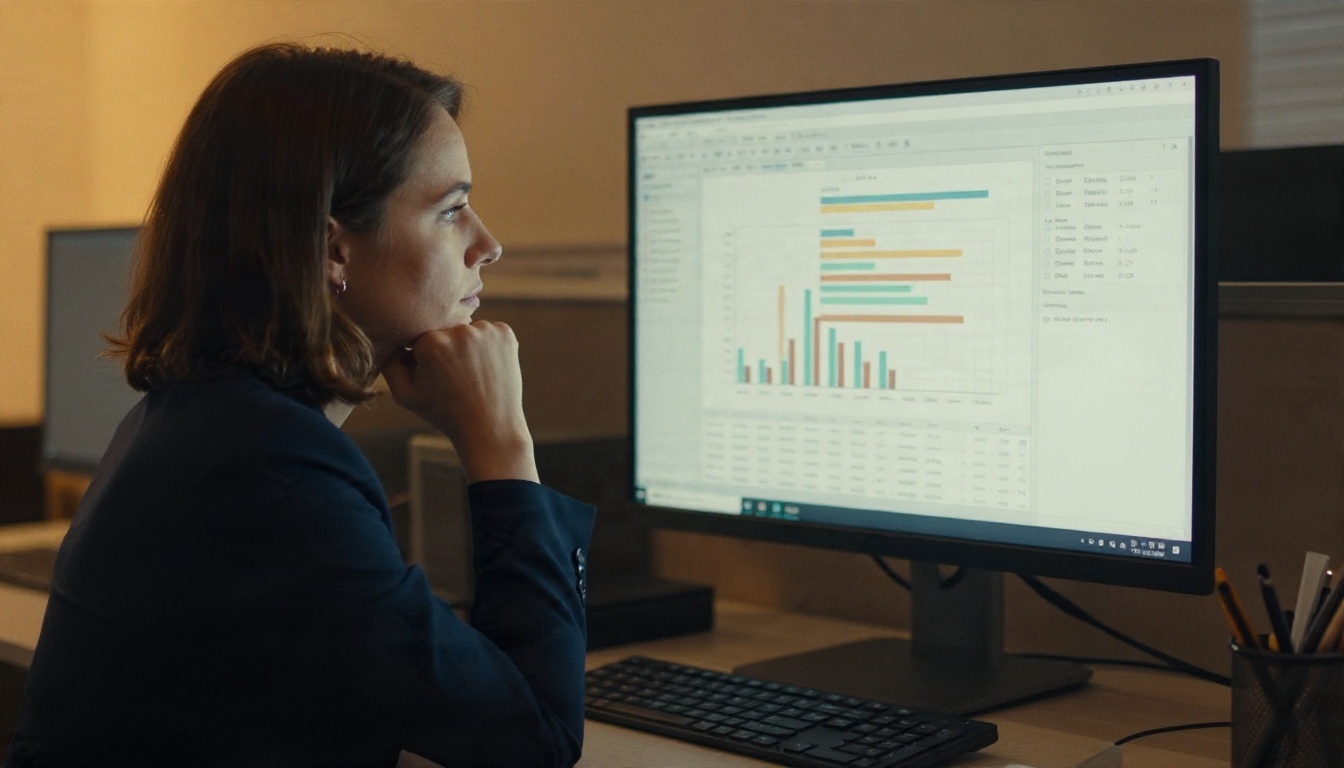
The biggest shift in this workflow is not the page turn. It is knowing what happened after you pressed send. With analytics on the Professional plan, a pitchbook stops being a message in the dark.
What to Measure
You do not need twenty metrics. Four are enough to guide a follow up:
- Opens: did the recipient open it at all, and when?
- Repeat visits: a second or third visit often means the book is being passed around.
- Pages reached: did they reach the pricing or team section, or stop at the market view?
- Source of the visit: direct link, embed or shared copy.
Reading the Signals
| What You See | Likely Meaning | Smart Next Step |
|---|
| No opens after 48 hours | Missed email or wrong contact | Resend by another channel |
| One open, early exit | Poor fit or bad timing | Send a shorter credentials deck |
| Several visits, deep reading | Active internal discussion | Call and offer a walkthrough |
| New visitors you did not email | Forwarded to colleagues | Ask who joins the next meeting |
These are signals, not verdicts. A single open from a busy director still counts, and a silent link may simply mean the decision is on hold. Use the data to time a call, not to pressure anyone.
✅ Best practice: Before a meeting, check the view data. Walking in knowing that the client reread your fee page three times changes how you open the conversation.
A Repeatable Weekly Workflow
Automation is only useful if the team actually follows it. Here is a routine that works for small and mid sized groups.

Example: Boutique Advisory Firm
Picture a six person advisory firm that pitches four to five prospects a week.
- Monday: the associate duplicates the base layout, swaps in the client pages, exports a PDF.
- Tuesday morning: the PDF is uploaded to Flipbooks AI, branded, and password protected. Total time: about five minutes.
- Tuesday afternoon: the partner sends the link with a two line note and a calendar invite.
- Wednesday: the associate checks views and flags who has opened the book and who has not.
- Thursday: follow up calls go to the readers who visited twice or reached the pricing page.
Compared with the old process of exporting, compressing, emailing, re sending and guessing, the team recovers several hours a week and gains a record of what each prospect actually viewed.

Common Mistakes
- Uploading unfinished PDFs: fix typos in the source file, since every upload is a new version to keep track of.
- One link for everyone: create a separate flipbook per client so view data stays clean.
- Skipping the mobile check: open the link on your own phone before sending.
- Ignoring the data: analytics only help if somebody looks at them before the next call.
- Leaving old links live: retire or replace flipbooks when terms change.
Send Your Next Pitchbook as a Link
Pitchbooks do not need a new design process. They need a better delivery process. Keep building the document the way your team already does, then convert it, brand it, protect it and share it as a single link that you can follow after it lands.

Ready to try it on your next deal? Create your free account on Flipbooks AI and upload a PDF today. Browse all flipbook tools to find the format that fits your documents, or compare pricing plans to see where analytics and lead generation sit. When you are ready to roll it out to the whole team, go straight to the plan comparison and pick the one that matches your volume.



