If you have ever asked yourself what the average zine size is, the short answer is this: most zines are A5 (148 × 210 mm) or half letter (5.5 × 8.5 in), folded from standard office paper and held together with two staples. But "average" hides a lot of variety, and the number you pick today decides your printer options, your template margins, and the pixel dimensions of your digital version. If you plan to publish online too, a tool like Flipbooks AI can turn the finished PDF into a page-turning edition, and the size you choose now makes that conversion cleaner.
This article gives you the paper size chart, the typical formats, the template numbers, and the exact pixel sizes for screens, so you can set up your file once and get it right.
What Counts as Average Zine Size
The short answer
Across independent publishers, the most common zine formats are:
- Half letter (5.5 × 8.5 in) in North America, made by folding a US Letter sheet in half
- A5 (148 × 210 mm) in Europe, the UK, Australia and most other regions, made by folding an A4 sheet in half
- A6 (105 × 148 mm) for pocket-sized minis
- Quarter letter (4.25 × 5.5 in) for tiny photocopied zines
If you average out these formats, you land at roughly 5.5 × 8 inches (about 140 × 205 mm). That is why so many people describe a "standard" zine as palm-to-forearm sized, small enough for a bag and large enough for readable text.
Why zines vary so much
Zines have no governing body. Makers pick sizes based on the machine in front of them: a library photocopier, a home inkjet, a risograph studio, or a print shop with a guillotine. Paper is the real constraint. Fold a sheet once and you get a half-size page. Fold it twice and you get a quarter-size page. Fold it three times and you get the famous eight-panel mini.
💡 Pro tip: Pick your size by working backward from the paper you can actually buy and the printer you can actually use. A beautiful 7 × 9 in format means a lot of wasted paper if your printer only handles Letter or A4.
Zine Paper Size Chart
Metric and imperial sizes
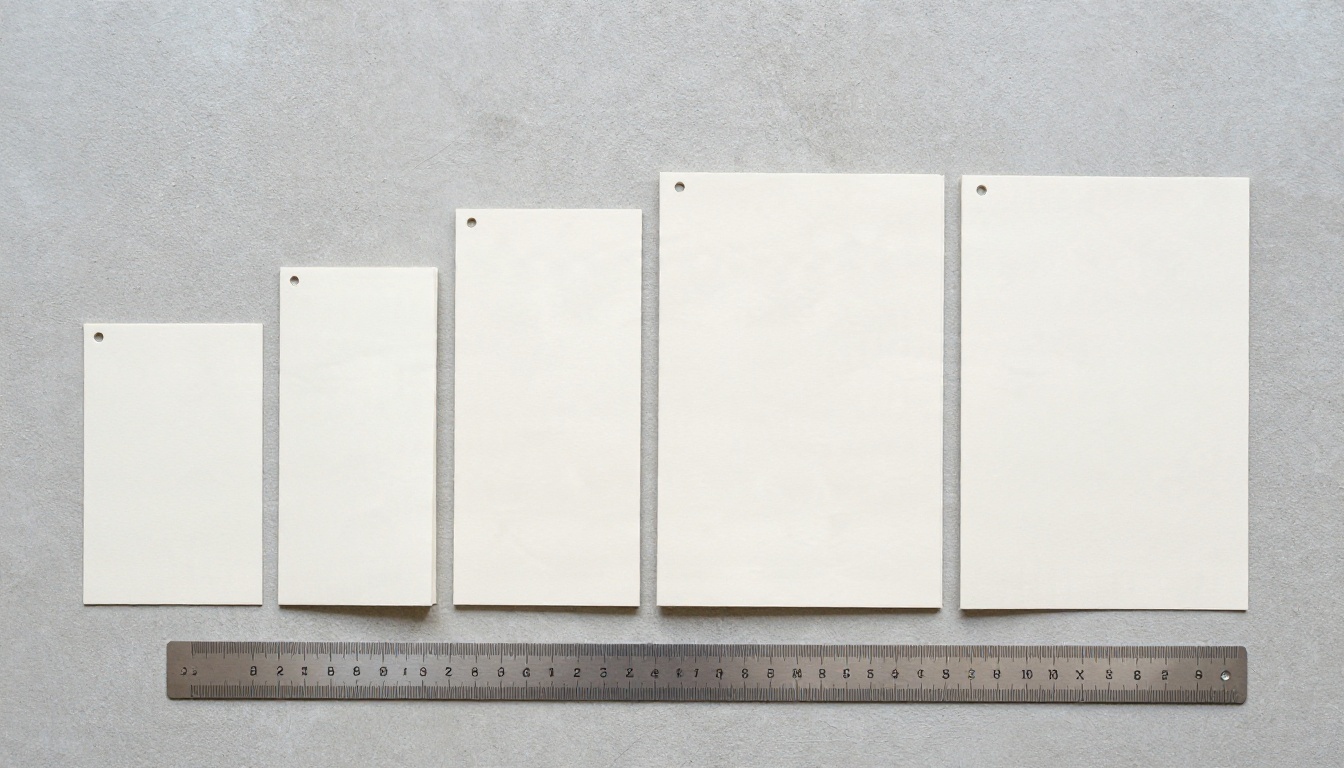
Here is the quick reference chart. Every size below is the trimmed page size, which is what the reader holds.
| Format | Millimeters | Inches | Made from | Typical use |
|---|
| A7 | 74 × 105 | 2.9 × 4.1 | A4 folded three times | Micro zines, mini poems |
| A6 | 105 × 148 | 4.1 × 5.8 | A4 folded twice | Pocket zines, comics |
| Quarter letter | 108 × 140 | 4.25 × 5.5 | Letter folded twice | Photocopied minis |
| A5 | 148 × 210 | 5.8 × 8.3 | A4 folded once | Standard zines, art books |
| Half letter | 140 × 216 | 5.5 × 8.5 | Letter folded once | Standard zines (US) |
| Square 8 | 203 × 203 | 8 × 8 | Custom trim | Photo zines |
| A4 | 210 × 297 | 8.3 × 11.7 | Unfolded sheet | Magazine style zines |
| Letter | 216 × 279 | 8.5 × 11 | Unfolded sheet | Large format zines (US) |
Pixel dimensions at 300 and 150 ppi
Printers talk in millimeters, but screens talk in pixels. This table converts each trim size so your digital file matches your printed one.
| Format | 300 ppi (print) | 150 ppi (screen and web) |
|---|
| A7 | 874 × 1240 px | 437 × 620 px |
| A6 | 1240 × 1748 px | 620 × 874 px |
| Quarter letter | 1275 × 1650 px | 638 × 825 px |
| A5 | 1748 × 2480 px | 874 × 1240 px |
| Half letter | 1650 × 2550 px | 825 × 1275 px |
| Square 8 × 8 in | 2400 × 2400 px | 1200 × 1200 px |
| A4 | 2480 × 3508 px | 1240 × 1754 px |
| Letter | 2550 × 3300 px | 1275 × 1650 px |
A spread (two facing pages) doubles the width. An A5 spread is 296 × 210 mm, which equals 3496 × 2480 px at 300 ppi.
The one-sheet mini zine
This is the classic. Take one sheet of Letter or A4, fold it into eight panels, cut a single slit through the center, and collapse it into a booklet. The result is 8 pages (including the front and back) at roughly 2.75 × 4.25 in on Letter or 74 × 105 mm on A4.
It costs almost nothing, needs no staples, and works well for poems, event notes, and short comics. Its weakness is size: type below 8 pt becomes hard to read, and full-bleed photos lose impact.
Saddle-stitched A5 and half letter
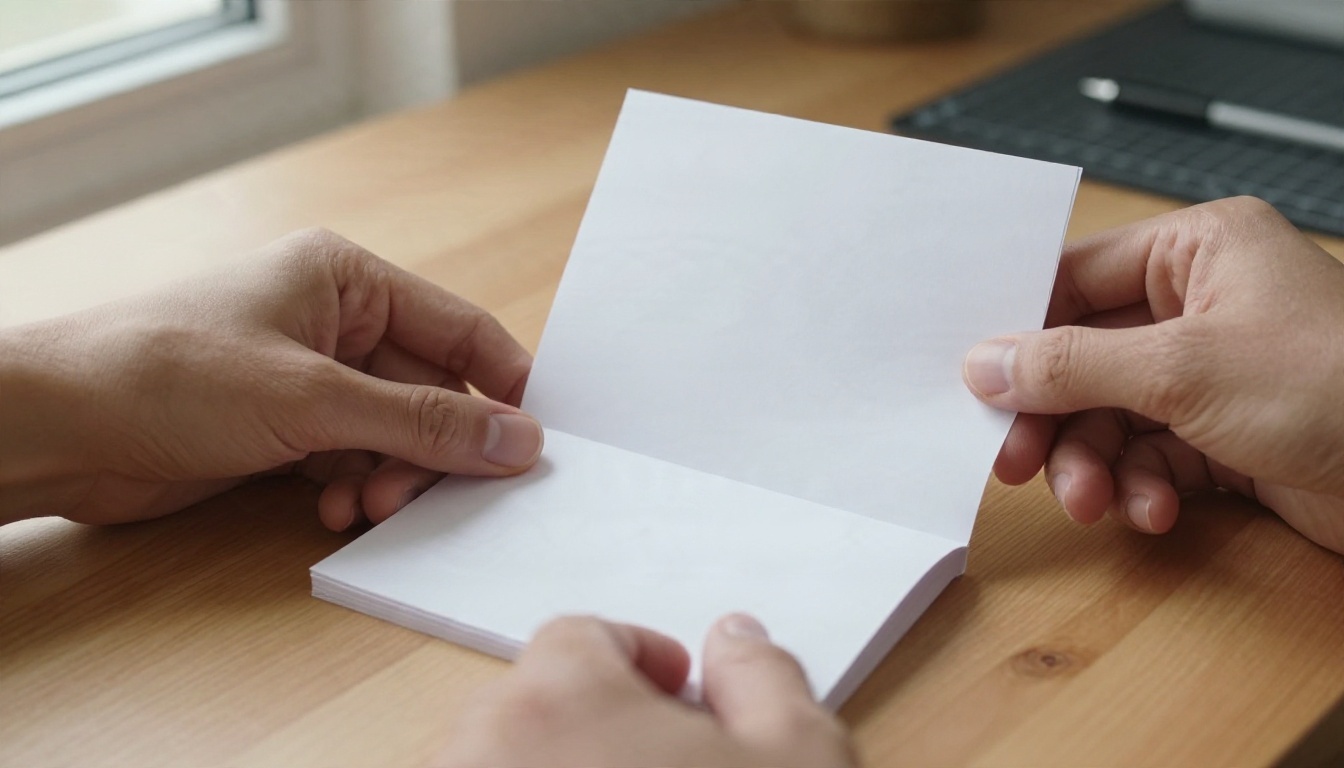
The workhorse format. Pages are printed in imposed spreads, nested together, and stapled along the fold. Page counts should always be multiples of 4, and most makers land between 16 and 40 pages. Past about 48 pages on regular paper, the spine starts to push the inner pages outward, and you may want perfect binding instead.
Choose A5 if you work in metric and want the widest range of printers and envelopes. Choose half letter if your readers and printers are in the US or Canada.
Square and oddball formats
Photographers and illustrators often choose square (8 × 8 in or 210 × 210 mm) or landscape layouts. These look striking, but they cost more at the print shop because they waste sheet area and may need custom trimming.
| Format | Page count range | Best for | Printing cost | Digital friendliness |
|---|
| One-sheet mini | 8 | Short pieces, giveaways | Very low | Fair, tiny type |
| A6 or quarter letter | 12 to 32 | Pocket comics, poetry | Low | Good on phones |
| A5 or half letter | 16 to 48 | Stories, art, essays | Medium | Excellent |
| A4 or Letter | 12 to 40 | Photo and magazine style | Higher | Excellent on desktop |
| Square | 16 to 40 | Photography, design | Higher | Excellent |
Zine Templates That Work
Margins, bleed and safe zones
A good template saves you from the two most common print errors: text trimmed off the edge and white slivers where a background should reach the paper's edge. Use these numbers as your default:
- Bleed: 3 mm (0.125 in) on all sides, for any image or color that touches the edge
- Safe zone: keep text at least 5 mm (0.25 in) inside the trim line
- Inside margin: add 3 to 6 mm extra on the stapled side so words do not vanish into the spine
- Outside margin: 10 to 15 mm gives thumbs room and looks balanced
| Format | Trim size | Size with bleed | Pixels with bleed (300 ppi) |
|---|
| A6 | 105 × 148 mm | 111 × 154 mm | 1311 × 1819 px |
| A5 | 148 × 210 mm | 154 × 216 mm | 1819 × 2551 px |
| Half letter | 5.5 × 8.5 in | 5.75 × 8.75 in | 1725 × 2625 px |
Page count rules
Because each sheet folded in half gives four pages, your total must be divisible by 4. Planning 22 pages? You will get two blank pages, so make it 24 instead. For a stapled zine, a sheet of 80 gsm paper handles around 10 to 12 nested sheets before the spine gets bulky, which is about 40 to 48 pages.
⚠️ Warning: Do not export a saddle-stitched zine as imposed printer spreads if you also want a digital version. Keep one reader-order PDF (page 1, 2, 3...) for screens and a separate imposed PDF for printing.
Spreads versus single pages
Design in single pages when your art stands on its own. Design in spreads when images cross the fold. If you design in spreads, check that faces, text, and important details do not fall into the center 10 mm, where staples and folding swallow them.
Pixels for Digital Versions
Export settings by use
Your digital zine does not need print resolution. It needs speed. A 300 ppi A5 file with 24 pages can pass 80 MB, which is slow on mobile data. For most readers, 150 ppi in RGB looks sharp and loads fast.
| Use | Color mode | Resolution | Notes |
|---|
| Print at a shop | CMYK | 300 ppi | Include 3 mm bleed and crop marks |
| Flipbook on website | RGB | 150 ppi | Reader-order PDF, no bleed |
| Phone-first reading | RGB | 120 to 150 ppi | Keep body text 9 pt or larger |
| Email or social preview | RGB | 72 to 96 ppi | Export page 1 as JPG, around 1200 px wide |
| Archive copy | CMYK or RGB | 300 ppi | Store the master file separately |
Aspect ratio mistakes
A-series paper has a ratio of 1 : 1.414. Half letter is 1 : 1.545. Square is 1 : 1. If you push an A5 page into a 4:5 social post, it will crop. If you push a half letter page into an A5 container, you will see thin bars at the sides. Keep the ratio native from the start and let the viewer scale it.
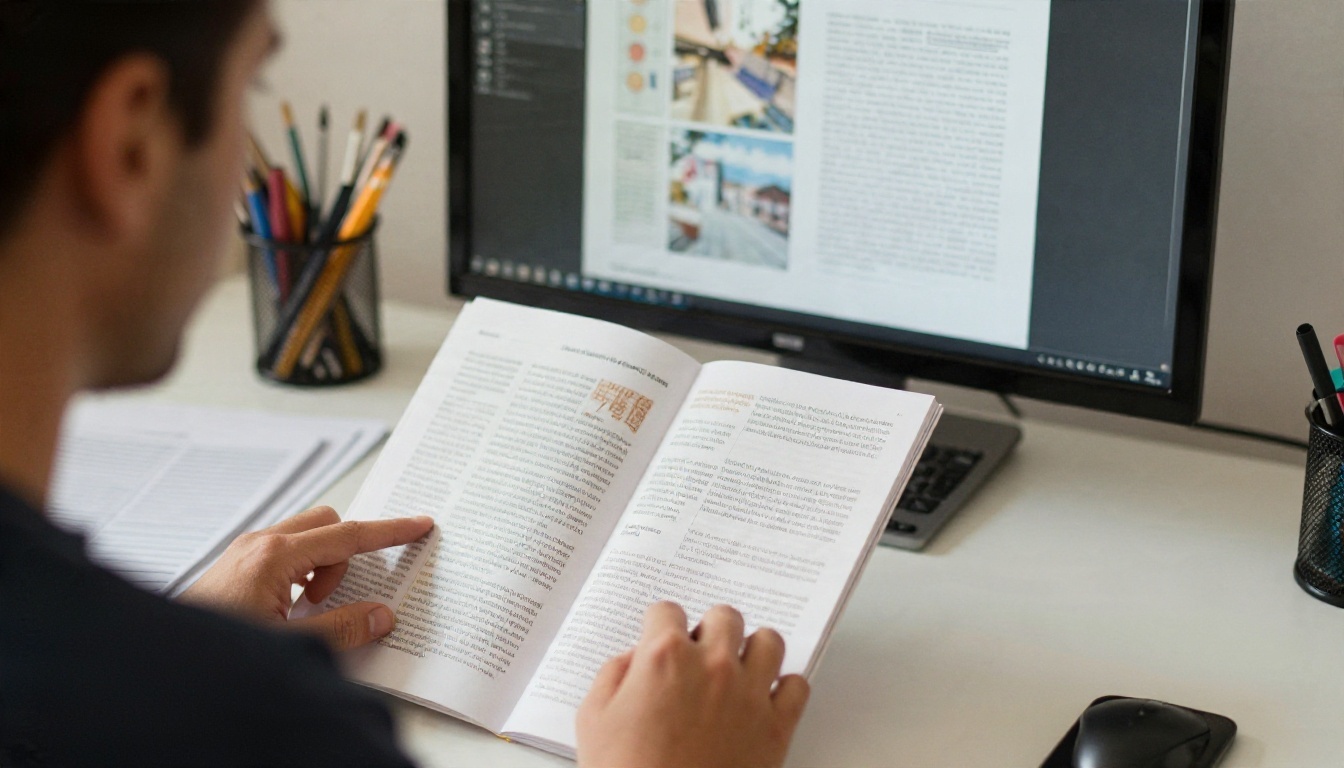
✅ Best practice: Set up your document at final trim size in your layout app, export the reader-order PDF at 150 ppi for screens, and keep the 300 ppi print PDF as a separate master. Two exports, two jobs.
How to Make a Zine Flipbook
Once your PDF is ready, you can turn it into a digital zine that readers flip through on any device. Here is the process in Flipbooks AI:
- Create an account. Sign up on Flipbooks AI and open your dashboard.
- Upload your PDF. Drag your reader-order file into the PDF to Flipbook Converter. Each page becomes a flippable page, and your A5 or half letter proportions are kept.
- Check the page order. Flip through the preview. If you uploaded imposed printer spreads by mistake, the pages will look scrambled, so re-export in reader order.
- Customize the look. Add your logo, pick background colors that match your zine's palette, and choose page-turn effects. Layer in audio or video for a soundtrack, an artist interview, or a process clip.
- Set sharing options. Copy the direct link, or use the embed code to place the zine on your website. Add password protection for a private edition, such as a patron-only issue.
- Go further with Professional features. The Professional plan adds analytics, lead generation forms, and offline downloads, so you can see which pages people read and collect email addresses for your next issue.
Flipbooks AI never adds watermarks, and the output is mobile-responsive, so your small pages stay readable on a phone. For a zine that behaves more like a periodical, try the Magazine Flipbook Creator or the E-Magazine Publishing Tool.

Real Examples and Mistakes
Three real-world scenarios
- The comic artist: Draws on A5 at 300 ppi, prints 24-page stapled copies at a local copy shop, then exports a 150 ppi PDF and posts a flipbook link to sell digital copies alongside the print run.
- The band merch table: Makes a one-sheet A4 mini zine with tour dates and lyrics. It costs pennies per copy, and a QR code on the back points to a full A5 flipbook with photos and audio clips.
- The photographer: Chooses an 8 × 8 in square format for a 32-page series, then embeds the digital edition on a portfolio page so clients can browse it without waiting for shipping.
Five mistakes to avoid
- Ignoring bleed. A white edge on a dark page looks like a printing error. Add 3 mm.
- Tiny body text. Below 8 pt, photocopies fill in and screens strain eyes. Use 9 to 11 pt.
- Wrong page count. Not a multiple of 4 means blank pages at the end.
- Using the print PDF online. It is heavy, slow, and may show crop marks.
- Changing size midway. Mixing A5 and half letter pages creates stretched or letterboxed pages in your digital version.
💡 Pro tip: Before printing 100 copies, print one test copy at actual size. Fold it, staple it, and read it on the train. You will spot margin and font size problems in minutes.
Publish Your Zine Today
The average zine size is not a rule, but a sensible starting point: A5 or half letter, 16 to 40 pages, with 3 mm bleed and 150 ppi for screens. Set up your template using the numbers above and your print and digital versions will line up from the first page.
Ready to put your zine online? Create your free account on Flipbooks AI, browse all the flipbook tools, or compare pricing plans to see what Professional analytics and lead generation can do for your next issue.



