Your phone probably holds 4,000 photos of your baby, and not one of them is in order. Nobody wants to scroll through that camera roll in ten years. A first year memory book fixes this: a short, designed story with the best 100 to 150 photos, a few handwritten lines, and a clear start and end. This article covers the ideas, the photo layouts, a free page outline you can copy, and the easiest way to share the finished book online with grandparents using Flipbooks AI.
Why a First Year Book Matters
The first twelve months change a person faster than any other stretch of life. Your baby goes from a 3 kg newborn who sleeps 16 hours a day to a toddler pulling up on furniture. You will remember the big days. You will not remember the Tuesday in month four when the laugh first happened.
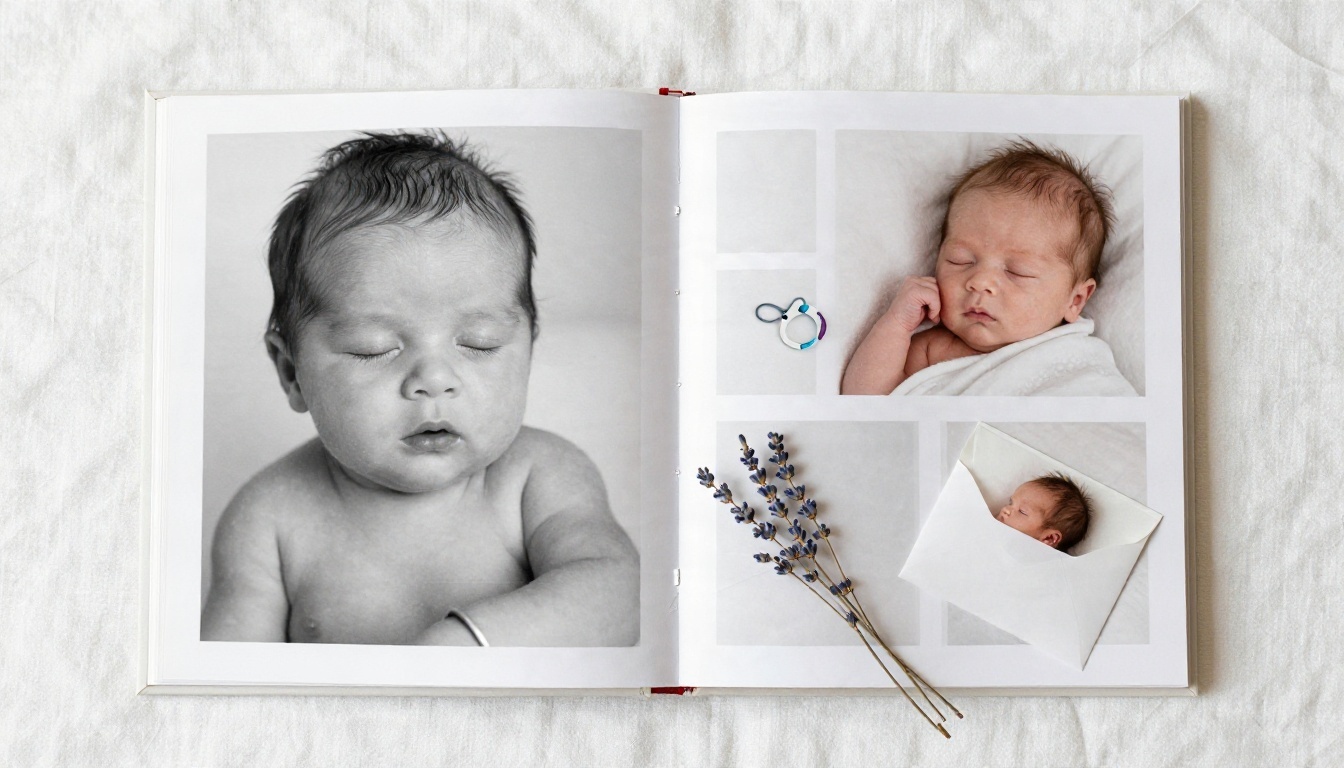
The Memories You Forget
Most parents say the same thing at the one year mark: "I wish I had written that down." A memory book gives those small details a home. The weight of the hospital bracelet, the song that calmed the evening crying, the first word that was really "dog" and not "dad."
💡 Pro tip: Keep a note on your phone called "Baby Firsts." Add one line whenever something happens. By month twelve you will have 60 captions without trying.
Print, Digital, or Both
You do not have to choose. A printed album is lovely on a shelf, but a digital flipbook travels. Aunts abroad, grandparents who cannot visit, and the baby themselves at age 18 can all open it from a link. Here is how the formats compare.
| Format | Best for | Weak spot | Sharing |
|---|
| Printed photo book | Shelf keepsake, gifts | Costly to reprint, one copy | In person only |
| Camera roll or cloud folder | Raw storage | No story, no order | Messy shared links |
| PDF file | Simple archive | Flat, no page turning | Email attachment |
| Digital flipbook | Story plus sharing | Needs a screen | Link, embed, password |
The sweet spot for most families is a digital flipbook first, then a printed copy of the same PDF for the shelf.
12 Memory Book Ideas That Work
A book needs a spine. These ideas give you one, and you can mix several in the same album.

Monthly Milestone Chapters
The classic structure. One spread per month, same corner of the same room, same blanket, same sign. By month twelve the side by side growth is the best page in the book. Shoot at the same time of day, because light changes how big a baby looks.
Letters to Your Baby
Write one short letter per quarter. Four letters total. Talk about what the house sounded like, what you were worried about, what made you laugh. Set them in a different font so they feel like a voice and not a caption.
Firsts and Small Moments
Think beyond first steps. Try first bath, first snow, first time they met the dog, first spoonful of mashed banana (the face is the photo). A page of six small "firsts" looks great in a grid.
Family Voices
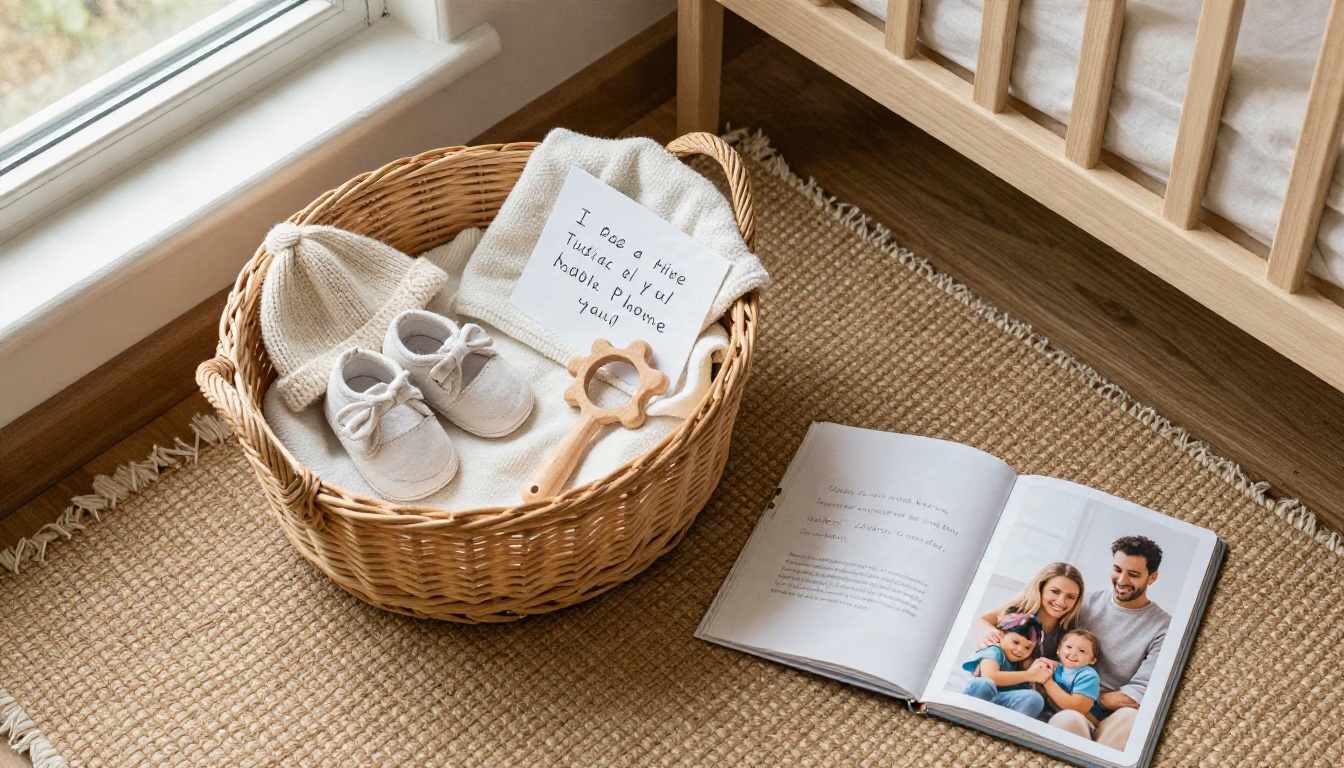
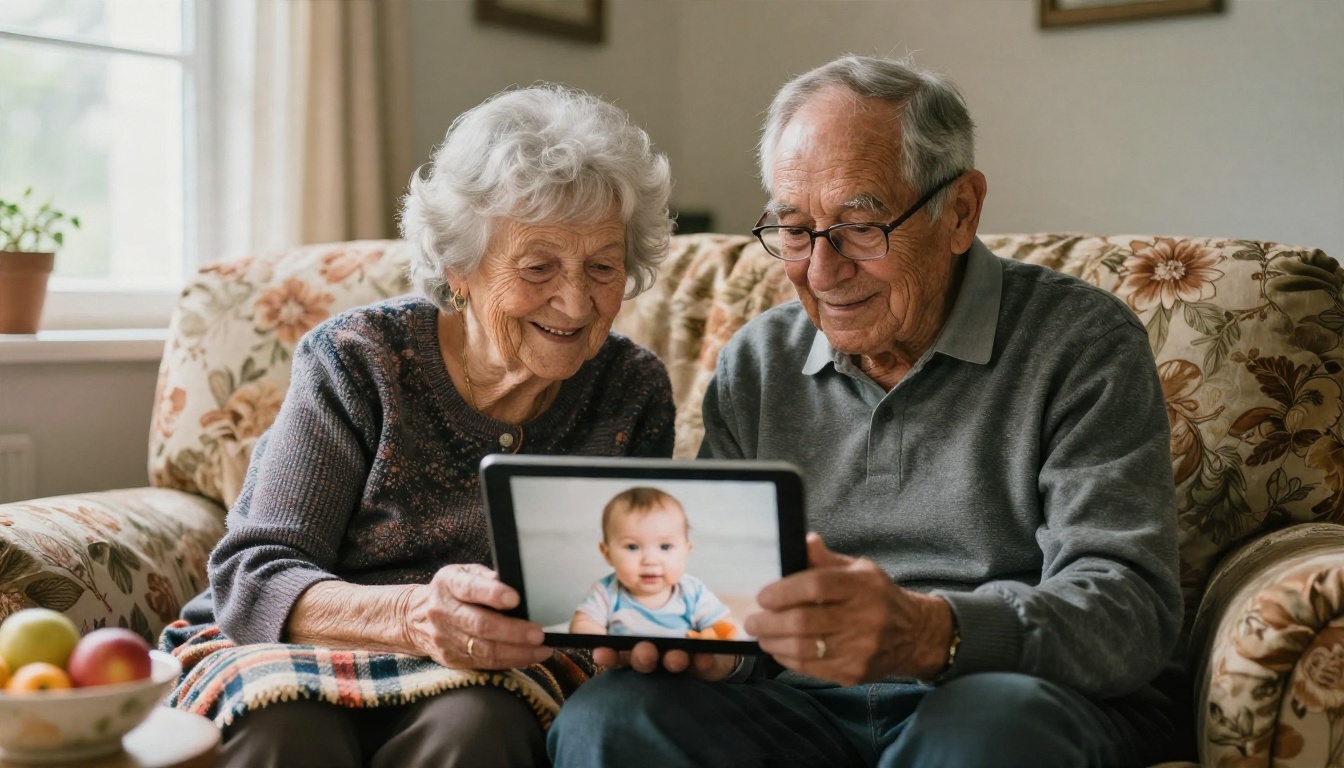
Ask grandparents, siblings and close friends for two sentences each: "What I hope for you." Photograph the handwritten notes and drop them in as pages. Flipbooks can also hold audio, so a recorded lullaby from grandma can sit right next to her photo.
Here are more ideas worth stealing:
- The numbers page: weight, length, hours slept, diapers changed (estimate), books read.
- A day in the life: twelve photos from 7 a.m. to 7 p.m. on one ordinary day.
- Hands and feet: the same close-up every three months.
- Keepsake scans: hospital bracelet, first hat, a pressed flower from a walk.
- Family tree page: four generations with a photo each.
- Favorites page: favorite toy, song, food, and bedtime book at 12 months.
- Mom and dad pages: the parents deserve to be in the book too.
- Map page: every place your baby has slept, pinned on a simple map.
✅ Best practice: Put yourself in at least 10% of the photos. Future you, and your child, will want to see the parents, not just the baby.
Photo Layouts That Look Pro
You do not need a design degree. Almost every beautiful baby album uses the same four or five layouts, repeated with different photos.
Hero Page and Grid
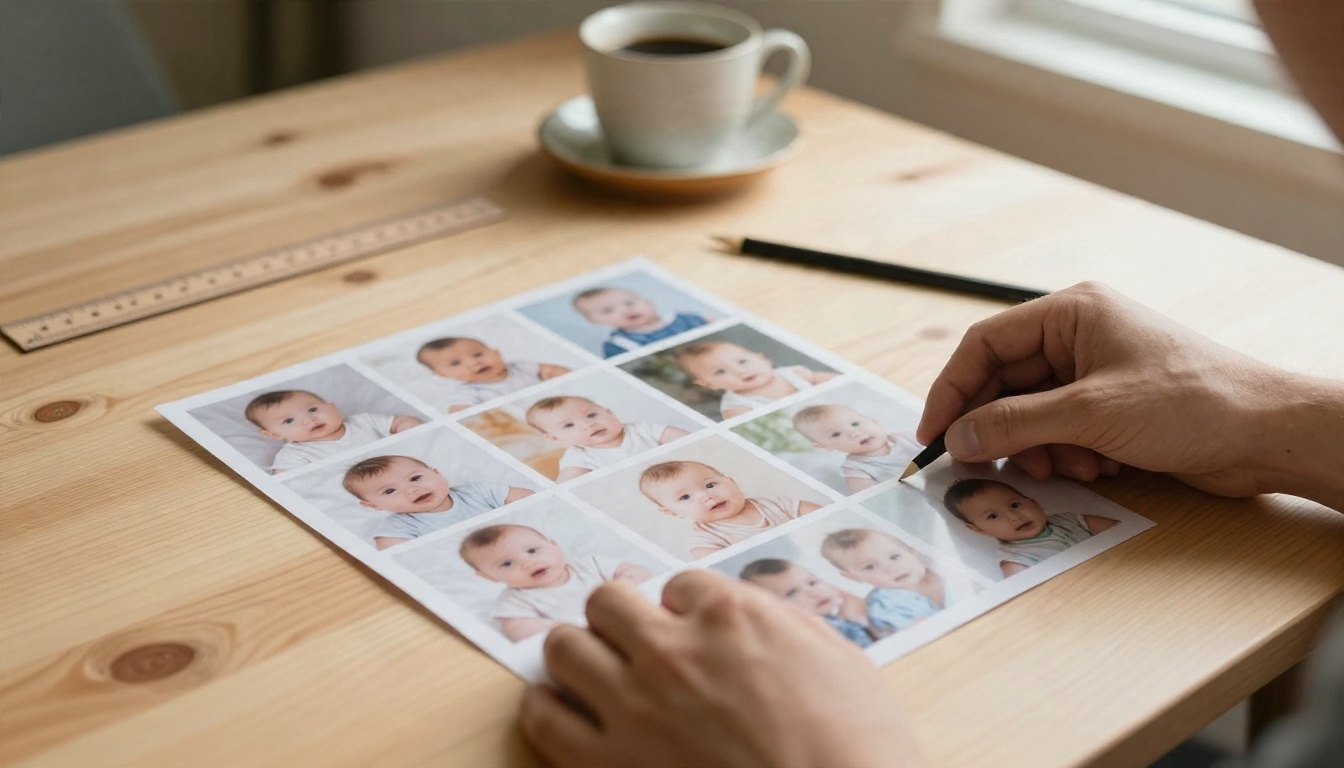
Use one full bleed hero photo on the left page and a 2x3 grid of smaller photos on the right. The big image sets the mood, the grid tells the story. This single layout can carry half your book.
Spacing and Captions
White space is not wasted space. Leave at least 1 cm of margin around every photo, and keep captions to one or two lines in a plain font. Dates beat adjectives. "March 14, first laugh" is better than "such a happy day."
| Layout | Photos per page | Use it for | Tip |
|---|
| Full bleed hero | 1 | Portraits, birth day | Pick a vertical, sharp photo |
| 2x3 grid | 6 | Monthly firsts | Keep the same crop size |
| Collage strip | 4 | Sequences like a bath | Order by time |
| Photo plus letter | 1 | Quarterly letters | Text on solid color |
| Split spread | 2 | Then and now | Same angle in both |
Keep colors calm. A palette of cream, sage and soft peach lets any baby outfit look intentional, and it ages better than bright trends.
Free Templates You Can Start With
You can build a perfect book in any layout tool, but a ready outline saves hours. The best free templates come as editable files in a standard page size, usually square (21 x 21 cm) or A4 landscape.

What to Look For
- Editable text boxes, so captions are not locked into a picture.
- Even page counts, usually 24, 32 or 40 pages, for easy printing.
- A neutral palette you can recolor later.
- High resolution export as PDF, at 300 dpi if you plan to print.
Browse the Flipbooks AI tools directory for related layouts. The Wedding Album Flipbook tool, for example, works well for baby albums because it already handles photo-heavy pages and soft page turns. The Photography Portfolio tool suits parents who shoot their own photos.
A Simple 24 Page Outline
Copy this free structure into any design app and you have a book.
| Pages | Content | Photos |
|---|
| 1 | Title page with baby name and birth year | 1 |
| 2 to 3 | Birth story, stats, hospital bracelet scan | 4 |
| 4 to 5 | Family tree and welcome letter | 3 |
| 6 to 17 | One page per month, months 1 to 12 | 24 |
| 18 to 19 | Firsts and small moments grid | 12 |
| 20 | Family voices, handwritten notes | 3 |
| 21 | Favorites at 12 months | 6 |
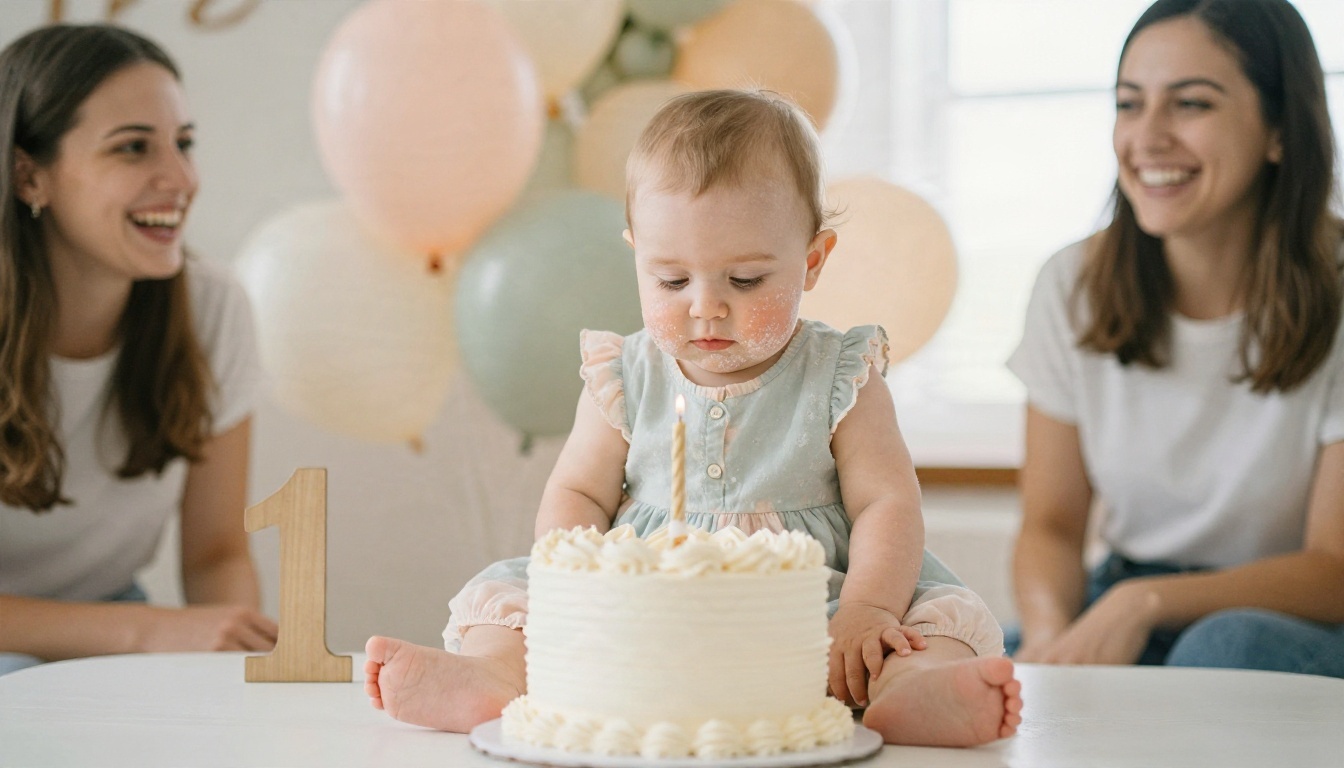
| 22 | First birthday | 6 |
| 23 | Letter from mom and dad | 1 |
| 24 | Back page: then and now | 2 |
That is about 62 photos. If you want a longer book, add a second page per month.
How to Create a Baby Flipbook with Flipbooks AI
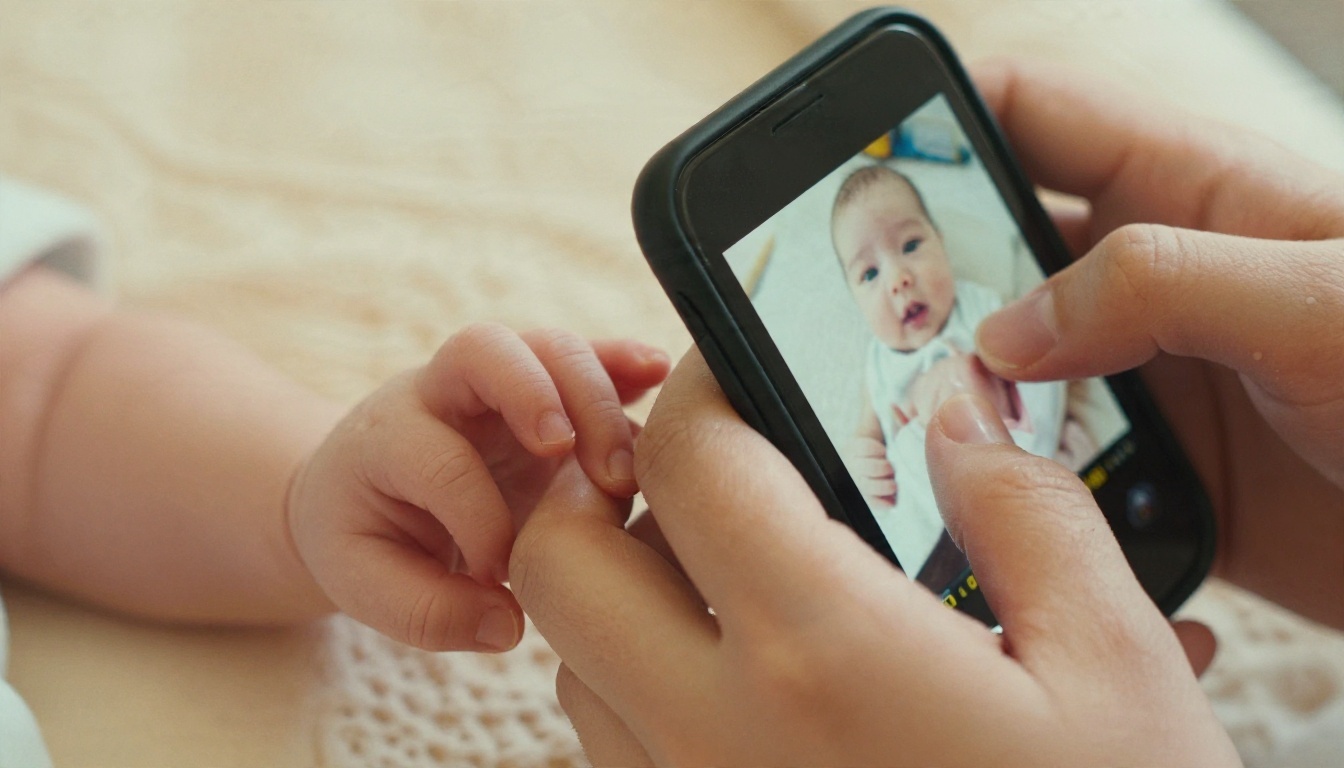
Once your pages are designed and exported as a PDF, turning it into a page-turning flipbook takes minutes. Flipbooks AI does this without watermarks, and the result works on phones, tablets and laptops.
Step by Step
- Create your account. Go to Flipbooks AI and sign up. It takes under a minute.
- Upload your PDF. Drag your memory book file into the uploader. The PDF to Flipbook Converter turns each PDF page into a flipbook page, keeping photo quality sharp.
- Preview the page turns. Flip through on desktop and on your phone. Check that captions are readable on a small screen.
- Customize the look. Pick a background color that matches your palette (cream or soft gray works well), add your baby's name as the title, and choose the page effect and sound you like.
- Add multimedia. Embed a short video of the first laugh or an audio clip of a lullaby. This is where a flipbook beats a printed book.
- Publish and copy the link. You get a direct link, and you can set a password before you send it.
💡 Pro tip: Export your PDF at the final page size from the start. Resizing later can crop heads and break captions.
Customization Options
| Option | What it does | Baby book example |
|---|
| Custom branding | Your colors, your title | "Oliver's First Year" in sage green |
| Background | Sets the mood behind pages | Soft cream or warm gray |
| Page effects | Page flip style and sound | Gentle paper flip |
| Embedded video | Plays inside a page | First steps clip |
| Embedded audio | Plays on a page | Grandma's lullaby |
| Mobile-responsive view | Adapts to any screen | Grandparents on tablets |
Pro Features Worth Using
If you want to see which relatives opened the book, the Professional plan includes analytics. It is a fun extra when you are wondering if the cousins ever got around to looking. You can also allow offline downloads, so a relative with poor internet can save the book to read on a flight. Compare options on the pricing page. The Standard plan and above allow unlimited flipbooks, which is handy if you want one book per year, plus a separate one for the birth day.
How to Share Online Safely
Baby photos deserve more care than a public social media post. A flipbook link gives you control over who sees what.
Link, Embed, or Download
| Method | Setup time | Best for | Privacy level |
|---|
| Direct link | 10 seconds | Family group chat | Medium, add a password |
| Password protected link | 1 minute | Close family only | High |
| Embed on a website | 5 minutes | A private family blog | Depends on your site |
| Offline download | 1 minute | Relatives with slow internet | High |
The Embed Flipbook on Website tool gives you a snippet of code you paste into a page. It is a nice option if you run a small family site or a birth announcement page.
Password and Privacy
Share the password in a different message from the link. Something like "the name of our first dog, lowercase" works for relatives and is hard for strangers to guess. Avoid including your home address, your baby's full birth date together with the full name, or hospital details on pages meant for wide sharing.

⚠️ Warning: Once a photo is public, you cannot take it back. If you are unsure, keep the book private and send the link only to named people.
A Sharing Plan That Works
- Month 6: Send a half year edition (a short 12 page flipbook) to grandparents.
- Month 12: Send the full book, and thank everyone who contributed.
- Every birthday after: Add a new chapter to the same family archive.
3 Common Mistakes to Avoid
1. Waiting until month twelve to start. The details fade. Build the book as you go, one page per month, and it takes about 20 minutes a month.
2. Using too many fonts and colors. Pick one headline font and one text font. Use the same two colors throughout.
3. Forgetting the captions. A photo without a date and a line of context loses half its meaning in five years. Write the caption the same day.
Some parents also try to fit every single photo in. Resist it. Pick the sharpest, the funniest and the most tender, and let the rest stay in your cloud folder.
Your Next Step
You have the ideas, the layouts and a free 24 page outline. All that is left is to pick your twelve best photos and begin.
Your baby will only be one year old once. A good book means that year stays easy to open, easy to share, and easy to love.



