Bar Menu Sign: Template, Size, Design Ideas and Free Printable PDF
Choose the right bar menu sign size, copy a ready to print template, and pick a design that makes guests order faster. You get size charts, layout rules, color and font pairings, common mistakes, and a way to turn the same file into a digital menu with a QR code.
A bar menu sign has roughly four seconds to do its job. A guest walks in, scans the wall, and either finds a drink they trust or reaches for their phone and orders the beer they already know. Everything about the sign, from the size of the letters to the number of items, decides which of those two things happens. This article gives you the sizes, a copy and paste template, design ideas that hold up under dim bar lighting, and a way to turn the same file into a digital menu with Flipbooks AI.
If you want the printable layout first, jump to the template section. If you run more than one location or change drinks every season, read the digital section too, because reprinting signs gets expensive fast.
What a Bar Menu Sign Actually Does
A bar menu sign is any printed or painted display that lists drinks, prices, or specials where guests can read it without asking. It is not the same thing as a full drinks menu. The sign is the short version: the headline drinks, the house favorites, and the offers you want people to notice from the door.
Think of it as a salesperson that never gets tired. It answers the three questions every guest has in the first minute: What do you serve? What does it cost? What should I order?
Wall Sign, Table Card or A-Frame
Each format has a different job. Pick based on where the guest's eyes are when they decide.
Format
Best for
Typical size
Reading distance
Update speed
Back bar wall sign
Core cocktail and beer list
24 x 36 in
6 to 15 ft
Slow, reprint seasonally
A-frame sidewalk sign
Happy hour and daily specials
24 x 36 in panel
10 to 30 ft
Fast, chalk or insert
Table card
Featured drinks and QR code
4 x 6 in or 5 x 7 in
1 to 2 ft
Medium, cheap to reprint
Counter standee
Single promotion
8.5 x 11 in
2 to 4 ft
Fast
Door or window sign
Hours, offers, brand hook
11 x 17 in
5 to 10 ft
Medium
Most bars end up using three of these together: a wall sign for the permanent list, an A-frame for the daily hook, and table cards for upsells.
What Belongs on the Sign
Resist the urge to list everything. A good sign has a clear hierarchy:
Bar name or logo at the top, small enough not to steal attention.
Section headings such as Cocktails, Draft Beer, Wine, Zero Proof.
Drink names in a bold, readable weight.
Short descriptions of 6 to 10 words, only for cocktails.
Prices aligned in one column on the right.
One highlighted item per section, such as a house signature.
💡 Pro tip: If a drink needs more than ten words to explain, it probably belongs on the full menu, not the sign. Keep the sign for drinks that sell themselves at a glance.
Bar Menu Sign Sizes That Work
Size is where most signs fail. Owners pick a frame they like, then discover the text is too small to read from the stools. Work backwards from the reading distance instead.
Standard Print Sizes
These are the sizes that print shops, frame stores, and home printers all handle without custom orders.
Size
Millimeters
Common use
Home printer?
5 x 7 in
127 x 178
Table card
Yes
8.5 x 11 in (Letter)
216 x 279
Counter sign, framed print
Yes
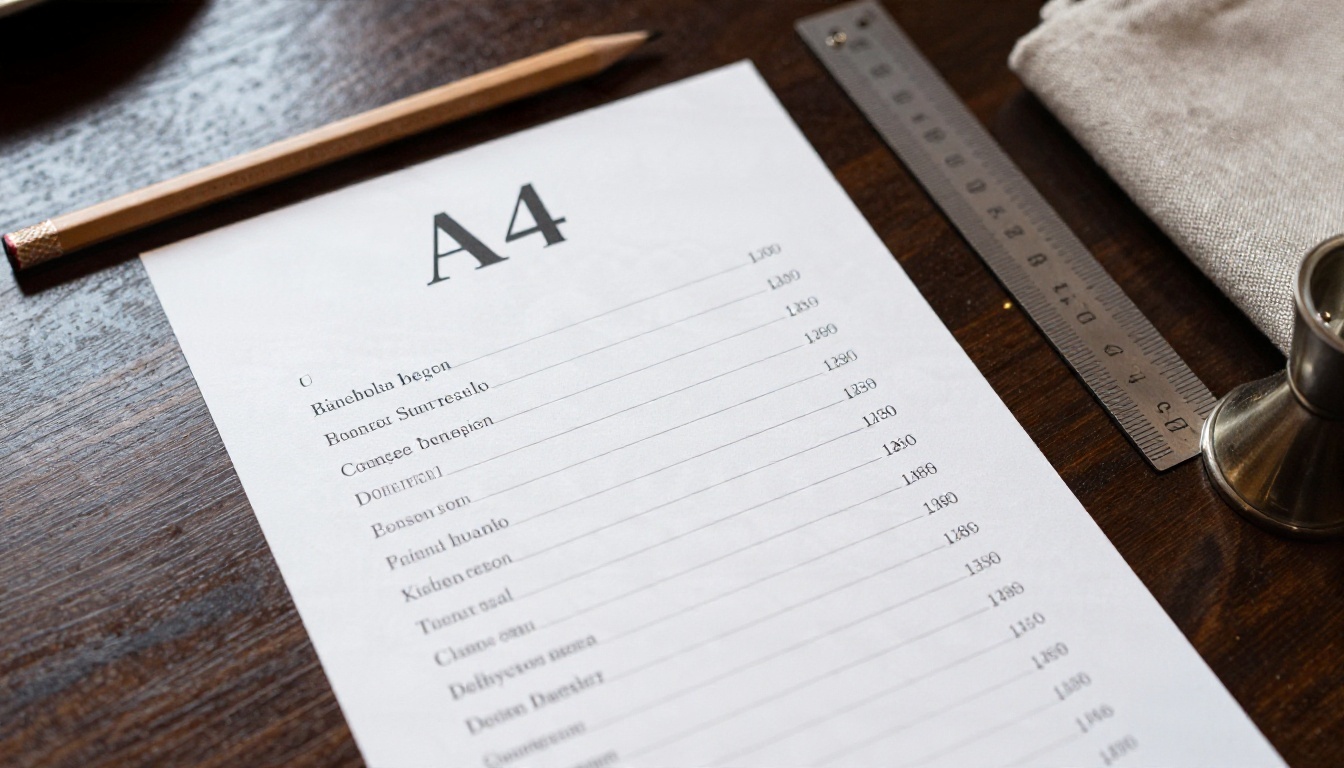
A4
210 x 297
Counter sign (outside the US)
Yes
11 x 17 in (Tabloid)
279 x 432
Door sign, small wall sign
Some
A3
297 x 420
Wall sign (outside the US)
Some
18 x 24 in
457 x 610
Wall sign, poster
No, use a print shop
24 x 36 in
610 x 914
Large wall sign, A-frame insert
No, use a print shop
If you plan to print at home, design at Letter or A4 and scale up only for the final print shop order. Vector text and a PDF export scale cleanly. A low resolution image does not.
The Viewing Distance Rule
A reliable rule of thumb in signage is about 1 inch of letter height for every 10 feet of viewing distance. Bars have dim light, so add a margin.
Viewing distance
Minimum letter height
Use it for
3 ft (at the counter)
0.3 in
Drink descriptions
10 ft
1 in
Drink names and prices
20 ft
2 in
Section headings
30 ft (from the street)
3 in
Headline offer, bar name
Sizing by Venue Type
Small neighborhood bar: one 18 x 24 in wall sign plus a chalk A-frame outside.
Cocktail lounge: a 24 x 36 in framed sign behind the bar, table cards at every booth.
Brewery taproom: a large tap list board, often 36 x 48 in, because the list changes weekly.
Hotel bar: a refined 11 x 17 in framed sign at the entrance and a digital menu for the full list.
⚠️ Warning: Do not size a sign by the wall space you have. Size it by the distance your guests stand from it. A big blank wall with tiny text is worse than a small sign with bold text.
A Free Printable Bar Menu Template
You do not need design software to build a solid sign. You need a clear structure, a readable font, and a PDF export. The layout below works in Canva, Google Docs, Word, Figma, or any tool that exports to PDF.
Copy and Paste Layout
Use this as your text skeleton. Replace the placeholders with your own drinks and keep the line counts close to what you see here.
[BAR NAME]
Est. [YEAR] · [NEIGHBORHOOD OR CITY]

COCKTAILS
Old Fashioned ........................... 13
Bourbon, demerara, orange bitters
Espresso Martini ........................ 14
Vodka, coffee liqueur, fresh espresso
Paloma .................................. 12
Blanco tequila, grapefruit, lime, salt
House Signature (highlight) ............. 15
Short description here

DRAFT BEER
Local IPA ............................... 8
Lager ................................... 7
Seasonal Rotating Tap ................... 8

WINE
House Red / White / Rosé (glass) ........ 10

ZERO PROOF
Spiced Ginger Fizz ...................... 8

HAPPY HOUR [DAYS] [TIMES]
Half price draft beer
Notice the pattern: four to six cocktails, three beers, one wine line, one zero proof option, and one offer. That is about 15 lines. It is readable, and it leaves white space, which makes the sign look more expensive.
Export to PDF in Five Steps
Set the page size to Letter or A4 for proofing, or to your final print size if you know it.
Paste the template text and apply two fonts only: one for headings, one for body text.
Set margins of at least 0.5 in on all sides so a printer does not cut off prices.
Choose high contrast colors (more on that below) and check by printing a draft in grayscale.
Export as PDF with fonts embedded, then print one test copy and read it from your real viewing distance.
That PDF is also the file you can use for a digital version. Upload it to the PDF to Flipbook Converter and you get a page turning menu you can link from a QR code. More on that in a moment.
Design Ideas That Sell Drinks
Good bar signs share a mood with the room. A sign that looks like it belongs to a different bar feels off, even if guests cannot explain why.
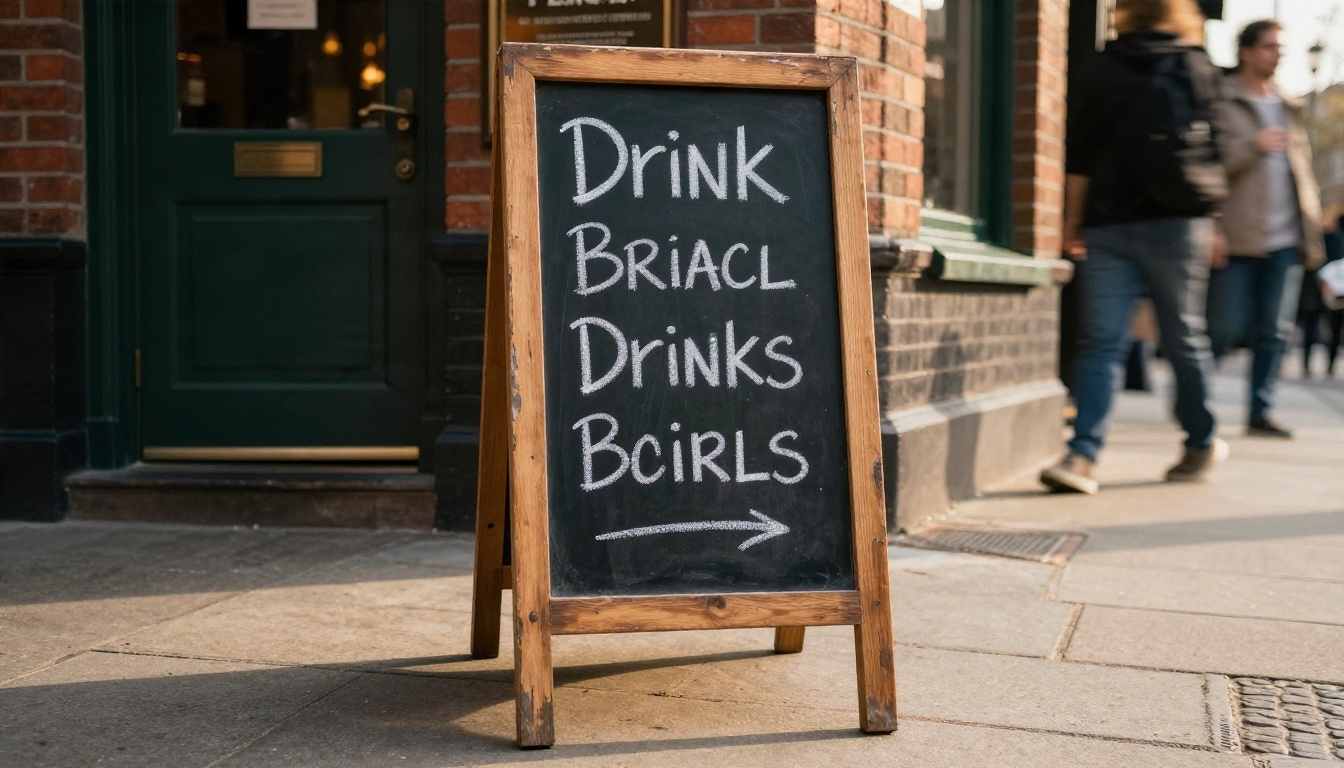
Chalkboard and Slate
Best for pubs, taprooms, and neighborhood spots. Hand lettering feels personal and lets you change items daily. Use white chalk markers on matte black slate for the cleanest look. Keep the border simple, since busy flourishes turn messy at distance.
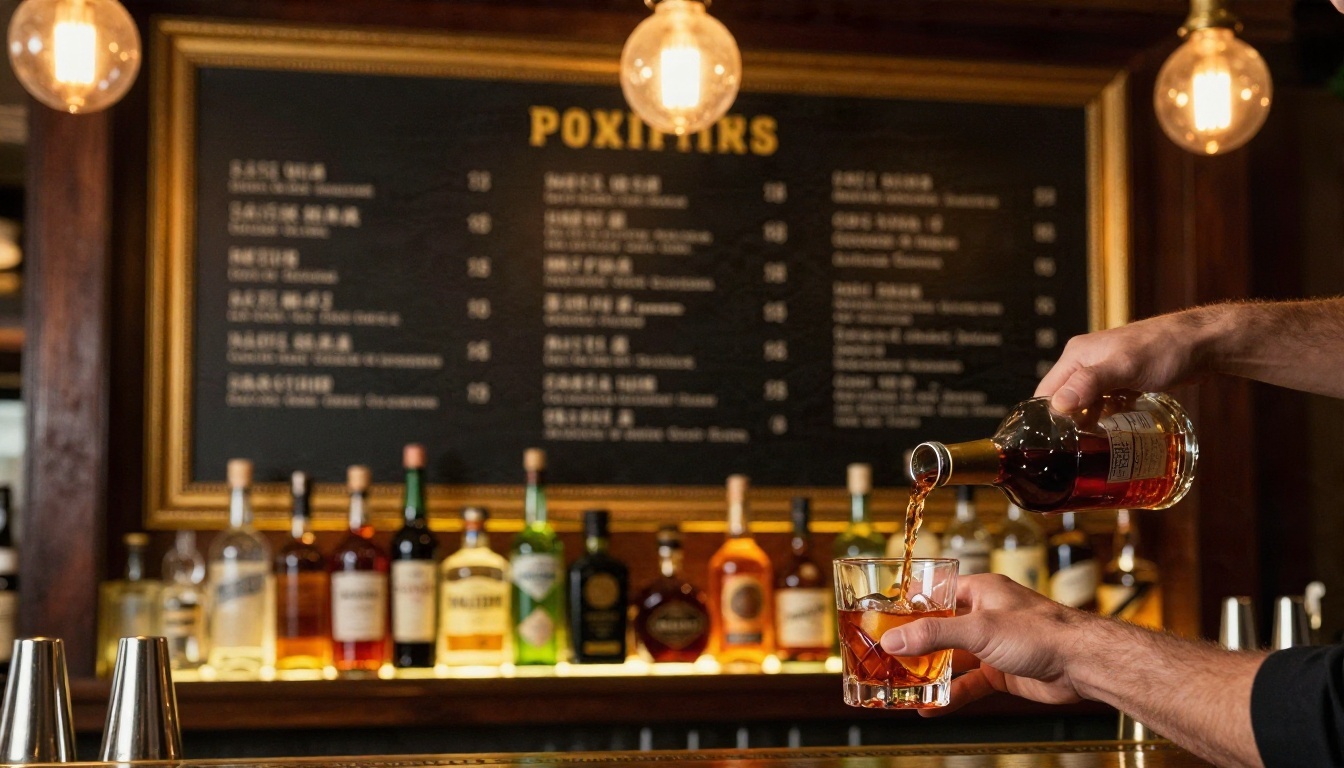
Black and Gold
The classic cocktail lounge look. A matte black background, warm gold headings, and cream body text. It looks premium under low light, and it photographs well for social media. Keep gold for headings only. Gold body text is hard to read.
Minimal White Card
Best for daytime bars, hotel lobbies, and wine bars. A white or cream card, black text, plenty of margin, and one accent color. This style is also the easiest to print at home, since it uses little ink.
Color and Type Rules
Style
Background
Heading color
Body color
Font pairing
Chalkboard
Matte black
White
Off white
Hand lettered script + simple sans
Black and gold
Near black
Warm gold
Cream
Elegant serif + clean sans
Minimal white
Cream
Charcoal
Dark gray
Modern sans + light serif
Tiki or tropical
Deep teal
Sunset orange
White
Bold display + rounded sans
Industrial
Concrete gray
White
Light gray
Condensed sans + typewriter
A few rules that hold across every style:
Use two fonts at most. A third one starts to look like a ransom note.
Keep contrast above a 4.5 to 1 ratio between text and background.
Align prices in one column. Guests scan down the list, and ragged prices slow them down.
Leave about 30 percent of the sign empty. White space is not wasted space.
✅ Best practice: Print a draft, tape it to the wall, and step back to your farthest seat. If you squint to read it, the text is too small.
Three Mistakes That Cost You Sales
Too Many Items
Choice overload is real. When a sign lists 30 drinks, guests freeze or default to the safest option. Trim the sign to your best 10 to 15 items and send everything else to the full menu.
Low Contrast Under Bar Lights
Bars are dim and warm. Thin gray text on a dark brown wall disappears. Test your sign under the real lighting at 8 p.m., not at noon with the lights on.
Prices That Shout
Bold dollar signs draw attention to cost rather than flavor. A well known Cornell hospitality study found that guests spent more when menus dropped currency symbols. Write "13" instead of "$13.00" and set the number in the same weight as the description.
Mistake
What happens
Fix
30+ items on one sign
Guests default to a basic order
Limit to 10 to 15
Thin script for everything
Unreadable from the stools
Script for headings only
Dollar signs and decimals
Price becomes the focus
Plain numbers, aligned
No highlighted item
No clear recommendation
Mark one signature drink
Outdated specials
Staff argue with guests
Use a sign you can update fast
How to Create a Digital Bar Menu with Flipbooks AI
A printed sign is great for the wall. But your wall sign cannot show 60 whiskeys, change tonight's special at 6 p.m., or live on a QR code at every table. That is where a digital menu earns its place. Here is the process on Flipbooks AI.
Upload your PDF. Use the PDF you exported from the template above. The platform converts it into a page turning flipbook automatically. You can also start from the Restaurant Menu Creator or the Menu Flipbook Designer.
Customize the look. Add your logo, set brand colors, and choose page effects so the digital menu matches your printed sign.
Add multimedia. Embed a short video of your signature cocktail being made, or add background audio for atmosphere. The viewer is mobile responsive, so it works on any phone.
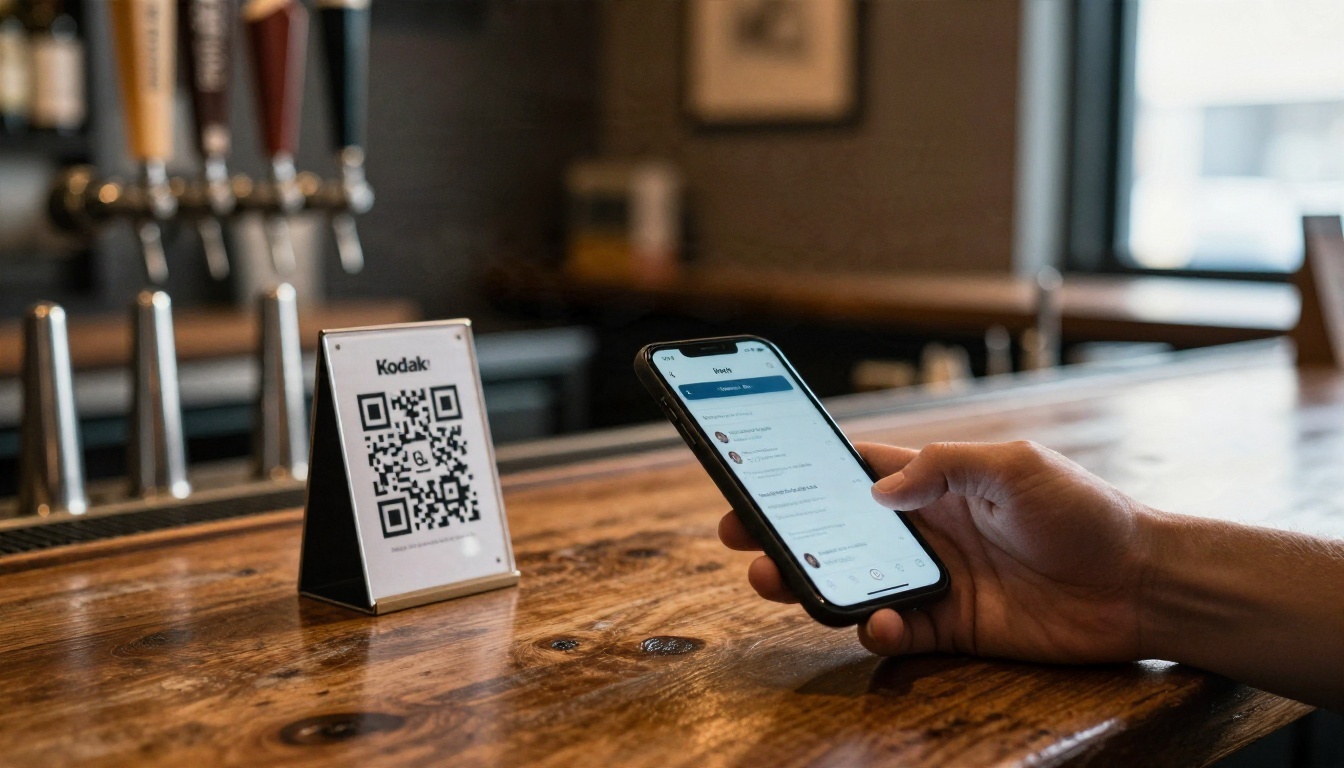
Share it. Copy a direct link, grab an embed code for your website using the Embed Flipbook on Website tool, or turn the link into a QR code for table cards.
Protect private content. Use password protection for staff training menus, private event packages, or members only lists.
Allow offline downloads so guests can save the menu and read it later.
💡 Pro tip: Print the QR code on your 5 x 7 in table card, and keep the sign on the wall for the headline drinks. Guests get both a quick glance and a deep list.
Pro Features Worth Using
If you run a busy venue, the Professional plan adds analytics and lead generation. You can see which pages guests open most, which drinks get attention, and collect emails for your event list. Check the current options on the pricing page. Unlimited flipbooks are available on the Standard plan and above, which suits groups with several venues.
A Real World Example
Picture a 40 seat cocktail bar. The owner prints a 24 x 36 in black and gold sign with twelve drinks, and places 5 x 7 in table cards with a QR code. The QR opens a flipbook with the full 40 item list, a wine page, and a seasonal page. When the autumn menu launches, the owner uploads a new PDF, and every QR code now points to the new version. No reprinted table cards, no wasted stock.
Print or Digital: Which Wins
You do not have to choose one. But it helps to know what each does best.
Factor
Printed sign
Digital flipbook menu
Setup cost
Printing and frame
Subscription
Update speed
Reprint or hand edit
Minutes
Atmosphere
Strong, tactile
Depends on the guest's phone
Item capacity
10 to 15 items
Unlimited pages
Multimedia
None
Video and audio
Analytics
None
Page views and lead capture (Professional)
Works without Wi-Fi
Yes
Offline download available
The best setup for most bars is a short printed sign for atmosphere and fast decisions, plus a digital menu for depth, updates, and data. For other menu types, browse the full list of flipbook tools, including the Spa & Wellness Menu and the Digital Price List Generator.
Ready to Print Your Sign?
You now have the sizes, a layout to copy, and a set of design directions to pick from. Here is a quick plan for this week:
Choose your format: wall sign, A-frame, or table card.
Pick a size using the viewing distance table.
Paste the template text, trim it to 15 lines, and export a PDF.
Print one test copy and read it from your farthest seat.
Upload the same PDF to a digital menu so your QR codes always show the latest list.