You already have the PDF. It sits in a shared folder, gets emailed as a 40 MB attachment, and half your customers never open it. Turning that file into a digital catalog with page-turning, links and mobile support takes minutes, and the payoff shows up in your print budget, your sales calls and your inbox. With Flipbooks AI you can convert a PDF into a shareable catalog without watermarks, and this article walks through the benefits, real examples, free options and what the paid plans cost.
💡 Quick answer: A digital catalog is a PDF turned into an interactive, web-based flipbook. It opens in a browser, works on phones, updates instantly and can show you who is reading it.
Why Digital Catalogs Win
A PDF is a document. A digital catalog is an experience. Buyers flip pages, tap product links, zoom into fabric swatches and share the link with a colleague in one tap. You keep the same content but remove nearly all of the friction.

Lower Printing and Shipping Costs
Printing a 60 page catalog in full color costs real money per copy, and then you pay again to ship it. Send 500 copies to wholesale buyers and the bill often passes what many small shops spend on advertising in a month. A digital version costs the same whether 5 or 5,000 people open it.
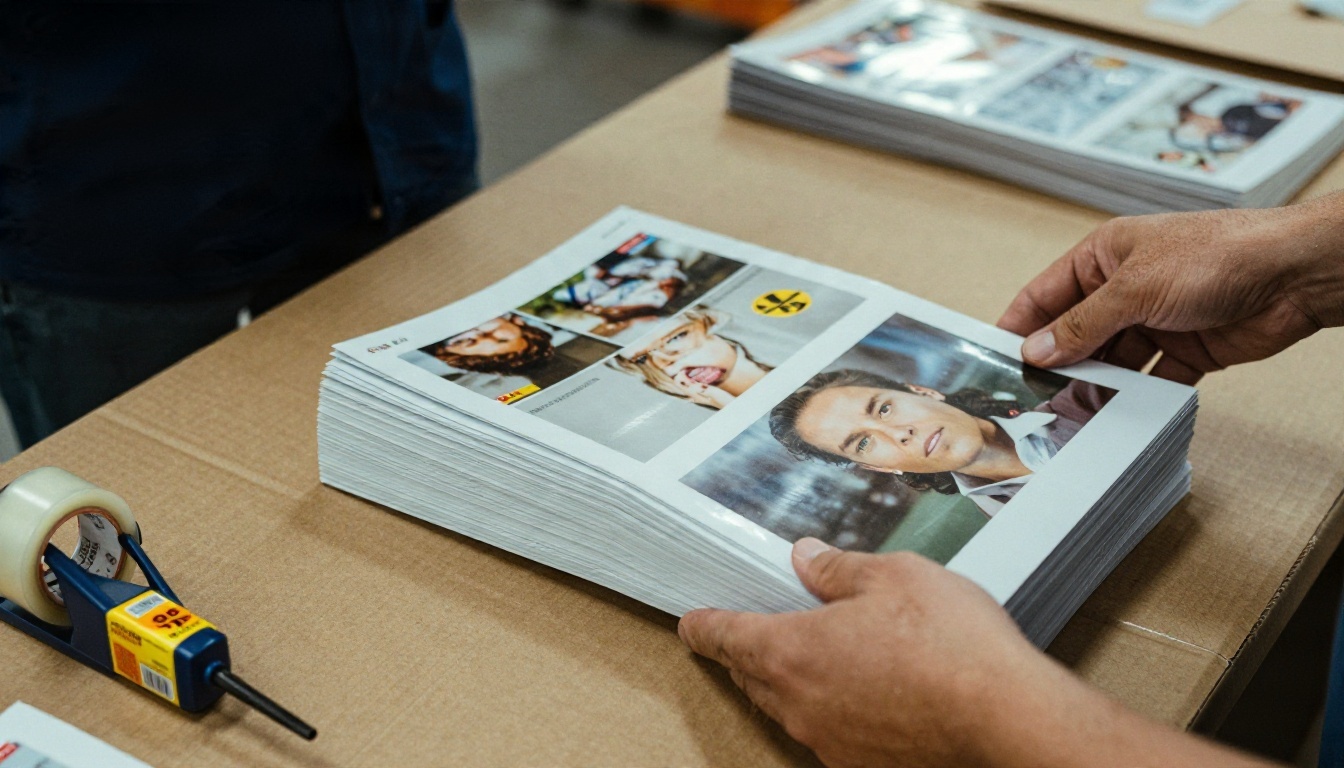
Other savings people forget about:
- Storage: no pallets of leftover catalogs from last season.
- Waste: outdated prints go straight to the recycling bin.
- Labor: nobody has to stuff envelopes or label boxes.
- Time: printers need days or weeks, while a digital link goes live right away.
Instant Updates, Zero Reprints
Prices change. A product sells out. A supplier swaps a color. With a printed catalog you live with the mistake until the next run. With a digital catalog you replace the source PDF, and the same link shows the new version. Customers who bookmarked the old link still land on the current one.
Reach Buyers on Any Device
More than half of catalog views now happen on a phone. A raw PDF forces pinching and sideways scrolling. A mobile-responsive flipbook fits the screen, loads page by page and keeps images sharp. You also get a link that works in email, WhatsApp, social bios and QR codes on packaging.
Print vs PDF vs Digital Catalog
| Feature | Printed catalog | Plain PDF | Digital catalog (flipbook) |
|---|
| Cost per additional reader | High | Near zero | Near zero |
| Update after publishing | Reprint needed | Resend file | Replace once, link stays |
| Mobile friendly | Not applicable | Poor | Good |
| Page-turn feel | Yes | No | Yes |
| Clickable product links | No | Sometimes | Yes |
| Reader tracking | No | No | Yes (Professional plan) |
| Password protection | No | Limited | Yes |
| Easy to share | Mail only | Email attachment | One link or embed |
Real Examples That Work
Theory is nice. Here is how different businesses use a converted PDF catalog in practice.
Furniture Showrooms
A showroom can hold only so many sofas. A digital catalog lets a salesperson open the full range on a tablet, show fabric options and send the link to a couple after they leave. The Furniture Catalog Maker is built for this: room scenes, finish options and dimension pages stay in the same flipbook.

Fashion Boutiques
Seasonal collections change fast. A boutique owner can publish a lookbook the day new stock arrives and share it in a newsletter or on Instagram. The Fashion Catalog Creator keeps the editorial feel of a magazine with none of the print delay.

Food and Craft Sellers
Market stall holders, bakers and ceramic makers often have a simple price list and a few photos. Put them in a flipbook, print a QR code on a card, and a buyer can browse the full range at the stall or later at home. The Digital Price List Generator suits this style well.
Wholesale and B2B Sales
Distributors send catalogs to buyers who forward them to purchasing teams. Password protection keeps wholesale prices away from the public, and view tracking tells your reps which accounts actually opened the file. That beats guessing who read the email.
Use Cases and Matching Tools
Plenty of converters offer a free tier. They are fine for a first test, but know the trade-offs before you send a link to real customers.
What Free Plans Usually Include
- A limited number of flipbooks, often just one to three.
- Basic page-turn animation.
- A shareable link hosted on the provider's domain.
- Smaller file size limits.
That is enough to check how your layout looks in flipbook form. Try the PDF to Flipbook Converter with your current file and see what happens to your images and fonts.
Where Free Tools Fall Short
⚠️ Watch out for watermarks. Many free converters stamp their logo on every page or add an ad banner. A buyer who sees someone else's branding on your catalog loses confidence fast.
Other common limits:
- No custom branding: you cannot change colors, logo or background.
- No embed option: the catalog lives only on the provider's page.
- No privacy: anyone with the link can view it.
- No analytics: you never learn who read what.
- Expiry: some free flipbooks vanish after 30 days.
Free vs Paid at a Glance
| Capability | Typical free tool | Paid plan on Flipbooks AI |
|---|
| Watermark | Often yes | No watermarks, ever |
| Number of flipbooks | 1 to 3 | Unlimited (Standard and above) |
| Custom branding | Rarely | Yes |
| Password protection | No | Yes |
| Embed on your site | Limited | Yes |
| Analytics and lead capture | No | Professional plan |
| Offline download | No | Yes |
How to Convert PDF with Flipbooks AI
This is the full process from file to published catalog. Most people finish in under ten minutes.

Upload and Convert
- Go to Flipbooks AI and create an account.
- Click the upload area on your dashboard. Screenshot description: a large dashed box in the center with a "Upload PDF" button and a list of your existing flipbooks below.
- Select your catalog PDF. The converter reads each page and builds the flipbook.
- Wait a few seconds. A preview opens with page-turn animation.
💡 Pro tip: Export your PDF at 150 to 200 DPI. Sharper than that makes loading slow, softer makes zoom look blurry.
Customize the Look
This step is where the flipbook starts to feel like your brand.
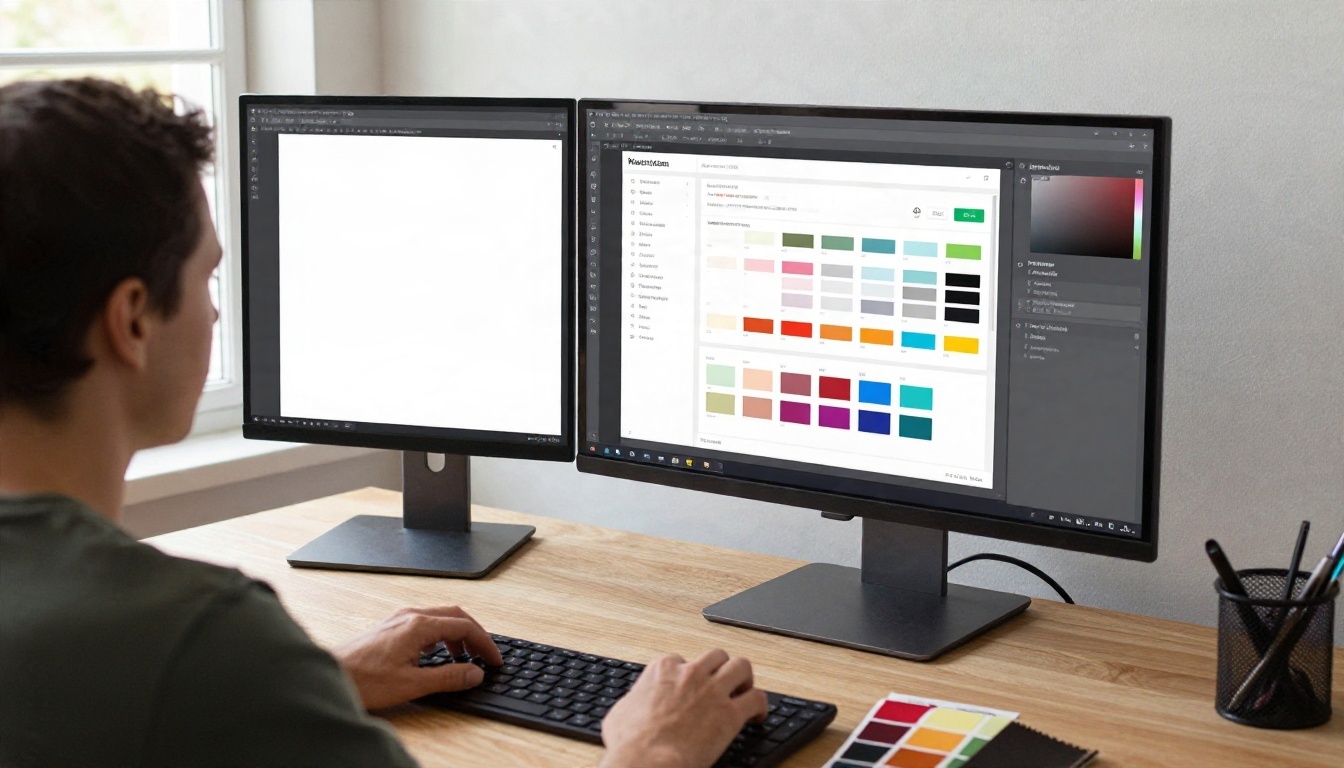
- Open the settings panel on the right of the preview.
- Upload your logo and pick background and toolbar colors that match your brand.
- Choose page effects such as a soft shadow, a realistic curl or a flat slide.
- Add multimedia: embed videos and audio, for example a short product demo on page 12.
- Add links on products to send buyers straight to your shop or contact form.
Because the layout is mobile-responsive, one design works on desktop, tablet and phone. You can also start from the Digital Catalog Maker if you want a template built around catalog pages.
Share and Embed
- Click Share and copy the direct link for email or social.
- Copy the embed code and paste it into your website. The Embed Flipbook on Website tool shows exactly how.
- Turn on password protection for wholesale or private catalogs.
- Enable offline downloads if reps need the catalog in places with poor signal.
Pro Features: Analytics and Leads
On the Professional plan you get analytics and lead generation. You can see views, time spent per page and which pages get the most attention. Lead capture forms ask a reader for a name and email before they open the catalog, so every share becomes a possible sale.

Practical ways to use the numbers:
- Move best-viewed products to the first five pages.
- Cut pages that nobody reaches.
- Send a follow-up to leads who spent more than two minutes on a product section.
- Compare two catalog versions and keep the one that holds attention longer.
What It Costs
Budget is usually the deciding factor, so let us look at it plainly.
Hidden Costs of Print
A print run looks cheap per copy until you add design revisions, freight, storage and the copies that never get opened. If you reprint twice a year, the digital plan often pays for itself with the first run you skip. And unlike print, you never have to guess the right quantity.
Pricing Tiers Compared
Plans change, so always check the live numbers on the pricing page. The table below shows how the tiers differ in what you get.

| Feature | Starter option | Standard | Professional |
|---|
| Best for | Testing one catalog | Growing catalogs and menus | Sales teams and agencies |
| Watermark | None | None | None |
| Number of flipbooks | Limited | Unlimited | Unlimited |
| Custom branding | Basic | Full | Full |
| Password protection | Yes | Yes | Yes |
| Embed videos and audio | Yes | Yes | Yes |
| Analytics | No | No | Yes |
| Lead generation | No | No | Yes |
✅ Best practice: If you publish more than one catalog a year, pick a plan with unlimited flipbooks. Seasonal ranges, regional versions and wholesale editions add up quickly.
To compare current prices and choose a plan, visit Flipbooks AI pricing.
Mistakes to Avoid
Even a good conversion can underperform. These are the errors that show up most often:
- Uploading a low-resolution PDF. Blurry product photos make a catalog look cheap. Export from your design file again if needed.
- Skipping links. A flipbook without clickable products is just a prettier PDF. Add links to every featured item.
- Ignoring page one. The first spread decides whether people keep flipping. Lead with your strongest products.
- Forgetting the phone test. Open the link on your own phone before sending it to anyone.
- Sharing a private catalog without a password. Wholesale pricing should never be public.
- Never checking the numbers. If you pay for analytics, review them monthly and adjust.
Ready to Convert Your PDF?
You have the content already. The remaining work is a few clicks. Here is where to go next:
Your next customer is probably holding a phone right now. Give them something better than an attachment.



