Most PDFs get opened once, skimmed for ten seconds and forgotten in a downloads folder. A flipbook fixes that problem. It takes the same document and turns it into a page-turning experience that loads in a browser, works on a phone and can be shared with a single link. If you have ever wondered whether the switch is worth the effort, this article gives you straight answers: the real benefits of flipbooks, concrete examples, use cases by industry, what free options actually include, and how to share your publication online. You can try everything yourself on Flipbooks AI while you read.
What Is a Flipbook, Really?
A flipbook is a digital publication that imitates the feel of a printed book or magazine. Readers click or swipe, and pages turn with a realistic curl. Behind that simple effect sits a lot of useful technology: responsive layouts, embedded media, trackable links and instant updates.
How a Flipbook Differs From a PDF
A PDF is a file. A flipbook is an experience. The content can be identical, but the way people receive it is very different.
| Feature | Standard PDF | Printed Brochure | Flipbook |
|---|
| Page turning effect | No | Yes | Yes |
| Opens in a browser | Sometimes | No | Yes |
| Mobile friendly | Pinch and zoom | Not applicable | Responsive |
| Embedded video and audio | Rarely | No | Yes |
| Update after publishing | Resend the file | Reprint everything | Replace instantly |
| Reader tracking | Almost none | None | Available |
| Cost per extra reader | Free | Printing and shipping | Free |
💡 Pro tip: You do not need to rebuild your design. Any PDF you already have can become a flipbook, so your existing catalogs, menus and reports are the raw material.
The Real Benefits of Flipbooks
Plenty of tools promise a lot. Here are the benefits that show up again and again when people switch from static files.
A Better Reading Experience
People read longer when the format feels familiar. The page-turn animation signals "this is a publication," and readers treat it with more attention than a plain download. On a phone, a good flipbook reflows to fit the screen, so nobody has to zoom into tiny text.
- Familiar feel: the book metaphor needs no instructions.
- Fast loading: pages load as the reader progresses instead of waiting for a heavy file.
- Rich media: you can add video, audio and clickable links right on the page.
- Clean sharing: one short URL replaces a clumsy email attachment.
Lower Costs, Faster Updates
Printing is expensive, and the cost multiplies with every typo. A flipbook removes printing, shipping and storage entirely. When a price changes or a date moves, you replace the file and every reader sees the new version.
A boutique that prints 500 seasonal catalogs might spend a few hundred dollars each cycle. The same catalog as a flipbook costs nothing per reader, and the link keeps working after the season ends.
Results You Can Measure
Paper cannot tell you who read page four. A flipbook with analytics can. You see how many people opened it, which pages held attention and where readers dropped off. With lead capture on the Professional plan, you can even ask for an email address before the reader gets past the first spread. See which features come with each tier on the pricing page.
✅ Best practice: Check your analytics after the first week. If readers leave on page three, move your strongest content forward.
Flipbook Examples That Work
Abstract benefits are fine, but examples show how this plays out in daily work.
Product Catalogs and Lookbooks
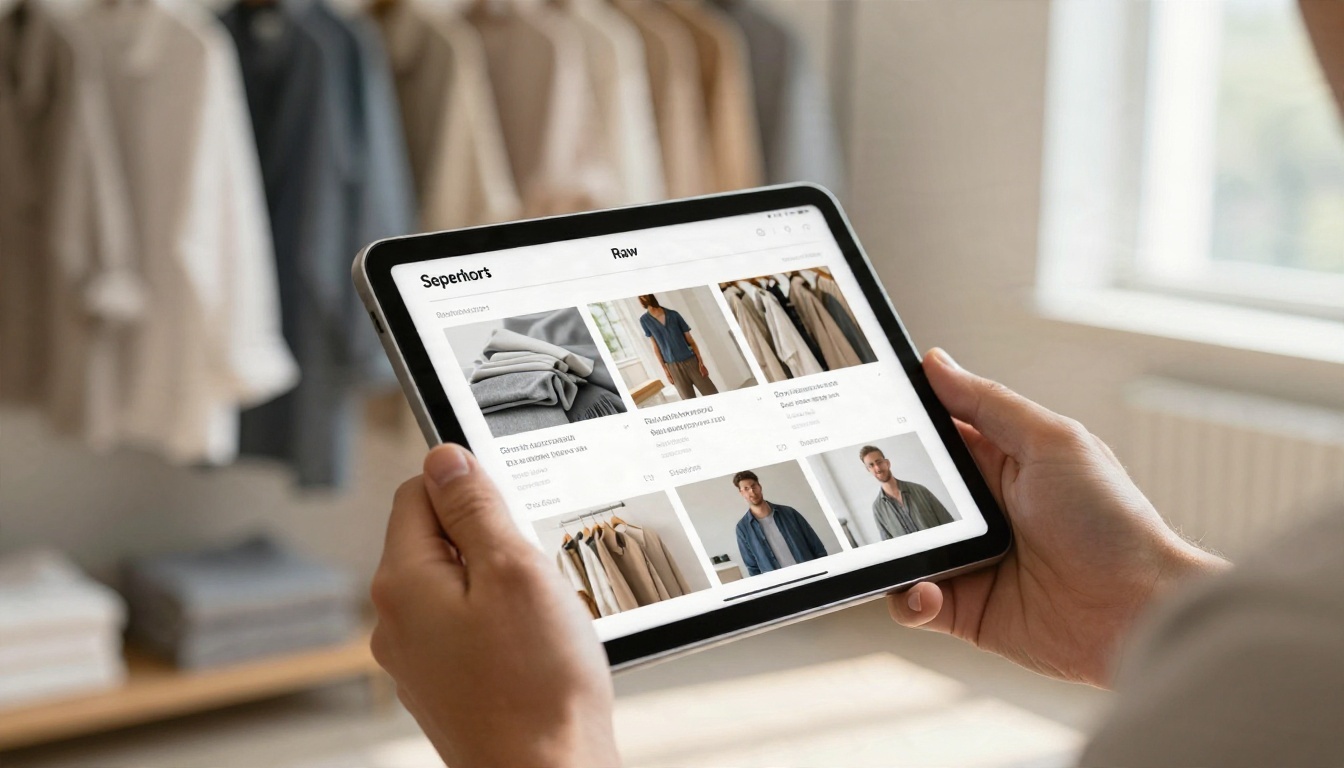
A furniture retailer sends one link to trade buyers. Buyers flip through, click a product photo and land on the matching page of the shop. No attachments, no version confusion. The Product Catalog Generator is built for exactly this, and fashion brands can build seasonal lookbooks with the Interactive Lookbook Designer.
Restaurant Menus
A restaurant prints a QR code on every table. Guests scan it, the menu opens as a flipbook and the kitchen updates dishes without reprinting anything. Seasonal specials appear within minutes. Try the Restaurant Menu Creator if you run a cafe, bar or dining room.

Real Estate Brochures
Agents send property brochures to buyers who are still on the couch at home. Photos, floor plans and neighborhood notes sit in one publication, and the agent sees whether the buyer actually opened it before the follow-up call. The Real Estate Brochure Creator handles the layout side.

Reports and Portfolios
Finance teams publish annual reports that look polished and stay readable on any device. The Annual Report Creator is the obvious starting point. Photographers and designers use the Digital Portfolio Creator to send clients a portfolio that feels like a real photo book, with none of the shipping costs.
Use Cases by Industry
Almost any team that sends documents can benefit. This table shows the most common matches.
Education and Training
Teachers share reading packs, school newsletters and yearbooks as flipbooks. Students open them on whatever device they have, and nothing gets lost in a backpack. Companies do the same with onboarding material through the Training Manual Flipbook tool, then update the manual whenever a process changes.

Small Businesses and Creators
A bakery owner turns a family recipe collection into a shareable book with the Recipe Book Flipbook tool and hands customers a link at the counter. A consultant sends proposals that look sharper than any attachment. The common thread is simple: a small team gets a polished publication without hiring a print shop.

Free Options and Their Limits
Free flipbook tools are a great way to test the idea. Just read the fine print, because "free" usually comes with trade-offs.
What Free Plans Usually Offer
| Aspect | Typical Free Plan | Paid Plan |
|---|
| Number of flipbooks | A few | Unlimited on higher tiers |
| Watermark | Often forced | None |
| Branding | Platform logo shown | Your own logo and colors |
| Page or file size limits | Strict | Generous |
| Password protection | Rarely | Included |
| Analytics | Basic or none | Detailed, with lead capture |
| Offline download | Rarely | Available |
The biggest trap is the watermark. A logo from another company on your menu or proposal looks unprofessional, and it sends readers to someone else's site. On Flipbooks AI there are no watermarks, ever, and you can check how plans differ on the pricing page.
⚠️ Watch out: Some free tools delete inactive flipbooks after a set period. Read the retention policy before you print a QR code that points to one.
When a Paid Plan Makes Sense
Free is fine for a single experiment. Upgrade when you notice any of these signs:
- You need more than a handful of publications.
- You want your own branding and no third-party logo.
- Clients ask for password-protected files.
- You want to know who reads what, and for how long.
- You publish regularly and need unlimited flipbooks (Standard plan and above).
How to Create a Flipbook with Flipbooks AI
Here is the full process, from a finished PDF to a live link. It takes minutes, not hours.
Step 1: Sign Up and Upload Your PDF
- Go to Flipbooks AI and create an account.
- Click to start a new flipbook.
- Drag your PDF into the upload area. The PDF to Flipbook Converter processes each page and keeps your layout intact.
- Wait a moment while the pages render. You will see a live preview of the page-turning effect.
💡 Export your PDF at a sensible size. Very heavy files with unoptimized images load slower for readers on mobile data.
Step 2: Customize the Look
In the editor, adjust the details that make the flipbook feel like yours:
- Branding: add your logo and choose a background color that matches your site.
- Page effects: pick the page-turn style and sound if you want one.
- Multimedia: drop in videos, audio clips and clickable links on any page.
- Mobile view: check how the layout looks on a phone, since the design is mobile-responsive by default.
Step 3: Share It Online
Once you are happy with the preview, publish and choose how to distribute it:
- Direct link: paste it into an email, a message or a social post.
- Embed code: place the flipbook on your own site with the Embed Flipbook on Website tool.
- QR code: print it on packaging, posters or table cards.
- Password protection: keep private content, such as investor reports, behind a password.
Pro Features for Serious Publishers
On the Professional plan, you can switch on analytics, capture leads before readers see the full content and allow offline downloads for people who travel. These extras are the reason many agencies and sales teams upgrade after their first few projects. Compare tiers on the pricing page.
Online Sharing Options Compared
Choosing the right way to share matters as much as the content itself. Each method suits a different goal.
| Method | Best For | Setup Effort | Tracks Readers |
|---|
| Direct link | Email, chat, social posts | Seconds | Yes, with analytics |
| Embed on website | Landing pages, blogs | A few minutes | Yes |
| QR code | Print, packaging, signage | A few minutes | Yes |
| Password protected link | Private or paid content | Seconds | Yes |
| Offline download | Travel, poor connections | Seconds | Limited |
A few habits make the difference between a flipbook people open and one they ignore:
- Write a clear subject line when emailing the link, and say what the reader will find inside.
- Put the strongest page first. Most readers decide in the first two spreads.
- Add a clear action on the last page, such as a booking link or contact form.
- Update, do not replace. Keep the same link so earlier shares always point to the latest version.
✅ Best practice: Send the same flipbook through two channels, such as email and a QR code, then compare analytics to see which brings more readers.

Ready to Publish Yours?
The benefits are not complicated. A flipbook looks better than a PDF, costs less than print, updates in seconds and tells you what readers actually do. Whether you run a restaurant, sell furniture, teach a class or send quarterly reports, there is a format that fits.
Here is a simple way to move forward today:
- Pick one document you already have, like a menu, catalog or brochure.
- Create your free account on Flipbooks AI and upload the PDF.
- Browse all flipbook tools if you want a template built for your industry.
- Share the link, then check the numbers after a week.
- Compare pricing plans when you are ready for unlimited flipbooks, password protection or lead generation.
You already did the hard part when you wrote the content. Now give it a format people enjoy reading. Start your first flipbook and see the difference in your own results.



