Most catalogues die in a folder called "final_v7". The photos are ready, the prices are approved, and then three weeks vanish into column alignment, font fights and PDF exports that look different on every phone. AI has changed that. The best AI to create catalogue designs can now turn a spreadsheet and a folder of product photos into a polished, page-turning catalogue in an afternoon, and some of the tools are free. This ranking compares the options, shows templates and real examples, breaks down what you will actually pay, and walks through publishing a digital catalogue with Flipbooks AI.

What AI Catalogue Design Actually Does
Before comparing tools, it helps to be clear about what "AI" means here. It is not a robot art director. It is a set of shortcuts that remove the boring parts of catalogue production.
Three Jobs AI Handles Well
- Layout generation: you paste in product names, prices and images, and the tool proposes page grids, hierarchy and spacing.
- Copy drafting: product descriptions, category intros and short captions written in a consistent voice, which you then edit.
- Image cleanup: background removal, colour matching and resizing so thirty photos taken on three different days look like one shoot.
Anyone who has built a 60-page catalogue by hand knows these three tasks eat the majority of the hours. Automating them is where the real savings sit.
Where Humans Still Matter
AI is weak at brand judgement. It will happily place a luxury watch next to a discount banner if you let it. You still decide the product order, the hero images, the price presentation and what gets left out. Treat the AI as a fast junior designer: quick, tireless and in need of review.
💡 Pro tip: Feed the tool your real data first (SKU, name, price, one-line benefit). Layouts built around real content look better than layouts built around placeholder text.
The market splits into three groups: general design tools with AI features, page-layout professionals' software, and flipbook platforms that turn finished files into interactive reading experiences. Most teams end up combining one from the first group with one from the third.
| Tool type | Best for | AI strengths | Free option | Main limitation |
|---|
| General design suites | Fast visual layouts, social-ready pages | Auto layout, copy suggestions, background removal | Yes, with limits | Large catalogues get slow to manage |
| Professional layout software | Print-perfect, multi-hundred-page catalogues | Smart text fitting, generative image fill | Trial only | Steep learning curve |
| Spreadsheet-to-catalogue tools | Big inventories and price lists | Data merge, automatic pagination | Sometimes | Less creative freedom |
| Flipbook platforms | Publishing, sharing and tracking | PDF conversion, interactive pages, analytics | Yes, entry tier | Not a layout editor |
Free Tools Worth Trying
If budget is tight, start with the free tiers. A general design suite will give you decent templates, and a free flipbook plan will let you publish the result without watermarks cluttering your pages. The trade-off is usually export limits, a smaller template library or restricted brand kits.
- Use a free design tool for page layouts and AI-generated captions.
- Export a PDF at screen resolution, which keeps the file small.
- Convert it with a PDF to Flipbook Converter to get a page-turning version you can share by link.
Paid Tools Worth the Money
Pay when time is the bottleneck. If you update prices monthly or manage hundreds of SKUs, a data-driven tool with spreadsheet import saves more than it costs. Pay for a flipbook plan when you need password protection, analytics or unlimited publications.
Templates That Save Hours
A good template is not a cage. It is a set of decisions someone has already made about margins, type scale and image ratios. Pick one that matches your product type, then let AI fill and adapt it.
Fashion and Lookbooks
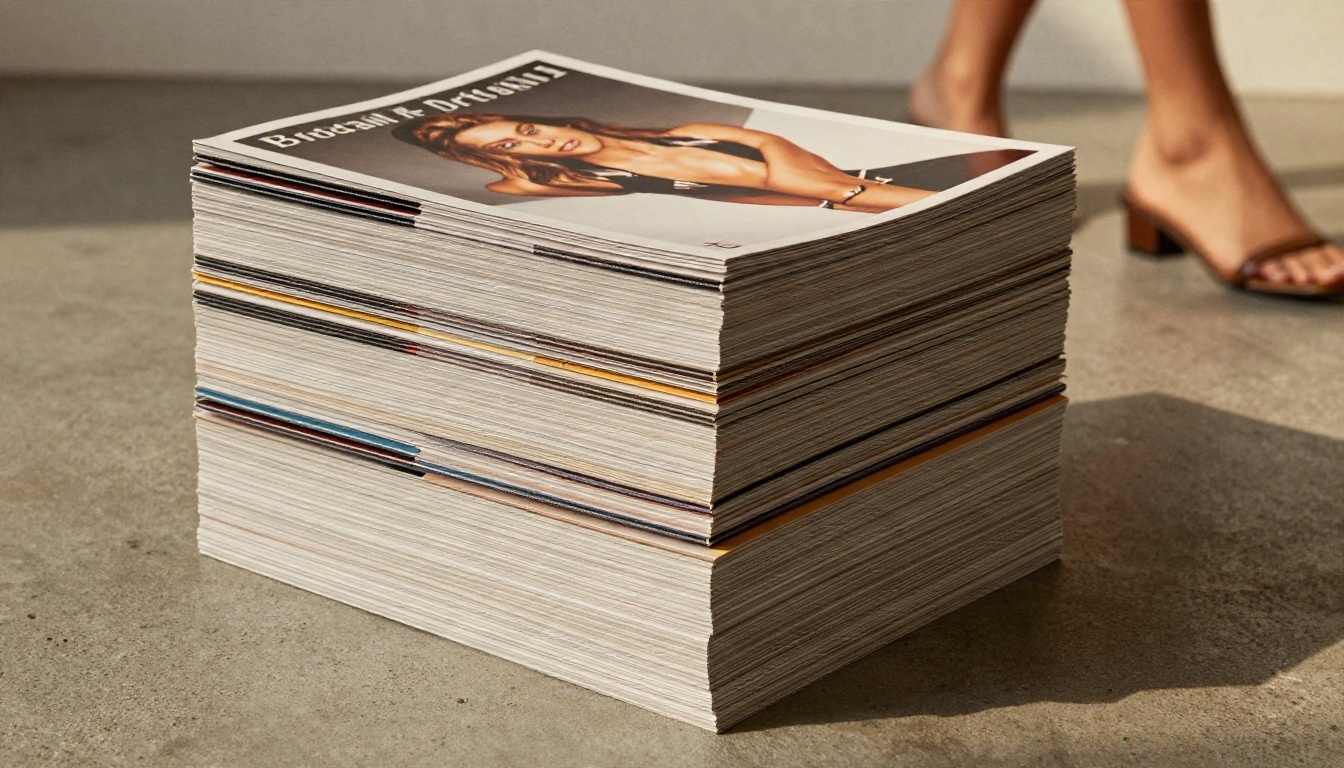
Fashion catalogues live on large photography, minimal text and generous white space. Choose a template with full-bleed image pages and a small caption strip for size, colour and price. The Fashion Catalog Creator and the Interactive Lookbook Designer are built around exactly this rhythm.
Furniture and Homeware
Furniture buyers want dimensions, materials and room context. Look for templates with a hero lifestyle photo on one side and a specification panel on the other. The Furniture Catalog Maker suits this layout, and it works well when images show pieces inside a styled room.

Price Lists and B2B Sheets
Wholesale buyers skim. They want tight grids, clear SKUs and quantities. A table-first template beats a pretty one here, and a Digital Price List Generator keeps prices easy to update without rebuilding the whole document.
| Template style | Pages typical | Image share | Best product types |
|---|
| Editorial lookbook | 16 to 40 | 80% images | Clothing, accessories, jewellery |
| Product grid | 24 to 120 | 60% images | Homeware, gifts, electronics |
| Specification sheet | 8 to 60 | 30% images | Industrial parts, furniture, B2B |
| Price list | 4 to 30 | 10% images | Wholesale, hospitality, services |
Real Catalogue Examples That Work
Abstract advice only goes so far. These scenarios show how different businesses use AI-assisted catalogues in practice.
A Boutique With 40 Products
A small clothing shop photographs each seasonal piece on a rail, uploads the images, and asks AI to draft short descriptions in a friendly tone. The owner picks an editorial template, adds colour swatches, and publishes a 24-page lookbook. Customers receive a single link by email and flip through it on their phones.

A Leather Workshop
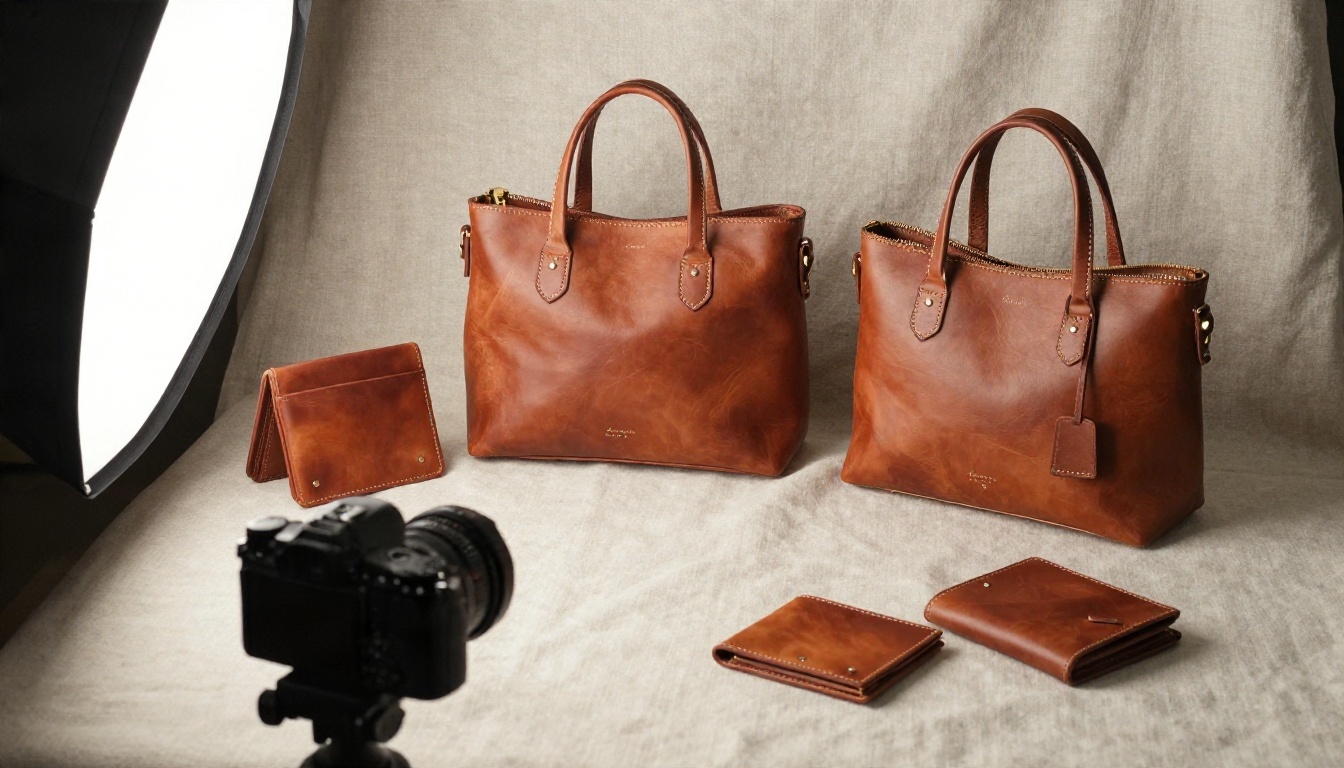
A craft business shoots bags and wallets against a plain linen backdrop. AI removes minor shadows, matches the warm tones and builds a product grid. The workshop exports one PDF for wholesale buyers and a shorter flipbook for consumers.
An Online Shop Running Lean
An e-commerce founder packing orders at a workbench has no time for design. They export products from their store as a spreadsheet, let a data-merge tool create the pages, and publish through a flipbook platform. When prices change, they update the sheet and regenerate. The Product Catalog Generator fits this workflow.

✅ Best practice: Keep one master spreadsheet as the single source of truth. Every catalogue version, print or digital, should be generated from it.
How to Create a Catalogue with Flipbooks AI
Design tools build the pages. A flipbook platform turns them into something people actually enjoy reading, and tracks what happens next. Here is the full process using Flipbooks AI.
Step 1: Prepare and Upload
- Finish your layout in your design tool and export a PDF. Keep images at 150 to 200 DPI for smooth loading.
- Create a free account at Flipbooks AI.
- Click to upload your PDF. Conversion takes moments, and pages become a realistic page-turning flipbook.
- Check page order and zoom in on a few product photos to confirm sharpness.
You can also start from a dedicated tool such as the Digital Catalog Maker or the Catalog Flipbook Creator.

Step 2: Customise the Look
- Branding: add your logo, pick brand colours and choose a background that frames the pages without distracting.
- Page effects: adjust the turning animation, shadows and page thickness for a realistic feel.
- Multimedia: embed product videos, audio clips and links that send shoppers straight to a product page.
- Mobile view: the layout is responsive, so readers get a clean experience on phones and tablets.
Step 3: Share and Protect
Once the flipbook looks right, choose how people will reach it:
- Direct link: perfect for email campaigns and messaging apps.
- Embed code: paste it into your shop or blog, or follow the Embed Flipbook on Website instructions.
- Password protection: keep wholesale pricing visible only to approved buyers.
- Offline download: let reps carry the catalogue to trade shows with poor signal.
⚠️ Warning: If your catalogue contains trade prices, always switch on password protection before sharing the link. Public links can be forwarded.
Step 4: Track and Capture Leads
On the Professional plan, analytics show which pages are viewed most and how long readers stay. Lead capture can ask for an email address before someone opens the catalogue. Compare plans on the pricing page to see which tier matches your needs. Every plan keeps your flipbooks watermark free.

Pricing pages are designed to be skimmed, and the headline number rarely tells the full story. Here is a realistic view by category. Figures vary by provider and change often, so treat the tiers as a planning guide and confirm current rates before buying.
| Cost tier | Typical monthly spend | What you usually get | Who it suits |
|---|
| Free | $0 | Basic templates, limited exports, entry flipbook | Testing, tiny catalogues |
| Standard | Low | Unlimited flipbooks, custom branding, no watermark | Small shops, freelancers |
| Professional | Mid | Analytics, lead capture, password control, offline downloads | Sales teams, wholesalers |
| Enterprise or print-grade | High | Team seats, large-file handling, print workflows | Brands with hundreds of pages |
Hidden Costs to Watch
- Stock photography: AI will not photograph your product. Budget for decent images.
- Per-export fees: some free plans limit downloads or add watermarks to remove later.
- Seat licences: a tool that is cheap for one person can get expensive for a team of five.
- Print runs: if you also print, add paper, finishing and shipping.
A Sensible Starter Stack
For most small businesses, this combination balances cost and quality:
- A free or low-cost general design tool for layouts and AI captions.
- A flipbook platform on the Standard plan for unlimited publishing.
- An upgrade to Professional only when you need analytics or lead capture.

Mistakes That Ruin Catalogues
Even the best tool cannot rescue a few predictable errors.
Too Many Products Per Page
AI layouts tend to be generous with density. If a page feels busy, cut items. Three to six products per page is a comfortable range for most consumer catalogues.
Inconsistent Photography
Mixed backgrounds, lighting and angles make a catalogue look unprofessional. Reshoot the outliers or use AI background tools to unify them.
Ignoring Phones
More than half of your readers will open the catalogue on a phone. Check that text is legible at small sizes and that buttons are easy to tap.
Outdated Prices
A digital catalogue should never show last season's prices. Because flipbooks can be updated at the same link, there is no excuse. Set a monthly reminder to review.
💡 Pro tip: Add a contents page with clickable links to categories. Readers jump straight to what they want, and your analytics show which sections attract attention.
Which Option Should You Pick?
Match the tool to the job, not the other way round.
| Your situation | Best approach |
|---|
| First catalogue, tiny budget | Free design tool plus free flipbook plan |
| Fashion or lifestyle brand | Editorial template, strong photos, lookbook flipbook |
| Large inventory, frequent updates | Spreadsheet-driven tool plus flipbook platform |
| Wholesale and private pricing | Password-protected flipbook on Professional |
| Trade shows and field sales | Offline-download flipbook with lead capture |
If you are still undecided, browse all flipbook tools to see templates by industry. Most people find that the right combination becomes obvious once they test one real catalogue from start to finish.
Ready to Publish Yours?
The fastest way to judge any tool is to build something real with it. Pick ten products, draft the layout in your preferred design tool, and export a PDF. Then create your free account on Flipbooks AI, upload the file and share the link with one colleague or customer. You will know within an hour whether the workflow suits you.
When you are ready for unlimited flipbooks, analytics and lead capture, compare the pricing plans or sign in and go straight to pricing. Your next catalogue can be live before the week is out.



