You have 400 photos from the trip, a deadline before the holidays, and no idea whether a $25 album or a $250 one is the smarter buy. The best album printing service is the one that matches your budget, your page count and the way you plan to share the result. Sometimes that is a lay-flat printed book. Sometimes it is a digital flipbook you can send to forty relatives in one click with Flipbooks AI. This article puts real price ranges, online options and trade-offs side by side so you can decide in one sitting.
💡 Quick answer: For a single keepsake, order from a mid-range online printer with lay-flat binding. For anything you want to share widely, update later or keep cheap, build a digital flipbook first and print only the copies that deserve paper.
What Album Printing Really Costs
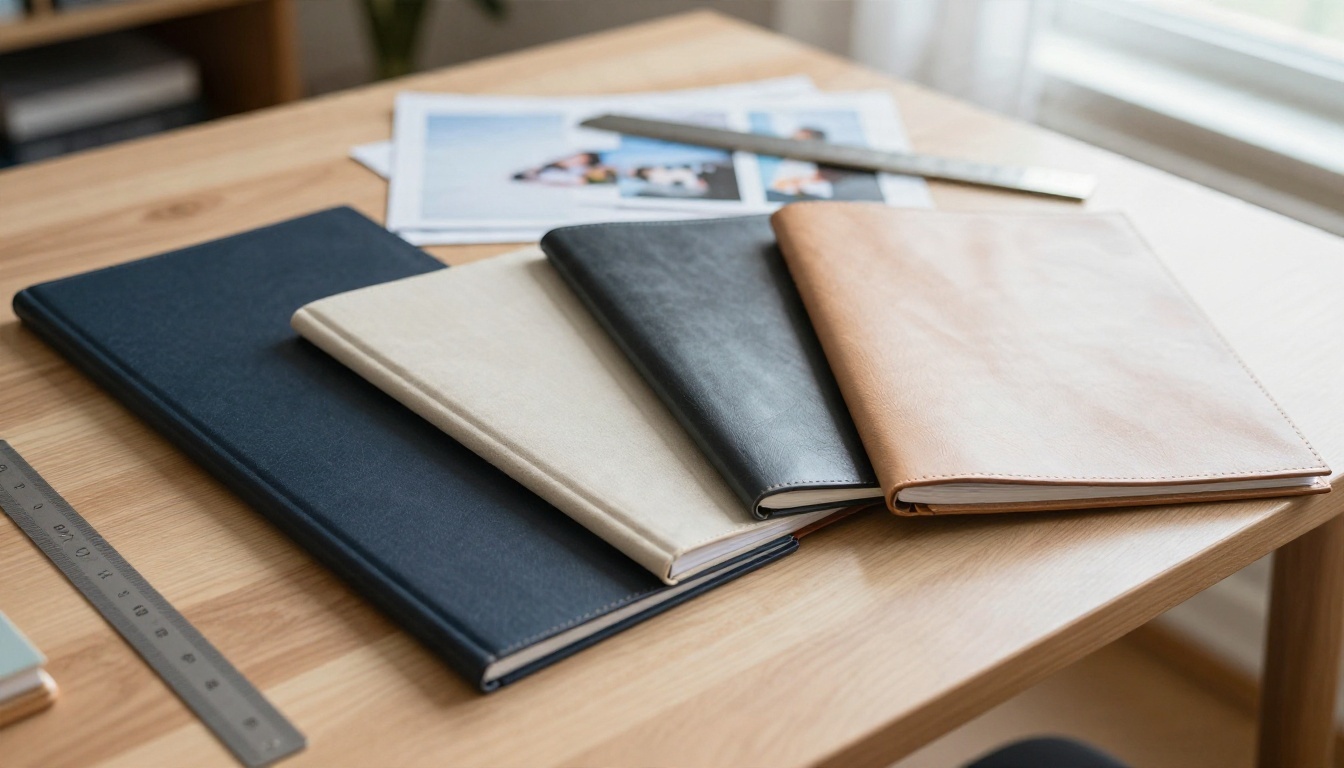
Prices vary more than most people expect. A basic 20-page softbound book can cost less than a pizza, while a 60-page lay-flat wedding album in genuine linen costs more than a weekend trip. The figures below are typical market ranges, not quotes, so always check the live price in the editor before you pay.
Typical Price Ranges
| Album Type | Typical Size | Pages | Approx. Price (USD) | Best For |
|---|
| Softbound mini book | 5x7 in | 20 to 30 | $10 to $25 | Gifts, small trips |
| Standard hardbound book | 8x8 in | 20 to 40 | $30 to $60 | Family albums |
| Large hardbound book | 11x14 in | 30 to 60 | $60 to $130 | Vacations, milestones |
| Lay-flat premium album | 10x10 in | 20 to 50 | $90 to $250 | Weddings, art books |
| Professional studio album | 12x12 in | 20 to 40 | $250 to $600+ | Photographers, clients |
Extra pages usually cost $0.50 to $2.50 each depending on paper and format. That is why a 100-page book never costs five times a 20-page one, but it still adds up fast.
Hidden Fees That Add Up
The sticker price is rarely the final price. Watch for these:
- Shipping: Often $6 to $20, and slower options cost more.
- Premium paper upgrade: Lustre or silk paper can add $10 to $40.
- Protective slipcase or gift box: $15 to $50.
- Rush production: 30% to 60% on top of the base price.
- Reprint fees: Some labs charge when the fault was a low-resolution upload.
⚠️ Many online printers advertise "up to 70% off" while the base price is quietly raised. Compare the final checkout total across two or three services, not the banner discount.
Types of Album Printing Services
Not every printer is built for the same job. Knowing which category you are shopping in saves hours of comparison.
Big Online Retailers
Large web-based printers win on convenience. You get drag-and-drop editors, ready-made templates, frequent coupon codes and shipping across most countries. Quality is solid for family albums, though paper choices are limited and the binding is usually standard rather than lay-flat.
Pros: low entry price, fast templates, easy reorders.
Cons: colors can drift on screen versus print, and customer support is often chat-only.
Lay-Flat and Studio Labs
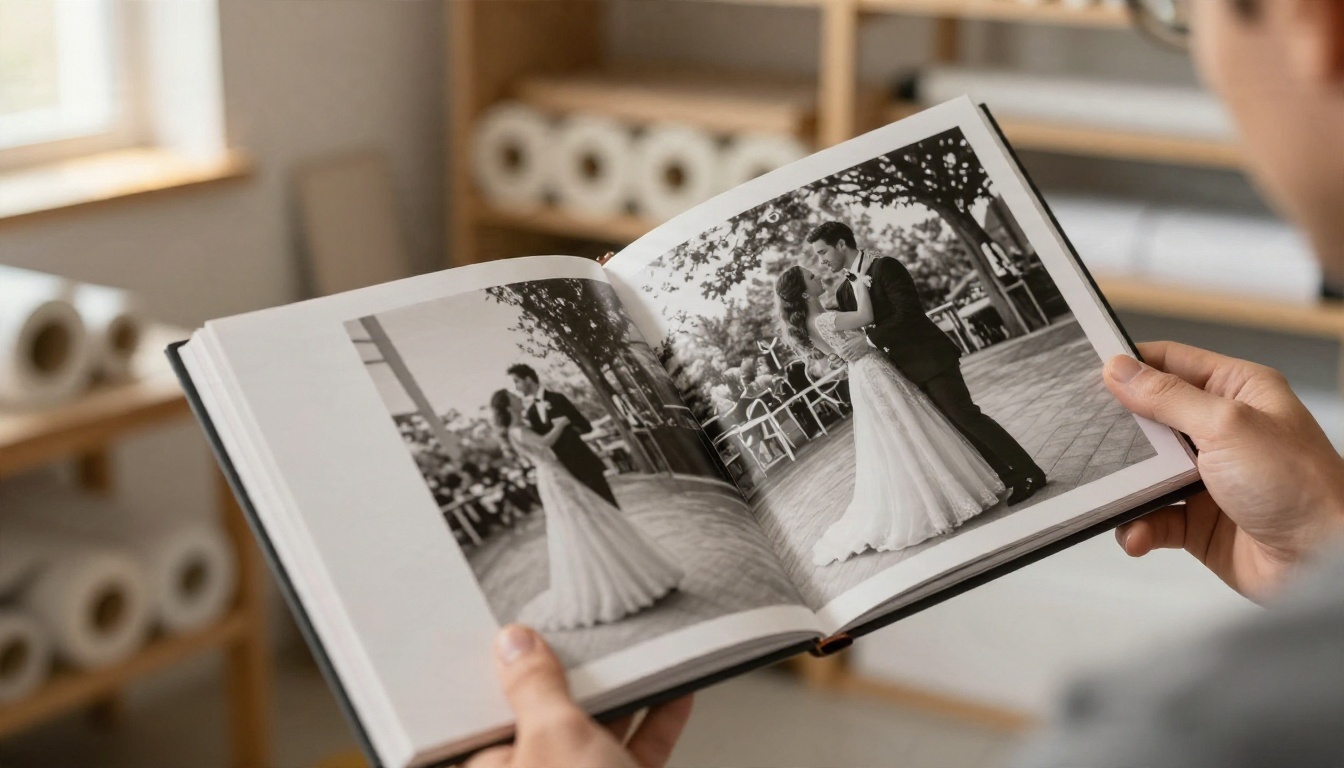
If you care about how a two-page spread looks, this is the category. Lay-flat binding means a panoramic photo runs across the middle without a gutter swallowing faces. Pages are printed on real photographic paper or a thick matte stock, and you can often pick the cover material.
Pros: gorgeous spreads, durable build, color profiles available.
Cons: higher cost, longer lead time (often 7 to 15 business days), minimum page counts.
Local Print Shops
A neighborhood shop lets you hold paper samples and fix problems in person. Prices tend to land between big retailers and studio labs, and you skip shipping. The tradeoff is fewer layout tools, so you may need to design the pages elsewhere and bring a finished PDF.
Online Options Compared
Here is how the main choices stack up on the factors people ask about most. Instead of ranking by brand, which changes with every sale cycle, this ranks by service type.
| Option | Price Level | Print Quality | Turnaround | Customization | Sharing Online |
|---|
| Big online retailer | Low to mid | Good | 3 to 7 days | Templates, basic layout | Limited |
| Lay-flat studio lab | High | Excellent | 7 to 15 days | Full layout, materials | None |
| Local print shop | Mid | Good to very good | 2 to 5 days | Depends on shop | None |
| Photographer's pro lab | Highest | Excellent | 10 to 20 days | Fully custom | None |
| Digital flipbook | Low, often free to start | Screen perfect | Minutes | Layout, branding, media | Link, embed, QR |
The last row is the outlier. It trades paper for speed and reach, and it is the reason a growing number of people build a digital version before they spend a cent on printing.
What to Check Before Ordering
- Proof or preview: Does the editor show bleed and safe zones?
- Paper options: Matte hides fingerprints, glossy boosts contrast, lustre sits in between.
- Binding: Lay-flat for panoramas, standard for text-heavy pages.
- Return policy: Look for a reprint guarantee on manufacturing defects.
- Color management: Check whether the lab accepts sRGB or provides an ICC profile.

Prepare Your Photos Before Ordering
A great printer cannot rescue a bad file. Spend thirty minutes on prep and your album will look noticeably better.
Resolution and Color
- Aim for 300 DPI at the final print size. A 10x10 inch spread needs roughly 3000 x 3000 pixels per photo.
- Avoid screenshots and social media downloads. They are compressed and will look soft on paper.
- Convert to sRGB unless the lab says otherwise.
- Brighten slightly. Paper prints often look a little darker than a backlit screen.
Layout and Page Count
Choose your story first, then your page count. Most albums feel best when each spread has one hero photo and two or three supporting shots. Cramming eight images on a page looks cluttered and forces a smaller print size.
✅ Best practice: Export your finished layout as a PDF. You can send that same file to a printer and turn it into a digital flipbook, which means one design effort produces two formats.
The Digital Flipbook Alternative
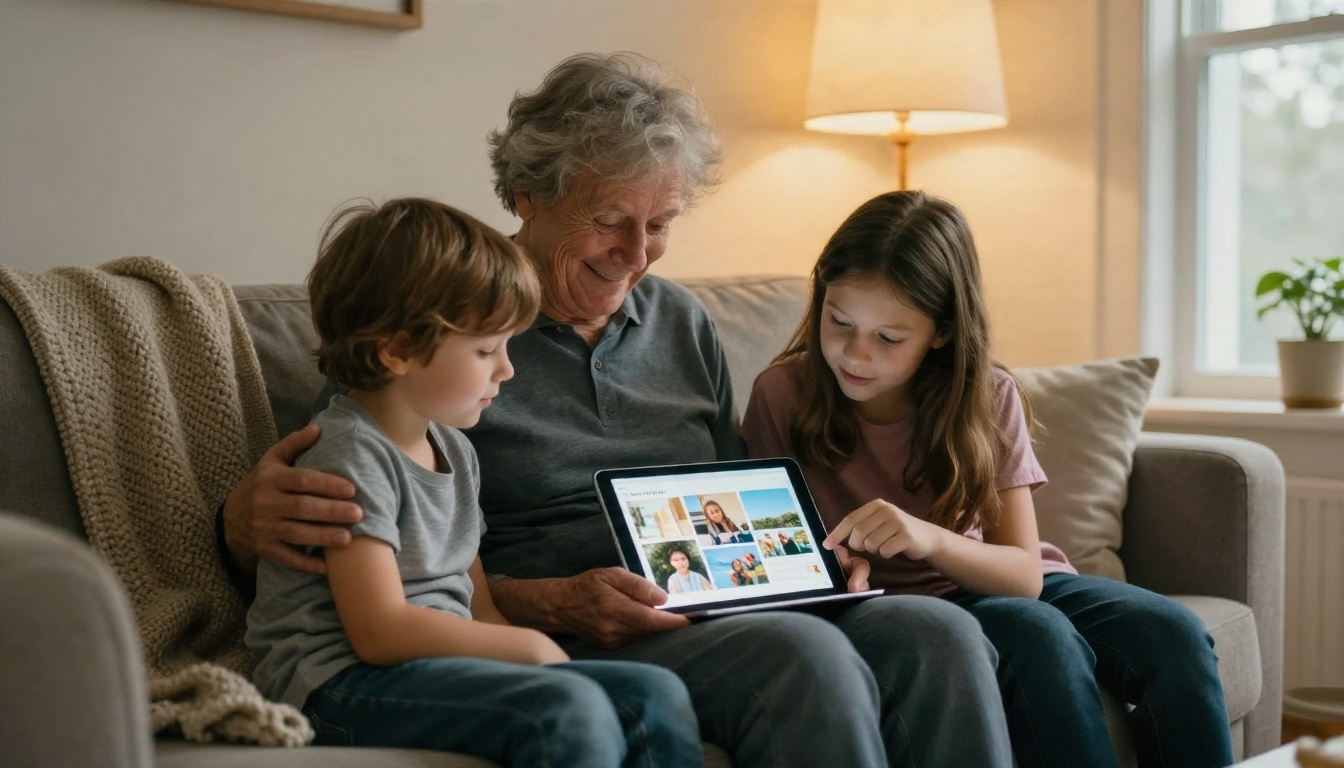
A flipbook is a web-based version of an album. Pages turn like paper, the book opens on any phone, and nobody needs an account to view it. You can add music, video clips and captions that a printed page simply cannot hold.
Print Versus Flipbook
| Factor | Printed Album | Digital Flipbook |
|---|
| Cost per copy | $30 to $250+ | Near zero after creation |
| Number of copies | One per order | Unlimited viewers |
| Time to finish | Days to weeks | Minutes |
| Edit after publishing | Reprint required | Update anytime |
| Video and audio | Not possible | Supported |
| Feels like a keepsake | Yes | Partly |
| Works for distant family | Needs shipping | Instant link |
| Lasts without electricity | Yes | No |
Neither format wins everywhere. A printed album gives you something to hold, while a flipbook gives you reach and flexibility. The smartest approach for many families is both.
When a Flipbook Wins
- Large guest lists: A wedding with 150 guests does not need 150 printed albums. Send one link, or place a QR code on the thank-you card. A dedicated Wedding Album Flipbook tool makes that simple.
- Travel diaries: Add captions, maps and short video clips from the trip, then share a Travel Guide Flipbook with friends on the road.
- Portfolios: Photographers can present work to clients without printing proofs. See the Photography Portfolio tool.
- Living projects: A baby's first year or a home renovation keeps growing. A flipbook grows with it.
How to Create a Flipbook Album with Flipbooks AI
If you already have a PDF of your album, the process takes about five minutes. If you only have photos, assemble them into a PDF in any layout app first. Here is the full workflow on Flipbooks AI, which never adds watermarks to your pages.
Step 1: Sign Up and Upload
- Go to Flipbooks AI and create an account.
- Click to create a new flipbook and drop in your PDF.
- The PDF to Flipbook Converter turns each page into a turnable spread automatically.
- Check that pages appear in the right order and that photos look sharp at full screen.
Step 2: Customize the Look
- Add your custom branding, such as a name, a logo or a family crest.
- Pick a background color that suits your photos. Dark gray flatters bright pictures, while warm cream suits black and white.
- Choose page-turn effects and the sound of a paper flip if you want that nostalgic touch.
- Embed video and audio so a wedding toast or a baby's first laugh plays right on the page.
💡 Mobile-responsive design is built in, so your album adapts to phones, tablets and desktops without extra work.
Step 3: Share It Safely
You have several ways to deliver the album:
| Sharing Method | Best For | Notes |
|---|
| Direct link | Family group chats | Fastest option |
| Embed code | Blogs and wedding sites | See Embed Flipbook on Website |
| QR code | Printed cards and invitations | Scan opens the album |
| Password protection | Private family photos | Share the password separately |
| Offline download | Travel with no signal | Keeps a local copy |
Step 4: Track and Grow
On the Professional plan, you get analytics showing how many people viewed the album and which pages held attention longest. Photographers and event planners can also use lead generation forms to collect emails from interested clients. Compare pricing plans to see which tier fits your needs. The Standard plan and above include unlimited flipbooks, which suits anyone producing several albums a year.
Best Choice for Your Situation
There is no single winner, so here is a quick decision table.
| Your Situation | Best Option | Why |
|---|
| Wedding album for the couple | Lay-flat studio album plus flipbook for guests | Premium keepsake, easy sharing |
| Family vacation recap | Mid-range online printer plus flipbook link | Affordable print, instant share |
| Gift for a grandparent | Hardbound online book | Something to hold |
| Photographer client delivery | Digital portfolio flipbook first | Faster approval, fewer reprints |
| School or club memories | Flipbook with optional print on demand | Wide audience, small budget |
| Tight budget | Digital flipbook | Almost no cost per viewer |
A Realistic Example
Maria returned from a two-week trip with 600 photos. She picked her best 80, laid them out in a 30-page PDF, and converted it to a flipbook the same evening. Her parents, siblings and three friends saw it that night. One month later, she ordered a single 10x10 lay-flat print for her parents' shelf. Total spend: about $85 for one print, plus the cost of a flipbook plan she already used for other projects. The alternative was ordering five printed books at $85 each, which would have cost $425 and taken weeks.
Three Common Mistakes
- Ordering before proofing. Zoom in on every page of the preview. Typos and cropped faces cannot be undone.
- Ignoring the gutter. On standard bindings, keep faces and text away from the center fold.
- Using low-resolution files. A photo that looks fine on a phone can print blurry at 10 inches wide.
Ready to Build Your Album?
Picking the best album printing service is easier once you decide how the album will be used. If you want a premium heirloom, choose a lay-flat studio and budget for it. If you want something that reaches everyone you care about this week, start digitally.
Here is a simple next step:
Build the flipbook first, share it, collect reactions, and then print the copies that truly earn a place on the shelf.



