You have 4,000 photos on your phone, a birthday coming up, and a vague plan to "make an album someday." Someday usually never arrives, because choosing a photo book app feels like a maze of templates, upsells, and shipping fees. This article sorts it out. You will see which print apps are worth your time, what "free" actually means, what a finished book really costs, and when a digital flipbook built with Flipbooks AI beats paper entirely.
💡 Quick answer: For a printed gift, pick an app with strong layout tools and a sale schedule you can wait for. For sharing with many people at no cost, a digital flipbook wins. Many families do both.
What Counts as a Photo Book App
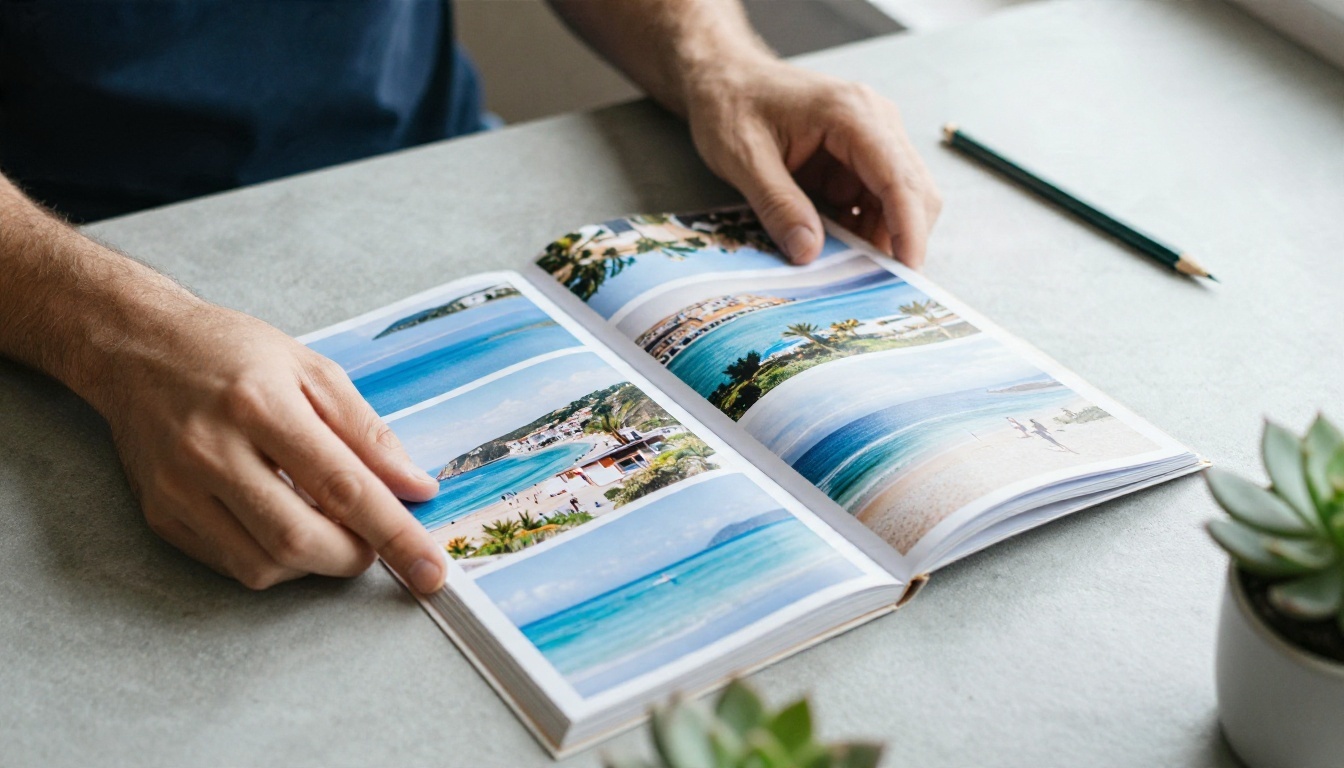
A photo book app is any tool that lets you arrange pictures into pages and order a bound copy. Some are polished design studios. Others are one tap automation that grabs your latest 60 photos and prints them.
Print Apps Versus Digital Flipbooks
A print app ends with a parcel at your door. A digital flipbook ends with a link. You turn a PDF of your photos into a page-turning viewer that works on any phone, tablet, or laptop. There is no printing queue, no shipping, and no wait.
The two formats solve different problems:
- Print: a physical keepsake, a gift, something for the coffee table.
- Flipbook: instant sharing, unlimited copies, links for relatives abroad.
- Both: design once, export a PDF, and use it for each.
Who Needs What
A grandparent without a smartphone wants paper. A friend group planning a trip recap wants a link in the group chat. A photographer pitching a client wants a clean, branded viewer. Start with the person receiving the book, then pick the format.
Best Apps to Print Photo Books
The ranking below is based on design control, print options, ease of use, and how forgiving each service is when you make a mistake. Prices change often, so treat every figure in this article as a typical range and confirm the current number at checkout.
Mixbook for Design Control
Mixbook is the pick for people who enjoy fiddling. You get flexible layouts, background options, stickers, and the freedom to move any element. The learning curve is gentle, but the editor can swallow an evening. It suits wedding albums, milestone years, and anyone who wants a book that looks designed rather than auto-filled.
Chatbooks for Busy Parents
Chatbooks works like a subscription. You connect your phone or social accounts, and it builds small books from your latest pictures. It is quick and cheap per book, but you trade away fine control. If your goal is a stack of little monthly books for the kids, nothing is easier.
Artifact Uprising for Premium Feel
Artifact Uprising aims at a quiet, editorial look. Papers, linen boards, and layflat binding feel closer to a gallery piece. Expect higher prices and fewer decoration options. It fits fine art travel photography and gifts where presentation counts.
Shutterfly and Snapfish for Sales
Both services run frequent promotions, and the base price often drops sharply during holidays. The templates are plentiful and the apps are easy. The catch is timing: if you order on a non-sale day, the same book can cost noticeably more. Add a reminder to check the promo calendar before you pay.
Quick Ranking Table
| App | Best For | Design Control | Typical Starting Price (small book) | Layflat Option |
|---|
| Mixbook | Custom albums | High | Low to mid | Yes |
| Chatbooks | Automatic monthly books | Low | Low | Limited |
| Artifact Uprising | Premium gifts | Medium | Mid to high | Yes |
| Shutterfly | Holiday sales | Medium | Low to mid | Yes |
| Snapfish | Budget orders | Medium | Low | Limited |
| Google Photos | Fast suggestions | Low | Low | Limited |
⚠️ Check availability: Some photo book features vary by country, and print products inside big photo apps have been added, paused, or removed over the years. Open the app and confirm before you plan a project around it.
Free Options: What Free Really Means
Search for a free photo book app and you will find plenty of apps. Very few books are actually free. The distinction matters.
Free App, Paid Book
Almost every print service lets you download the app and design a book at no charge. You pay when you press order. The free part is the software, not the paper. This is a fair deal, but it is not what most people picture when they type "free."
Truly Free Ways to Share
If your real goal is to show pictures to people, free routes exist:
- Shared albums in your phone's photo app.
- PDF exports from a free design tool, sent by email.
- A digital flipbook with a page-turning effect and a shareable link.
- A printed free trial book, when a service offers a promo code for a first order. You usually still pay shipping.
The third option gives you the closest experience to a real book. It looks like pages turning, works on phones, and has no watermark if you use Flipbooks AI.
Hidden Costs to Watch
Free promotions often hide small charges. Watch for:
- Shipping that is higher than the book price.
- Extra fees per page beyond a base count.
- Premium paper or layflat surcharges.
- Subscriptions that renew without a reminder.
- Sales tax added only at the final step.
✅ Best practice: Always go to the last checkout screen before you decide. The final total is the only price that counts.
Pricing Compared Side by Side
Here is how the typical total cost changes by format. Numbers are rough ranges to show the pattern, not quotes.
| Format | Upfront Cost | Cost Per Extra Copy | Delivery Time | Shareable by Link |
|---|
| Softcover print book | Low | Low | Days to two weeks | No |
| Hardcover layflat book | Mid to high | Mid to high | One to two weeks | No |
| Automatic mini book | Low | Low | Days | No |
| PDF by email | Free | Free | Instant | Via attachment |
| Digital flipbook | Free to low | Free | Instant | Yes |
Shipping and Tax Surprises
A twenty dollar book can reach forty after delivery and tax. Express shipping, which people choose when a gift deadline is near, adds the most. Order at least three weeks before the date, and you can skip the rush fee.
Sale Cycles Worth Waiting For
Most services discount heavily around major holidays, back-to-school season, and the end of the year. If you finish your design early, save it and wait. A project that sits for a week in drafts can cost far less when the promo lands.
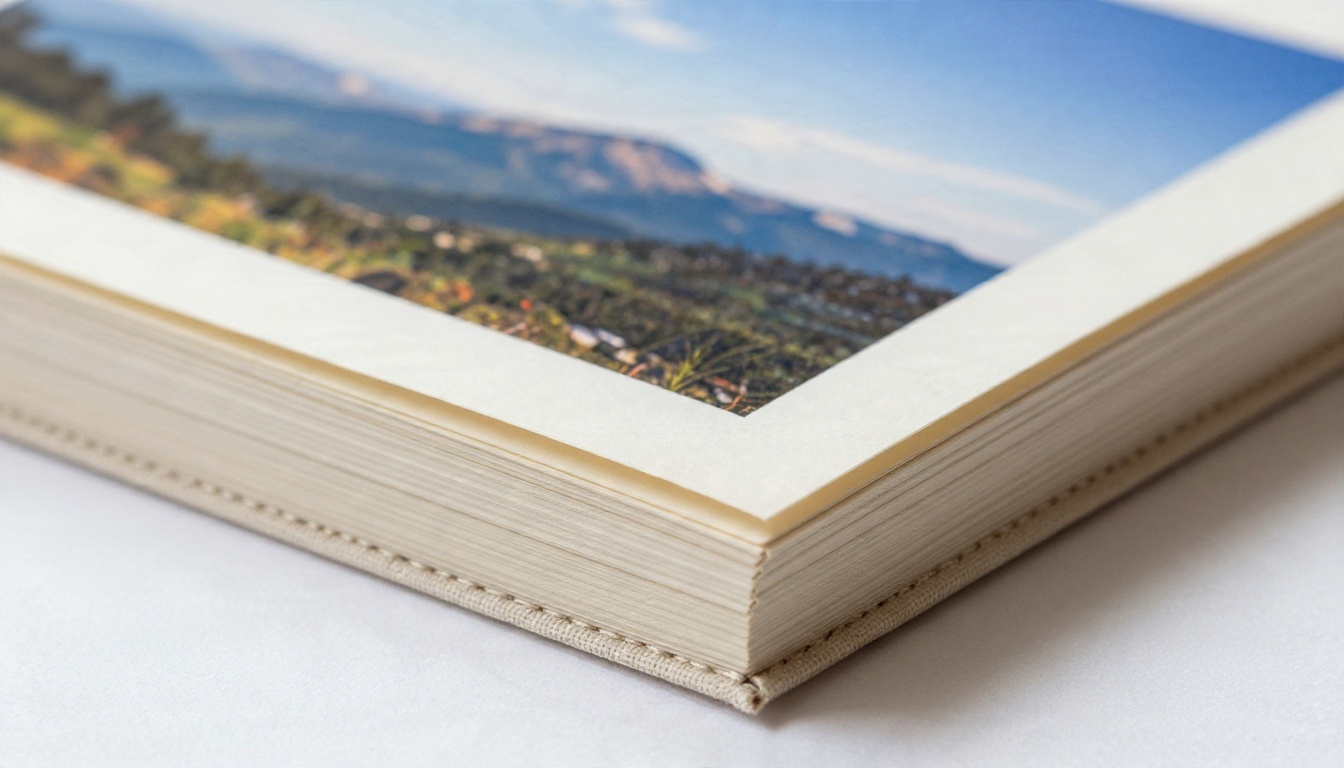
Print Quality Checks Before You Pay
Price is only half the story. A cheap book with muddy colors is worse than none. Before you order:
- Zoom to 100% on your sharpest and softest photos.
- Check that faces are not placed across the center fold on non-layflat pages.
- Confirm the image resolution warning icon is gone.
- Order a small sample if you plan to print several copies.
Digital Flipbook Alternatives
A digital flipbook is a page-turning online version of a document. For photos, it is a way to give someone a book feeling without a printer. Flipbooks AI converts a PDF into a mobile-responsive flipbook with no watermark, and you can add music, video, and your own branding.
When Digital Wins
Choose a flipbook when:
- You need to share with twenty people, not one.
- Relatives live in different countries.
- You want to update the album after publishing.
- You plan to embed it on a blog or website using the Embed Flipbook on Website tool.
- The event is next week, and print would not arrive in time.
A wedding photographer, for instance, can send a branded gallery link right after the event, using the Wedding Album Flipbook tool. A student can turn a graduation trip into a shareable memory book without spending a cent on postage.
Print and Flipbook Together
You do not have to choose. Design your layout in any free editor, export a PDF, and use it twice. Order a single hardcover for the person who deserves a keepsake, then send the flipbook link to everyone else. This keeps your print bill low while still giving your whole circle access.
Feature Comparison Table
| Feature | Print Photo Book | Digital Flipbook |
|---|
| Physical keepsake | Yes | No |
| Instant delivery | No | Yes |
| Unlimited copies | No | Yes |
| Easy to edit later | No | Yes |
| Music and video | No | Yes |
| Password protection | Not applicable | Yes |
| Works on every phone | Not applicable | Yes |
| Cost per viewer | Per copy | Free |
How to Create a Photo Flipbook with Flipbooks AI
This takes about ten minutes once your photos are chosen.
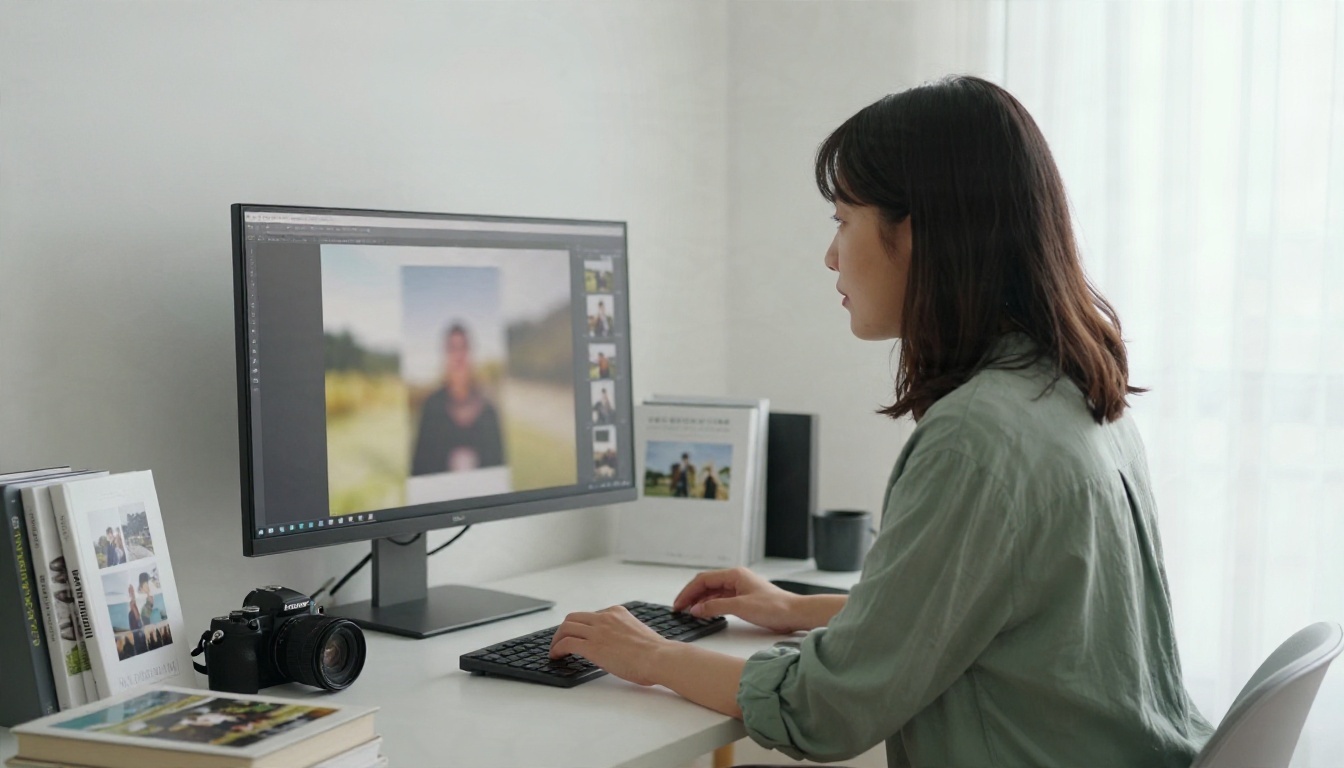
Prepare Your Photos
- Pick your best 40 to 80 shots. More pages mean more scrolling for the viewer.
- Lay them out as a PDF. Use any free design tool, a word processor, or a slide deck. Export each page at a landscape or square ratio.
- Keep file size reasonable. Aim for a PDF under 50 MB for fast loading on mobile.
Upload and Convert
- Open Flipbooks AI and create an account.
- Choose the PDF to Flipbook Converter.
- Drag your PDF into the upload area. Conversion takes seconds, and every page becomes a flippable spread.
Customize the Look
- Set a background color that matches your photos. Soft neutrals work best.
- Choose a page-turn effect and sound.
- Add your logo or name for custom branding, which is helpful for photographers.
- Insert a video clip or audio track on a favorite page, such as a wedding vow or a toast.
💡 Pro tip: Use a dark background for travel photography and a light one for family portraits. The right background makes colors feel richer.
Share and Protect
- Copy the direct link and paste it into a message.
- Use the embed code to place the flipbook on your site.
- Turn on password protection for private family albums.
- Enable offline download if some relatives have weak internet.
Track Who Opens It
On the Professional plan, you get analytics and lead generation. A freelance photographer can see which clients opened a gallery and capture contact details for future bookings. Compare options on the pricing page. The Standard plan and above include unlimited flipbooks.
For photographers building a showcase, the Photography Portfolio and Digital Portfolio Creator tools are good starting points. Browse everything in the tools directory.
Which Option Fits Your Situation
Use this table to pick fast.
| Situation | Best Choice | Why |
|---|
| Wedding gift for parents | Hardcover layflat print | Lasting keepsake |
| Weekly baby updates | Automatic mini books | Zero effort |
| Group trip recap | Digital flipbook | Everyone gets a link |
| Client photo delivery | Digital flipbook | Branded, trackable |
| School yearbook project | Both | Print for staff, digital for all |
| Last minute event | Digital flipbook | No shipping wait |
| Premium art book | Artifact style print | Paper and binding quality |
For school or club projects, the Yearbook Flipbook Maker pairs well with a small print run.
Three Common Mistakes
- Ordering before the final check. Typos and low resolution images show up only after printing.
- Ignoring bleed and margins. Text near the edge may be trimmed.
- Skipping the digital copy. Once you have the PDF, a flipbook costs you almost nothing extra and acts as a backup of your design.
The best app to print photo books depends on whether you want design freedom, a monthly habit, or a premium finish. If you want the cheapest way to share, skip the shipping and make a flipbook.
Ready to try it? Create your free account on Flipbooks AI, upload your first PDF, and send the link today. Compare plans and pricing when you need unlimited flipbooks, analytics, or custom branding, or browse all tools to find a template that fits your project.



